

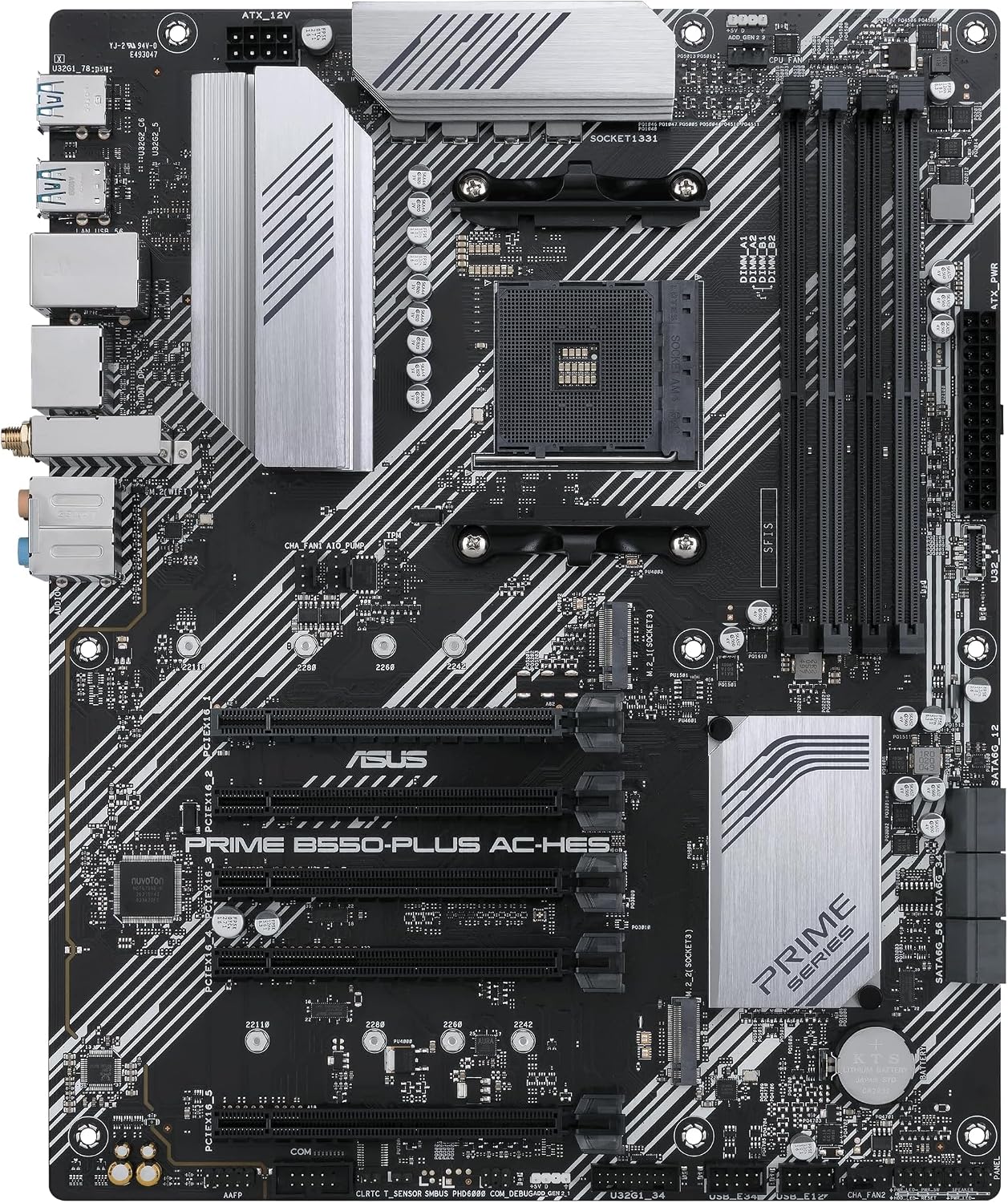
ASUS Prime B550M-A WiFi II: A solid AM4 Micro ATX motherboard for Ryzen 3rd Gen
Product description
What this is and what it aims to solve
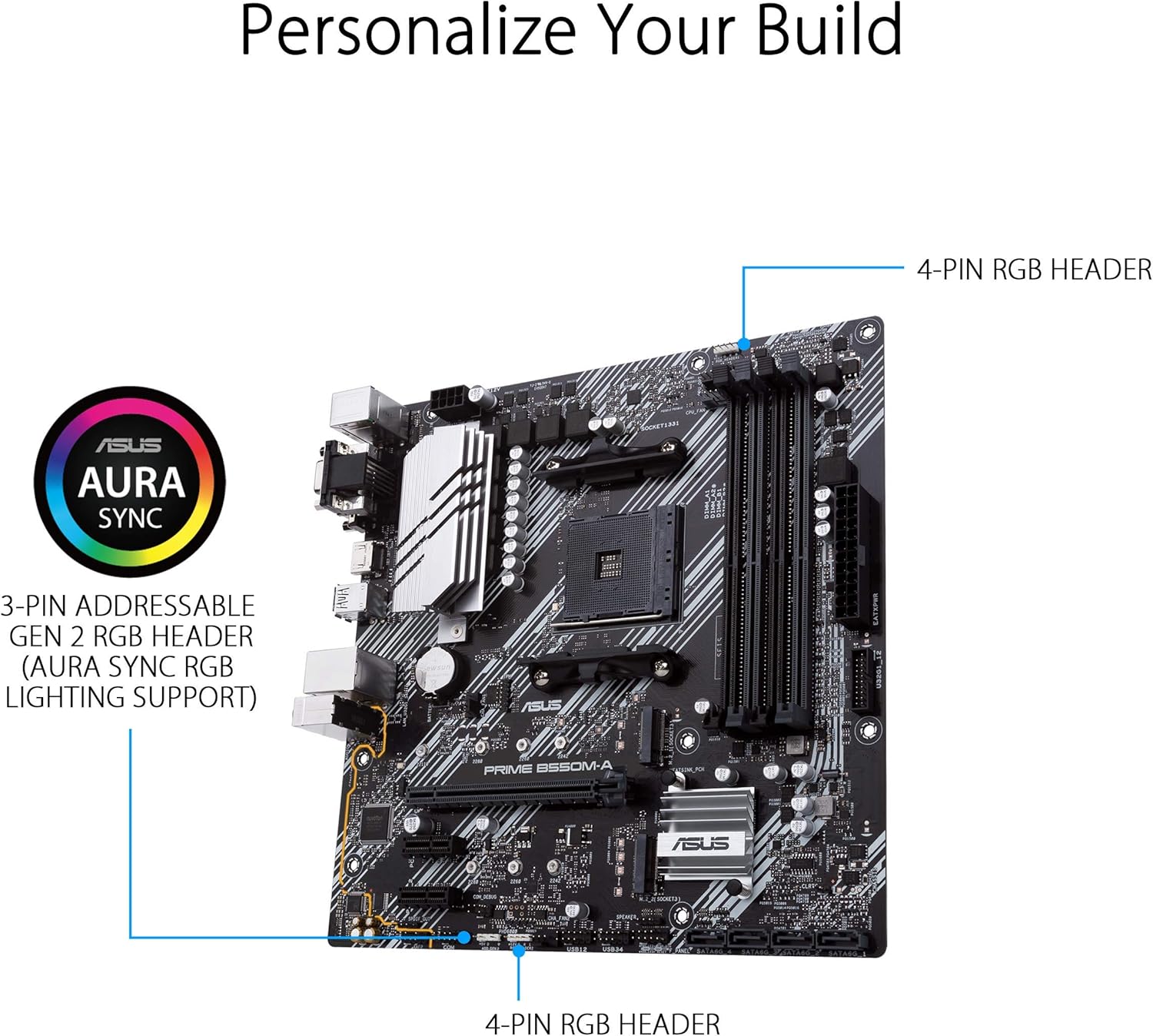
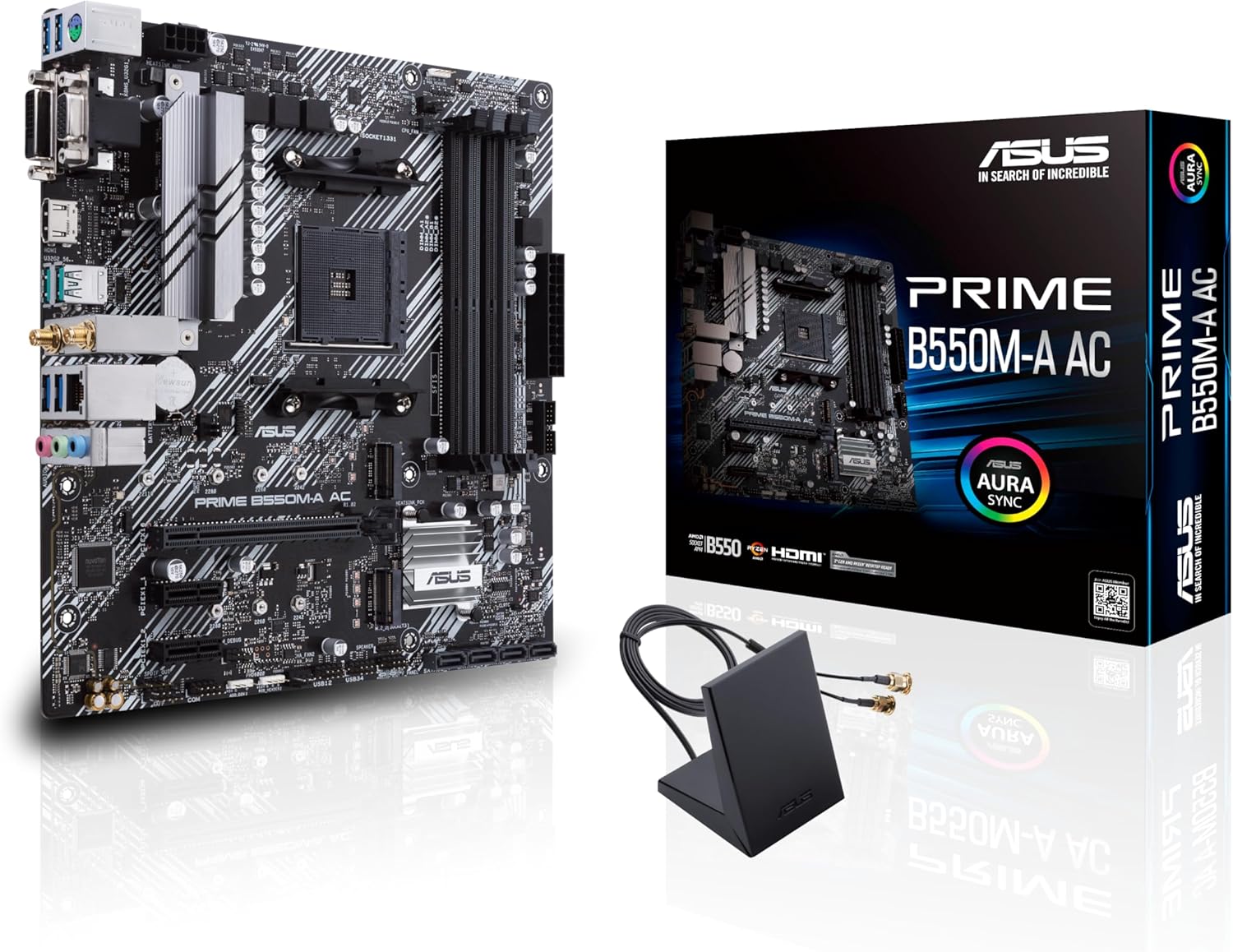
The ASUS Prime B550M-A WiFi II is a Micro ATX motherboard built for AMD AM4 sockets, designed to pair with 3rd Gen Ryzen CPUs and beyond. It targets midrange PC builders who want a compact yet capable platform for Intel-like connectivity and flexible I/O, without stepping up to larger form factors or more expensive chipsets. The board emphasizes a balanced blend of PCIe 4.0 readiness, robust connectivity, and practical cooling while keeping future upgrade paths reasonable within a compact build. If you’re assembling a home desktop for productivity, light content creation, or entry-level gaming, this board presents a coherent option that avoids overkill while offering a sensible feature set.
Key features at a glance
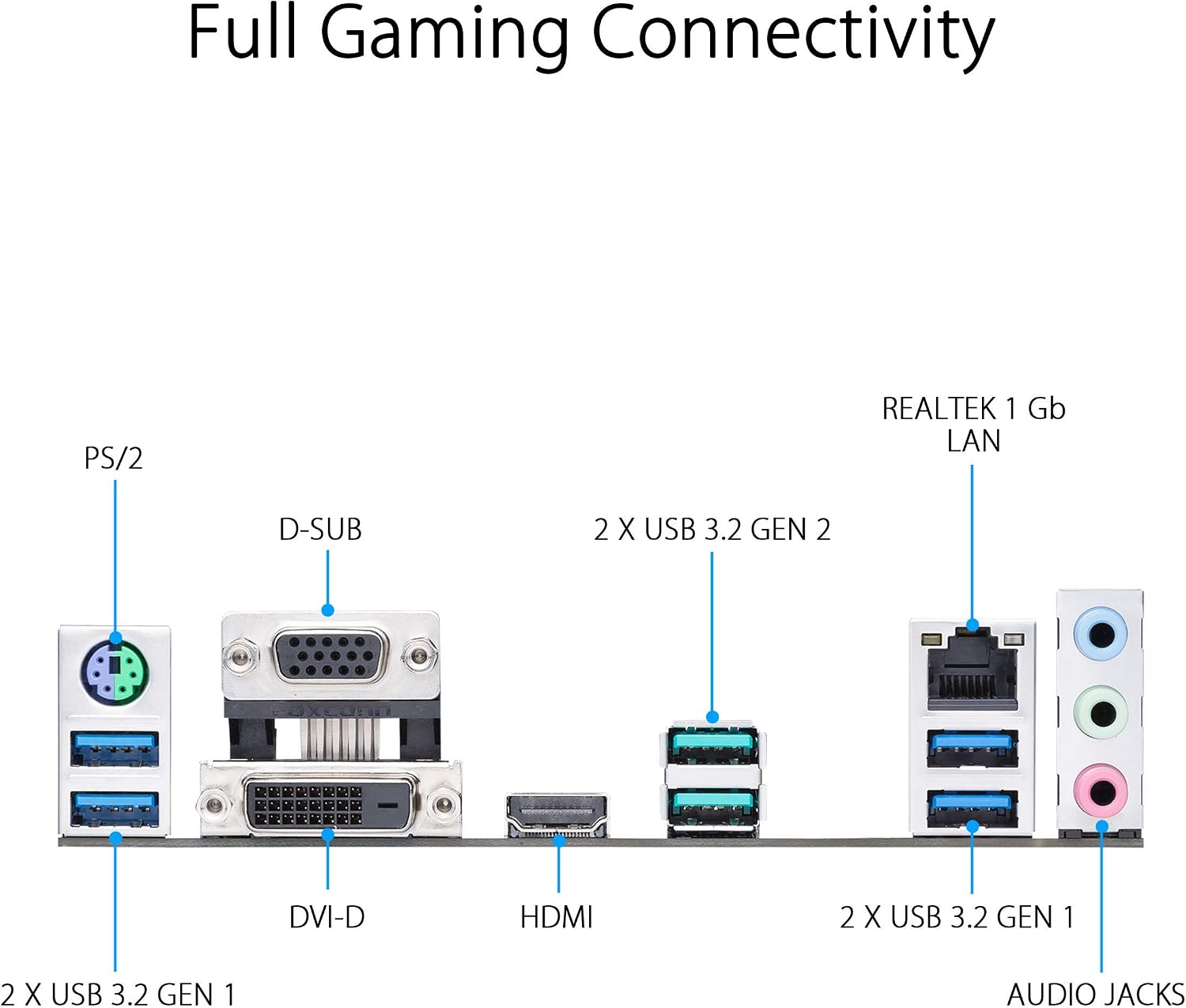
On the backbone, you’ll find PCIe 4.0 x16 for a primary GPU, plus PCIe 4.0 x4 through one M.2 slot for a fast NVMe drive. Dual M.2 slots mean you can run a primary OS drive and an additional fast cache or storage solution, a setup that helps keep system responsiveness snappy. Networking is covered by WiFi 6 (802.11ax) and a 1 Gb LAN, so wireless performance is solid for gaming, streaming, and file transfers. The board also supplies HDMI 2.1 output, enabling 4K at 60Hz to a compatible monitor or TV, and there’s compatibility with USB 3.2 Gen 2 Type-A for quick peripheral pairing. The memory subsystem is highlighted by ASUS OptiMem trace layout, which is aimed at improving stability and allowing memory kits to reach higher frequencies at lower voltages.
How it handles cooling and reliability
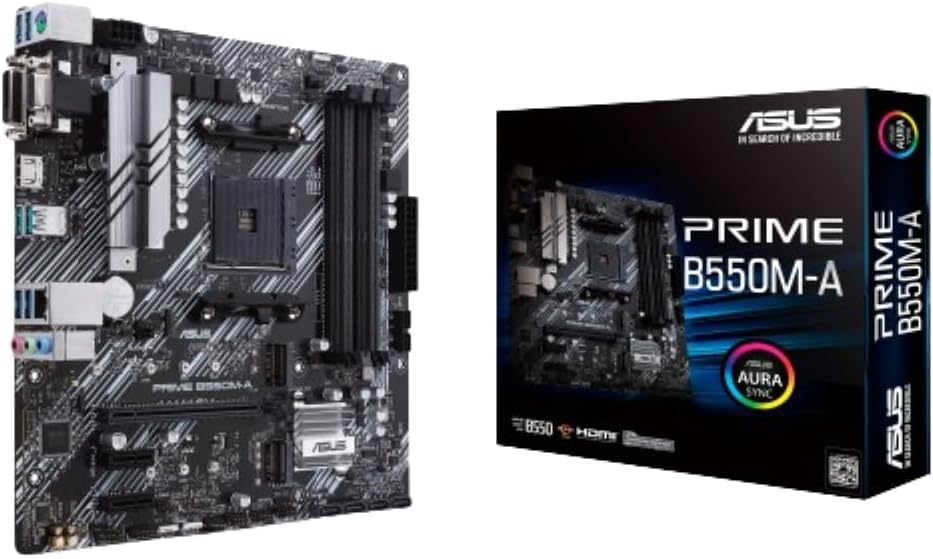
Efficient cooling is treated as a priority with dedicated VRM and PCH heatsinks, plus hybrid fan headers and the Fan Xpert 2 utility. In practice, this means your processor and motherboard are less prone to thermal throttling during longer workloads or sustained gaming sessions. The design also emphasizes protection with 5X Protection III, including LANGuard, DRAM overcurrent protection, overvoltage protection, SafeSlot Core for I/O, and durable stainless-steel back I/O. If you value a board that respects safety margins as much as raw speed, this is a notable point in its favor.
What to know about compatibility and limits
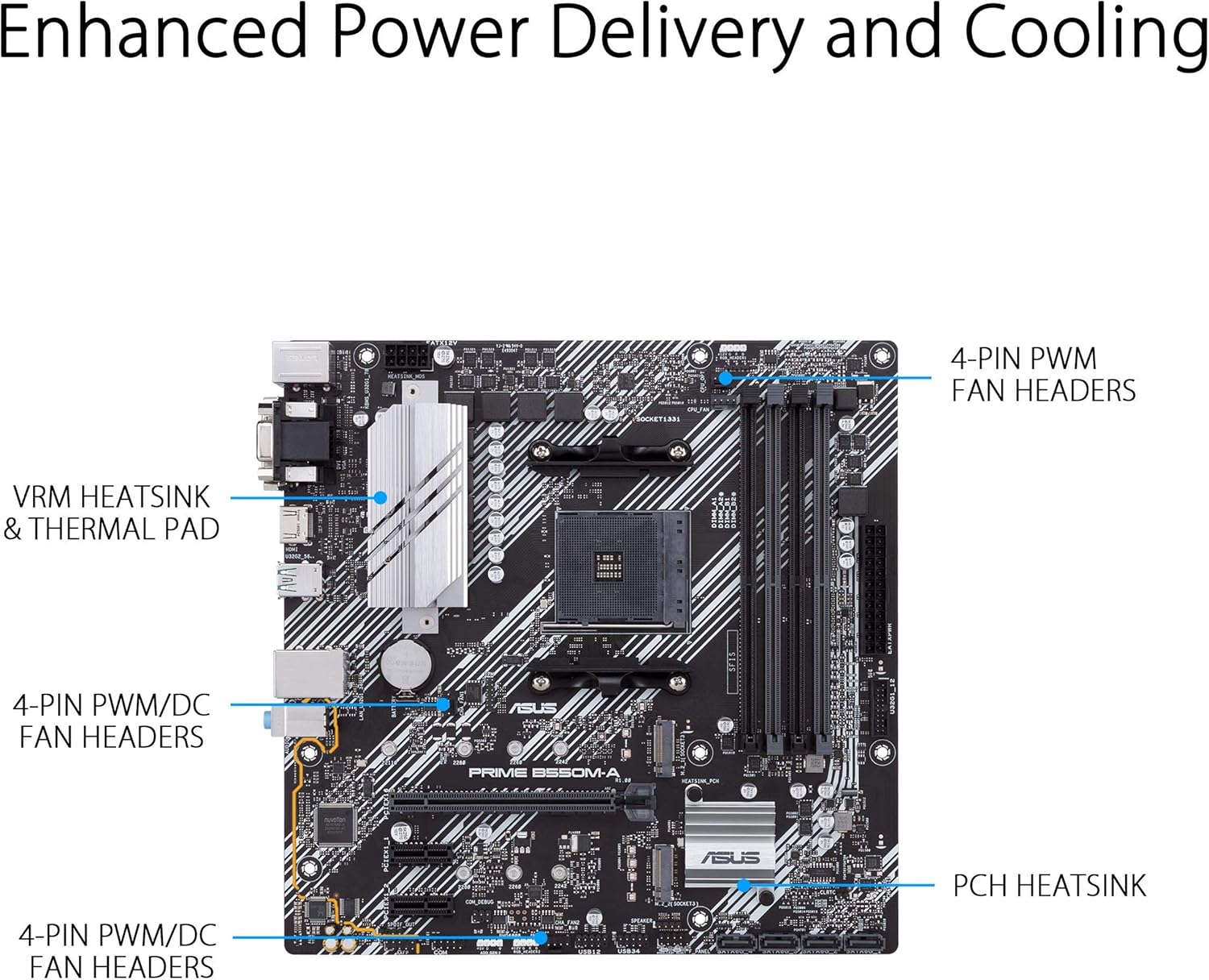
The AM4 socket is standard for AMD Ryzen lines, and PCIe 4.0 support is aligned with newer 3rd Gen and some 4th Gen CPUs, making it future-friendly within the B550 ecosystem. The HDMI 2.1 port supports 4K at 60Hz, which is plenty for typical gaming or media tasks without needing a newer GPU connector. A practical caveat: while the board supports ECC memory in some contexts, it’s essential to verify with your CPU and RAM kit in your particular build, since ECC support can vary by CPU model and memory configuration. If you’re aiming for what many builders call a “solid midrange” setup, this motherboard checks many common boxes without stepping into high-end territory.
What stands out in day-to-day use
The inclusion of dual M.2 slots is a meaningful convenience for those who want a fast boot drive plus extra NVMe storage without sacrificing PCIe lanes. WiFi 6 delivers better wireless performance in crowded home networks, which can matter for streaming, online gaming, and large file transfers over the network. The USB 3.2 Gen 2 Type-A port is another practical touch, helping to keep peripherals and external storage humming at higher speeds. The OptiMem memory layout is a technical detail that translates into potentially more forgiving memory overclocking, which can matter if you’re chasing a little extra headroom for RAM speeds.
Where it may fall short in the real world
If you’re a power user chasing the absolute best overclocking headroom or a premium array of features (think more PCIe lanes, extra precision cooling options, or WiFi 6E in some markets), this board isn’t the premium choice. It’s built to be solid and reliable, not to compete with high-end boards that target enthusiasts who push OC limits or run multi-GPU setups. Additionally, while the board supports ECC memory in general terms, you should confirm compatibility with your CPU SKU and specific RAM kit to avoid surprises. For those who want a larger form factor or plan to run extremely memory-sensitive benchmarks, this board may feel midpack rather than top tier.
Who it’s best for
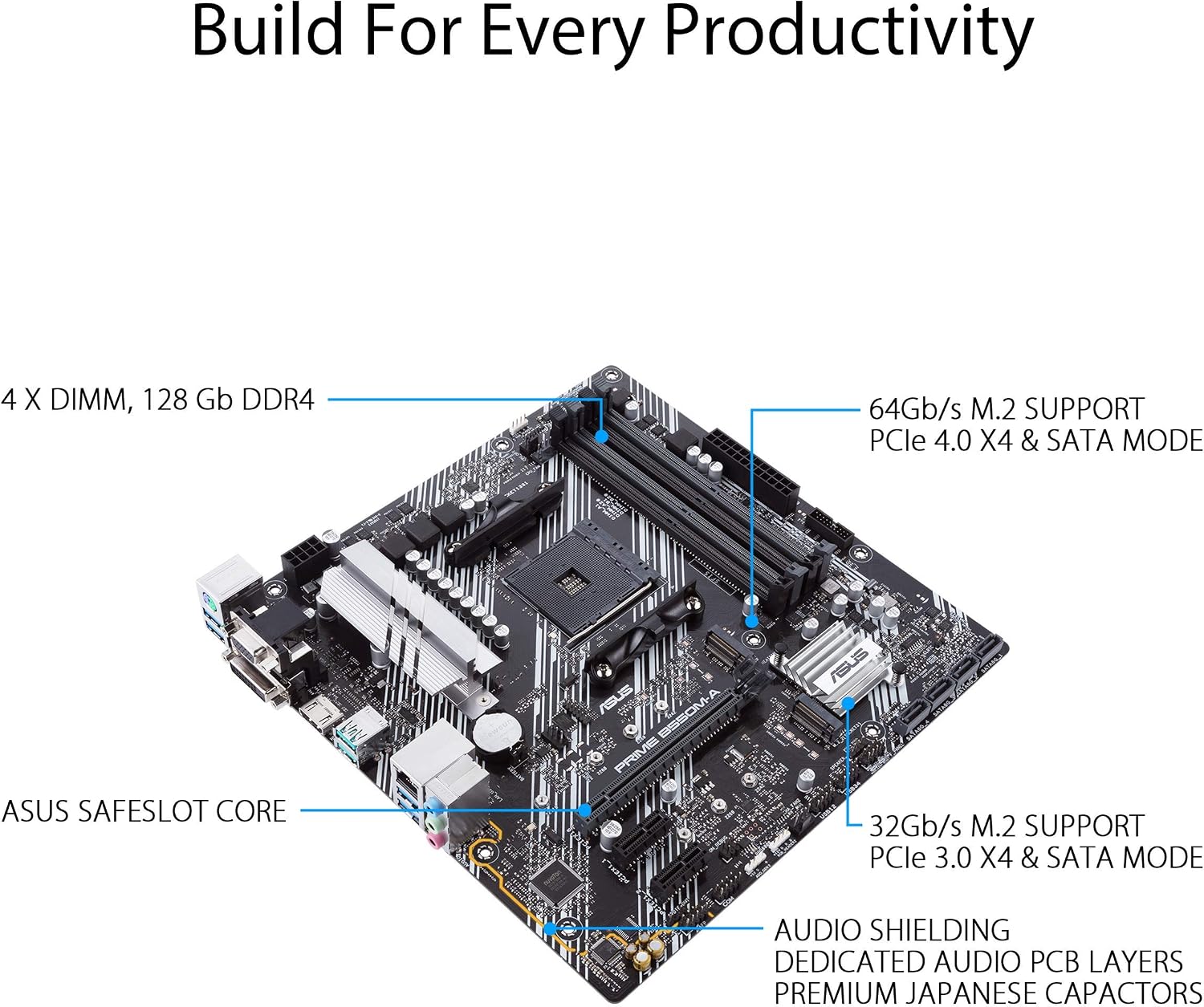
- Builders seeking a compact PC without sacrificing modern I/O: PCIe 4.0, USB 3.2 Gen 2, HDMI 2.1, and WiFi 6 are all available in a Micro ATX footprint.
- Those who prefer a balanced, dependable system for productivity, streaming, and casual gaming, with a focus on sensible cooling and protection features.
- Users who want a reasonable upgrade path within a B550 lineup, avoiding the jump to X570 or higher-end boards while still enabling solid NVMe storage and good memory support.
Who should consider alternatives
- If you expect to overclock aggressively or need extreme PCIe lane densities for multi-GPU or heavy PCIe device configurations, a higher-end board might be more appropriate.
- If built-in wireless is a top priority and you want cutting-edge networking features beyond WiFi 6, you may explore boards that emphasize newer standards or better integrated radios.
- If you require guaranteed ECC memory support with very specific server-like workloads, confirm CPU and RAM compatibility beyond the marketing description.
Before you buy: practical checks
- Verify CPU compatibility with your intended Ryzen generation and whether ECC memory requirements align with your CPU model.
- Check your case size and clearance for the Micro ATX form factor along with any cooling solutions you plan to use, smaller cases can constrain airflow and component height.
- Confirm that you’ll actually use both M.2 slots and that your storage plan benefits from PCIe 4.0 x4 in one of them.
- If wireless performance is critical, ensure your WiFi 6 setup matches your home network’s capabilities and that your router is up to date.
A realistic comparison in practice
For a midrange build, this board sits between basic B550 options and premium tier boards that offer additional PCIe lanes, more extensive power delivery, and extra features. If your goal is to maximize value while keeping a compact footprint and modern connectivity, the Prime B550M-A WiFi II offers a sensible balance. You might choose this over a more basic board when you want ready-made wireless connectivity, HDMI 2.1 output for a simple home theater PC setup, and a more forgiving memory layout that could help your RAM reach higher frequencies with lower voltages.
Final decision: Is it worth it?
Is it worth it? It makes sense if you’re building a compact Ryzen-powered PC and want a solid set of modern features without paying for a flagship motherboard. It may not be the best fit if your goals include extreme overclocking, maximum PCIe lane density, or specialized ECC requirements with guaranteed compatibility across all RAM kits. In short, a dependable, midrange entry to midline board for everyday computing and light gaming, with sensible future-proofing for NVMe storage and WiFi, and a calm emphasis on reliability over pure performance.
Practical usage example
Imagine you’re setting up a home workstation with a Ryzen 5 or Ryzen 7 and a fast NVMe drive. You install the OS on the primary NVMe, add a secondary NVMe for scratch files, and connect a 4K monitor via HDMI 2.1. You’re browsing, editing documents, and streaming a 4K show simultaneously. The motherboard’s cooling and protection features help keep temperatures stable, and the WiFi 6 connection handles a video call and large file uploads without constant buffering. It’s not a gaming flagship, but it’s a practical and predictable workhorse for day-to-day tasks with room to grow modestly.
Quick FAQ
- Does it support ECC memory? The product listing mentions ECC memory, but you should verify compatibility with your CPU model and memory kit to ensure ECC is active in your setup.
- Can I use two NVMe drives at full speed? Yes, the board offers dual M.2 slots with a PCIe 4.0 x4 connection on one, which supports fast NVMe drives.
- Is WiFi 6 sufficient for gaming? For many home networks, WiFi 6 provides solid performance, if you have extremely latency-sensitive setups or crowded environments, consider a wired connection or a higher-end wireless solution.
What you get (in brief)
In a typical build, you’re looking at a Micro ATX motherboard with the above features, designed to pair with 3rd Gen Ryzen CPUs and compatible successors, a cooling solution, and a reasonable array of I/O through USB, HDMI, LAN, and wireless interfaces. The value here is in the balance: modern connectivity and storage options, reasonable protection features, and a compact footprint for a practical build.