

Active HDMI to DisplayPort Cable (4K 60Hz, 1080p 120Hz) 10FT — One-Way HDMI Source to DP Monitor Adapter
Product description
What it is
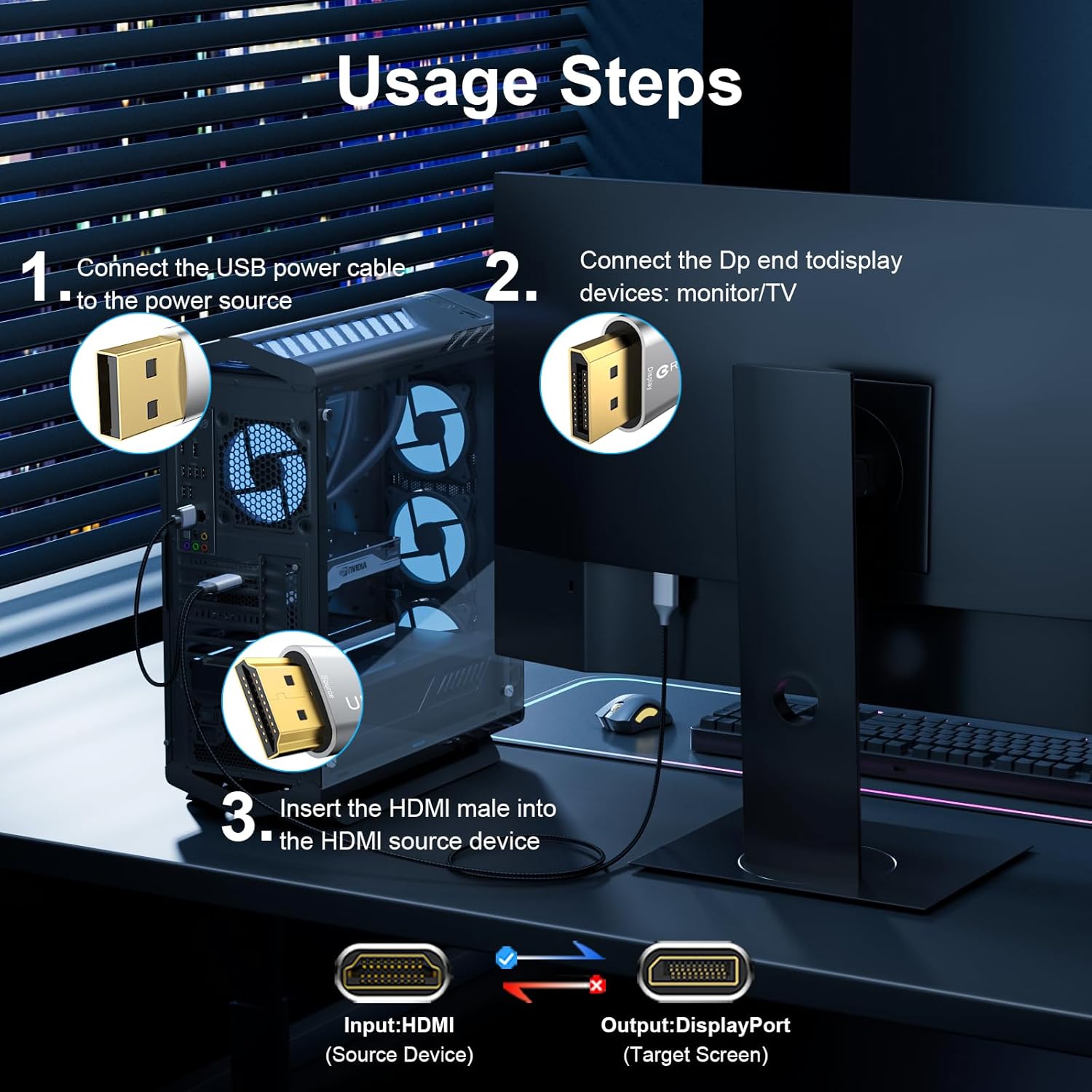
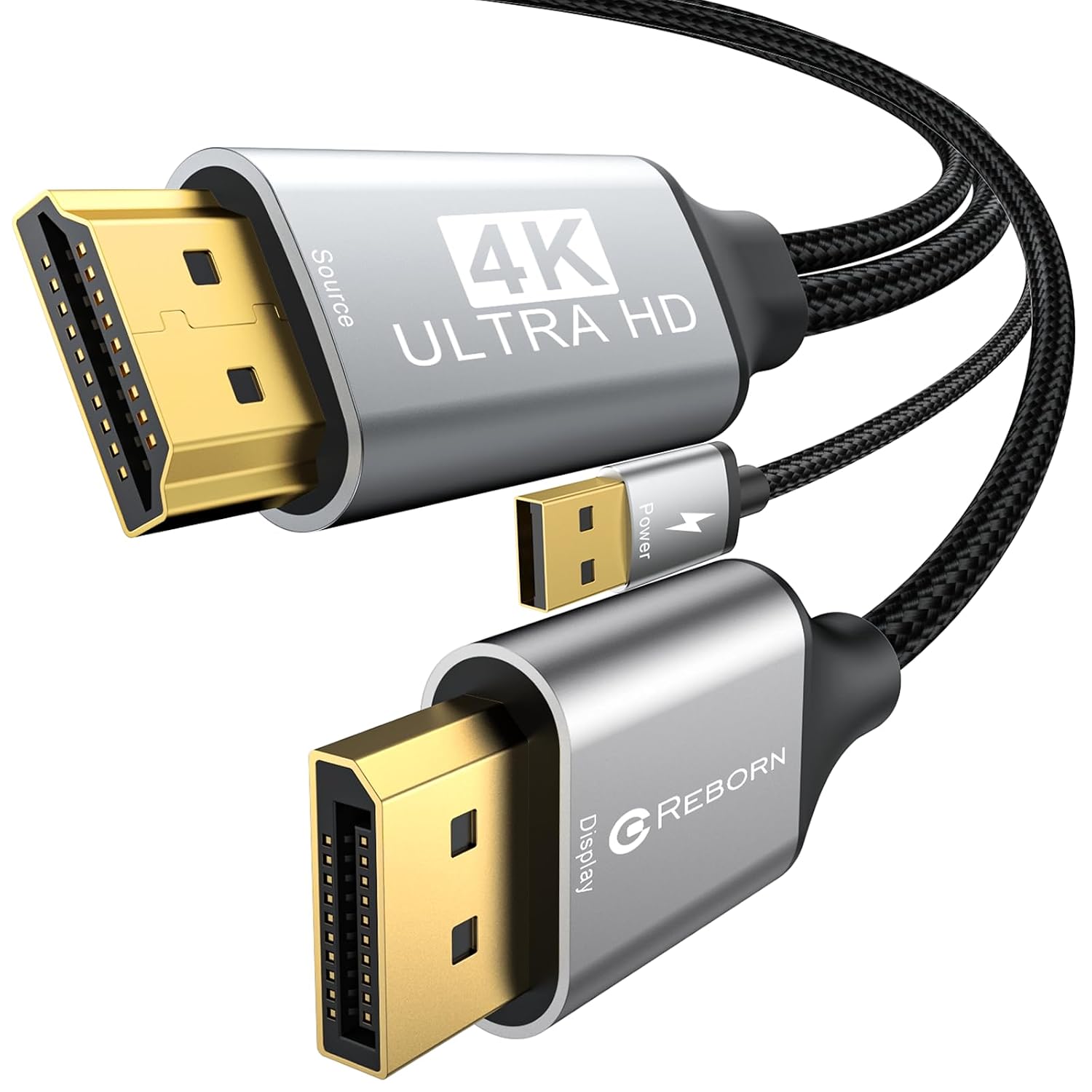
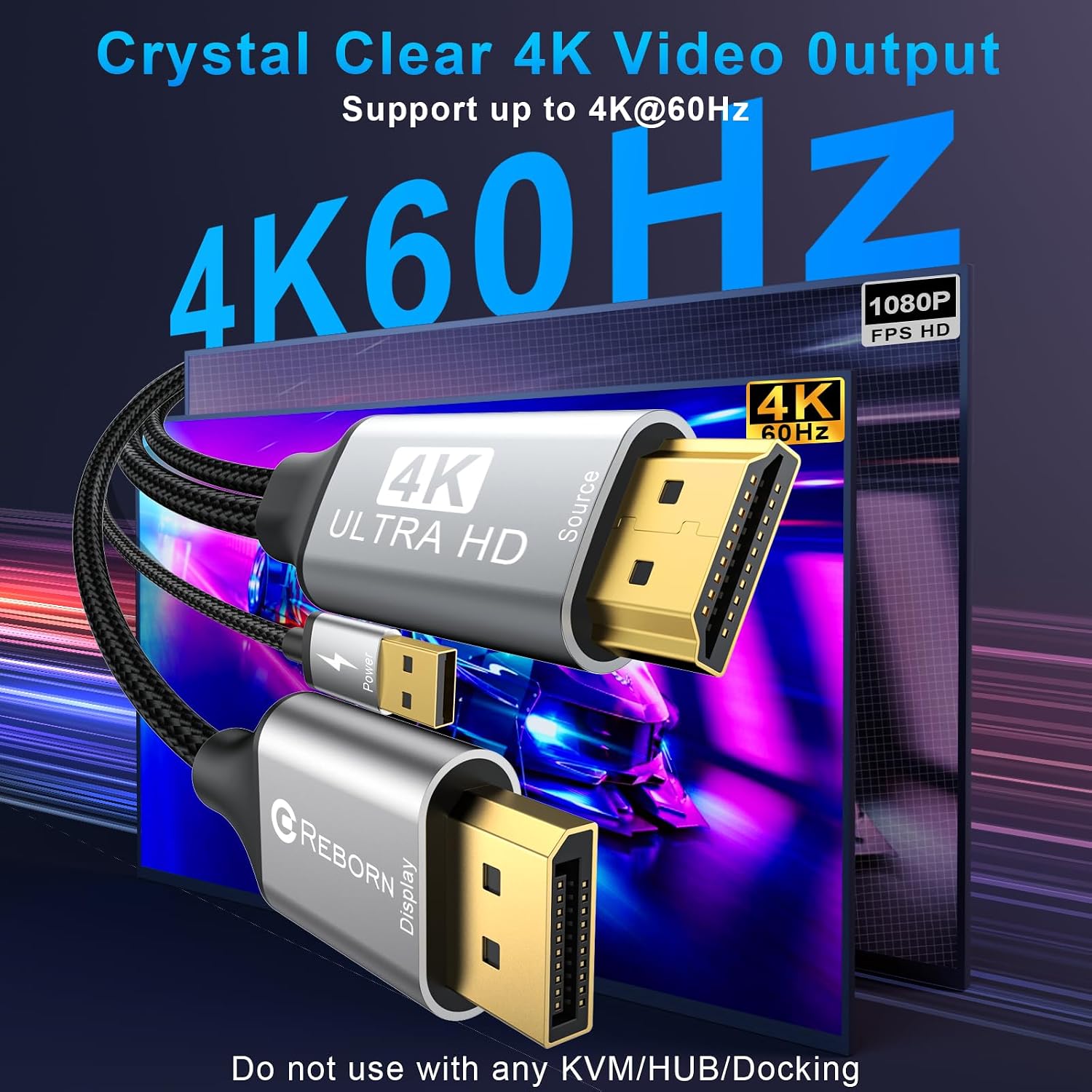
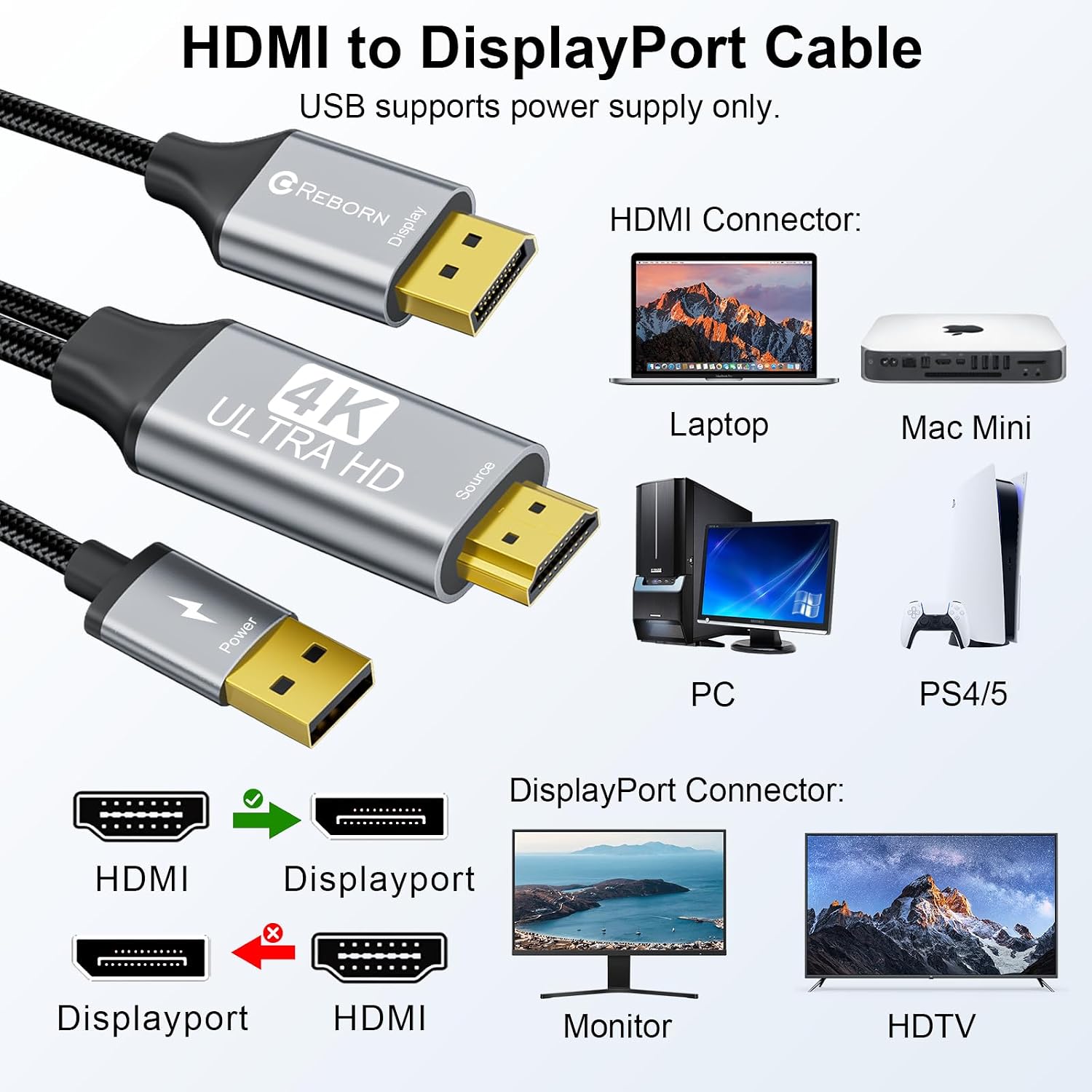
This Active HDMI to DisplayPort Cable is a one-way adapter designed to take an HDMI source (like your PC, laptop, game console) and display it on a DisplayPort monitor. It supports up to 4K at 60Hz and 1080p at 120Hz, with audio pass-through. It’s plug-and-play and driverless, but you do need to connect the micro USB power for best results. Note that this is not a DP-to-HDMI converter and won’t work with hubs, KVMs, docking stations, or in VR setups.
How it fits your setup
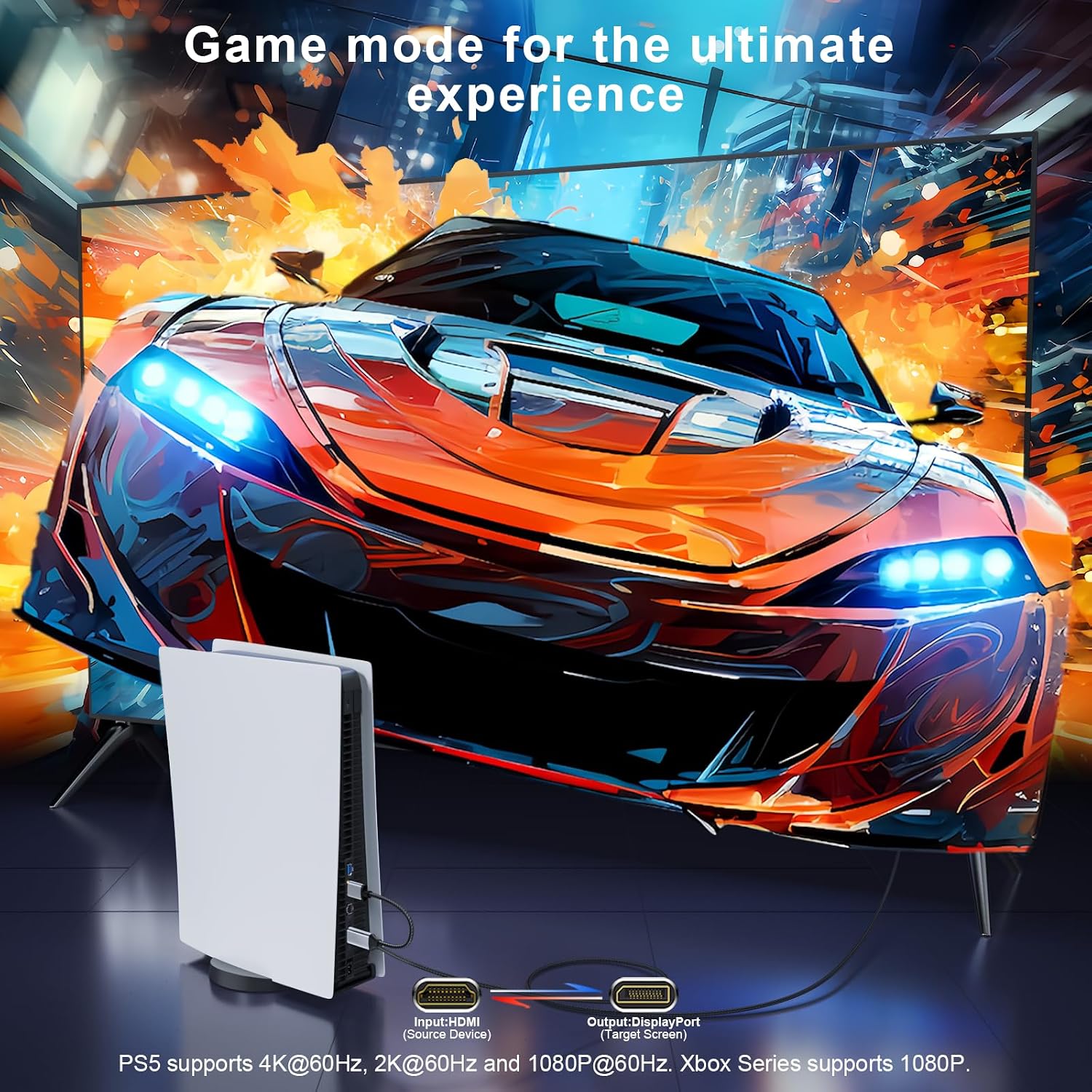
If you’re trying to use a console (PS5, Xbox Series, etc.) or a computer with HDMI output to drive a higher-refresh DisplayPort monitor, this cable offers a straightforward, cable-only bridge. It’s particularly useful when you want to keep a single cable pathway from source to display without multiple adapters. However, keep expectations in check: the device cannot increase the game’s native resolution. Xbox Series, for example, will appear at 1080p@60Hz in many cases, while PS5 can reach up to 4K@60Hz depending on the monitor and content.
The good and the not-so-good
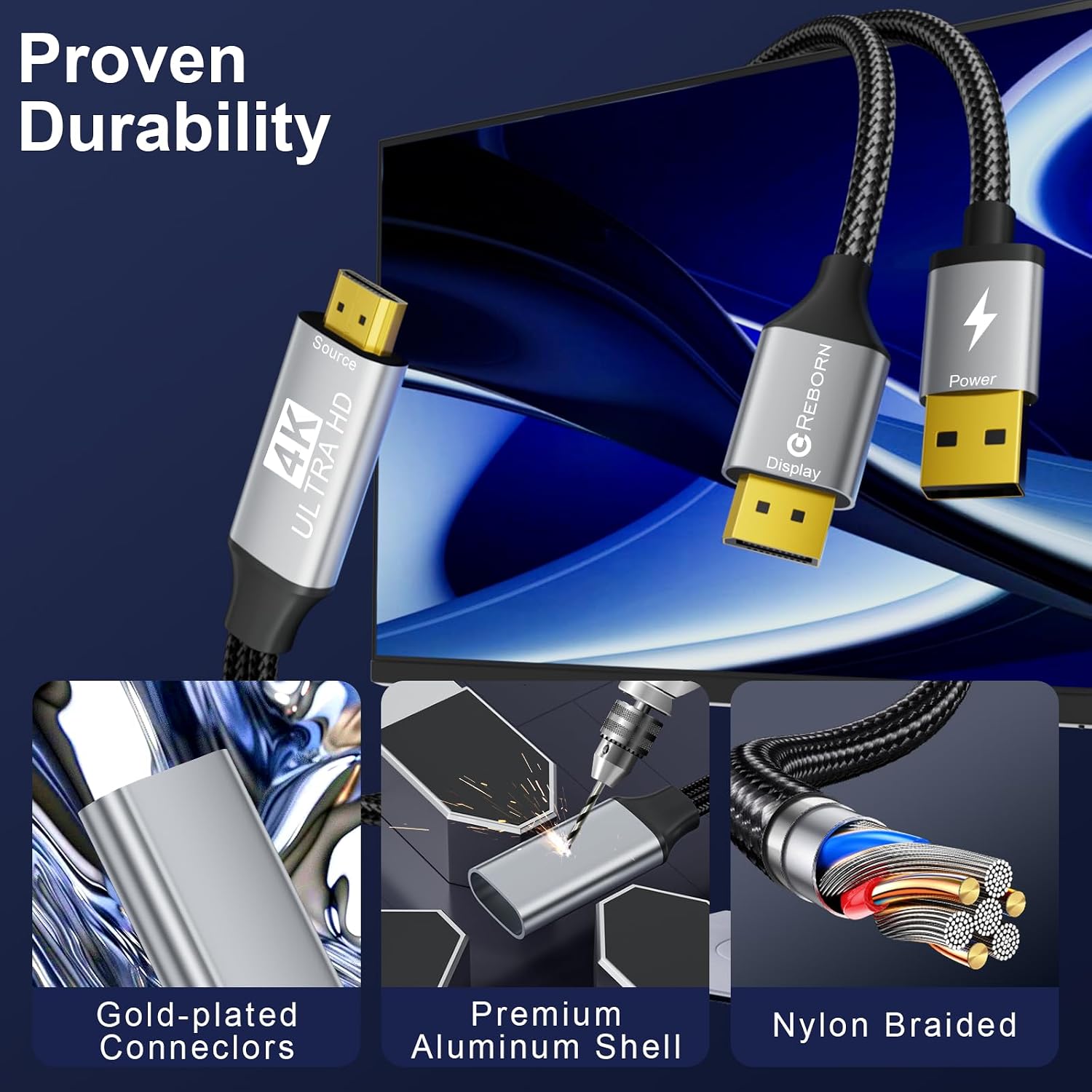
On the plus side, the setup is simple and the build is described as rugged: a lightweight aluminum unibody and 24K gold-plated connectors for durability after many plug-ins. The device is designed to be compatible with modern GPUs and consoles, and it includes a micro USB power port to optimize performance. On the downside, the product requires external power to deliver its best image, which means one more cable to manage. It’s also important to remember this is strictly HDMI-to-DisplayPort, if your goal is DP-to-HDMI or vice versa in the other direction, this cable won’t fit.
Who it’s for
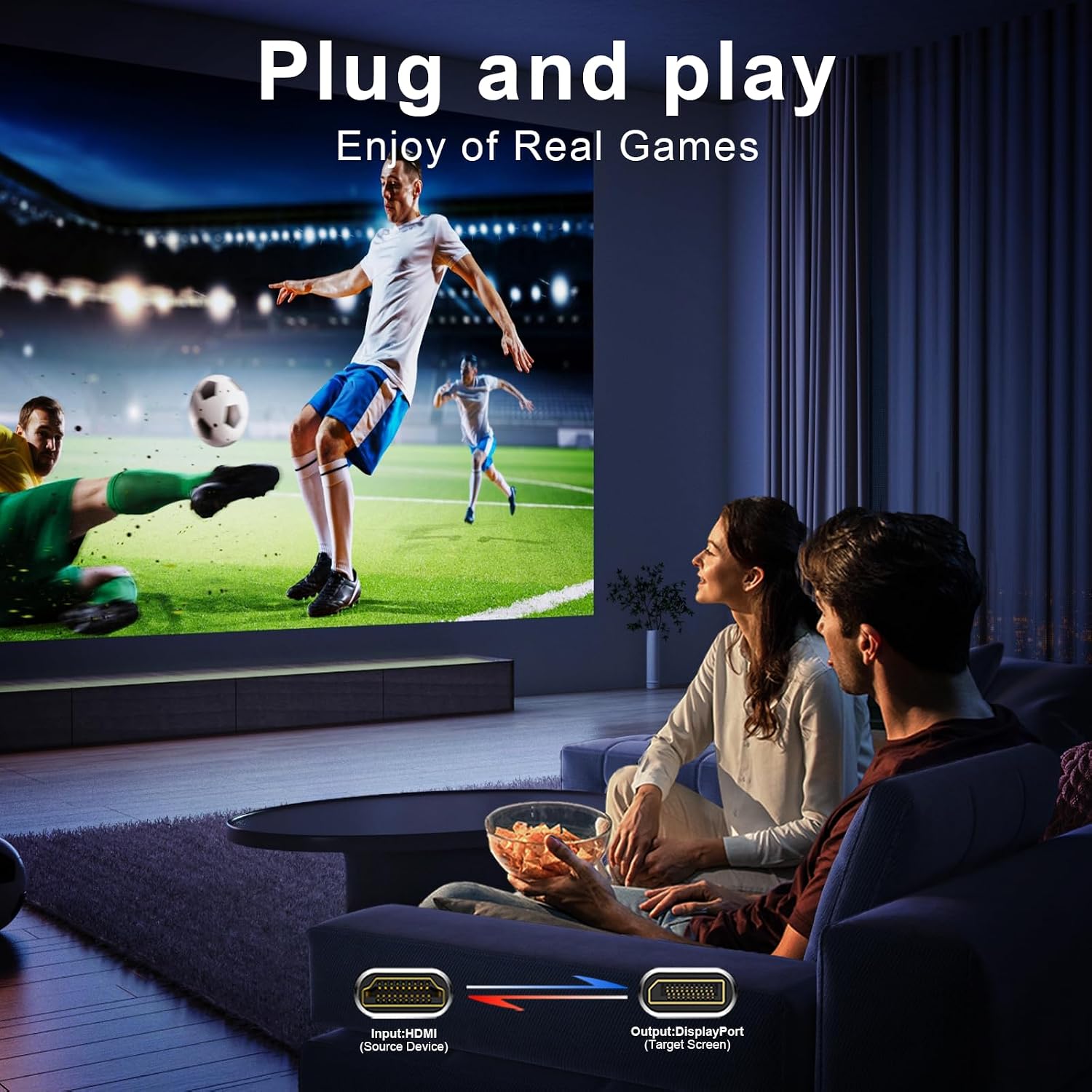
This is a fit if you have an HDMI-output device and a DisplayPort monitor, and you want a simple, fast way to get gaming or media onto a larger screen without a full docking station. It’s reasonable for casual gaming, media playback, or productivity on a larger display. If you rely on VR or need two-way conversion, this isn’t the right option.
Who should think twice
If your setup includes a hub, KVM switch, or docking station, or if you plan to use DP to HDMI, you’ll want a different solution. Also, if you’re aiming for the absolute highest possible gaming resolution beyond 4K60 on PS5 or 1440p120, you may find the one-way limitation a bottleneck depending on your source and display capabilities.
What to check before buying
- Confirm the HDMI source is indeed providing output to a DisplayPort monitor via this adapter (one-way only).
- Ensure you’ve connected the micro USB power for optimal display performance.
- Verify your DisplayPort monitor supports 4K60Hz or 1080p120Hz as indicated by the source content.
- Remember this product is designed for HDMI-to-DisplayPort, it won’t convert DisplayPort signals to HDMI.
Practical usage example
Imagine you’re gaming on a PS5 and want to push the action onto a high-refresh DisplayPort monitor. You’d plug the PS5’s HDMI output into the adapter, connect the DP cable to the monitor, and power the adapter via micro USB. With the setup, you get smooth 1080p120Hz or 4K60Hz as supported by the monitor, reducing lag compared to switching cables around via a dock.
FAQ (quick answers)
- Q: Does it work with VR setups? A: No, VR is not supported.
- Q: Can it convert DP to HDMI? A: No, it’s strictly HDMI source to DisplayPort monitor.
- Q: Is power required? A: Yes, for optimal display you should connect the micro USB power.
- Q: What devices are compatible? A: HDMI sources like PCs, laptops, PS5, Xbox, and similar, connected to a DisplayPort monitor.
Is it worth it?
Is it worth it? It makes sense if you need a simple HDMI-to-DisplayPort bridge for a single-direction display setup and you don’t require multi-device docking or VR support. If your use case is console-to-display on a DP screen and you’re mindful of the power requirement and one-way limitation, it’s a reasonable option to consider.