

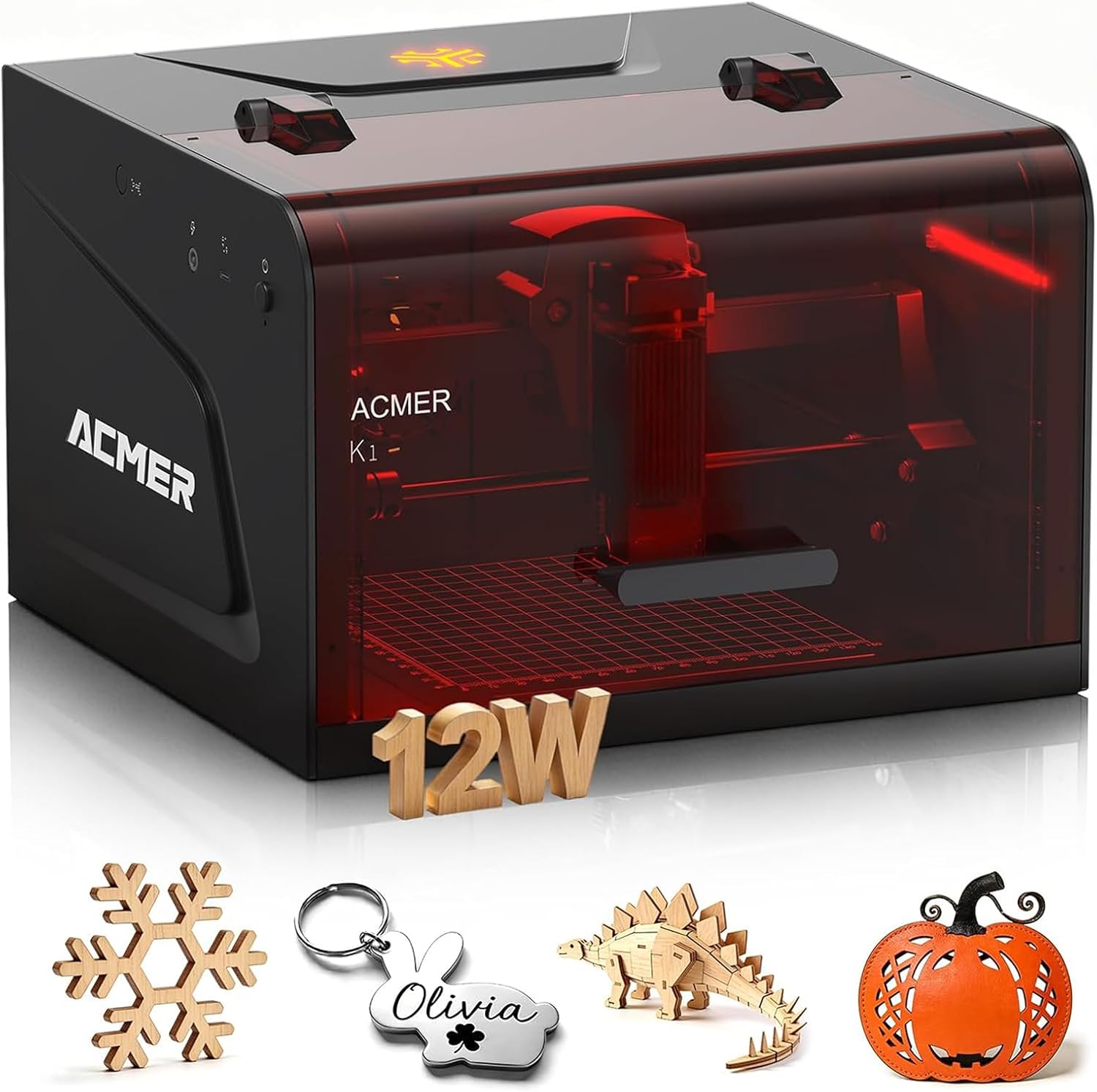
ACMER Laser Engraver K1
Product description
Technical details
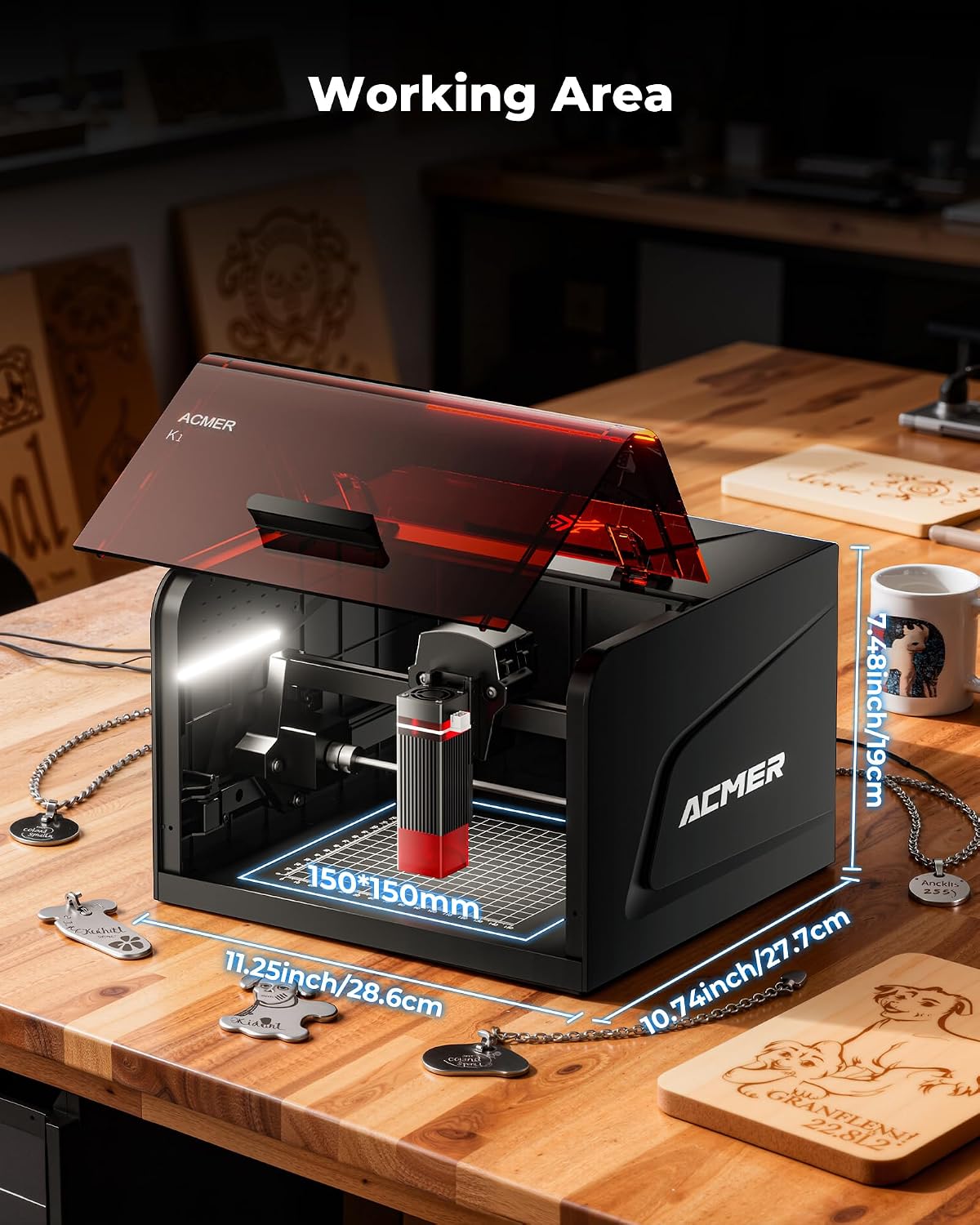
For crafters, makers, and small-shop owners working on personalized pieces, the ACMER K1 is a compact desktop laser engraver built around a 150×150mm work area. Its 12W blue diode laser is aimed at small projects rather than oversized panels or production runs that need a larger bed.
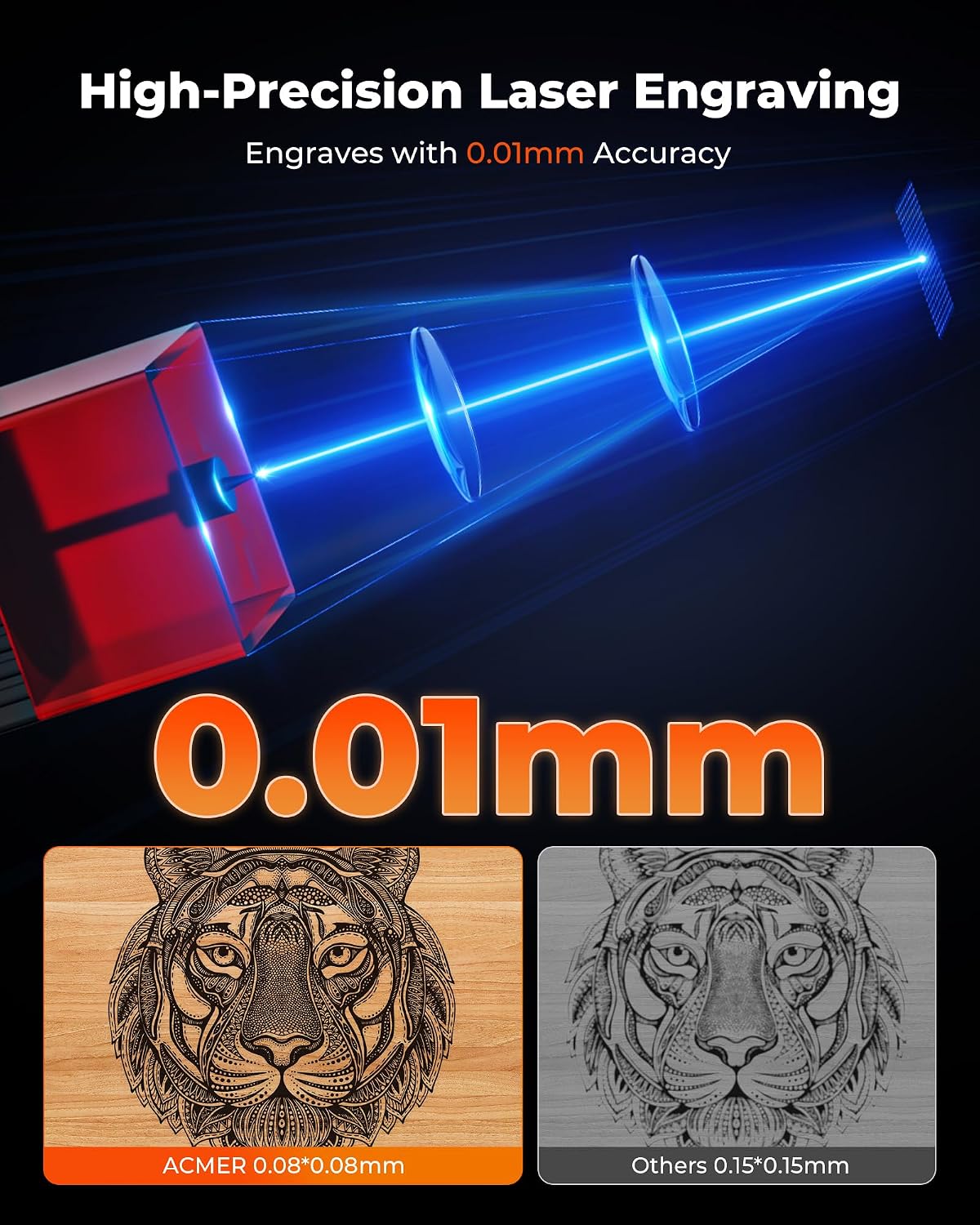
The listed laser spot is 0.08×0.08mm, with 0.01mm repeat positioning accuracy. That level of detail is useful for fine lettering, small logos, and decorative lines, though the figures alone don’t guarantee a particular result on every material.
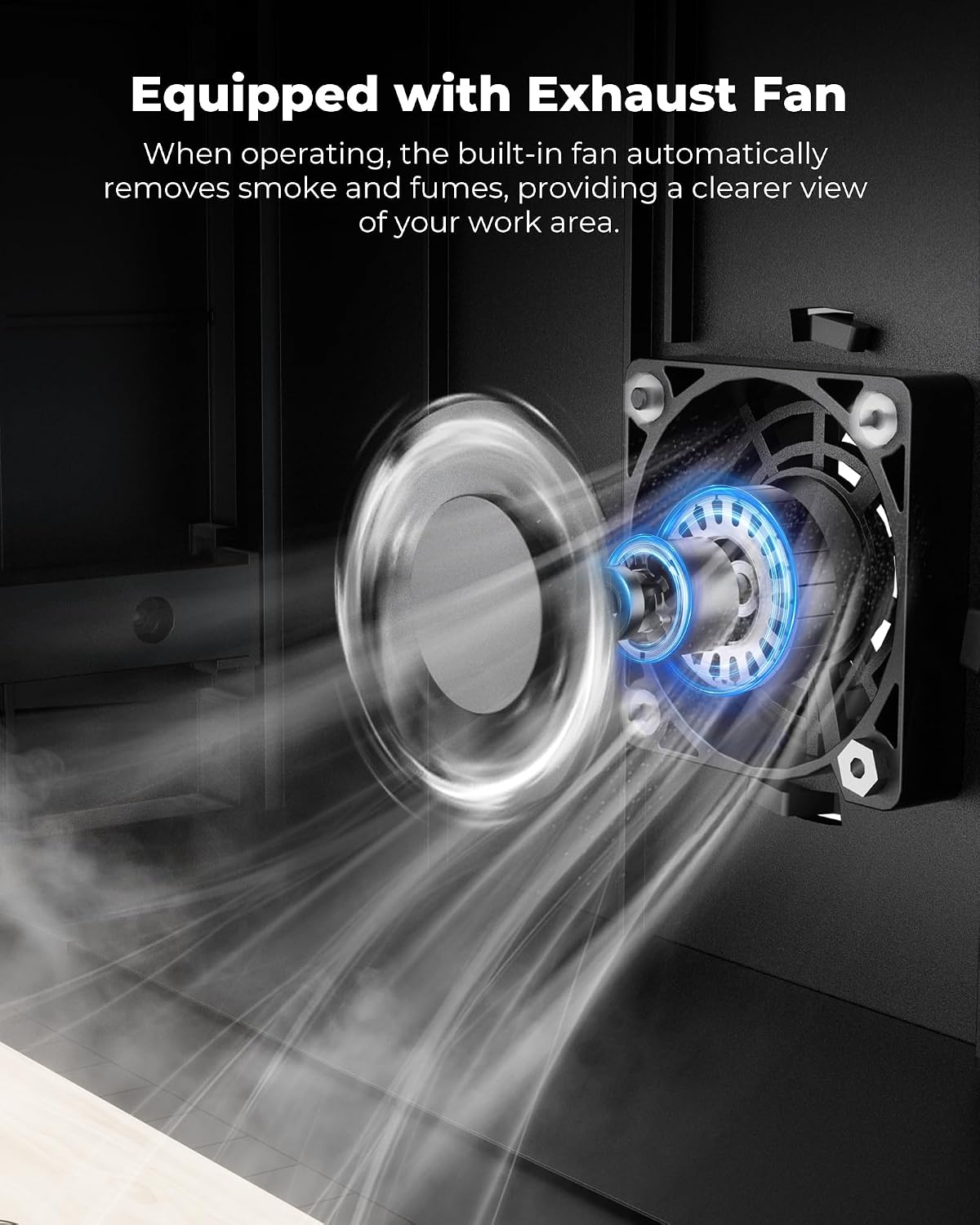
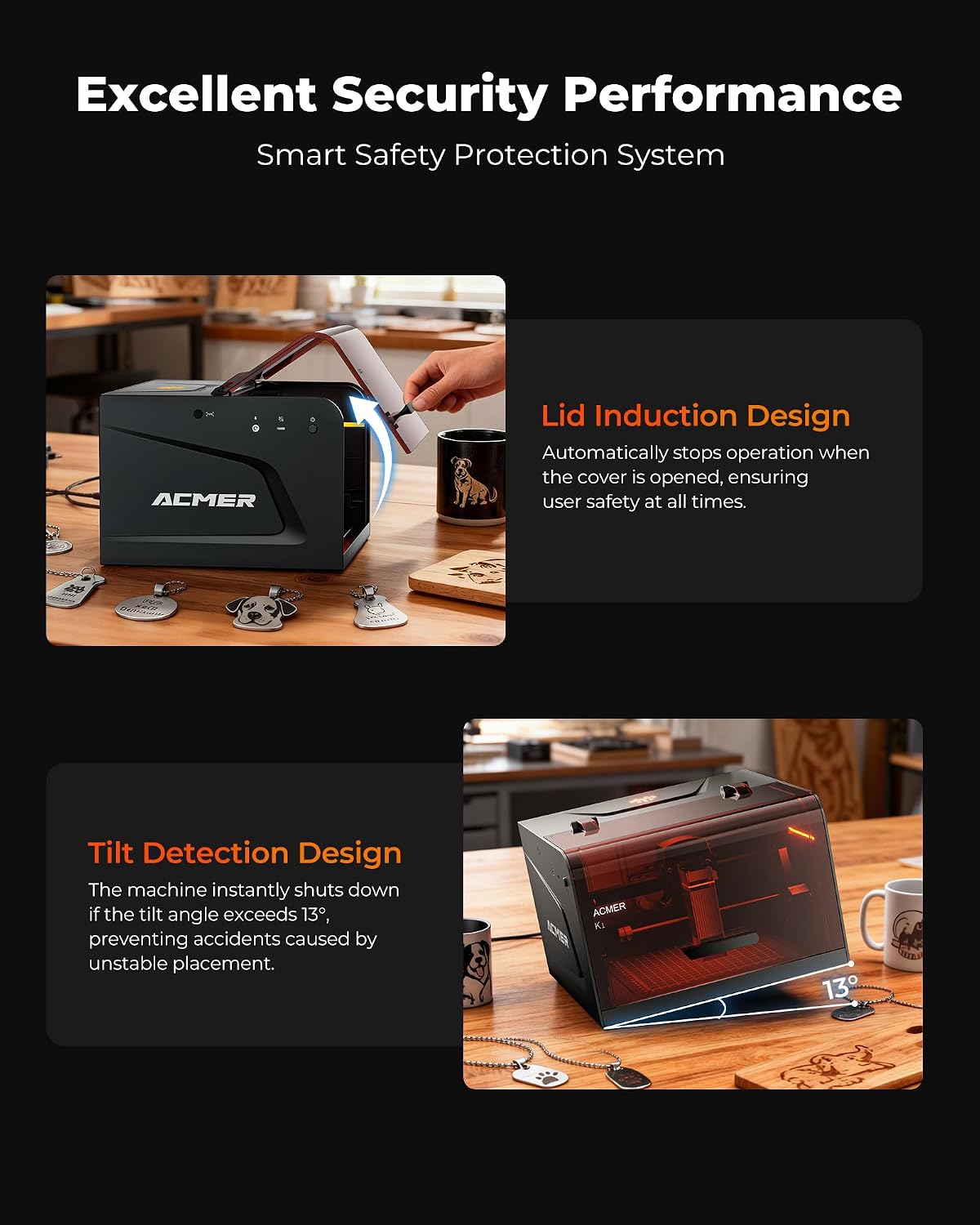
The laser uses a 455±5nm blue diode, and the machine’s maximum motion speed is 10,000mm/min. It weighs 2.4kg and has an enclosed body with a built-in exhaust fan. The listing describes the enclosure as Class 1 and says the fan reduces smoke and odors, that does not mean every material or workspace needs no further precautions.

Compatibility & requirements
The K1 works with Acmerstudio software on a computer, which includes AI tools for turning text prompts or photos into engraving designs. LightBurn and LaserGRBL are also listed as compatible software options. That gives buyers a choice between starting with the included workflow or using a program they already know.
The product description does not specify operating-system requirements or provide a full materials-and-settings chart. If your projects depend on a particular computer setup or material, those details may affect whether it fits your workflow. The 12W model is described as able to cut up to 8mm Paulownia wood in one pass, but that claim shouldn’t be treated as a general cutting guarantee for other woods or materials.
Usage tips
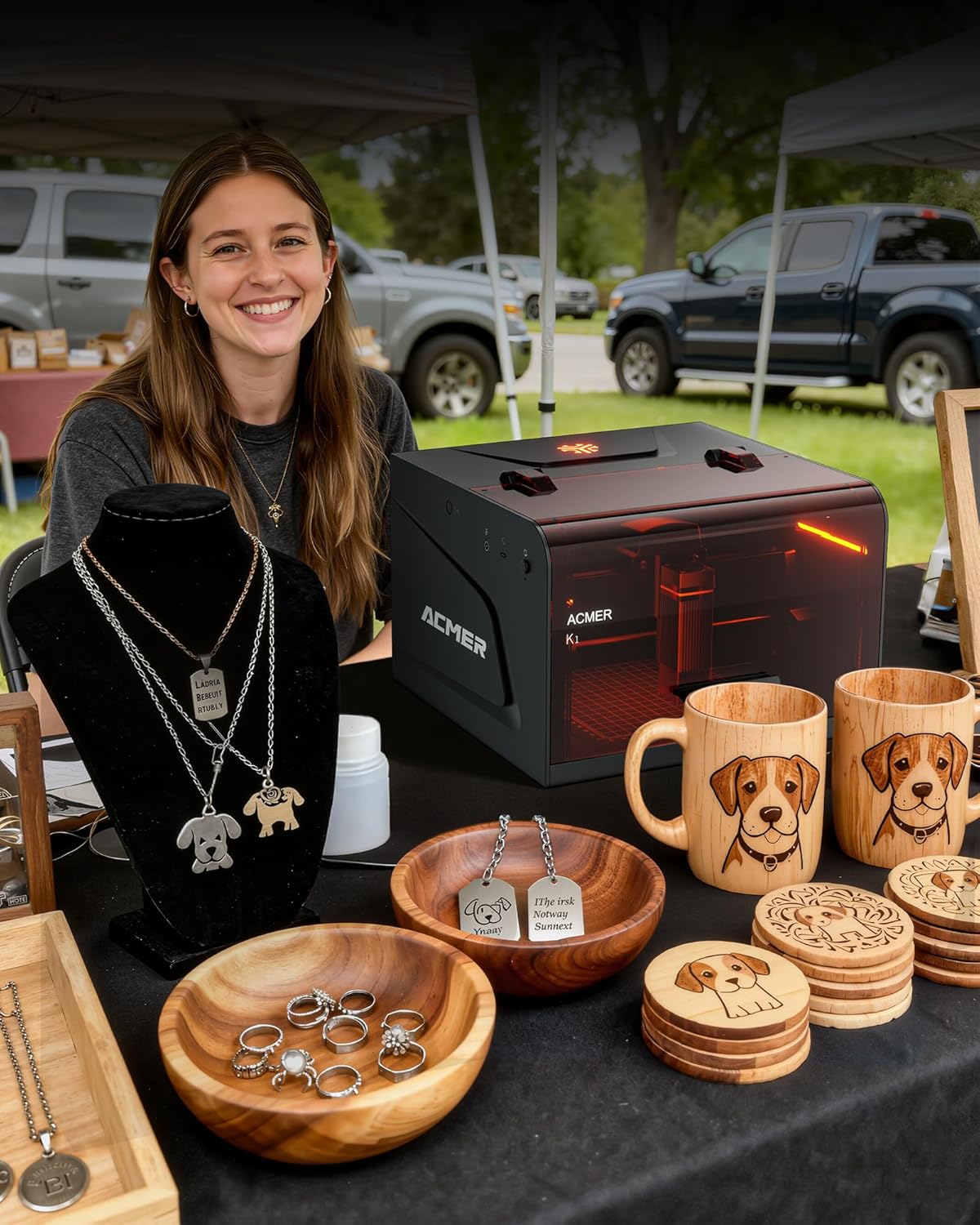
A practical first project could be a small nameplate or a personalized wooden gift: keep the design within the work area, use a simple layout, and test the chosen material before moving on to a finished piece. The compact footprint and 2.4kg weight also make the machine easier to move between a desk and a hobby workspace than a larger shop-focused engraver.
The included fan is intended to reduce smoke and odors, not eliminate them. Keep the workspace and material choice in mind, especially when moving beyond the wood and craft materials named in the listing. From the way it is set up, this is a small-format machine for detailed work, not a substitute for a larger bed when you need to engrave broad signs or batch many pieces at once.
Before you decide
What can the K1 engrave? The listing names wood, plywood, acrylic, leather, and paper. It does not give settings or results for each material, so the exact outcome may vary by project.
Can it cut wood? The 12W version is stated to cut up to 8mm Paulownia wood in one pass. That is a specific claim for that wood, not a promise for other materials.
Which software can I use? Acmerstudio, LightBurn, and LaserGRBL are listed. Acmerstudio includes AI design tools, while the other options may suit buyers who prefer familiar software.
When it makes sense
It makes sense if your priority is detailed engraving on small craft pieces, gift personalization, or short runs, and you want a compact machine with several software choices. Compared with a basic hand-crafted workflow, it offers a way to repeat designs and work from digital files, compared with a larger-format engraver, its 150×150mm area is a clear constraint. You may want to skip it if your regular jobs need larger workpieces, or if you need confirmed settings for materials not specified in the product details.