

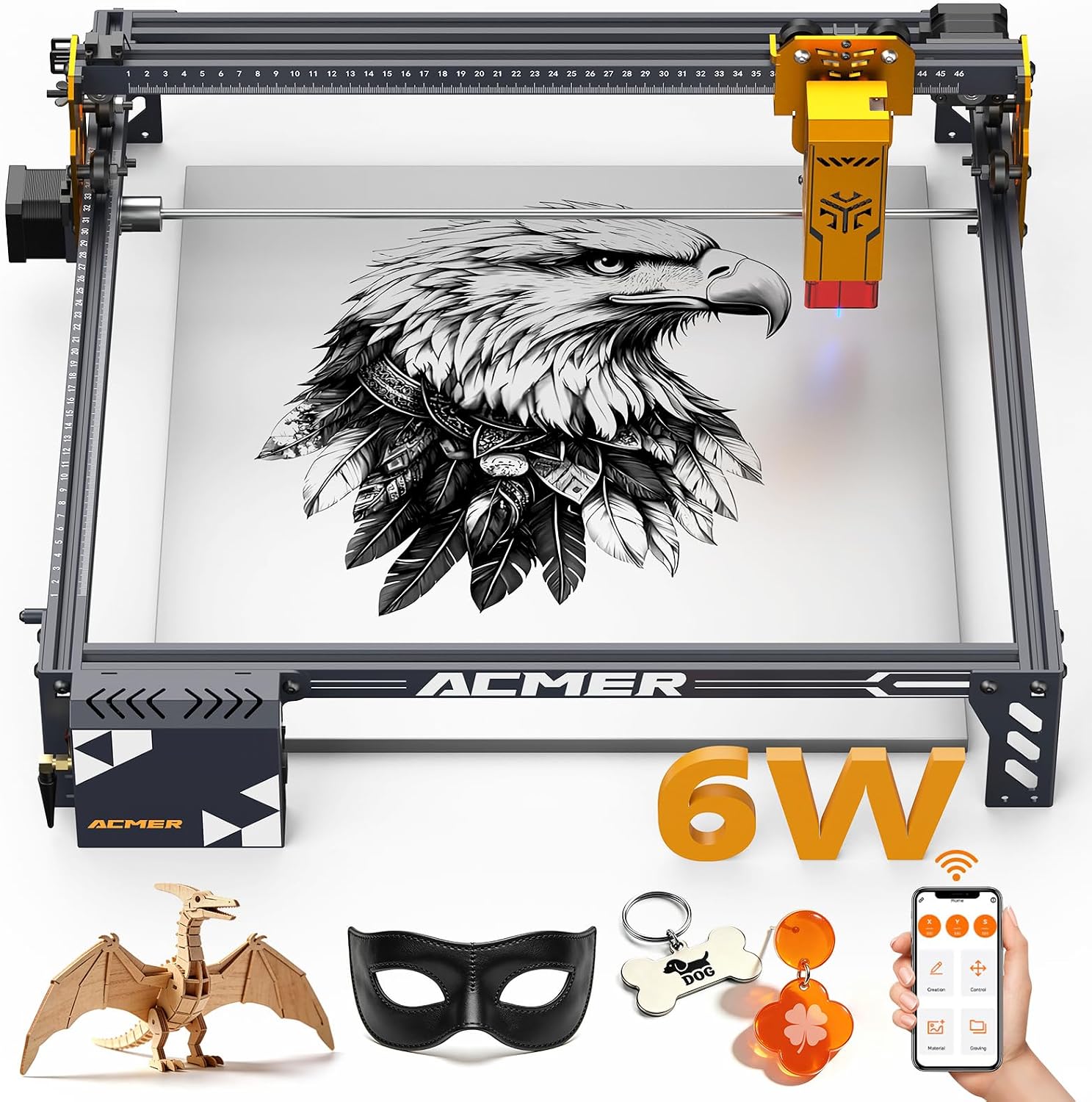
ACMER Laser Engraver 6000mW
Product description
Key points
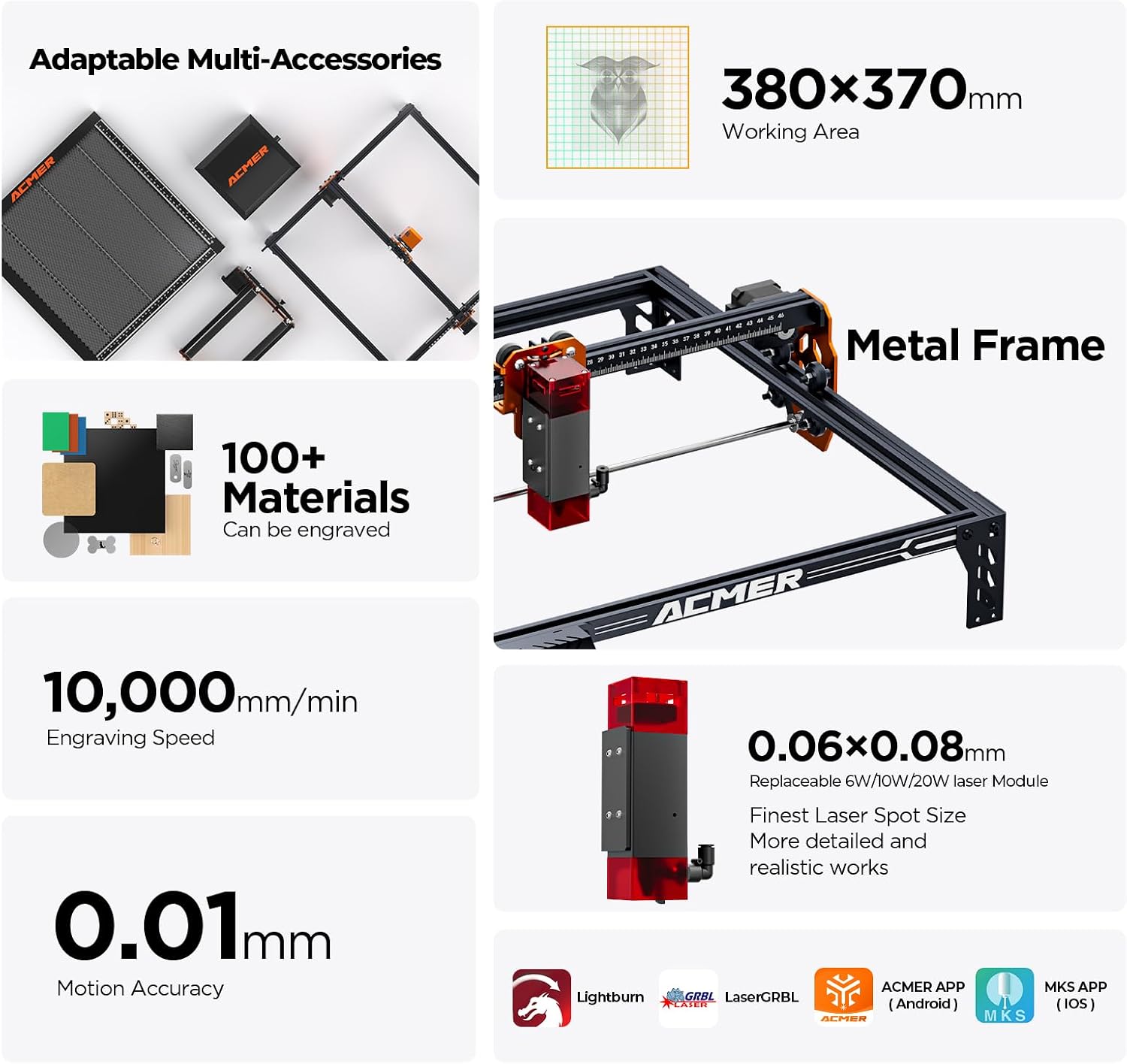
If you want to personalize small items or make repeatable craft projects, the ACMER P1 S Pro combines engraving and cutting in one machine. Its listed 380x370mm work area also leaves room for larger designs than a small-format setup.
It works with ACMER Studio, which handles design, editing, material settings, and machine control. LightBurn and LaserGRBL are also supported, giving you other software options if you already use them.
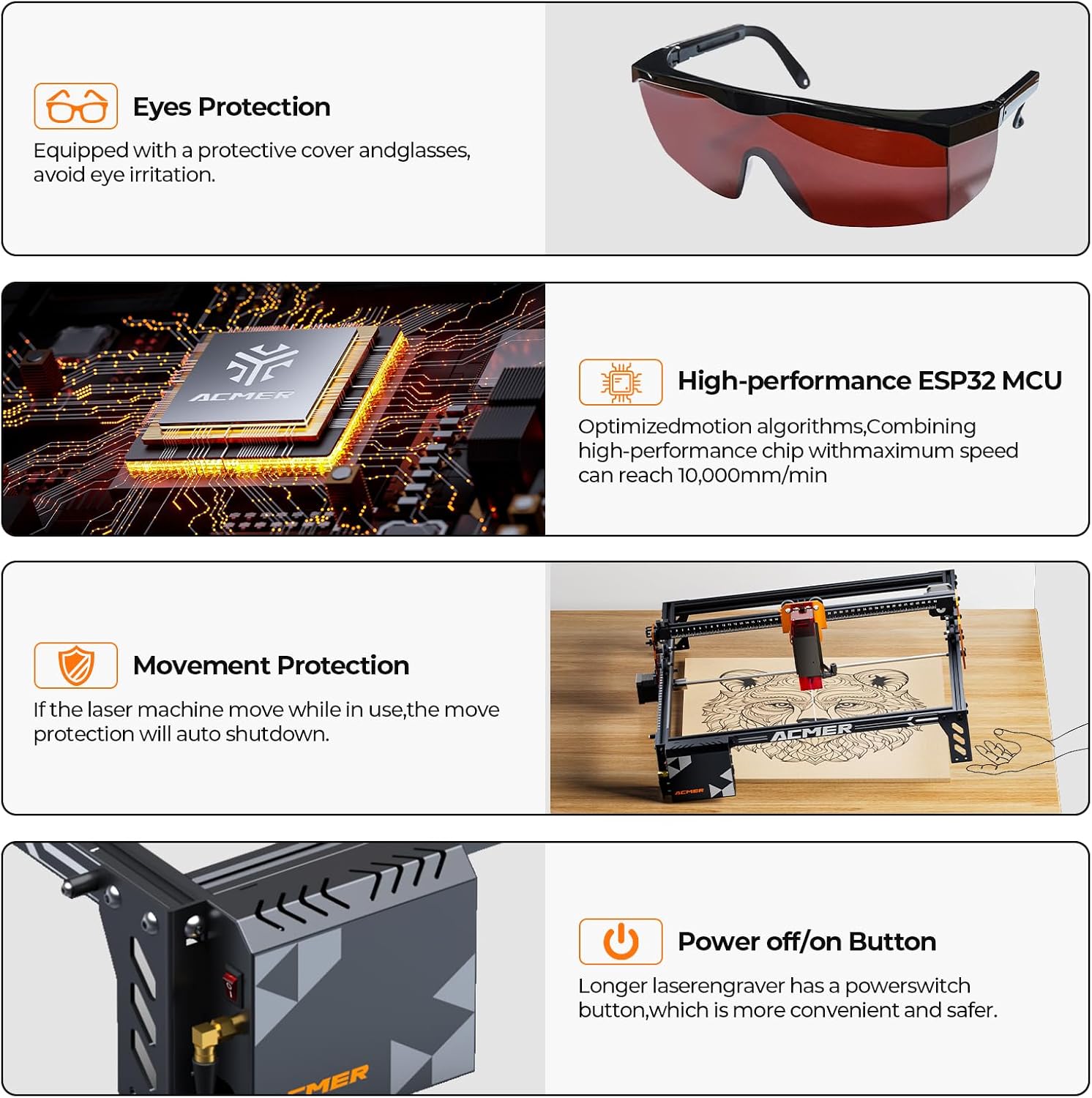
Files can be sent over WiFi, USB, or a TF card, so you can choose a connection that suits your workspace. Protective eyewear is included, the product information does not detail other safety equipment or operating requirements.
How it fits
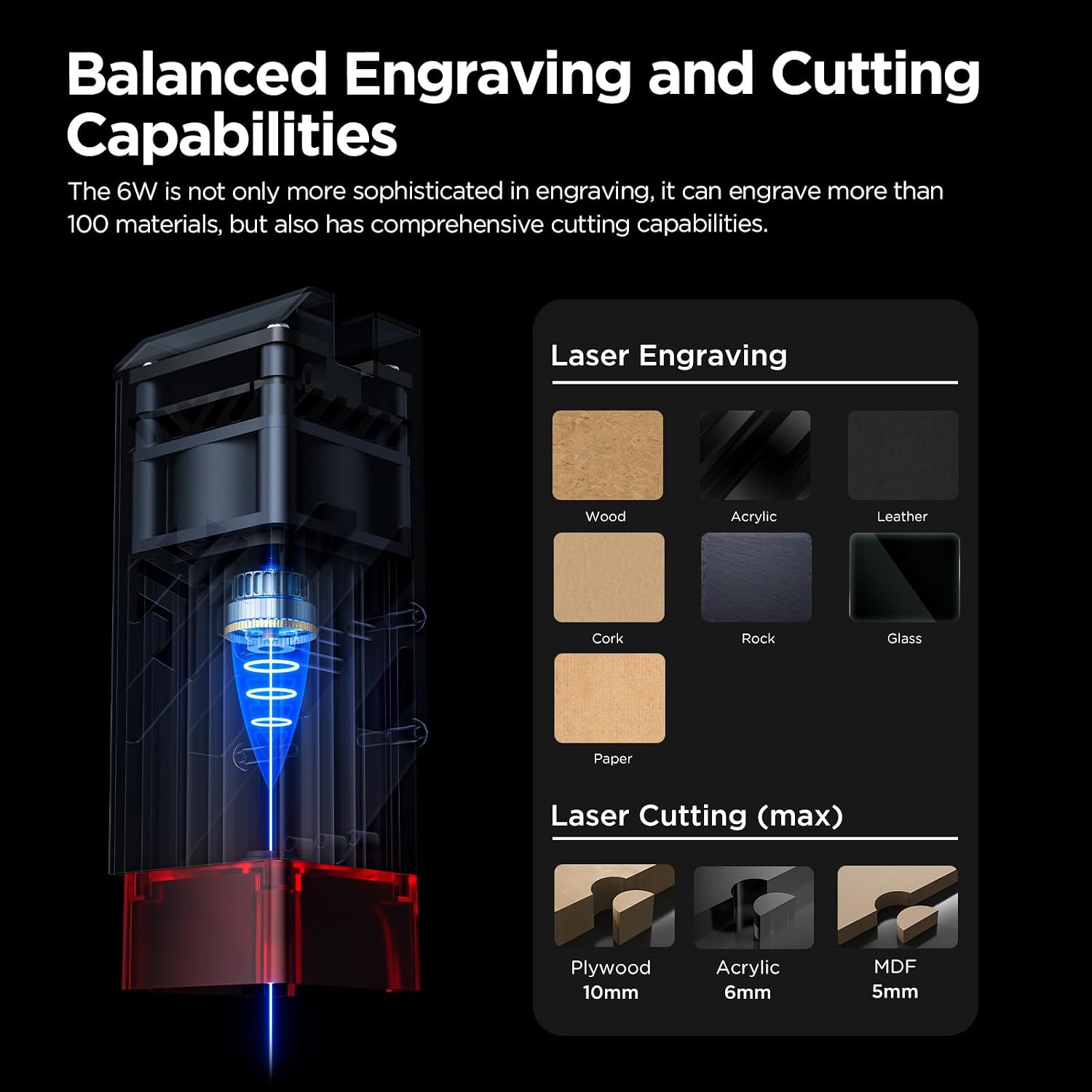
The P1 S Pro is aimed at DIY makers, craft projects, STEM activities, prototypes, and small-business creations. It can engrave or cut projects involving materials such as wood, bamboo, acrylic, leather, paper, coated metals, anodized aluminum, and glass. The listing mentions more than 100 compatible materials, but that broad claim does not mean every material or thickness will produce the same result.
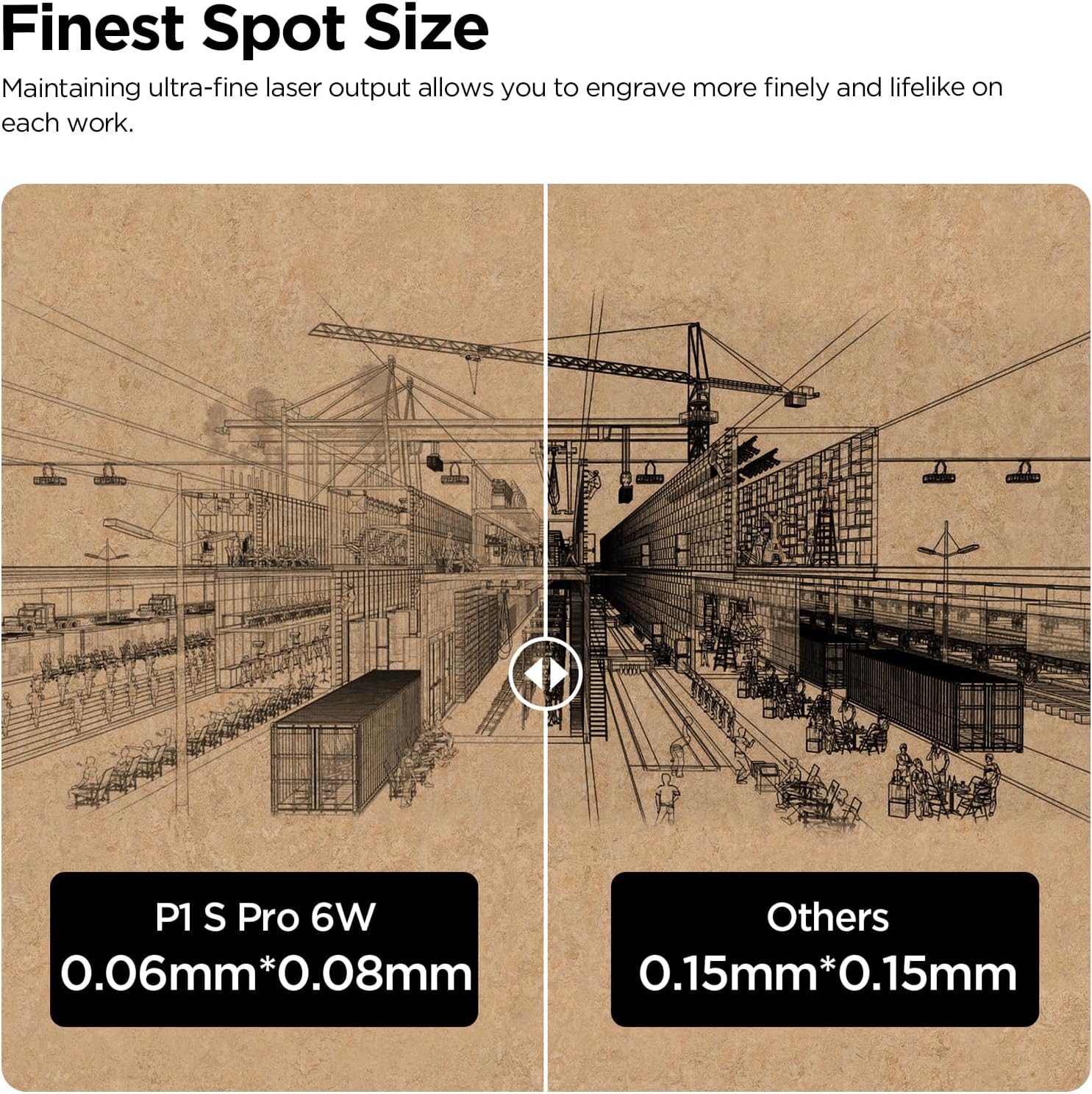
For a practical example, you could lay out a set of wooden gift tags in the design software, add small text, then transfer the file by WiFi or USB for engraving. The larger work area may also help when a single design needs more room. Keep in mind that the machine is described as a 6W laser, so buyers focused on demanding or high-volume cutting should check whether that power level suits their materials and workload.
An optional rotary attachment is available for cylindrical projects such as tumblers, bottles, and mugs. It is not described as included, so factor that in if engraving curved items is central to your plans. It makes sense if you want one machine for varied flat projects and value having several software and file-transfer routes. You may want to skip it if your main priority is a more powerful setup for heavier cutting work.
Tips for day-to-day use
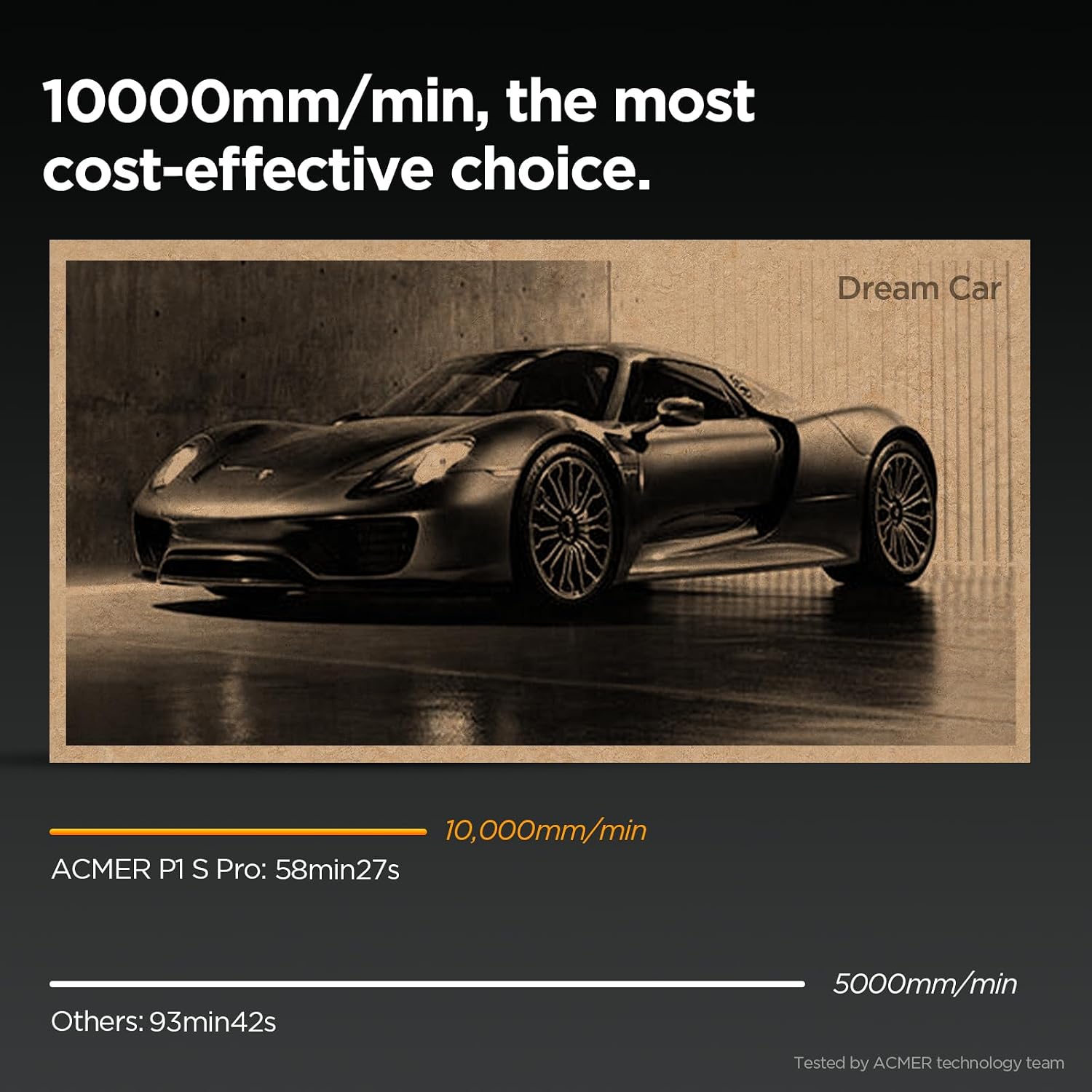
Start with a simple design and a material you already plan to use, then work through the software’s material settings before moving on to more detailed pieces. Small text and intricate patterns are among the intended uses, but results depend on the chosen material and settings, the product details do not provide specific cutting depths or speed figures.
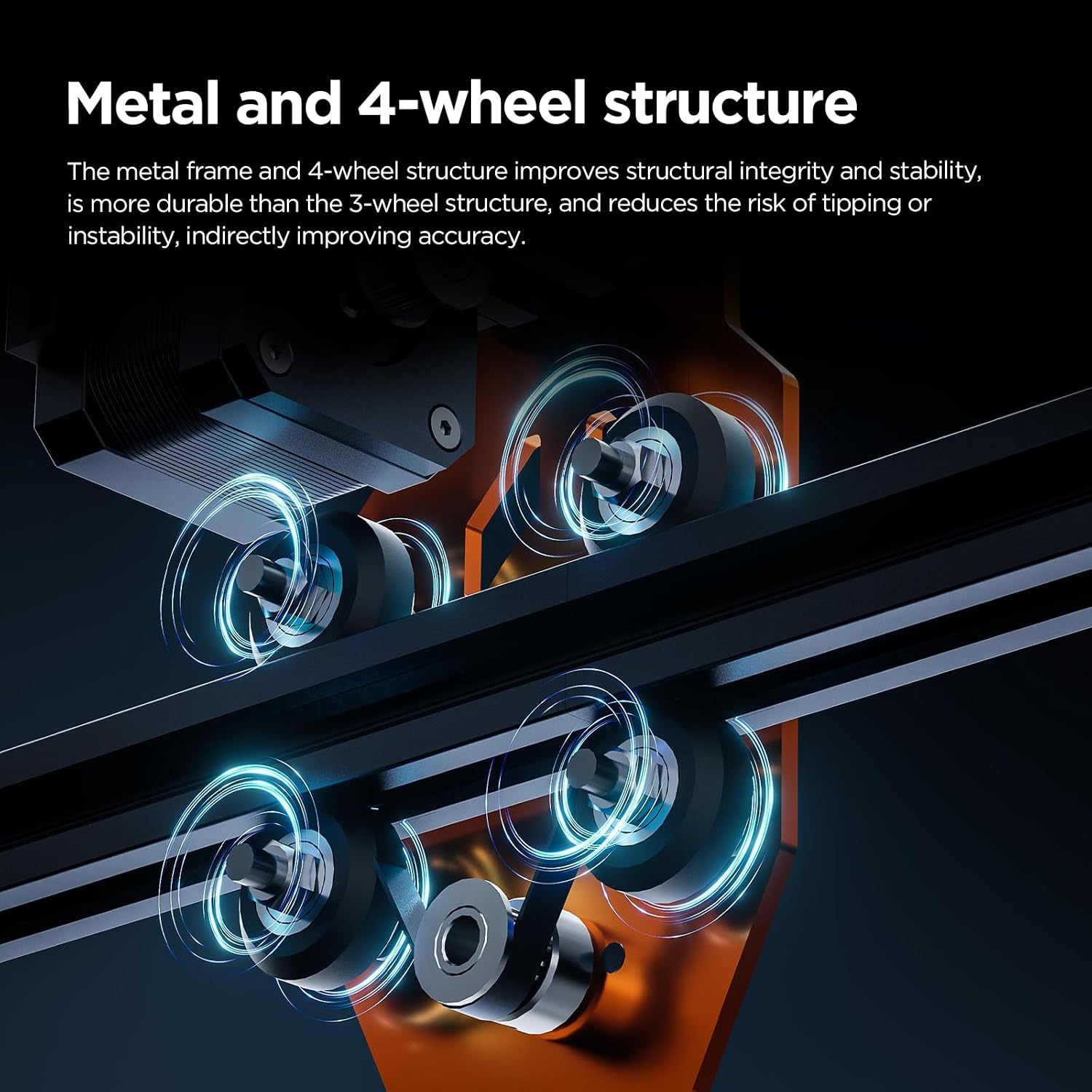
For a busy bench, the modular design is presented as straightforward to set up and maintain. Pick WiFi, USB, or TF card transfer based on how the machine will sit in your workspace, and keep the included protective eyewear in mind during operation. If you expect to switch between flat stock and drinkware, remember that the rotary attachment is optional rather than part of the stated standard setup.
Questions before you buy
Which software can it use? ACMER Studio is included, and the machine also supports LightBurn and LaserGRBL.
Can it engrave mugs or bottles? The listing describes those as rotary projects, requiring an optional rotary attachment.
What can I make with it? Examples include signs, ornaments, gift tags, coasters, leather patches, artwork, prototypes, and personalized items, using compatible materials listed for the machine.
Final verdict
The P1 S Pro is worth considering if your projects range from detailed engraving to everyday cutting and you want a relatively spacious working area with flexible software and connection choices. It is less compelling for buyers whose work depends on high cutting power, documented material limits, or cylindrical engraving out of the box. Before choosing it, match the stated 6W laser and optional rotary setup to the projects you actually expect to make.