

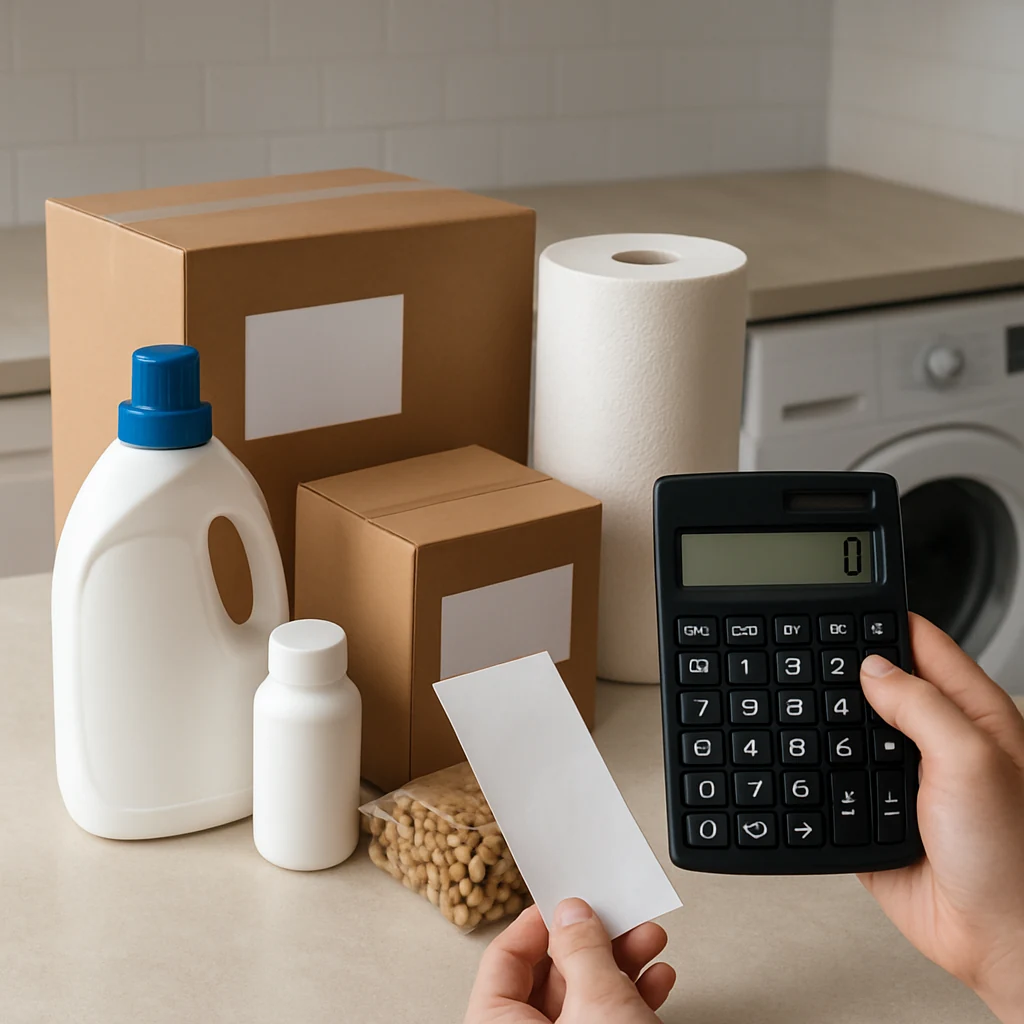
Subscribe & Save Without Regrets: A Smart Auto-Ship Playbook
Learn how to use Subscribe & Save and auto-ship deals safely: compare unit prices, stack coupons, manage timing, and avoid renewal surprises.
Auto-ship programs (often labeled “Subscribe & Save,” “auto-delivery,” or “subscriptions”) can be one of the easiest ways to lock in lower prices on everyday items. They can also quietly turn into clutter, unwanted charges, or paying more than you meant to.
This mini-guide walks you through a simple, repeatable way to get the savings without the regret—using US shopping realities like sales tax, shipping thresholds, and return windows.
Step 1: Pick the right items (not everything belongs on auto-ship)
Start by choosing products that are boring, predictable, and truly recurring. Auto-ship works best when your usage is steady and the product is unlikely to change dramatically.
Good candidates tend to be household staples: paper goods, detergent, pet supplies, toiletries, coffee pods, vitamins, and pantry basics you buy year-round.
Be cautious with items that are easy to overstock (snacks), sensitive to price swings (electronics accessories), or highly seasonal (holiday flavors). It’s also smart to avoid “trying something new” through subscription unless you’re confident you’ll keep it.
A practical rule: if you wouldn’t happily buy two months’ worth today, don’t subscribe to it yet.
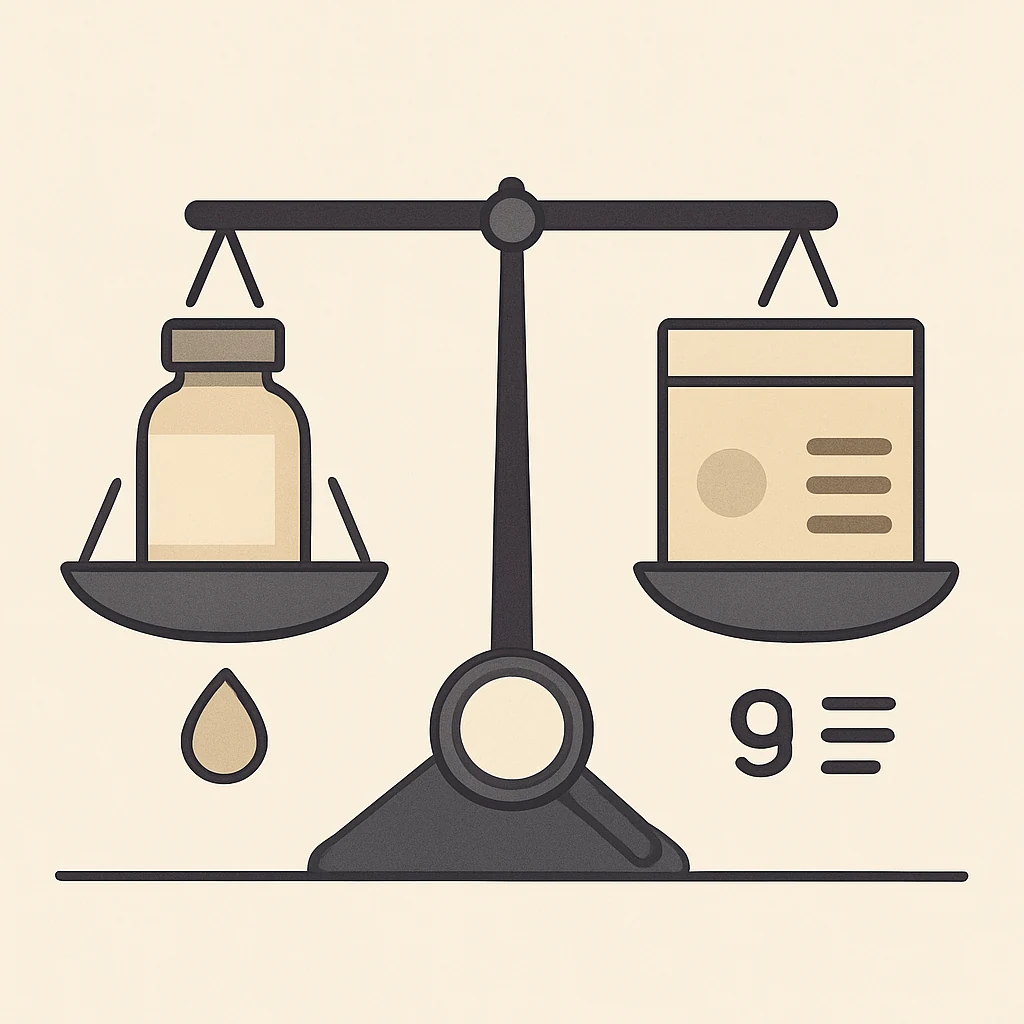
Step 2: Compare the unit price, not the headline price
Auto-ship pages are great at showing a “per order” price. What matters is cost per ounce, per count, or per load.
Before you subscribe, check:
- The unit price shown on the product page (if available)
- The size/quantity (multi-packs can be sneaky)
- Comparable listings (same brand, same size) from other sellers
This is also where shipping and sales tax matter. A “deal” can flip once you add sales tax in your state, or if a non-subscriber order qualifies for free shipping but the subscription doesn’t (or vice versa). Always look at the final checkout total.
If you want a quick way to sanity-check: compare the subscription unit price against a big-box baseline you know (Target/Walmart/Costco-style pricing). You don’t need perfect math—just a reality check.
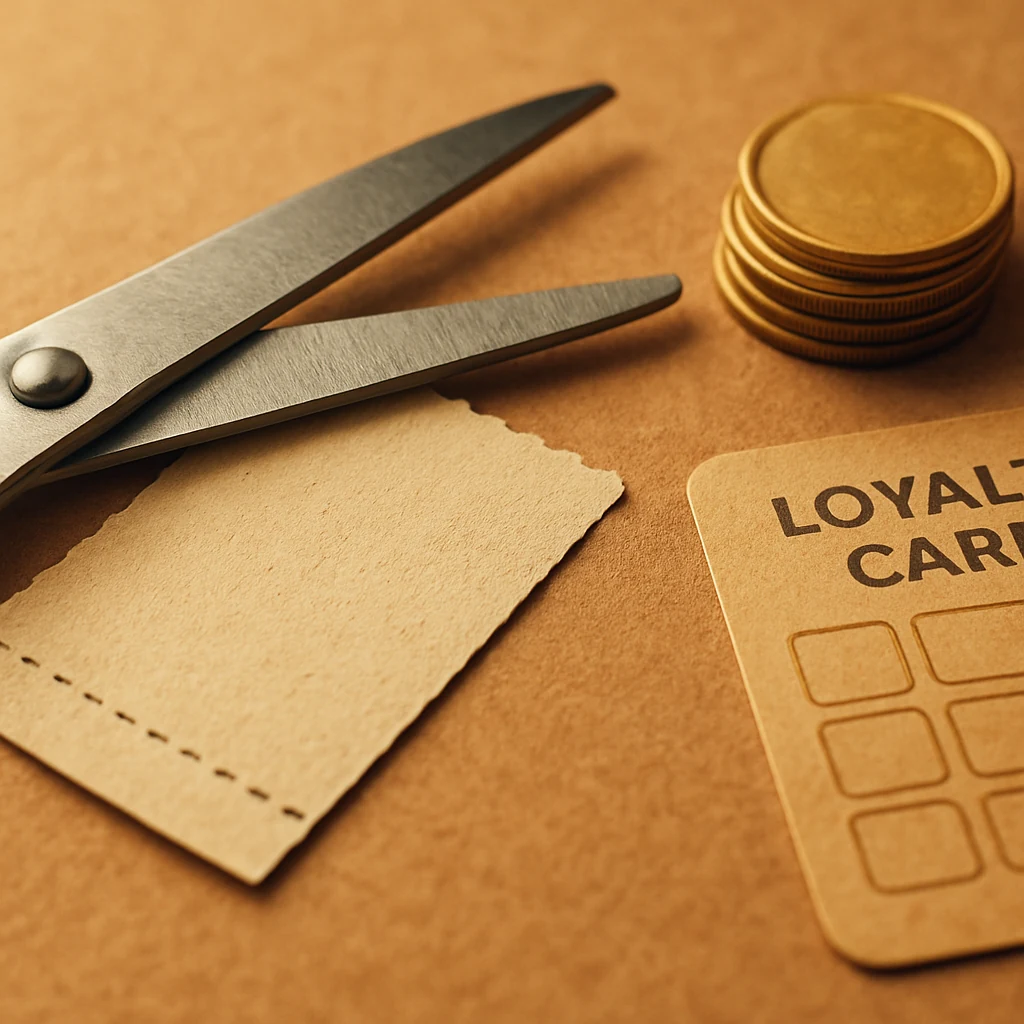
Step 3: Treat the first shipment as a separate deal (because it usually is)
Many subscription programs front-load the discount on the first delivery to get you to commit. That can be a legit win—as long as you plan the exit.
Here’s the mindset that keeps you in control:
You’re not “signing up forever.” You’re buying the first order at a discount with the option to continue.
Before you click “Place order,” confirm three things:
3.1 Where to edit or cancel
Find the exact page in your account where subscriptions live. If you can’t locate it in under a minute, that’s a red flag. (Pro tip: bookmark the subscription management page.)
3.2 When the next charge will happen
Most auto-ship setups show an estimated next order date. Put it in your calendar now—especially if you’re subscribing during high-volume sale seasons like Prime Day, back-to-school, Black Friday, or Cyber Monday when delivery timing can shift.
3.3 Whether coupons apply only once
Clippable coupons and promo codes sometimes apply only to the first delivery, or only if your first order ships by a certain date. Assume nothing: scan the coupon terms before you rely on it.
Step 4: Stack savings the “quiet” way (without breaking terms)
You don’t need a chaotic stack to get a solid price. Usually, the safest stack is:
- Subscription discount (built into the program)
- A clippable coupon on the product page (if offered)
- A low-friction rewards layer (cash back or points) that doesn’t interfere with checkout
A few caution notes that save headaches:
- Some coupon codes won’t apply to subscription items, even if they apply to one-time purchases.
- Mixing subscriptions and regular items in the same order can change shipping eligibility.
- Cash back portals may exclude subscriptions or only reward the first order.
If you’re experimenting, take a screenshot of your checkout total before placing the order. That way, if something posts differently, you have a reference.
Step 5: Use “delivery control” to prevent overbuying
The easiest way to lose money with auto-ship is not price—it’s volume. A good deal becomes a bad deal when you’re donating unopened boxes to your future self.
Most programs let you adjust frequency, skip a shipment, or change the next date. Build a quick habit:
The 60-second monthly check
Once a month (or before the next scheduled shipment), open your subscription list and ask:
- Do I still need this before the next delivery?
- Can I push the date out?
- Is the price still competitive?
If the program allows it, set longer intervals by default (every 2–3 months) and pull deliveries forward only when you’re running low. That keeps you from accidentally turning your garage into a mini warehouse.
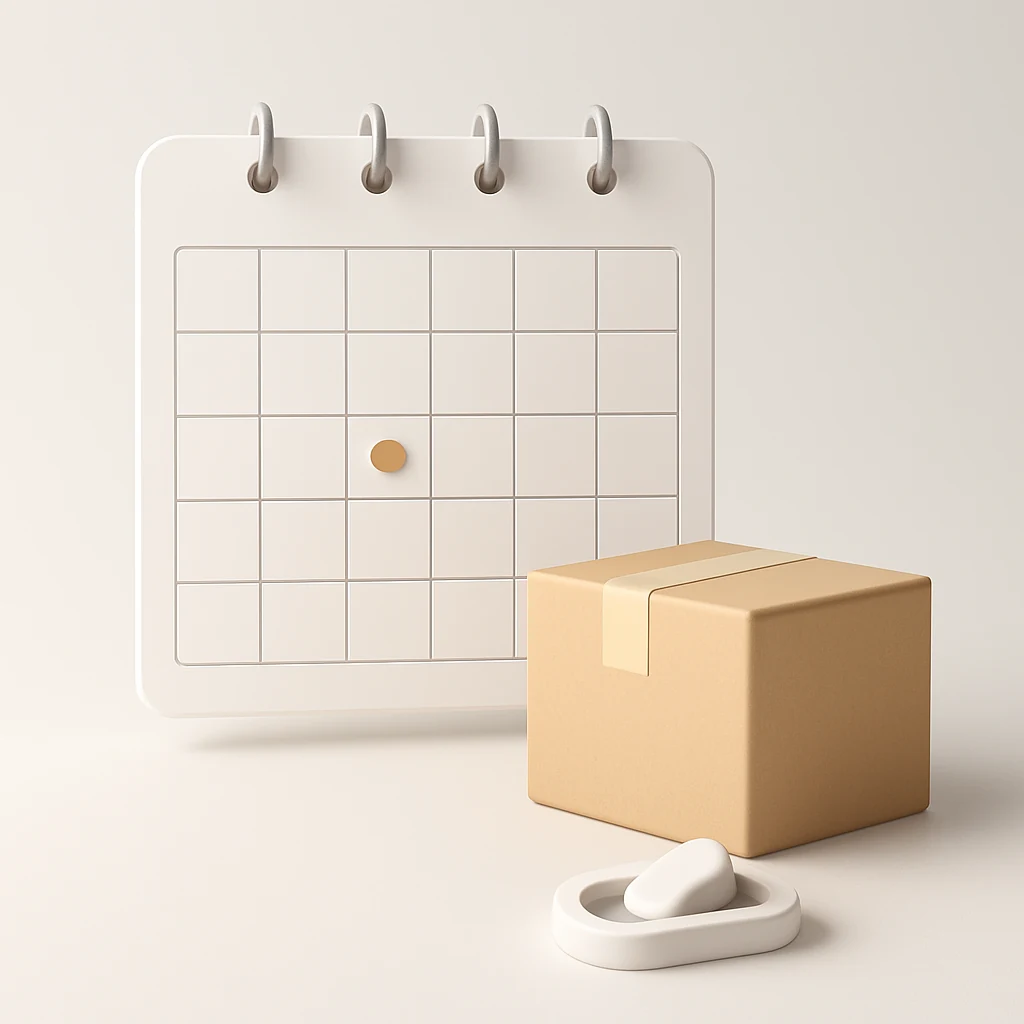
Step 6: Re-check price right before it ships
Subscription pricing can change. Sometimes it drops (nice). Sometimes it jumps (not nice). You want to catch the jump before you’re charged.
A simple way to do this without obsessing:
- Check the price when you subscribe
- Check again the day before it’s scheduled to process
If the price has climbed, you have options:
- Skip that shipment
- Cancel and re-buy as a one-time purchase elsewhere
- Switch to a different size/brand with a better unit price
This also matters during US seasonal sale cycles. You might subscribe in early summer, then see better one-time pricing around:
- Memorial Day sales
- Fourth of July promotions
- Labor Day deals
- Holiday season (Black Friday/Cyber Monday)
Auto-ship is great for consistency. Big sale events are great for stocking up. Use each for what it’s best at.
Step 7: Know the return and refund reality for subscriptions
Returns on consumables can be limited. Even when returns are allowed, shipping and timing can complicate things.
Before your first subscription order, check:
- Whether the item is returnable (some personal care and grocery items aren’t)
- The return window (days vary by retailer)
- Whether you’ll get a refund to your original payment method or store credit
Also keep an eye on “Final sale” or “non-returnable” labels during clearance events. Subscription + final sale is a combo that can lock you into a mistake.
If you’re unsure, start with one unit (or the smallest size) for the first delivery.
Quick tips (the ones that prevent 90% of auto-ship regret)
- Put the next shipment date on your calendar the moment you subscribe.
- Subscribe for the first-order price—then decide if it’s worth keeping.
- Default to longer delivery intervals and pull forward only when needed.
- If a subscription price jumps, skip first and reassess later.
- Don’t ignore sales tax and shipping when comparing “deals.”

A simple routine you can reuse every time
If you want a no-drama system, use this repeatable flow:
- Subscribe only to true staples you already like.
- Compare unit price + sales tax + shipping at checkout.
- Take the first delivery deal, then calendar the next charge.
- Do a monthly 60-second audit: keep, skip, reschedule, or cancel.
Over time, this becomes a set-it-and-still-control-it approach—exactly what auto-ship should be.
FAQ
Is Subscribe & Save always cheaper than buying one-time?
No. It’s often cheaper, but not consistently. One-time prices can beat subscriptions during big sale events, limited-time promos, or when a competing retailer runs a better deal.
Can I cancel right after the first order?
Usually, yes—but policies vary by retailer. The safest approach is to subscribe with the expectation that you might cancel, and confirm the cancellation/edit steps before ordering.
Why did my subscription total change from what I saw?
Common reasons include sales tax differences, shipping changes, coupon limits (first delivery only), or price updates before shipment. Screenshotting your checkout total helps you verify what you expected.
Are subscriptions eligible for cash back?
Sometimes. Some cash back programs exclude subscriptions entirely or only count the first order. Always read the terms on the cash back side—not just the retailer side.
What’s the best time of year to start subscriptions?
Anytime you’re already buying staples, but it’s especially useful after major sale events when you’ve tested a product and know you’ll keep using it. During peak seasons (Prime Day and the holiday rush), be extra careful with delivery dates and stock status.
Do this next
Pick one staple you already buy every month, set it up on auto-ship with a long interval, and add a calendar reminder for the next shipment date. If the price stays good, you keep it. If it doesn’t, you cancel—no guilt, just smart shopping.
For more deal-hunting strategies that don’t turn into chaos, start at the homepage: /
You may also be interested

Cash Back or Coupon? Keep Your Online Savings From Disappearing
Learn when to use coupons, cash-back portals, or card offers—and how to avoid tracking mistakes before Black Friday and Cyber Monday.

Open-Box and Refurbished Deals: A Smarter Way to Shop Holiday Sales
Learn how to vet open-box and refurbished deals before Black Friday, from condition and warranties to battery health, seller quality, and gift readiness.

Discounted Gift Cards: 6 Mistakes That Can Erase Your Savings
Buying discounted gift cards for holiday shopping? Avoid balance problems, refund traps, and bonus-card restrictions before locking up your money.