


7 Price-Alert Mistakes That Make You Miss Better Online Deals
Use price alerts, wishlists, and app notifications the smart way. Avoid common mistakes that cost you real savings on US online shopping.
Price alerts and “notify me” buttons should make online shopping cheaper. In practice, a lot of shoppers end up with noisy notifications, weak discounts, and impulse buys that cancel out the savings.
This guide is about the common price-alert mistakes that quietly cost you money—plus what to do instead in a way that fits how US retailers actually run promos (sales tax, shipping thresholds, return windows, and seasonal events like Memorial Day, Prime Day-style summer sales, and Black Friday/Cyber Monday).
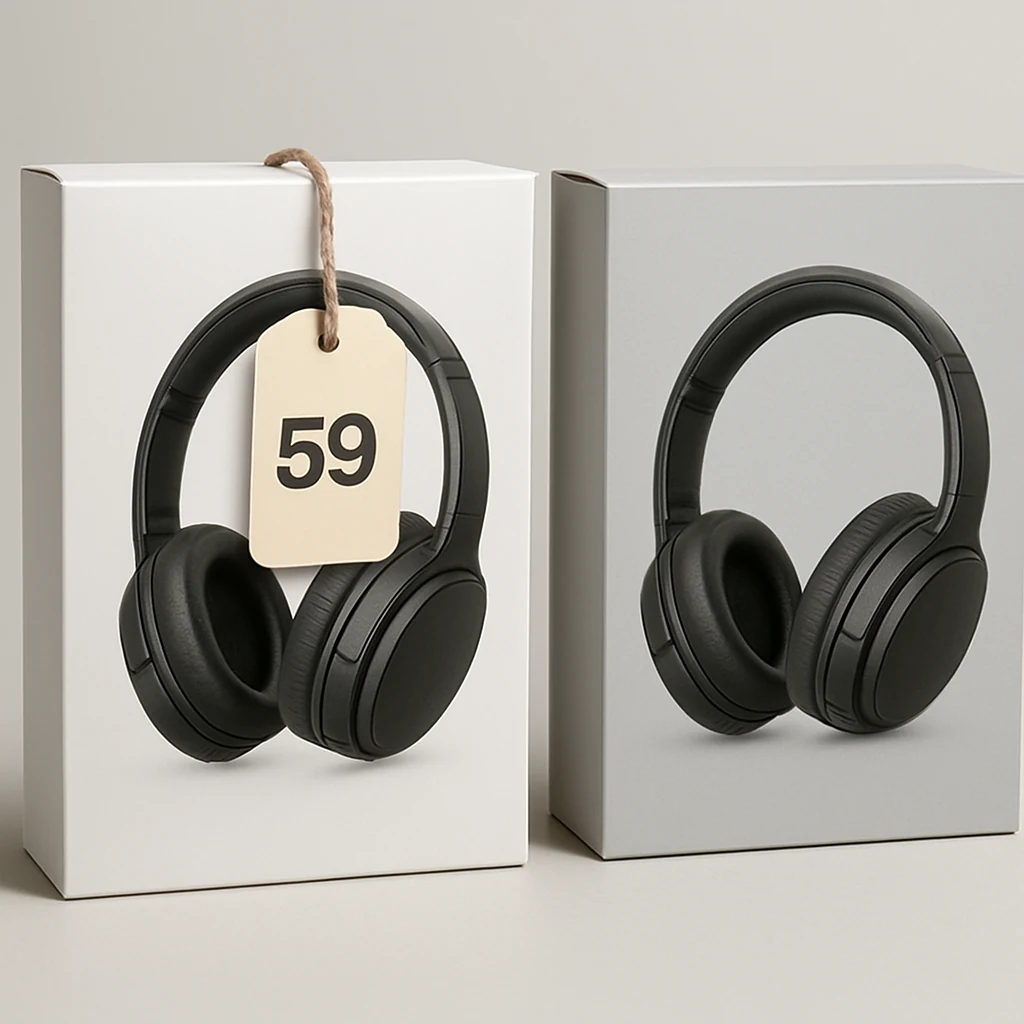
Mistake #1: Setting alerts on the wrong version of the item
A price alert is only as good as the exact product page it’s watching. This sounds obvious, but it’s one of the biggest reasons alerts “don’t work.”
Common ways this happens:
- You set an alert on one size/color, but buy another (prices vary by variant).
- You alert the marketplace listing, not the specific seller (especially on big marketplaces where sellers change).
- You track a bundle when you really want the standalone item (bundle pricing doesn’t move the same way).
Do this instead: Before you set the alert, open the exact item you’d actually buy and double-check the variant, seller, and fulfillment method. If the site offers a “watch this specific size/color” option, use it.
If you’re comparing a few options, create a simple “finalists” list: two or three near-identical items you’d genuinely be happy with. Alerts work better when you give yourself alternatives.
Mistake #2: Treating the alert price as the final price
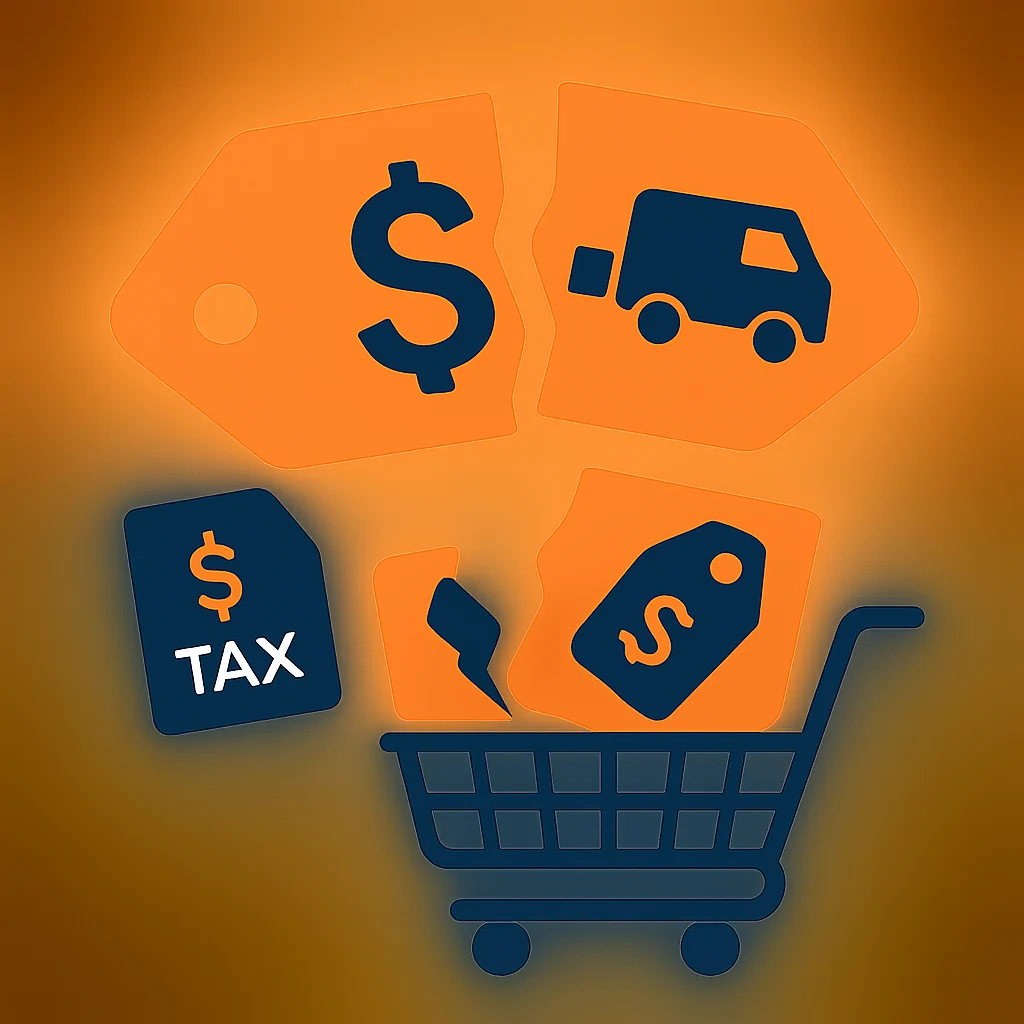
A price alert usually tracks the listed price—not your real out-the-door cost. In the US, that gap can be significant once you include:
- Sales tax (varies by state and sometimes city)
- Shipping (or the spend threshold to get free shipping)
- Fees (marketplace or handling fees on some sites)
That’s how people “save” $10 on the item price and still pay more overall.
Do this instead: Use a quick total-cost habit: when an alert hits, add the item to cart and estimate your real total with shipping + sales tax before you celebrate.
A practical trick: if free shipping starts at a certain spend, don’t immediately toss random add-ons into your cart. Save a small list of “useful fillers” you already need (household basics, replacement filters, charging cables) so you don’t pad your order with stuff you wouldn’t buy otherwise.
Mistake #3: Using too many alerts (and training yourself to ignore them)
If your phone is lighting up all day, your brain starts treating every “deal” as background noise. Then when a genuinely good drop happens—maybe a limited-time promo right before a long weekend—you miss it.
Do this instead: Set fewer, higher-quality alerts.
Pick one of these approaches:
- High intent alerts: only for items you’re ready to buy within the next 7–14 days.
- Seasonal alerts: for known big-ticket categories you plan around (TVs around Black Friday, appliances around Memorial Day/Labor Day, laptops during back-to-school season).
If an item is “nice to have someday,” it doesn’t deserve a real-time notification. Put it on a wishlist without notifications, and review it once a month.
Mistake #4: Ignoring retailer apps (or trusting them blindly)
In the US, retailers often split promos between:
- Website-only codes
- App-only pricing
- Email/SMS subscriber offers
Some shoppers skip apps entirely and miss app-only deals. Others do the opposite: they assume the app price is automatically best.
Do this instead: When an alert hits on one channel, do a quick cross-check on the other.
Example workflow that stays realistic:
- Open the item in your browser.
- Check the retailer app for the same item.
- Compare shipping and return info in both places.
You’re not trying to become a full-time comparison engine. You’re just confirming you’re not leaving an obvious discount on the table.
Mistake #5: Not watching the right calendar for your category
A lot of deal advice is overly generic: “Wait for Black Friday.” That can be good—unless your category typically sees better promos at a different time, or you actually need the item before then.
Do this instead: Match your alerts to seasonal patterns and your real deadline.
A few US shopping-season hooks to use strategically (without assuming any guaranteed discount):
- Presidents’ Day (February): often decent for winter clearance and home categories.
- Memorial Day (late May): common promo period for mattresses, appliances, patio/outdoor.
- Back-to-school (mid-summer into early fall): laptops, backpacks, office chairs, dorm essentials.
- Labor Day (early September): another big home and appliance promo window.
- Black Friday/Cyber Monday: broad discounts, but also a lot of “meh” promos and fast-moving inventory.
- Post-holiday clearance (late December into January): when you can sometimes find strong markdowns if you’re flexible.
Set alerts with your timeline in mind. If you need a new router this week, waiting for a hypothetical mega-sale isn’t a savings strategy—it’s just frustration.
Mistake #6: Forgetting that “price drop” isn’t the same as “good return terms”
A lower price can be a bad deal if you’re stuck with a tight return window, expensive return shipping, or store credit instead of a refund.
This shows up a lot when:
- A promo comes from a third-party marketplace seller with different return rules.
- You buy during a flash sale and later realize returns are final or time-limited.
- You’re shopping apparel/shoes where fit is uncertain.
Do this instead: Build a 30-second return check into your alert routine.
Before you buy, verify:
- Is it free returns or paid return shipping?
- Is the return window reasonable for your situation?
- Refund method: original payment vs store credit.
You don’t need to read every line of policy. You just need to spot the “gotchas” that can turn a discount into a headache.

Mistake #7: Letting alerts push you into “deal-driven” buying
This is the sneakiest one: you weren’t shopping… until the alert arrived. Suddenly you’re buying because the number went down, not because you need the thing.
Do this instead: Use a simple “value anchor” before you set the alert.
Write down (in a note app, or right in your wishlist name) one sentence:
- “I’m buying this when it hits $___ or when I need it by ___.”
No fancy spreadsheets. Just a clear rule that prevents impulse buys.
If you can’t set a realistic target without guessing, set a “review alert” instead of a “buy alert.” In other words: “If it drops, I’ll re-check total cost, shipping, and returns”—not “I must buy now.”
Quick tips (small tweaks that actually help)
- If a retailer offers price-drop notifications on saved carts, use that only for items you’re close to buying; otherwise it becomes noise.
- Keep one “shipping threshold” wishlist: inexpensive essentials that won’t feel like junk add-ons.
- When your alert hits, take 20 seconds to check if a coupon field exists at checkout (even if you don’t have a code yet).
- If you’re shopping a gift, set your alert earlier than you think so you’re not forced into pricey expedited shipping.
Putting it all together: a simple “alert-to-checkout” routine
When an alert pops up, run this quick sequence:
- Confirm it’s the exact variant and seller you want.
- Add to cart and check the real total (sales tax + shipping).
- Scan return terms (especially if it’s a marketplace seller).
- Cross-check app vs website pricing if relevant.
- Buy only if it matches your target rule or deadline.
That’s it. You’re using alerts as a tool—not letting them use you.
If you want to build a smarter baseline for your deal-hunting habits, start at the homepage and work from there: /
One actionable move to do today
Pick one item you genuinely plan to buy soon, delete every other non-urgent alert, and set two alerts for that item: one for the exact product page and one for a close alternative. You’ll get fewer notifications—and better odds that the next one is a deal you can actually use.
You may also be interested

Cash Back or Coupon? Keep Your Online Savings From Disappearing
Learn when to use coupons, cash-back portals, or card offers—and how to avoid tracking mistakes before Black Friday and Cyber Monday.

Open-Box and Refurbished Deals: A Smarter Way to Shop Holiday Sales
Learn how to vet open-box and refurbished deals before Black Friday, from condition and warranties to battery health, seller quality, and gift readiness.

Discounted Gift Cards: 6 Mistakes That Can Erase Your Savings
Buying discounted gift cards for holiday shopping? Avoid balance problems, refund traps, and bonus-card restrictions before locking up your money.