


9 Online Deal Mistakes That Quietly Cost You Money at Checkout
Avoid common online shopping mistakes—tax, shipping, add-ons, and coupon traps—so your “deal” stays a real deal in USD.
A “good price” can turn into an expensive checkout fast—once shipping, sales tax, add-ons, and fine print show up. If you shop online in the US, the easiest money to save is often the money you almost spend by accident.
Below are the most common deal mistakes I see (and have made), plus the quick fixes that keep your final total closer to what you expected.
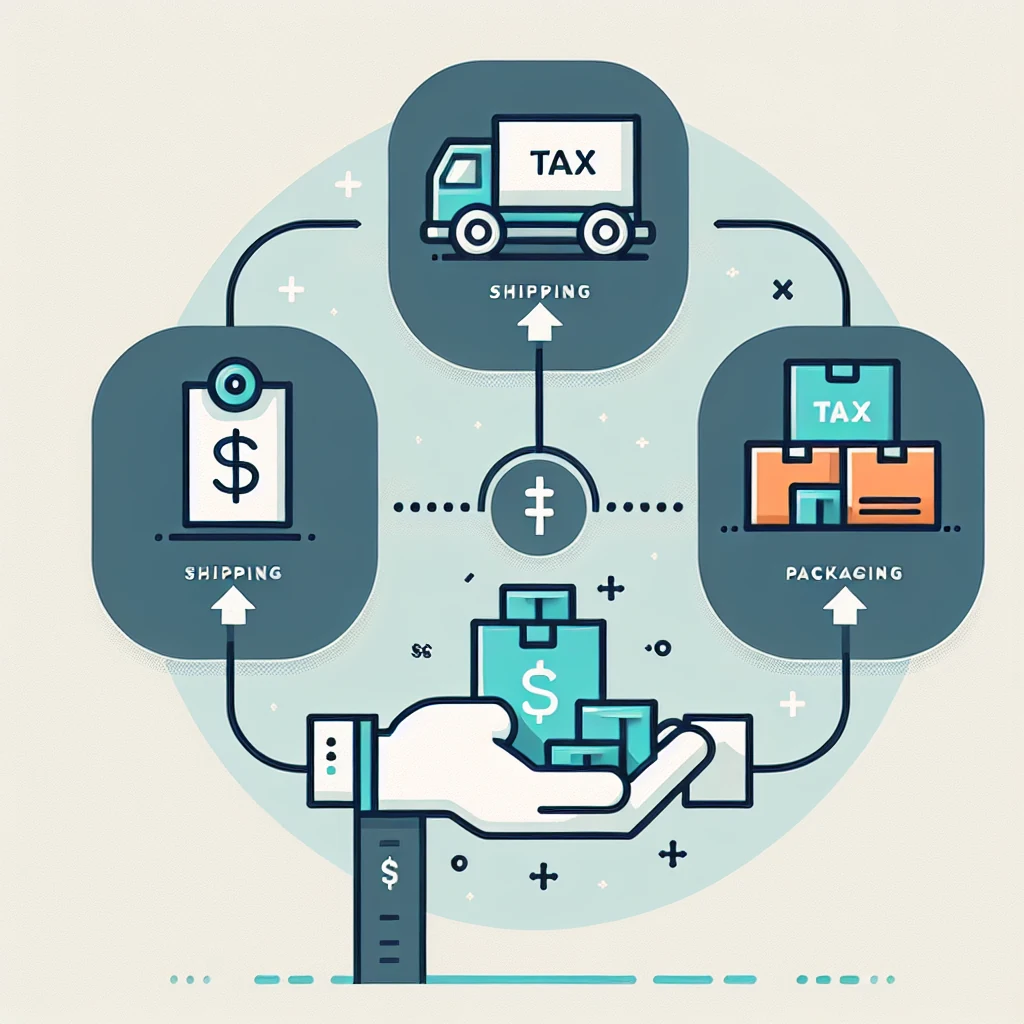
Mistake #1: Celebrating the product price and ignoring the landed cost
A $29.99 item isn’t $29.99 if it becomes $41 at checkout. The real number is the total you pay: item price + shipping + sales tax (and sometimes handling fees).
How to avoid it: do a “landed cost check” before you get emotionally attached. Open the cart, enter your ZIP code (or log in so tax/shipping calculate), and compare that total across stores. Some retailers look cheaper on the product page but lose once shipping kicks in.
If you’re comparing options, this is also where comparing “delivery speed” matters. Paying extra for faster shipping can erase the discount—especially outside big sale windows like Prime Day or Black Friday/Cyber Monday when shipping promos are more common.
Mistake #2: Letting “free shipping over $X” push you into buying extra
Retailers love thresholds because they turn a $35 purchase into a $60 purchase. You feel like you “earned” free shipping, but the extra items weren’t in your plan.
How to avoid it: treat the shipping threshold like a question, not a goal. Ask: “Would I still buy this add-on next week at full price?” If not, don’t use it to chase free shipping.
A smarter move is to check whether the store offers another path to free shipping—store pickup, a first-order perk, or a membership you already pay for. (If you’re unsure which memberships and perks you have, it may be worth a quick review from the homepage of your usual retailers—or start from our site root and build your personal deal workflow from there: Ofertas.)
Mistake #3: Stacking discounts the risky way (and getting your order canceled)
Some shoppers try to combine promo codes, cashback, gift cards, and “new customer” offers in ways the retailer doesn’t allow. The result can be a voided promo, delayed shipping, or a cancellation that wastes time when inventory is limited.
How to avoid it: pick a stacking order that follows normal checkout logic and the store’s terms. If a site clearly says “one promo code per order,” assume it means exactly that. If you’re not sure, do a quick test in a separate cart window before you finalize.
Also, be careful with codes from random coupon sites that require installing a sketchy browser extension. Saving a few dollars isn’t worth handing over your shopping data.
Mistake #4: Missing the better discount because you didn’t try two paths
Sometimes the best savings isn’t a coupon at all. Other times the coupon beats a sale price. It depends on how the retailer structures promotions.
How to avoid it: run two quick comparisons before you pay:
- Path A: sale price (no code)
- Path B: regular price + promo code
- Path C (if available): “subscribe & save” or email sign-up discount (only if you’re comfortable canceling)
- Path D: cashback activated (browser portal or app) with no promo code, if codes void cashback
You don’t need to do this on every $12 order, but it’s worth it on bigger carts—especially during seasonal events like back-to-school, Memorial Day, Labor Day, and the holidays when promo rules can change day to day.

Mistake #5: Forgetting that “subscribe” discounts can become a recurring bill
“Subscribe & Save” can be legitimate savings—until you forget it’s on. The discount is great for household staples. It’s not great for a one-time gadget accessory you’ll never need again.
How to avoid it: if you use subscription pricing, set a reminder right after the order confirms. Then, log into your account later and either:
- adjust the frequency to something realistic, or
- cancel after the first shipment if the terms allow
Keep it clean: don’t rely on memory. Your inbox is not a calendar.
Mistake #6: Adding warranties, protection plans, and “extras” automatically
At checkout, the most profitable items are often the ones you didn’t come for: protection plans, extended warranties, setup services, premium support, and replacement coverage.
How to avoid it: pause when you see these upsells and ask two questions:
- Does my credit card already extend warranty or offer purchase protection?
- Is the item inexpensive enough that I’d rather self-insure (save the warranty cost and accept the risk)?
There are cases where coverage makes sense—especially for higher-priced electronics—but don’t let the checkout flow “default you” into it.
Mistake #7: Assuming your return will be free (or even possible)
A deal can be a trap if returns are costly or restricted. Some categories and sellers have tighter rules, and return shipping can erase your savings.
How to avoid it: check the return policy before you buy, especially for:
- third-party marketplace sellers
- final sale/clearance items
- large or heavy shipments (return shipping can be pricey)
Also watch the return window during the holidays. Many US retailers extend return deadlines for gift season, but not always for every item or seller. If you’re buying early for holiday gifting, confirm the exact return cutoff in your order confirmation or account.

Mistake #8: Buying into “limited-time” pressure without checking price history signals
“Only a few left” and countdown timers are designed to rush you. Sometimes it’s real. Sometimes it’s just the page layout doing its job.
How to avoid it: take 60 seconds to sanity-check the deal. Even without fancy tools, you can:
- search the same item name and model number on one or two competing retailers
- check whether the current price looks like a normal sale (not just “was $199, now $99” with no context)
- scan recent reviews to see if there are complaints about sudden price changes or bait-and-switch listings
You don’t need perfect data. You just need enough confidence that you’re not buying the marketing.
Mistake #9: Paying the “convenience premium” because you didn’t set guardrails
The most consistent savings strategy isn’t chasing the perfect coupon—it’s avoiding the easy overpays: expedited shipping by default, impulse add-ons, and buying the first listing you see.
How to avoid it: set simple guardrails that fit how you actually shop. For example:
Use a 10-minute rule for anything over your personal “big purchase” line. Put it in the cart, step away, then come back and re-check the total with fresh eyes.
Or make a habit of re-checking three things right before you click Place Order: shipping speed, return policy, and final total.

A realistic checkout routine (that doesn’t eat your whole day)
You don’t need a complicated system. The goal is to remove the most common leaks:
Open cart → confirm shipping + sales tax → try the best single promo path → decline add-ons → confirm returns.
If you do just that, you’ll avoid most “great deal, bad total” outcomes.
FAQ
Do coupon codes always work with cashback?
Not always. Some cashback portals require you to click through their link and may exclude certain promo codes, gift card payments, or categories. If cashback matters, read the portal’s terms for that store and keep your checkout clean.
Is it worth waiting for Black Friday or Cyber Monday?
Sometimes, but it depends on what you’re buying. Big sale weekends can bring real discounts, but they can also bring fast sellouts and messy price comparisons. If you need an item now, focus on a good landed cost and a solid return policy. If it’s a want-not-need purchase, waiting for major sale seasons can be smart.
How do I avoid fake “deal” listings on marketplaces?
Stick to reputable sellers, verify the model number, and read the return policy carefully (especially for third-party sellers). If something feels off—like unclear brand names or inconsistent photos—move on.
Does buying in-app vs. desktop matter?
It can. Some retailers run app-only promos, while others surface different coupon prompts on desktop. If you’re not seeing a deal you expected, try checking the other platform before you give up.
What’s the simplest way to stop overspending at checkout?
Slow down at the last screen. The final checkout page is where shipping upgrades, warranties, and “recommended add-ons” do the most damage. A quick review can save more than any coupon.
If you want more practical deal strategies (without turning your shopping into a second job), start from Ofertas and build a routine that fits your budget and your calendar.
You may also be interested

Cash Back or Coupon? Keep Your Online Savings From Disappearing
Learn when to use coupons, cash-back portals, or card offers—and how to avoid tracking mistakes before Black Friday and Cyber Monday.

Open-Box and Refurbished Deals: A Smarter Way to Shop Holiday Sales
Learn how to vet open-box and refurbished deals before Black Friday, from condition and warranties to battery health, seller quality, and gift readiness.

Discounted Gift Cards: 6 Mistakes That Can Erase Your Savings
Buying discounted gift cards for holiday shopping? Avoid balance problems, refund traps, and bonus-card restrictions before locking up your money.