

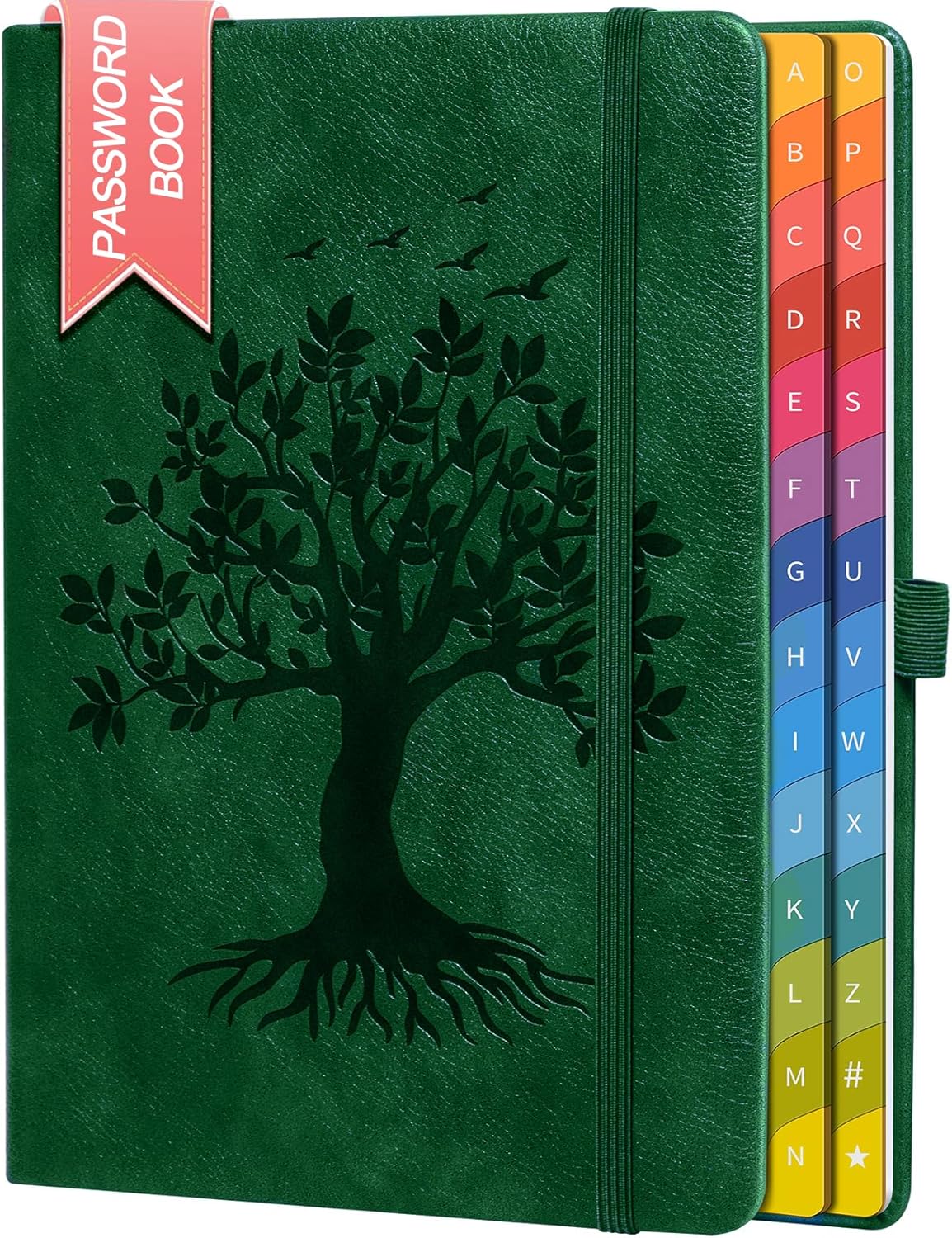
ZXHQ Password Book with Colourful Alphabetical Tabs (Hardcover Password Keeper) – Light LakeBlue
Reviews
Price
Product description
The essentials
If you’re the sort of person who has “a password for everything” and then suddenly can’t find it, a dedicated password book can feel like relief rather than risk. The ZXHQ Password Book with Colourful Alphabetical Tabs is a hardcover organiser designed to keep your internet addresses, logins and related notes in one place, using A–Z tabs to make retrieval quicker.
It’s the kind of product that suits everyday life: accounts for work and personal browsing, router and email setup details, software licences, and the small admin notes that usually end up scattered across messages and sticky notes. Over the paper, it’s trying to reduce the friction of password resets by helping you locate what you wrote down in an organised way.
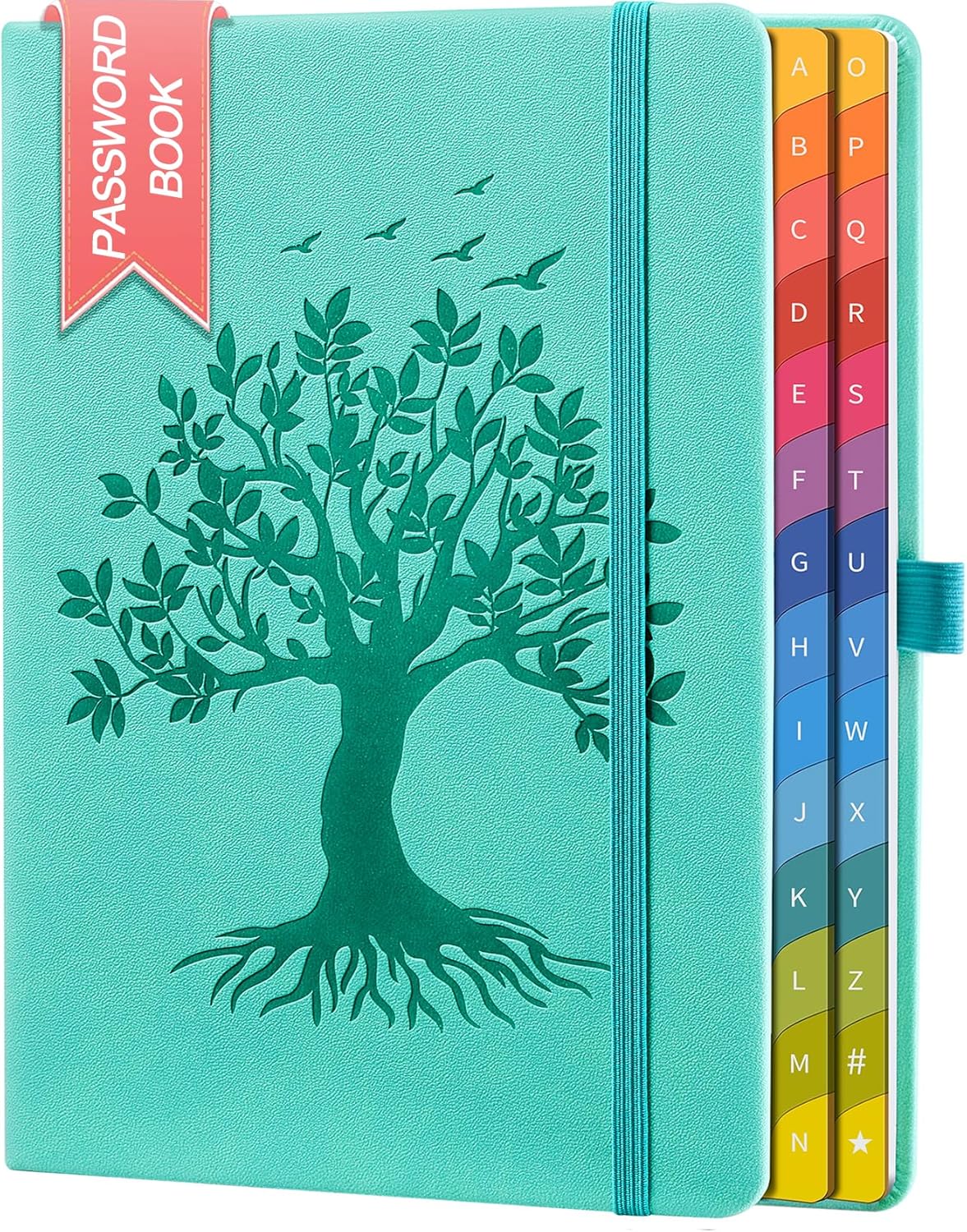
It’s not perfect, though: a book is only as useful as how reliably you keep it safe, and it won’t replace best-practice approaches like password managers if you want stronger security layers. Still, for some people, a physical organiser is simply easier to manage.
Key features that affect day-to-day use
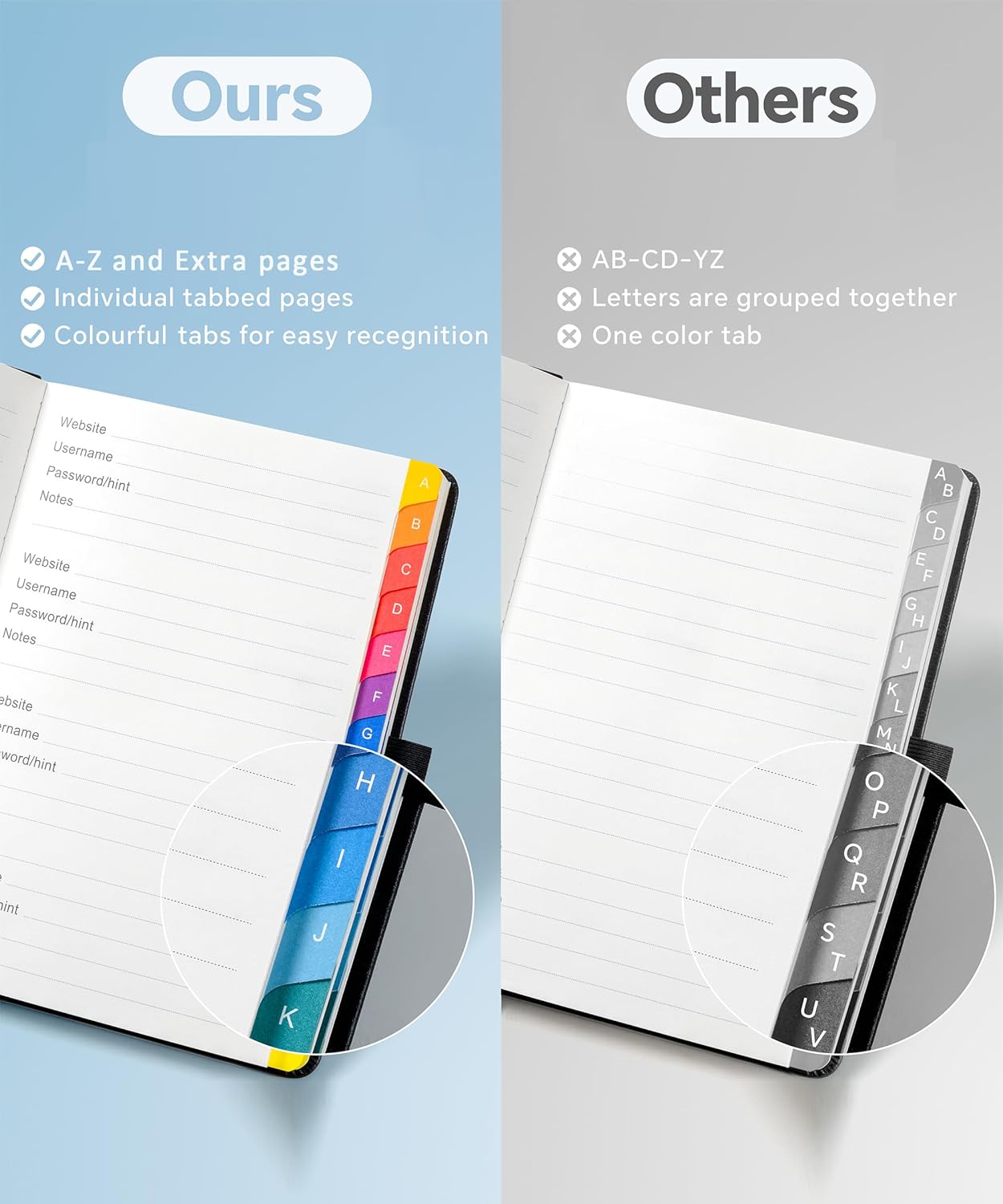
The headline idea here is the alphabetical system. The book uses colourful tabs with clear A to Z printing, so you can flip to the right section fast instead of scanning page after page. That matters when you’re trying to log in quickly, or you’re looking up an account detail you’ve already written down.
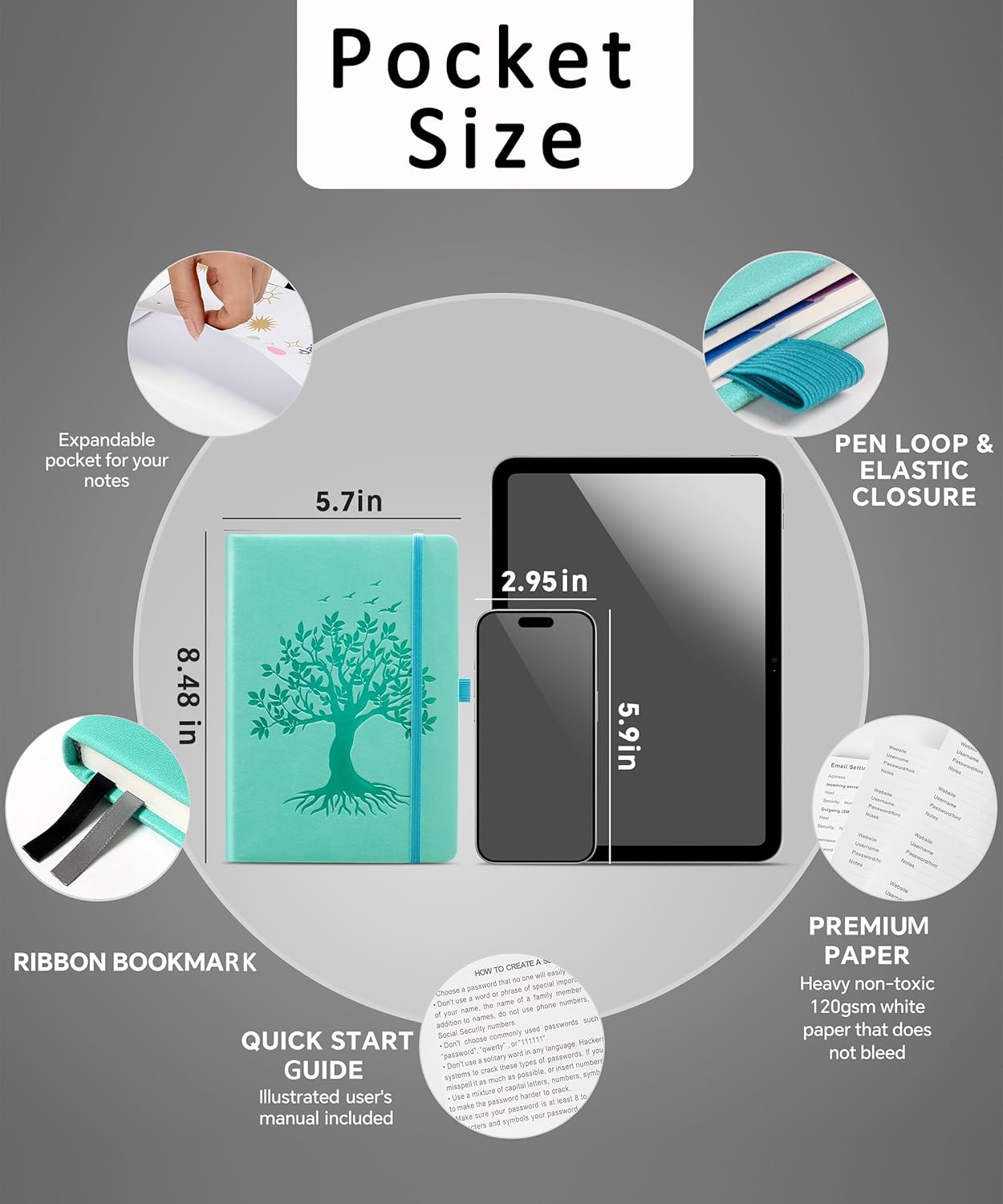
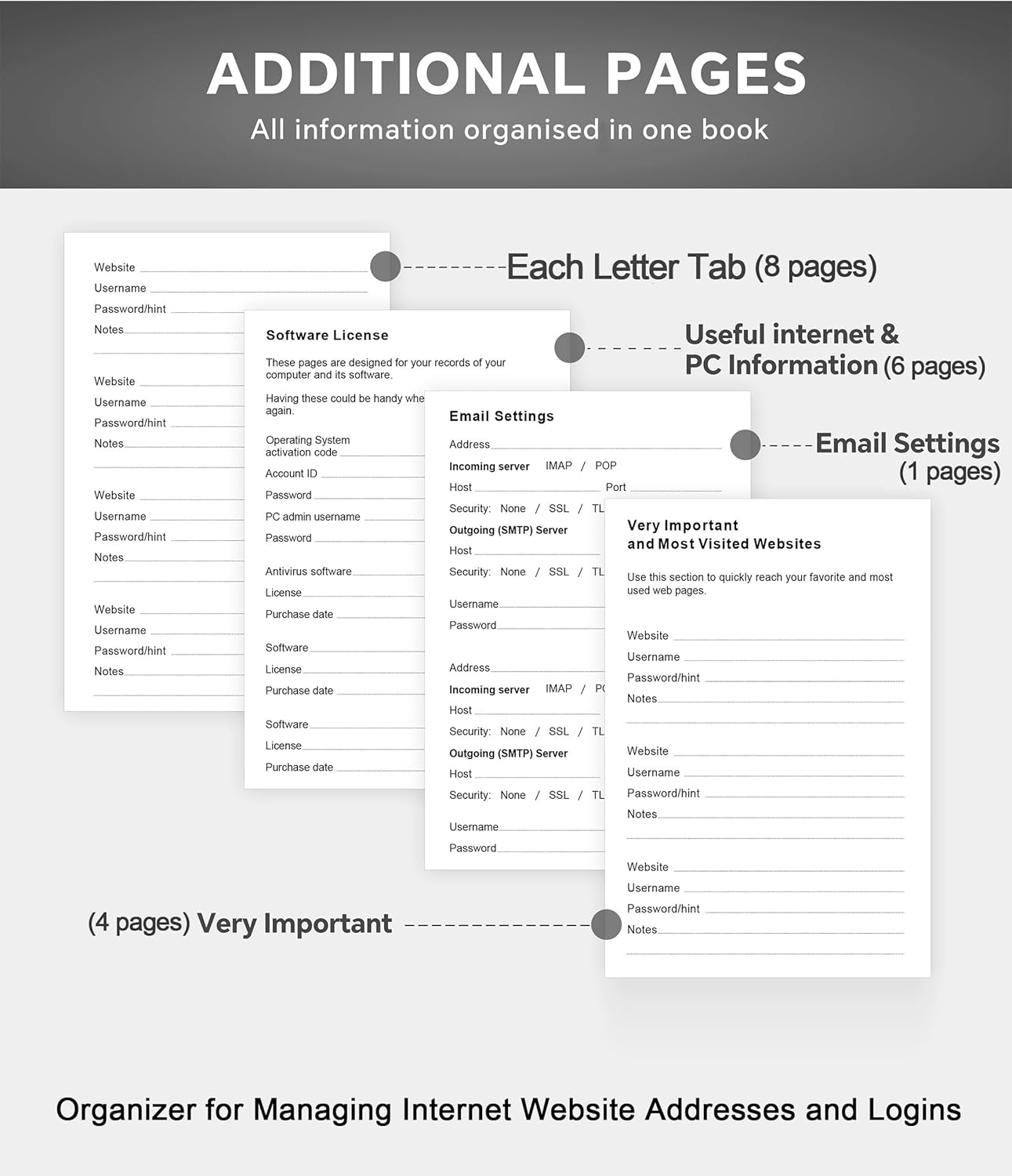
In terms of how much it can hold, the book is specified as having 240 pages of 120 g/m² paper, with capacity described up to 900 passwords. It also includes space for more than just website logins: there’s mention of room for internet service providers, wireless router setup, software licences, email configuration, frequently visited websites and additional notes.
On top of the main writing area, you also get practical extras: 2 ribbon page markers for navigation, a thin internal pocket at the back for storing small items, and an elastic pen holder for convenience. Size is listed as 8.4 x 5.8 inches, and the hardcover construction should help it stand up to regular use at a desk or in a drawer.
Where it shines (and where it can fall short)
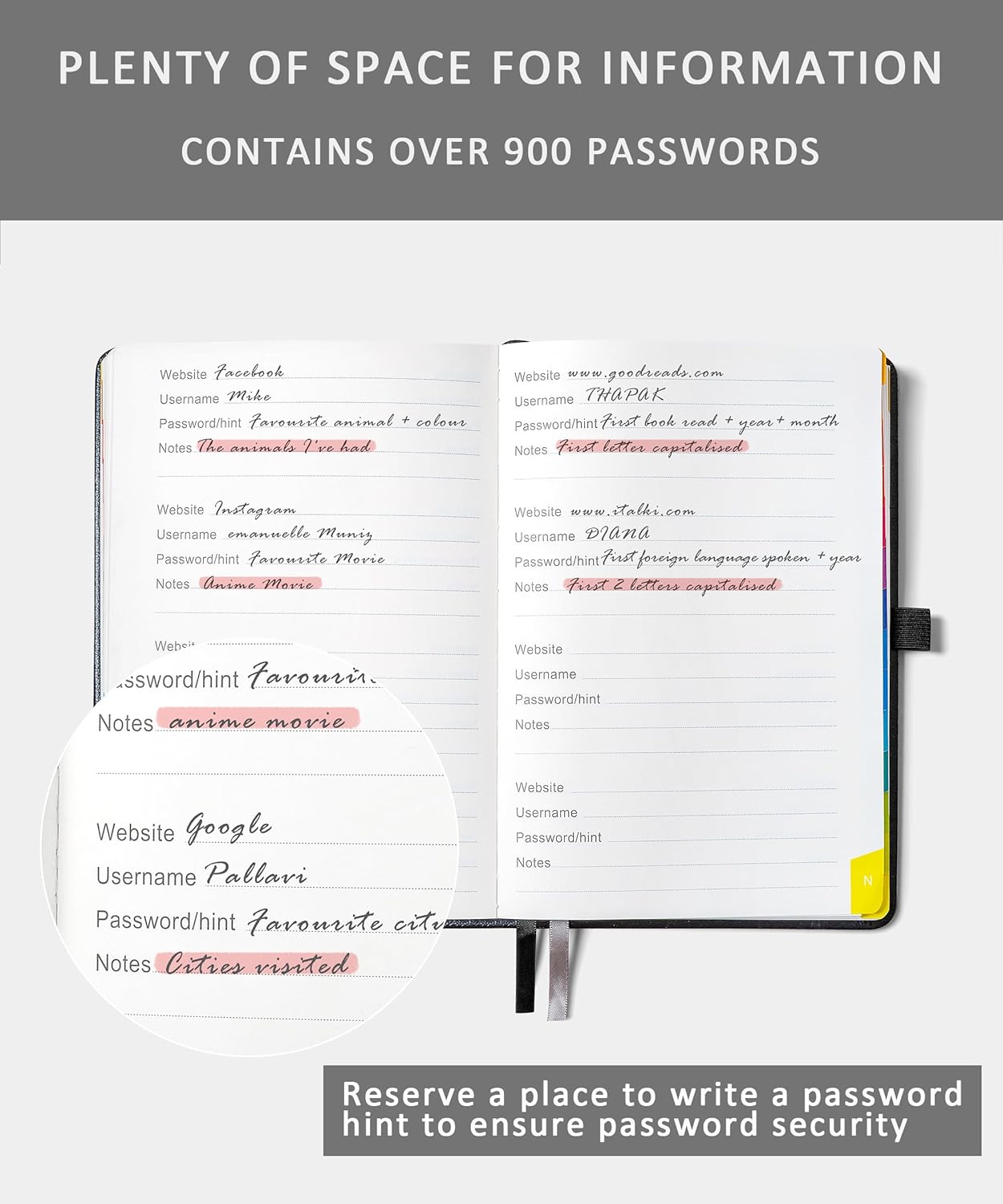
What stands out most is the retrieval experience. If you often need to find a login detail in a hurry, alphabetical tabs reduce the “where did I put it?” problem. In that sense, it’s less about being fancy and more about being usable.
The book also leans into the reality that many of us manage a bundle of accounts and admin tasks, not just one login. Having dedicated space for router and email configuration notes can be genuinely handy after changes, moves, or updates.
That said, it may not suit everyone. If you’re looking for a tool that automatically organises, syncs, and helps secure passwords, this is the wrong direction—it’s a manual system. And if you prefer to keep sensitive info digitally, or you want features like backup and encryption, a password notebook can feel too basic.
Also, it’s worth noting that the product description stresses finding and storing information, it doesn’t provide any detail here about locks, encryption, or tamper protection. If you need those specifics, you’ll want to check what (if anything) is included beyond the basic hardcover and internal storage.
Tech specs
- Type: Password book / password keeper organiser
- Format: Hardcover
- Tabs: Colourful alphabetical tabs (A–Z)
- Pages: 240
- Paper: 120 g/m²
- Capacity (as stated): up to 900 passwords
- Size: 8.4 x 5.8 inches
- Inclusions: 2 ribbon bookmarks, thin internal back pocket, elastic pen holder
Who it’s for (and who should think twice)
It makes sense if you want a straightforward, offline way to organise website addresses, logins and the side-notes that normally get lost. You might find it especially useful if you manage multiple accounts (personal plus work), or you’re the “support person” for family or a small office admin routine.
It may not be a great match if you strongly prioritise digital security controls, password autofill, or you dislike writing sensitive data by hand. It could also be less suitable if you don’t have a reliable place to store it safely, because the usefulness of a physical organiser depends heavily on where it lives when you’re not using it.
Practical tips for getting the most from it
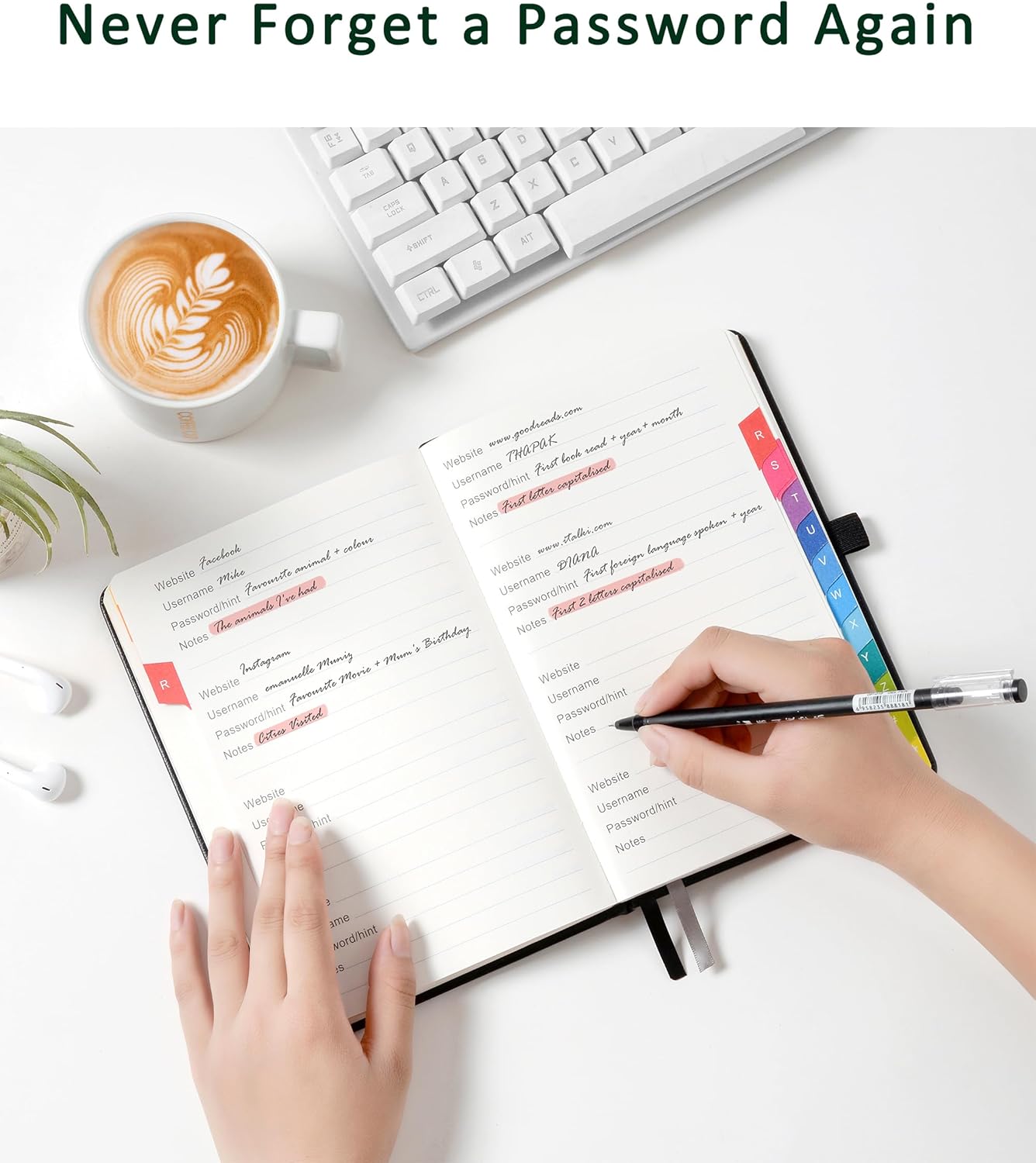
Start by using a consistent naming approach for entries—your tabs help, but you still want your system to be predictable. For example, if you set up a new email account or change router details, add the updated information straight away in the relevant A–Z section. That way, when you need it later, you’re not hunting through older notes.
A simple day-to-day scenario: after you reinstall a laptop or reset an internet connection, you can open the book, go straight to the router or email section, and copy the necessary details into the setup screens. The ribbon markers are there for a reason—if you frequently revisit the same accounts during updates, they’ll save you time.
Is it worth it?
Worth considering if you want an A–Z organised, hardcover password keeper that’s aimed at quick retrieval and storing more than just passwords—logins, internet service provider details, router setup notes, software licences and extra reminders included. It’s very much an “offline organiser for everyday admin” rather than a security platform.
Better avoided if you require explicit security features beyond the physical book, or if you’d rather manage credentials through an app-based system. It can still be a useful purchase for the right household or user, but only if you’re comfortable keeping sensitive information in a notebook and have a dependable place to store it.