

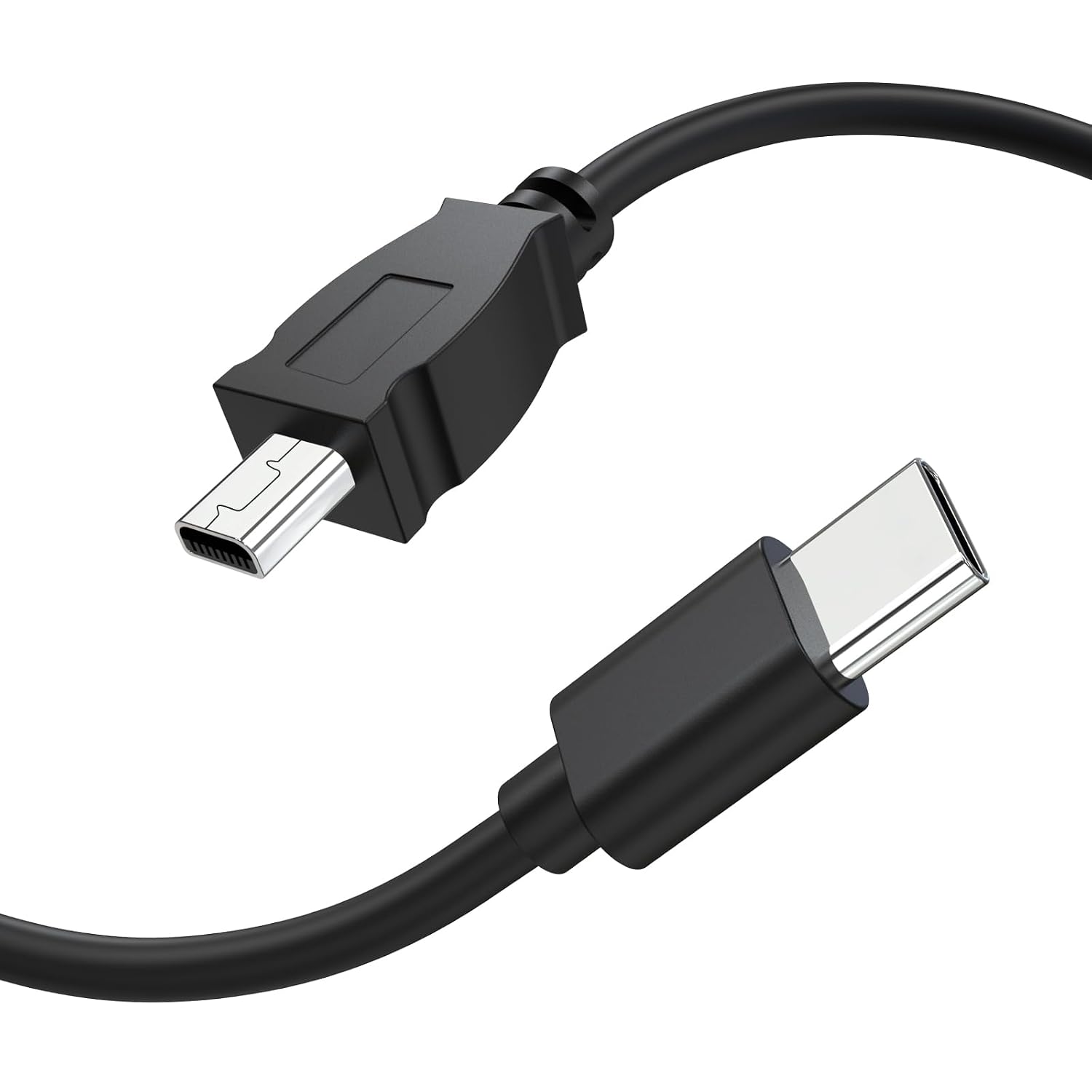
Zosvoses UC-E6 USB C Cable Data Transfer Cable for Nikon Cameras and More
Product description
What this cable is and what it’s for
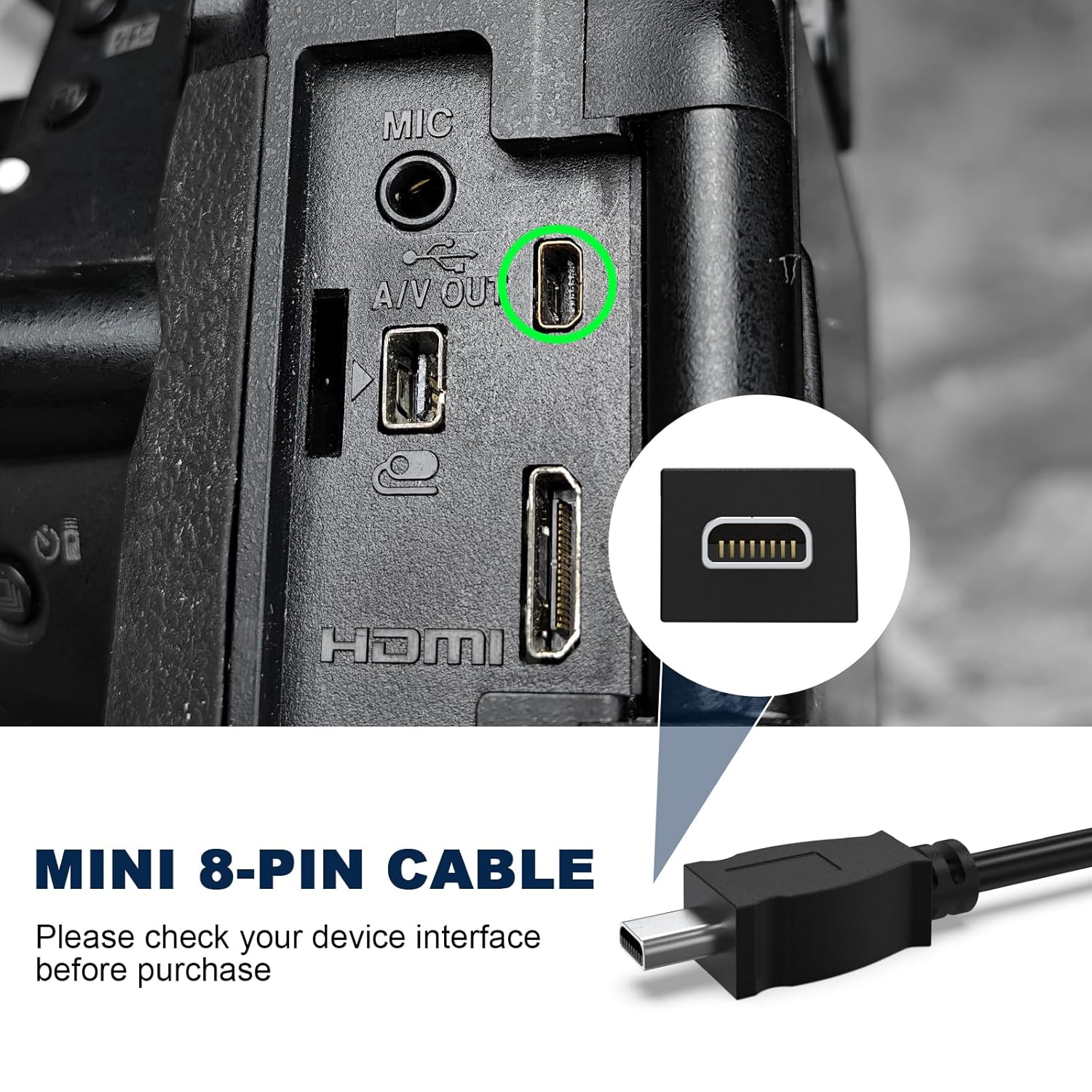
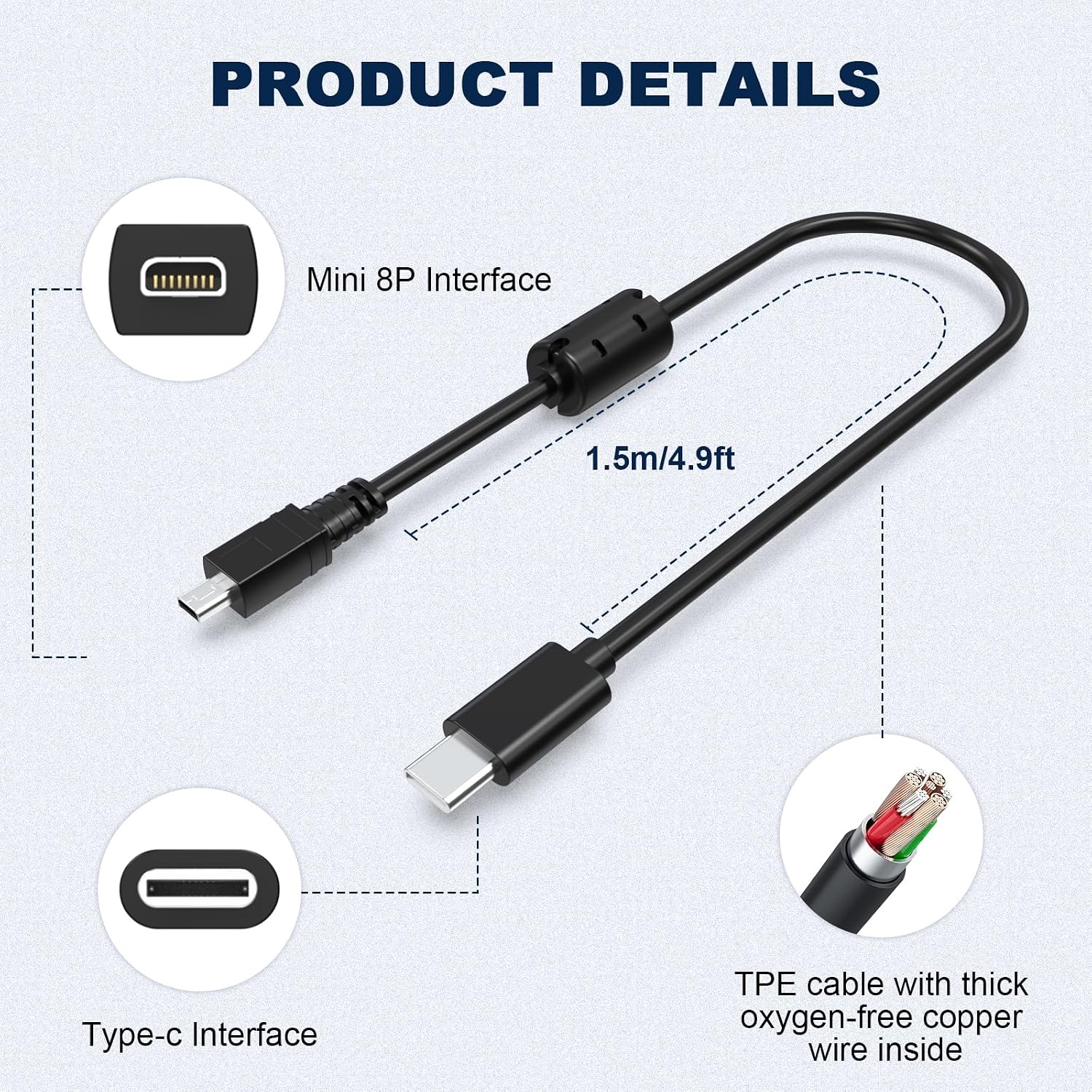
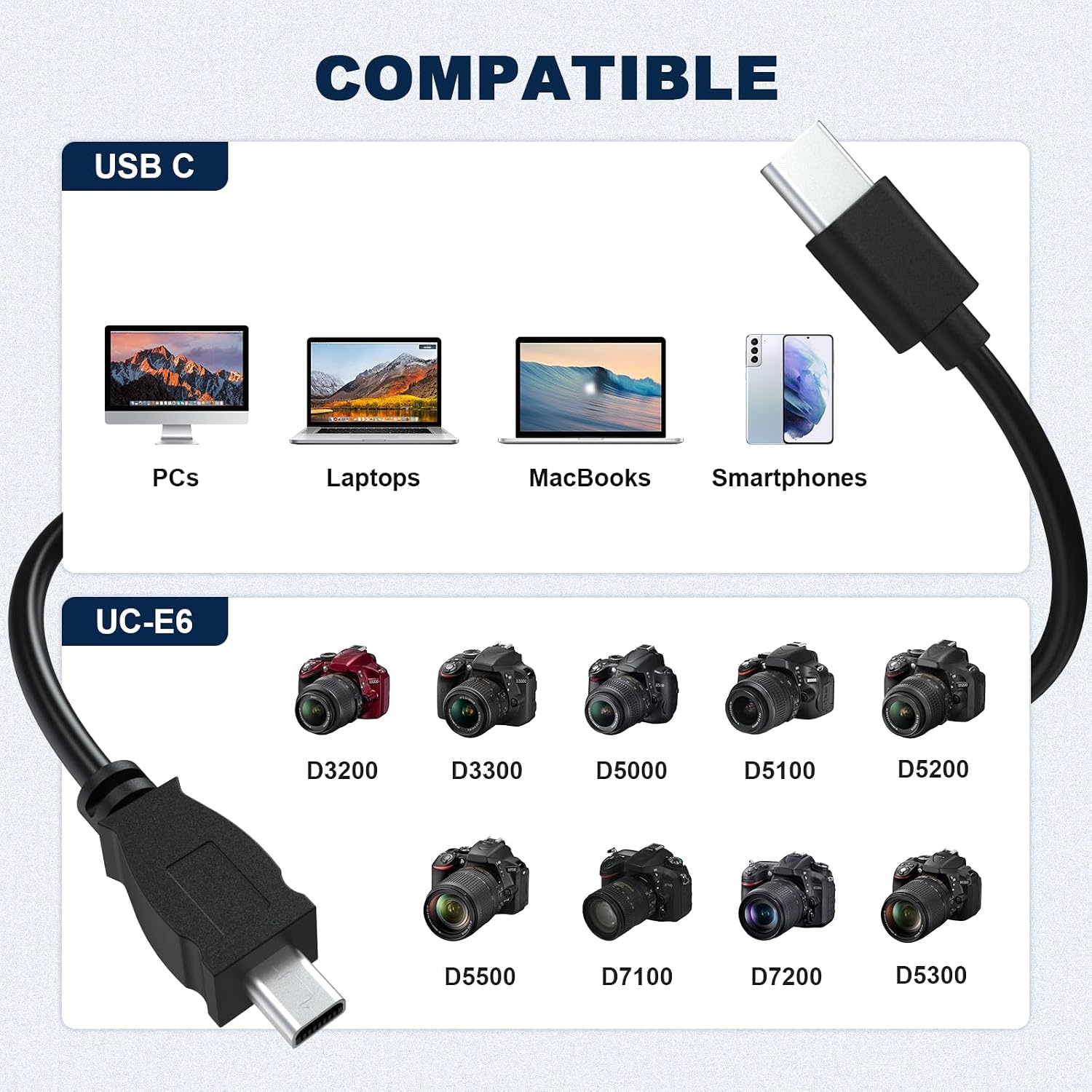
The Zosvoses UC-E6 USB C Cable is a data transfer lead designed to connect Nikon cameras that use UC-E6, UC-E23, or UC-E17 cables to devices with USB-C ports. It supports direct file transfer from cameras to computers, smartphones, or tablets with a USB-C connection. At about 5ft (150cm) in length, it provides enough reach for convenient in‑field transfers without being excessively long. On paper, the design emphasises durability with silver‑plated connectors and braided shielding to help reduce interference and minimise data errors during transfers.
How it helps in real use
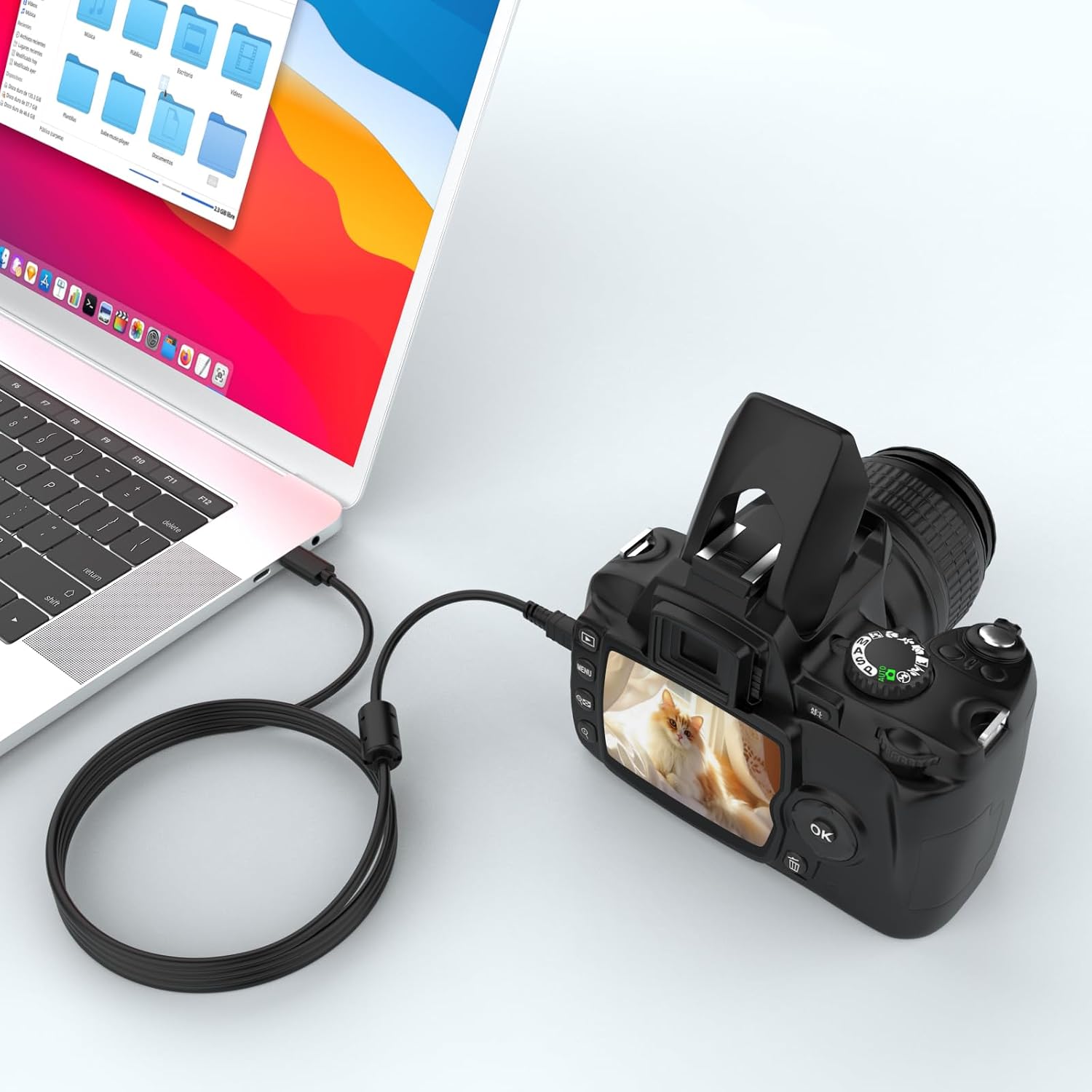
If you shoot with compatible Nikon bodies and want a straightforward way to move JPEGs, RAW files, or video clips to a laptop or mobile device, this cable offers a simple, single-cable solution. It’s the kind of accessory that fits into a typical camera kit without fuss, letting you back up on site or share previews quickly. The USB-C compatibility broadens its usefulness beyond Nikon, meaning it can also be used with other devices sporting USB‑C ports, including modern laptops or smartphones that support data transfer via USB-C.
What stands out and what might hold you back
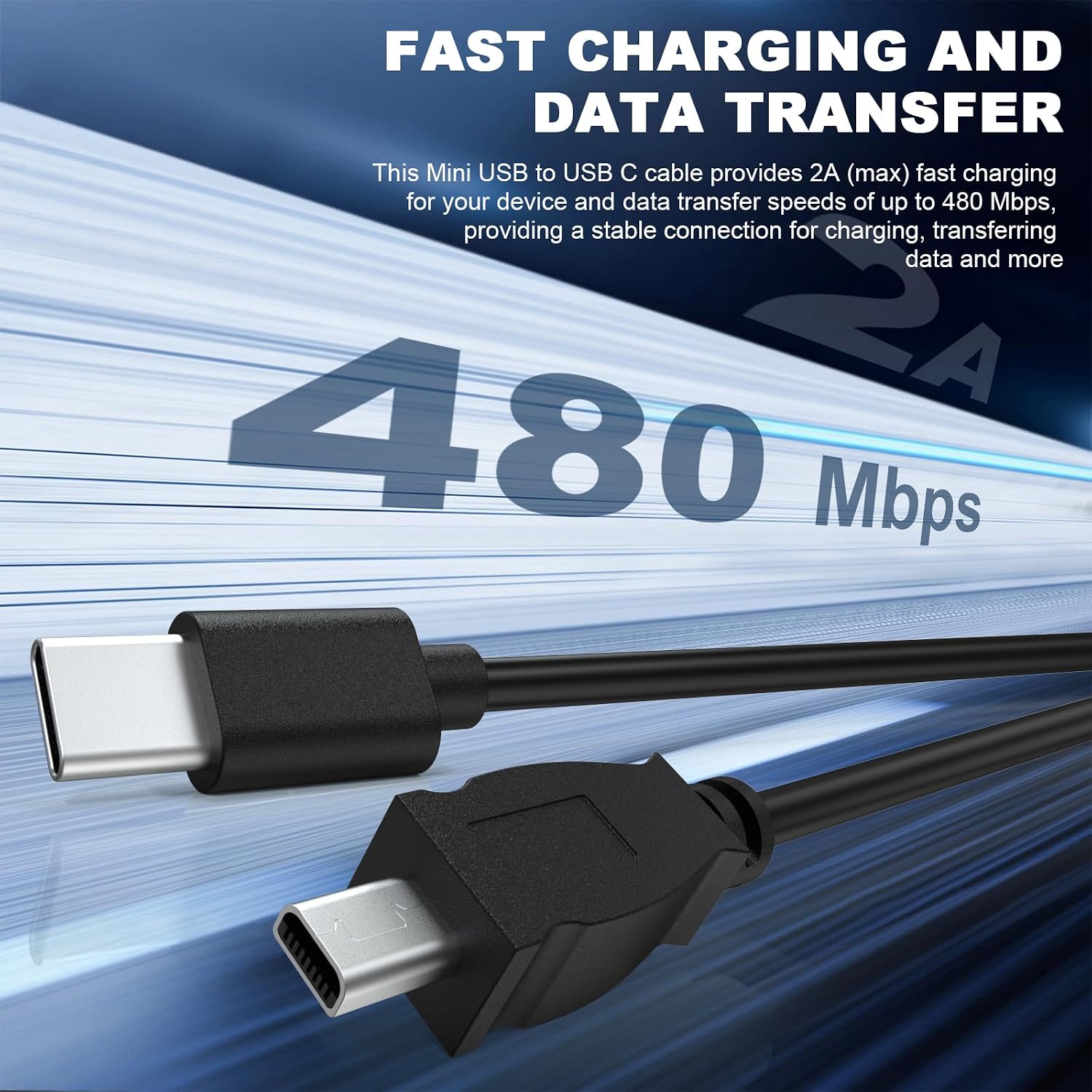
On the plus side, the build focuses on longevity: robust connectors, shielding to limit EMI/RFI, and a claimed capability to withstand repeated flexing. This matters if you frequently swap cables in and out or carry the lead in a bag where it could flex during use. The flip side is that, while the cable is designed for Nikon ecosystems, the transfer speeds and compatibility in practice depend on the devices you pair it with and the software you use for file management. If you prioritise ultra-fast transfer rates or optimised charging alongside data transfer, you may want to review how this cable integrates with your exact camera model and computer setup.
Who it’s for
This cable is well suited to photographers and videographers who own Nikon DSLRs or Coolpix cameras and want a straightforward USB-C transfer option. It also appeals to users who adopt USB‑C laptops or tablets and prefer a single lead for multiple devices, including iPhone 15 or other USB‑C smartphones where appropriate for data transfer workflows. If you rarely transfer large RAW files or expect very high sustained speeds, this cable should meet everyday needs without being overkill.
Who it isn’t the best option for
If your workflow hinges on top-tier USB-C speeds or you require additional features like fast charging or rugged weather resistance beyond standard use, this cable may not be the ideal pick. It’s designed for compatibility and reliability rather than pushing the absolute limits of data throughput. Also, if your Nikon model requires a different cable standard (beyond UC-E6/UC-E23/UC-E17 compatibility), this lead won’t substitute for the correct cable type.
Before you buy: what to check
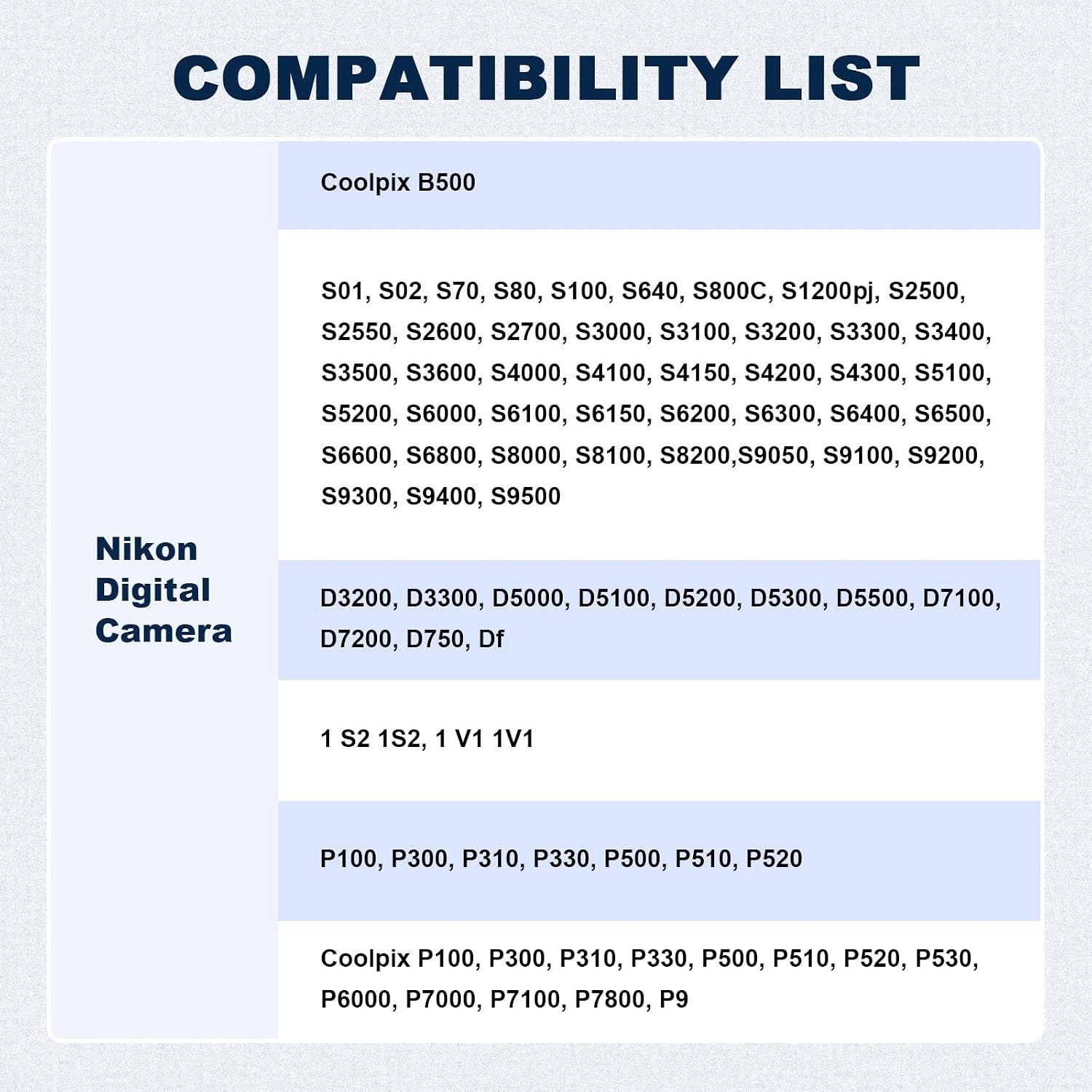
- Confirm your camera model is on the supported list (UC-E6/UC-E23/UC-E17 compatibility).
- Ensure your computer or mobile device has a USB-C port and is set up to handle camera data transfer.
- Consider your typical shooting and transfer workflow to verify that a 5ft lead gives enough reach without become a snag.
- Take into account that speeds and reliability can vary with software and device pairing, this is a practical, dependable option rather than a premium speed tool.
How it compares to other approaches
If you’re choosing between a dedicated Nikon UC-E6 type cable and USB-C transfers, this option focusses on compatibility and straightforward use rather than advanced features. For users who already operate modern USB-C devices, a single USB-C lead can simplify travel and on-site syncing. For those who need the fastest possible transfer rates or robust ruggedness in extreme environments, exploring higher-end or purpose-built cables might be worthwhile.
Final decision
Final verdict
The Zosvoses UC-E6 USB C Cable offers a pragmatic, durable data transfer solution for Nikon users who want a straightforward USB-C connection. It’s reasonably suited for everyday workflows and general device pairing, with a sensible length and solid shielding. If your priorities are dependable file transfer and broad device compatibility within a camera ecosystem, this cable is worth considering. If you need peak transfer speeds or heavy-duty outdoor resilience, you might want to compare alternatives before committing.
FAQ
- How long is the cable? Approximately 150 cm (about 5 ft).
- Is it compatible with iPhone or MacBook? It is compatible with devices that have USB-C ports, including iPhone 15 and MacBook, for data transfer scenarios.
- Will it improve transfer speed compared to standard cables? The design focuses on stability and shielding to reduce interference, actual speeds depend on connected devices and software.