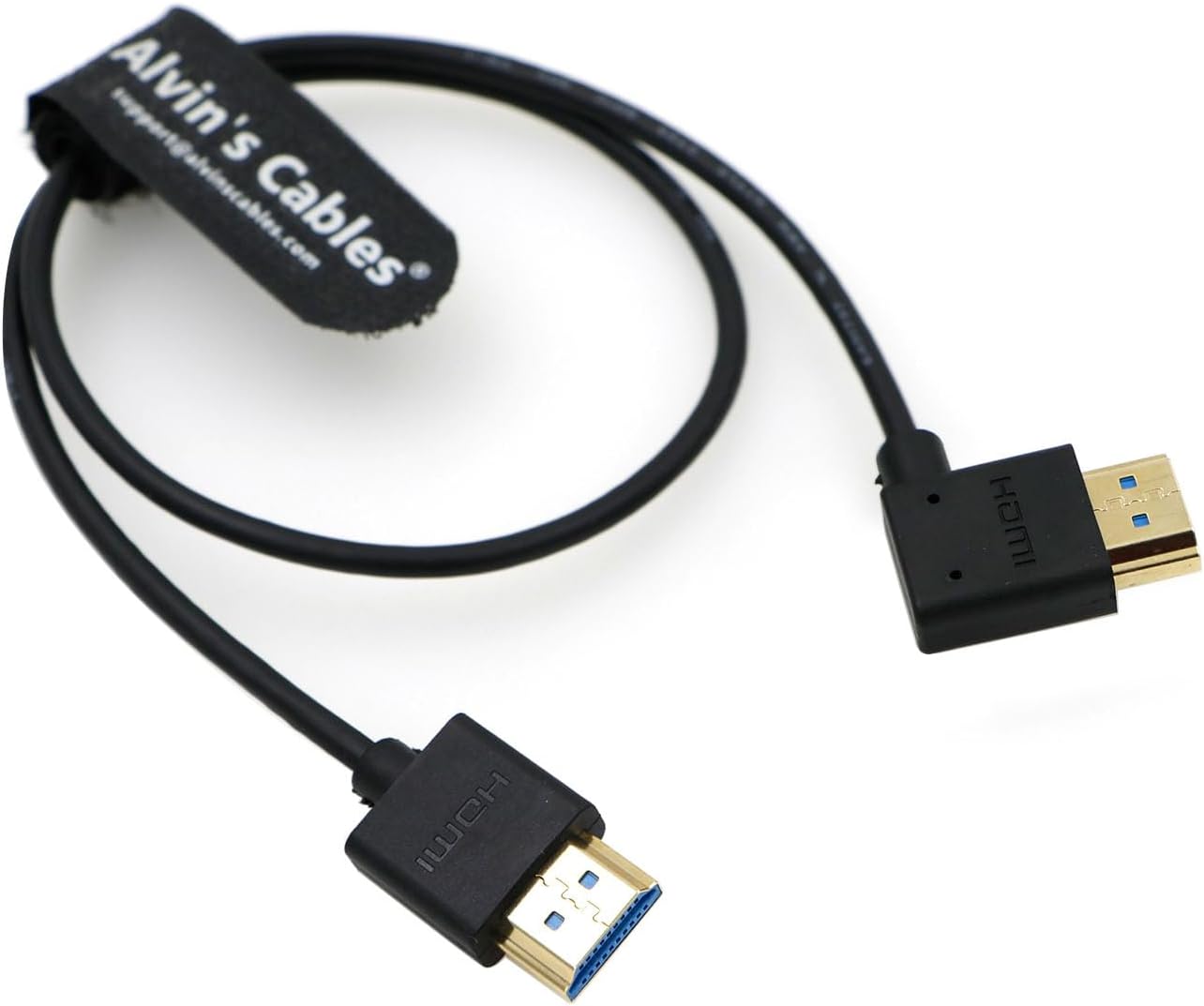
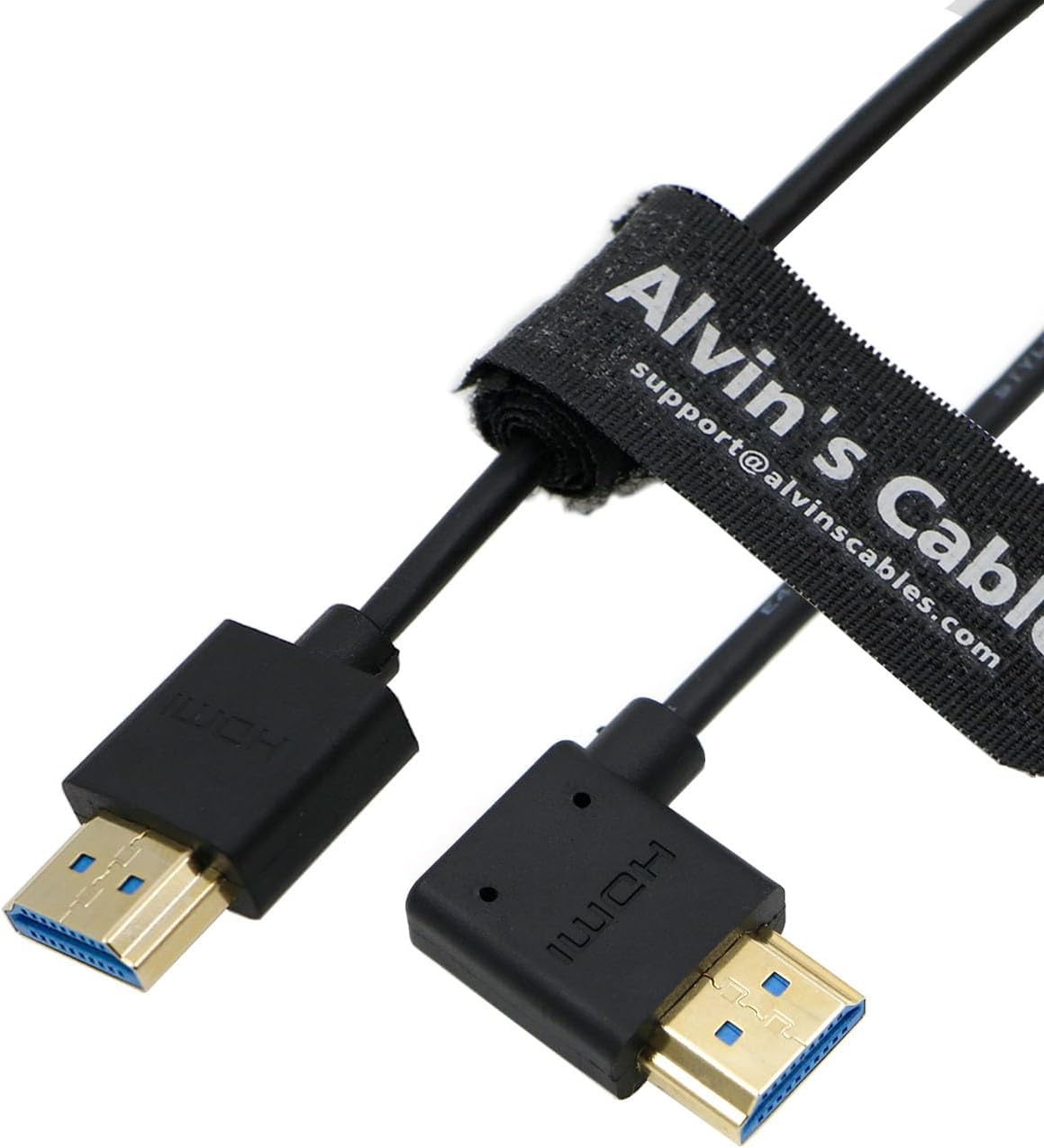
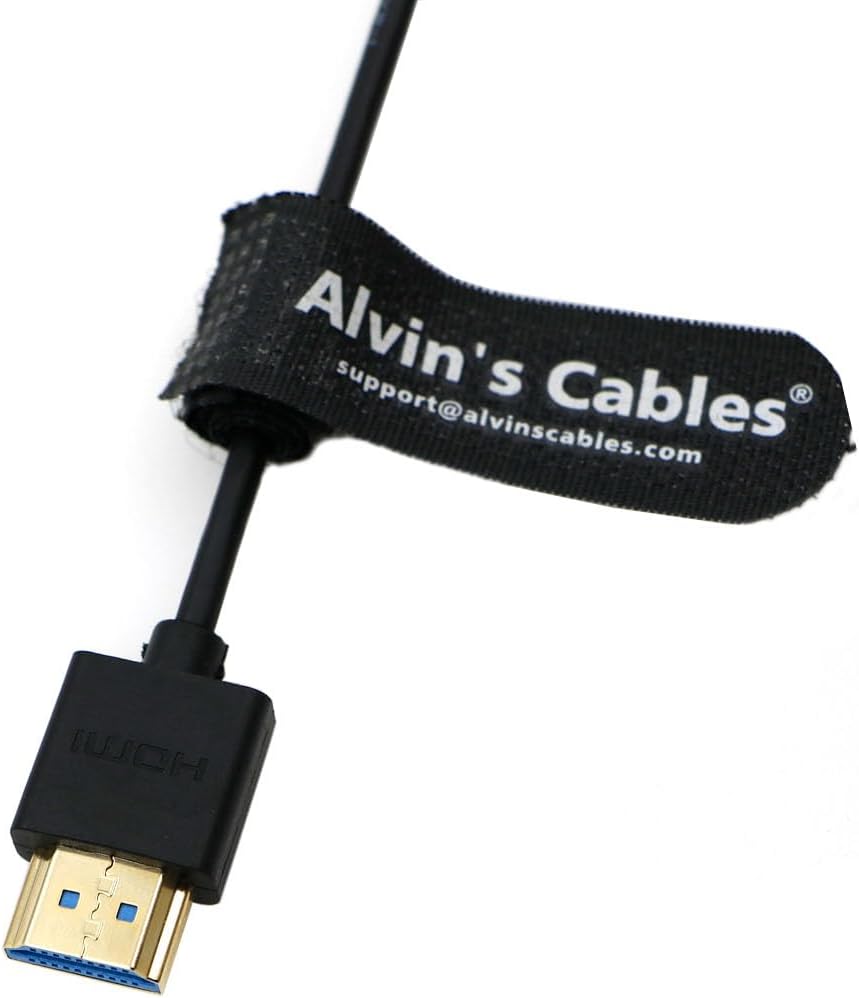
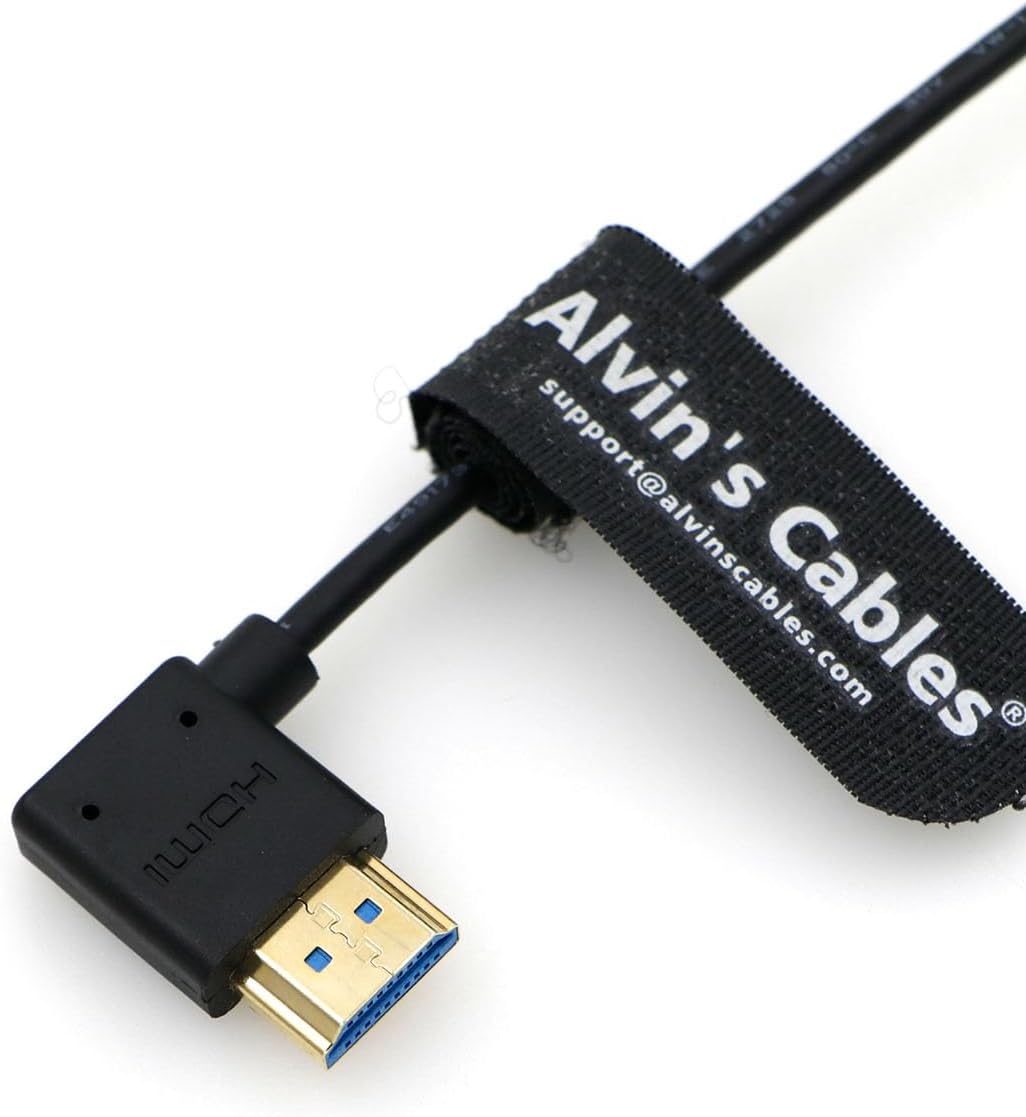
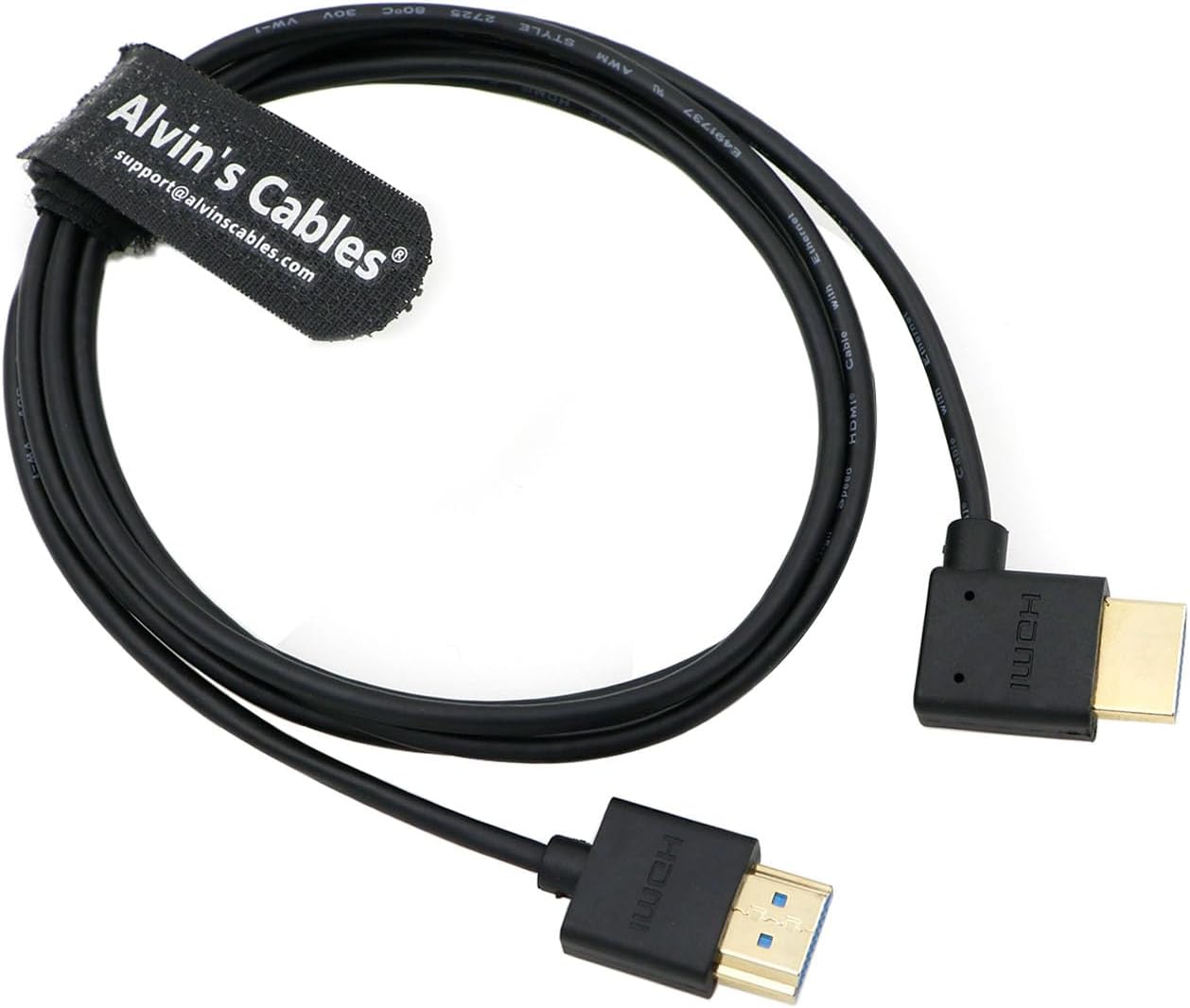
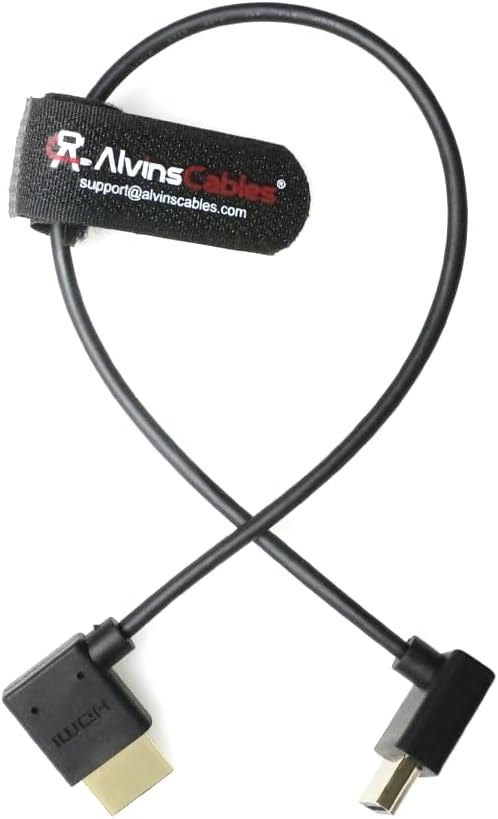
What this is and what it solves\nAlvin's Cables offers an 8K HDMI 2.1 cable designed for high‑speed, reliable connections between video devices and displays. With a 50cm length and a left‑angle HDMI plug on one end and a straight plug on the other, this cable aims to reduce stress on tight setups and keep cabling neat in compact rigs. If you’re chairing a on‑set monitor workflow or swapping footage between a camera rig and an external recorder, this cable is positioned as a practical, unobtrusive option that supports high resolutions and refresh rates on compatible gear.\n\n## Compatibility and scope\nThe base description lists compatibility with a number of camera bodies and devices, including Z CAM E2, Sony FS5, FS7, A7S III, Canon C300, Panasonic GH5S, BS1H, S1H, Nikon Z9, Atomos Ninja V, Portkeys BM5, and Blackmagic Video Assist 4K Monitor, among others. It also notes use with 8K TVs, laptops, PlayStation consoles, and projectors. In other words, it’s pitched as a versatile HDMI 2.1 link for diverse studios and home setups. If your rig or workflow hinges on high‑bandwidth, future‑proof HDMI connections, this cable can be part of that plan.\n\n## Performance on paper\nHDMI 2.1 supports up to 8K at 60Hz and 4K at 120Hz, with bandwidth up to 48Gbps. The cable’s design—aluminium foil shielding and a PVC outer layer, plus gold‑plated connectors—targets durable connectivity and resistance to wear from frequent plug‑in cycles. For those who prioritise signal integrity over long runs, a short 50cm length can minimise impedance and reduce clutter in small rigs. With 50cm you’re unlikely to need long excess slack behind a monitor or recorder, provided your devices sit close enough.\n\n## Build quality and design details\nThe sleeve and shielding emphasise stable transmission, while gold‑plated connectors are touted for corrosion resistance and smoother mating cycles. The left angle to straight connector arrangement helps in tight spaces, potentially reducing cable bend stress when mounting monitors on rigs or cages. Nevertheless, it’s worth noting that real‑world durability often depends on how the cable is routed and used in daily shoots.\n\n## Pros and Cons in practice\nPros: supports high‑resolution capabilities implied by HDMI 2.1, compact 50cm length for tidy rigs, angle/straight plug combination useful in restricted setups, durable shielding and connectors. Cons: the description does not provide exact test results or certification details, so real‑world performance beyond the stated HDMI 2.1 potential relies on your gear and cabling discipline. It may not be the best choice if you need very long runs or explicit 8K60Hz verification for your particular camera‑recorder pairing.\n\n## Who this is for\nIf you’re assembling a compact multi‑device rig—camera to monitor to recorder—or you frequently swap between external recorders and monitors, the dual‑end design and short length can keep things neat. It’s particularly apt for users who value a dedicated HDMI 2.1 link that can handle high data rates without visible signal degradation.\n\n## When it makes sense to buy\nConsider this cable if your workflow involves close‑proximity devices that require 8K/4K high‑bandwidth signals and if you appreciate a right‑size length that reduces cable clutter. It’s sensible for on‑set monitoring, quick camera–recorder handoffs, or studio desks where space is at a premium.\n\n## When you might want to look elsewhere\nIf you need lengths longer than 50cm, or if you require formal HDMI 2.1 certification to satisfy strict procurement criteria, you may want to compare with other offerings or confirm compatibility with your exact camera/recorder model. Also, if your use case rarely hits 8K/4K60‑120, a standard HDMI 2.0 option could suffice at a lower cost.\n\n## What to check before buying\nVerify the specific HDMI input/output arrangements on your devices to ensure the left angle/straight combination matches your rig, and confirm your devices support HDMI 2.1 features you expect (8K60, 4K120, 48Gbps) in practice. Also consider the cable’s physical routing—will the left angle on one end clear your cage or hood without bending the cable?\n\n## Practical use example\nEn una toma, conectas la Ninja V al monitor cercano del cam‑rig con este cable. El ángulo izquierdo evita que el cable se doble al lado de la cámara, manteniendo un aspecto limpio en la mesa de control y reduciendo tirones accidentales durante ajustes de encuadre.\n\n## Comparación implícita de alternativas\nSi priorizas una solución muy corta y compacta para un entorno de grabación móvil, este formato de cable cumple con esa necesidad. Si buscas una mayor libertad de movimiento o un sistema de transmisión con certificaciones específicas para certificar compatibilidad con un conjunto particular de cámaras y monitores, podrías valorar cables con longitudes diferentes o con pruebas de compatibilidad documentadas.\n\n## FAQ breve\n- ¿Este cable garantiza 8K a 60 Hz en todos los dispositivos? Depende de la compatibilidad HDMI 2.1 de los dispositivos conectados y de la configuración a nivel de firmware.\n- ¿Es adecuado para usar con un monitor muy próximo a la cámara sin riesgo de sobrecalentamiento? En general, sí, gracias a la corta longitud y su construcción, pero el rendimiento real depende del flujo de señal entre dispositivos.\n- ¿Puede usarse con cables o adaptadores intermedios? Idealmente se recomienda una ruta directa, añadir adaptadores puede introducir pérdidas o complicaciones de señal.\n\n## Decision section: Is it worth it?\nIt’s worth considering if you need a compact HDMI 2.1 link with a right/left plug configuration for a tight rig, and you value predictable signal routing in close quarters. If your setup demands longer cable runs or certified guarantees for specific camera models, you may opt to explore alternatives.\n