

ZOEGAA 360° Magnetic MacBook Air 13.6-inch Privacy Screen (2022–2024) with Blue Light Blocking
Product description
If you work with your MacBook Air in busy places, you’ll know the problem: someone doesn’t even have to “try” to glance at what’s on your screen. A privacy screen is meant to reduce those side-angle peeks, without you needing to change how you sit or move.
This ZOEGAA 360° Magnetic privacy screen focuses on all-round coverage and quick fitting for the MacBook Air 13.6-inch (2022–2024). On paper it ticks the main boxes people look for: magnetic attachment, a 360° privacy shield approach, and an option to help with blue-light filtering. That said, it’s not a magic invisibility cloak—privacy filters typically trade some brightness for angle control.
Key points (what it’s really about)
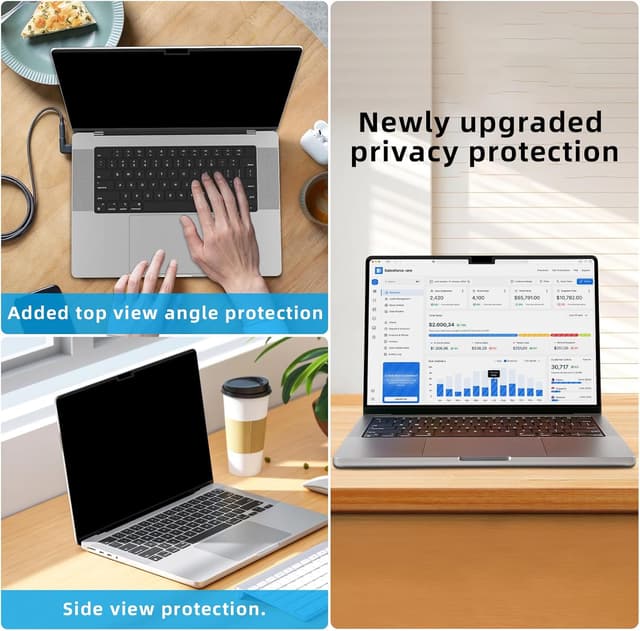
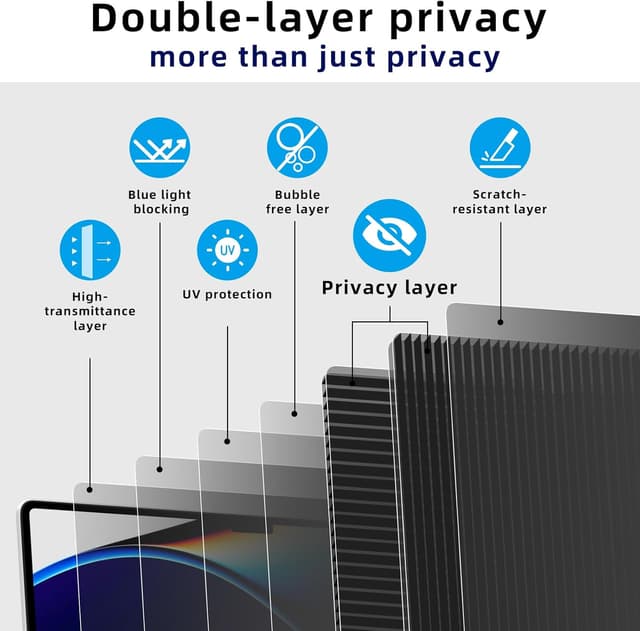
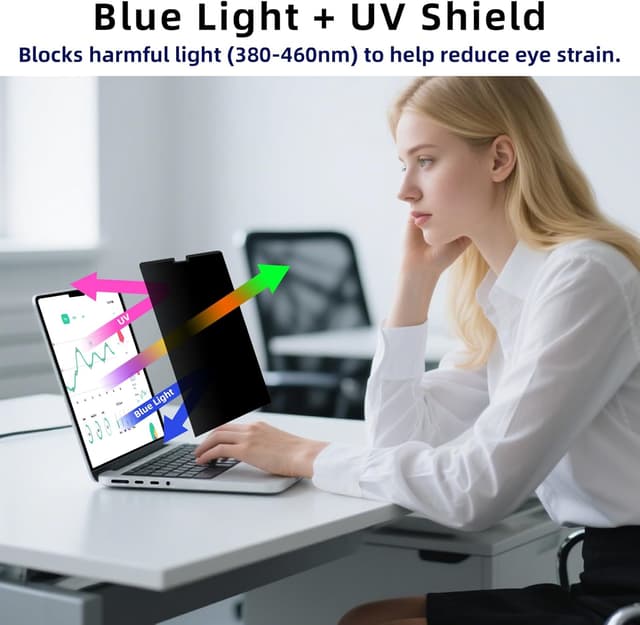
The core idea is simple: limit viewing angles from the sides, top and bottom so your content stays readable to you, while looking darker or less clear to people off-axis. It also claims blue light blocking, which is mainly relevant if you’re spending long stretches in front of your laptop—especially in the evening.
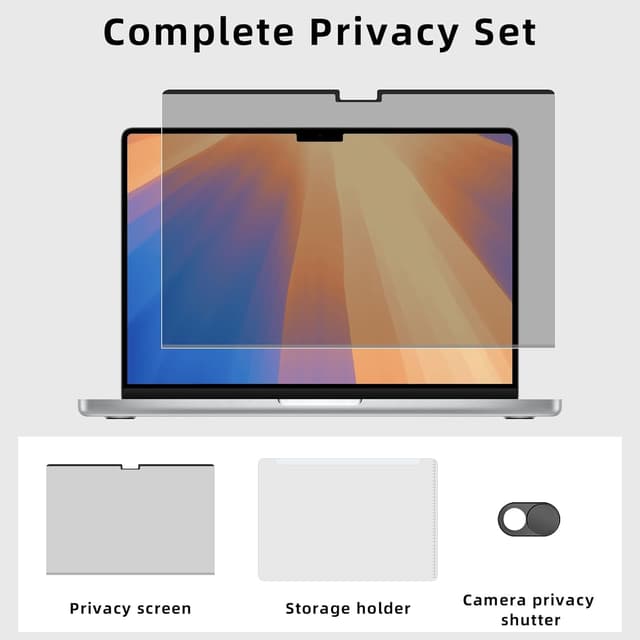
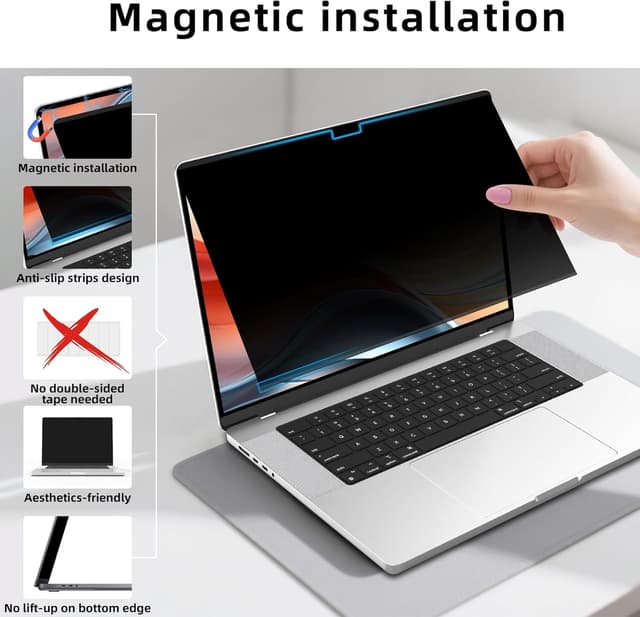
The installation approach is where it feels most practical day to day. Instead of messy adhesives, you “snap it on” using magnets, which makes it easier to remove and store when you’re not using it. There’s also a camera cover slide and a storage pouch in the box, which is the sort of extra that makes the whole setup feel more complete.
One more thing to be aware of: the privacy effect “can slightly dim” the screen. For some people that’s barely noticeable, for others—particularly in brighter rooms—it can feel like an unwanted compromise.
What to know before buying
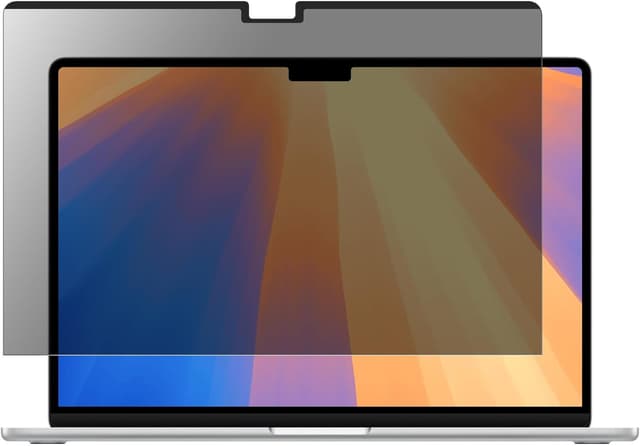
This screen is designed specifically for MacBook Air 13.6 inch models from 2022–2024. The listing frames it around magnetic all-round privacy protection, so if you’re expecting universal compatibility across different MacBook sizes, it’s better to avoid guessing.
It also includes a camera cover slide. That’s a useful extra if you prefer physical control over the camera, rather than relying purely on software settings.
For the blue light blocking side, think of it as “helping with eye comfort” rather than a medical promise. The listing also notes the display may be slightly dimmed, which is often part of the way these filters are implemented.
What you’ll notice in everyday use
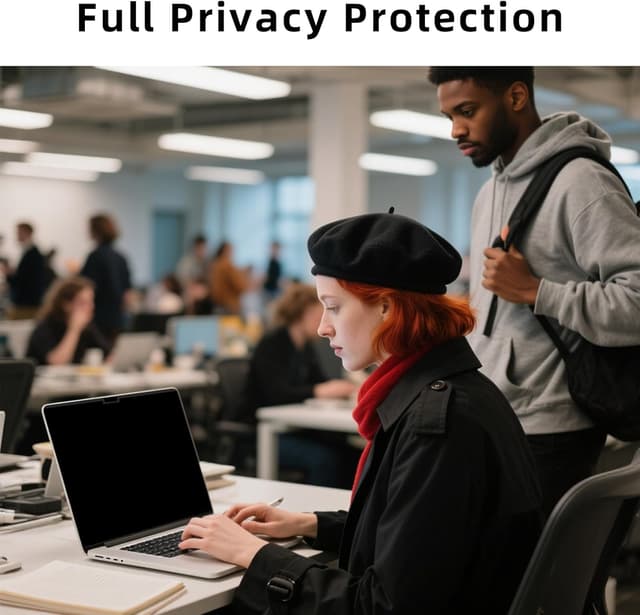
Where this ZOEGAA privacy screen makes the most sense is in open or shared spaces—offices with desk neighbours, cafés, commuting on trains, or working in planes and similar environments. In those situations, the side angles matter. Even if you’re not constantly checking whether people are looking, a decent privacy filter reduces the risk.
A small micro-scenario: imagine you’re answering emails in a busy coffee shop. Someone sits a little to the side—close enough that without a filter, you’d probably be able to see your text from their perspective. With an angle-based privacy shield, their view is less useful, while yours remains readable.
Is it perfect? Not quite. The listing’s own note about slight dimming is your heads-up. If you’re the kind of person who works with colour-critical work or prefers maximum screen brightness, you may find the trade-off annoying.
Where it shines (and where it can fall short)
Where it shines most is in the balance of practicality and coverage. Magnetic installation is genuinely convenient, and a 360° style approach suggests the focus isn’t only on lateral glare.
However, if you prioritise maximum brightness or you’re sensitive to any reduction in clarity, the privacy dimming may limit how often you want it attached. Also, the “blue light blocking” claim comes with that same overall trade-off: fewer harsh highlights, but potentially less punch from the display.
Another limitation worth keeping in mind: privacy screens help with viewing angles, not with complete secrecy in every lighting condition. If someone is directly behind you at just the right angle, results can vary depending on positioning and ambient light.
Tech specs (only the essentials stated)
- Name: ZOEGAA 360° Magnetic MacBook Air 13.6 inch Privacy Screen (Privacy Shield)
- Type: Magnetic privacy screen filter
- Size: Designed for MacBook Air 13.6 inch (2022–2024)
The listing also references fit for models including A2681 (M2) and A3113 (M3), which is the main detail you should use when checking compatibility.
Who it’s for (and who should skip it)
It suits you if you regularly use your MacBook Air in places where people are seated near enough to catch glimpses—open offices, coffee shops, shared workspaces, or when you’re travelling. It also makes sense if you like the idea of adding a camera cover and you’d rather attach a filter without adhesives.
You may want to skip it if you find privacy filters too dim, or if you’re doing work where you rely on the brightest possible display. It might also be less appealing if you only ever work in a private room, because then you’re basically paying for an “edge-case protection” you don’t use often.
Getting the most from it
To get the benefit, it’s worth taking a couple of seconds to position the screen properly when you attach it. Magnetic fitting is quick, but privacy performance depends on the fit and how the filter sits relative to the display.
If you switch between home and public spaces, the storage pouch in the pack is handy. Removing it when you don’t need privacy can help you avoid that slight dimming when you’re in a comfortable, private setup.
Also, if blue light filtering matters to you, consider your typical working hours. If you mostly work during daylight and hate any brightness loss, you might only want it for evening sessions.
Should you buy it?
This ZOEGAA 360° Magnetic MacBook Air 13.6-inch privacy screen looks like a sensible purchase if you spend a lot of time in semi-public settings and you want quick magnetic fitting plus an all-round privacy shielding approach. The inclusion of a camera cover slide and storage pouch adds practical value.
Buying it is a good move if you like the idea of reducing side-angle viewing and you don’t mind that privacy filters can slightly dim the display.
You might want to pass if you’re very brightness-sensitive, you’re doing colour-critical work, or you want a screen protector-style solution that won’t change how the display looks.
Mini FAQ
Does it install with glue or adhesive?
No. The listing says it attaches securely using magnets, by snapping it on without messy glue.
Will it affect screen brightness?
It can. The description specifically notes it “slightly dims” the screen.
Does it include a camera cover?
Yes. It includes a camera cover slide.
Where is it meant to be used?
The listing points to open spaces such as offices, coffee shops, trains, planes, or home.
Is it compatible with all MacBook Air sizes?
It’s designed for MacBook Air 13.6 inch (2022–2024). The listing references fit for models including A2681 (M2) and A3113 (M3).