

Aurzen EAZZE D1G 1080P smart projector 📽
Product description
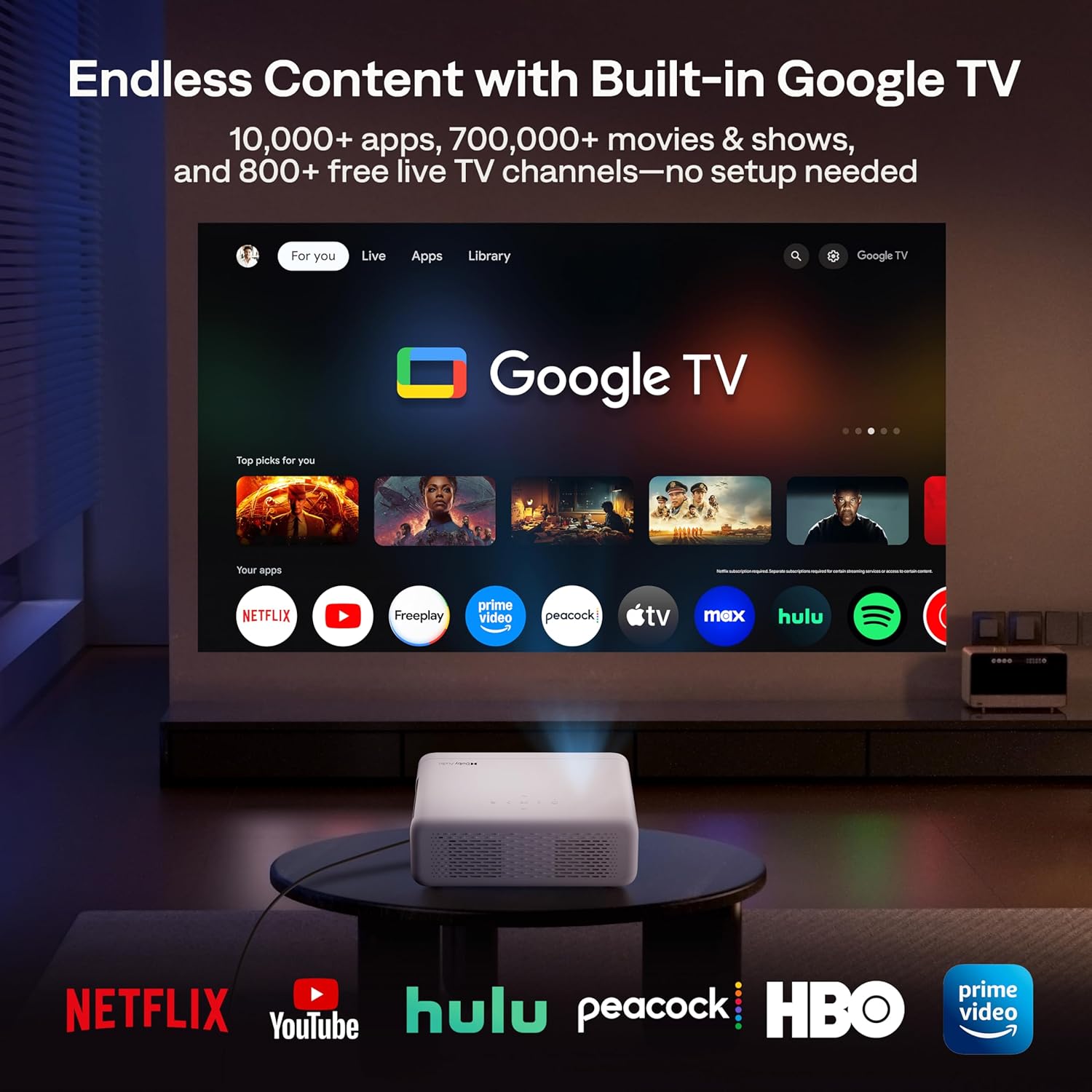
This portable smart projector brings Google TV and Full HD picture quality to living rooms and outdoor movie nights, with automatic focus and keystone correction for quick setup. It is designed to stream apps from Google Play and to deliver immersive Dolby Audio sound, making films and series easy to enjoy on a large screen.
Key Points
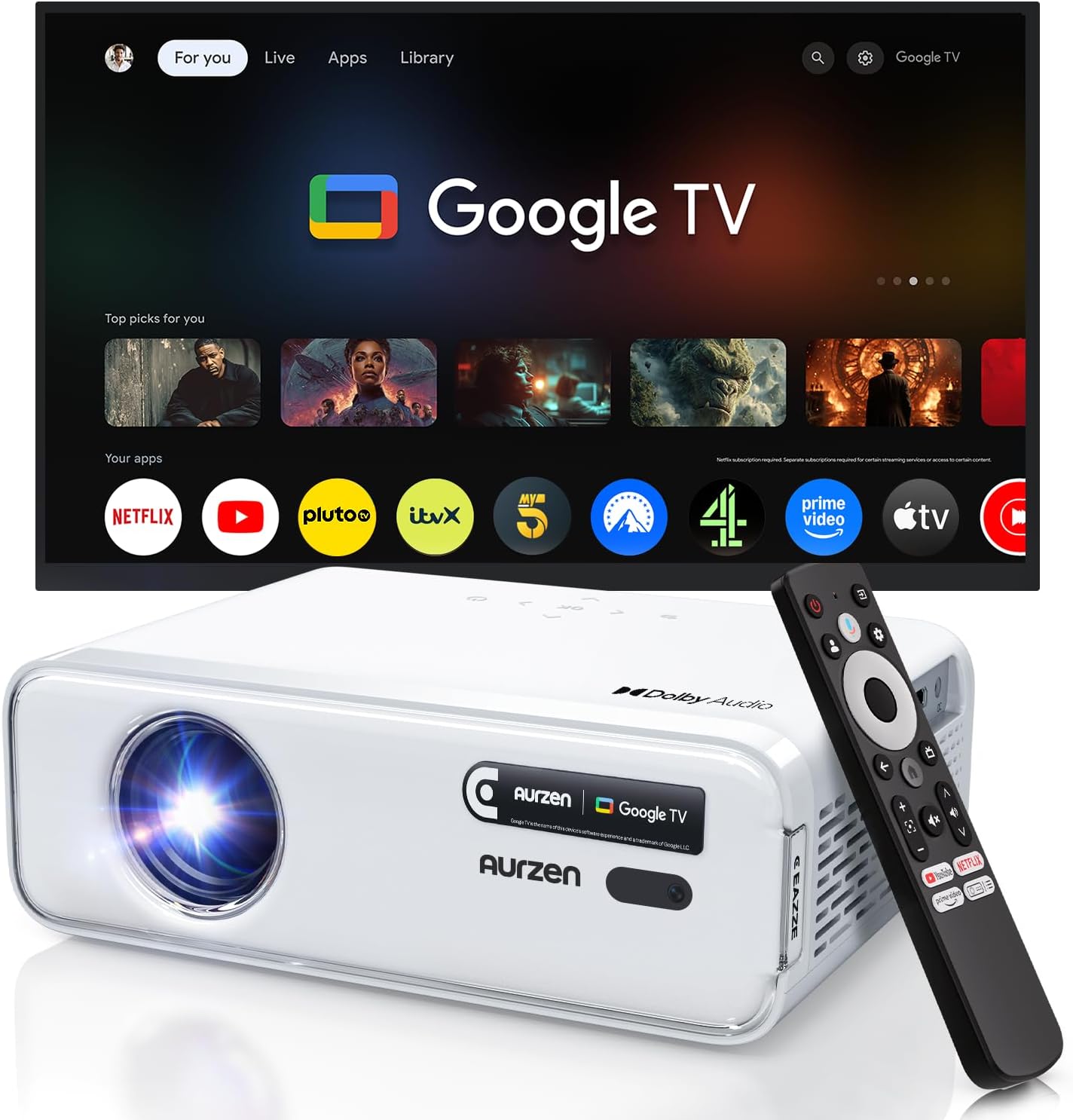
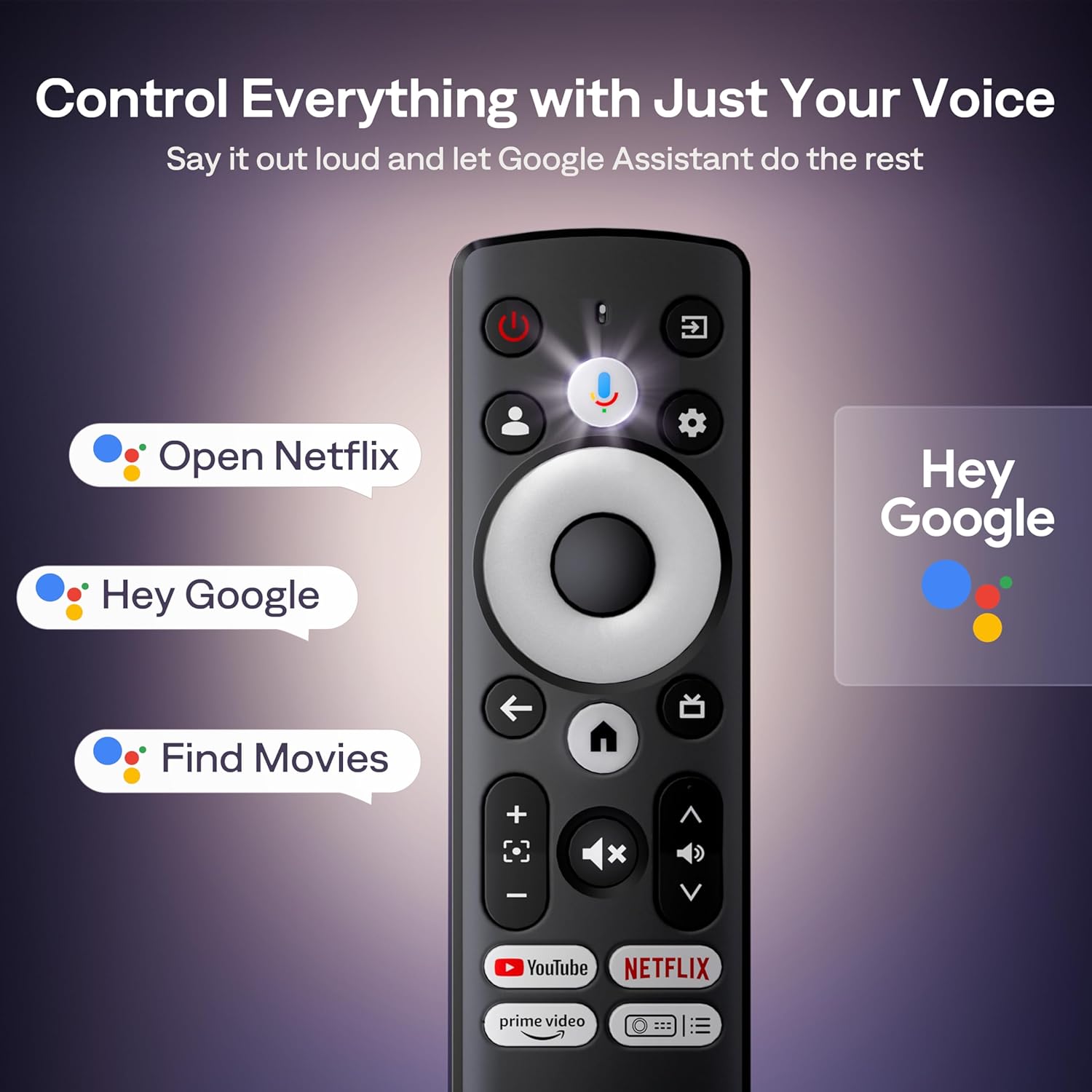
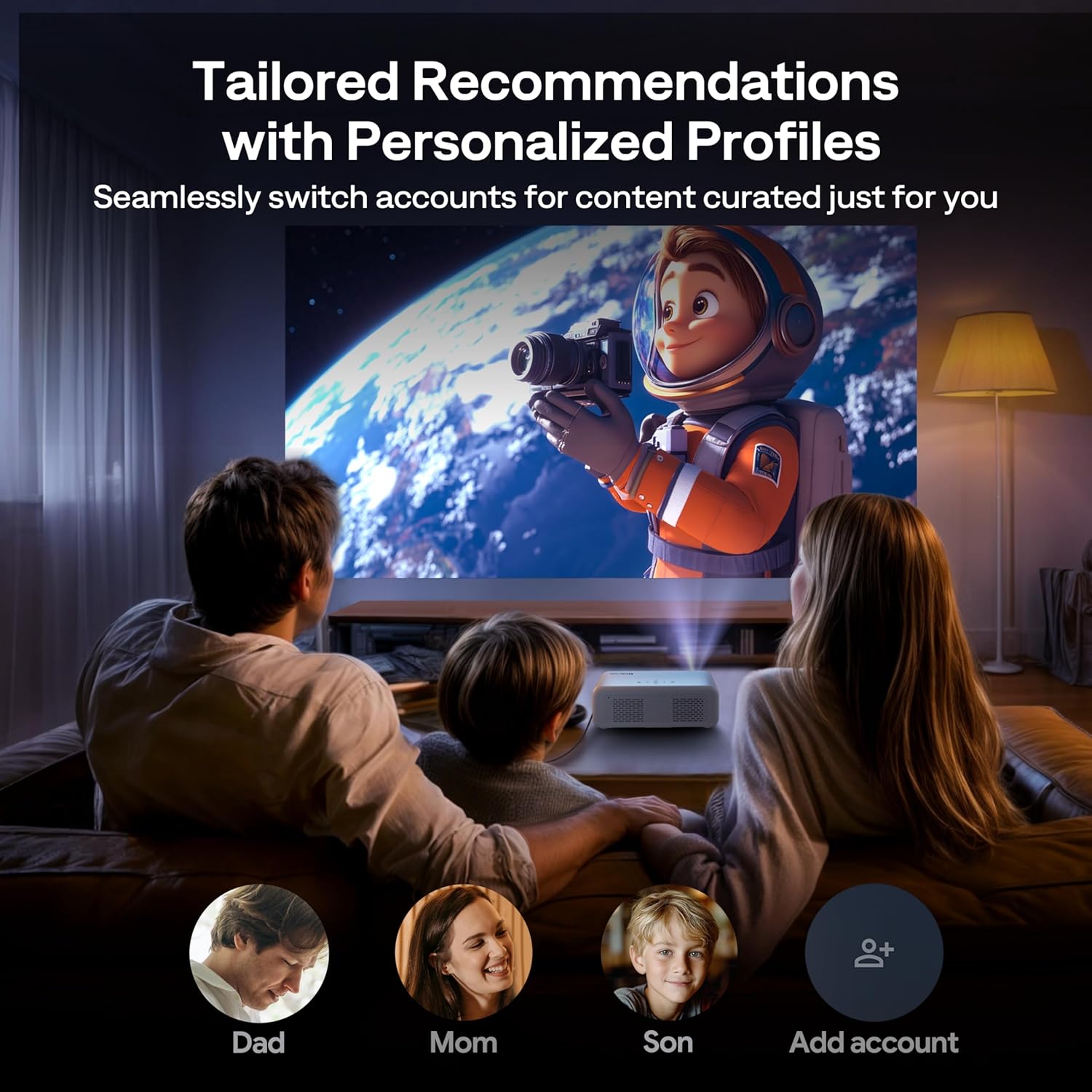
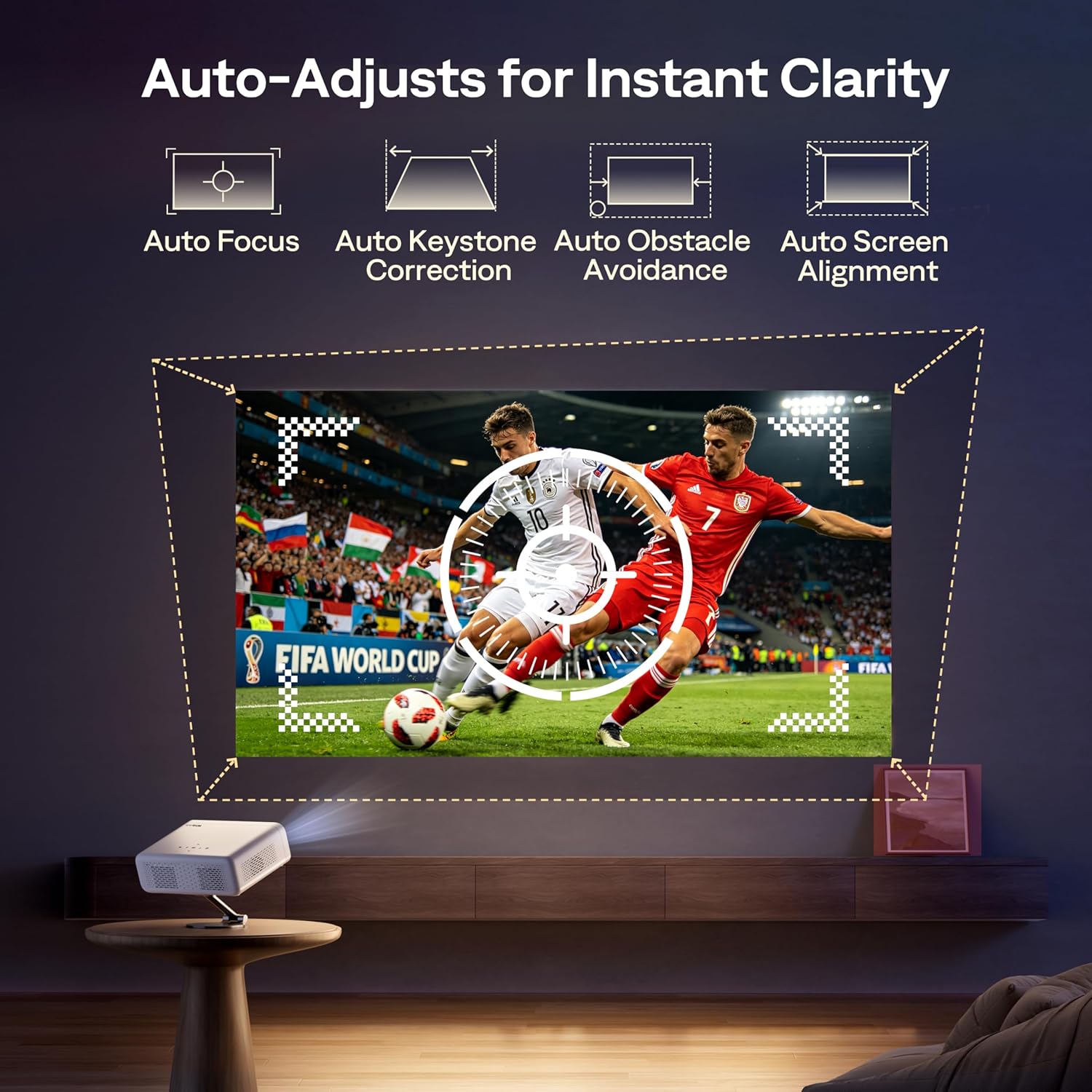
The Aurzen projector includes official Google TV integration, so you can sign into multiple profiles, use parental controls and control playback by voice with the Google Assistant. Auto focus, 4-point keystone correction up to ±45° and automatic zoom (50–100%) simplify alignment, and the unit detects obstacles to adjust the image without manual tweaks. Dolby Audio processing with two 8 W speakers aims to provide fuller sound for both dialogue and music. According to the manufacturer, the projector has a native 1080p resolution with HDR10 support and accepts 4K input over HDMI which is downscaled to Full HD.
Technical Specifications
- Name: Aurzen EAZZE D1G
- Native resolution: 1080p
- HDR: HDR10 compatible
- Audio: 2 x 8 W speakers with Dolby Audio
- Connectivity: Dual-band Wi‑Fi, Bluetooth 5.1, HDMI input
Benefits
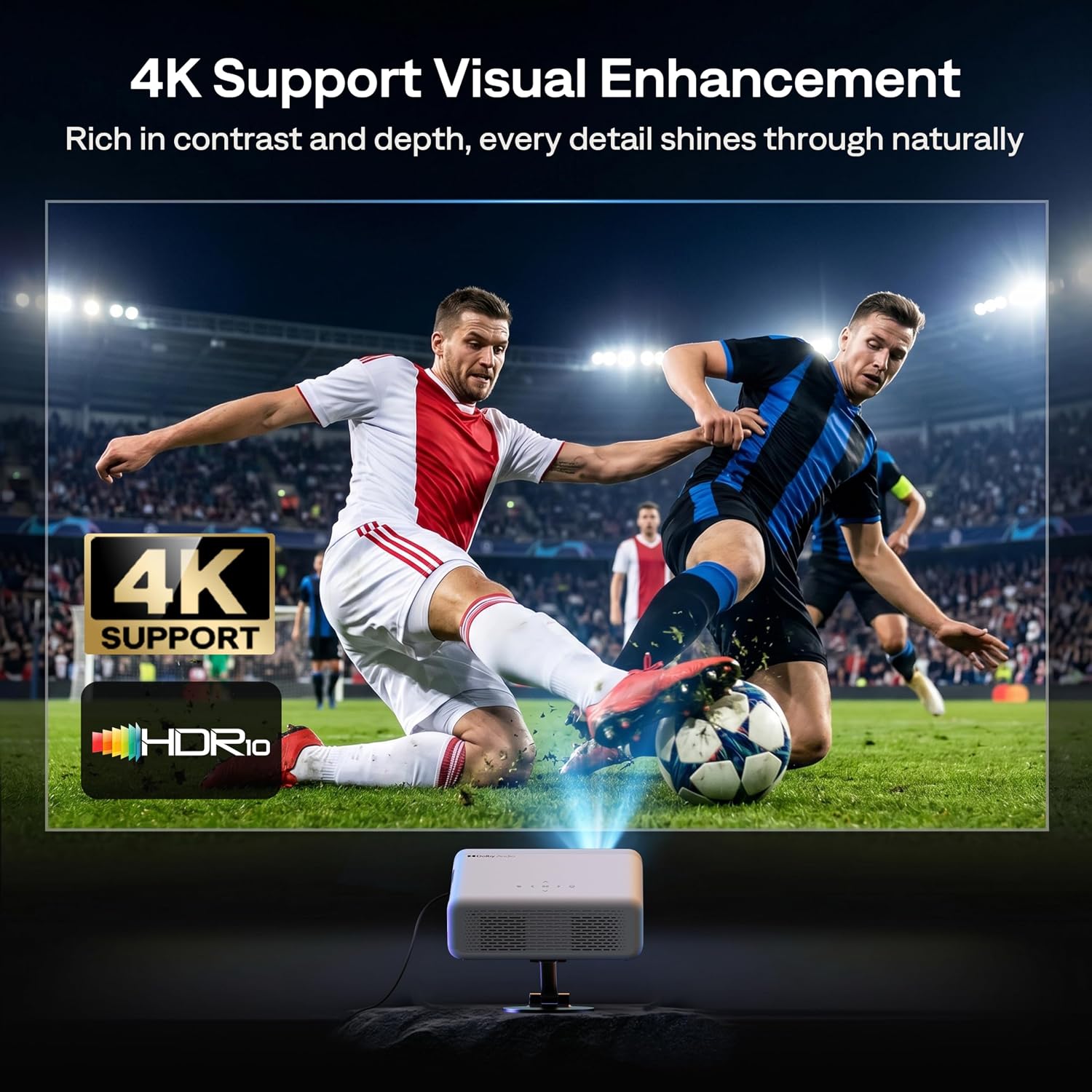
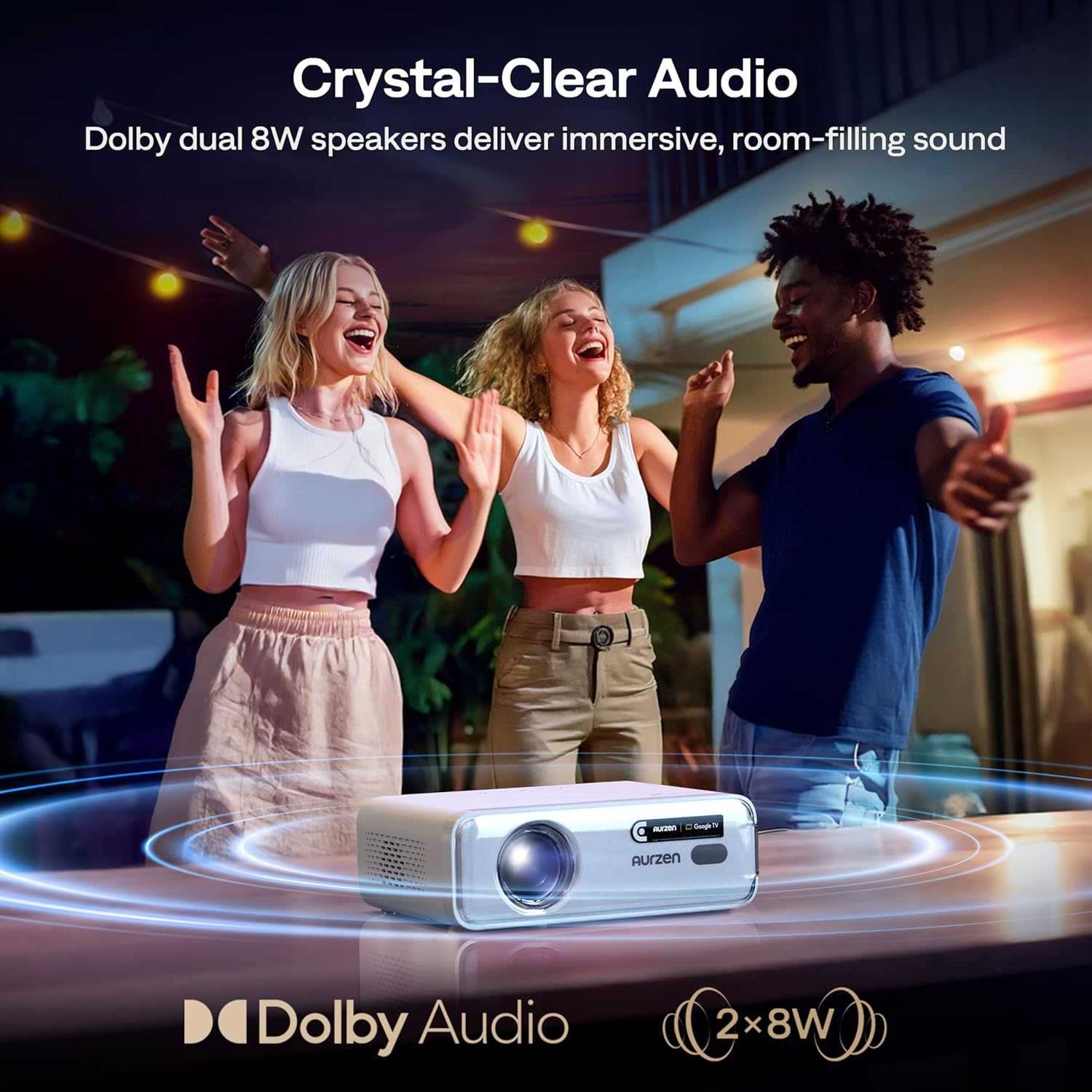
Having Google TV built in means you can access streaming apps directly from the projector without an external box, and Google Cast lets you mirror from other devices. The automatic image calibration reduces the time spent on setup, which is useful when changing projection surfaces or moving between rooms and outdoor locations. Bluetooth 5.1 supports connecting the projector as a Bluetooth speaker or linking to external soundbars for more powerful audio, bearing in mind that Bluetooth is for audio only and not video transmission. A potential limitation to note is that true 4K playback requires a 4K source over HDMI and will be displayed at 1080p on the projector according to the manufacturer.
Usage Recommendations
Place the projector on a stable surface facing a flat projection area and allow the automatic focus and keystone functions to work for a few seconds when powering on. For the best picture quality, use HDR10 content and set a 4K HDMI source when you want maximum detail, accepting that the device displays the image in Full HD. When using outdoors, pair with an external soundbar over Bluetooth for clearer audio at distance, and keep ambient light low to preserve contrast and black levels.