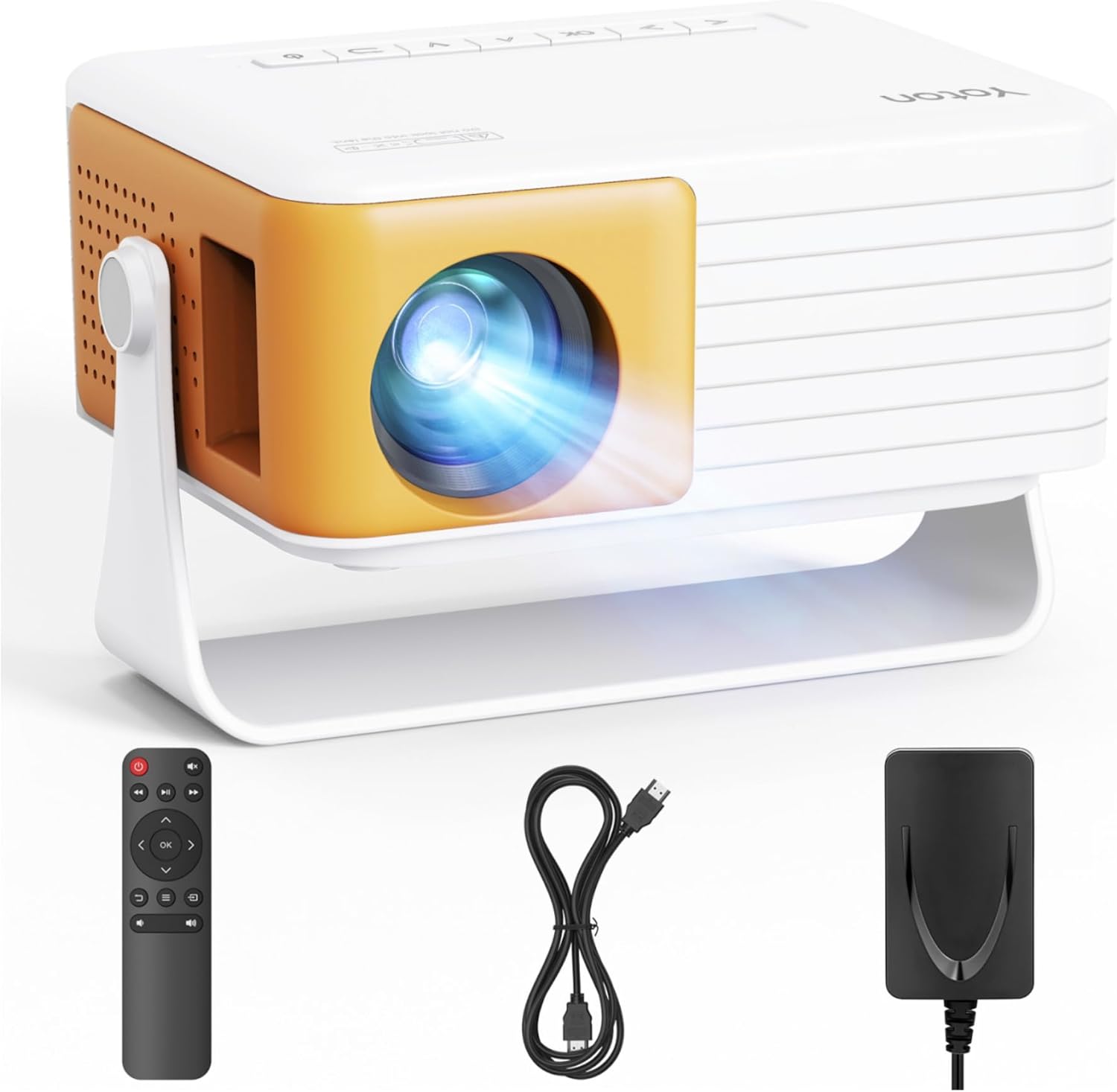
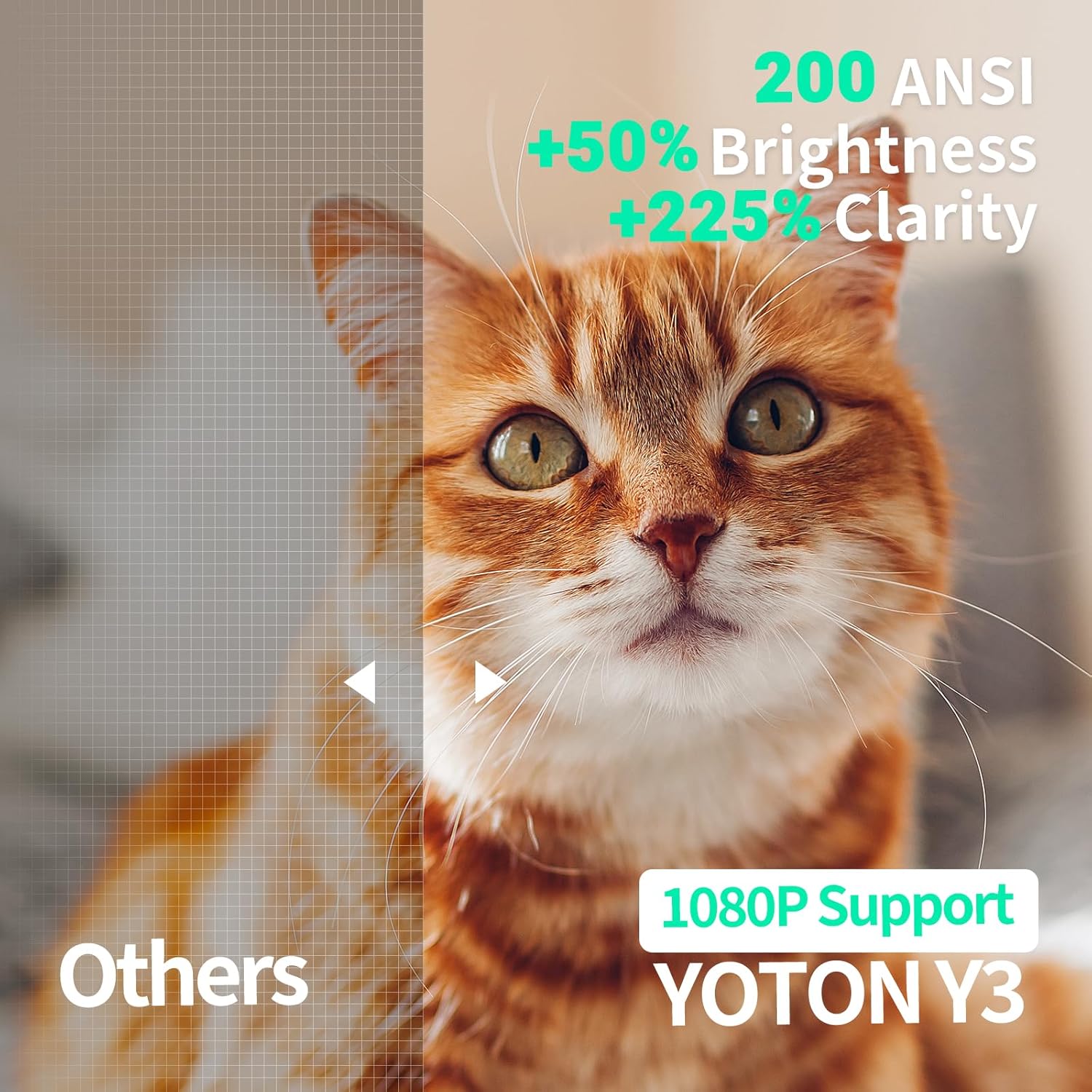
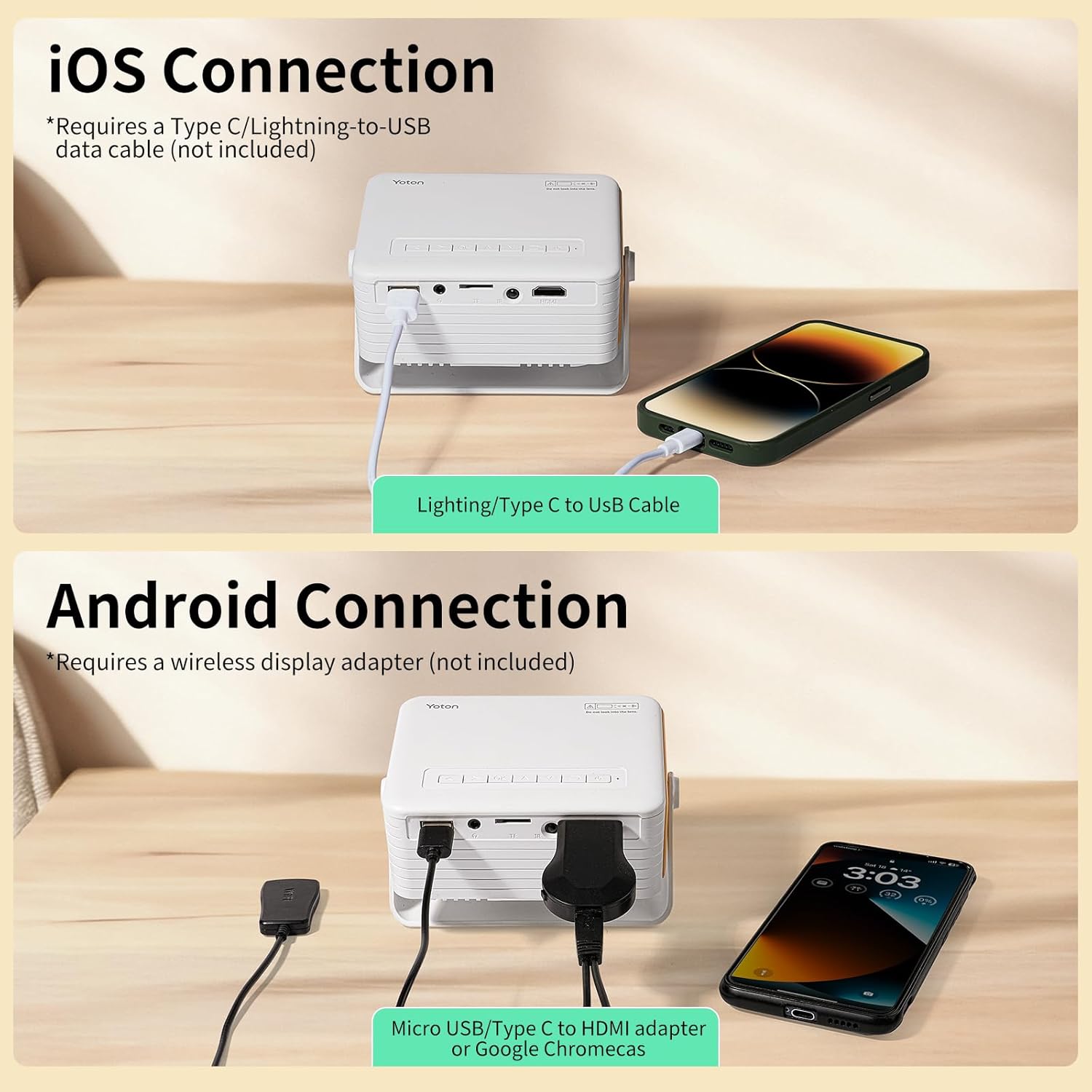
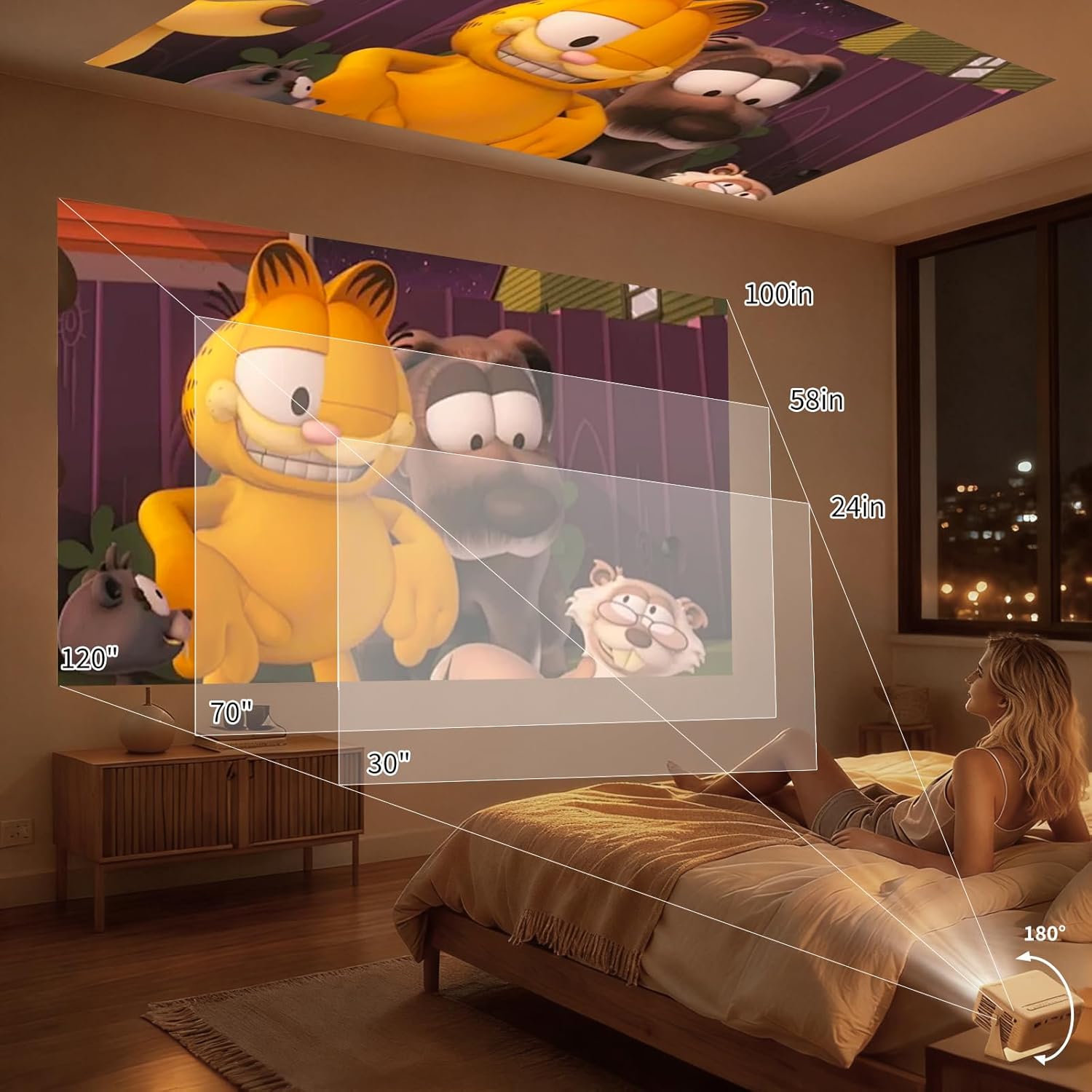
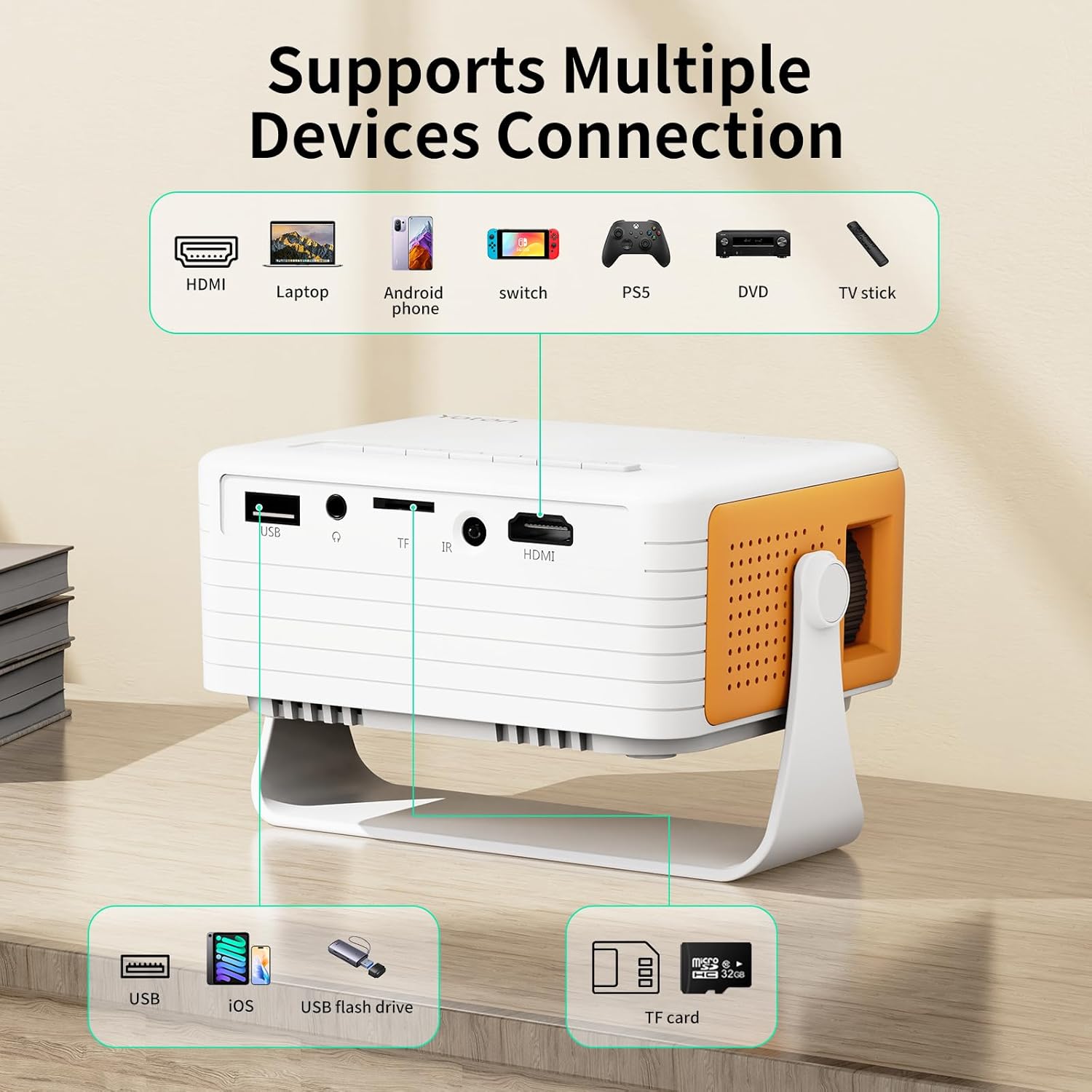
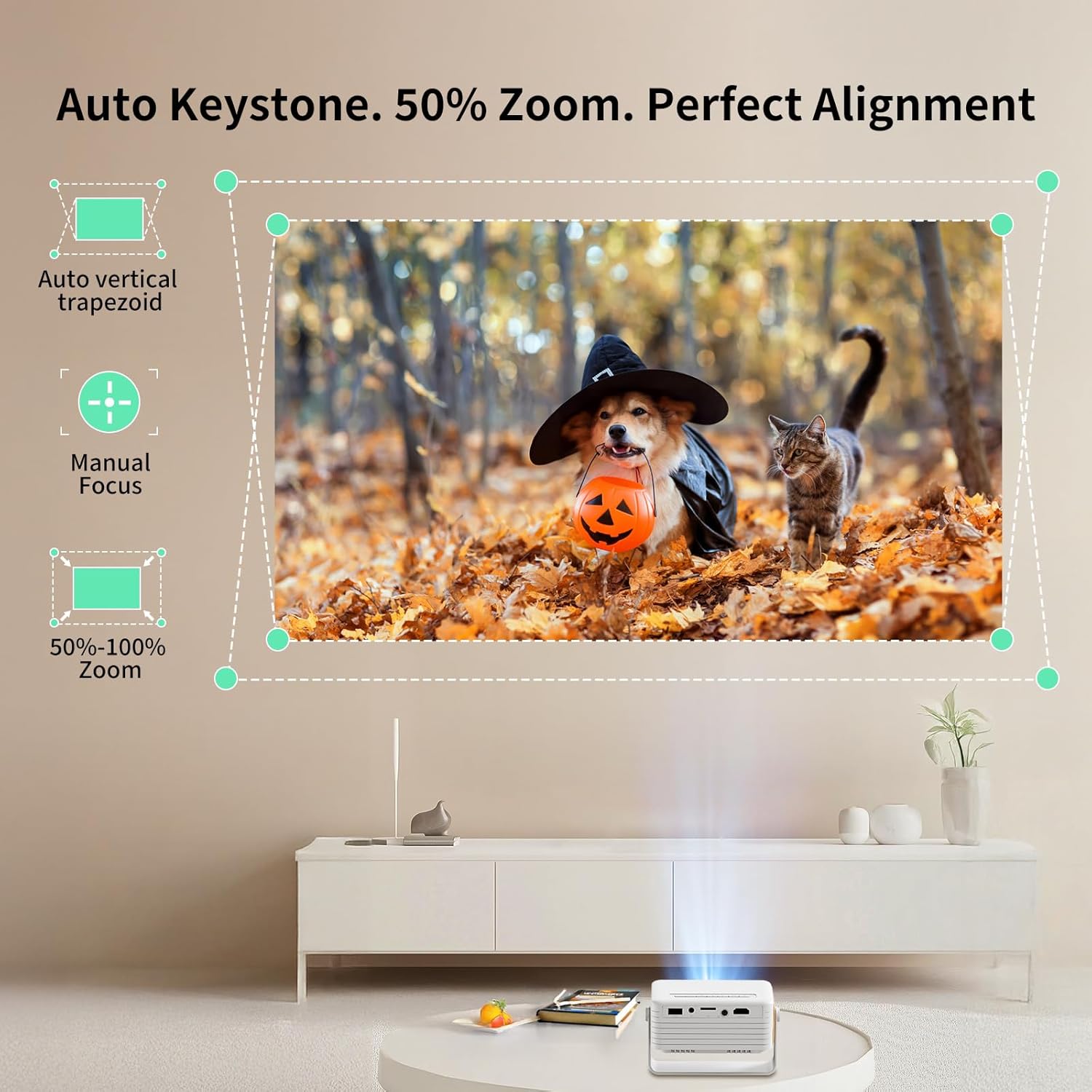
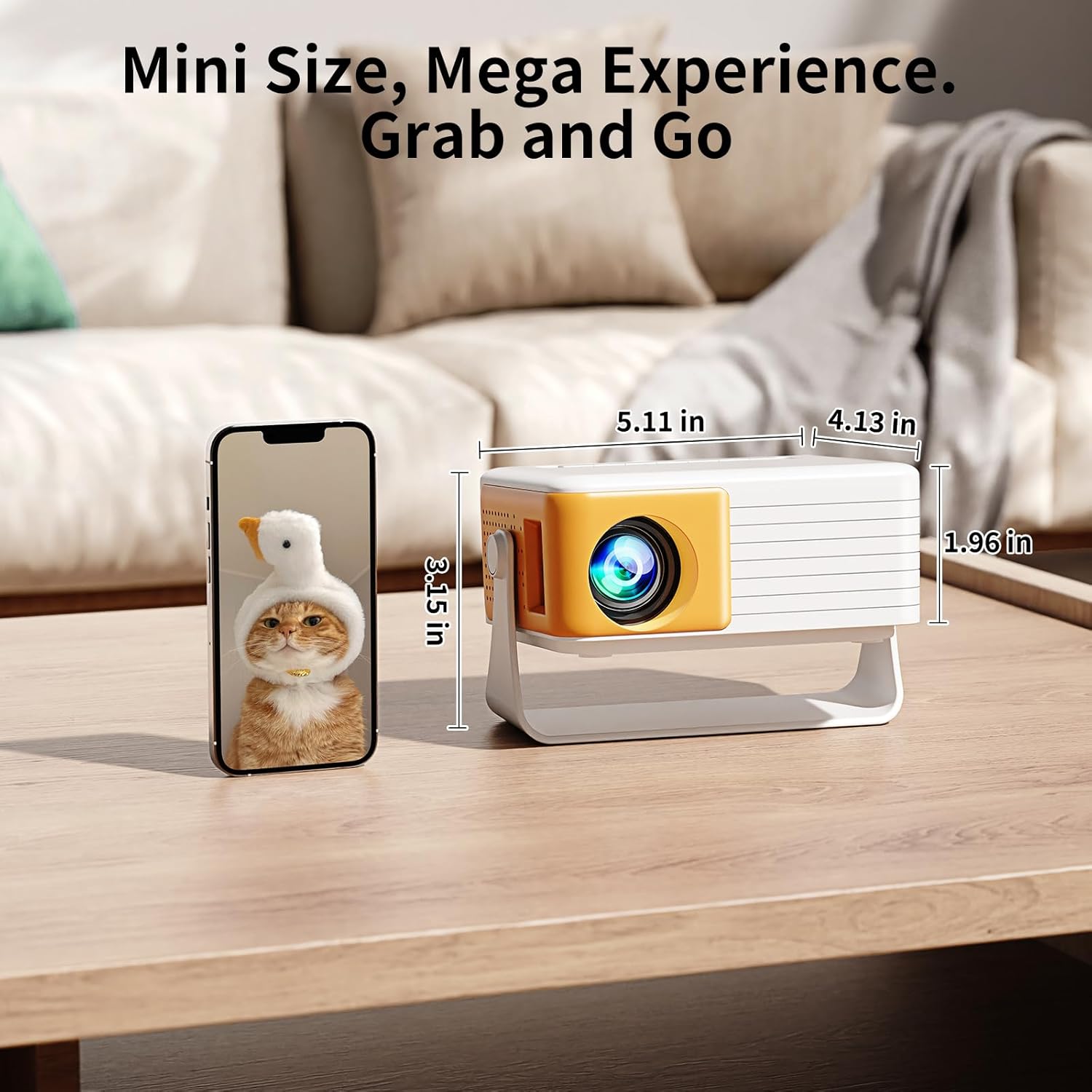
What it is and what problem it solves\nThe Yoton Y3 Mini Projector is a compact, lightweight home‑cinema device designed to bring big-screen viewing to bedrooms, living spaces or even outdoor setups. It emphasises portability, quick setup and flexibility over sheer brightness. If you’re after an easy, plug‑and‑play way to project movies, shows or slides without committing to a full-size projector, this model might fit the bill. The 360° rotating stand and auto keystone correction aim to reduce fiddling with positioning and geometry, so you can project from a bed, a coffee table or a small desk without constant re‑alignment.\n\n## Core specs at a glance\nOn paper, you’re looking at native 720p resolution with 1080P input support, a blue‑light filtering eye‑care light source and a light footprint—about the weight of a typical can of drinks. It’s designed to be bag‑friendly, weighing enough to feel solid but light enough to carry on trips, camps or visits to friends’ houses. The device is marketed as compatible with iOS devices via a direct cable, and it offers multiple input options (HDMI, USB, TF card), which broadens how you can source content.\n\n## How it performs in real life\nThe combination of auto keystone and 360° rotation is meant to make alignment straightforward. In practice, you won’t have to juggle manual keystone corrections every time you reposition the unit, which is useful for casual viewing in varied spaces. The native 720p resolution is not the sharpest by modern standards, particularly in brighter rooms or with detailed text, but for dimly lit bedrooms and relaxed movie nights it can be perfectly adequate. Some users might notice a softer image when pushed to larger sizes, the manufacturer even suggests using a dedicated 100-inch screen for the best projection, which implies the device scales well within its design envelope but benefits from the right surface.\n\n## Practical use cases\nIf you value portability and ease, this small projector can turn a bedside wall into a cinema‑style screen or serve as a quick presentation tool in a modest space. It’s particularly appealing for travellers, students or couples who want a simple way to stream from a phone or a TV stick without a fixed installation. A common workflow could be: connect a TV stick via HDMI for streaming apps, or plug in a laptop or game console for casual gaming or videos. It’s also workable on nights when you want a quiet, ambient movie session without a big setup.\n\n## What stands out and where it may fall short\nOn the upside, the 360° stand and auto keystone are convenient features that reduce the friction of placement. The ultra‑portable form factor is a clear advantage if you need to move the device between rooms or on short trips. On the downside, native 720p limits detail level, especially for text or high‑definition content. The reliance on external devices (like a TV stick for streaming services) might add an extra step for some users, and not all Android devices will mirror wired content due to HDMI/MHL compatibility differences. If you prioritise brightness or top‑tier image sharpness, this model may feel niche compared with higher‑end projectors.\n\n## Who it’s for (and who it isn’t)\nIt suits those who want a lightweight, straightforward projector for bedroom cinema nights, casual movie evenings, or portable viewing on holidays. It’s a good match if you value plug‑and‑play usage and don’t mind a modest native resolution in exchange for extreme portability. It isn’t the best choice if you routinely need ultra‑sharp text readability, bright daytime viewing, or large‑screen cinema quality at large sizes in well‑lit rooms. If you rely heavily on direct streaming from a phone, remember that certain services may not play directly due to copyright protections, a TV stick via HDMI is recommended for the smoothest experience.\n\n## What to check before buying\n- Content source: ensure your content device supports the available inputs (HDMI, USB, TF).- Compatibility notes: not all Android phones mirror via wired connections, you may need an adapter or wireless alternative.- Room lighting: like many compact projectors, performance improves in darker or dimmer rooms.- Screen surface: a dedicated screen helps, but a neutral wall can work if well‑lit and flat.- Accessory needs: the direct iOS connection can be straightforward, but cables are not included.\n\n## How it compares with practical alternatives\nIf you’re weighing options, this model sits in the ultra‑portable, budget‑friendly segment where convenience and compactness trump absolute image sharpness. For those who want high brightness, 1080p native, or very large screens with pristine detail, a larger, brighter model or a higher native resolution projector could be a better fit. For content lovers who value streaming from a TV stick, the right setup here is to pair with a TV streaming device via HDMI to create a portable home cinema rather than relying solely on phone output.\n\n## Decision moment: should you buy it?\nIs it worth it? If you prioritise portability, ease of use and the flexibility to project in varied spaces, the Yoton Y3 Mini Projector offers a pragmatic solution that doesn’t demand a fixed installation. It’s a sensible pick for casual viewing and light travel use, especially if you’re prepared to attach a streaming device separately for Netflix or Prime Video. It may not be the best option if your main requirement is top‑tier image clarity, bright daytime performance or frequent text reading.\n\n## Quick FAQ\n- Does it work with iOS without extra gear? Yes, direct connection is supported, but the data cable is not included.\n- Can I run streaming apps from a phone? Some services may not play directly due to HDCP protections, using a TV stick via HDMI is recommended.\n- What about gaming or desktop use? It supports HDMI inputs from laptops and game consoles, though the native resolution is modest for demanding tasks.\n\n## Final thoughts\nFor a consumer wanting a lightweight, travel‑friendly projector with the convenience of auto keystone and a flexible stand, the Yoton Y3 Mini Projector provides a practical path to a small‑scale home cinema experience in a compact footprint. It’s not a premium projector by numbers, but it’s a sensible choice for everyday living and occasional cinema nights in rooms where space is at a premium.