

YOTON Photo Printer 54‑sheet bundle
Product description
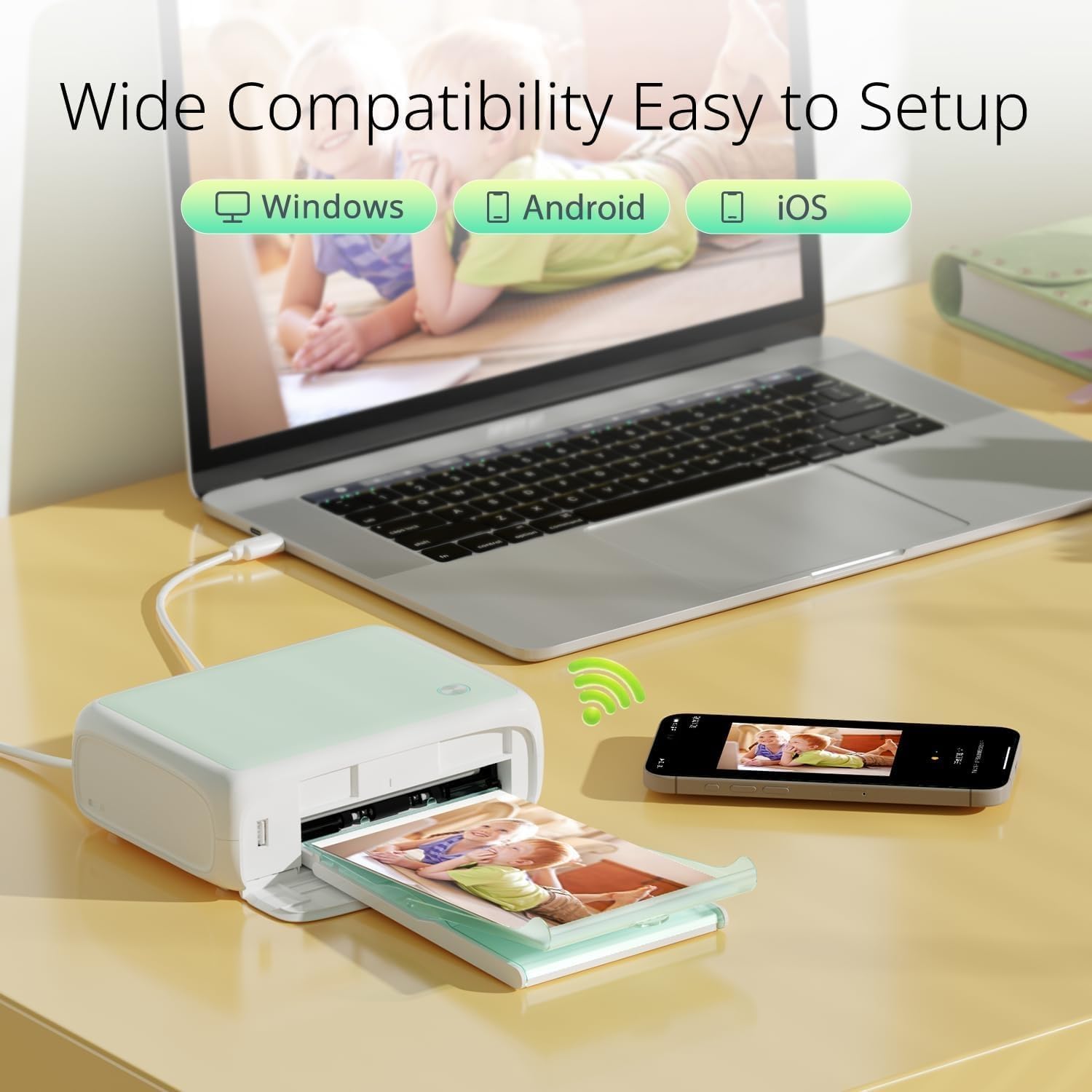
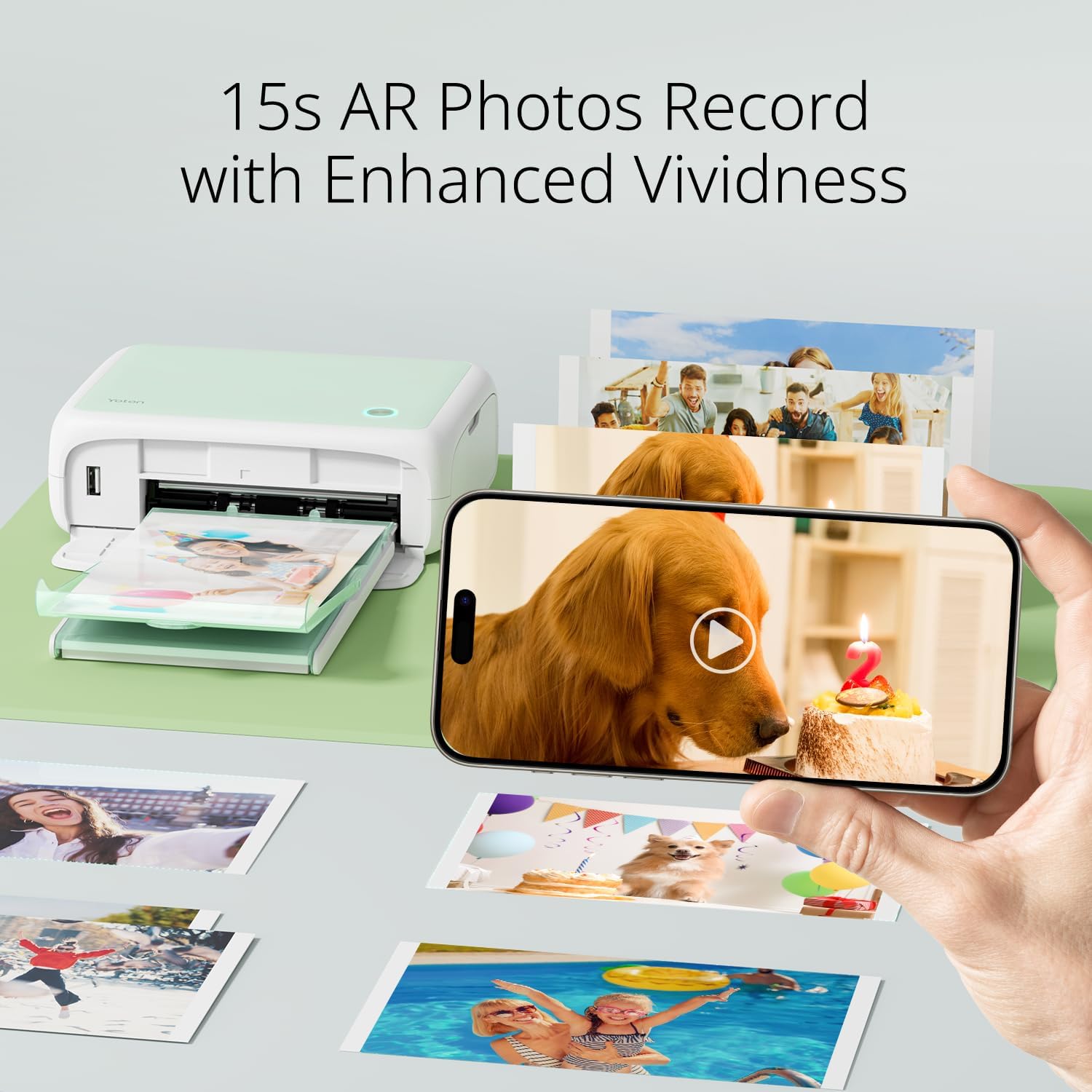
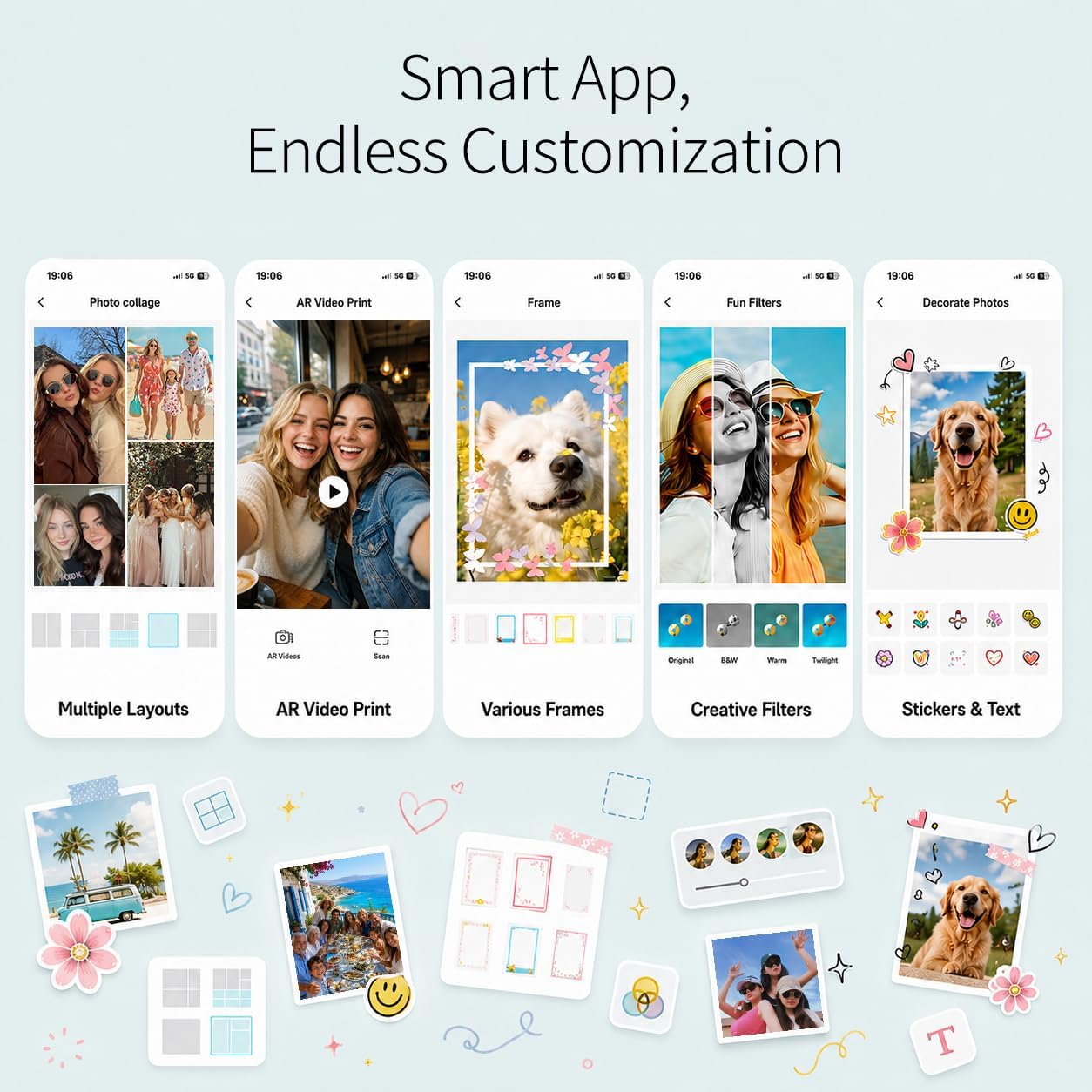
This compact YOTON photo printer brings dye-sublimation prints to everyday use, ideal for home albums and quick keepsakes. It fits a backpack easily and prints 4"x6" photos with colours that resist fading, making it handy for parties, travel and scrapbooking. If you want simple wireless printing, the built‑in Wi‑Fi lets phones and laptops connect directly, without relying on an external network, and the companion app adds stickers and AR options to personalise prints.
What matters most
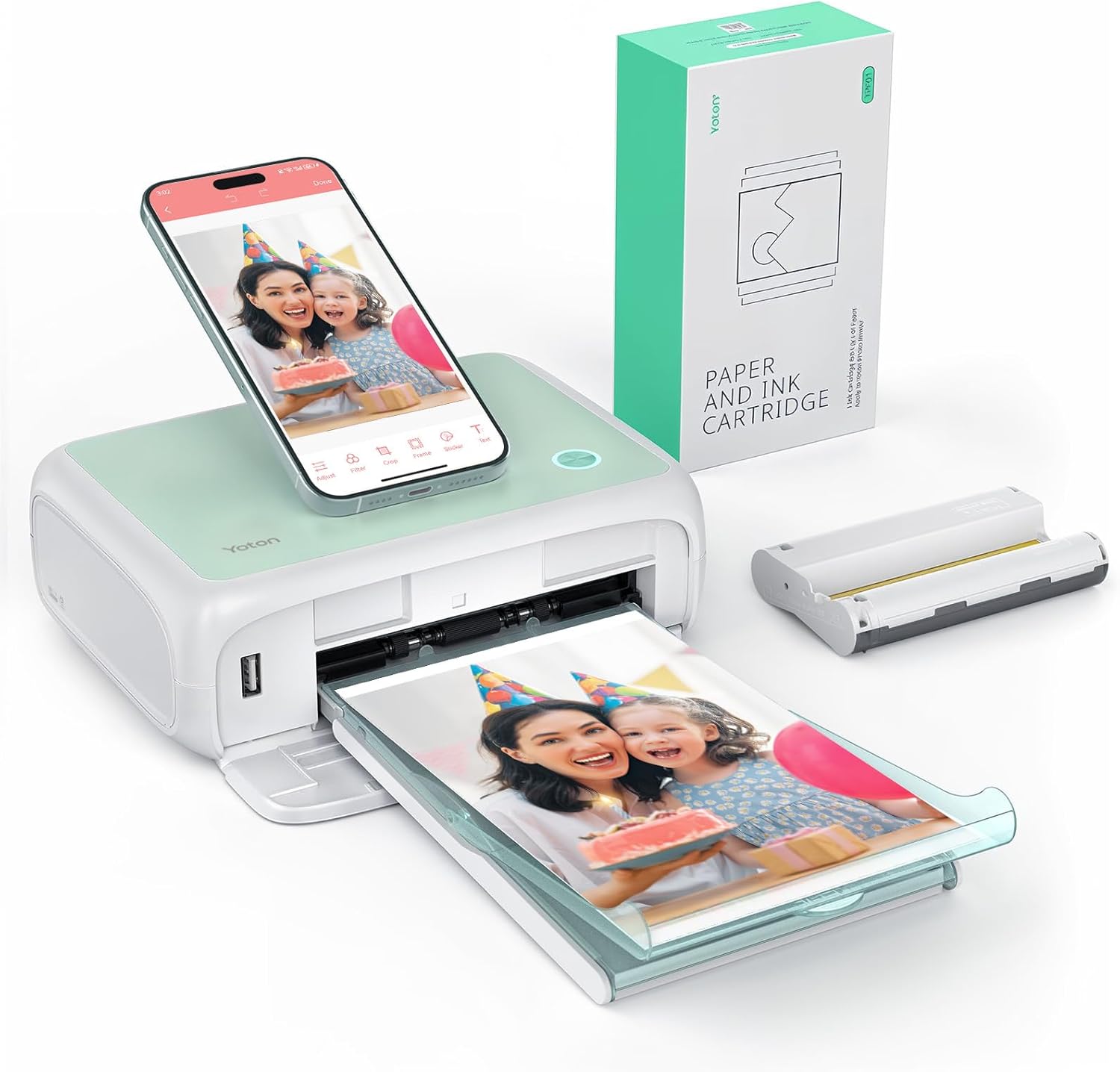
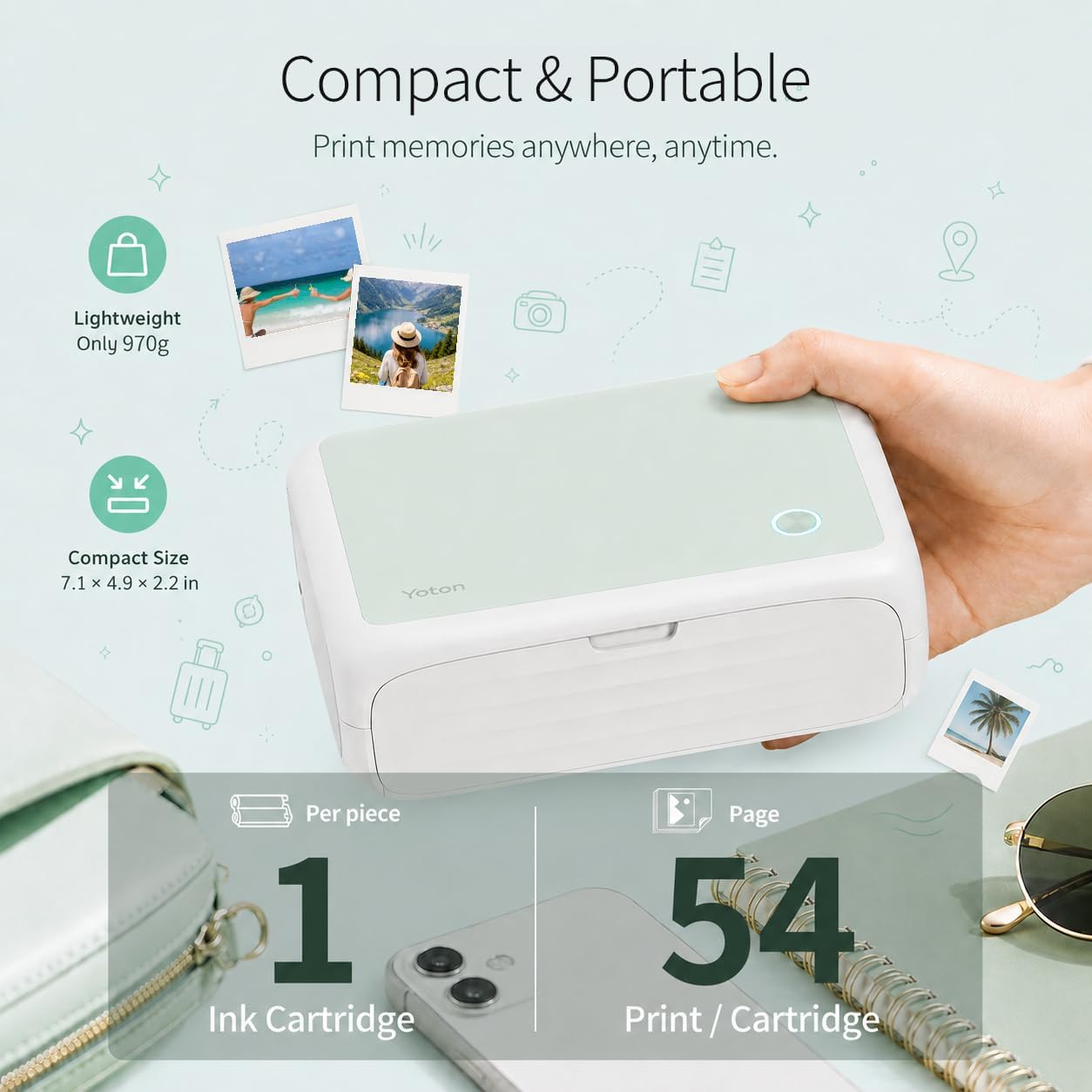
The printer balances portability and print quality in a small footprint. At 7.1" x 4.9" x 2.2" and about 970g it is unobtrusive on a desk and easy to carry. The included 54 sheets give a ready supply for events and gifting, and each ink ribbon handles roughly 40 to 50 photos according to the manufacturer. Note that Mac is not supported, so check device compatibility before you buy.
Tech specs
- Name: YOTON Photo Printer
- Size: 7.1" x 4.9" x 2.2"
- Weight: 970g
- Format: 4"x6" prints
- Connectivity: Wi‑Fi built‑in
What stands out
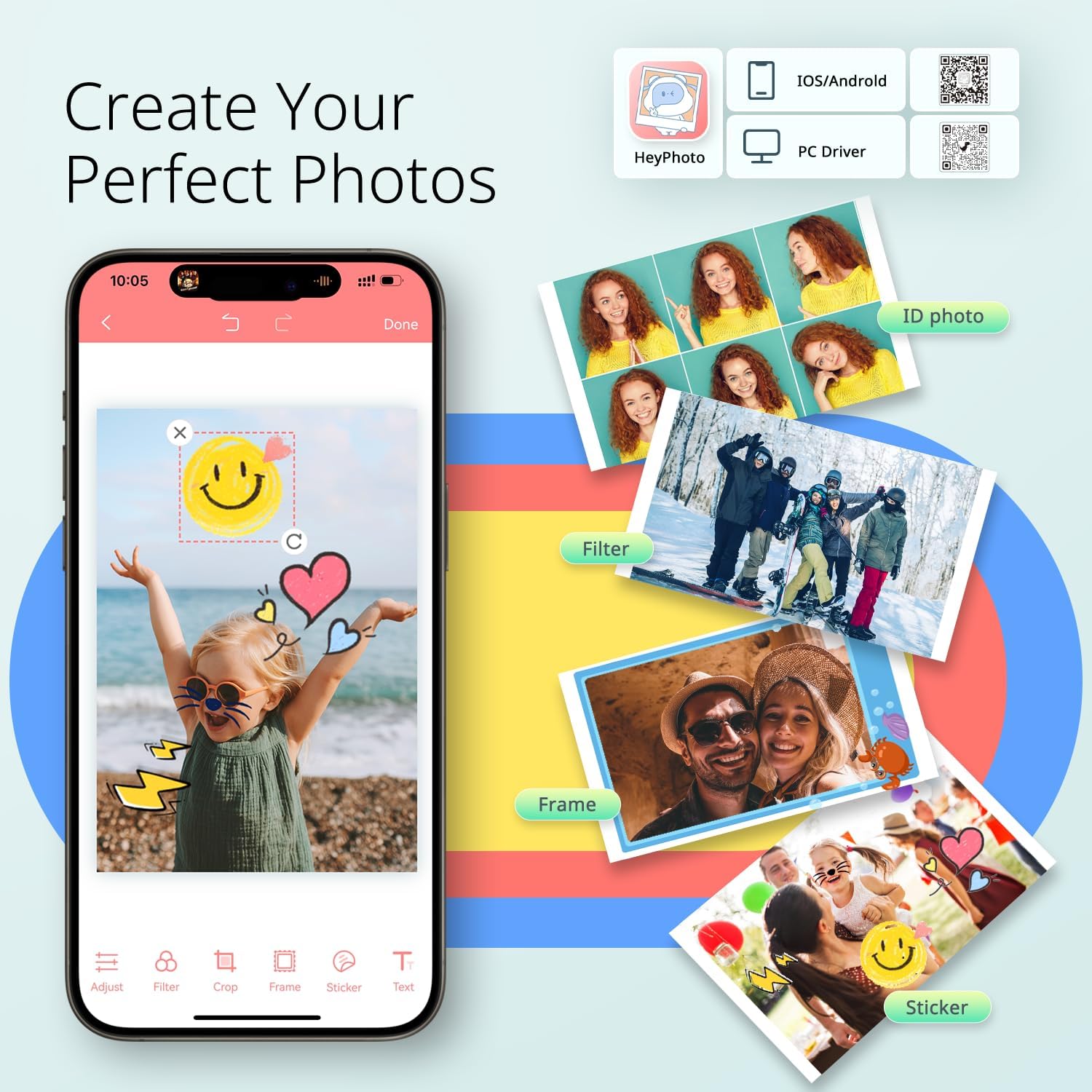
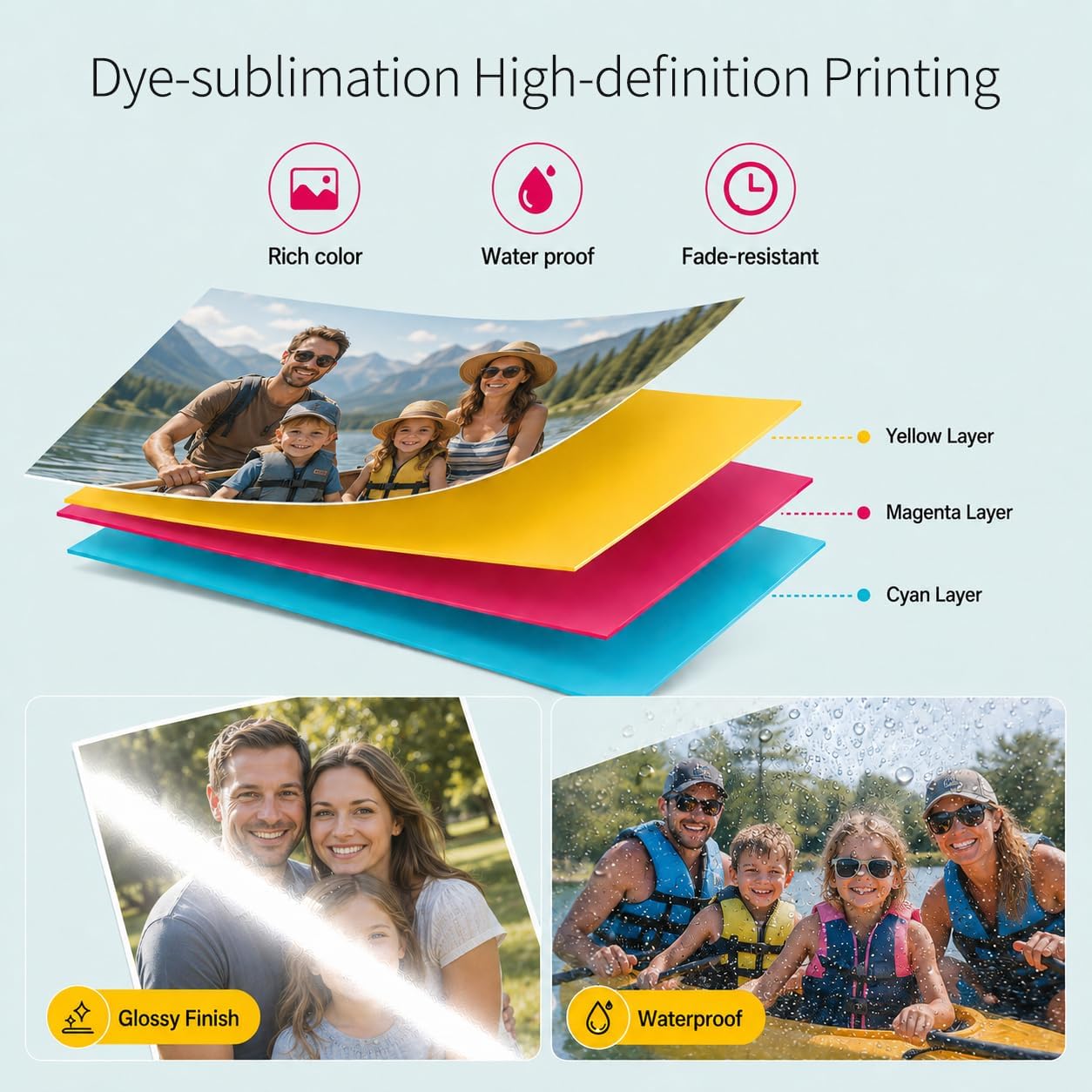
The dye‑sublimation process produces smoother gradients and more stable colours than many thermal alternatives. The app adds a creative layer with filters, text and AR video printing for a playful touch, and the printer’s sealed supply design helps keep paper and ribbon clean. Do bear in mind that ink ribbon yield varies, and running out mid‑session is possible if you print heavily.
How to use it
Set up is straightforward: open the printer’s Wi‑Fi, connect your device, and use the app to edit and send images. Keep spare ribbons and paper sealed until needed and follow the manufacturer’s note about switching off before clearing jams. If a paper jam occurs make sure the power is off before removing paper to avoid damage.