

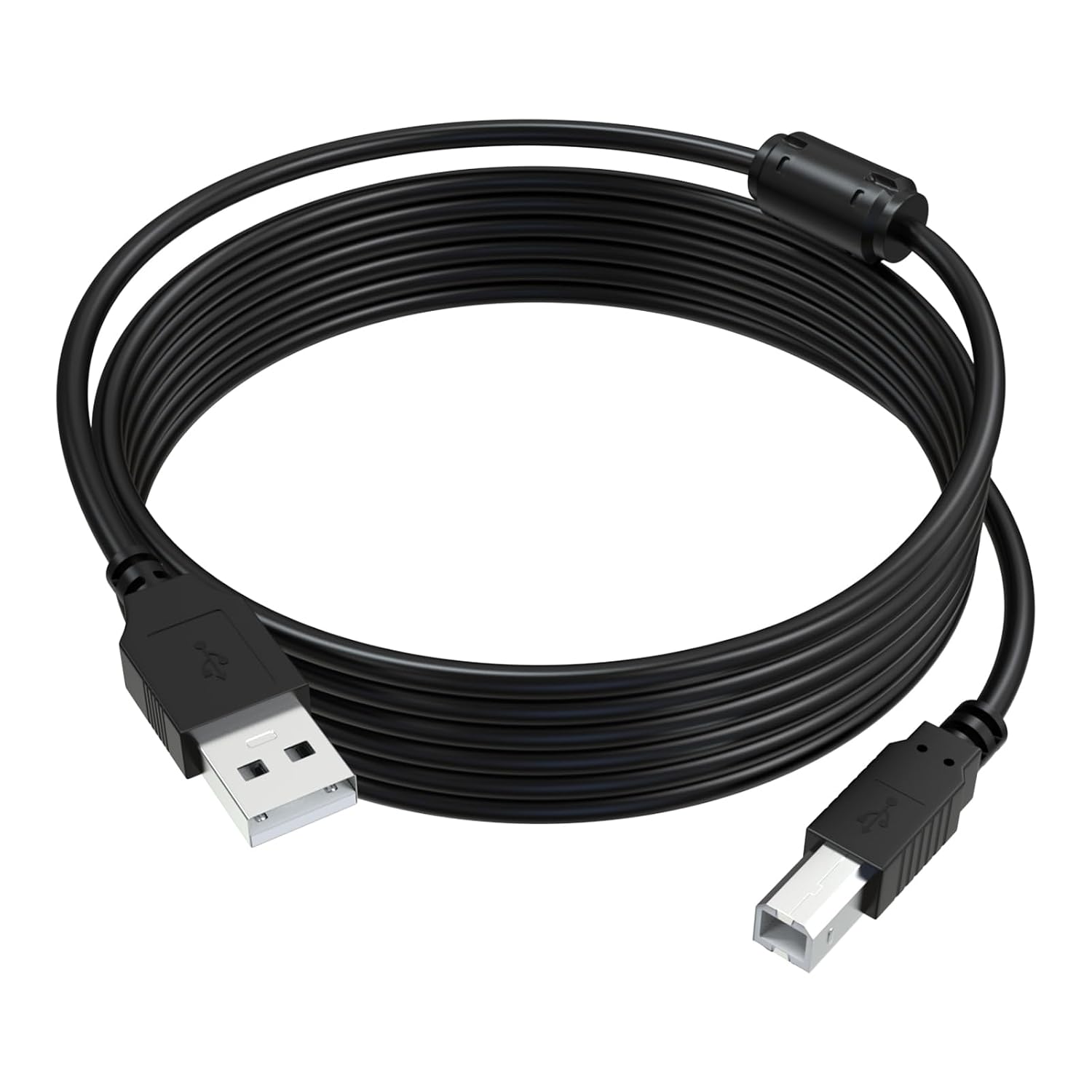
Xivip ET-2800 USB Printer Cable (10 ft) — USB 2.0, Compatible with Epson and More
Product description
What it is
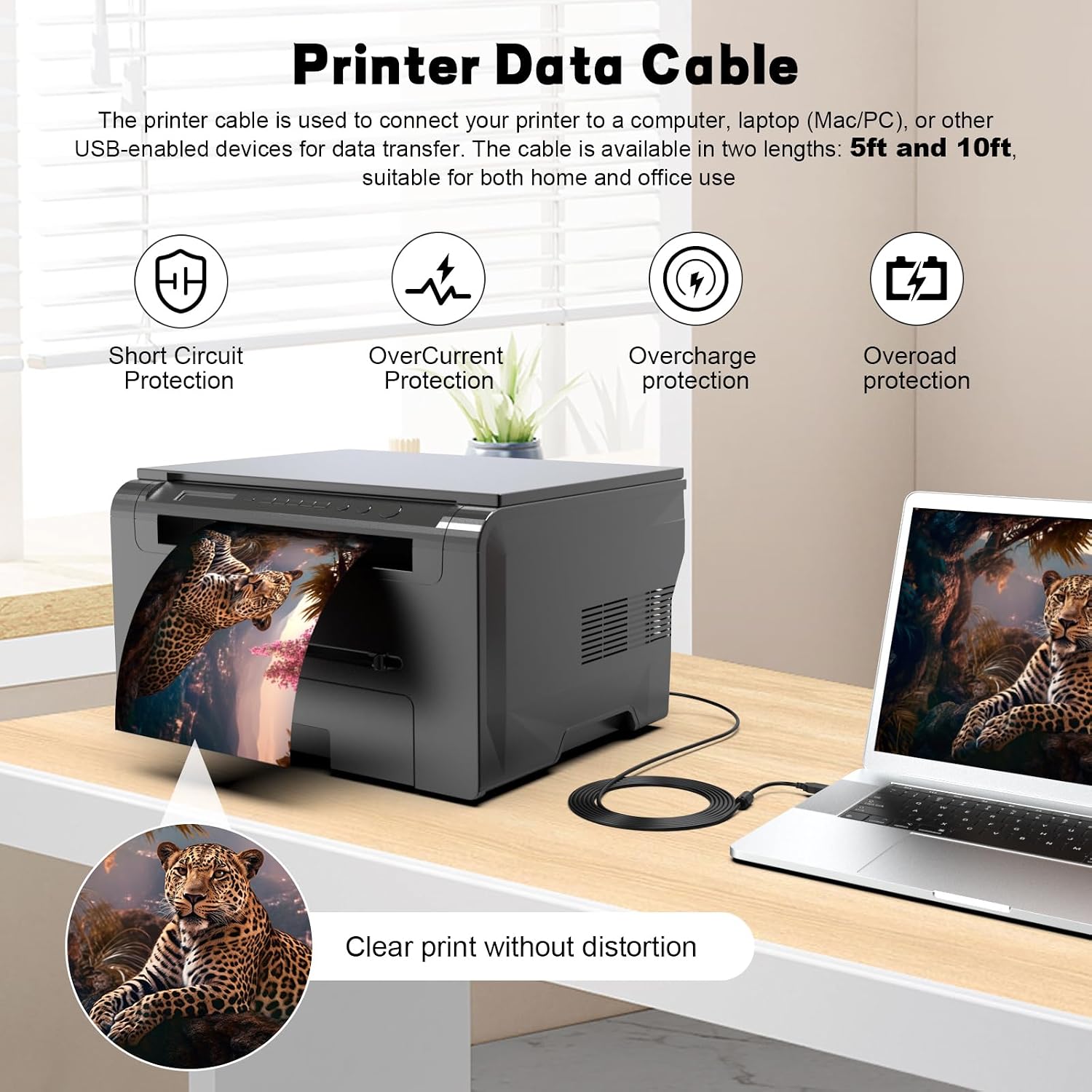
The Xivip ET-2800 USB printer cable is a USB A to USB B data lead designed to connect a printer to a computer or other USB A-enabled device for data transfer. Supplied in a 10 ft length, it aims to offer a practical, wired alternative to wireless connections for stable printing tasks.
Why you might want it
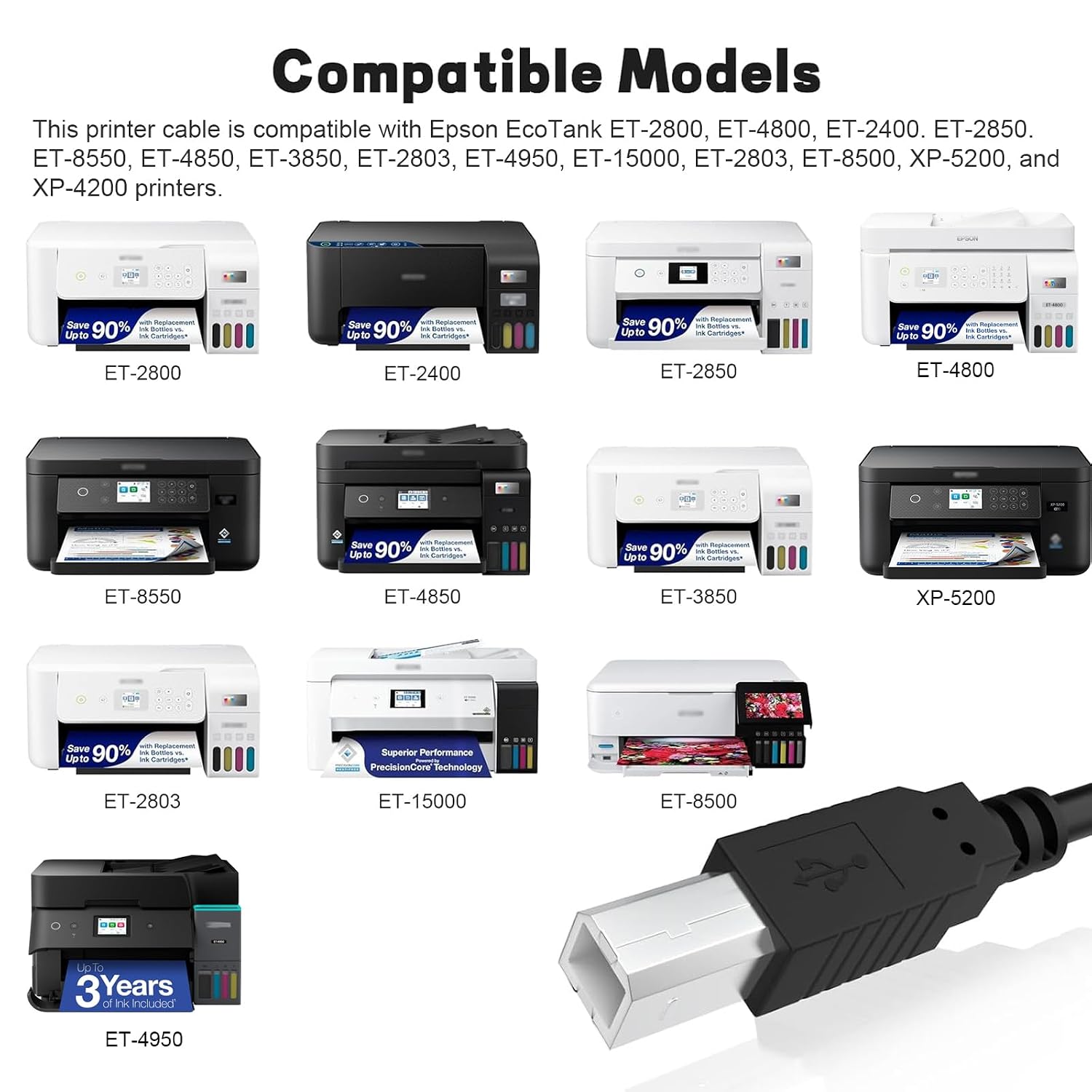
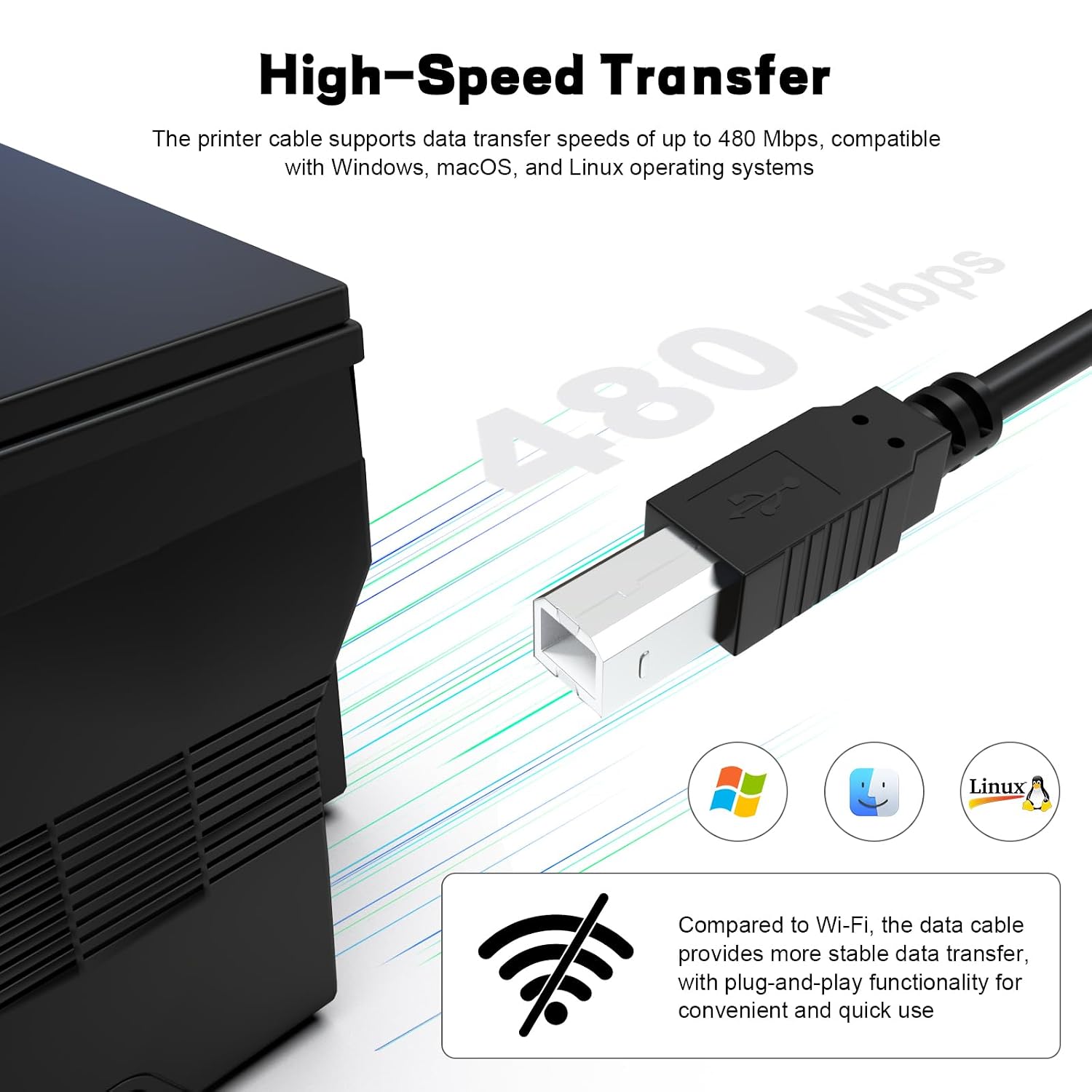
If you prioritise a dependable connection, this USB 2.0 cable can help avoid the variability sometimes seen with Wi‑Fi setups. It’s advertised as compatible with a broad range of Epson EcoTank and XP printer models, and it’s described as suitable for Windows, macOS and Linux, provided you install the official printer driver first. For some users, that driver prerequisite is part of a predictable setup process that leads to fewer driver-related hiccups later.
What stands out
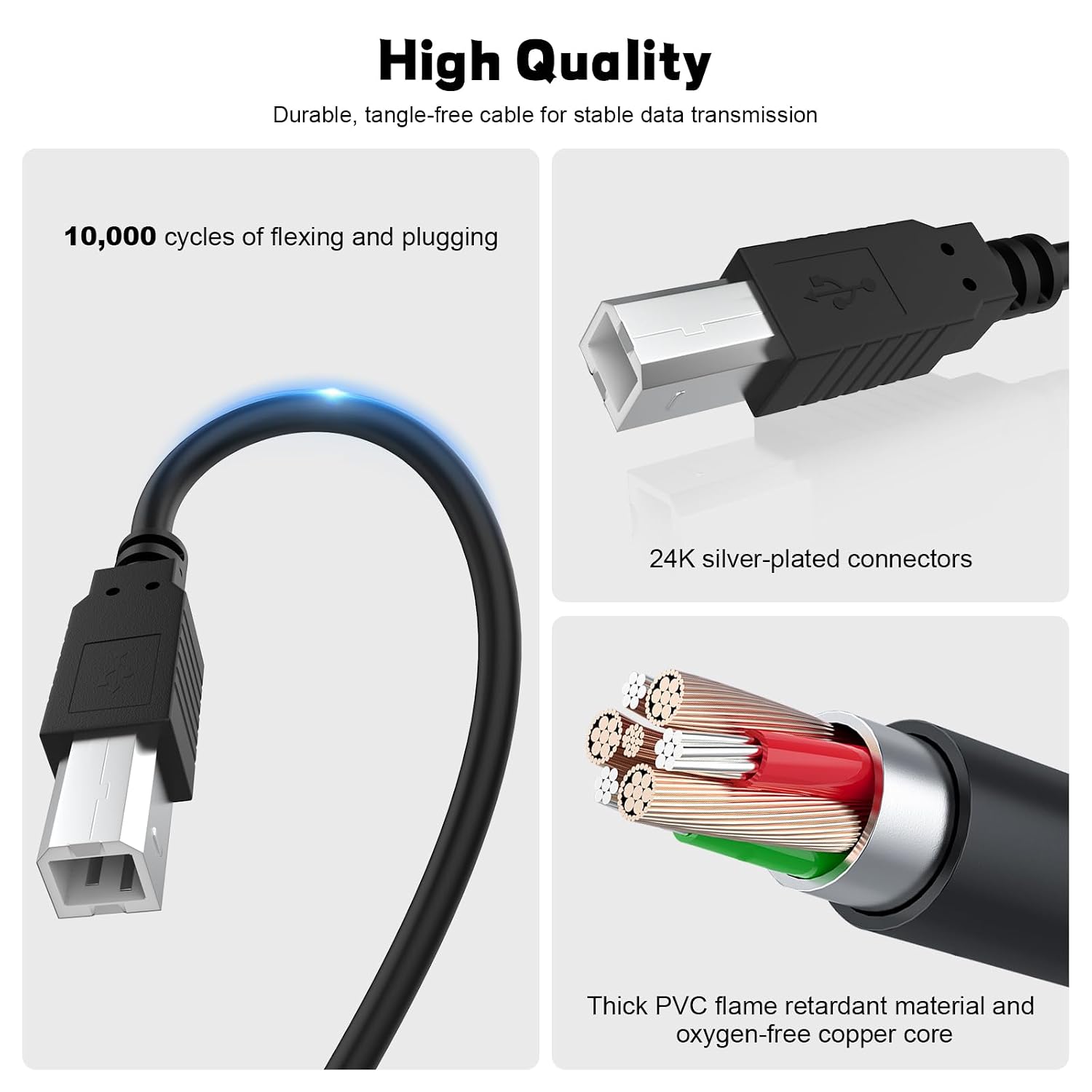
- Build quality: described as using a thickened PVC jacket with an oxygen-free copper core and 24k silver-plated connectors. The supplier also claims durability through multiple bends and plug/unplug cycles.
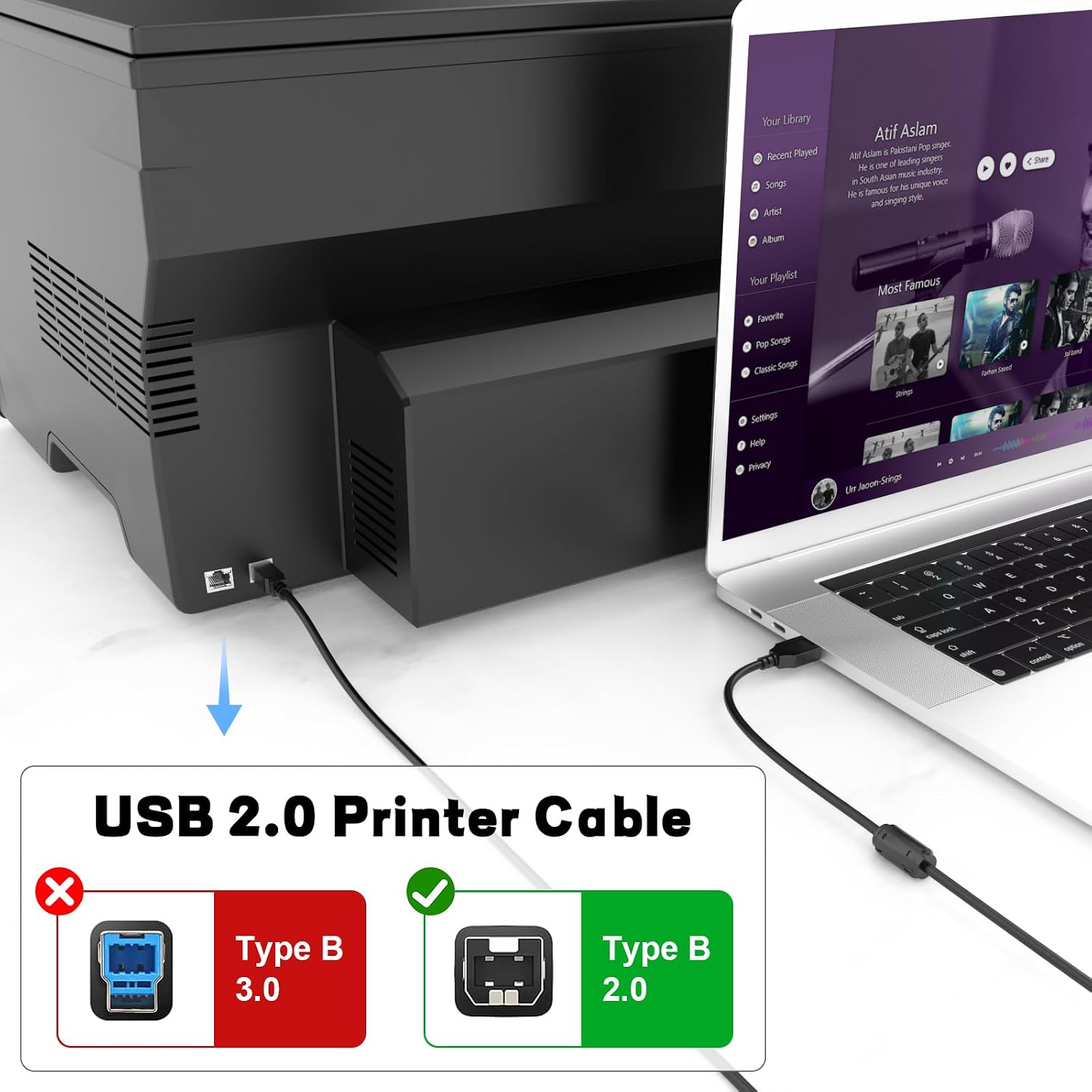
- Stability over speed: USB 2.0 connection with up to 480 Mbps, which is typically sufficient for standard printing tasks and avoids the latency sometimes seen with wireless transfers.
Limitations and caveats
- It isn’t specified to support USB-C ports, so if your devices rely on USB‑C only, this cable won’t fit unless you use an adapter. It’s important to confirm your setup’s port configuration before purchase.
- The description notes that drivers must be installed from the printer’s official source, without the correct driver, the device may not be recognised. For some users, locating and installing the correct driver can be an extra step.
- While listed as broadly compatible, the primary compatibility is with Epson models. There may be limited guarantees for other brands beyond general USB printer support. If you rely on non‑Epson printers, check compatibility more closely.
Who it’s for
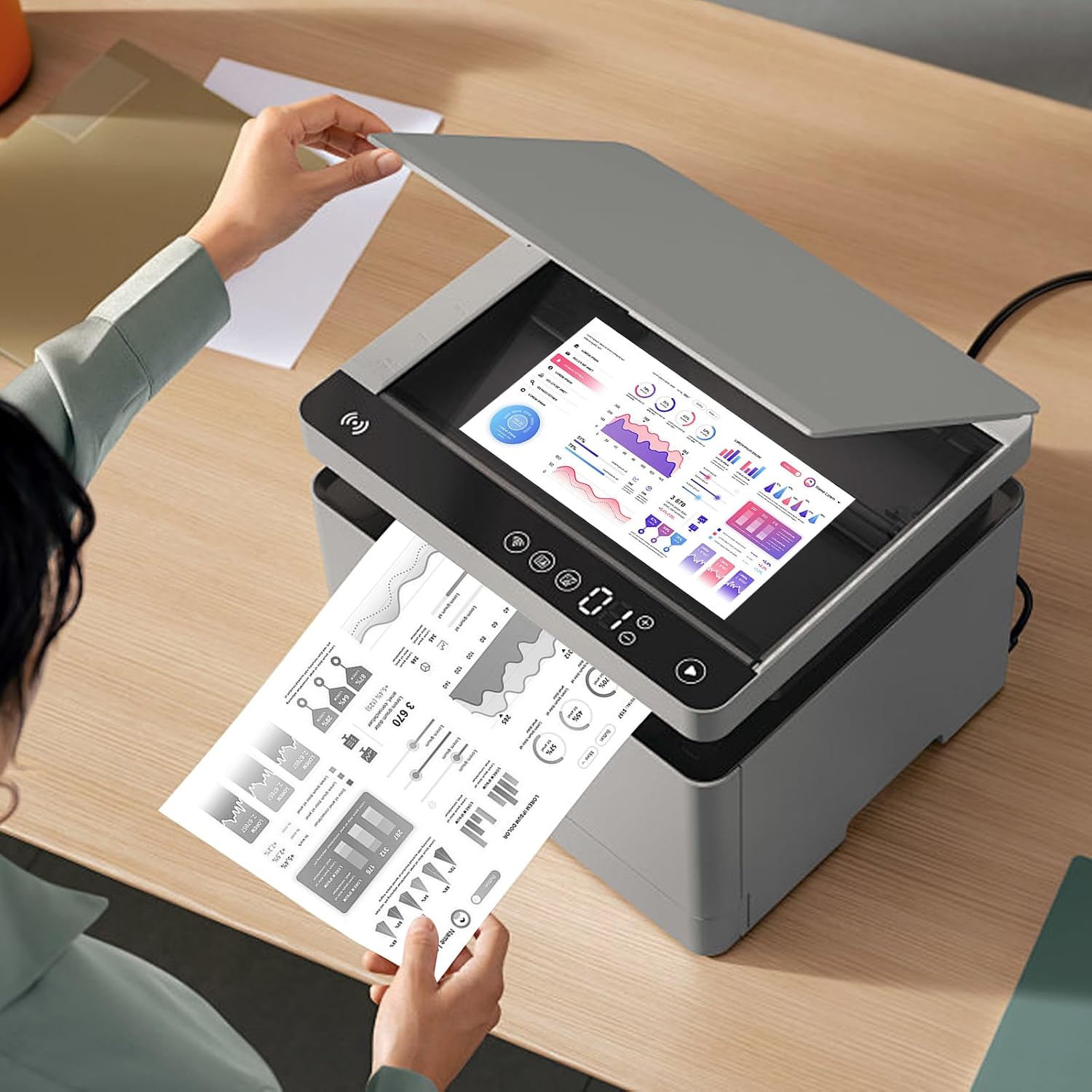
This cable suits home offices or small workspaces where a reliable USB print connection is preferred over wireless printing. It’s likely a sensible option for users who regularly print from laptops or desktops and want a direct, simple connection that’s easy to set up with existing drivers.
Who it isn’t ideal for
If your setup is USB‑C‑only or you routinely print over Wi‑Fi to mobile devices, you might find this solution less convenient. If you expect very high-speed colour photo printing, you may not gain tangible benefits over other USB 2.0 cables, since 480 Mbps is more than enough for standard text and document printing but not a speed racehorse for extremely large files.
When it makes sense to buy
- You already use Epson EcoTank or XP printers and want a cable that’s straightforward to set up with official drivers.
- You prefer a wired, stable connection to minimise print failures or driver-related hiccups.
- You need a longer reach (10 ft) to position your computer away from the printer without compromising cable management.
What to check before purchasing
- Confirm your printer model and port type align with USB A to USB B cabling. If your devices use USB‑C, consider your need for an adapter.
- Ensure you can access and install the printer’s official driver for your operating system (Windows, macOS, or Linux) to guarantee proper recognition.
- Consider your workspace layout: a 10 ft cable offers more flexibility but may require careful routing to avoid tension.
Practical use case
Imagine you’re printing a batch of invoices from a desktop computer, with the printer placed on a separate desk. A wired USB connection can reduce the risk of wireless interference or dropouts, allowing a smoother print workflow and fewer reprints due to connectivity hiccups.
FAQ
- Do I need to install drivers after plugging in the cable? Yes, the official printer driver should be installed for reliable operation.
- Will this cable work with non‑Epson printers? The description suggests broad compatibility with USB printers, but primary emphasis is on Epson models, check your specific model against USB 2.0 USB‑B compatibility.
- Is USB‑C supported? The listing notes no USB‑C support, use USB A to USB B with compatible devices or consider adapters if needed.
Is it worth it?
Worth considering if you want a long, reliable USB connection for a compatible printer and value a straightforward setup with driver support. It may not be the best option if you rely exclusively on USB‑C ports or if you need high‑volume colour photo printing where speed and bandwidth become critical.