

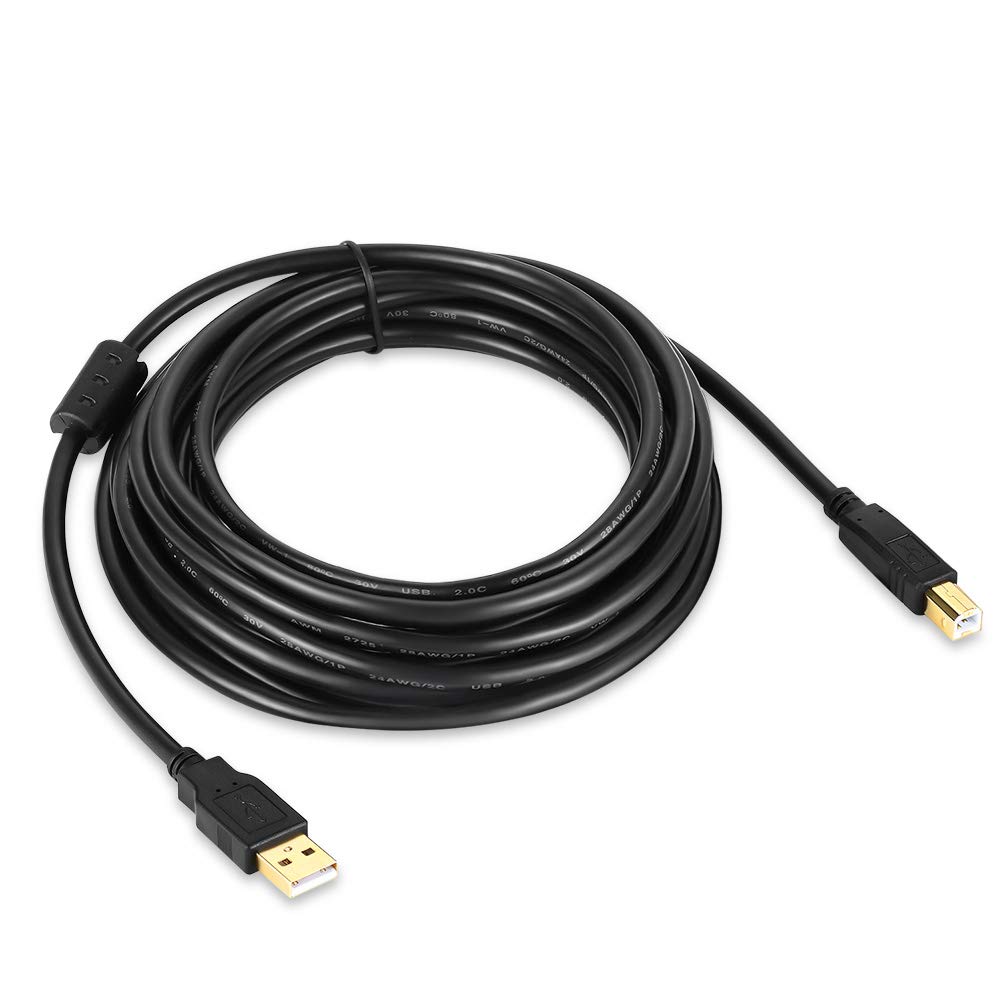
XBOHJOE USB 2.0 Printer Cable 2m: Type A Male to B Male for Printers and Scanners
Product description
What it is
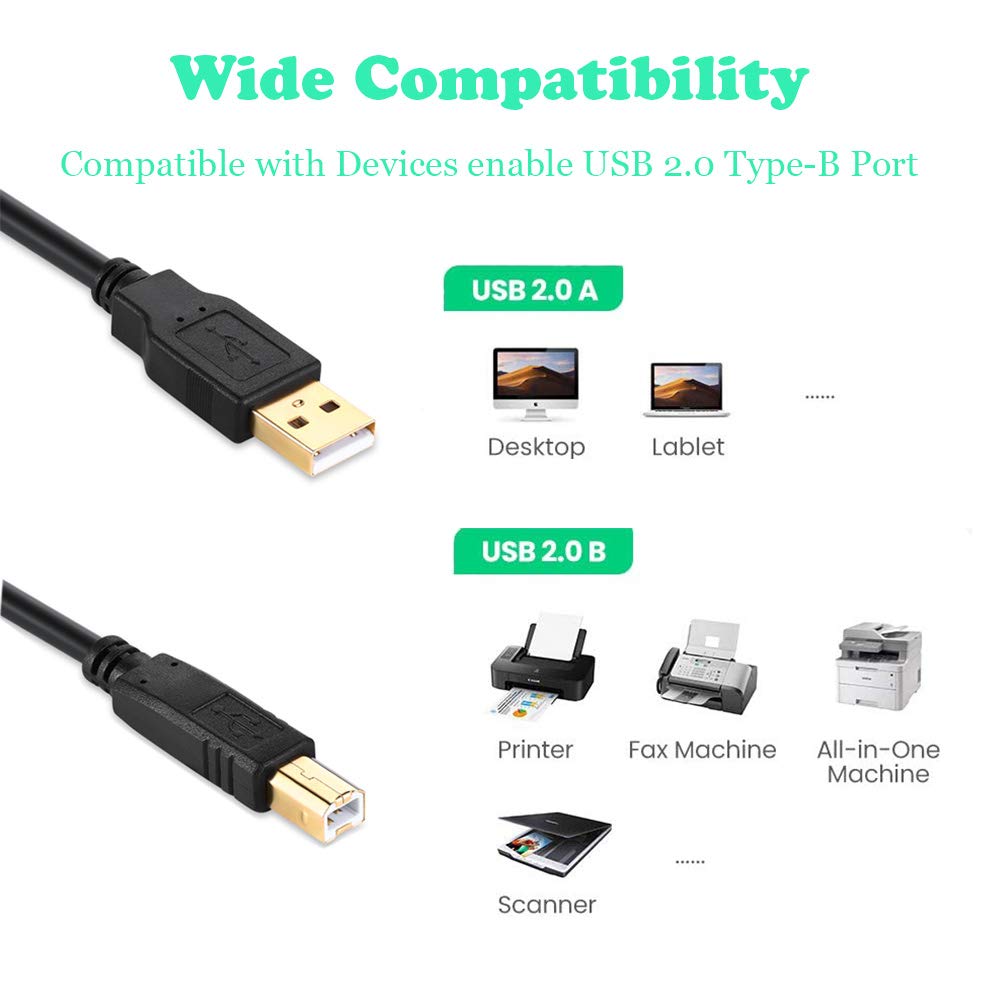
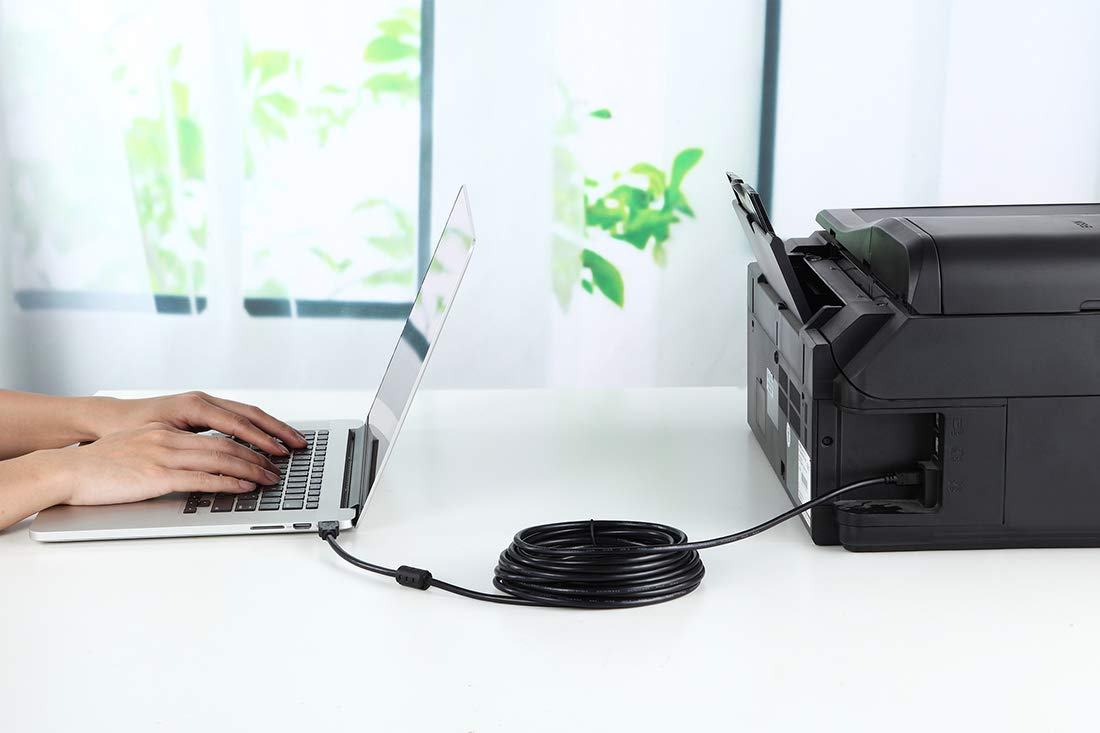
The XBOHJOE USB 2.0 Printer Cable is a 2-metre, Type A to B USB lead designed to connect printers, scanners and other USB-B devices to laptops or PCs. On paper it aims to be a straightforward, plug-and-play solution for everyday office or home use.
What it’s for
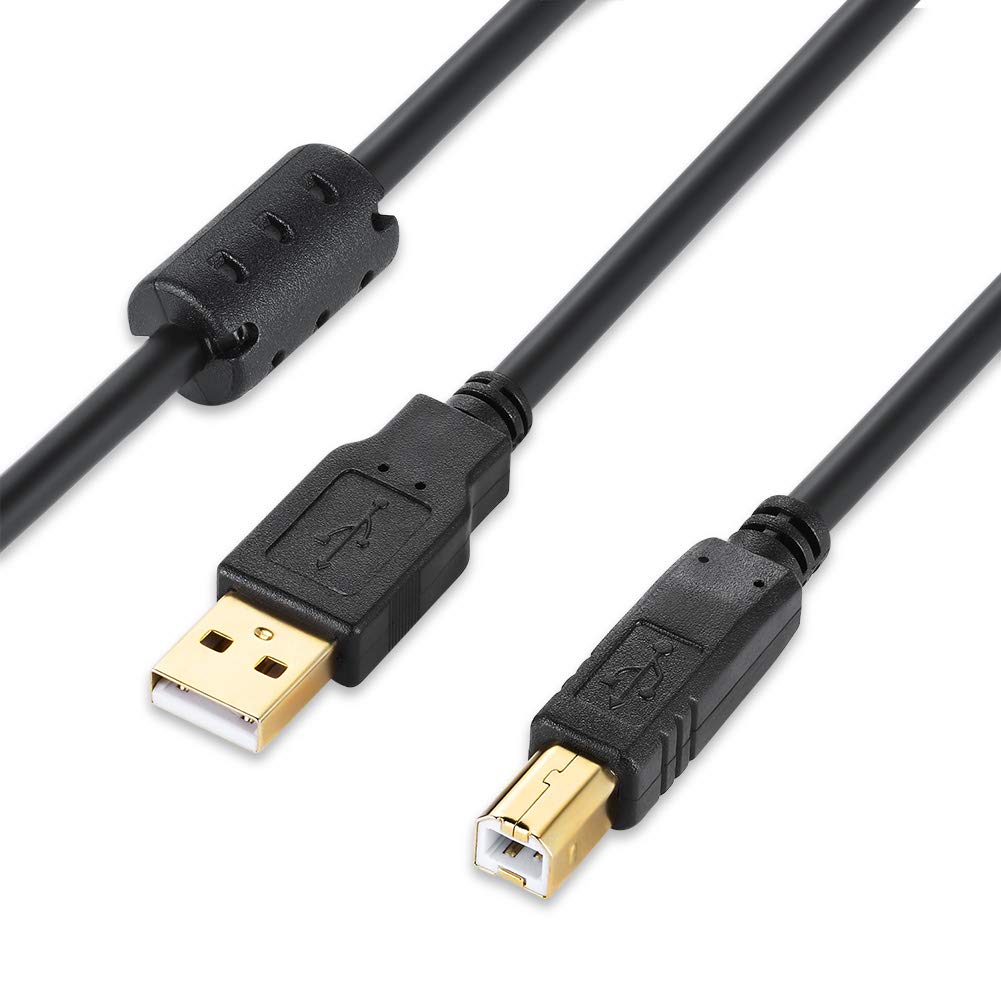
This cable targets common USB-B peripherals from brands often found in offices, such as HP, Canon, Epson, Dell, Brother, Lexmark, Xerox and Samsung. It’s framed as a practical way to get input and output devices talking to a computer without extra software.
How it performs
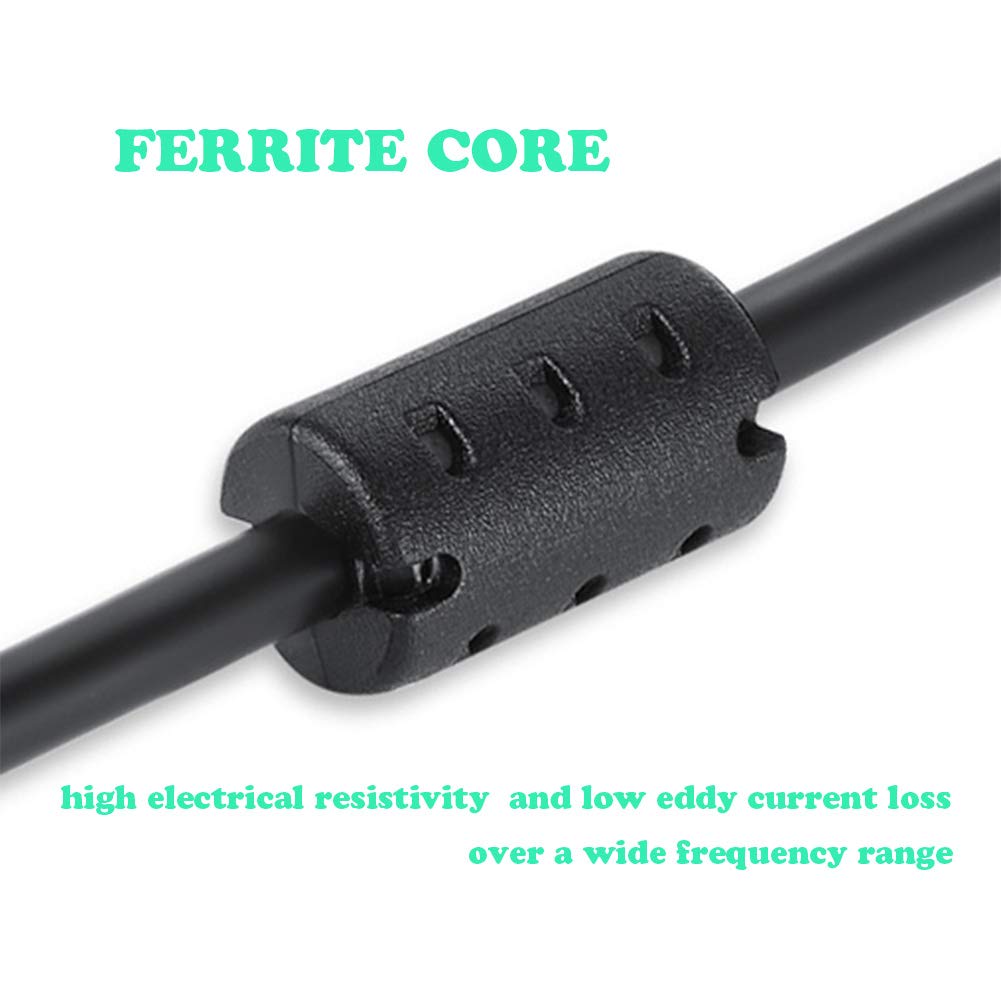
The description highlights anti-interference features, including double magnetic rings to reduce signal clutter and external interference, plus a corrosion‑resistant gold-plated connector and shielding. The idea is: fewer driver hiccups and a more stable connection, particularly where multiple USB devices run at once.
Design and build quality
With an oxygen-free copper core and shielded construction, the cable is presented as robust for long‑term use. The emphasis on plug‑and‑play suggests you shouldn’t expect to fiddle with drivers for routine setup.
Advantages and limitations
Pros: straightforward connection to USB‑B devices, advertised anti‑interference design, no driver installation required, durable build materials. Cons: based on the supplied notes, no performance figures (e.g., transfer speed beyond USB‑2.0 expectations) are provided, and real-world stability can vary with device combinations. If your setup relies on newer USB standards, this cable may feel dated.
Who it’s for
Ideal for someone with a USB‑B printer or scanner and a computer or laptop with USB‑A ports, looking for a simple 2 m connection and basic reliability without extra software.
Who it may not suit
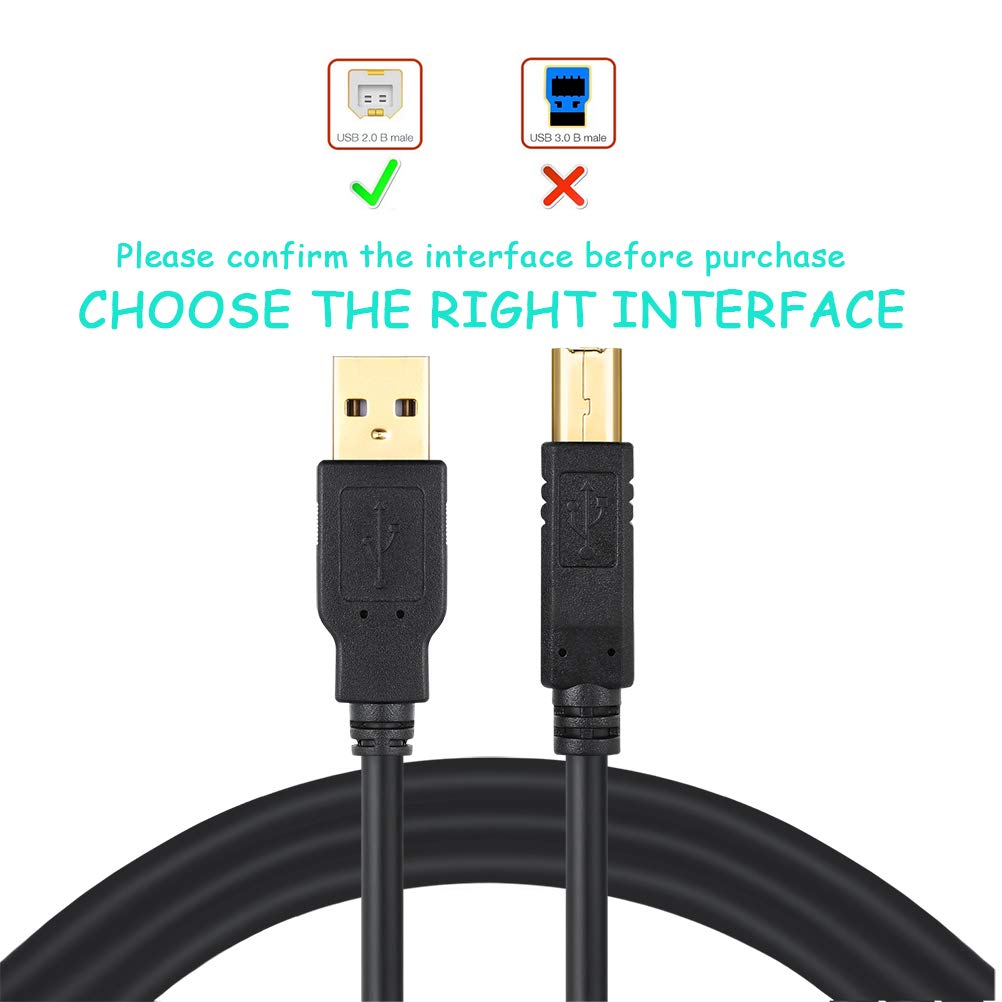
If you work with high‑demand printers, require USB‑C, or rely on newer USB standards for faster data transfer, this cable might not be the best fit. It’s also prudent to check compatibility with your specific printer model and OS.
When it makes sense to buy
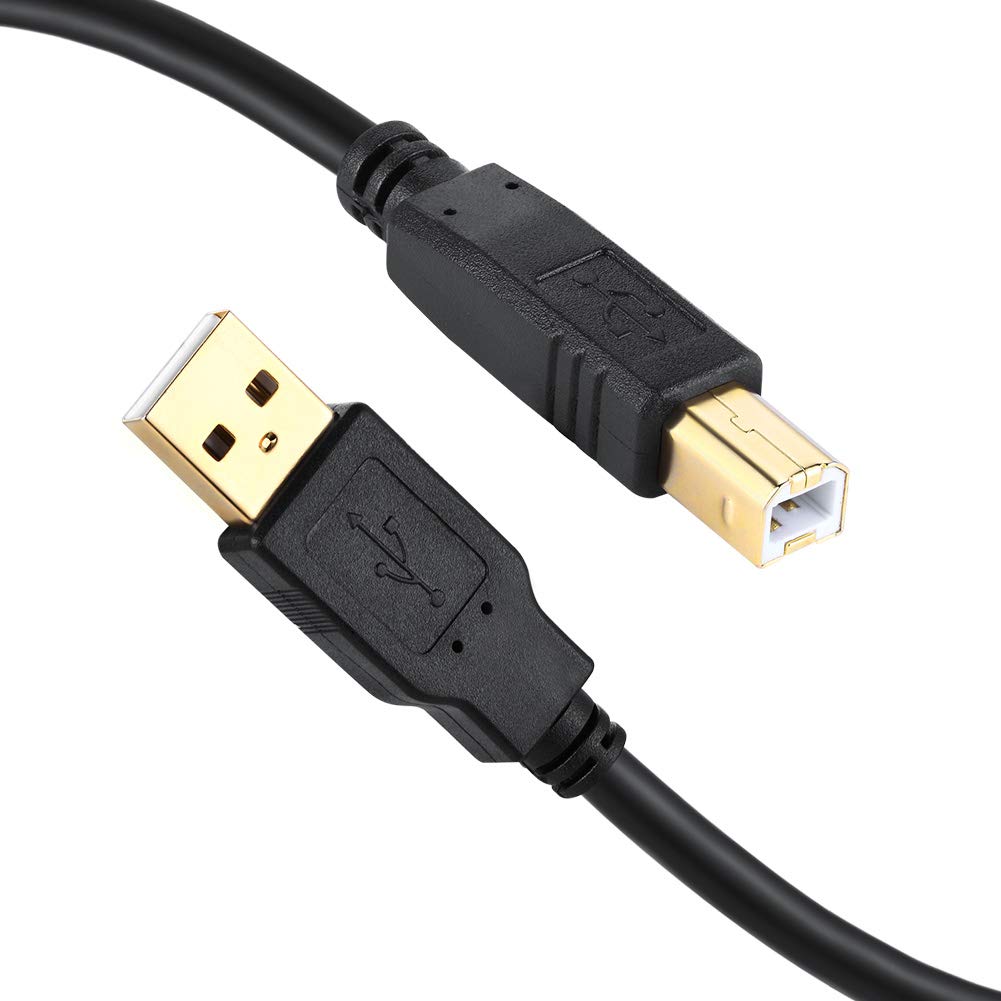
If you need a basic, length‑matched USB‑A to USB‑B link for common printers or scanners and you prefer a solution that claims minimal interference, this could be reasonable. It’s sensible to verify the device is USB‑A to USB‑B and that no additional drivers are required for your setup.
What to check before purchasing
- Confirm your printer or scanner uses USB‑B and that your computer has USB‑A ports.
- Consider the cable length you actually need, 2 m helps with desktop layouts but may affect desk clutter.
- Review any OS-specific notes for your device to avoid surprises with driver support or detection.
Alternatives and context
This cable sits in a pragmatic, value-for-money space. If you’re after a more modern USB‑C or higher‑speed option, you’d look at different cables or adapters. For many standard office tasks, a dependable USB‑A to USB‑B lead remains perfectly adequate for printers and scanners that don’t demand high transfer rates.
What stands out in use
A practical snapshot: you connect the printer to the computer, power up both, and expect the device to appear ready for printing or scanning without hunting for drivers. In a busy home office, the straightforward approach and the promise of stable signals can be appealing.
Final verdict
Is it worth it? Worth considering if you prioritise a simple, plausible‑quality USB‑A to USB‑B connection for common peripherals and you’re not chasing the latest USB speeds. It may not be the best option if your setup requires USB‑C or higher performance, but for basic printing and scanning tasks it offers no‑nonsense practicality.
FAQ
- Do I need drivers for this cable? The description suggests plug‑and‑play for typical USB‑B devices.
- Will it work with all printers? It’s designed for USB‑B devices like many printers and scanners, but confirm compatibility with your specific model.
- Is the length a problem for desk setup? Two metres can help reach distant USB hubs or PCs, but consider whether it adds excess cable in tight spaces.