

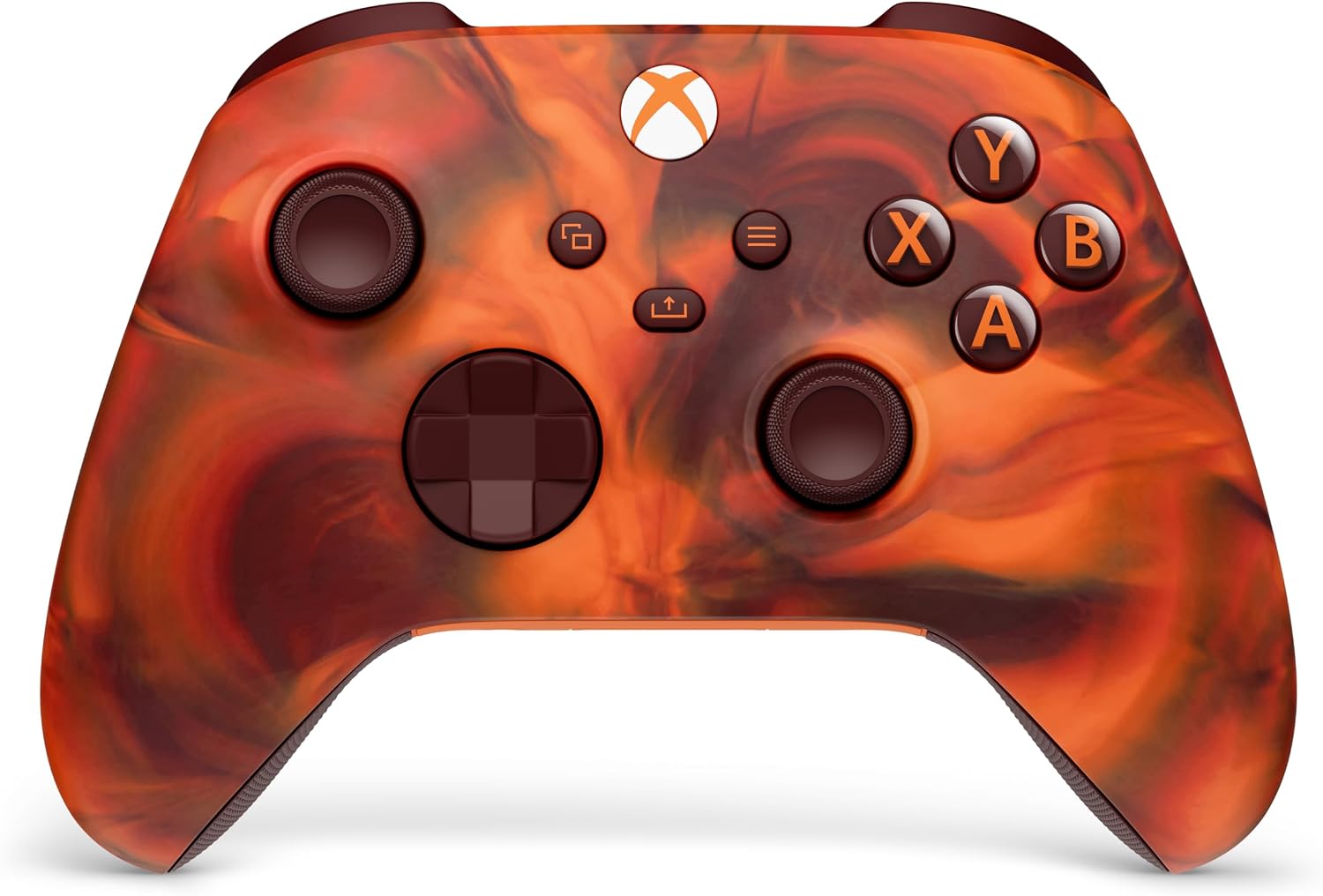
Xbox Wireless Controller – Shock Blue Series for Xbox X|S, One and Windows (USB‑C, Bluetooth)
Product description
The essentials
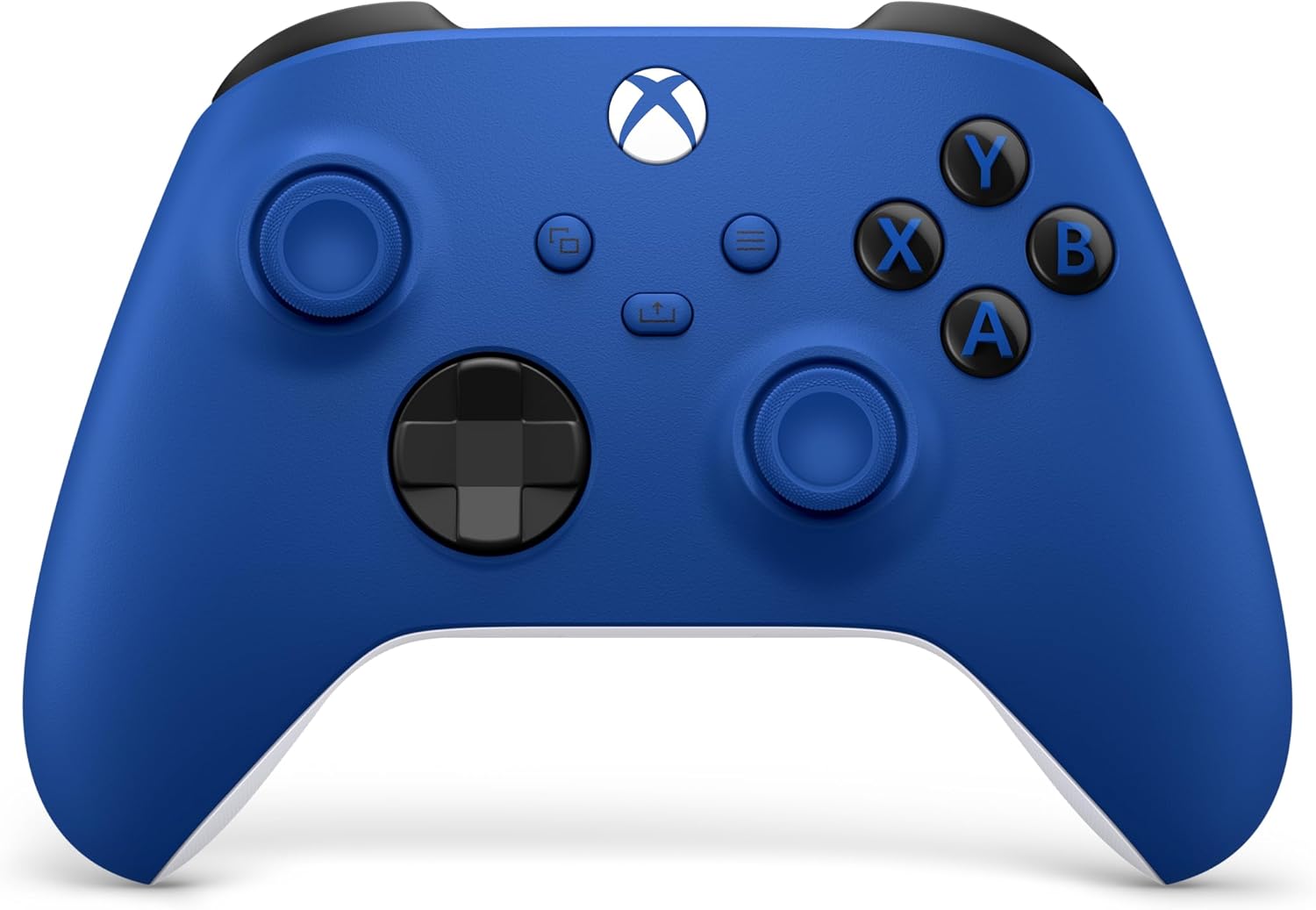
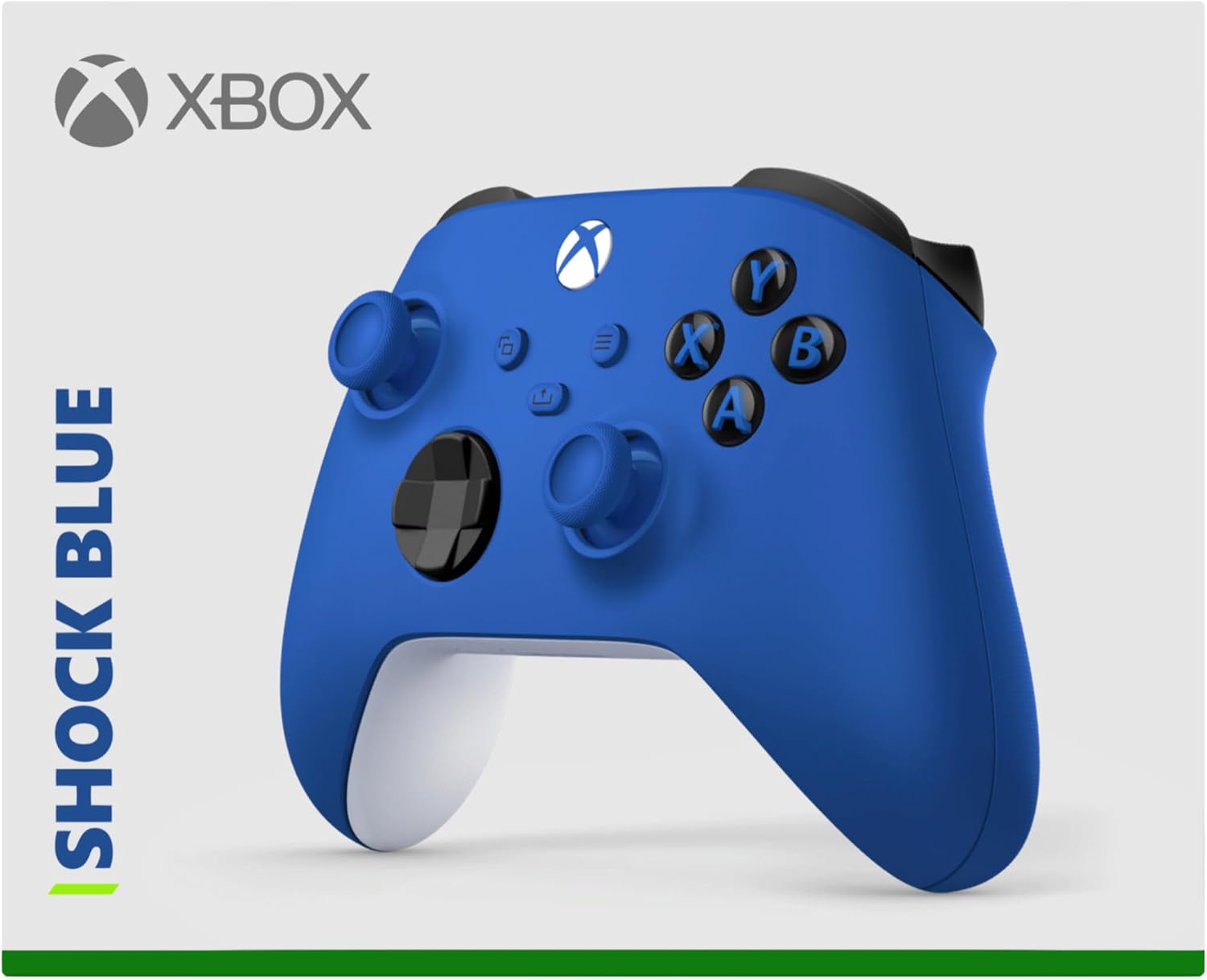
If you’re after an official Xbox wireless controller with a modernised look and practical everyday controls, the Xbox Wireless Controller – Shock Blue is aimed squarely at comfort and straightforward play. It brings sculpted surfaces and refined geometry designed to feel good during longer sessions, plus textured grip where your hands naturally rest.
On paper, it’s the kind of controller you buy once and keep using—especially if you switch between a console, a Windows PC, or even a supported Android phone/tablet. The Shock Blue design is more than visual though: the triggers, bumpers and the back case get textured grip for easier control when things get hectic.
It’s not trying to be “everything for everyone” in a niche way, it’s a solid, mainstream controller that focuses on feel, responsiveness, and connectivity.
What you’ll notice in use
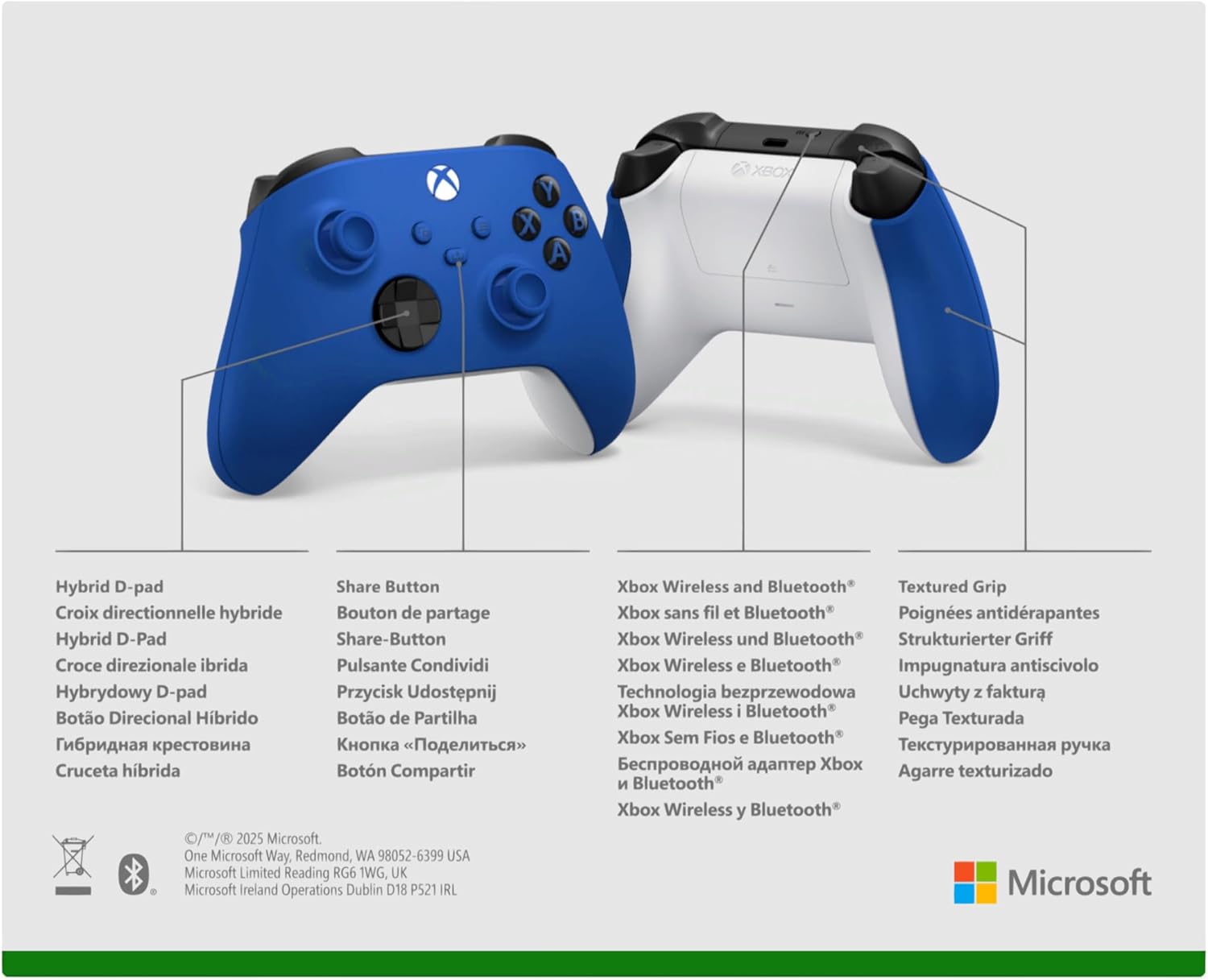
The layout is built around the basics you rely on mid-game. Textured grip on the triggers and bumpers helps your fingers stay put rather than sliding around. There’s also a hybrid D-pad for accurate input while still feeling familiar.
A simple example: if you’re playing something with lots of quick direction changes (platforming, fighters, or any game with tight movement), a D-pad that aims for accuracy and consistency matters more than you might expect. You’ll feel the difference most during short, repeated inputs rather than slow, deliberate movements.
Connectivity and setup (where it makes life easier)
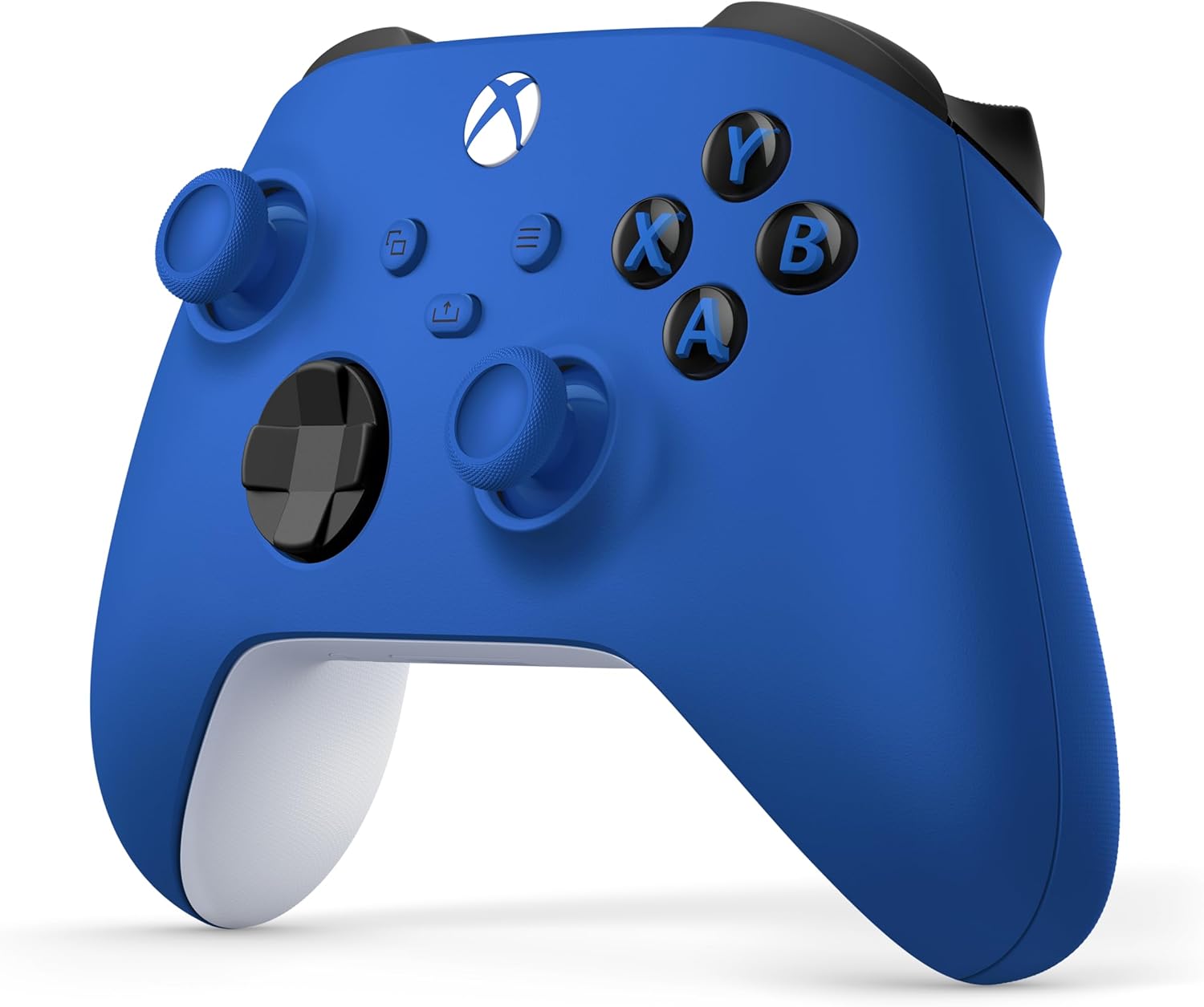
This controller connects using Xbox Wireless and Bluetooth technology for wireless gaming on supported consoles, Windows 10 PCs, and Android phones and tablets.
For direct plug and play, it uses a USB‑C port—handy if you prefer a wired session, want a quick connection without pairing faff, or you just like the reliability of a cable.
Worth noting that the description also mentions AA batteries supported on the rear. That’s a practical detail if you don’t want to rely solely on recharging routines, although it does mean you may still need to keep spares around.
Controls, audio and sharing
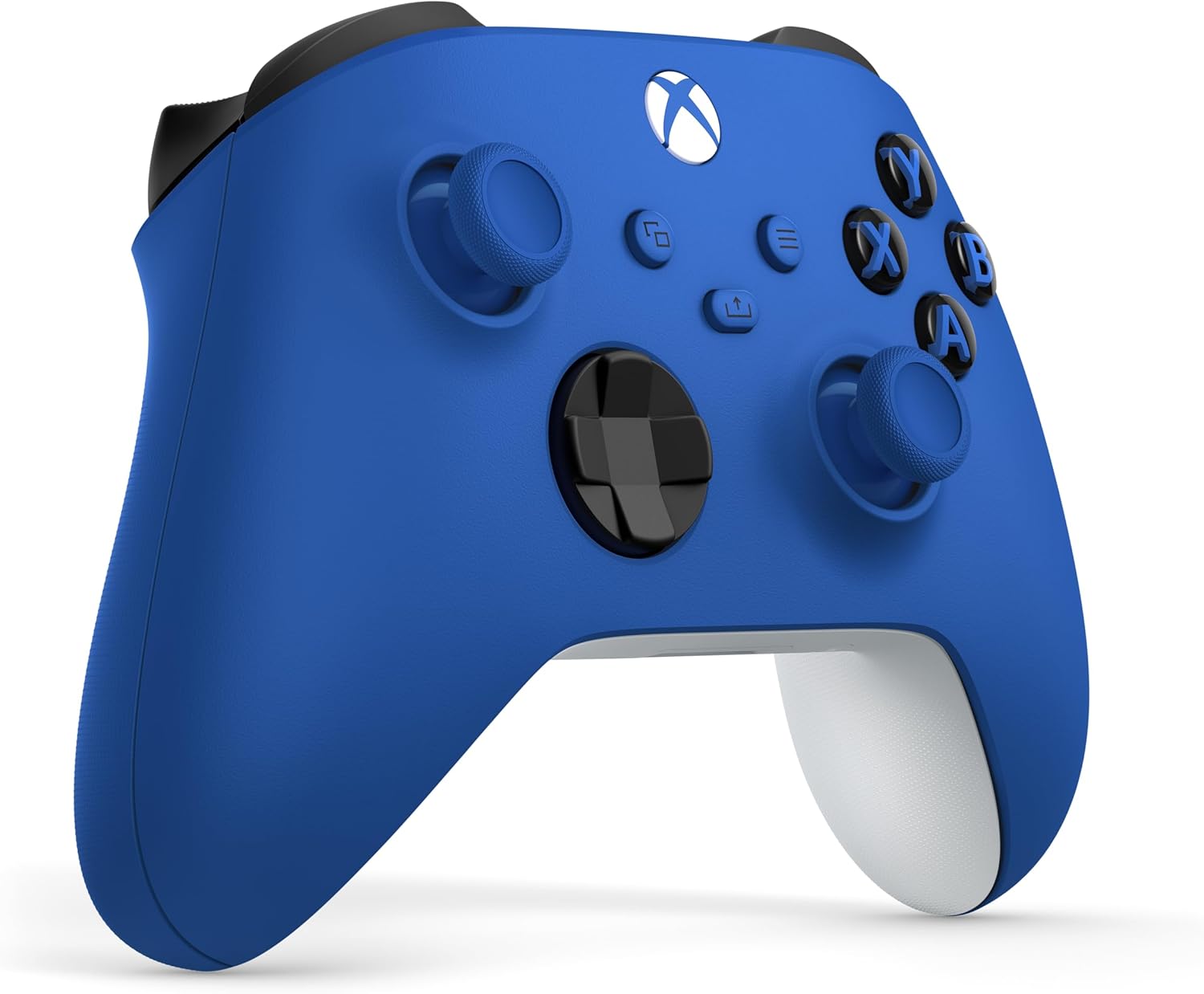
The controller includes the Share button so you can capture and share content as you play.
If you use party chat or game audio through a headset, there’s a 3.5mm audio headset jack. Plug in any compatible headset and you’re good to go—useful for keeping the setup simple.
Customisation and the “standard but not rigid” feel
You can customise button mapping using the Xbox Accessories app. That’s not just a cosmetic feature, it can help you tailor controls to a preferred layout, especially in games where certain actions benefit from being moved to a different button.
It also means you can set up the controller the way you personally play, rather than forcing yourself to adapt every time you try a new title.
Tech specs
- Type: Wireless gaming controller
- Connectivity: Xbox Wireless and Bluetooth
- Charging/connection: USB‑C port for plug and play
- Power support: AA batteries supported on the rear
- Audio: 3.5mm audio headset jack
Who it suits (and who should be cautious)
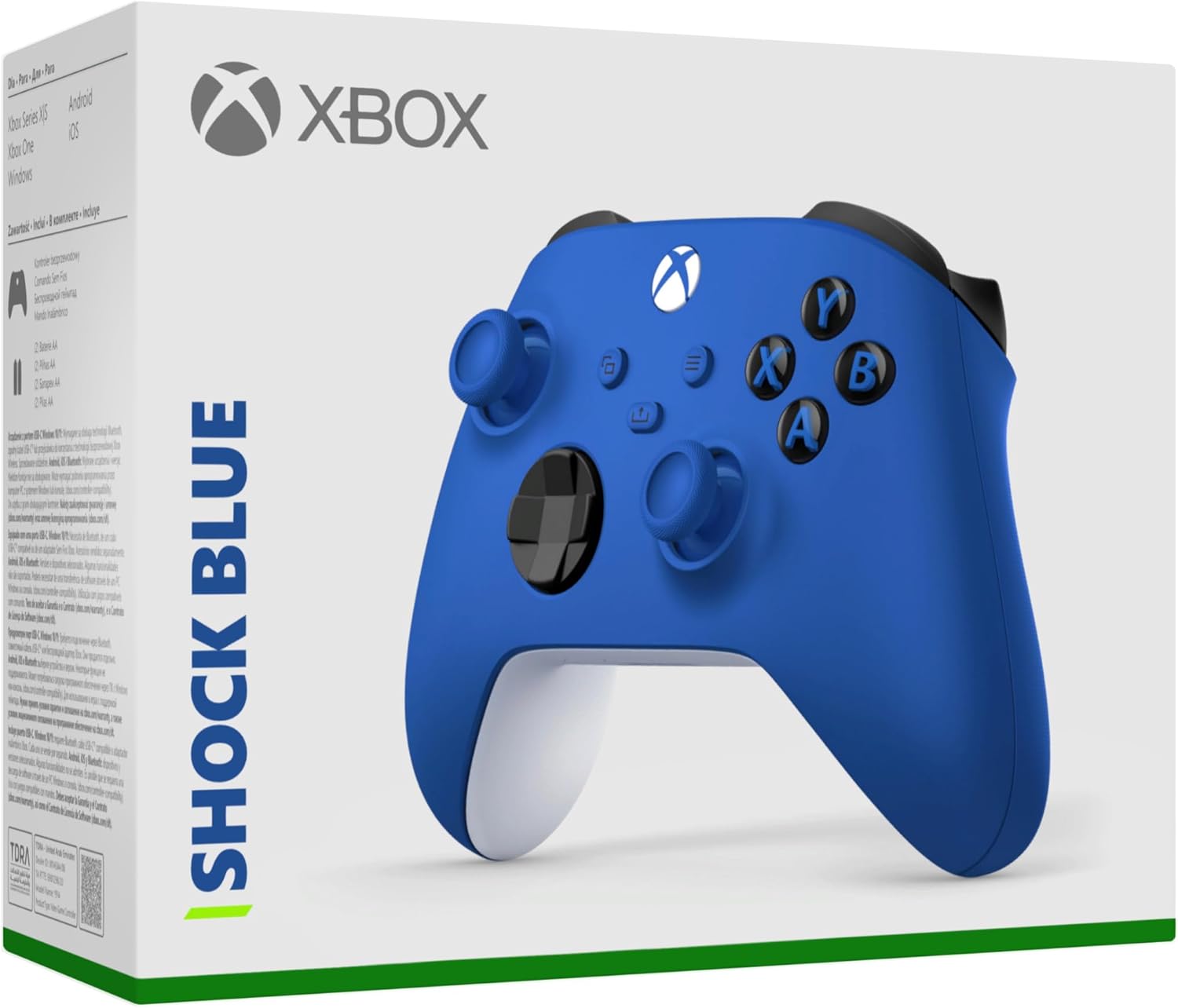
It’s a good fit if you want an official Xbox controller that prioritises comfort, familiar controls, and flexible wireless/wired connection. If you often bounce between a console and a Windows 10 PC, the “wireless + Bluetooth + USB‑C” approach is particularly convenient.
It might not suit you if you’re expecting anything unusual beyond the mainstream feature set—there’s no mention here of extra back paddles, advanced pro-level custom features, or anything wildly different from the standard Xbox controller experience. If you’re the sort of player who needs specific premium hardware tweaks, you may find the spec list a bit restrained compared with higher-end controller options.
Also, keep in mind that AA battery support is mentioned, but details about rechargeable battery kits aren’t included. If you strongly prefer a fully rechargeable setup only, you’ll want to double-check what power method you intend to rely on before buying.
Box contents
The description notes that it comes in a new smaller packing, but it doesn’t list the full box contents here. It’s reasonable to assume you’re buying the controller itself as the main item, but you may want to check the listing for what exactly is included alongside it.
Is it worth it?
Buy the Xbox Wireless Controller – Shock Blue if you’re after a comfortable, official controller with textured grip, a hybrid D-pad, easy connectivity (Xbox Wireless/Bluetooth plus USB‑C), and practical extras like 3.5mm headset support and the Share button.
Skip it if you’re hunting for niche features that go beyond the standard controller experience, or if you know you want a specific power setup (the listing only explicitly mentions AA batteries support, not a rechargeable bundle).
Bottom line: as a day-to-day controller for Xbox X|S, Xbox One and Windows 10 PCs (and potentially Android devices, where supported), it ticks the boxes that most people actually care about—how it feels, how you connect, and how quickly you can get playing.