

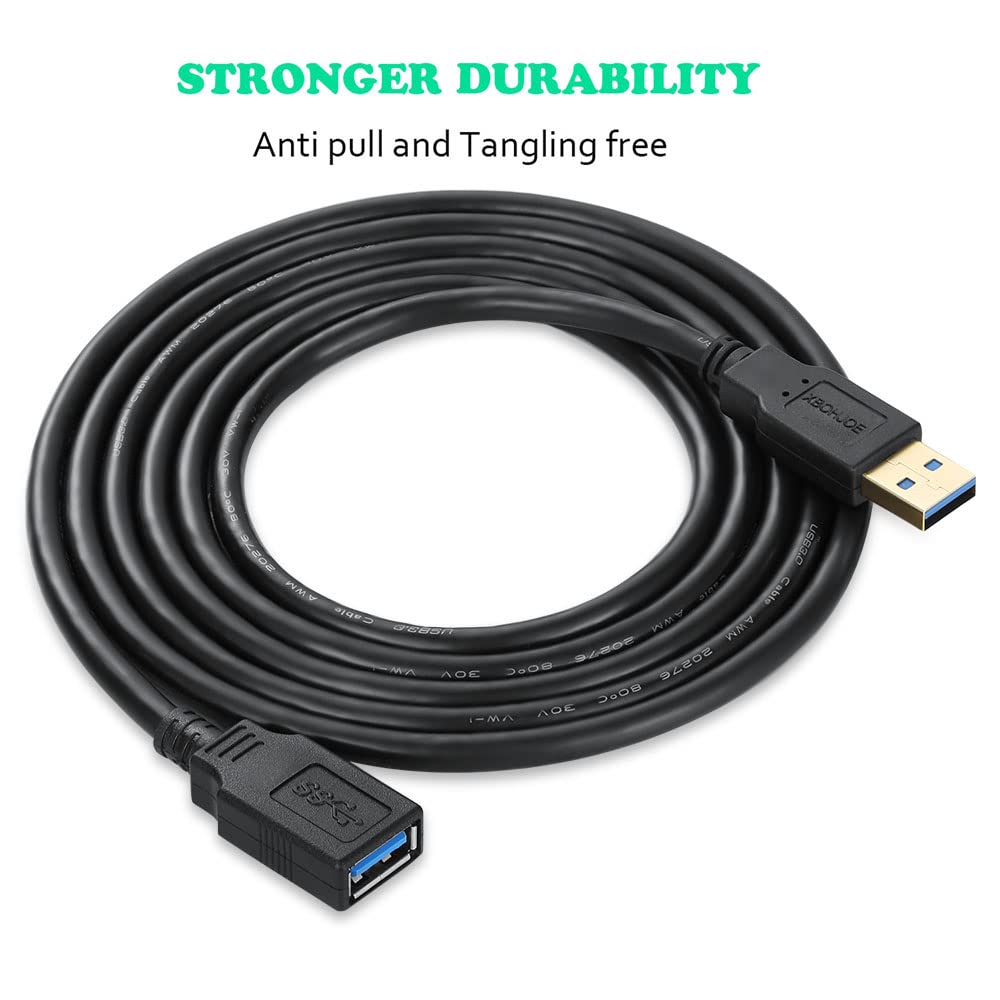
XBOHJOE USB 3.0 Extension Cable (3m) Type-A Male to Female, 5Gbps USB3 Extender Cord
Reviews
Price
Product description
If your USB ports are stuck behind furniture or you simply hate reaching round the back of a desktop, a USB extension cable is one of those small upgrades that makes daily tech use feel less fiddly. The XBOHJOE USB 3.0 extension cable is a 3m Type-A male to female lead designed to extend a USB connection for common peripherals—on paper, it’s also built for faster USB 3.0 transfer speeds.
The essentials
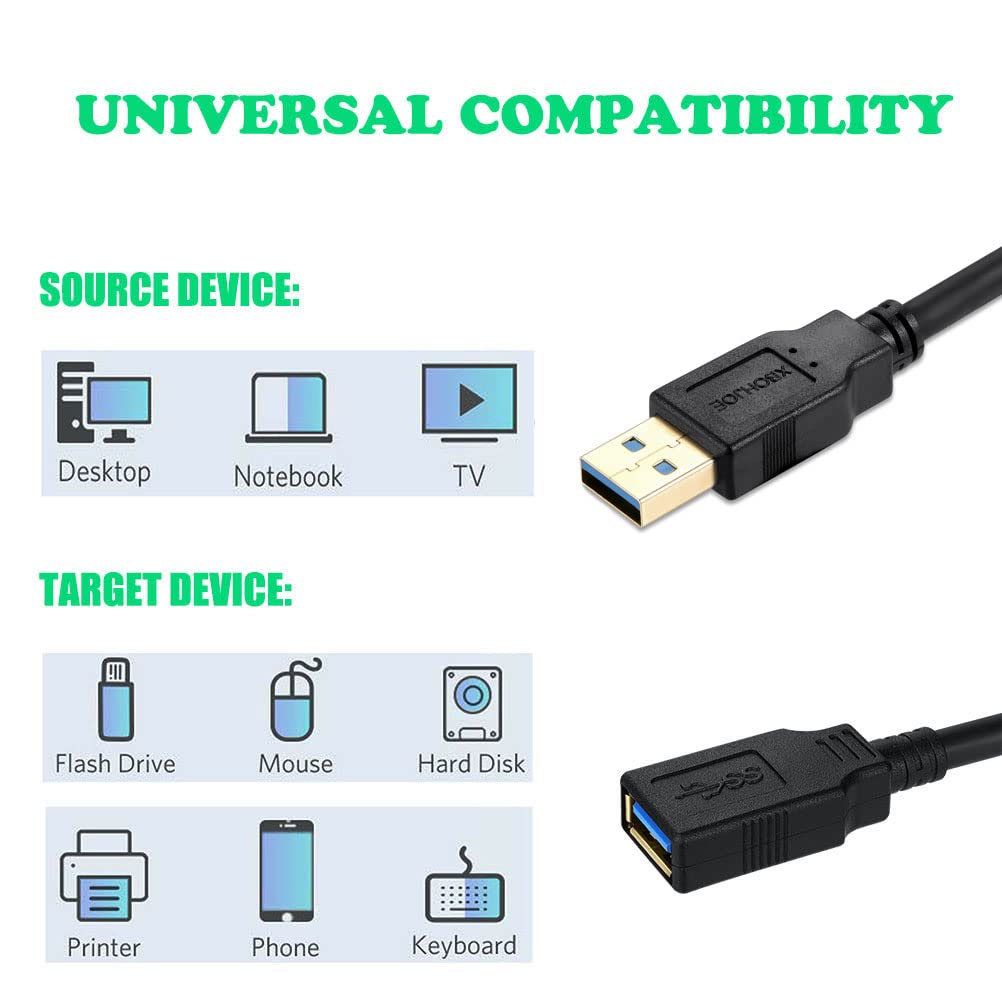
This is a USB 3.0 extension cable with Type-A male on one end and Type-A female on the other, giving you more slack between a computer’s USB port and devices like a mouse, keyboard, USB drives, card readers, printers, and even mobile-related accessories. The idea is straightforward: you don’t have to squeeze yourself to plug things in at the back of a PC, and you also reduce the wear and stress of repeatedly plugging and unplugging the device directly into the port.
The cable is rated as “High Speed 3.0”, with claims of up to 5Gbps (and it’s described as being faster than USB 2.0). It’s also described as backward compatible with USB 2.0, 1.1 and 1.0, with the important caveat that speeds will depend on what your host system supports.
Key features that matter in real life
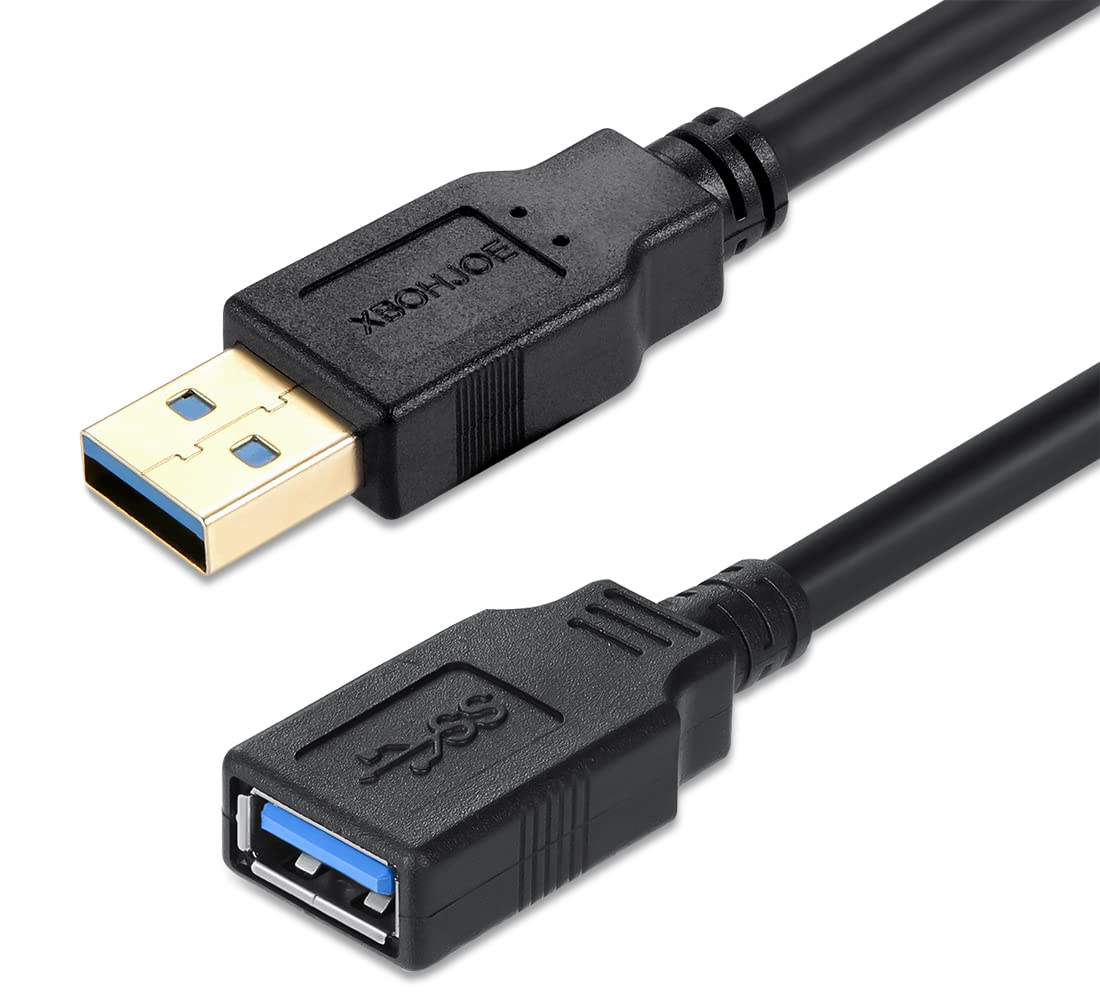
A few design choices stand out from the description.
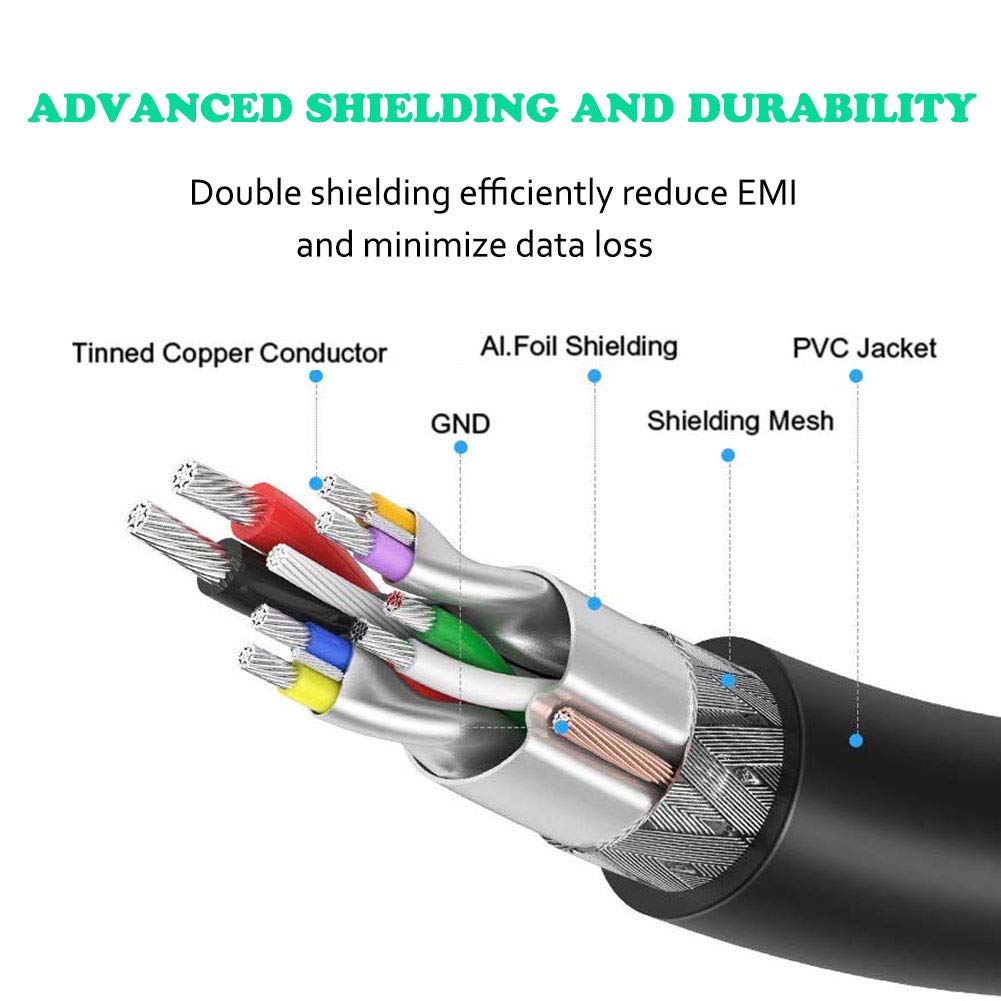
- Shielding is specified as aluminium foil plus a metal braided net (double-layer shielding), aimed at reducing interference and helping prevent signal loss.
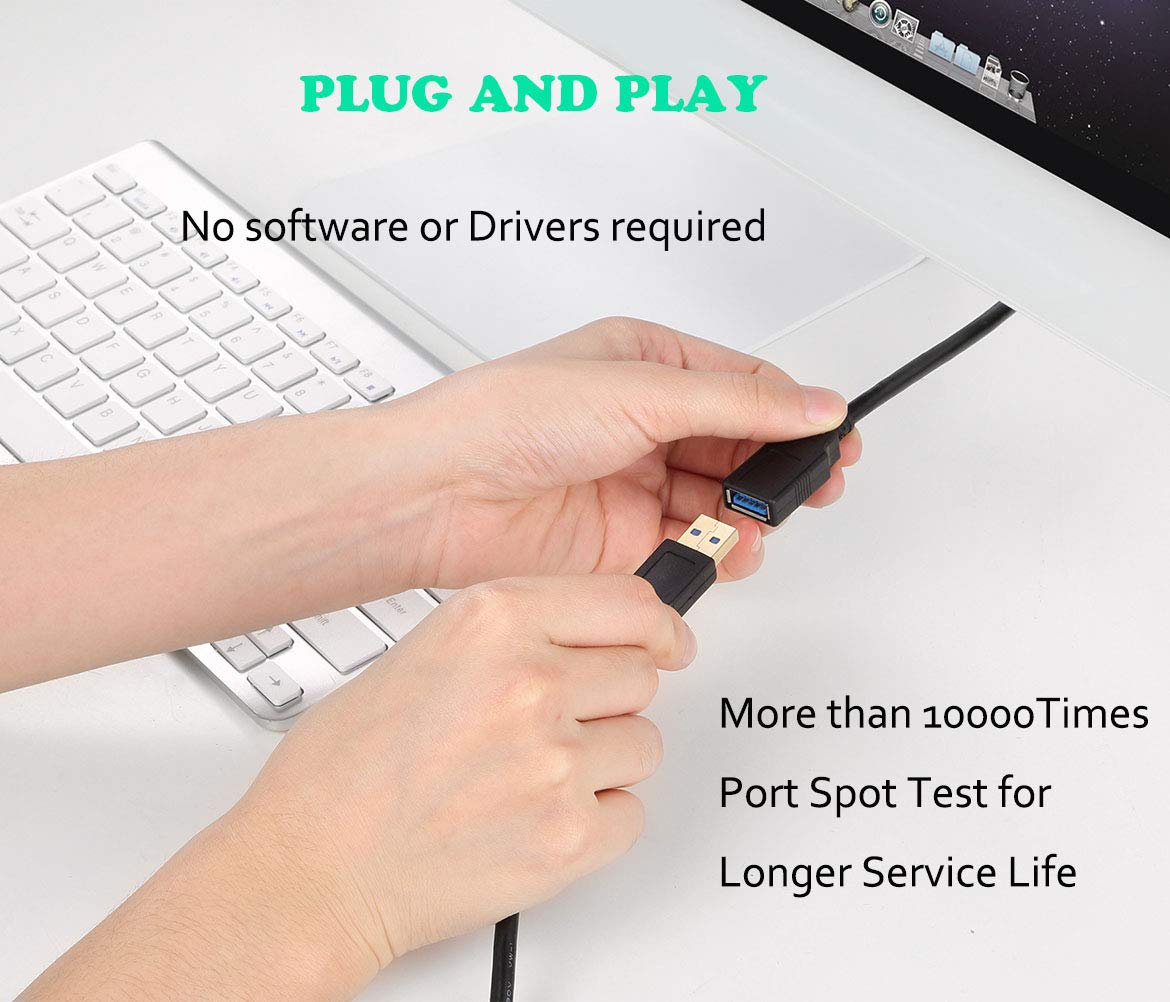
- Plug & Play is promised with no driver required, which is what you want for straightforward desk setups.
- The length is 3m, which is long enough for many everyday arrangements (for example, moving a USB card reader to the front of a desk) but still manageable in typical home office spaces.
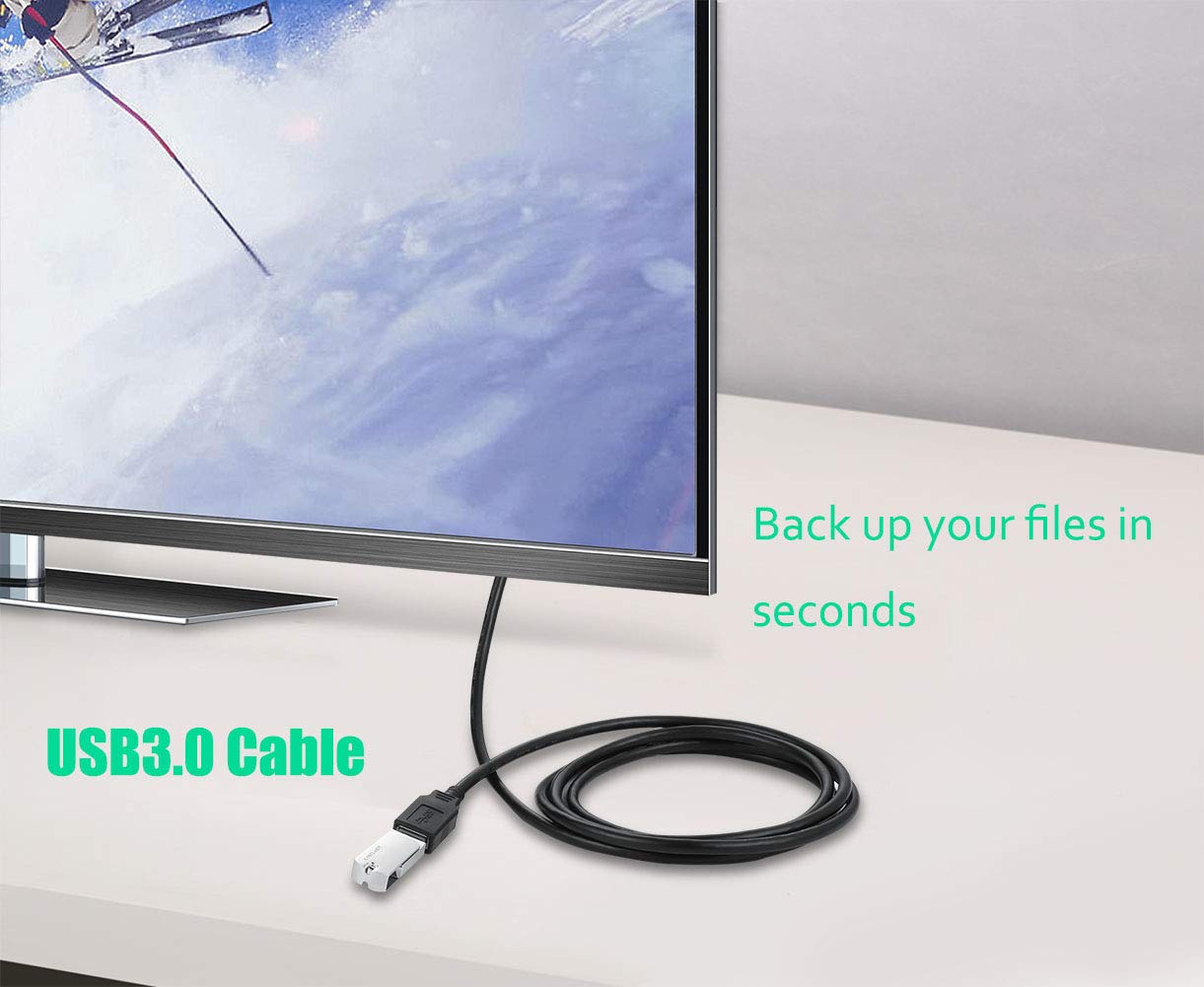
Here’s a practical example: if your desktop is pushed under a desk and you frequently connect a USB stick for photos, a 3m extension lets you bring that USB access point nearer to eye level. You plug the stick into the extender’s female end, transfer files, then disconnect—without reaching awkwardly into the back of the tower.
Tech specs (what to check before buying)
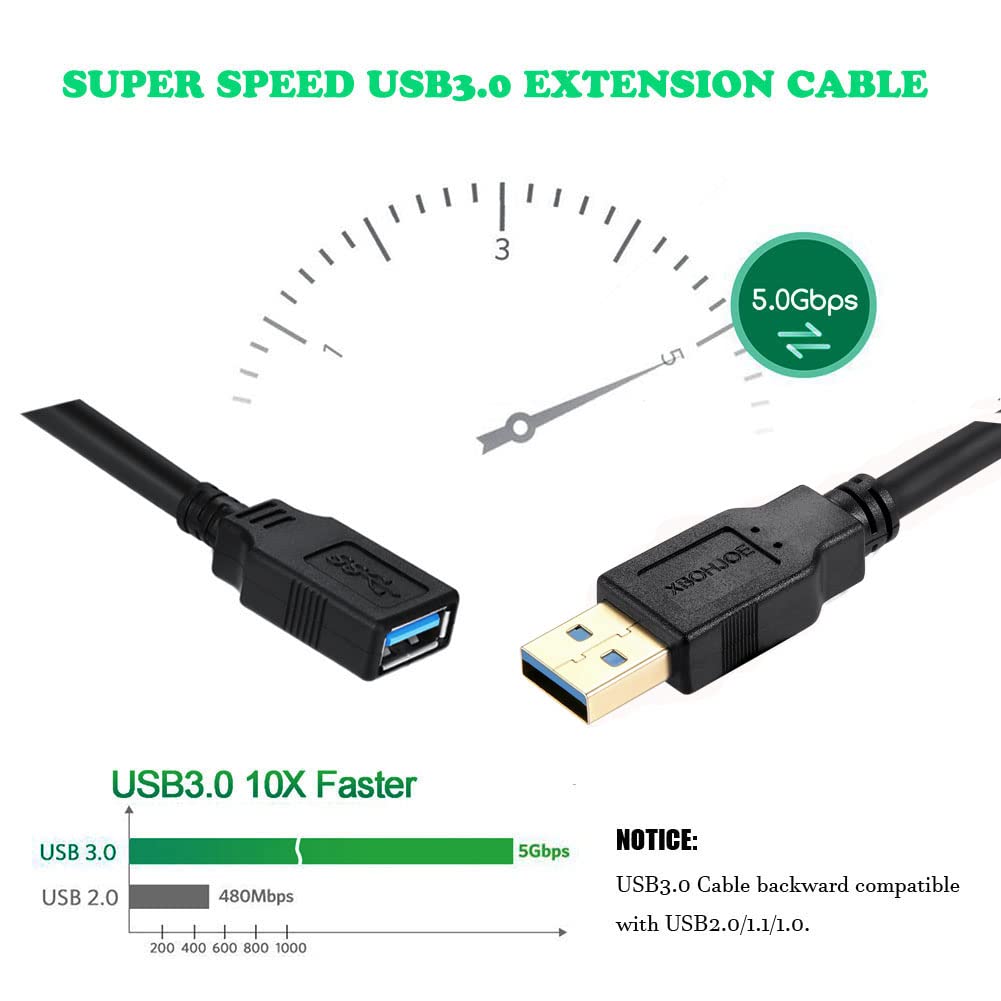
- Type: USB 3.0 extension cable, Type-A male to Type-A female
- Length / Size: 3m
- Speed claim: up to 5Gbps for USB 3.0 transfers
- Compatibility: backward compatible with USB 2.0, 1.1 and 1.0 (speed depends on the USB bus)
- Shielding: aluminium foil shielding plus metal braided net (double-layer)
It’s worth noting that even with a “5Gbps” cable, actual throughput will depend heavily on whether your computer port is truly USB 3.0 and what the connected device can handle.
What you’ll notice day to day
Where this cable tends to shine is convenience and less hassle. When USB ports are inconveniently placed, you’re not just dealing with comfort—you’re also avoiding repeated plugging and unplugging into the original port, which the description frames as helping protect USB sockets.
For slower peripherals (like basic keyboards and mice), you may not notice a speed difference compared to USB 2.0—what you’ll notice is simply that the device reaches where you need it.
When it might not be a great match
It may not suit you if your goal is the most consistent “high-speed” data transfers possible in every scenario. The description makes it clear that speed is tied to your host’s USB capabilities and the USB bus. If your PC only provides older USB standards, the cable can still extend the connection, but you won’t magically get USB 3.0 performance.
Also, with any extension cable, there’s always a practical limit to how far “3m” will feel tidy. In a tight desk setup with limited cable routing, a long lead can end up being more annoying than helpful.
Usage tips for getting the best results
Getting the most from a USB 3 extension is mostly about setup.
Make sure you plug it into a USB 3.0 port on the computer if you care about transfer speed. Keep the cable away from obvious sources of electrical noise where possible (the shielding helps, but it’s still good practice). And if you’re using the extension for storage devices like a mobile hard disk or card reader, expect sensible performance rather than miracles—particularly if the device itself doesn’t support the higher speeds.
If you’re primarily using a mouse or keyboard, don’t overthink it: this is mainly there to reposition the port for comfort and usability.
In the box
The product listing indicates the cable is supplied as a single black 3m USB 3.0 extension cable.
Buying verdict
Worth considering if you want a 3m USB 3.0 Type-A extension cable for everyday desk convenience—especially when you connect USB sticks, card readers, printers, or you just can’t be bothered reaching round the back of a desktop. The described plug-and-play setup and double-layer shielding are sensible touches for a cable you’ll likely use regularly.
You may want to skip it if you’re buying purely for maximum speed and you’re not sure your computer’s port is genuinely USB 3.0, because speed is ultimately limited by the USB bus. And if cable management is already tight where your PC sits, 3m might be more awkward than it sounds.
Mini FAQ
Does this need a driver to work?
The description states it’s Plug & Play with no driver required.
Will I get 5Gbps in practice?
It’s described as capable of high-speed USB 3.0 transfers up to 5Gbps, but real speed will depend on your host USB port and the USB bus.
Is it backward compatible with older USB ports?
Yes, it’s described as backward compatible with USB 2.0, 1.1 and 1.0, with speeds limited by the bus.
What devices is it meant for?
The description mentions common peripherals such as mobile phones accessories, USB drives, mobile hard disks, card readers, printers, and mice/keyboards.
Is 3m a sensible length?
For many desks it is—particularly if your ports are at the back of a desktop and you want the connection nearer your workspace. If your setup is tight, you might find it a bit long.