

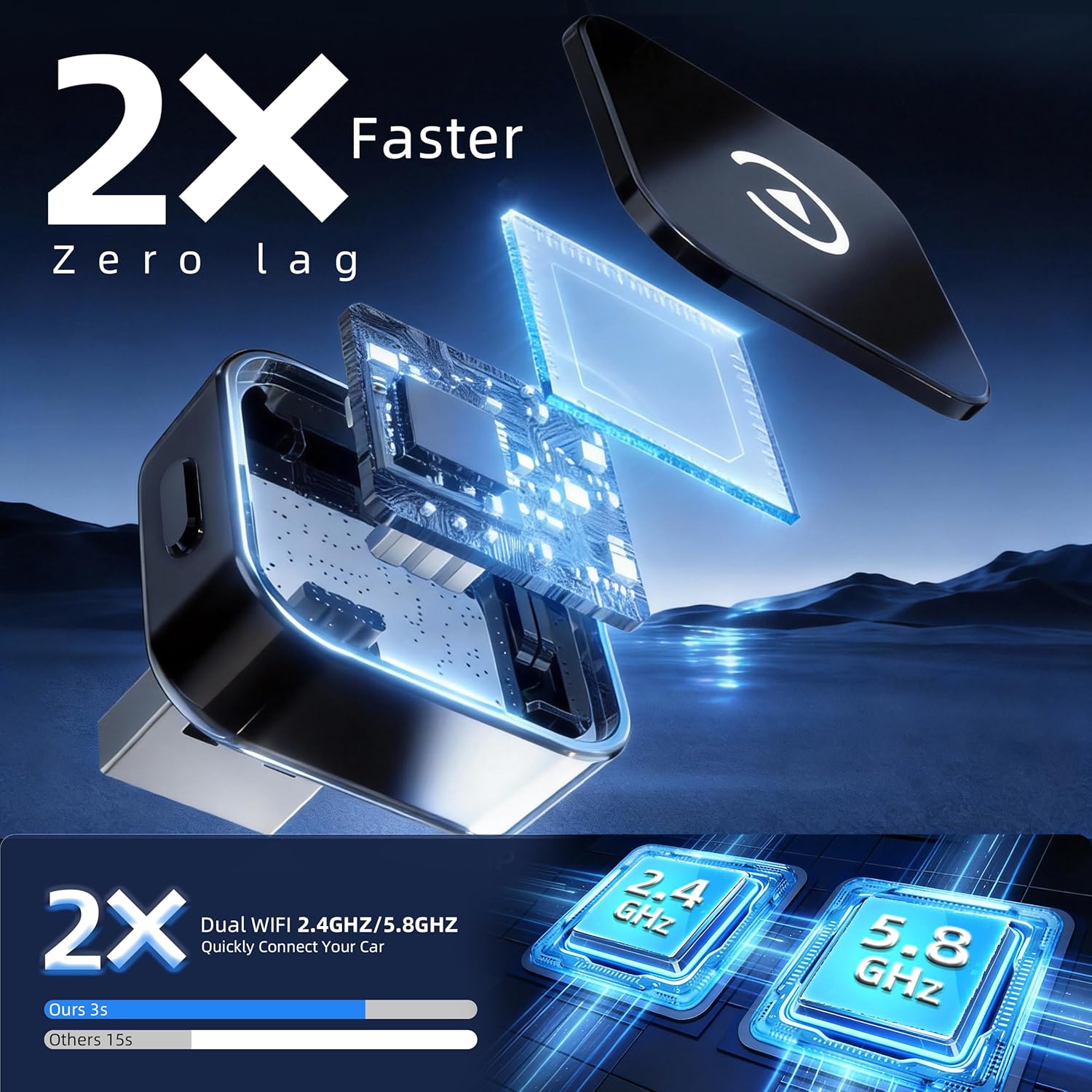
Wireless CarPlay & Android Auto Adapter 2026 Upgrade – 2-Phone Switch Plug & Play OTA Dongle with BT 5.3 & Dual Wi‑Fi 6 (for factory wired CarPlay cars)
Product description
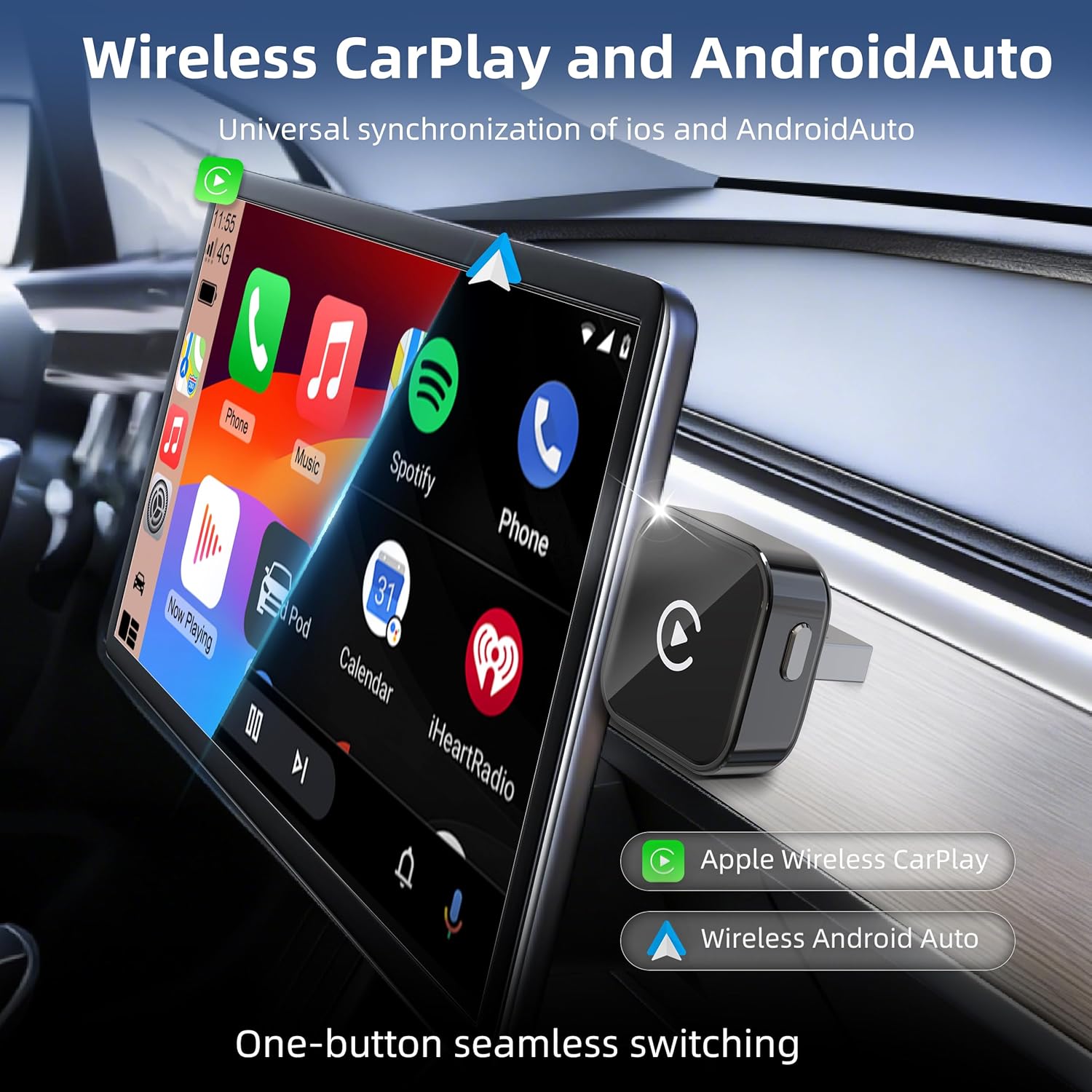
If you’ve already got wired CarPlay in your car, this adapter aims to remove the hassle of cables and logins. On paper it’s a wireless CarPlay/Android Auto dongle that also focuses on one practical pain point: switching between two phones.
That’s a useful idea for commuters, households, or anyone who swaps devices regularly. Still, it’s not a magic “make any car compatible” gadget—compatibility depends heavily on whether your car has factory-wired CarPlay.
The essentials
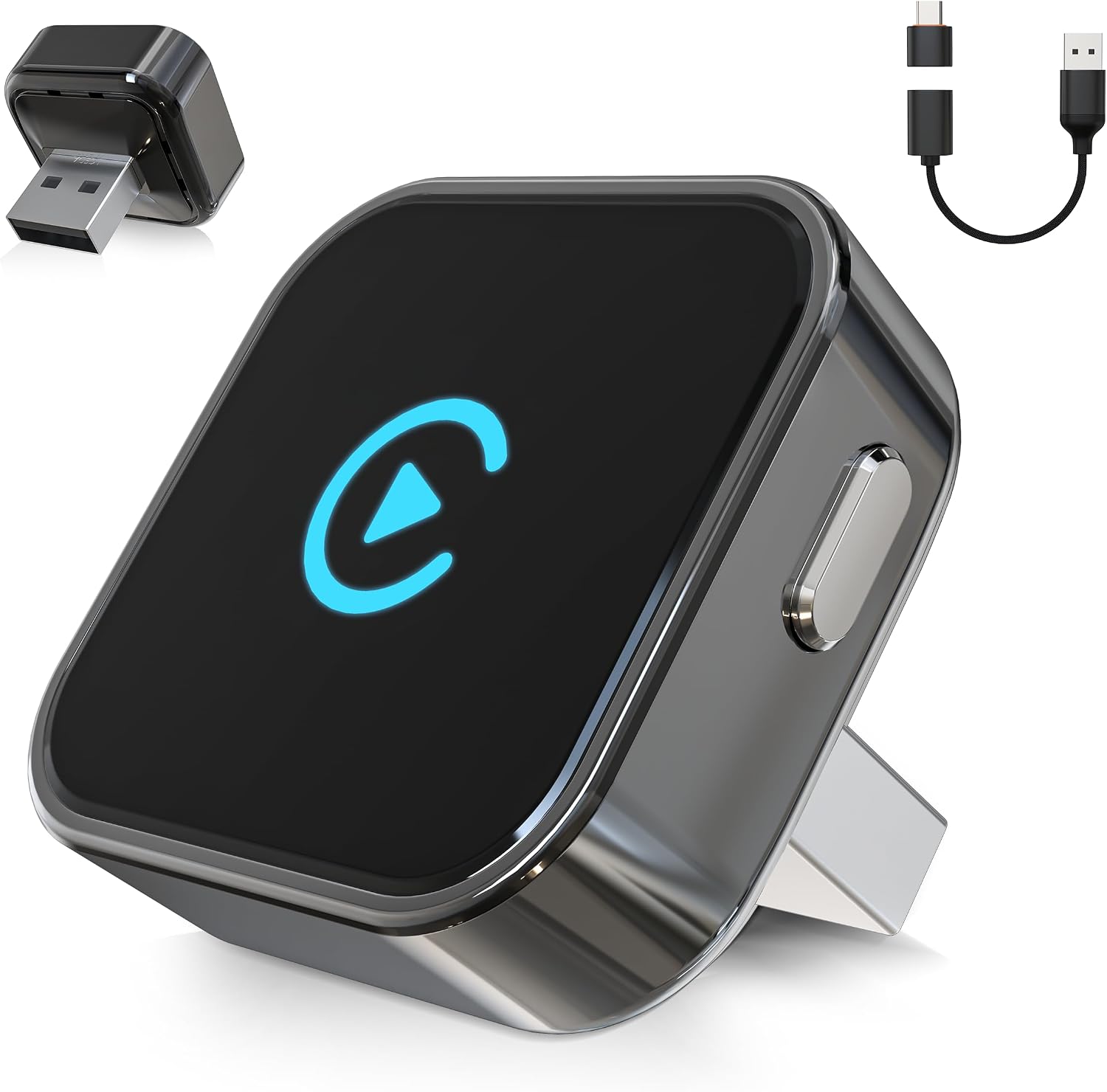
This Wireless CarPlay & Android Auto Adapter is a thumb-sized, plug-and-play dongle designed to work in cars that already support factory-wired CarPlay. The setup is positioned as quick and simple: you plug it in, pair your phone, then drive. After that, it’s meant to auto-reconnect within a few seconds when you start the car.
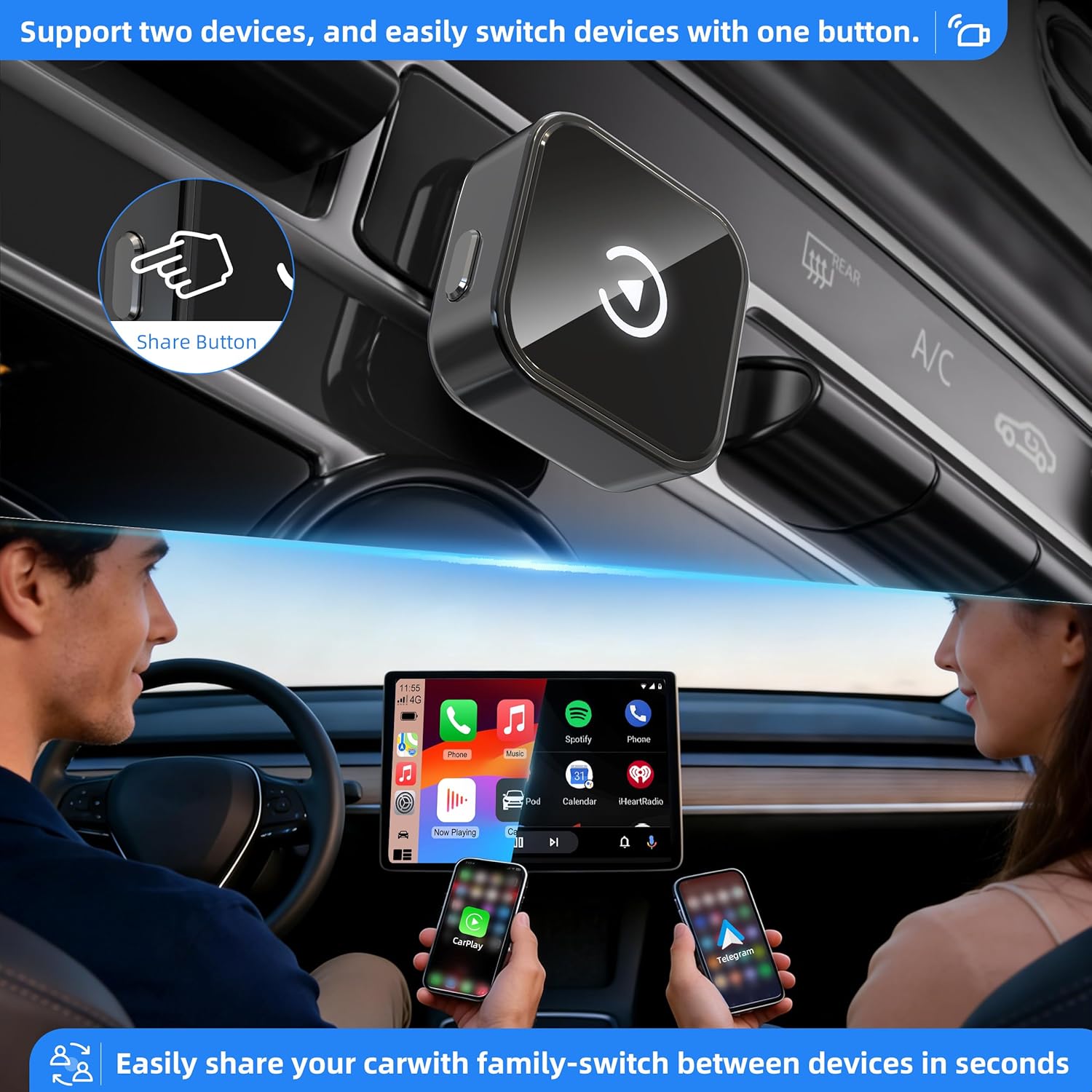
A standout feature for daily life is the one-touch dual phone switching. Instead of logging out and back in, the adapter includes a side button designed to switch between two phones.
There’s also a “future-proof” angle: the firmware is described as cloud-upgradable, which matters if you want wireless features to keep working through new iOS/Android updates.
What to know before you buy
This is the part that can make or break the purchase. The adapter is described as working only with cars that have factory-wired CarPlay, and the guidance specifically asks you to check your vehicle’s support first.
Two more real-world conditions are mentioned: - You’ll need to turn on both Wi‑Fi and Bluetooth. - During use, you should keep the connection free from other device connections.
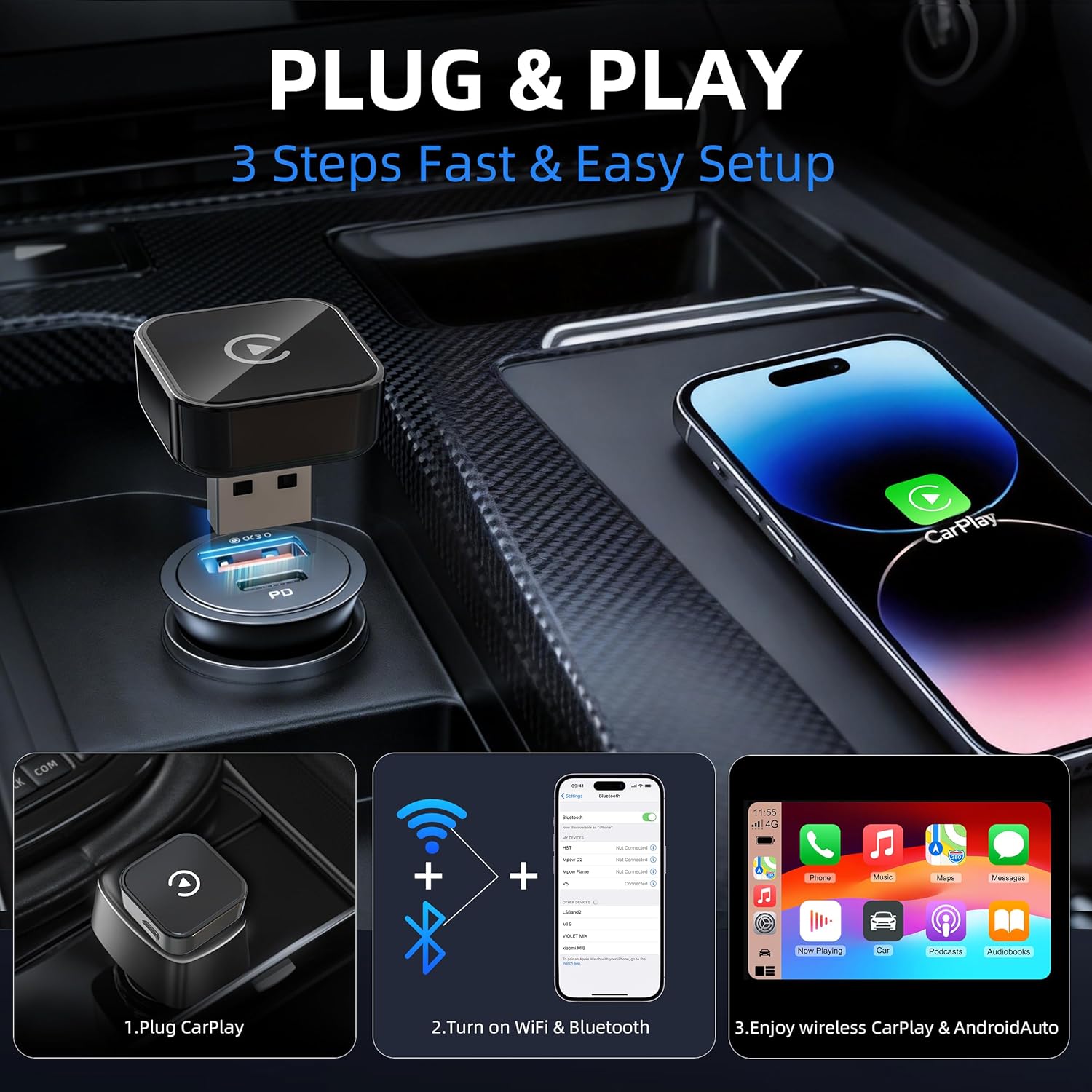
So while the pitch is “plug & play”, you’ll still want to be prepared for a bit of initial pairing and for a clean Bluetooth/Wi‑Fi environment in the car.
Key features you’ll feel in use
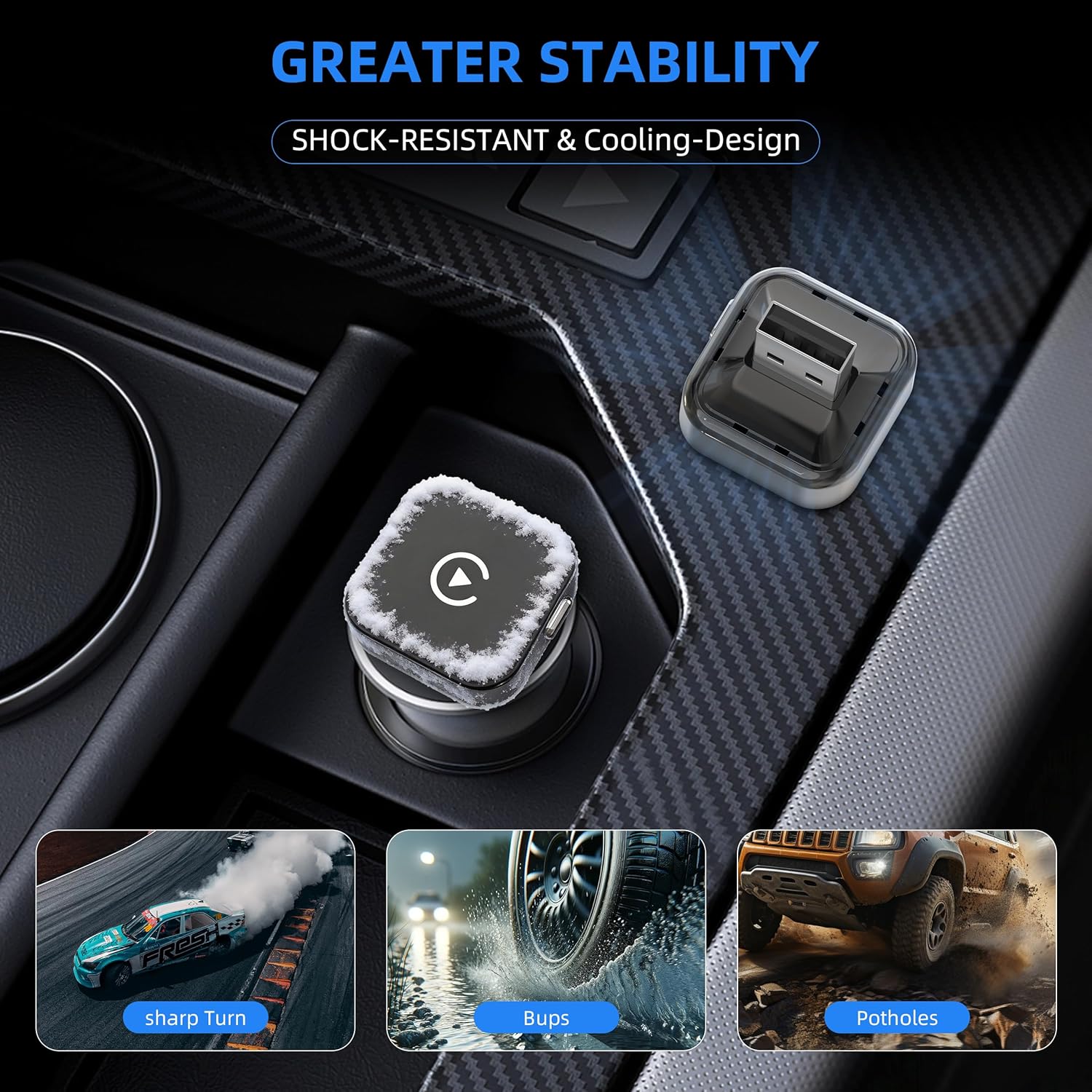
Wireless adapters stand or fall on connection stability and response times. This one is presented as “ultra-stable”, aiming to reduce dropouts and lag, including for common tasks like directions and music control.
The dual-connect approach is also practical: dual Wi‑Fi 6 and Bluetooth 5.3 are listed, which should help with the wireless link—but as always with wireless setups, your results can depend on your car’s environment and signal conditions.
Then there’s the physical side-button switch. If you and a partner share the same car, or you alternate between a work phone and personal phone, being able to switch without repeating the full pairing/log-in process is exactly the kind of convenience you notice after a week, not just on day one.
Key limitations and who should be cautious
It may not suit you if your priority is “wireless CarPlay for any car”. The adapter’s own instructions are clear: it only works with cars that already have factory-wired CarPlay.
It also might be less suitable if you regularly connect multiple devices over Bluetooth/Wi‑Fi at the same time. The guidance asks you to keep those connections free from other device interference during use.
Finally, if you want a fully hands-off experience, it’s worth tempering expectations. It’s designed to auto-reconnect after pairing, but initial setup still requires plugging in, pairing, and confirming things work as intended.
Tech summary
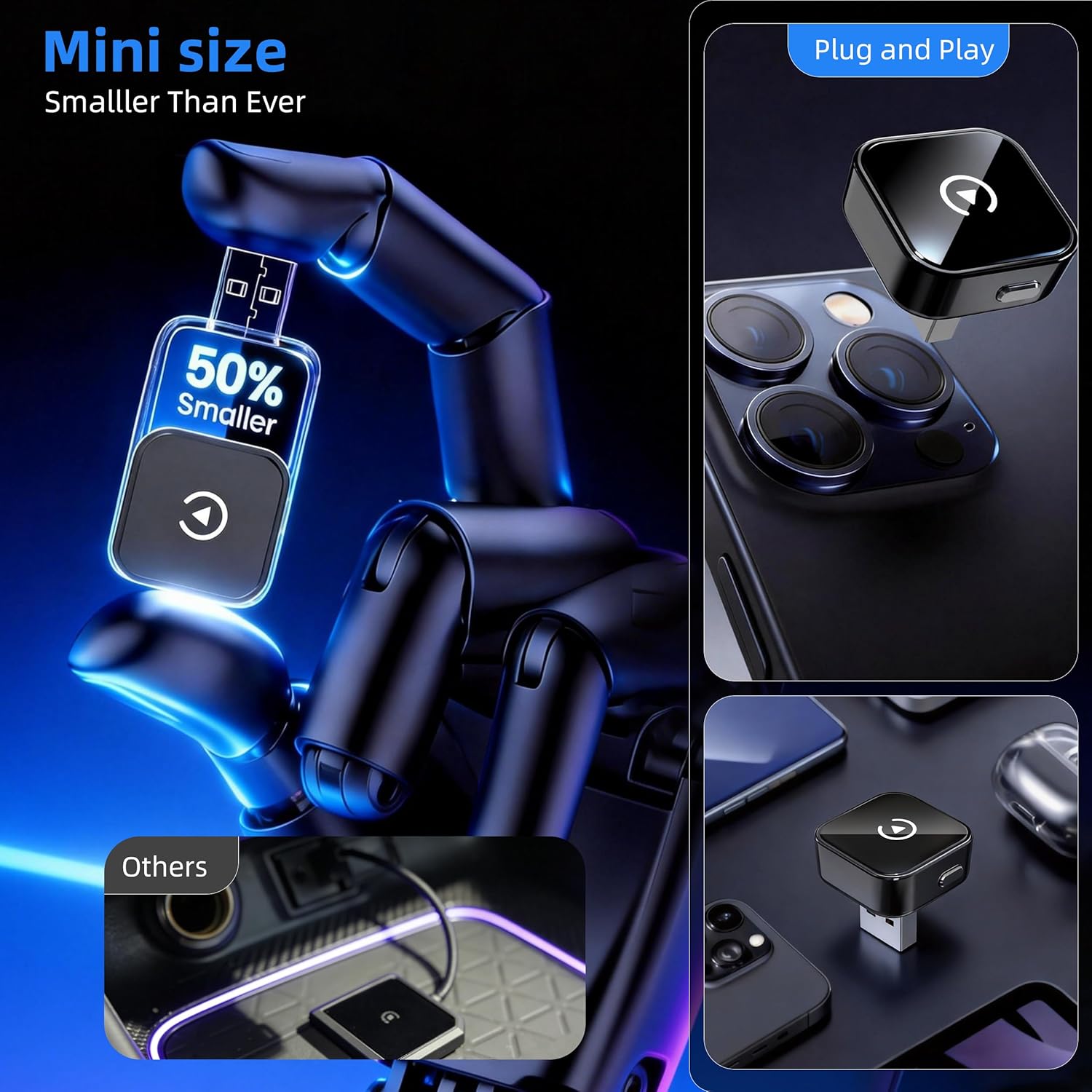
From the information provided, this model is built around wireless CarPlay and Android Auto support for compatible vehicles (wired CarPlay 2016+ is mentioned) and aims to be supported with cloud-upgradable firmware. It uses Bluetooth 5.3 and dual Wi‑Fi 6, and it adds one-touch dual phone switching via a side button. It’s described as fitting via a small, stealth-mini design for the car’s USB port and completing a setup in just a few steps (plug, pair, drive).
Everyday buying advice (what to check)
Before you commit, check the basics that determine whether it’s worth your time: - Confirm your car has factory-wired CarPlay support. - Make sure you understand the “Android Auto or CarPlay” pairing flow for your phone. - Plan for the initial pairing process and keep Bluetooth/Wi‑Fi connections tidy while testing. - If you have two phones you swap between often, this is where the one-touch switching could be genuinely useful.
If you’re buying for a single phone user who never changes devices, you might still like wireless convenience—but you’re paying extra for a dual-phone feature you may not use.
Should you buy it?
It makes sense if you already have wired CarPlay in your car, you want to go wireless without a cable every time you drive, and you often switch between two phones. The auto-reconnect timing and the one-touch dual phone switch are the bits most likely to feel worth it.
You may want to skip it if your car doesn’t have factory-wired CarPlay support, or if you can’t realistically keep Bluetooth/Wi‑Fi connections clean while using it. In those cases, you’ll likely spend more time troubleshooting than enjoying the convenience.
For the right vehicle and usage pattern, this adapter feels aimed at everyday commuters who want wireless CarPlay/Android Auto with fewer connection hassles and less phone re-pairing.
Mini FAQ
Does it work with any car?
No. The guidance says it works only with cars that have factory-wired CarPlay, so you should verify compatibility before buying.
How long does setup take?
It’s described as plug-and-play and set up in a few steps (plug, pair, drive). After pairing, it’s meant to auto-reconnect within a few seconds when you start your car.
Can I switch between two phones?
Yes, the adapter is designed for one-touch dual phone switching using a side button, so you don’t need to go through the login/logout process described in the packaging.
Does it get updates?
The firmware is described as cloud-upgradable, intended to help with future iOS/Android updates.
What do I need to enable on my phone?
You’ll need Wi‑Fi and Bluetooth switched on, and you should keep them free from other device connections during use.