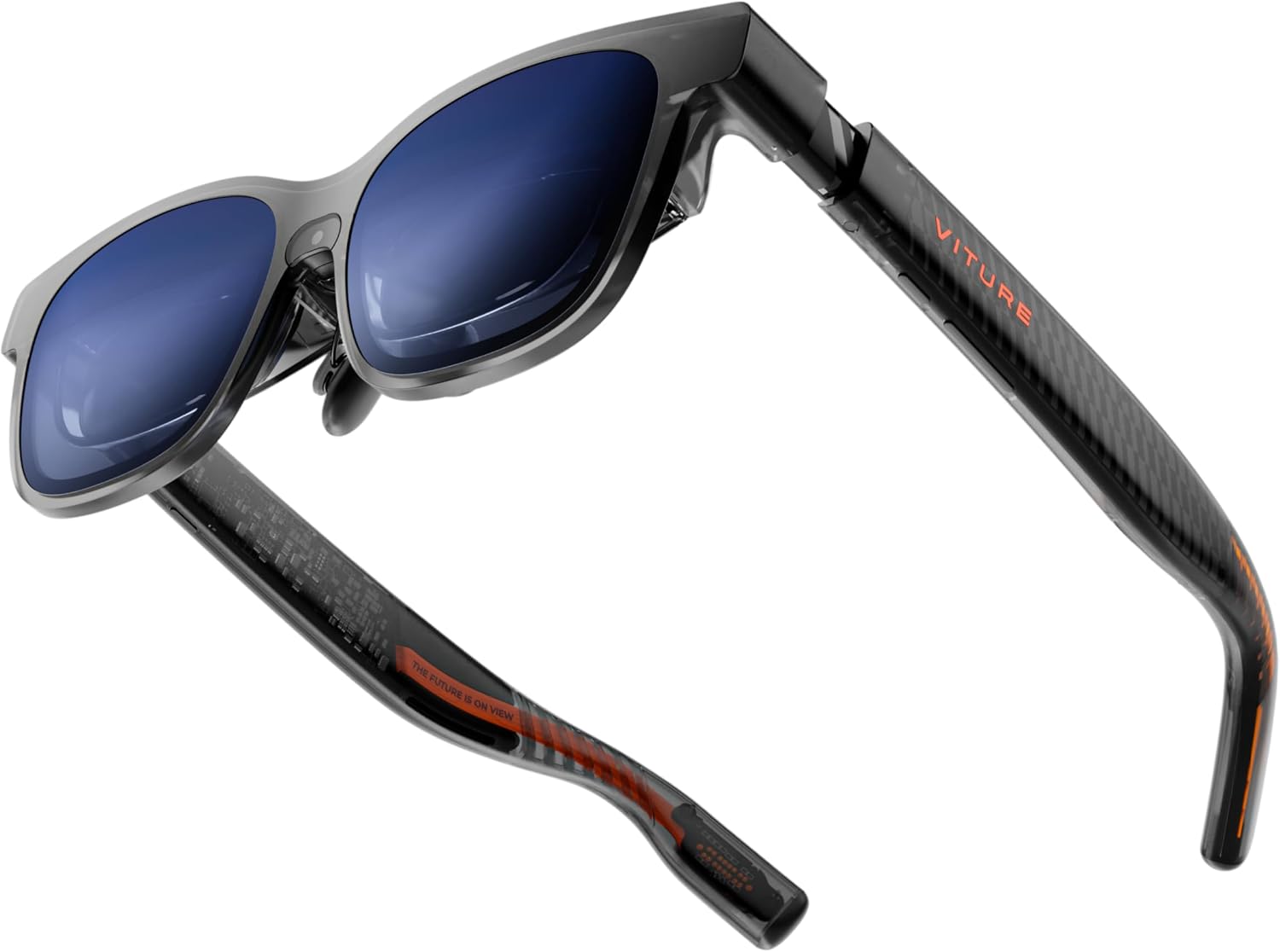
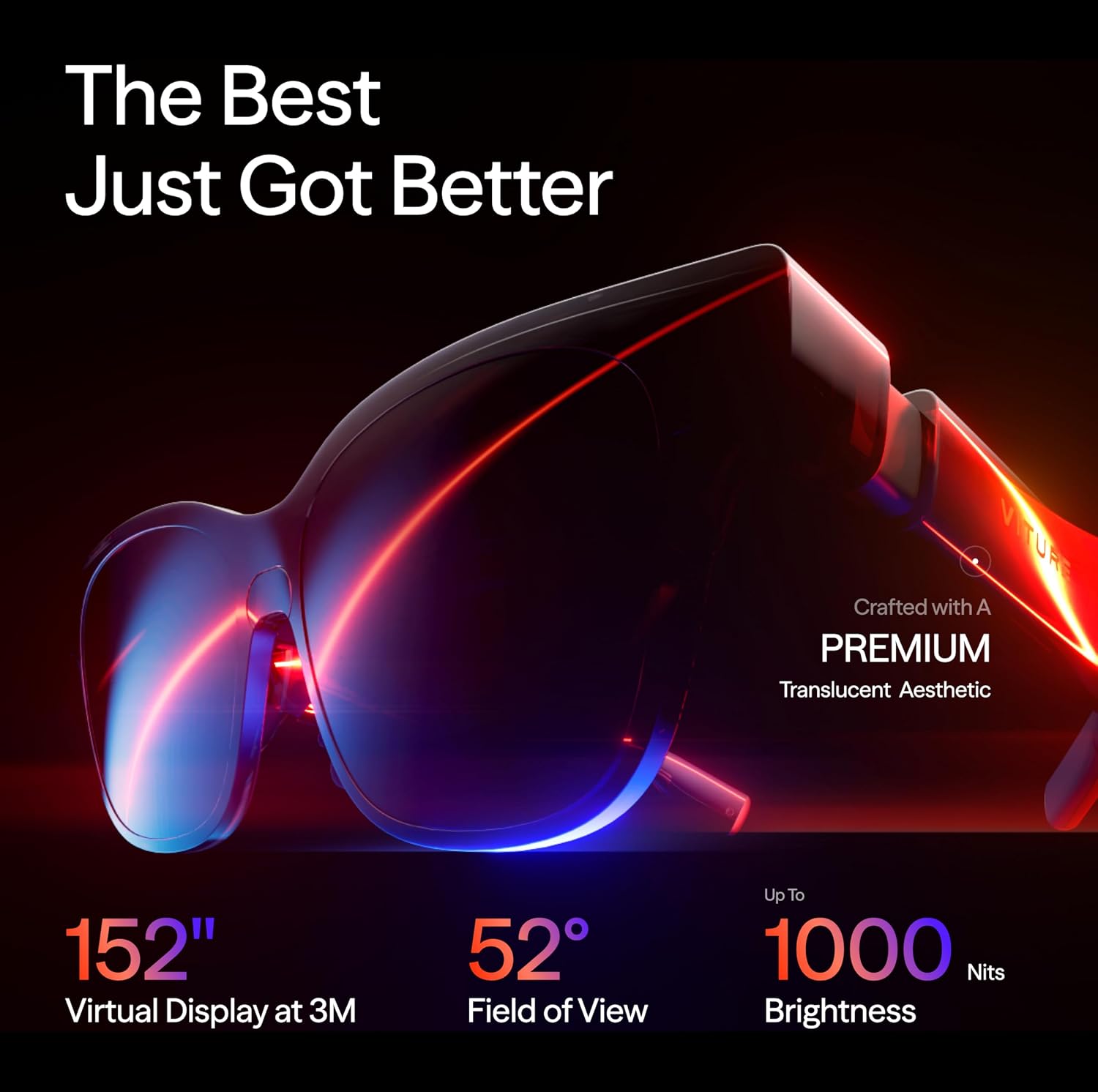
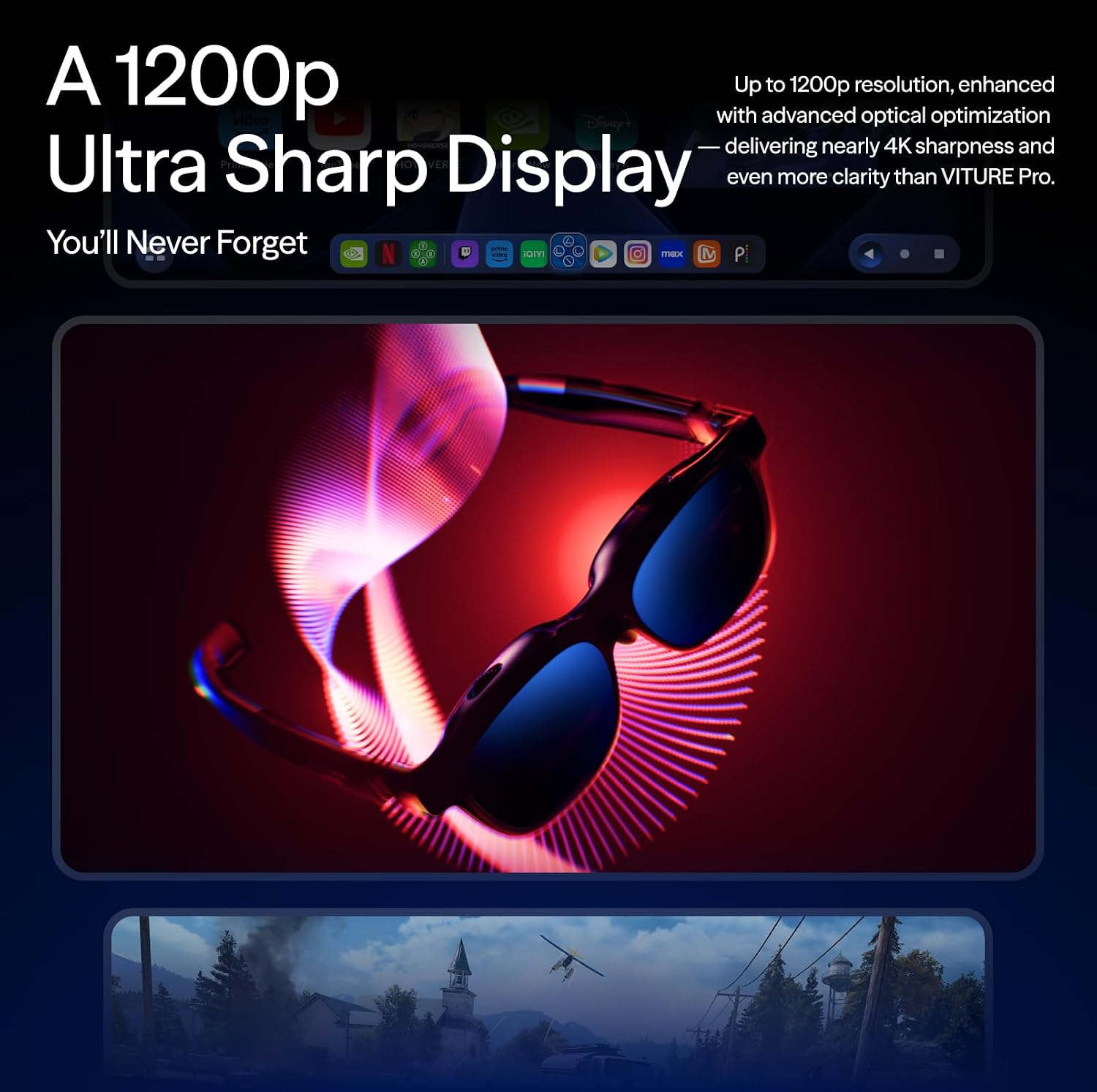
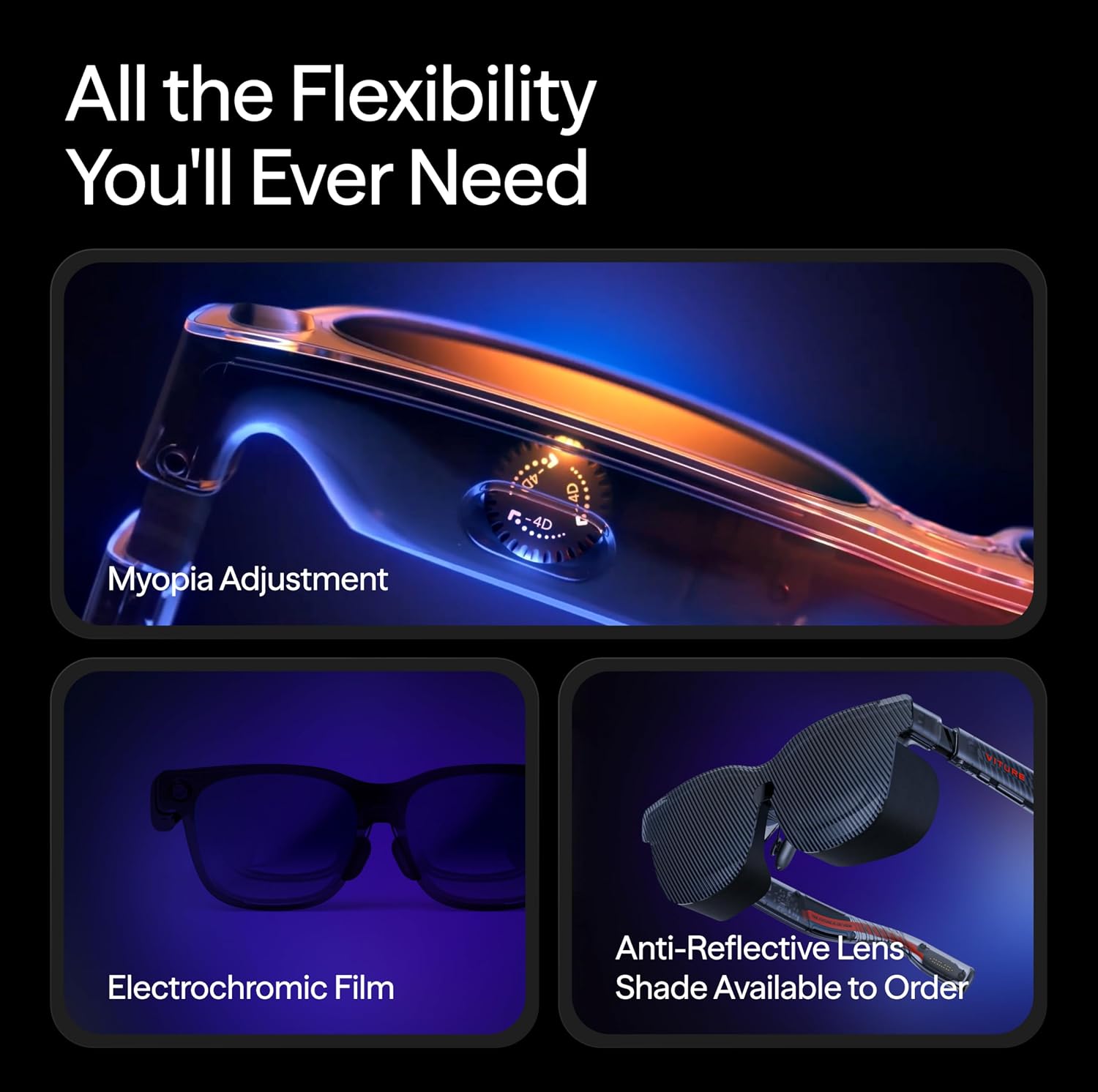
What this is and what it aims to solve\nThe VITURE Luma Pro AR/XR Glasses are a wearable XR solution designed to turn any space into a vast, immersive 152" virtual screen. With a 1200p resolution that feels like 4K, the device targets sharper text and visuals for both gaming and productive tasks. It’s pitched as a premium option that combines immersive display tech with flexible comfort and a clear focus on vivid colour reproduction. A word of caution: remove the protective film from the front camera before first use.\n\n## Visual quality and immersion\nOn paper, the Luma Pro delivers a 52° field of view, up to 1000 nits of brightness and a 120 Hz refresh rate. The color work is described as Hollywood-grade with a DeltaE of less than 2, which suggests accurate and consistent colours across scenes. In practice, this combination should offer strong readability and smooth motion, whether you’re gaming outdoors with bright light or working in a well-lit room. It’s not a risk-free claim, but the setup aims to deliver high clarity and a wide, natural feel rather than a narrow, diagnostic image.\n\n## Comfort, fit and wearability\nTwo sizes to accommodate IPD ranges plus a larger yet snug frame, flexible arms, a magnetic ergonomic nose pad, and tilt-adjustable temples are included to aid all-day wear. For users who wear glasses, the profile may still depend on individual fit, but the design leans into a more universal approach. As with any headset, comfort will hinge on face shape, weight distribution, and how long you plan to wear it in a row.\n\n## Design touches and ambience\nThis model introduces dynamic, programmable lighting with first-of-its-kind RGB effects that can sync to game or productivity modes. It’s not just cosmetic, it’s intended to enhance the sense of identity during use. There’s a translucent finish and a premium stance that’s more about style than a utilitarian routine, which may appeal to users who value aesthetics as part of their XR setup.\n\n## Audio and soundstage\nHARMAN has contributed the audio, aiming for deeper bass and crisper highs to create a fuller sound. In practice, expect a more immersive ambience that can complement immersive visuals, though the perceived bass and space will also depend on content and earbud/headset choices.\n\n## Software, features and what it enables\nThe Luma Pro arrives with industry-leading software including a real-time 2D-to-3D conversion feature, which can reinterpret 2D streams into a sense of depth. It also supports SpaceWalker, a multi-screen capability that can project up to three virtual screens from a Mac or PC, with options for horizontal, vertical or code-mode layouts. This makes it a reasonable option for productive use, especially for those who want to keep multiple work streams visible without external monitors. Still, turning a physical desk into a panoramic virtual workspace comes with a learning curve and may alter desktop organisation habits.\n\n## Practical use cases and what it’s good for\nIf you want an escapist gaming or movie-watching experience, the 152" virtual screen with strong brightness and colour accuracy can be appealing. For productivity, SpaceWalker can help you run up to three virtual displays from a single machine, which could streamline workflows that involve many tabs or windows. The device is positioned to work across iPhone 15/16/17, Android, Mac, PC, Steam Deck, and XR duties for Switch 2-Regular, offering a broad compatibility footprint. It’s worth noting that performance and comfort will depend on how you balance IPD, seating position, and whether you’re using it primarily for entertainment or serious work.\n\n## Who it’s for and who might want to skip it\nIt suits users who value a single, massive virtual display and want high brightness, wide colour range, and immersive sound. If you prioritise a lightweight, headset-only experience or if you’re on a tight budget, this may not be the most practical buy. It isn’t necessarily the best option for those who need portable, low-profile devices or who require uncompromised room-scale VR performance.\n\n## Buying decision: what to check before you buy\n- Confirm IPD fit and whether two sizes are sufficient for your facial geometry.\n- Consider how you’ll use the SpaceWalker feature and whether you’ll regularly drive multiple screens from your primary computer.\n- Evaluate your tolerance for headset weight, as long sessions can depend on comfort settings and nose pad fit.\n- Check compatibility with your main devices and ensure the camera access policy suits your needs.\n- Be mindful of any software updates that may alter features such as the 2D-to-3D conversion or RGB lighting.\n\n## Is it worth it? Final thoughts\nIf you’re after a premium XR glasses experience with an extremely sharp virtual display, strong brightness, and an emphasis on immersive ambience, the Luma Pro positions itself as a compelling option in the upper mid-range to premium bracket. It’s not necessarily the simplest or most inexpensive route to XR, but for users who want a large virtual canvas and advanced visual features, it could justify the investment. It may not be perfect for everyone—particularly if you prioritise portability, ultra-light construction, or a slimmer profile. Consider whether your primary use is gaming, media consumption, or productivity and how much you value the real-time 2D-to-3D conversion and multi-screen potential.\n\n## FAQ\n- Do the two sizes cover my IPD range adequately? It’s designed to cover multiple ranges with two sizes, but comfort will vary per individual.\n- Can I use this with my iPhone or Android phone? Yes, it’s specified to work with iPhone 15/16/17 and Android devices.\n- Will the RGB lighting affect battery life? Lighting is programmable and designed for style, expect some impact, depending on usage and power settings.\n\n