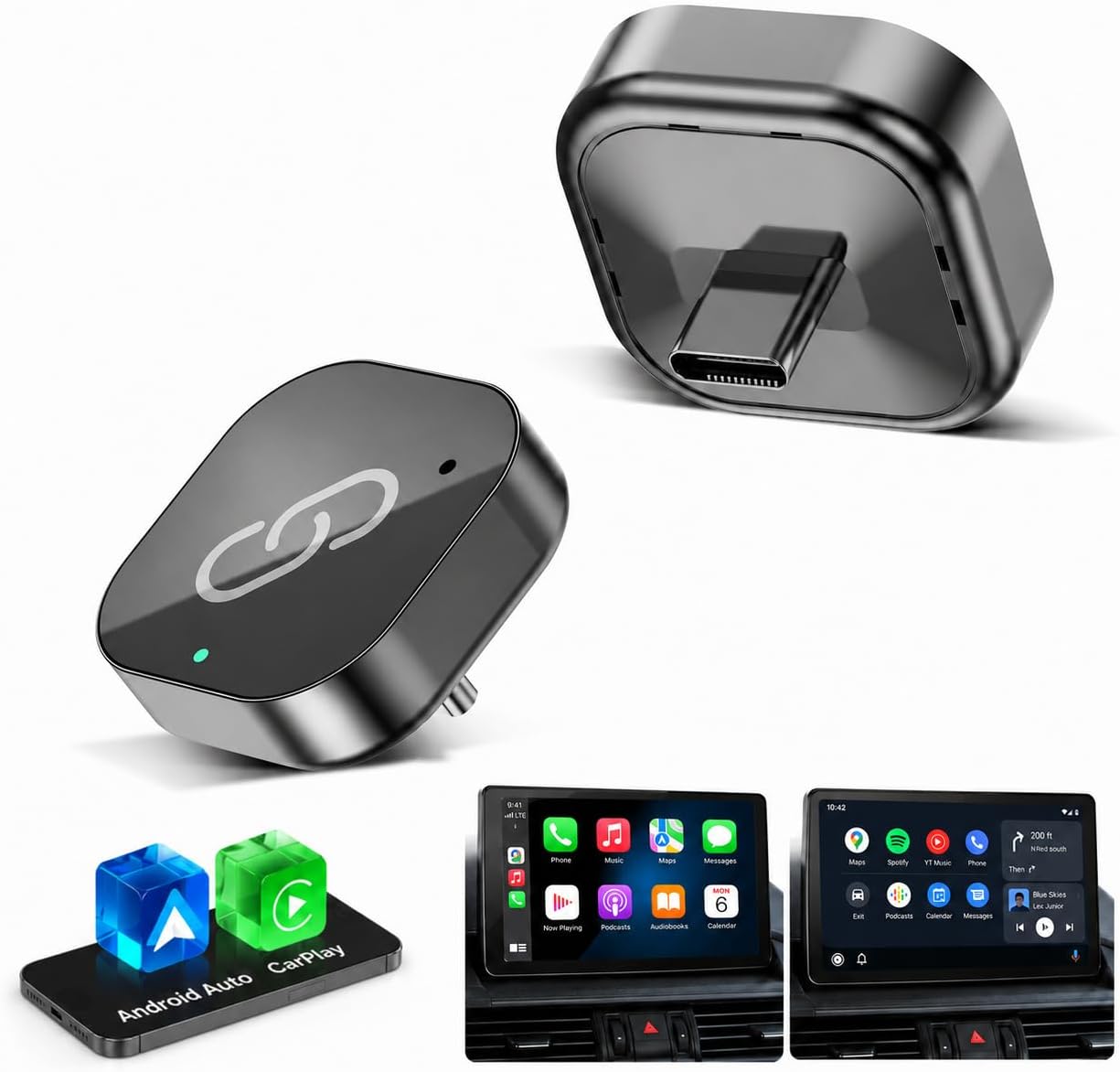
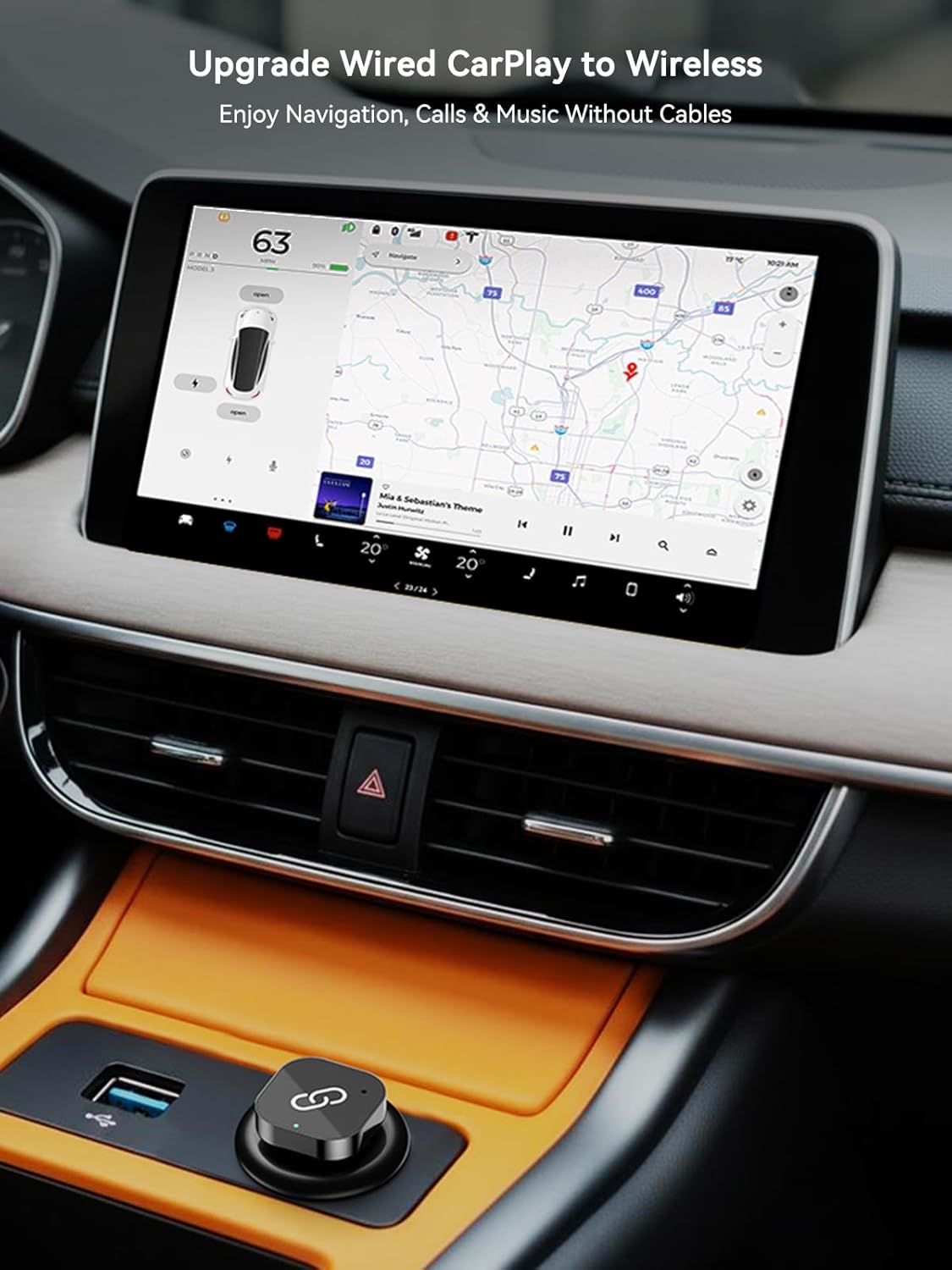
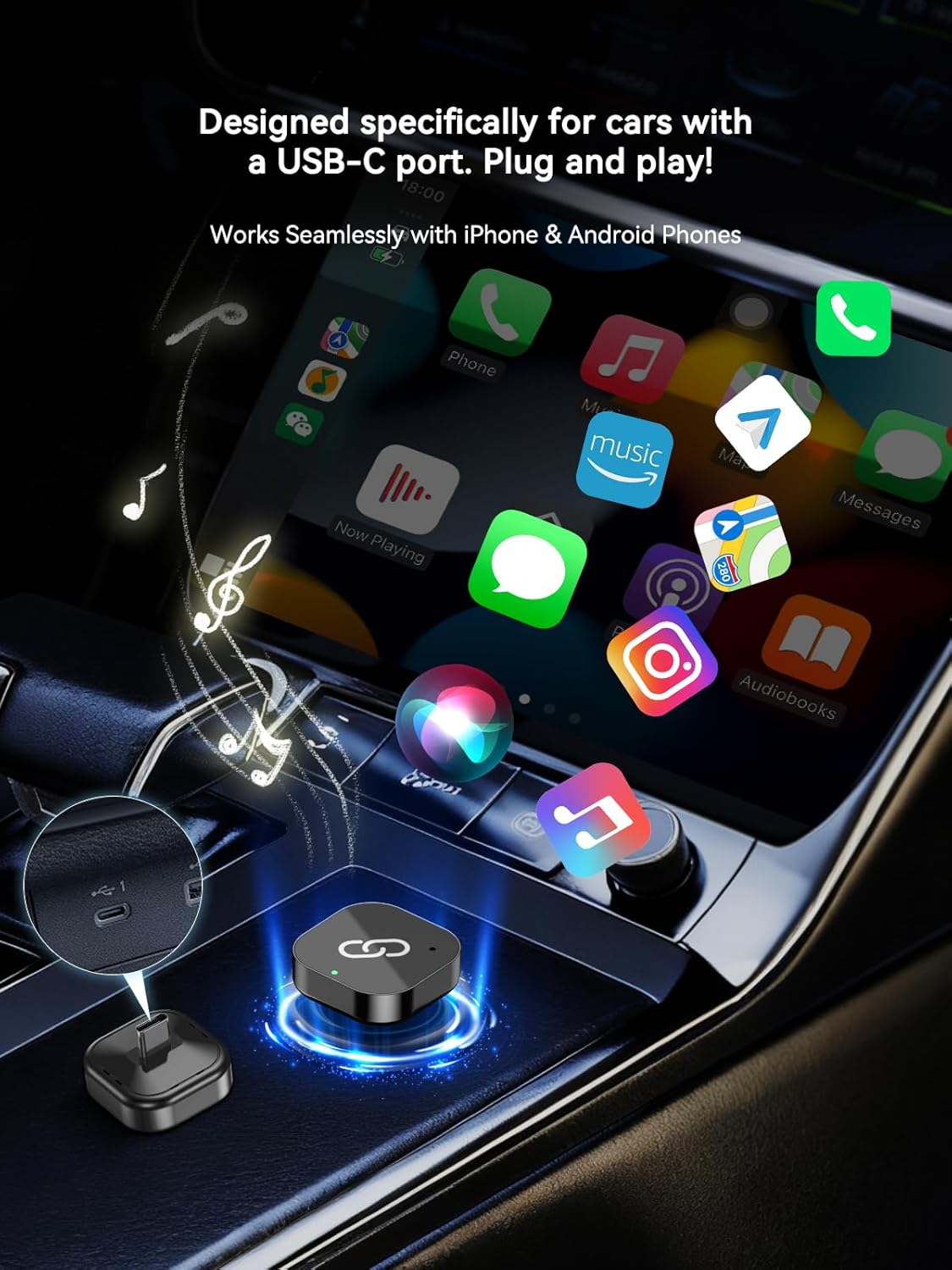
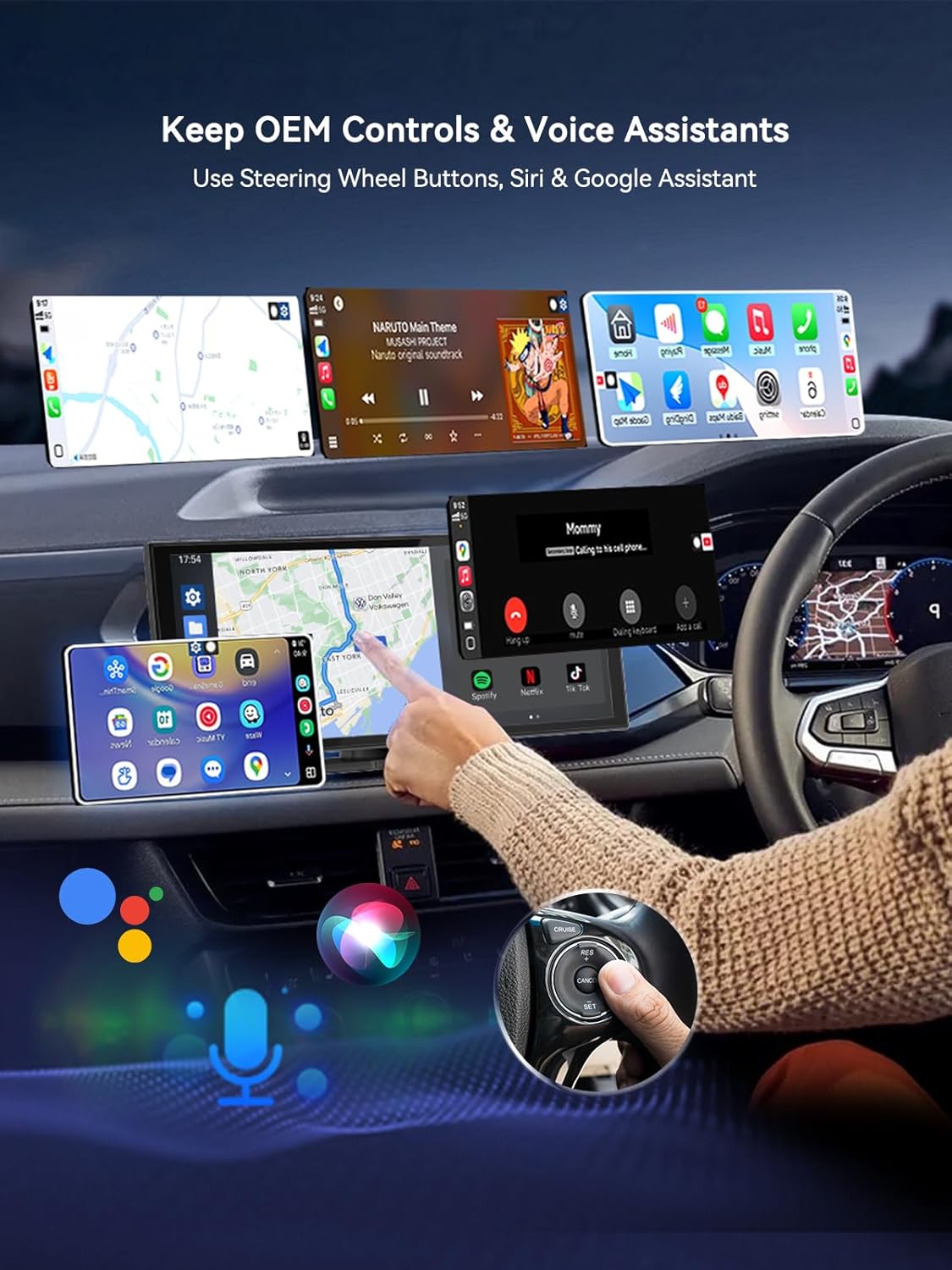
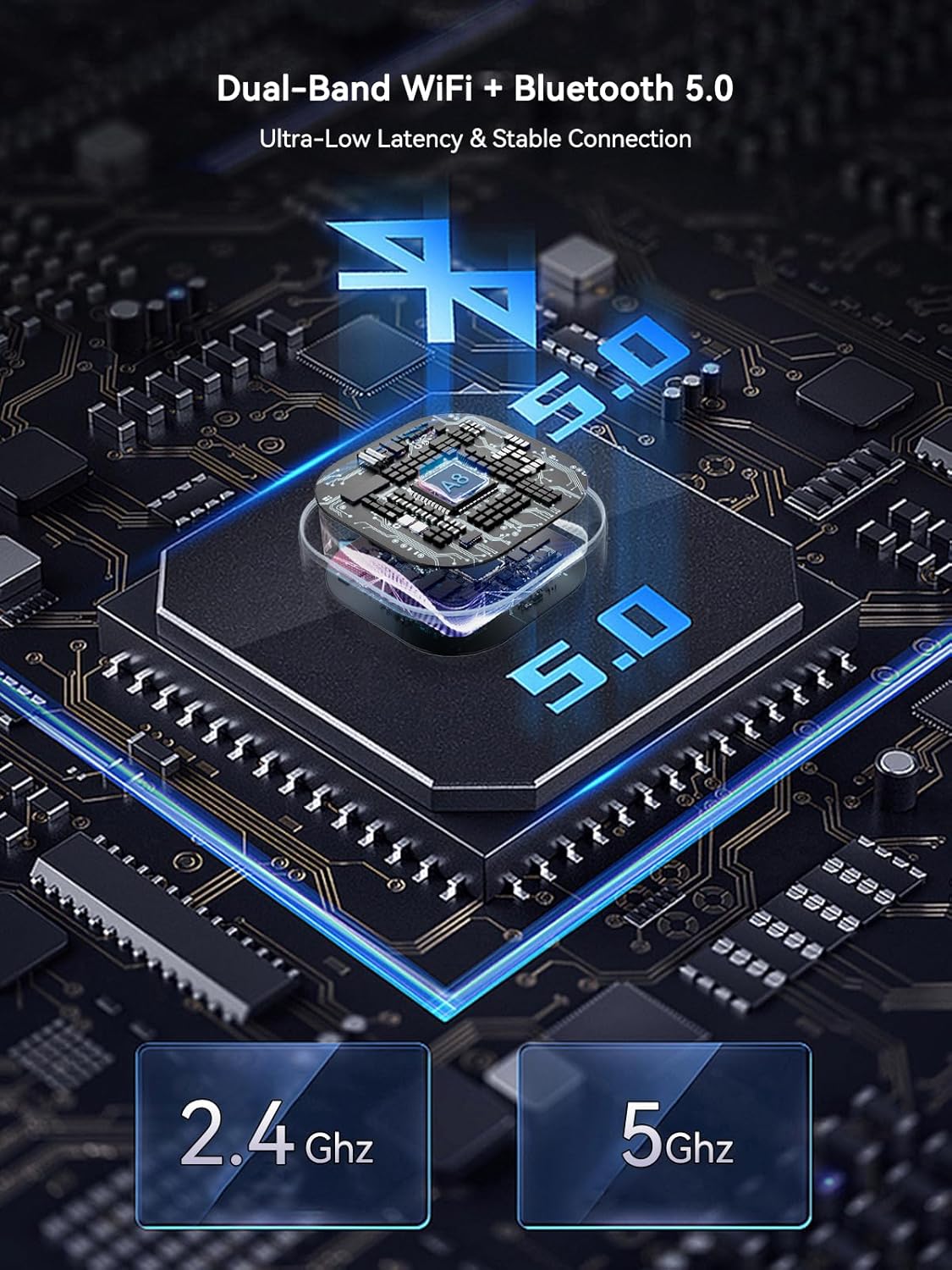
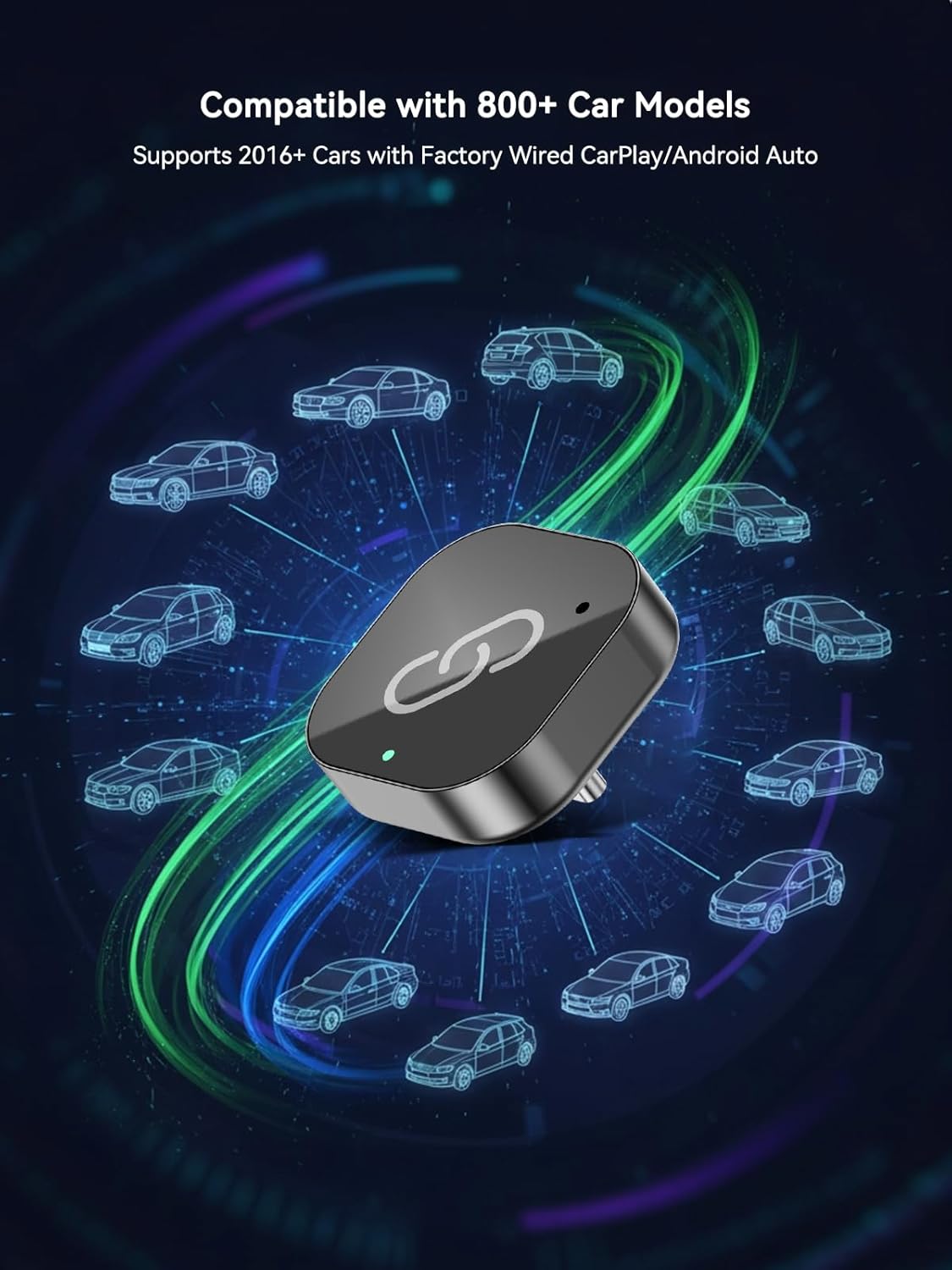
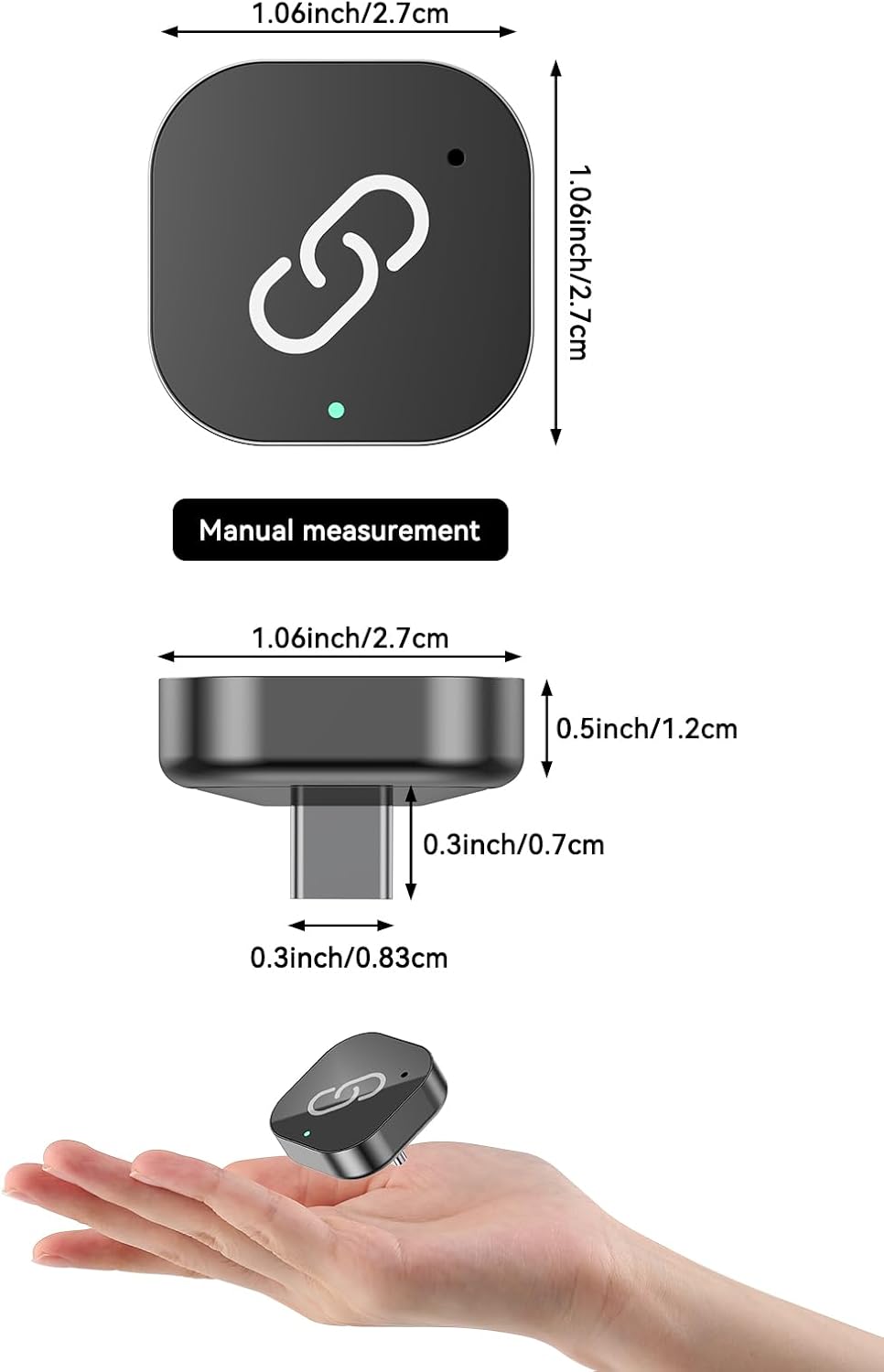
What it is and what it does\nThis USB-C Wireless CarPlay Adapter converts your factory USB-C CarPlay/Android Auto setup from wired to wireless. Designed for vehicles with USB-C console ports, it lets you access maps, music and hands-free calls without keeping your phone plugged in. The goal is to reduce dashboard clutter, protect the charging port from wear, and restore a cleaner interior for daily driving.\n\n## How it performs in use\nPowered by a dual-core smart chip and 5.8GHz Wi‑Fi, it aims to deliver a stable connection with low latency. After a quick one‑minute setup, the device uses Bluetooth 5.3 to recognise and reconnect to your phone within about 5–8 seconds of starting the engine. The result, on paper, is a smoother handover of navigation routes and playlists so you can focus on the road.\n\n## Design and build quality\nThe adapter is compact—about half the size of typical dongles—so it sits neatly in the centre console without getting in the way of other ports or storage. Its matte plastic shell resists fingerprints and blends into modern interiors. The design emphasises a minimalist footprint without sacrificing wireless performance.\n\n## Cooling and stability\nInternal convection cooling and vents are included to dissipate heat during long drives with GPS navigation or high‑quality streaming. This helps minimise lag or dropouts that are sometimes seen in sealed units.\n\n## Compatibility and control\nIt keeps your car’s original controls intact, including steering wheel buttons and touchscreen responses, and pairs with Siri or Google Voice Assistant for voice commands. This means you can make calls, send messages and control playback without fiddling with the phone. It’s intended for cars from 2016 onward and works with iPhone iOS 10+ and Android 11+.\n\n## What to consider before buying\nIf you rely on very time‑critical navigation or you frequently switch between several devices, the initial setup time and automatic reconnect speed may influence your experience. It may not be perfect in all vehicles or with every phone model, so it’s sensible to verify how smoothly your car’s OEM controls and the wireless system work together in practice.\n\n## Who it’s for\nThis is suitable for drivers who want a cleaner cockpit, minimal cable clutter, and the convenience of wireless CarPlay or Android Auto without replacing the head unit. It’s particularly appealing if your car has a USB-C console port and you value quick auto‑reconnect and reliable streaming on the move.\n\n## Practical example in use\nImagine setting off on a familiar route: the system connects quickly as you turn the key, navigation updates appear on screen, and you can start a playlist with a press of a steering wheel button, all without plugging in the phone.\n\n## FAQ (implications and limits)\n- Will it work with every phone? It targets iPhone with iOS 10+ and Android devices running Android 11 or newer, some features may depend on phone/software compatibility.\n- Is it a “set and forget” solution? It aims to auto‑reconnect after the initial setup, but you may still need to confirm connections when power cycles.\n- Does it affect charging? The device uses the USB‑C port for CarPlay/Android Auto, charging while connected to power is common, but actual charging performance depends on the vehicle and phone model.\n\n## Buying decision\n### Should you buy it?\nIt makes sense if you want wireless CarPlay/Android Auto without replacing the head unit and you value a tidy cabin with reliable auto‑reconnect.\n### When to skip it\nIf you require the absolute fastest possible connection every time or if your vehicle’s USB‑C port has limited power, you might want to test compatibility first.\n### Who benefits most\nDrivers with 2016+ cars who use CarPlay or Android Auto via a USB‑C console port and want a cleaner, more seamless wireless experience.\n### What to check before purchase\nConfirm your car’s USB‑C port version, your phone’s compatibility with wireless CarPlay/Android Auto, and whether you’re comfortable with a one‑minute initial setup for automatic reconnection.