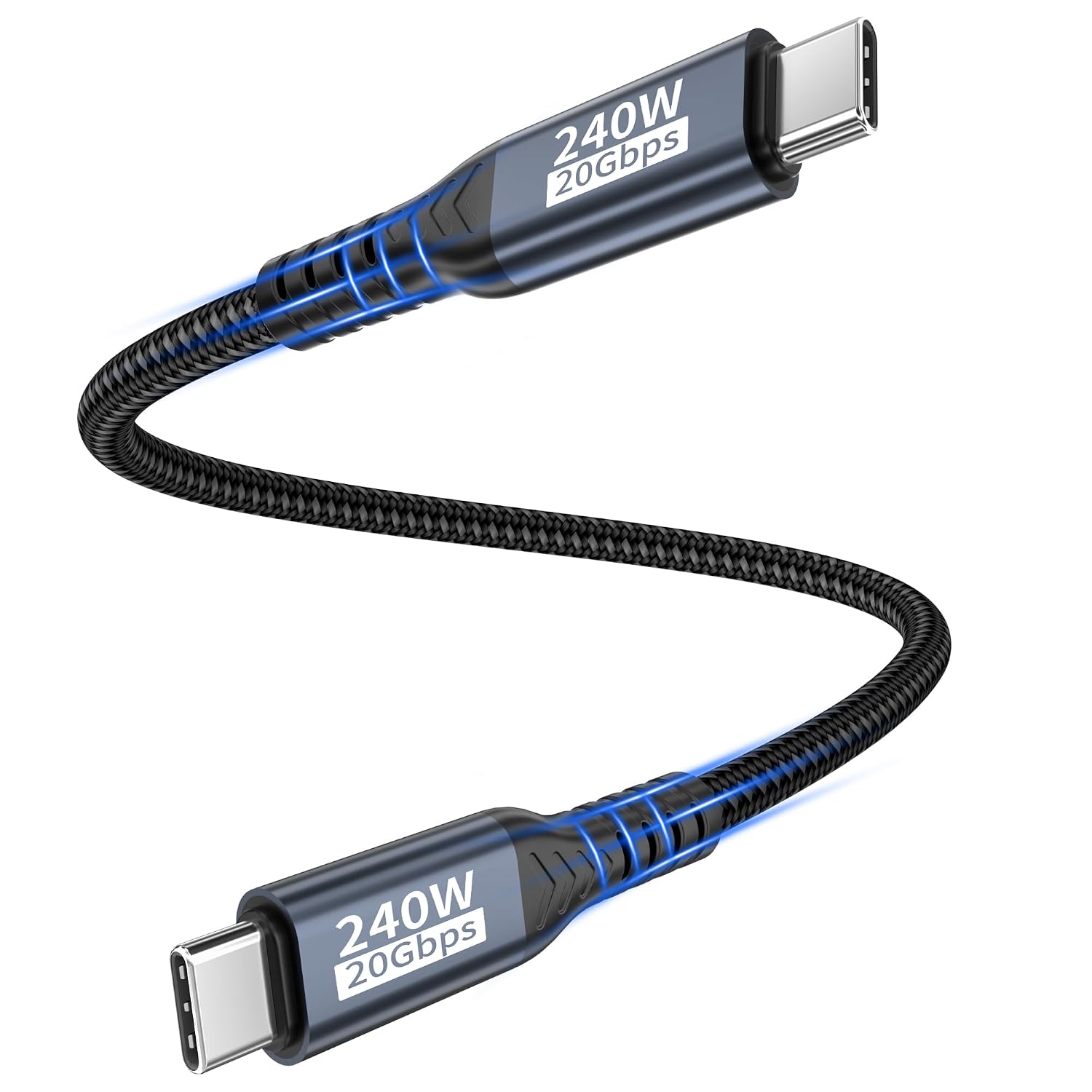
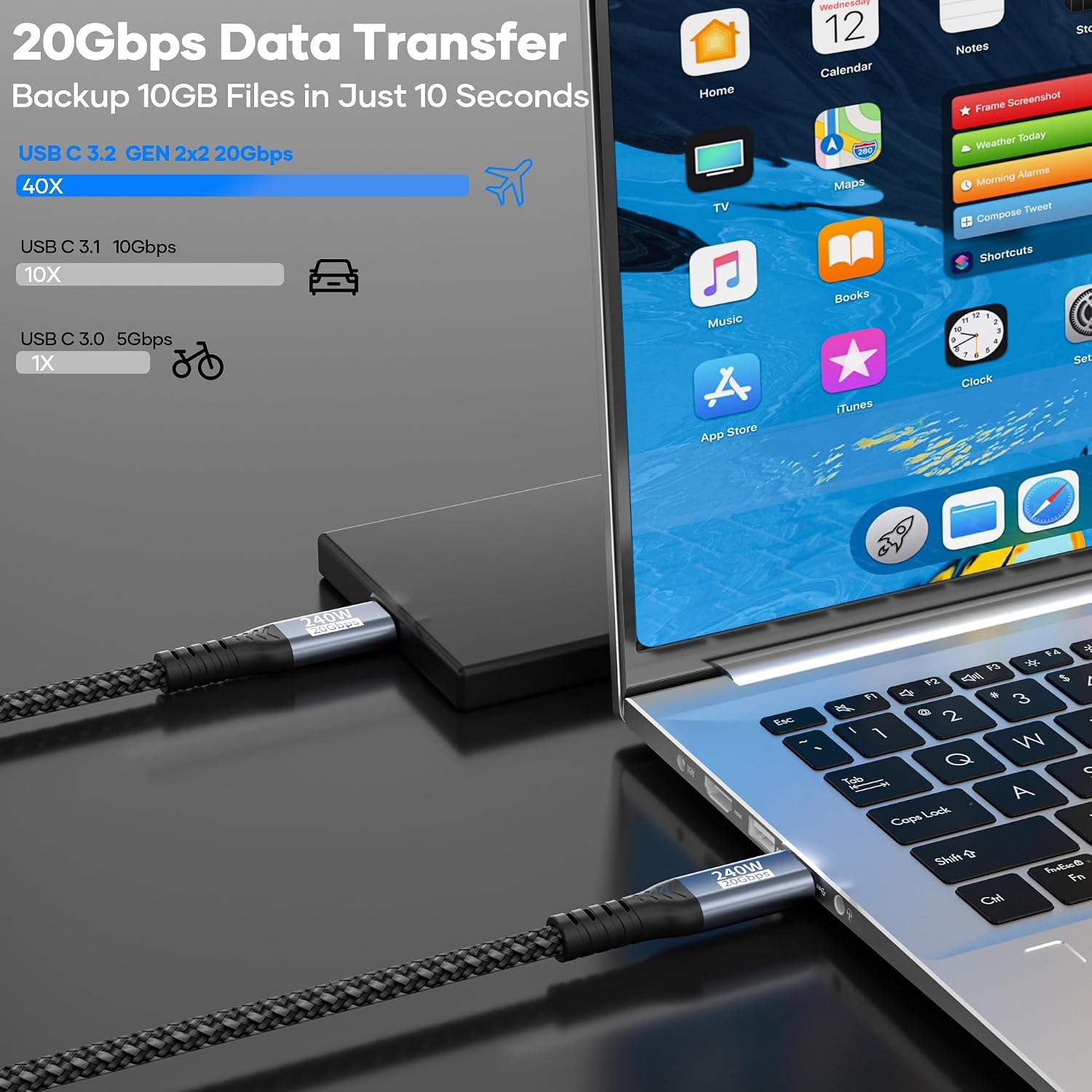
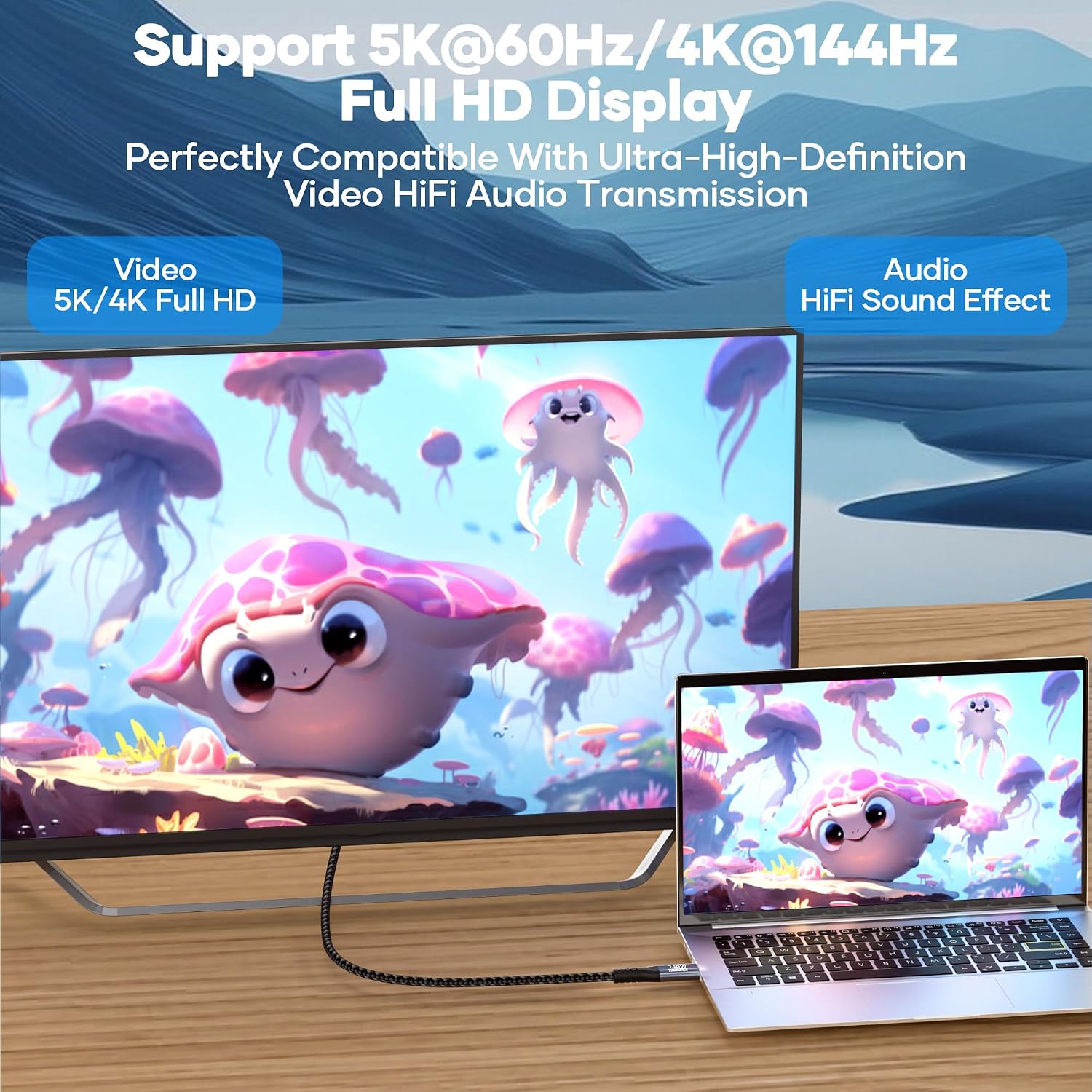
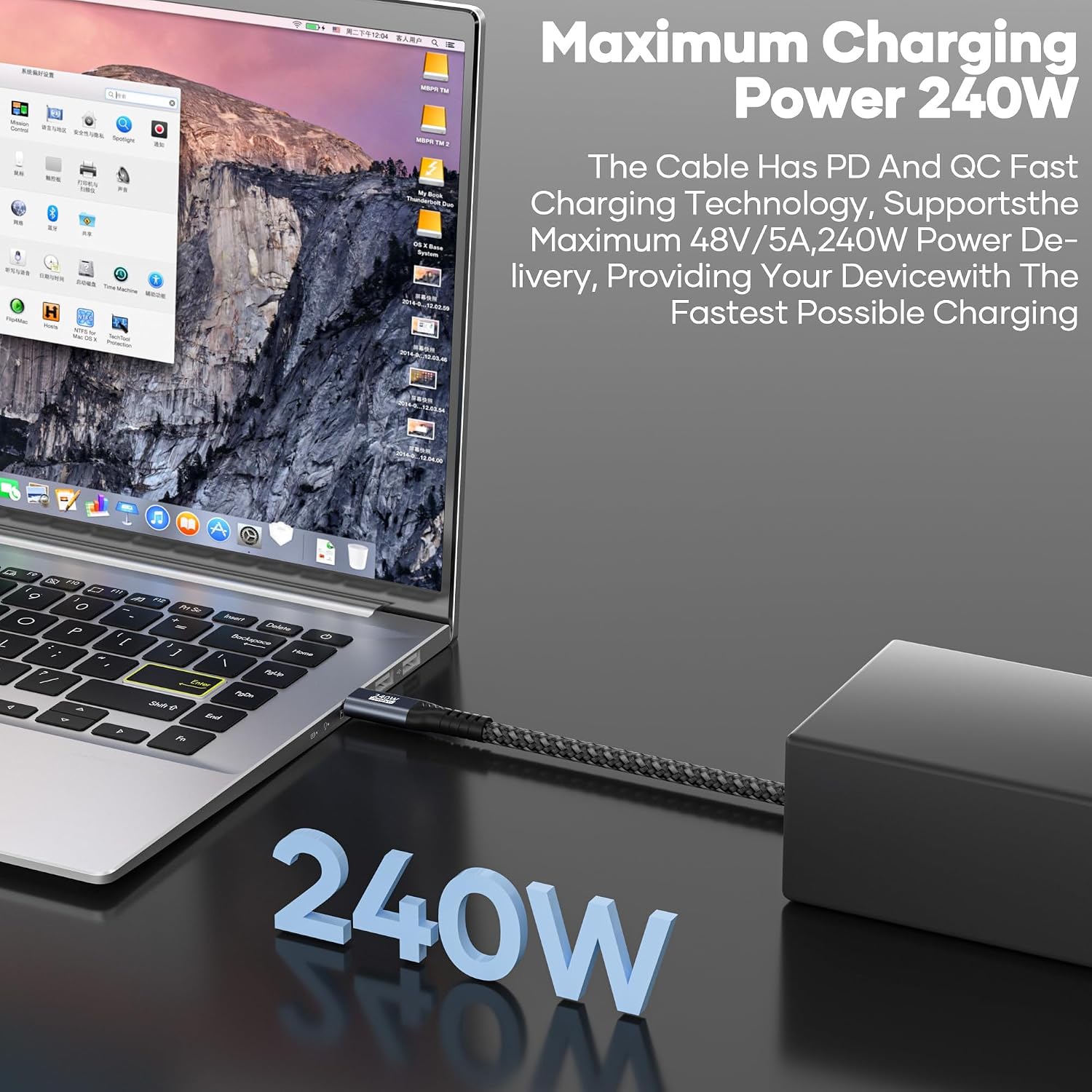
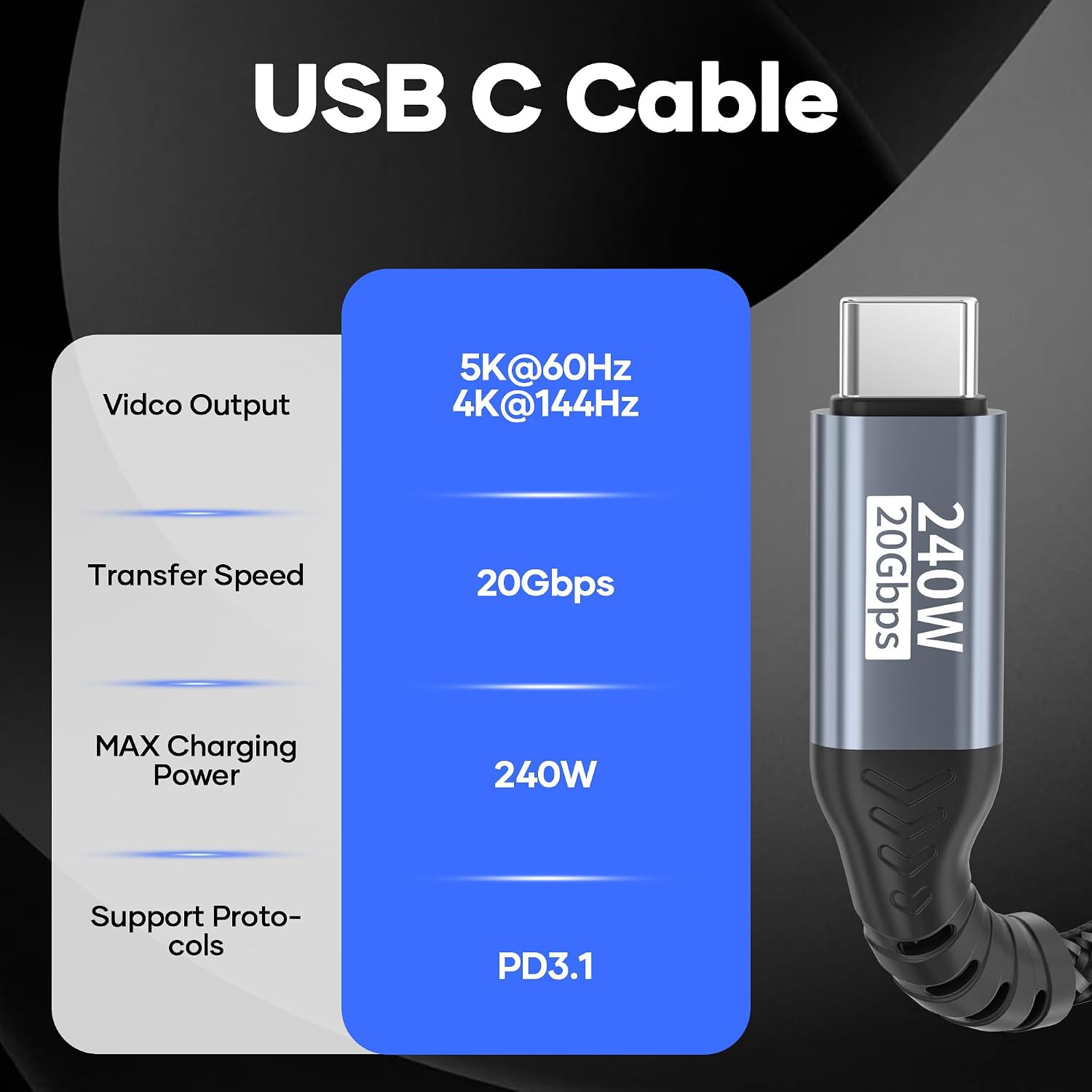
What it is and what it solves\nThis is a USB C to USB C data and charging cable, 0.5m long, designed to handle very high data speeds and substantial power delivery. On paper, it supports USB 3.2 Gen2x2 with up to 20Gbps transfer speeds and PD 3.1 fast charging up to 240W, which translates to rapid file moves and quicker device charging when paired with capable hardware. If your setup includes devices supporting USB 3.2 Gen2x2 or higher (like USB4 or Thunderbolt 3/4), you can expect the stated transfer speeds. The cable also carries video signals up to 4k@144Hz or 5k@60Hz for compatible USB C displays, making it a potential choice for high-resolution work or entertainment from laptops to monitors.\n\n## How it’s built and what that means\nFrom the outside, the cable features a nylon braid for durability and an aluminium housing on the connectors, which should help with longevity and handling daily wear. It’s described as triple-protected for interference resistance and bend-tested to 20,000 cycles, which suggests a practical focus on reliability for everyday use. However, the proof of durability comes from product design details rather than independent testing, so real-world longevity will depend on how you treat it.\n\n## The best and the limits, on paper\nOn the plus side, you get a compact 0.5m length that’s handy for desktop setups or laptop-to-dock connections without excess slack. The 240W charging is notable, especially if you use a high-powered USB-C charger or a laptop that benefits from fast recharging. Video up to 4k@144Hz and 5k@60Hz could be a strong point for anyone needing reliable high-refresh video output from a USB C laptop to a USB C monitor, provided both ends support DisplayPort Alt Mode. The big caveat is that to realise the 20Gbps data speed, both ends must connect to devices that support USB 3.2 Gen2x2 or higher, with older gear, speeds will drop to slower USB generations.\n\n## Who it’s for\nIf you frequently transfer large files between USB C devices, want fast charging for compatible laptops or phones, and occasionally output high-refresh video to a monitor, this cable aims to cover those needs. It’s positioned as a versatile option for home offices, pro setups, and enthusiasts who run devices like USB C laptops, iPhones that support USB C charging features, and USB C displays.\n\n## Who should think twice\nNot every device will leverage the maximum 20Gbps transfer rate or the 240W charging. If your gear is older or only supports USB-C charging at modest power, you won’t see the full benefits. Also, if you don’t use DisplayPort Alt Mode capable monitors, the video capabilities won’t be as relevant. If you mainly need a simple charging cable or a short, low-cost option, this may feel over-specified.\n\n## What to check before buying\n- Confirm both devices support USB 3.2 Gen2x2 or higher to approach 20Gbps.\n- Ensure your charger and device can handle high-watt PD 3.1 or related fast charging profiles up to 240W.\n- If using video, verify that both source and display support DisplayPort Alt Mode for 4k@144Hz or 5k@60Hz.\n- Consider the 0.5m length—ideal for dedicated desk or plug-and-go use, less forgiving if you need longer reach.\n\n## Practical use in real life\nImagine moving large raw video files from your laptop to an external workstation dock with minimal wait, while your laptop charges rapidly in the background and you still run a high-refresh monitor session. In daily tasks, this cable aims to reduce bottlenecks where both data and power are important.\n\n## The comparison in context\nIf you’re choosing between a basic charging cable, a longer USB-C data cable, or a high-end option with similar specs, this cable leans towards a balance of high data throughput, substantial charging capability, and video support. It’s more than a simple charger lead, but it may not be the cheapest option if you don’t need the top-end speed or 240W charging.\n\n## Is it worth it?\nShould you buy it? It depends on your setup. If you prioritise fast data transfer, high-watt charging, and the ability to drive a high-refresh monitor from a USB C laptop to a USB C display, this cable could be a sensible choice. If your devices are older or you don’t need 4k/5k video output or 240W charging, you might find a more modest cable fits your needs better.\n\n## Frequently asked questions\n- Do I need USB4 or Thunderbolt to achieve 20Gbps? Yes, both ends must support USB 3.2 Gen2x2 or higher.\n- Can I use this cable for everyday charging if my device supports PD 3.1? Yes, it supports fast charging up to 240W with compatible hardware.\n- Will I see 4k@144Hz on any USB C display? Only if both devices support DP Alt Mode and the monitor can handle that specification.\n