

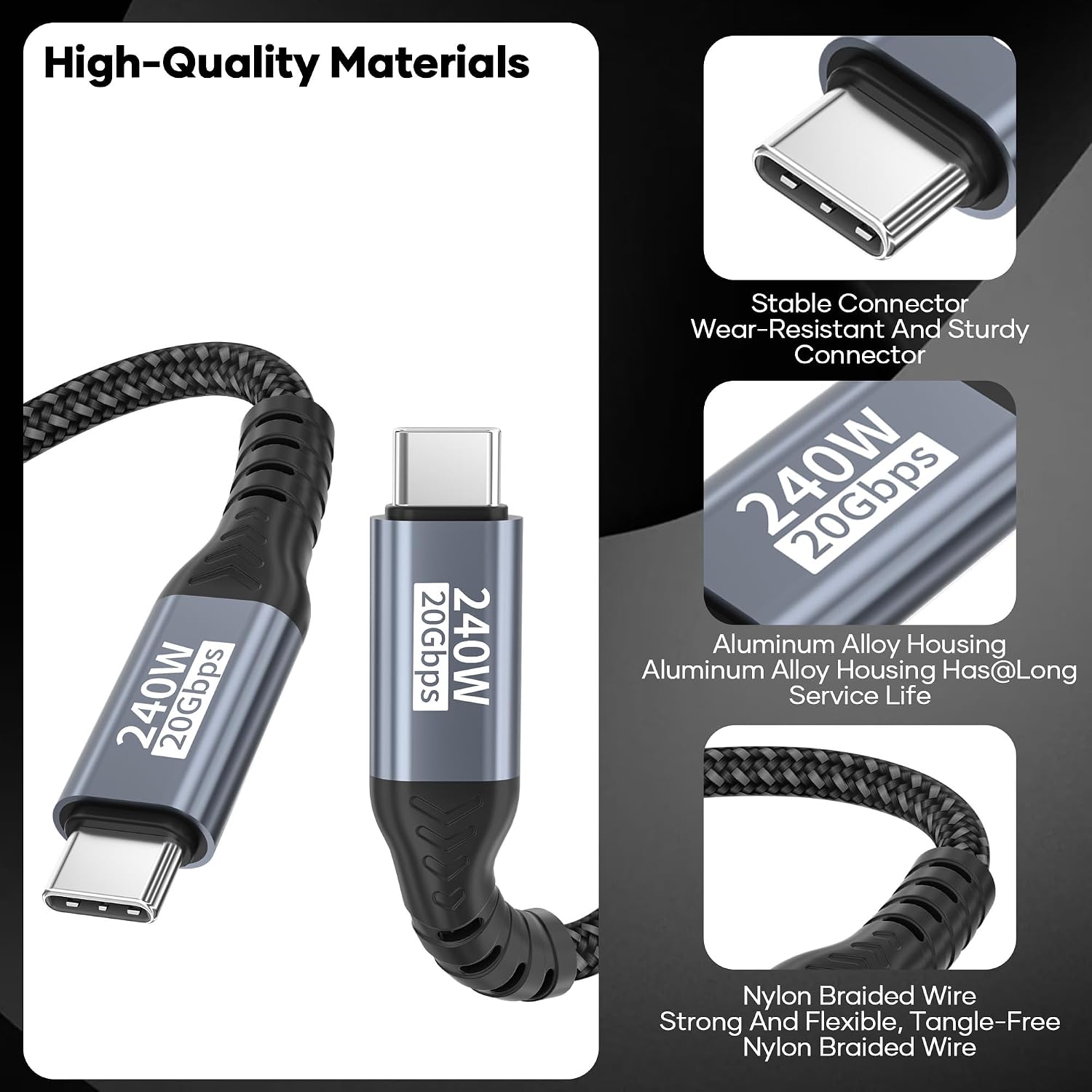
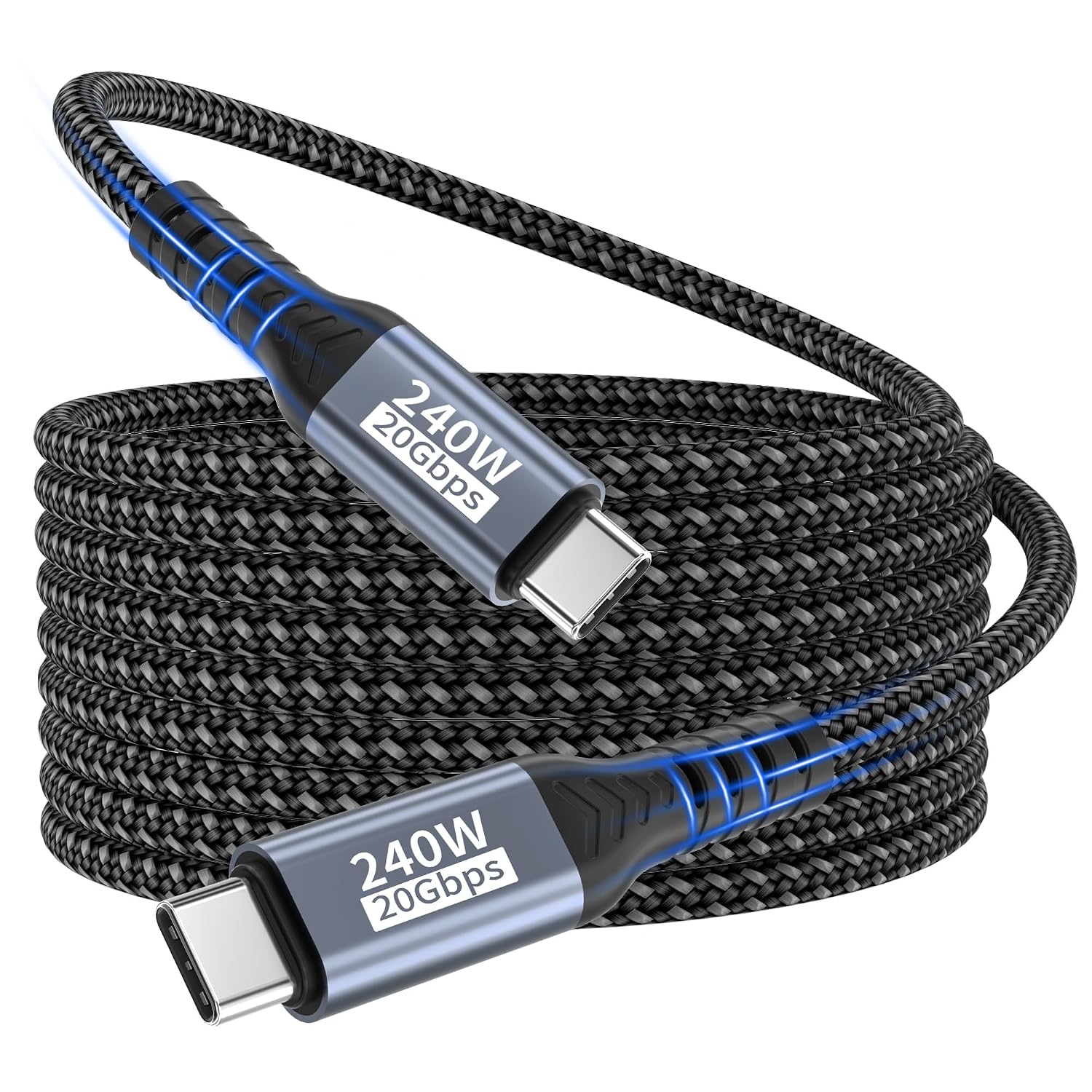
USB-C to USB-C Cable 3m — 20Gbps USB 3.2 Gen2x2, 240W PD3.1 for High-Resolution Video and Fast Charging
Product description
What it is
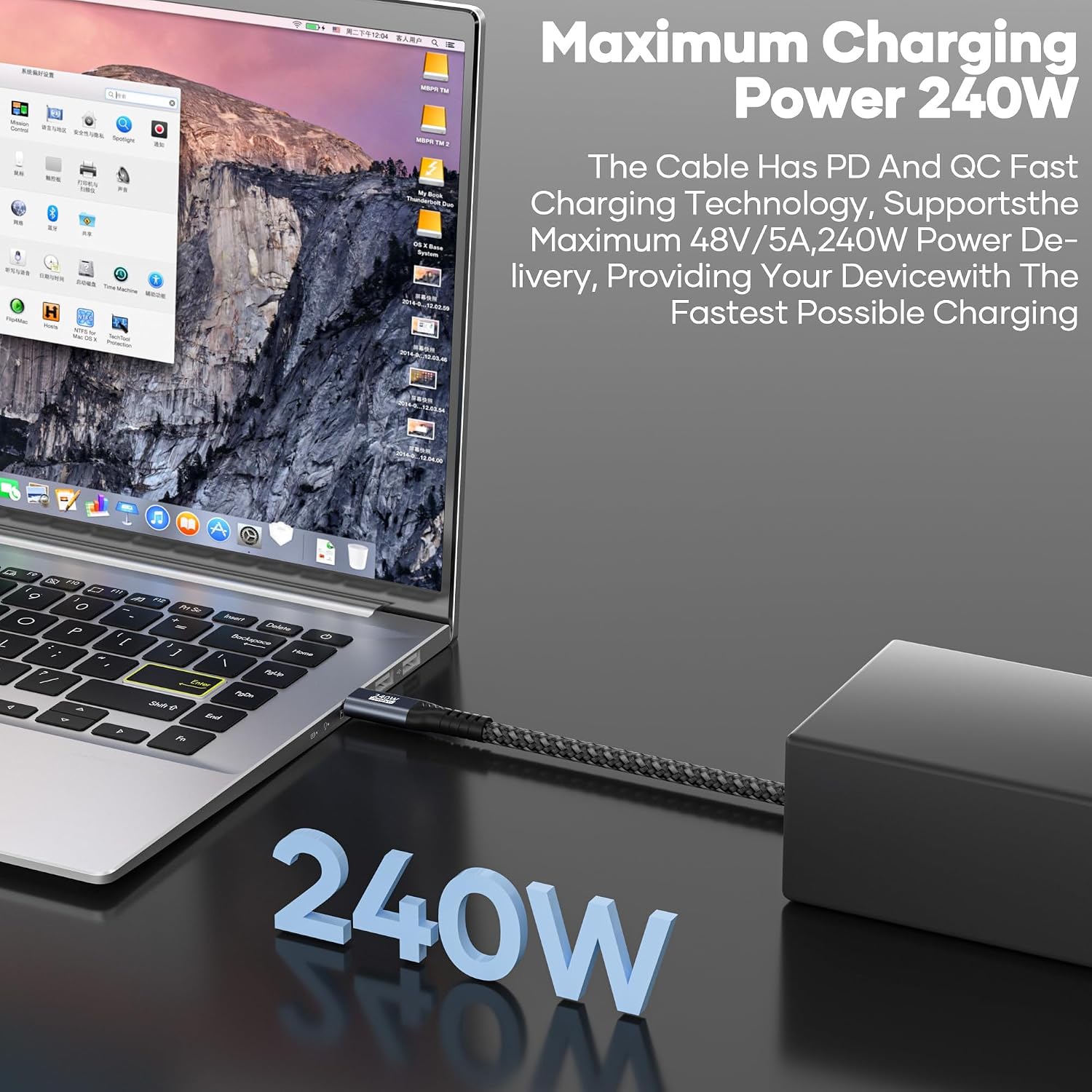
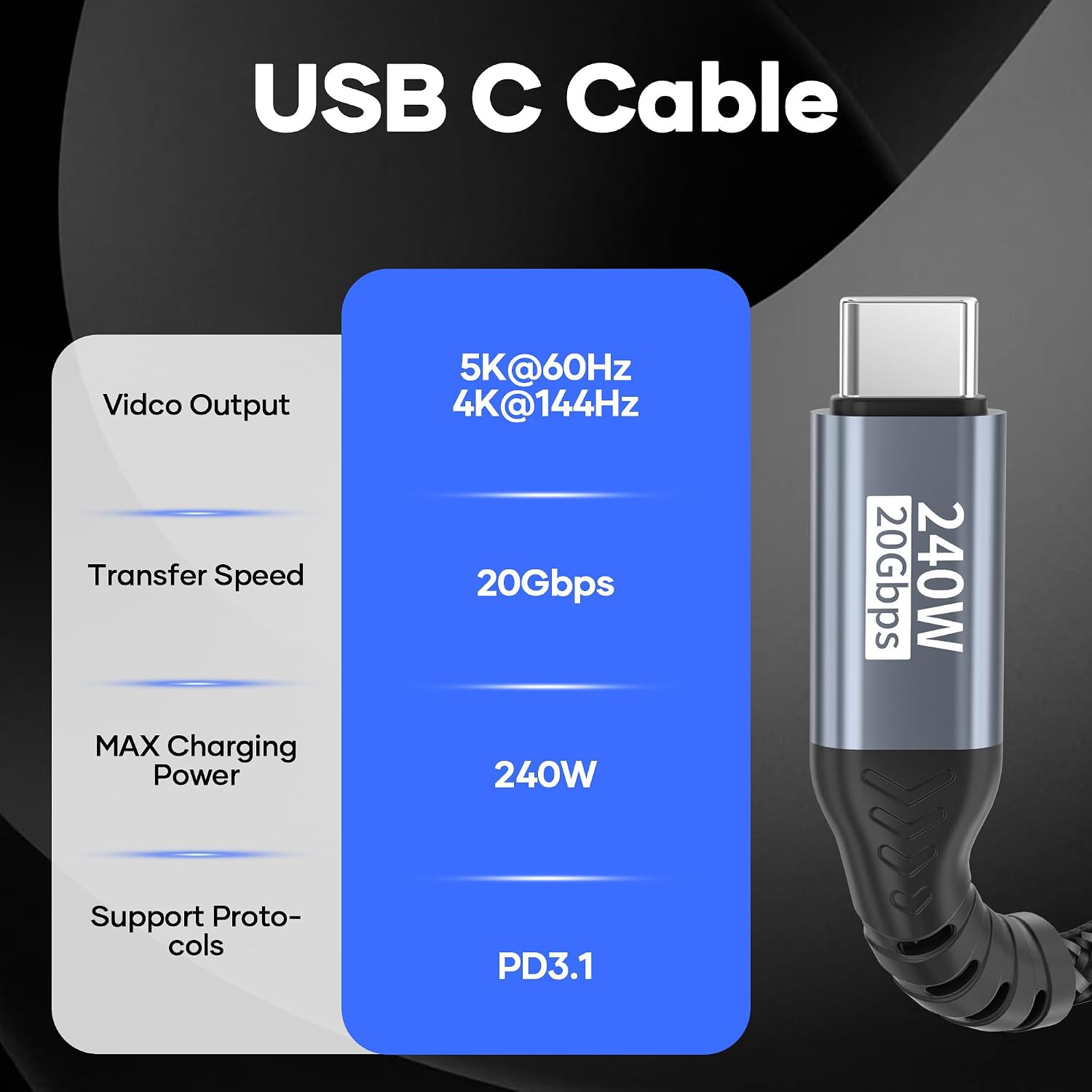
This USB C to USB C data cable is a long‑reach (3 m) USB C solution designed to handle high‑bandwidth data, fast charging and video output. It adheres to the USB 3.2 Gen 2x2 standard, supporting up to 20Gbps data transfer when both ends and the devices in use are compatible. It also supports PD 3.1 fast charging protocols, offering up to 240W of power delivery where the devices and power sources align. The build features a nylon braided jacket and an aluminium housing, with an integrated E‑Marker chip to regulate current. Overall, it’s aimed at users who need a single cable for data, power and video between USB‑C devices.
What it’s for
If you regularly transfer large files, game or edit video at high resolutions, or connect USB‑C laptops to external displays, this cable is positioned as a versatile option. It’s also designed to handle devices that require substantial power delivery, such as certain laptops or power‑hungry USB‑C peripherals, provided the source supports the necessary PD profile.
What stands out
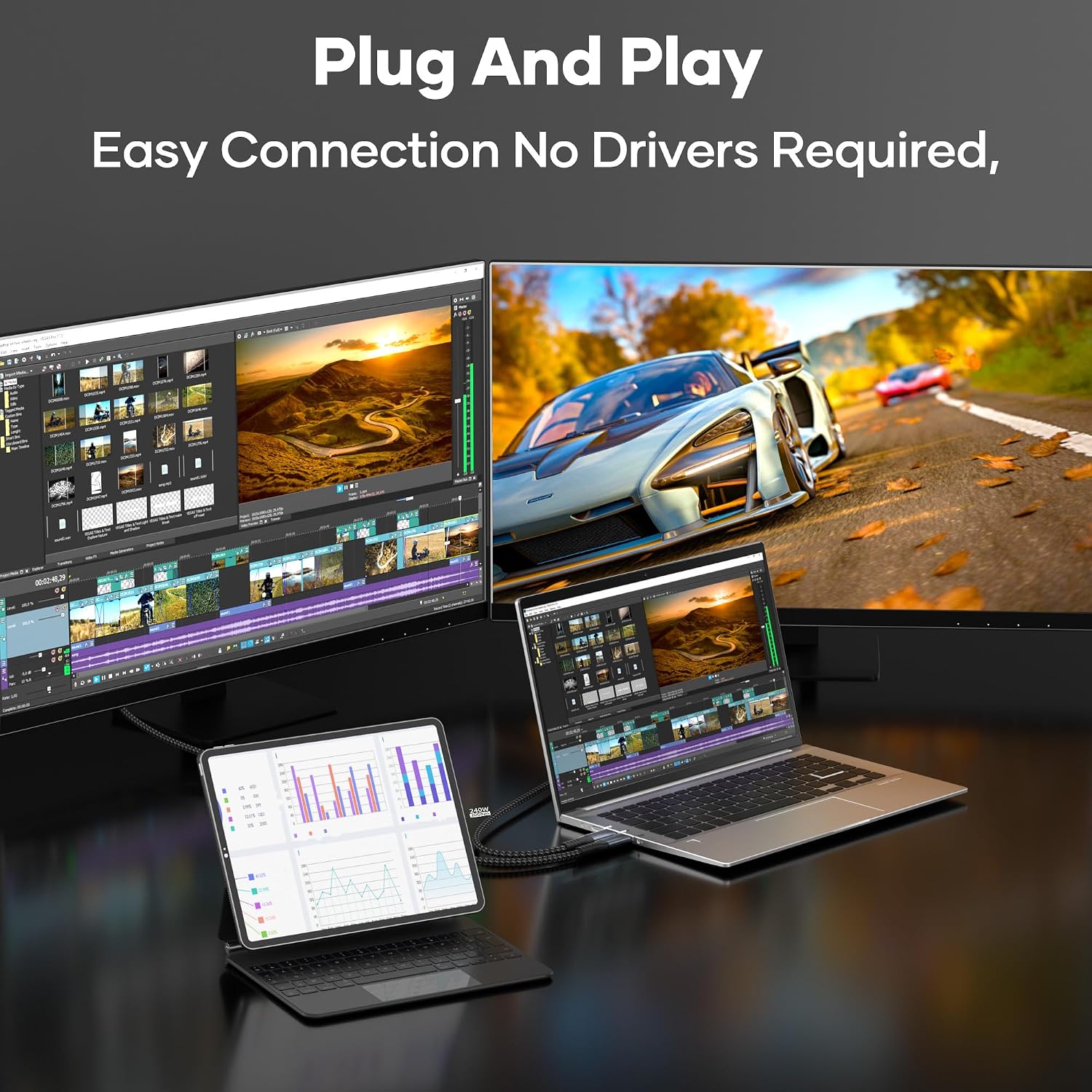
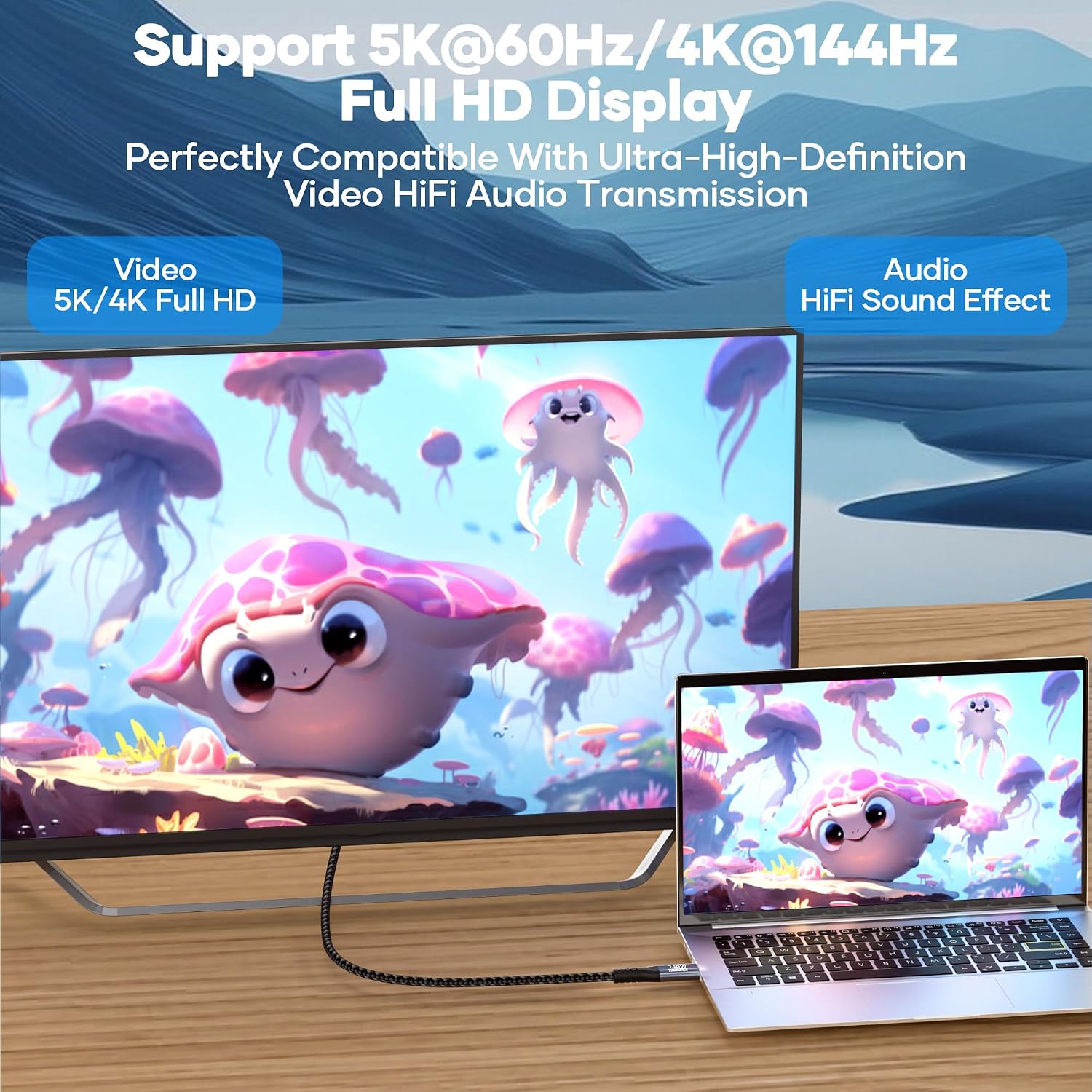
On the paper specifications are compelling: 20Gbps data rate under Gen2x2, PD 3.1 with up to 240W charging, and video output up to 4k@144Hz or 5k@60Hz when paired with compatible hardware. The claim of 4k@144Hz/5k@60Hz video output is useful for high‑refresh tasks, though it’s important to note that video output depends on the source and the display’s compatibility with DP Alt Mode. The cable is described as triple‑protected and robust against wear, with a 20,000‑cycle bend test backing its durability.
What to watch for
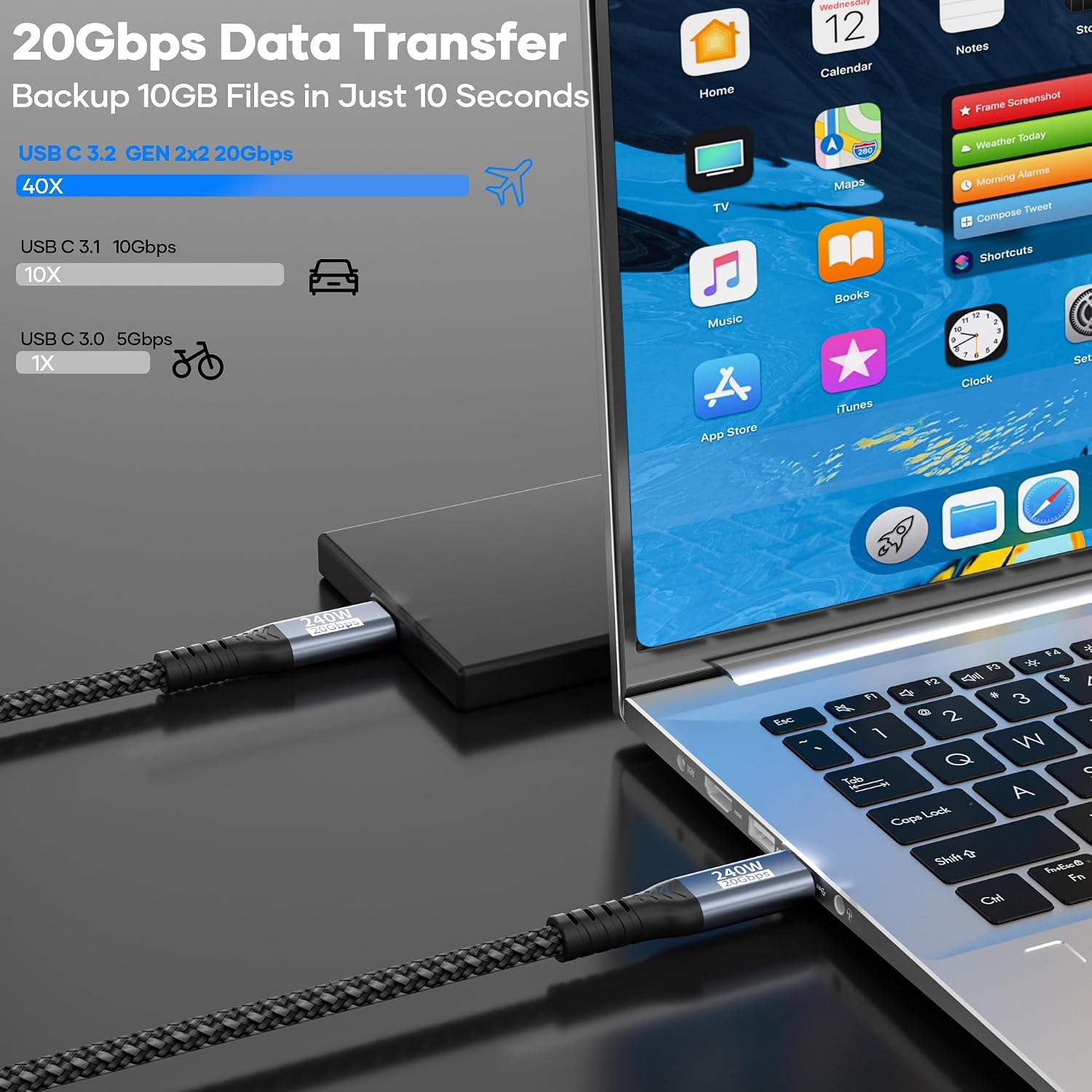
- Maximum transfer speed requires devices that support USB 3.2 Gen 2x2 or higher (e.g., USB 4 or Thunderbolt 3/4) on both ends, otherwise you’ll operate at a slower USB standard.
- Video output relies on the source device supporting DP Alt Mode, not every USB‑C device will send display signals through this cable.
- Fast charging claims depend on compatible power sources and devices, while 240W is advertised, the real‑world charging speed will vary by device, charger compatibility and cable limits.
- Compatibility is broad, but the list of tested devices is not exhaustive. If your setup includes niche or older USB‑C hardware, check compatibility before buying.
Practical use case
Imagine you have a MacBook Pro and a USB‑C monitor. With this cable, you can run 4k video to the monitor at high refresh rates and, if the charger supports it, power the laptop simultaneously. For video editors or conference calls at 4k/144Hz, the setup could feel smoother if your devices and displays align with the supported modes. If you frequently switch between devices like a phone, tablet, or game console with USB‑C, the single cable approach can reduce cable clutter while still delivering data, video and charging where supported.
Pros and cons
- Pros: 20Gbps data when conditions are right, high‑watt PD 3.1 charging up to 240W, robust build, supports high‑resolution video, broad compatibility.
- Cons: Real‑world speeds depend on device support, video output depends on DP Alt Mode and device capability, not all devices will reach the maximum 240W charging or 20Gbps transfer in everyday use.
Who this is for
– Professionals who need fast data transfer and reliable charging for power‑hungry USB‑C devices. – Creators running high‑resolution video out to external displays. – Users seeking a longer USB‑C cable to reduce desk clutter while keeping data, charging and display options available.
Who it isn’t ideal for
If your devices don’t support USB 3.2 Gen2x2 or DP Alt Mode for video, the high‑end data/ video capabilities may not be fully realised. For typical mobile file transfer and charging, a simpler or shorter cable might suffice. Those who prioritise millimetre‑precise power delivery for very specific devices should confirm PD profile compatibility before purchase.
Before you buy: what to check
- Confirm your devices support USB 3.2 Gen2x2 or higher and DP Alt Mode if you intend to use video output.
- Check that your charger or power supply supports the PD profiles needed to approach the 240W capability.
- Ensure the 3 m length fits your workspace without excessive tension, longer cables can sometimes affect performance if poorly manufactured.
Alternatives and how this compares
If you mainly need data transfer and charging for standard USB‑C devices, a shorter or more modest cable might be more cost‑effective. For desktop setups where you don’t require high video bandwidth or very high charging power, you might choose a busier‑rated but shorter option. This cable’s strength lies in delivering a blend of high data rate, substantial power delivery and capable video output, provided your hardware is up to it.
Final decision
Is it worth it?
Worth considering if your devices support the higher USB 3.2 Gen2x2 standard and you want a single, versatile cable for data, power and video from USB‑C to USB‑C. If your setup relies on older USB specifications or you don’t need high‑end video output, you may prefer a more basic cable.
Quick FAQ
- Do I need both ends to support Gen2x2 to reach 20Gbps? Yes, for the stated 20Gbps speed you need devices and hosts that support USB 3.2 Gen2x2 or higher.
- Will I get 240W charging with any USB‑C charger? Not automatically, it depends on the charger, the device, and the PD negotiation. Check your power supply’s output and device compatibility.
- Can I use this cable with non‑USB‑C displays? The video feature requires USB‑C devices that support DP Alt Mode, do not expect universal compatibility with all displays.