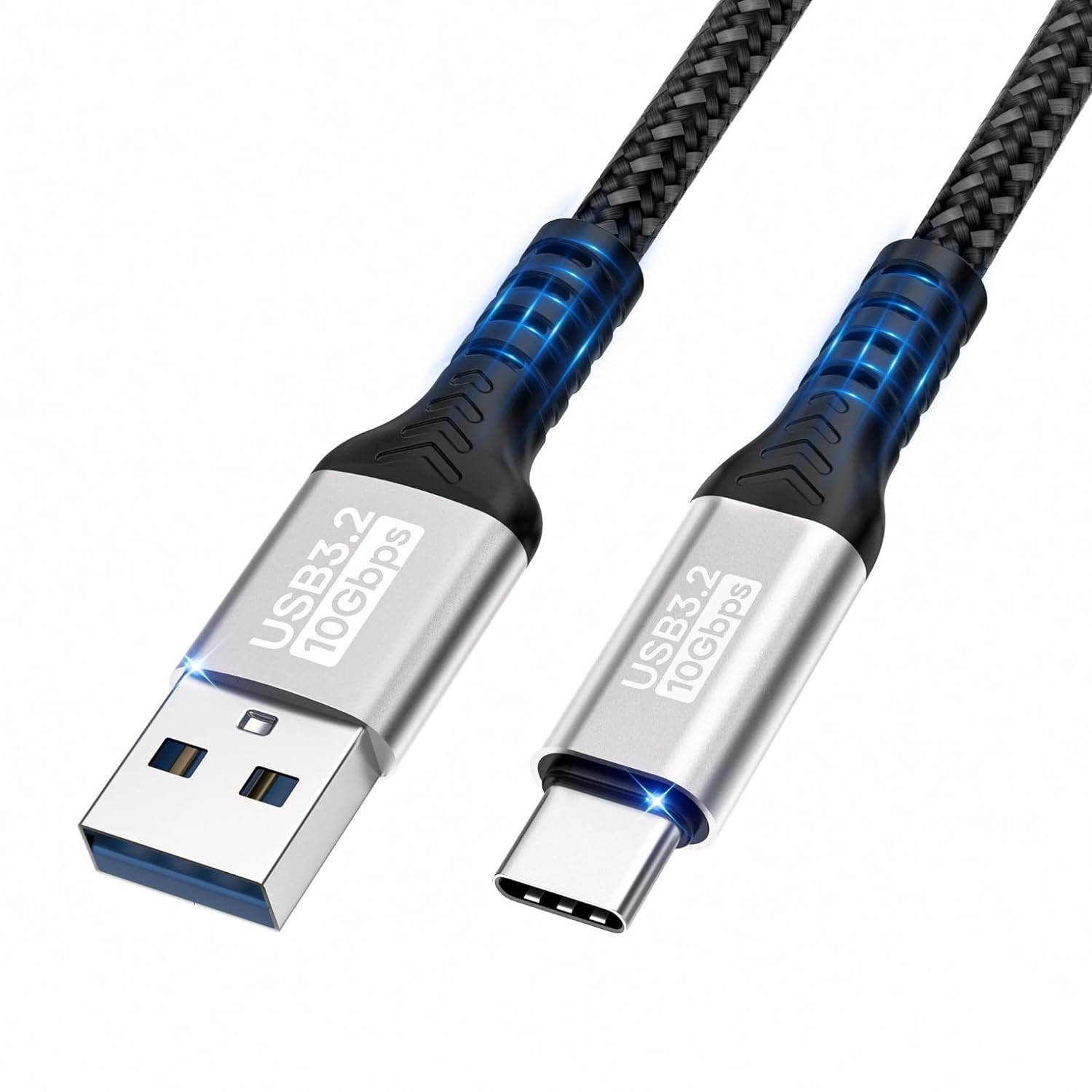
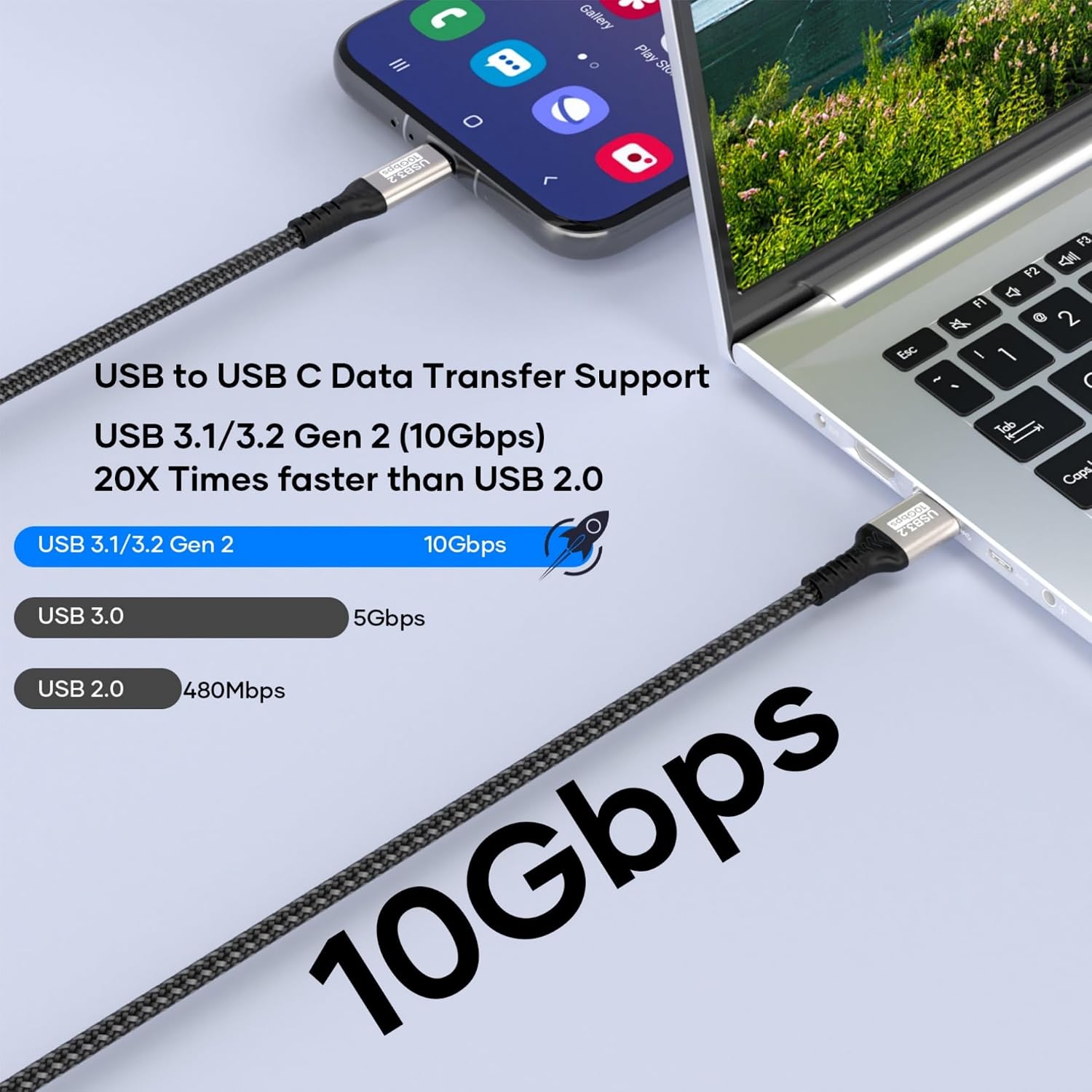
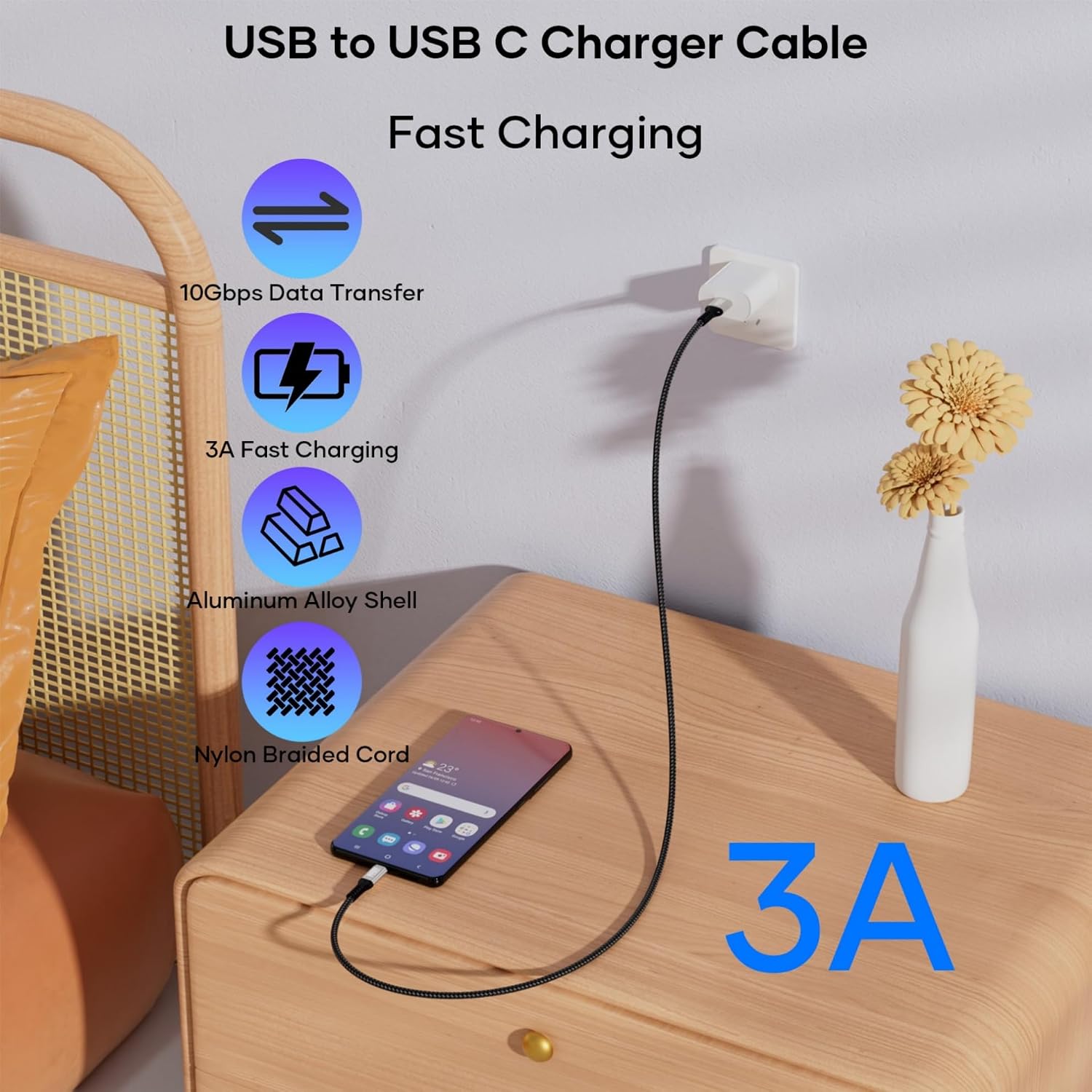
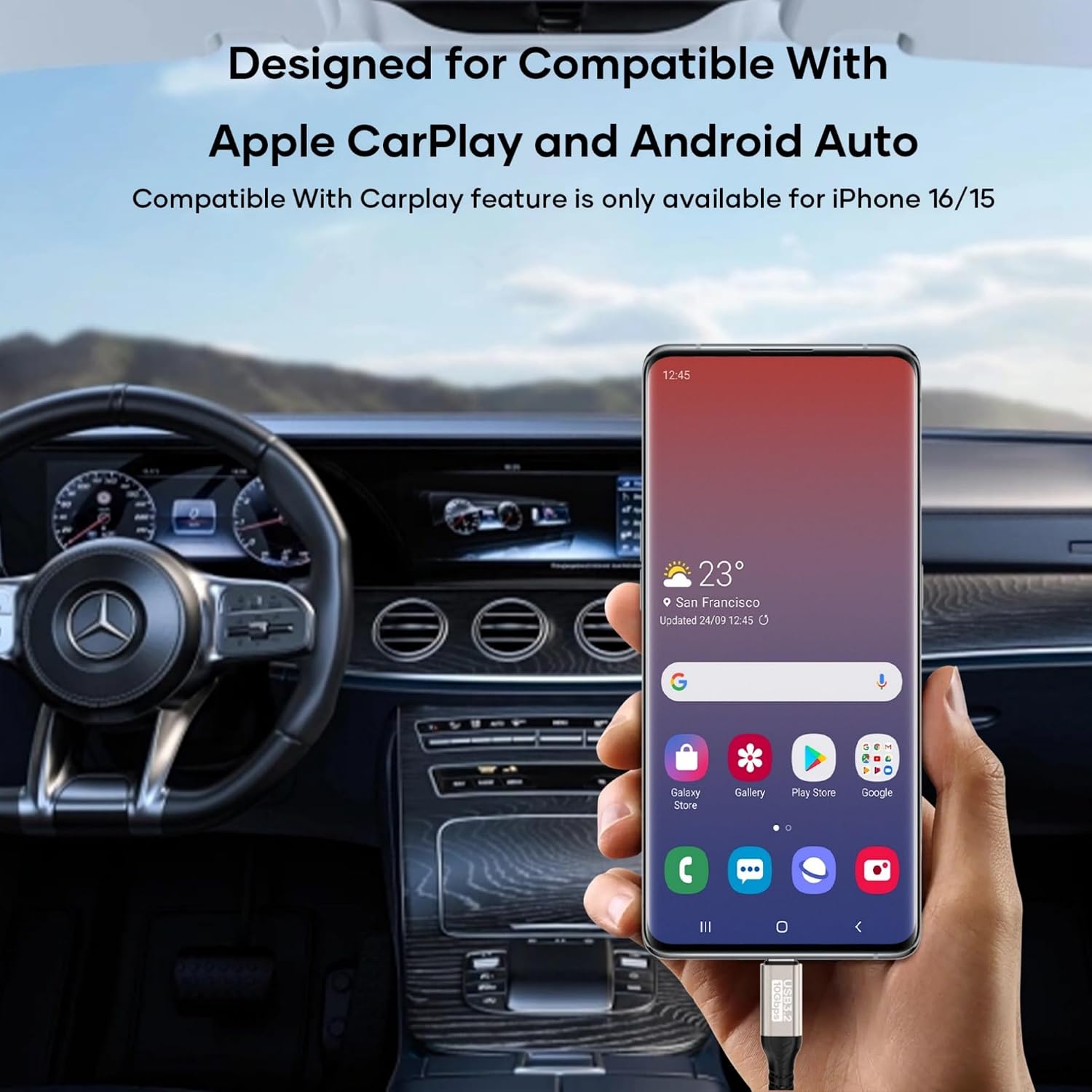
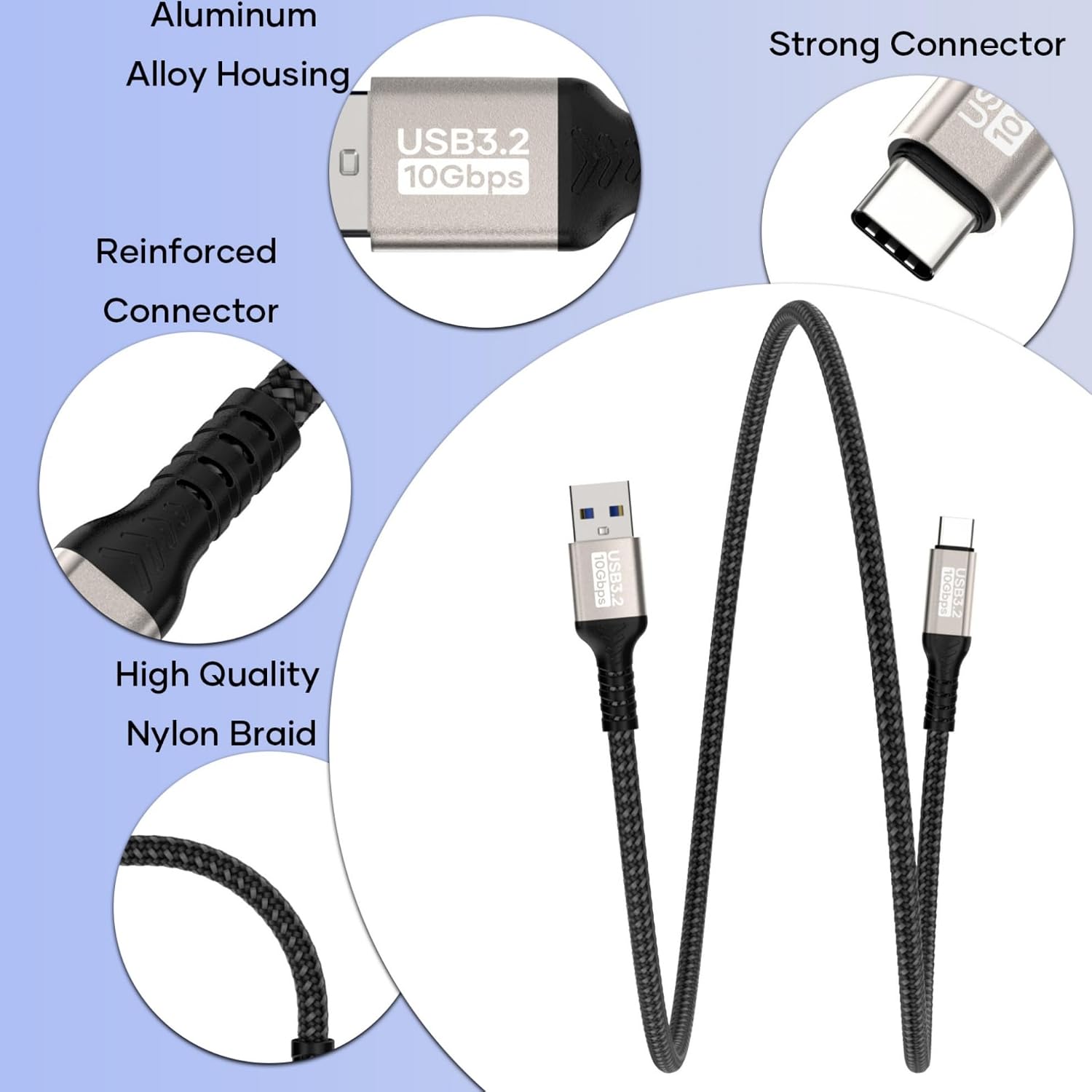
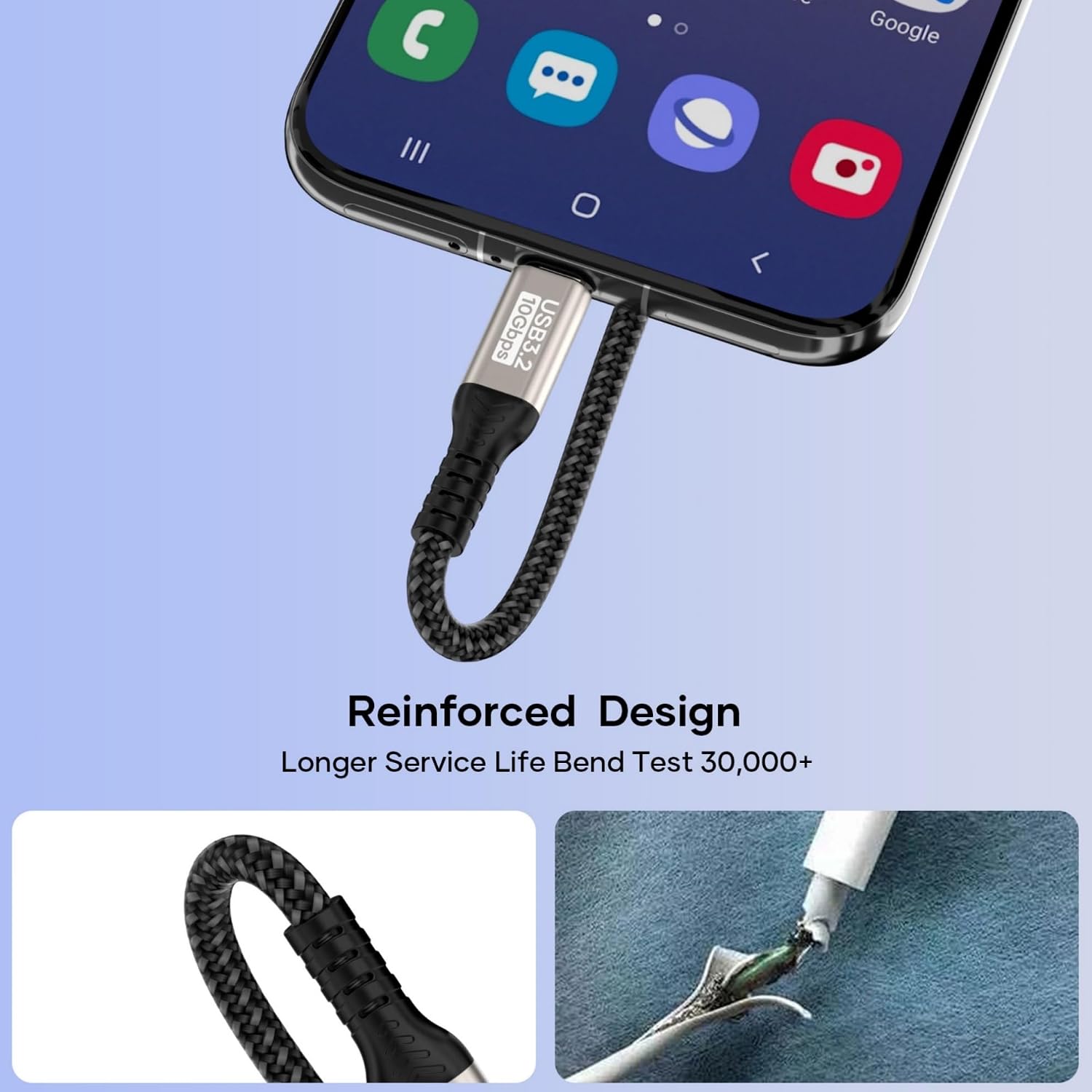
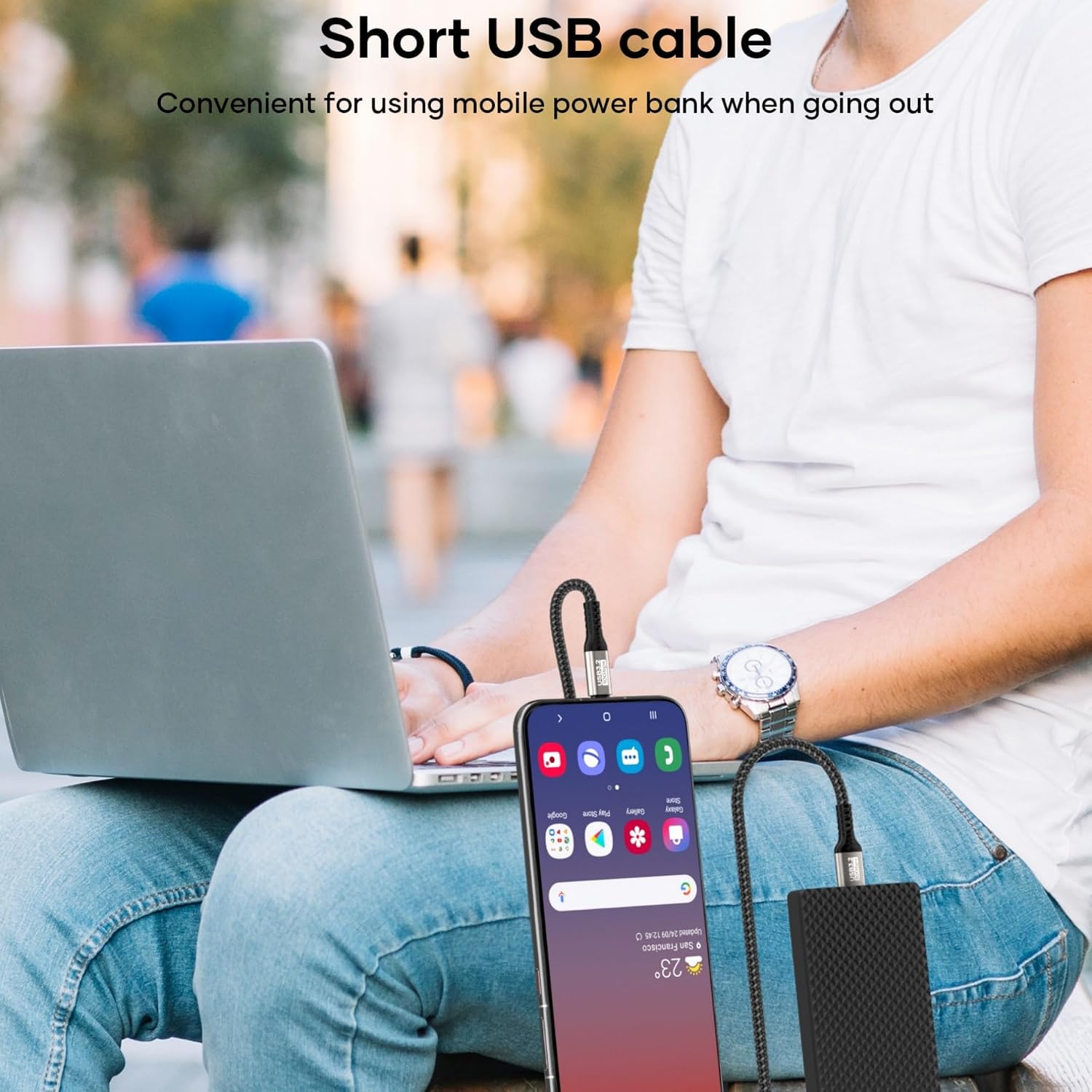
What this cable is and who it’s for\nThis USB A to USB C cable is designed for devices that still rely on a USB-A port for power or data, combined with USB-C peripherals or devices. It targets users who want a single, durable cable for data transfers and fast charging, compatible with a wide range of phones, tablets, laptops, external drives and accessories. If you prioritise a straightforward, tangle-free solution for upgrading older devices or simplifying a mixed-device setup, this cable aims to deliver that convenience without sacrificing speed.\n\n## How it performs on paper\nThe cable supports data transfer speeds up to 10 Gbps when paired with a USB 3.2/3.1 Gen 2 host port. That translates to rapid file transfers—think large videos moving in seconds rather than minutes. USB 3.2/3.1 Gen 2 is notably faster than USB 2.0 and USB 3.0, but the actual speed will depend on the capabilities of the connected ports and devices. It also provides up to 3 A of charging current, which helps when powering or charging devices from USB-A sources.\n\n## Build quality and durability\nA braided nylon sheath adds durability and helps resist wear and tangling. The connector housings are reinforced and designed to withstand daily use, including plugging in and moving between rooms or in a car. It’s not a guarantee against all wear, but the construction signals a focus on longevity for regular, mixed-use scenarios.\n\n## What it can and cannot do\nOn the compatibility side, the cable covers a broad set of devices that have a USB-C port, including many iPhone and Android phones, tablets, external drives, and some game consoles or accessories. However, it does not support video output from USB-C to HDMI or similar, so it’s not a substitute for adapters that require video capability. If you need video or high-energy peripherals, you’ll want to verify compatibility with your exact device and port version.\n\n## Practical use cases\n- Transferring large media files from an external SSD or laptop to a USB-C device where both ends are supported.\n- Quick charging of compatible devices from a USB-A charger, especially when you have a USB-C device in reach.\n- Data syncing between a USB-C camera or storage and a computer with a USB-A hub.\nThese scenarios are common in home setups, small offices or when travelling with mixed devices.\n\n## What to check before you buy\n- Ensure your host port supports USB 3.2/3.1 Gen 2 to realise the 10 Gbps data rate.\n- Confirm your device supports 3 A charging via USB-A if you expect rapid charging.\n- Consider cable length: 2 m is convenient but may add more slack than a shorter option in tight spaces.\n- Look for a robust braid and metal housing, which are indicators of better durability for daily use.\n\n## A note on alternatives and how this compares\nIf you already use USB-C to USB-C cables, you may notice a performance gap in setups where only USB-A ports are available. In that situation, a USB-A to USB-C option like this can offer a practical bridge between legacy and newer devices. It won’t replace purpose-built USB-C to USB-C cables for devices that rely on the newer standard, but it fits a common, pragmatic use case: extended compatibility without buying multiple cables.\n\n## Is it worth it?\nWorth considering if your devices include a mix of USB-A hosts and USB-C peripherals, and you value speed and reliability for file transfers and charging. If your setup is predominantly USB-C to USB-C, you might prefer a direct USB-C solution for maximum compatibility and future-proofing.\n\n## Quick FAQ\n- Does it support video output? No, not at this time.\n- Can I use it in a car charger? Yes, where the port and charger support USB-A to USB-C charging.\n- Will it charge my device at 3 A? It supports up to 3 A where the source and device permit it.\n