


USB C to HDMI Adapter (Type C to HDMI) 4K@30Hz – USB C Digital AV for Phone 15, Pad, MacBook Pro/Air, Samsung Galaxy S24, Huawei P40/P30
Product description
What it is
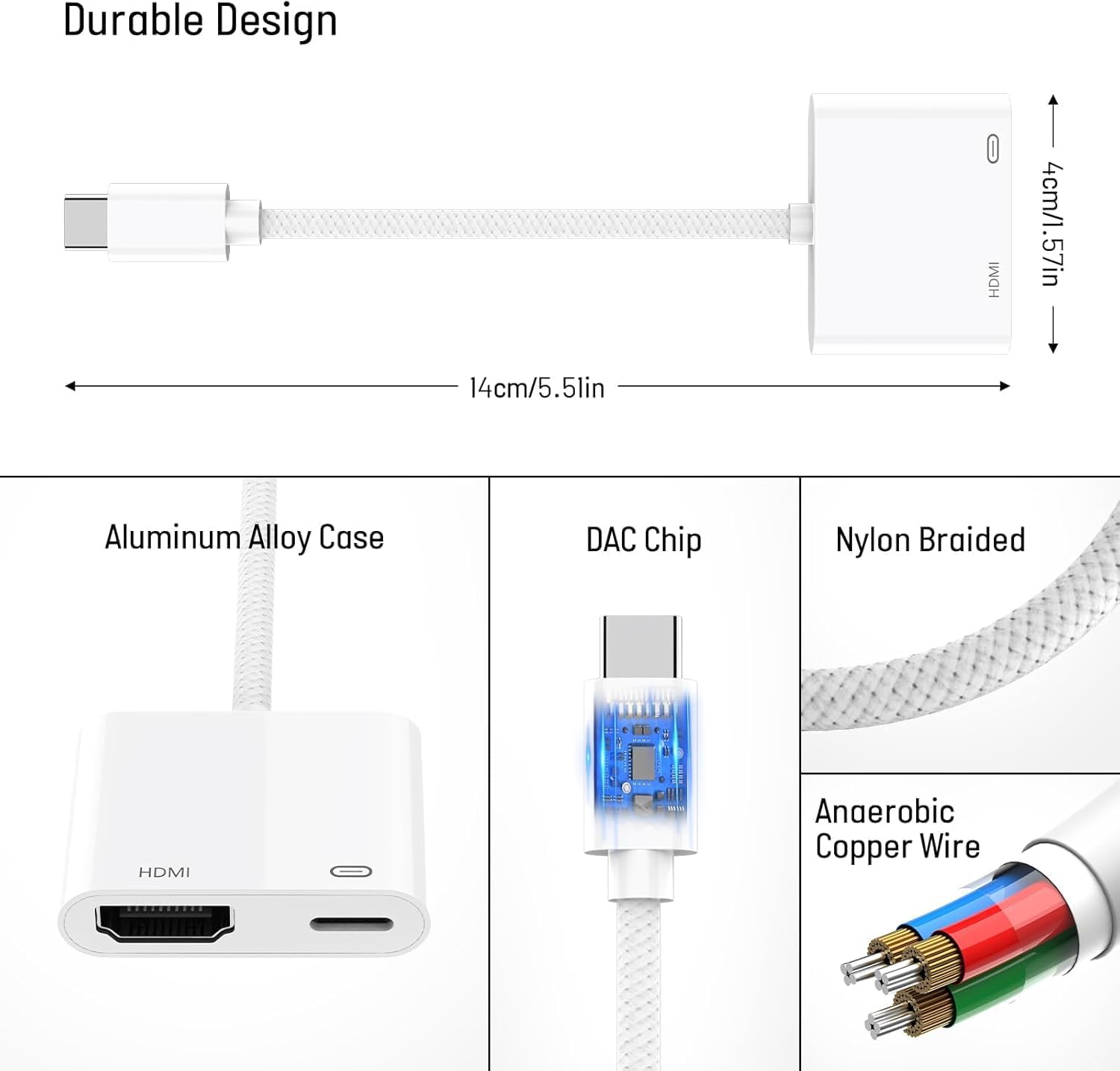
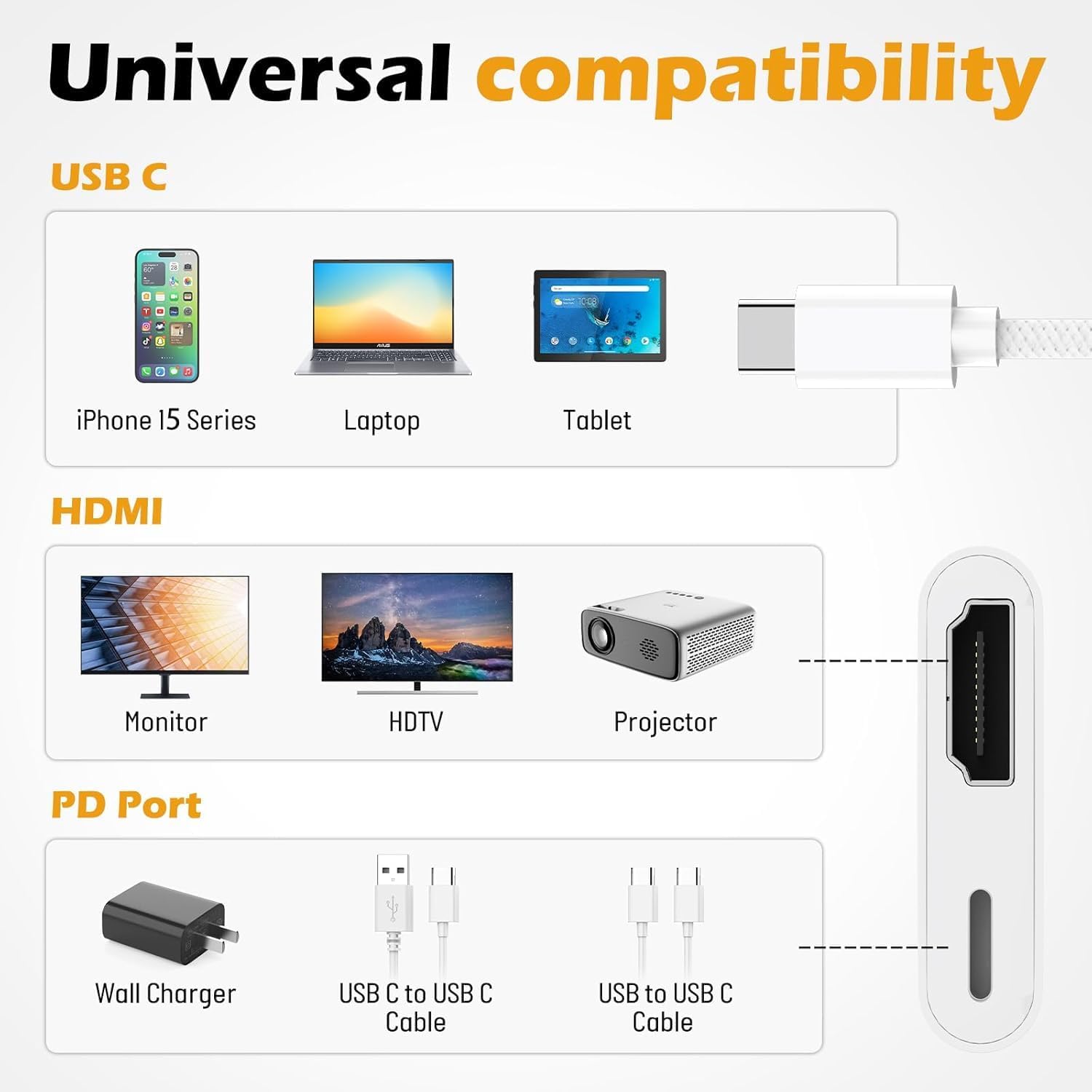
A USB C to HDMI adapter designed to mirror or extend your device’s display to an HDMI-equipped TV, monitor or projector. It supports 4K at 30Hz and is touted as a driver-free, plug-and-play solution for a range of USB‑C devices, including phones, tablets and laptops. On paper it aims to simplify screen output from compatible devices to larger displays without extra software.
How it works
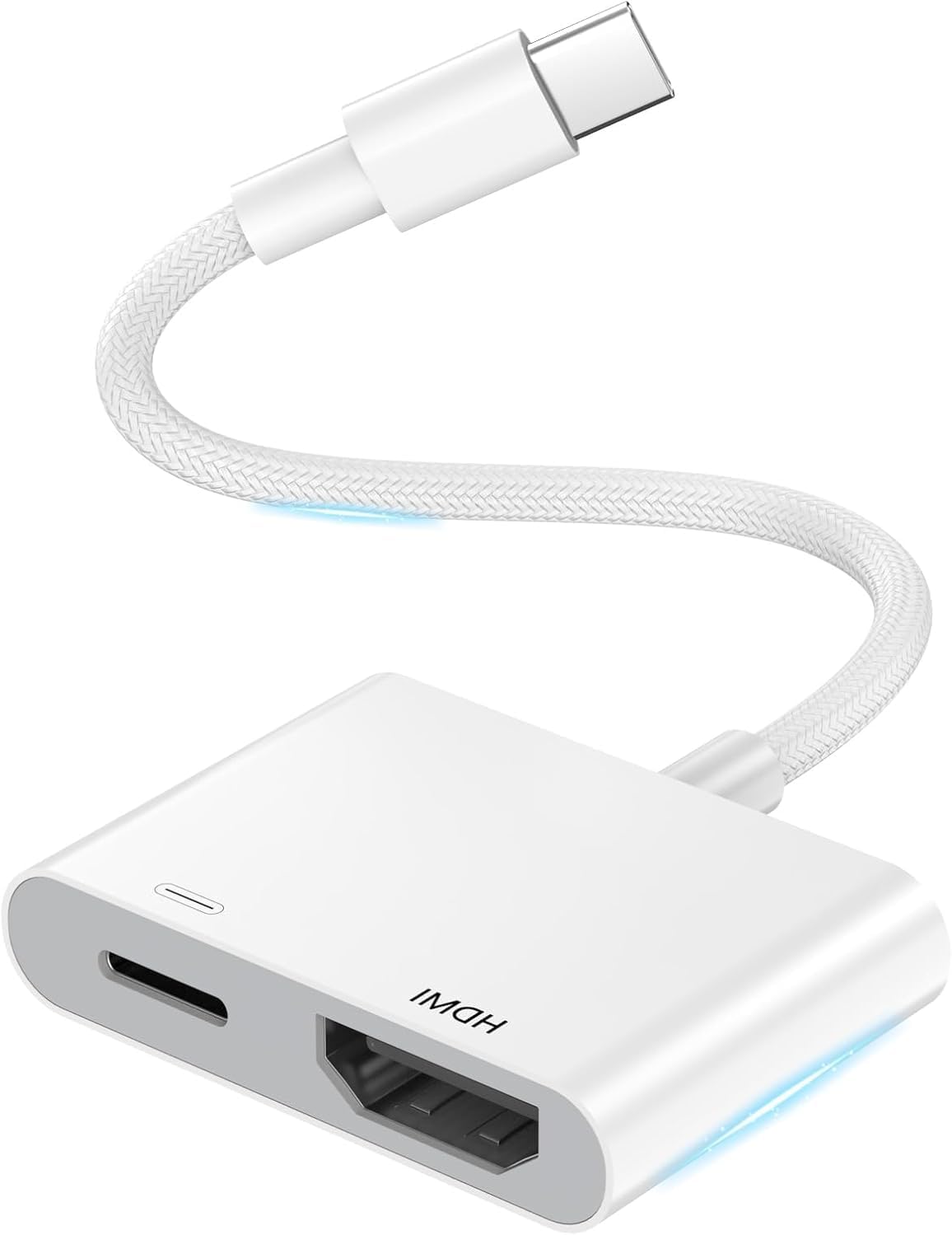
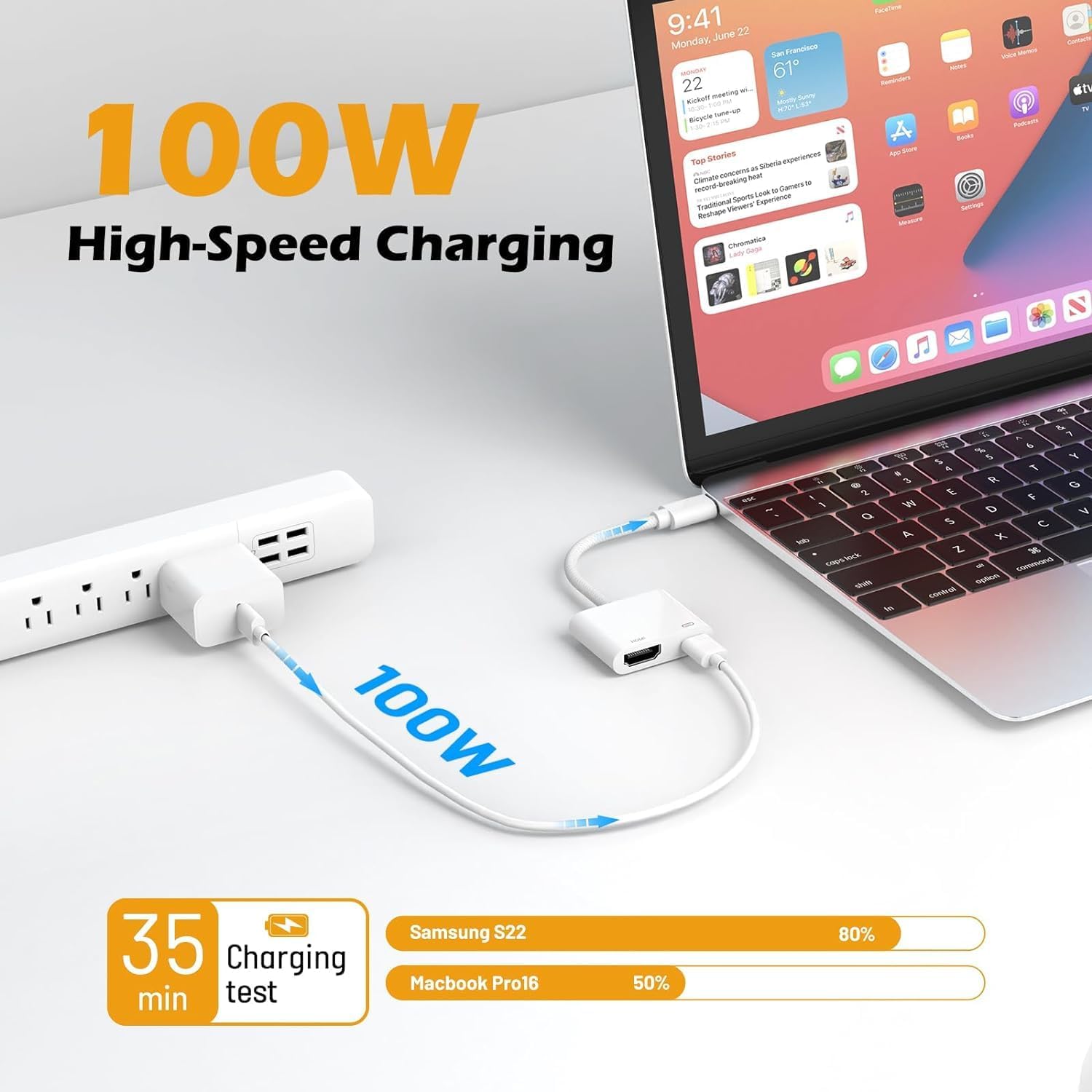
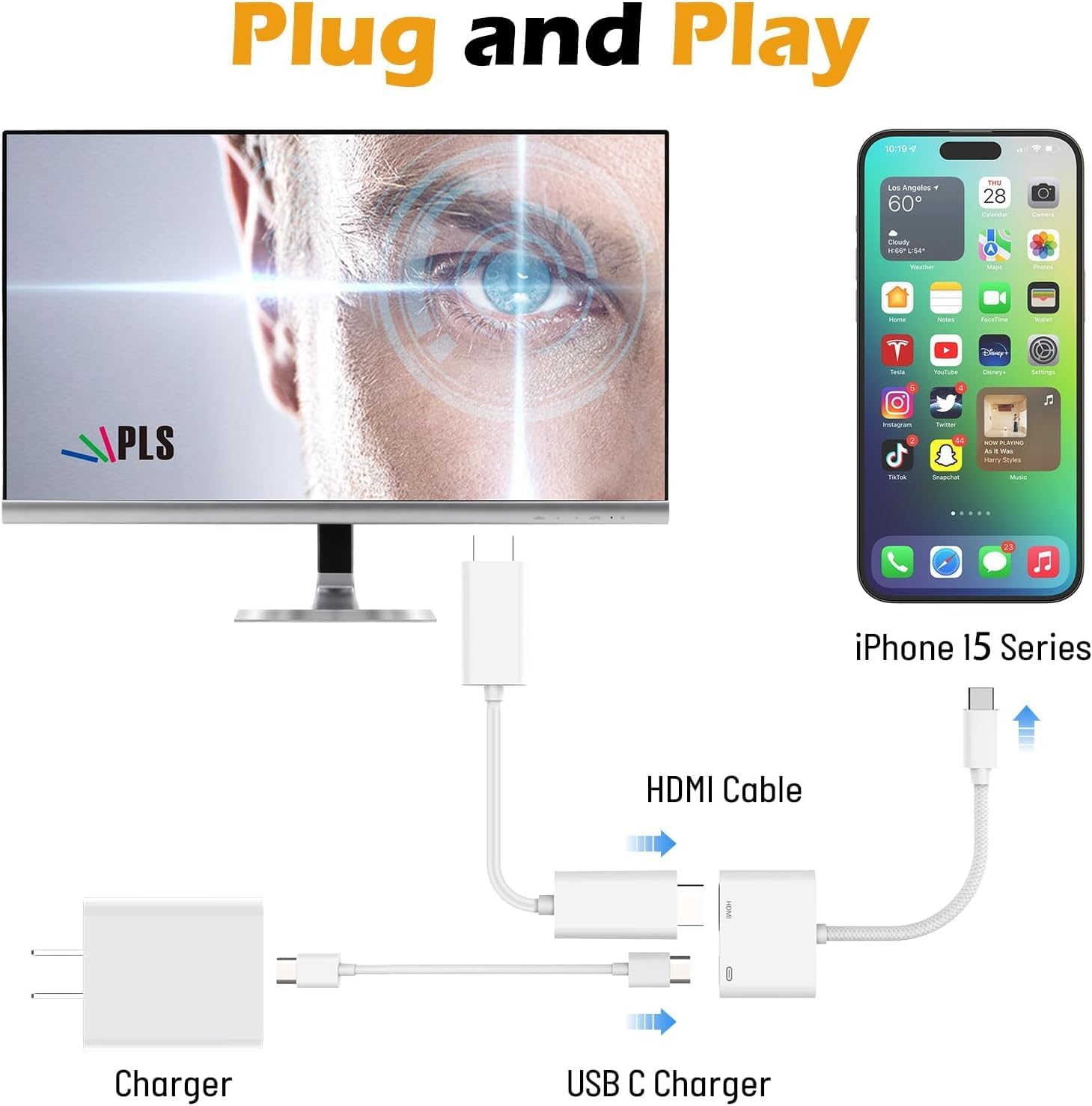
Plug the USB‑C end into a compatible device, connect an HDMI cable to the HDMI port and, if needed, attach a USB‑C power source to supply up to 100W for charging. The setup is described as hot-swappable and driver-free, which should mean quick switching between displays and minimal fuss when used with devices that support USB‑C video output.
What stands out in use
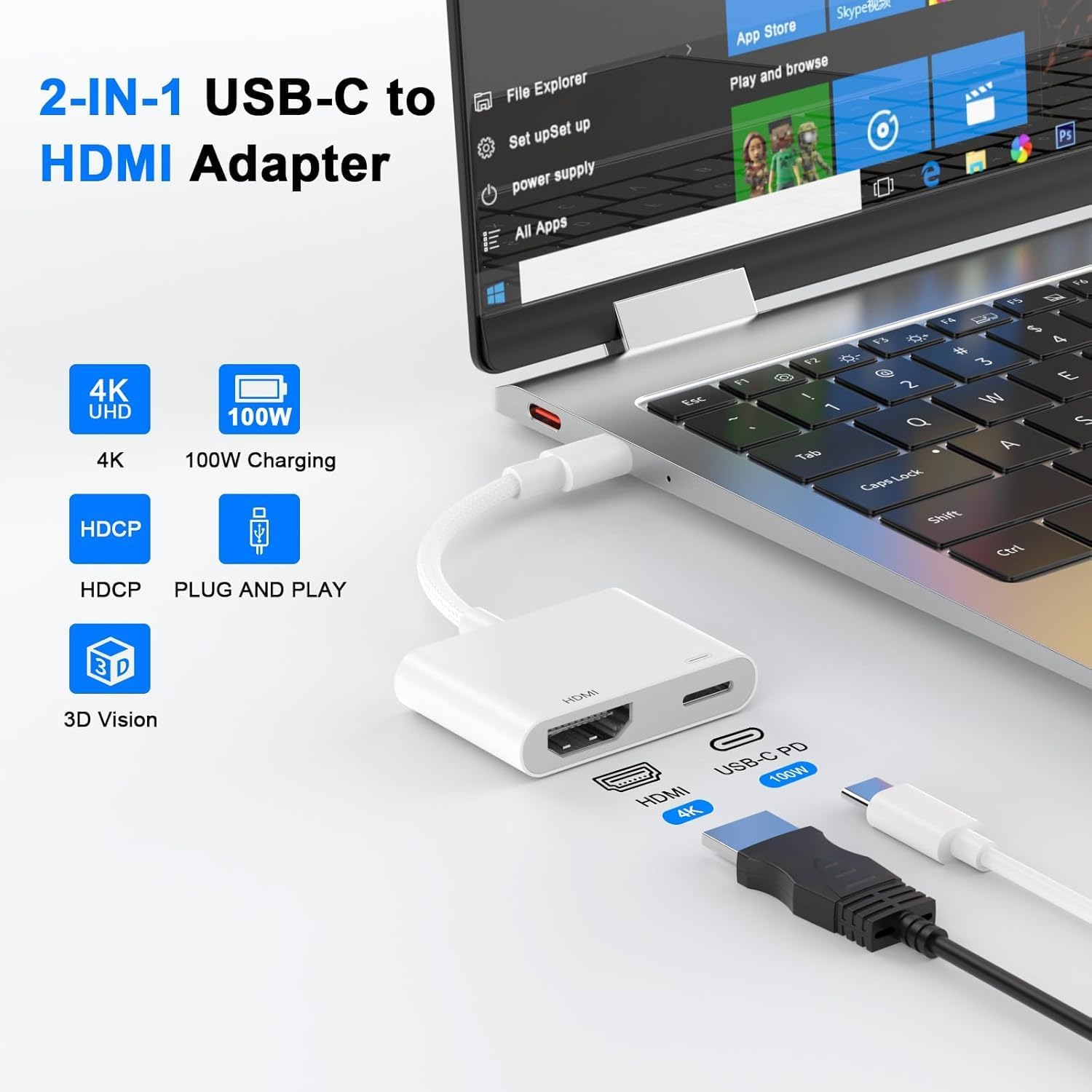
If you prioritise simple screen mirroring for things like slides, video or casual games, this adapter can be convenient. The 4K @ 30Hz spec is typical for fruitier streaming and web content, and the ability to charge while in use is helpful for longer sessions. It’s worth noting that this kind of adapter relies on HDCP compliance from apps. Some streaming services (Netflix, Prime Video, etc.) may not play via the adapter due to copyright protections.
The strengths and caveats
On the plus side, you get a compact, straightforward means to mirror content from a range of USB‑C devices to a larger display without installing software. The wide compatibility list includes phones, tablets and many laptops with USB‑C. However, the experience can vary depending on the device’s own video output capabilities and the HDMI sink’s capabilities. Some apps may block playback, and the device may require removal of a case to achieve a stable connection.
Who it’s for
This adapter suits users who want an affordable, no‑frills way to display mobile or laptop content on a larger screen for presentations, streaming home media, or quick demos. It’s likely best for basic mirroring rather than high‑end gaming or professional colour‑critical work. If you frequently need 4K at higher refresh rates or require very stable HDR content, this may feel mild in comparison.
Who it isn’t ideal for
If you rely on apps that enforce strict HDCP restrictions or need guaranteed, trouble‑free streaming from premium services, you may encounter limitations. It’s also worth noting that some devices may not deliver a perfect 1:1 4K experience at 60Hz, which could affect fast‑moving video or gaming.
What to check before you buy
- Confirm your device supports USB‑C video output (DisplayPort Alternate Mode) and can drive an external HDMI display.
- Ensure you have an HDMI cable ready and an optional USB‑C charger if you need to power the source device while using the adapter.
- Be aware of potential HDCP restrictions on certain apps and services.
How this compares in practice
Compared with more integrated docks or higher‑end adapters, this solution focuses on simplicity and broad compatibility. If you want a compact travel option to mirror presentations or casual media from a phone or laptop, it’s worth considering. For users who require higher refresh rates, colour accuracy or professional video workflow, you might prefer a model with higher bandwidth and explicit compatibility notes.
Final purchase decision
Final verdict
Is it worth it? It can be a sensible choice if you want a lightweight, plug‑and‑play way to mirror content from USB‑C devices to an HDMI display, with the added convenience of charging during use. It’s best for basic use cases and mainstream devices, not the top option for high‑performance video work or streaming from HDCP‑protected apps. If you prioritise price‑to‑function, this adaptor offers practical value for everyday tasks.
Quick FAQ
- Do I need drivers? No, it’s described as plug‑and‑play.
- Will it charge my device while in use? Yes, through the USB‑C power input, up to 100W.
- Can I use Netflix or Prime Video with it? Some apps may not play due to HDCP protections, this is common with adapters.