

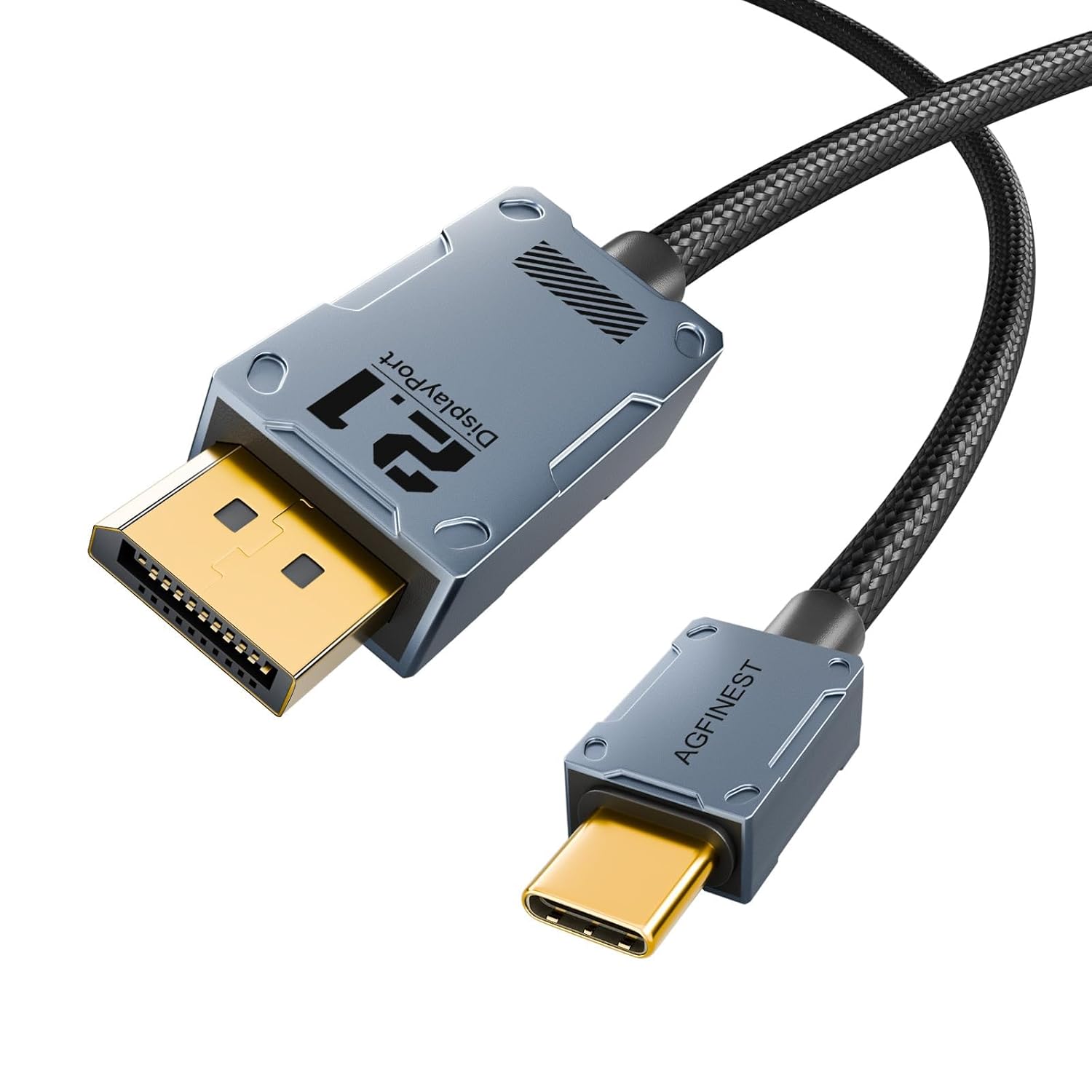
USB C to DisplayPort 2.1 Cable (1m/3.3ft) — 80Gbps, 16K/8K/4K for Mac, iPhone and Gaming Monitors
Product description
What it is and what it solves
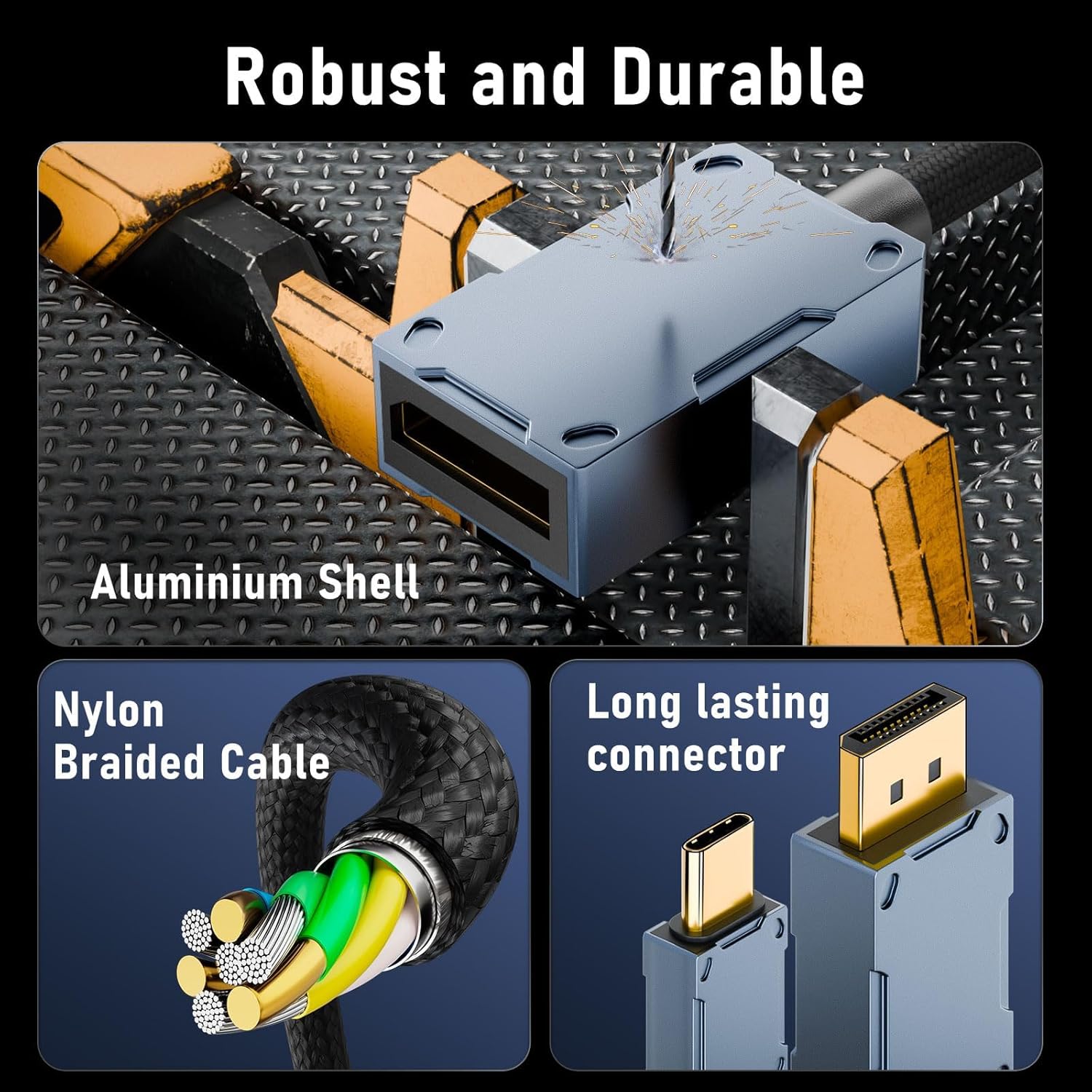
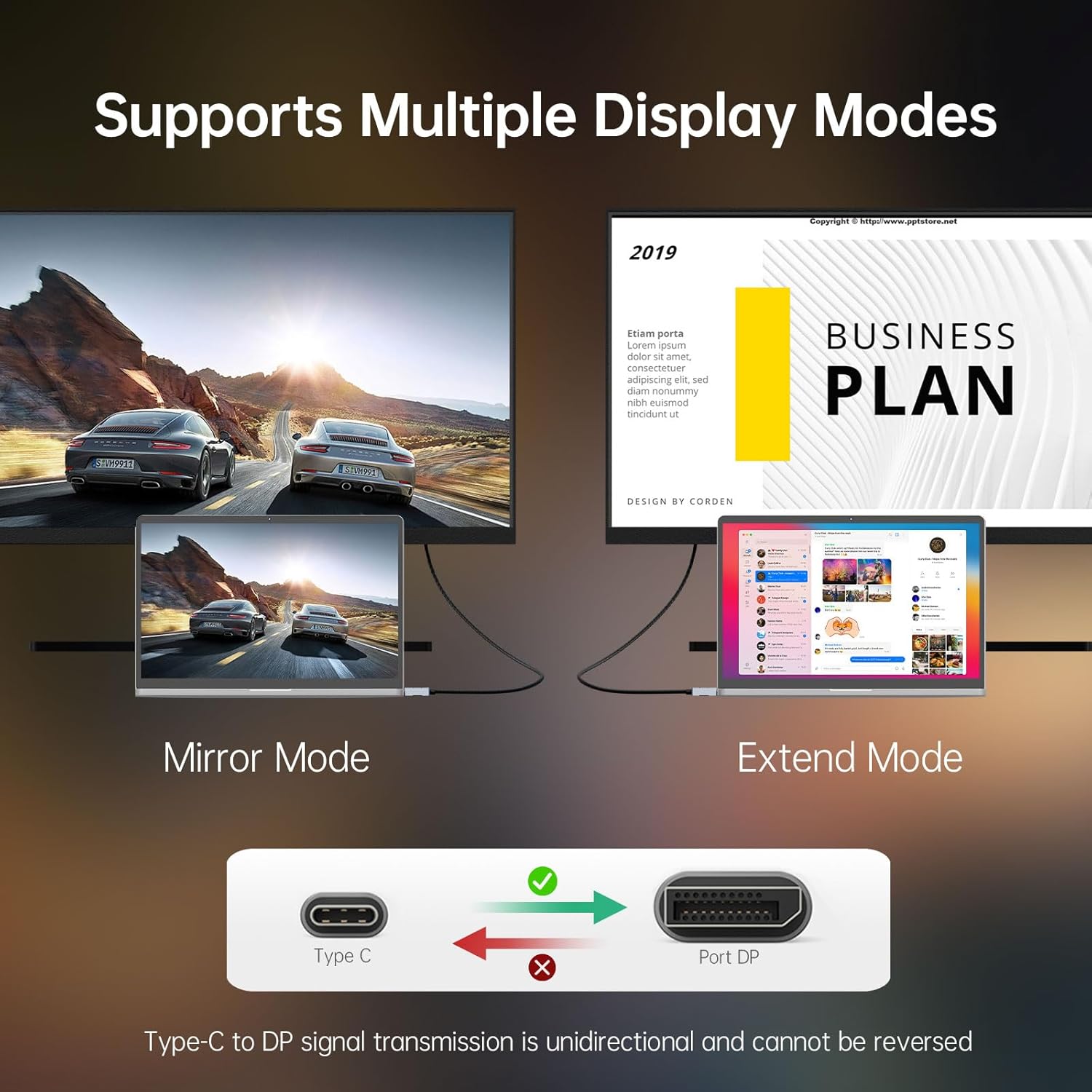
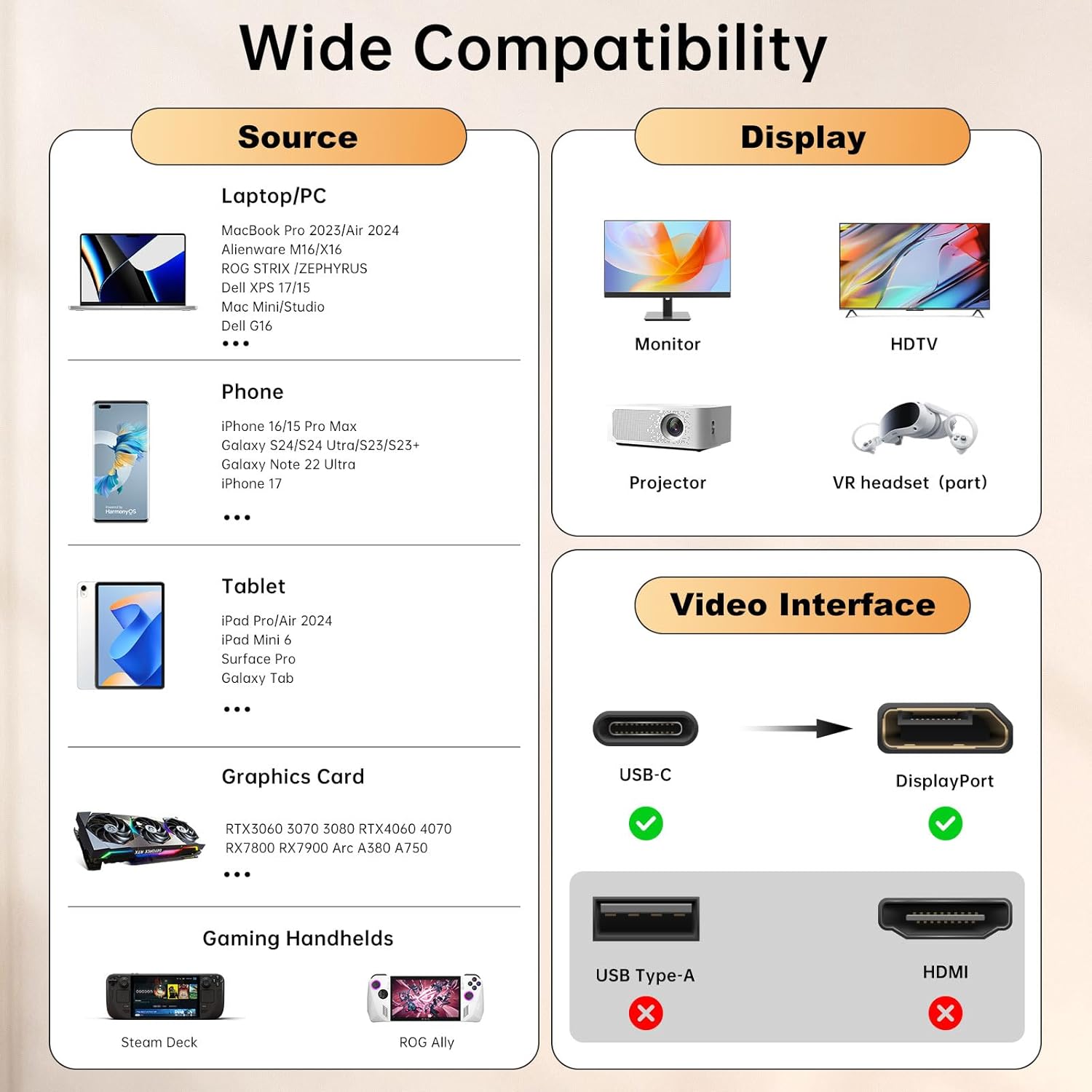
This USB C to DisplayPort 2.1 cable is designed to carry exceptionally high bandwidth from a USB-C or Thunderbolt port to a DisplayPort display. It’s aimed at users who want a single-cable path for high‑resolution, high‑refresh content, whether you’re pairing a MacBook Pro, iPad or other USB‑C devices with a DisplayPort monitor, or connecting a capable gaming/creator setup. On paper, it supports up to 16K at 30Hz and up to 8K at 120Hz, with 4K up to 240Hz, offering a future‑proof edge as UHD content standards evolve. It is a unidirectional cable (USB‑C source to DisplayPort display) and requires the USB‑C device to support DP Alt Mode. For those who value plug‑and‑play convenience, there’s no driver needed.
What stands out in real use
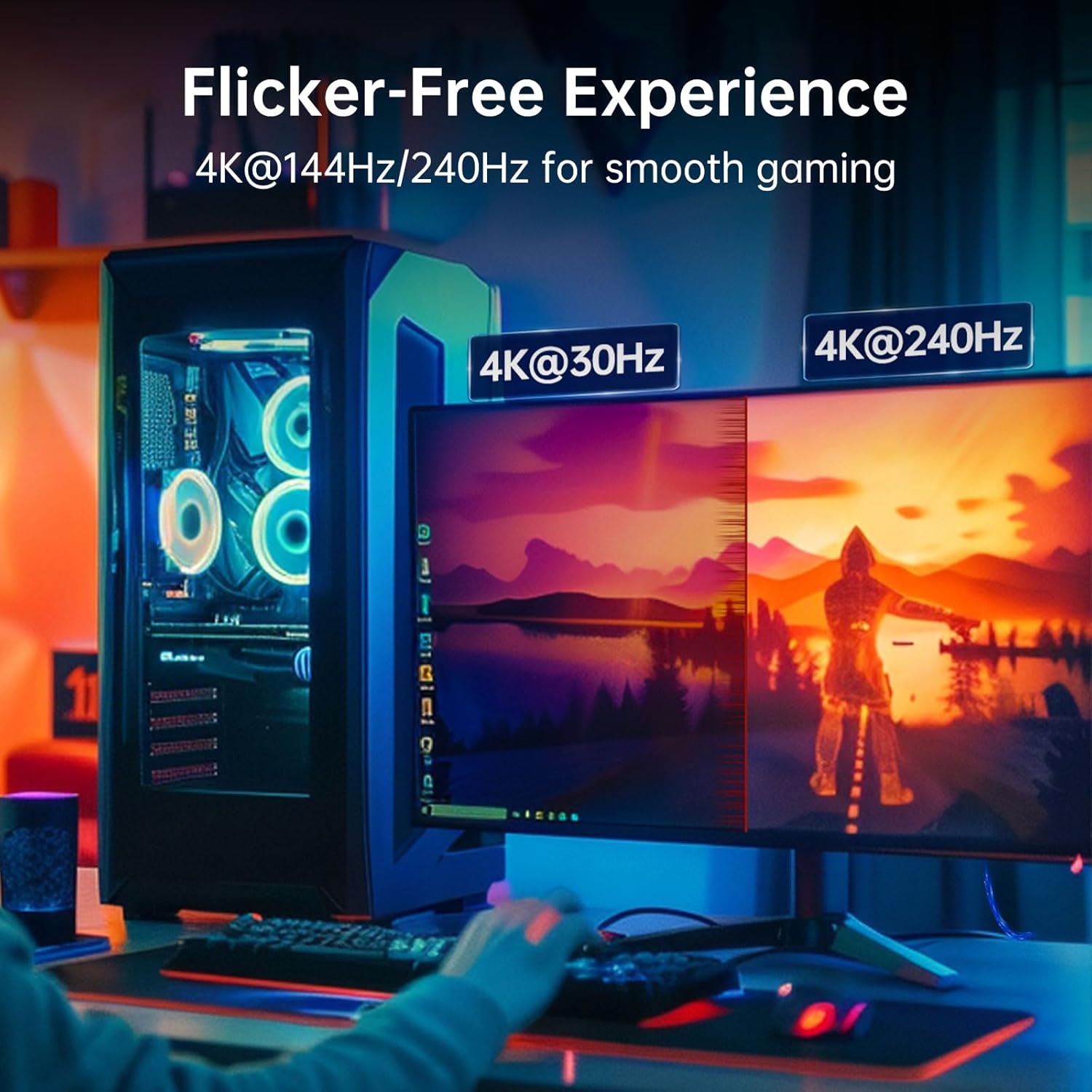
The standout feature is the 80Gbps bandwidth, which underpins very high resolutions and refresh rates. The inclusion of dynamic HDR, DSC and FEC, plus support for adaptive sync technologies like G‑Sync and FreeSync, means smoother imagery and fewer artefacts during long sessions or fast‑paced gameplay. If you’re chasing crisp action and reduced tearing at high frame rates, this cable is structured to help, as long as your source and display pair support the corresponding modes.
The strengths and where it may fall short
On the plus side, the cable promises a straightforward, driver‑free connection between a USB‑C/Thunderbolt port and a DisplayPort display, with robust housing and reinforced connectors designed to withstand daily movement. It also claims backward compatibility with DP 2.0, 1.4 and 1.2 displays, which can be helpful when mixing equipment in a busy workspace.
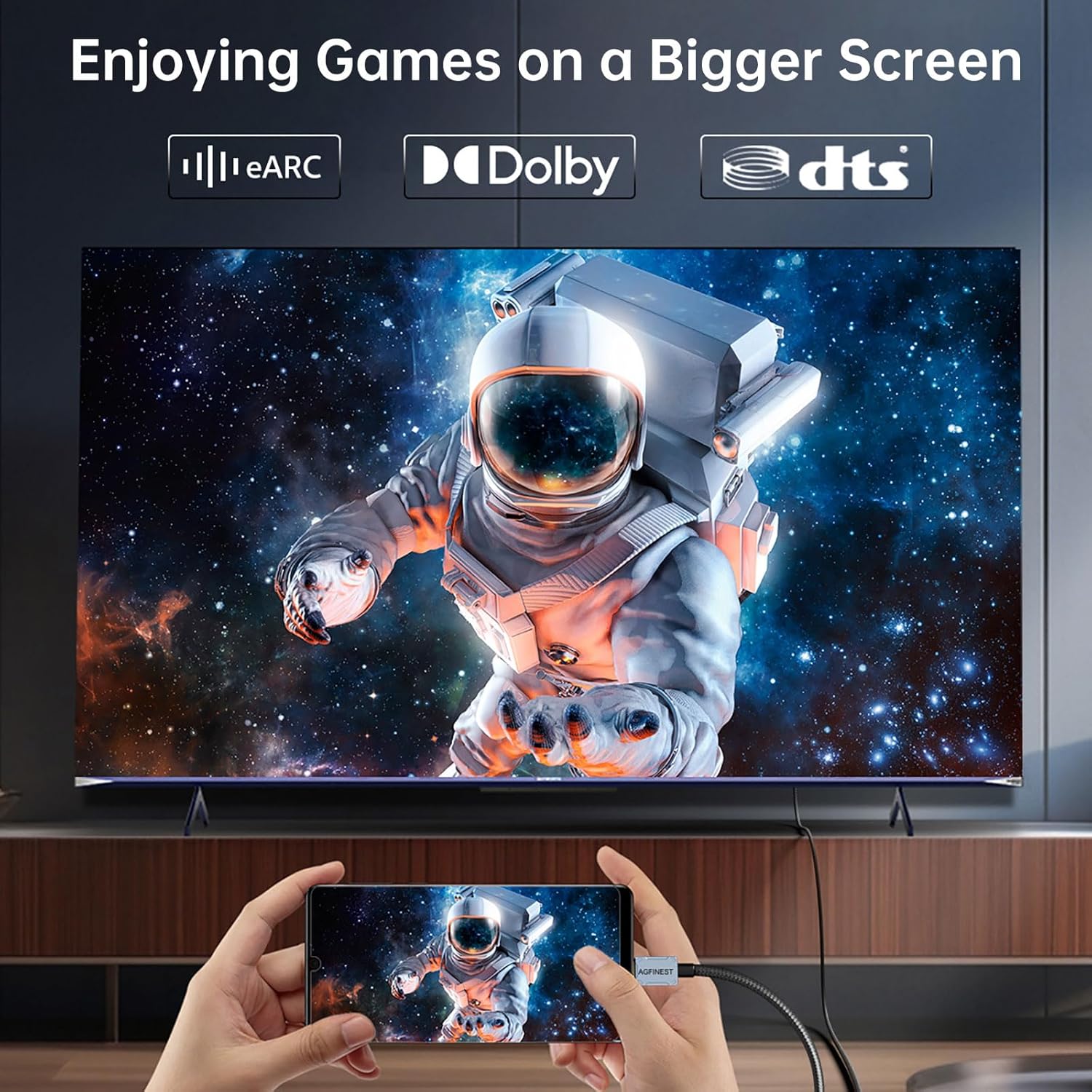
On the downside, it’s important to note the directionality: the cable is designed for USB‑C (DP Alt Mode) sources to DisplayPort displays. If you need to drive a USB‑C monitor from a DisplayPort source, this particular cable won’t be suitable. In practice, that means it’s a good match for laptops or phones with DP Alt Mode output to a DisplayPort monitor, but less flexible for reverse setups.
Who it’s for
This cable is well‑suited to gamers, creators and power users who run high‑resolution displays and want a tidy, reliable single‑cable solution. It fits environments where a MacBook Pro, iPhone or iPad (with appropriate USB‑C output) connects to a high‑end gaming monitor or creator display, and where long sessions require stable bandwidth without frequent re‑connections.

Who it isn’t ideal for
If your setup requires USB‑C input to a DisplayPort device in the opposite direction, or if your hardware doesn’t support DP Alt Mode, this is less relevant. It may also over‑promise on devices that can’t reliably push 8K/16K timelines or are constrained by USB‑C output capabilities, so it’s wise to verify device support before investing.
When does it make sense to buy
Consider this cable when you already have a compatible USB‑C/Thunderbolt host and a DisplayPort monitor, and you want to maximise future UHD potential with a single cable. It’s worth scrutinising your display’s bandwidth and the GPU/CPU output limits to ensure you can actually reach the higher resolutions and refresh rates advertised.
What to check before buying
- Confirm your USB‑C device supports DP Alt Mode and the DisplayPort version that aligns with your target resolution and refresh rate.
- Ensure your DisplayPort display accepts the requested bandwidth and is rated for the expected 16K/8K/4K modes.
- Be mindful of the unidirectional nature, plan cable placement accordingly to avoid awkward routing.
- Check build quality and connector reinforcement if you anticipate frequent bends or a busy desk setup.
How it compares to the broader set‑up options
If you’re weighing between this and a more flexible USB‑C to HDMI or a multi‑port dock, the DisplayPort path typically preserves higher bandwidth for very high refresh rates and resolutions. For users who only need standard 4K at 60–120Hz, a more modest cable or dock could suffice, for those chasing the top end of UHD performance, this DP 2.1 option is positioned to handle demanding workloads given compatible source hardware.
Practical usage example
Imagine editing 8K footage or gaming at 4K with a high refresh rate. You connect your Thunderbolt 4/3 laptop to a high‑end DisplayPort monitor, the setup remains clean with a single, sturdy cable. HDR stays smooth, and you notice fewer screen drops during intense scenes, provided both device and display support the needed DP Alt Mode and bandwidth.
Final buying decision
Final verdict
Worth considering if you have a compatible USB‑C/Thunderbolt host and a DisplayPort monitor, and you want to push the upper limits of high‑resolution, high‑refresh content with a single cable. If your gear can’t support DP Alt Mode or you need to connect in the opposite direction, you’ll want a different solution. A solid pick for those prioritising future‑proof bandwidth and a tidy desk, but not a universal fix for every USB‑C to display need.
Quick FAQ
- Does this cable work with any USB‑C device? It requires a USB‑C source that supports DisplayPort Alt Mode.
- Can I use it to run from DP to USB‑C? No, it’s unidirectional from USB‑C/Thunderbolt to DisplayPort.
- Will I always get 16K/8K at listed refresh rates? Only if both source and display support the respective DP 2.1 modes and the bandwidth is fully available.
- Is it suitable for everyday office tasks? Yes, for display tasks at high resolutions or creator work, though the benefits are most evident at higher end outputs.