

UPXNBOR Smart Plug 13A Wi‑Fi with Energy Monitoring 🔌
Product description
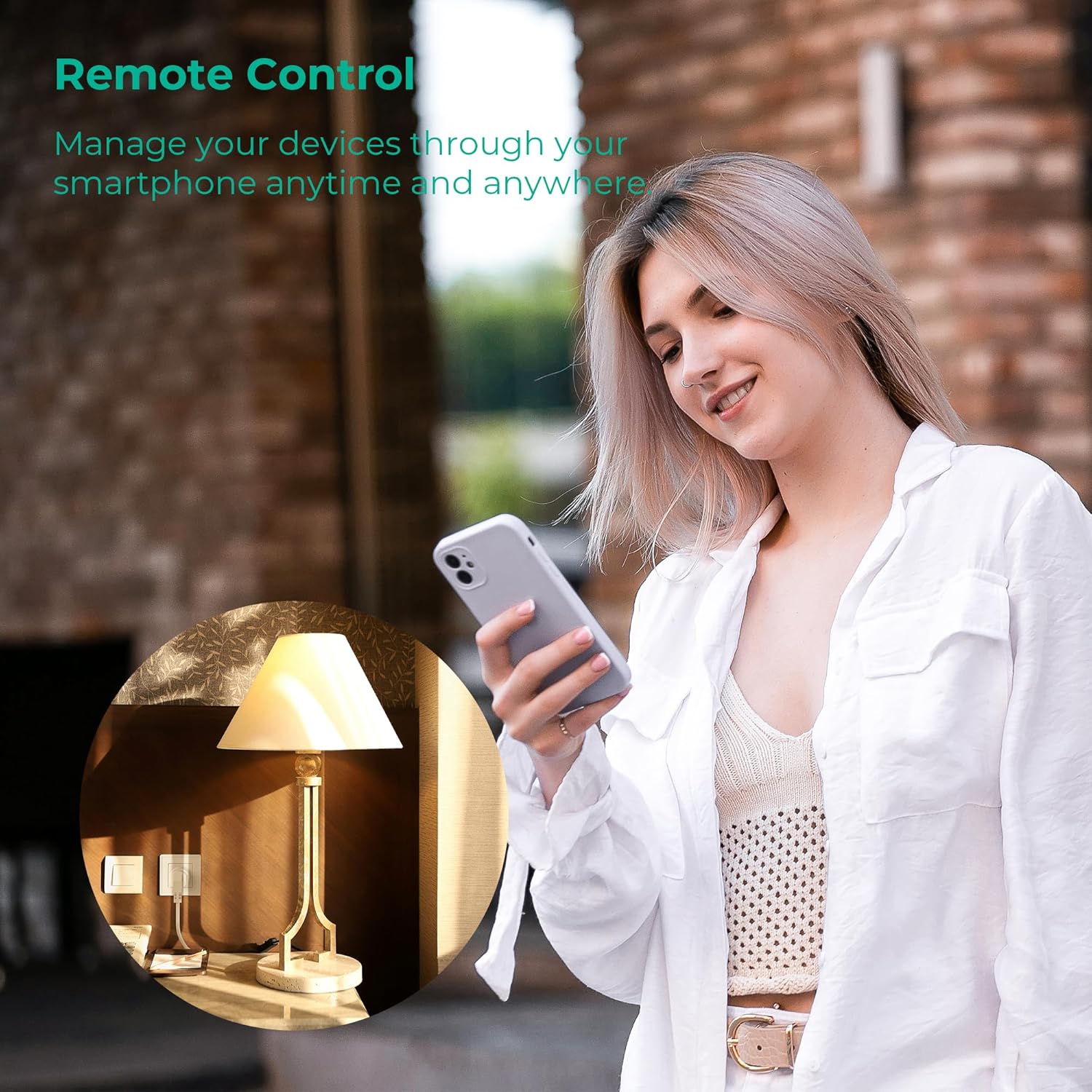
This Wi‑Fi smart plug adds remote control and basic energy insight to standard household appliances, helping you schedule and monitor usage for everyday convenience. It functions as a smart plug with energy monitoring and pairs with voice assistants to simplify routine tasks, whether you are at home or away.
Key Points
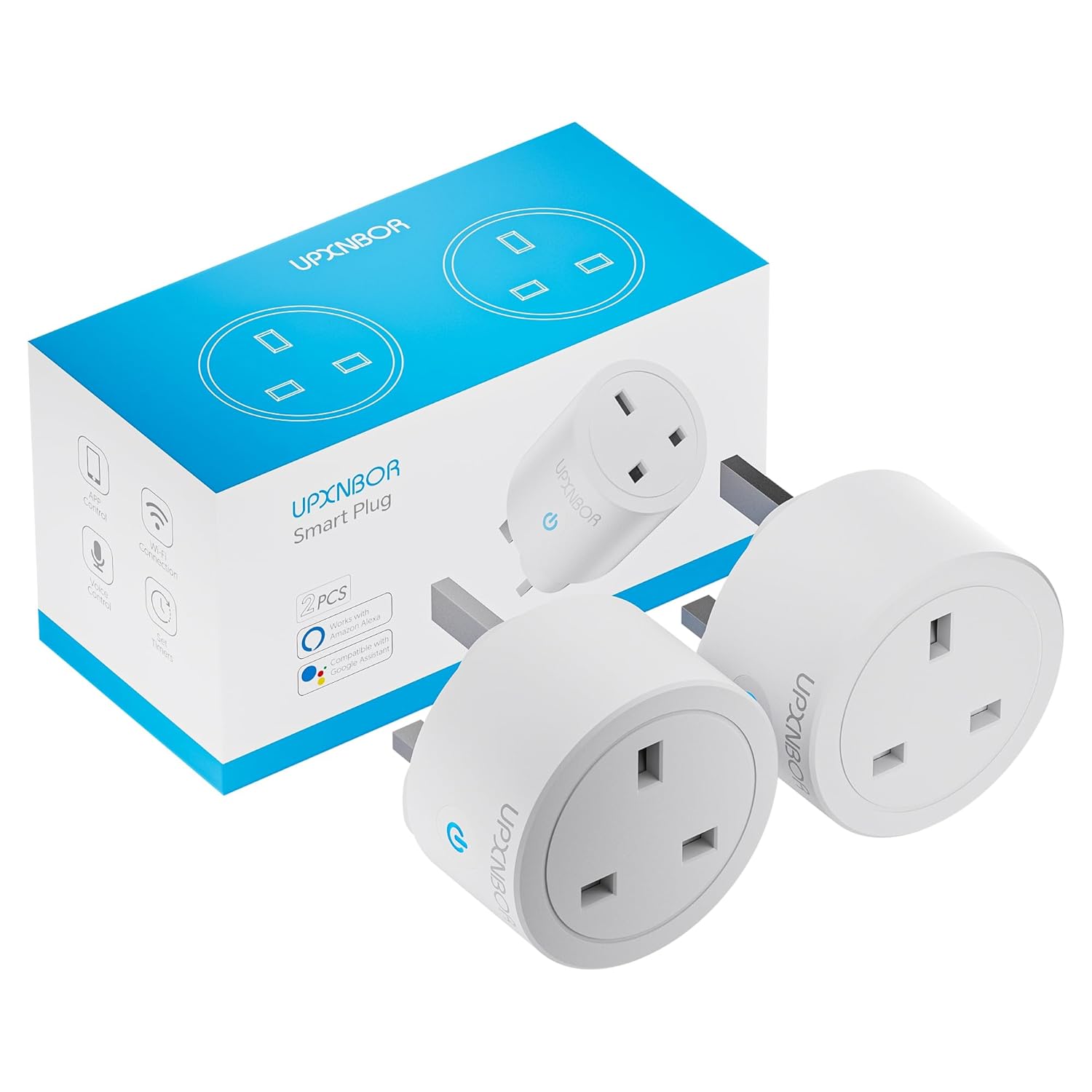
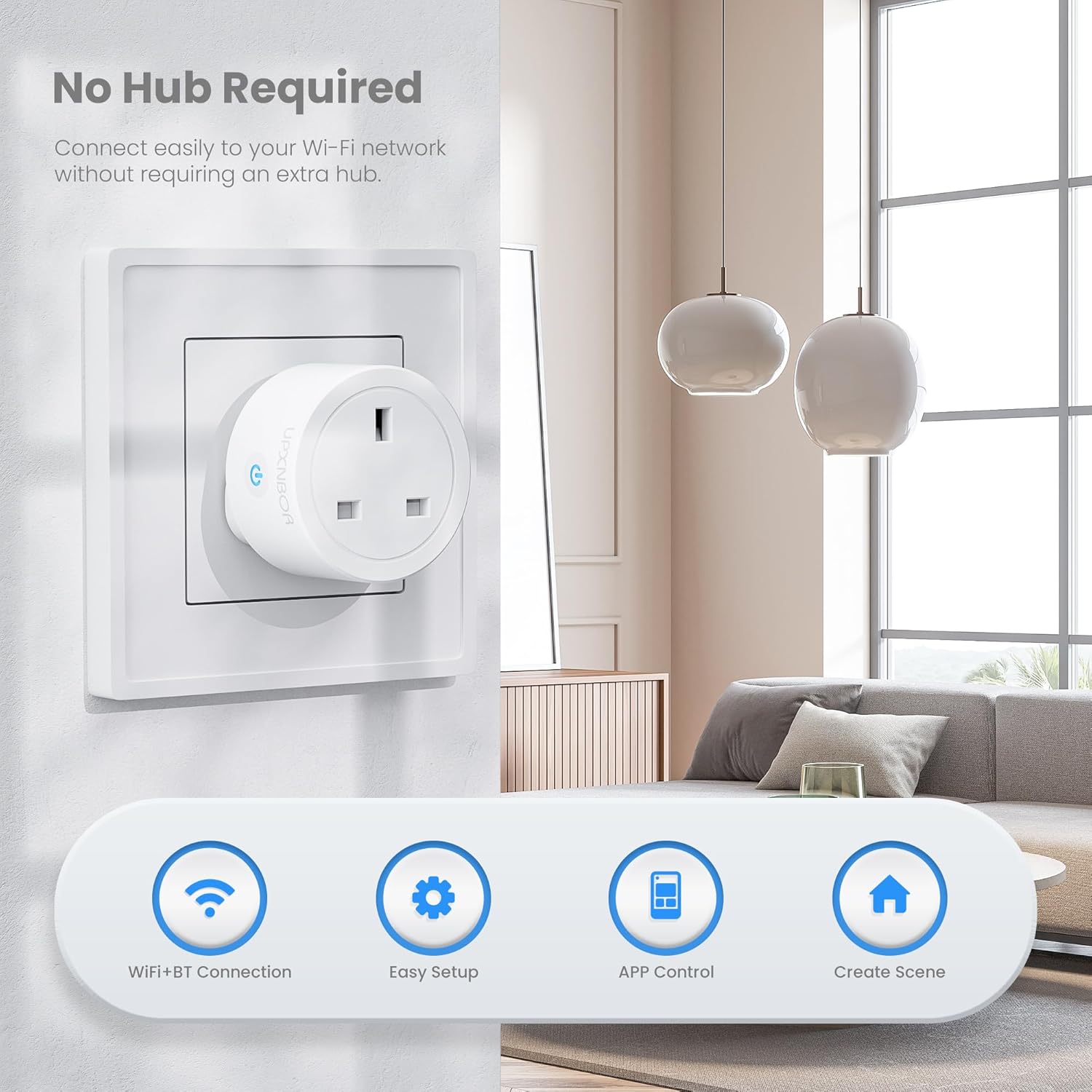
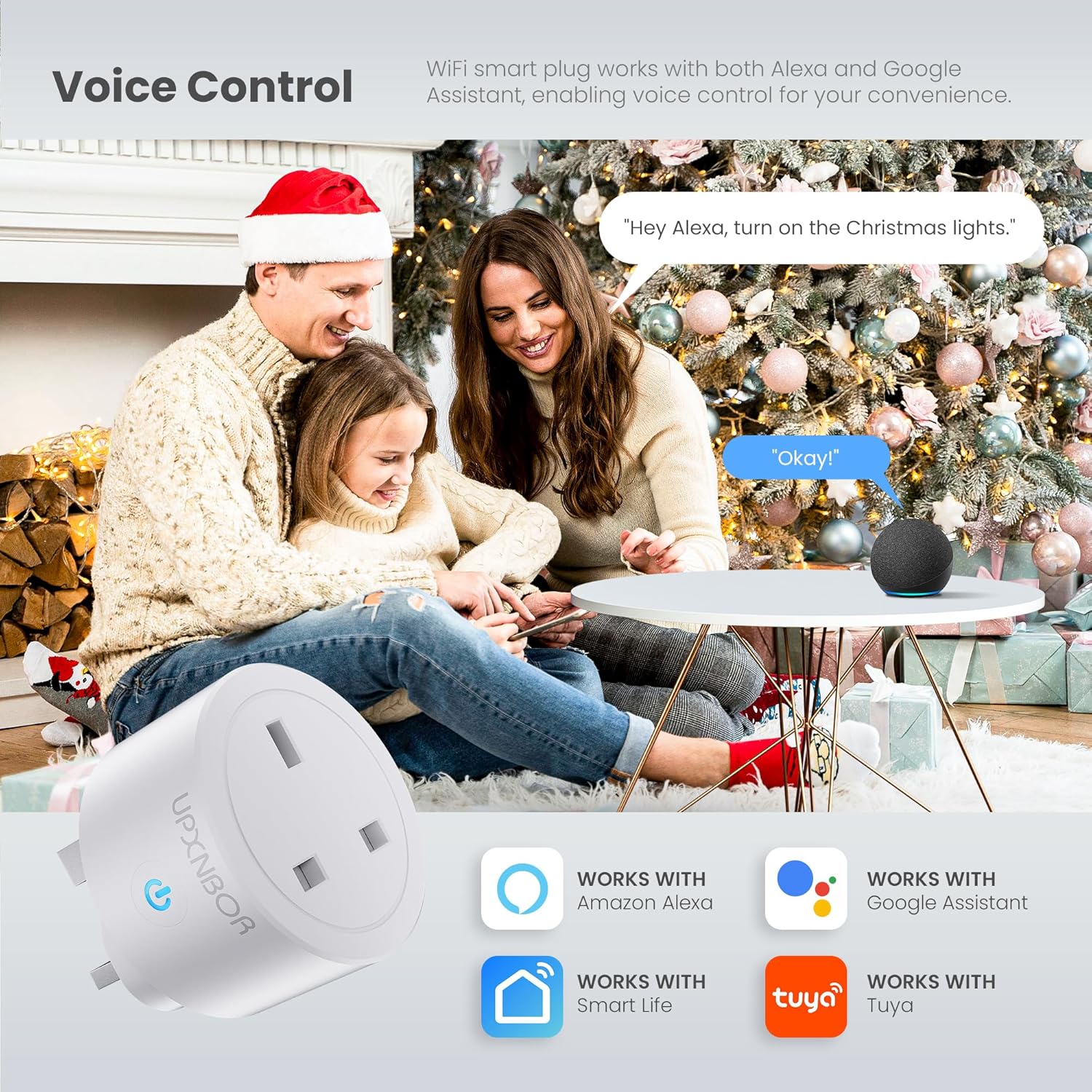
This compact unit connects directly to a 2.4 GHz wireless network and does not require a separate hub, which makes initial setup straightforward and quick. UPXNBOR Smart Plug supports voice control through amazon Alexa and Google Home, enabling hands-free switching and simple integration into existing smart speaker routines. ⚡
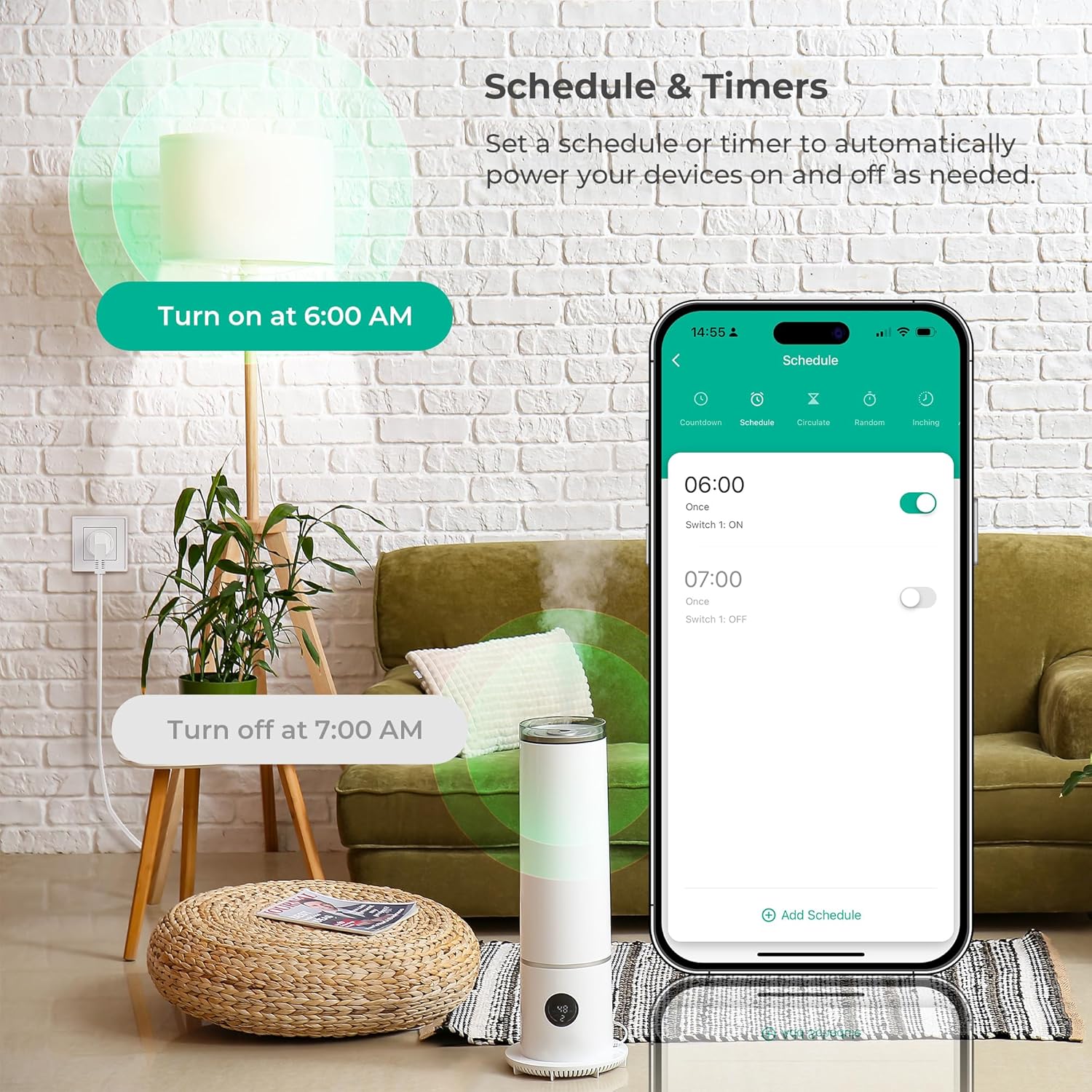
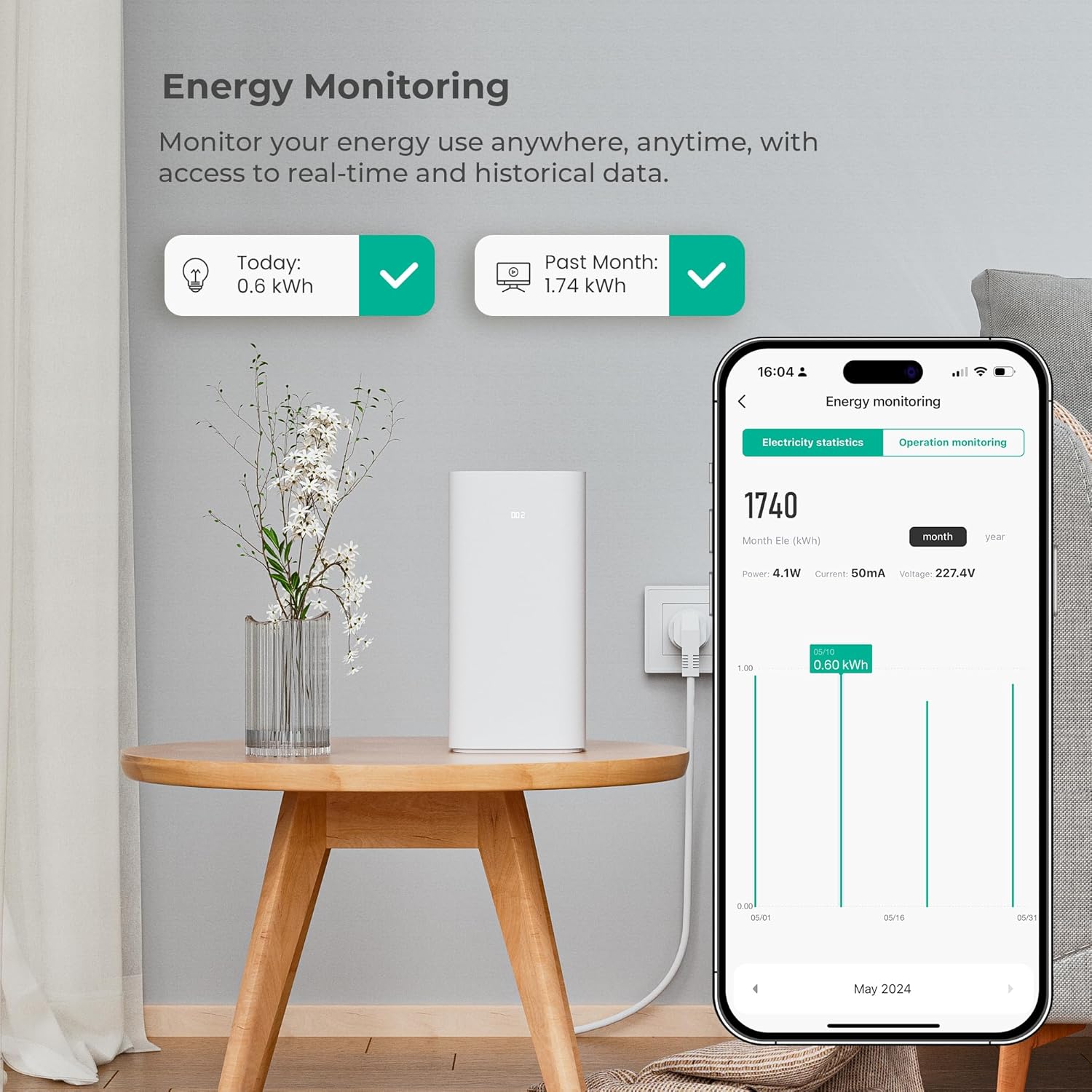
Energy monitoring is available via the accompanying app, allowing you to view real-time consumption and check historical usage trends. This feature helps identify power-hungry devices and may support small, sensible changes to reduce bills according to the manufacturer. The plug includes scheduling and timer functions so lights, heaters or other appliances can follow daily routines without manual intervention. 🔄
Device sharing is supported, so family members can control the same plug from their own app accounts. Grouping multiple plugs for simultaneous control is possible, which is useful for switching several lamps or devices on or off together. Consider that compatibility is limited to 2.4 GHz Wi‑Fi networks only, so dual-band routers may require configuration to ensure the plug connects to the correct band.
Technical Specifications
- Name: UPXNBOR Smart Plug (2 pack)
- Wi‑Fi: 2.4 GHz only
- Maximum current: 13A
- Voice assistants: amazon Alexa and Google Home
- Key features: Energy monitoring, timer, app remote control, device sharing, group control
Usage Recommendations
Use the app to set repeating schedules for appliances that follow predictable patterns, for example lamps for evening ambience or a fan for cooling at specific times. For safety and longevity, avoid connecting devices that exceed the 13A rating and check appliance labels if you are unsure. For homes with dual-band routers, place the plug close enough to the router during setup to ensure a stable 2.4 GHz connection, and then relocate as needed. 📱
If energy tracking is your priority, monitor consumption data over several days to identify trends rather than relying on single readings. The app data can highlight devices that consume power in standby, and turning those off at scheduled times may reduce unnecessary usage. The plug is useful for simple home automation tasks, though it does not replace more advanced smart home hubs that manage many device types and protocols.