

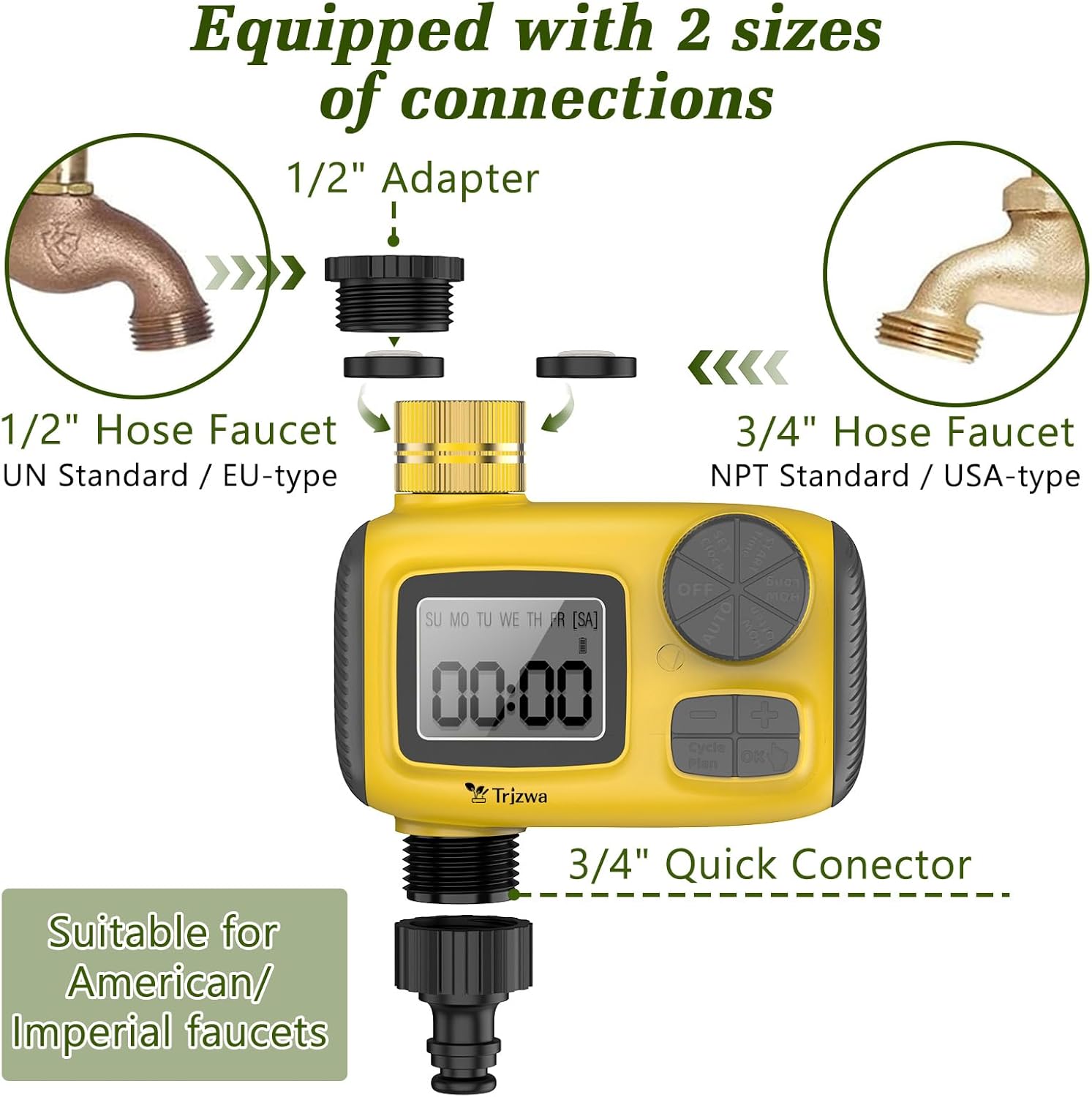
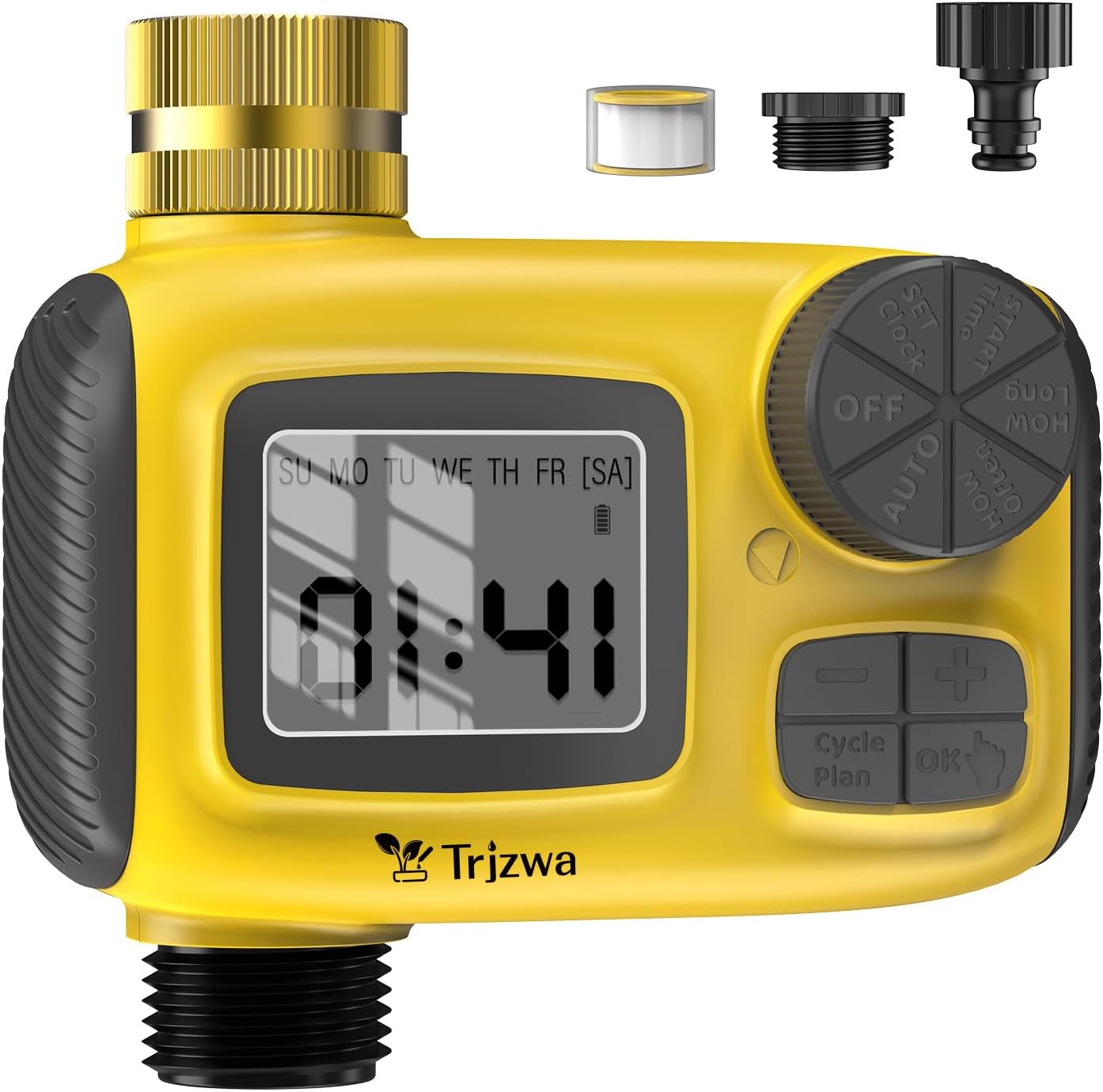
TRJZWA Water Timer with LCD Display and 3 Separate Programmes (Rain Delay + Child Lock)
Product description
The essentials
If you’re trying to keep a garden watered without constantly turning a tap on and off, an irrigation water timer like the TRJZWA with LCD display is designed for that job. The headline is straightforward: it supports three separate watering programmes, each able to run independently. On top of that, it includes a rain delay mode (to pause watering for rainy spells) and a child lock feature to help prevent accidental changes.
It’s the sort of tool that can take a bit of planning up front, but once it’s set, day-to-day use is much less hands-on. Of course, no timer can magically suit every plant’s needs in a perfectly bespoke way, so it’s best thought of as schedule-based irrigation control rather than a “smart plant” system.
Key features that matter in real life
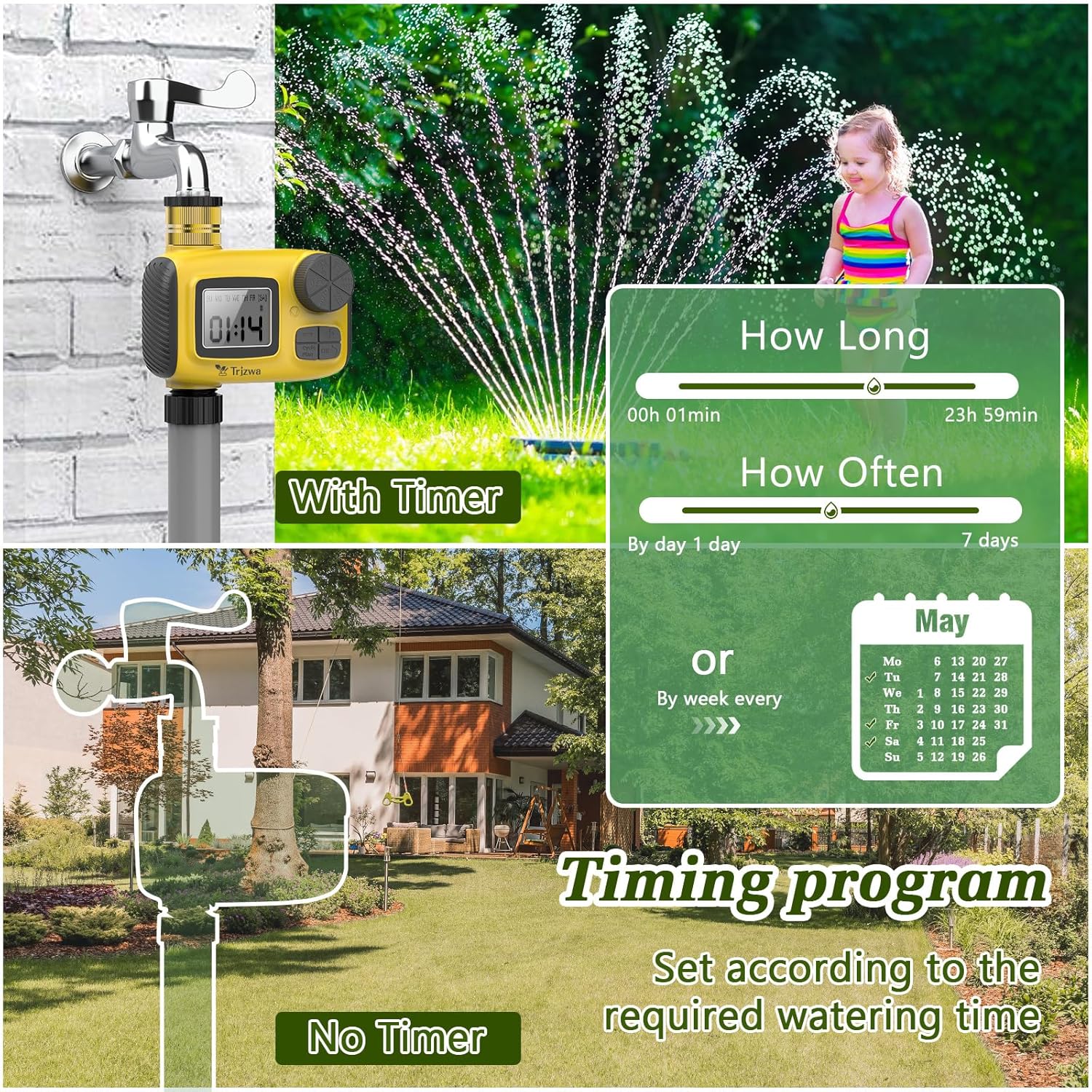
Three programmes, with the ability to water multiple times a day, is where this model aims to feel practical rather than fiddly. Each programme has its own watering time window (0 to 23 hours and 59 minutes). The timer can also run up to three watering “events” per day (depending on how you set your programmes), which is useful if you’re dealing with hotter spells or you’re trying to space watering out.
There are also two frequency modes, so you can choose between daily scheduling and weekly scheduling. Daily mode supports watering from at least once per day up to once every seven days. Weekly mode lets you pick a day (or multiple days) each week, which is handy if you want a consistent routine rather than repeating every single day.
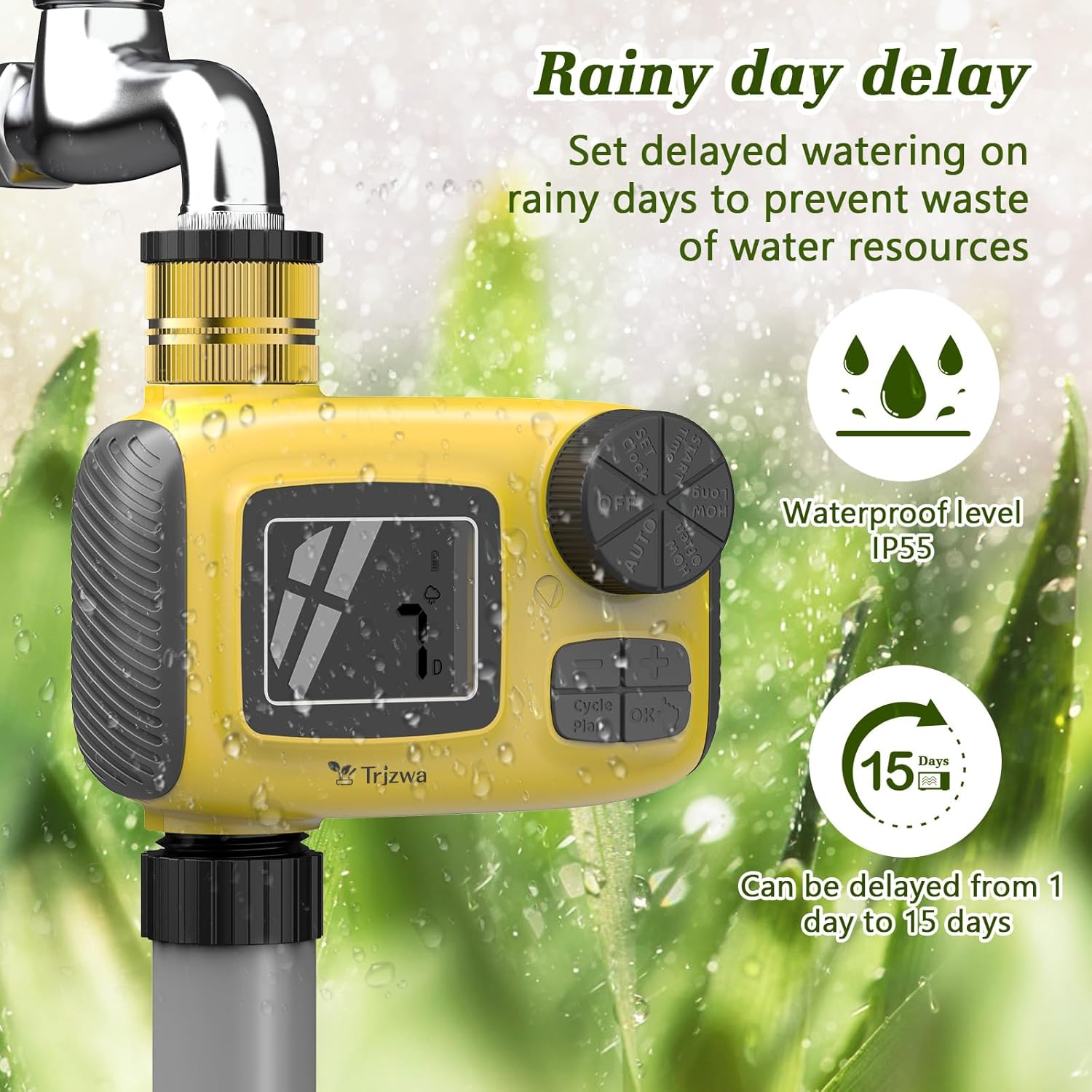
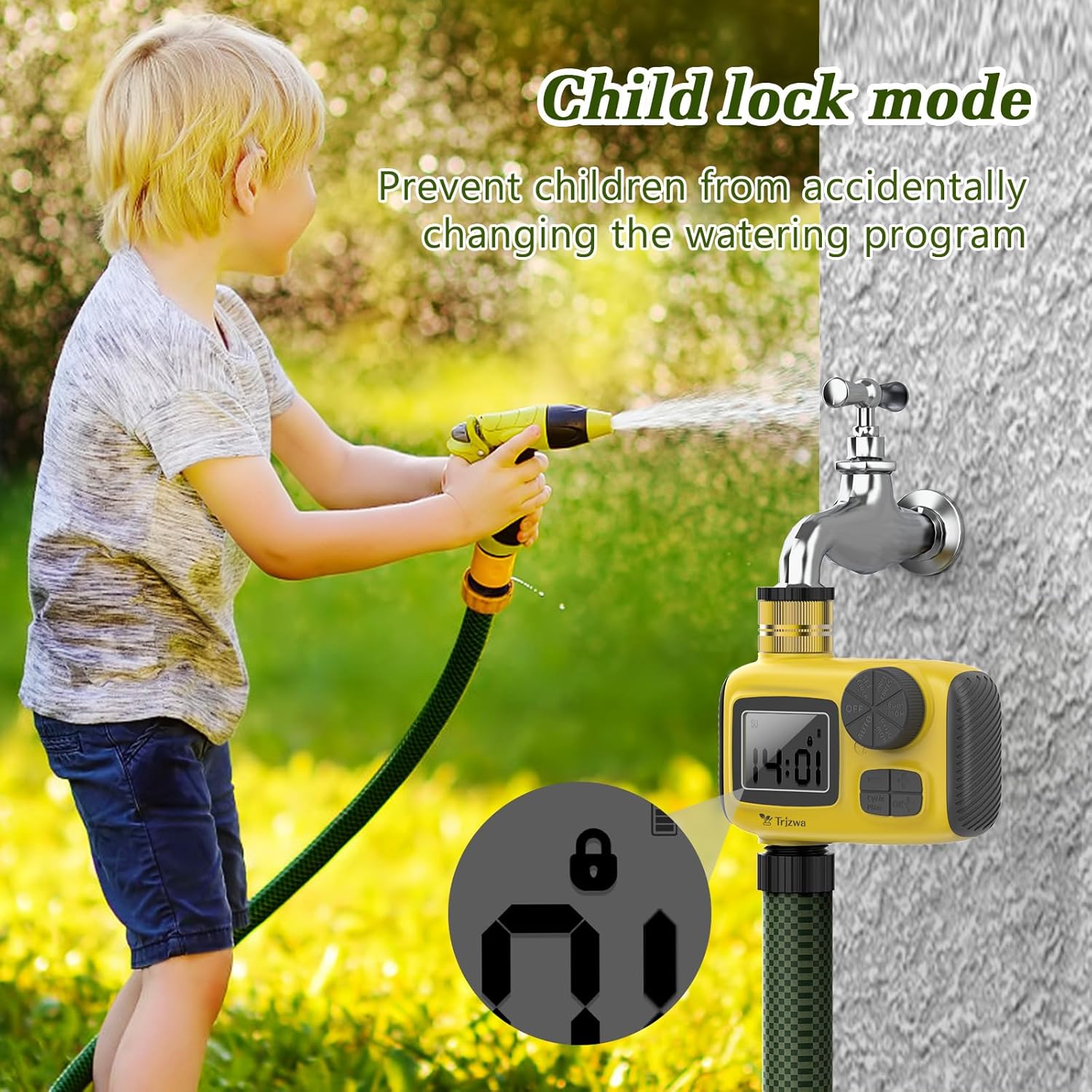
One more thing you’ll actually notice: the Rain Delay Mode is built for conservation. It can put the schedule on hold for 1 to 15 days, which can help reduce overwatering when the weather turns wet. And if you’ve got children around or you’ve ever bumped a control by accident, the child lock is there to reduce the risk of programmes being altered unintentionally.
What the scheduling options really mean (and where it can get tricky)
The system’s logic for programme overlap is important to understand before you set everything up. When the watering times of the three programmes overlap, the earliest watering time in the overall timeline is followed. If a scheduled watering programme is interrupted by the next one, the previous programme will be suspended and the next programme will be executed.
That’s not necessarily a deal-breaker, but it does mean you need to be a little deliberate with your timings. If you set programmes that don’t conflict, life is smoother. If you set them so they collide, the timer will follow its own priority rules, and you might not get the exact sequence you had in mind.
Tech summary
The TRJZWA water timer is an automatic irrigation controller with an LCD display. Based on the information provided, it supports: - 3 separate watering programmes - Watering up to 3 times per day (depending on your settings) - Watering time range of 0 to 23 hours and 59 minutes per programme - Daily and weekly frequency modes, including weekly scheduling on 1, 2, or 3 days of the week - Rain delay scheduling (pause for 1 to 15 days) - Child lock to prevent accidental programme changes - LCD display with a user-friendly interface for both automatic and manual watering
Who it suits (and who might want to skip it)
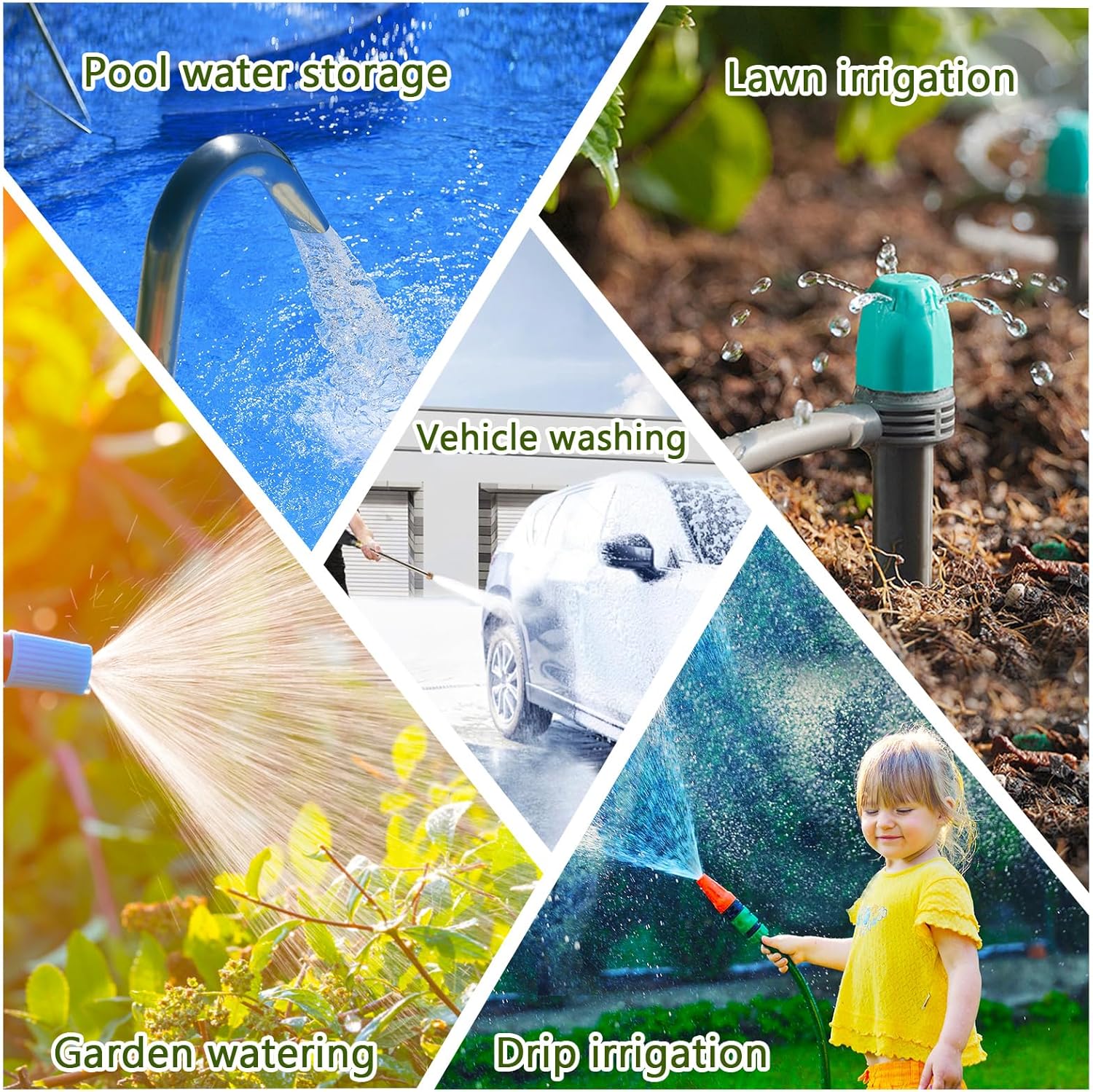
It makes sense if you want proper scheduling control for typical outdoor watering scenarios, such as lawn and garden watering. The “three programme” approach is particularly useful if you’re trying to manage different watering windows for different areas, or if you want multiple watering events across the day.
It might not be the best match if you’re after ultra-fine, plant-by-plant tailoring. Because the scheduling is time-based and programme-based, it suits routine irrigation control more than it suits systems that need constant adjustment based on soil moisture, weather sensors, or individual plant requirements.
Also, if you’re the sort of buyer who hates spending any time setting timers up, you may find the overlap rules a bit of a learning curve—get your schedules tidy and you’ll probably be happier.
Everyday use tips
A practical way to set this up is to start simple, then expand. For example, if you’re watering a lawn, you could begin with one programme using a daily mode frequency, then add a second programme only if you genuinely need another watering window later in the day. Once you’ve confirmed the timing pattern you like, you can decide whether a third programme is worth the extra complexity.
When rainy weather hits, switching to Rain Delay Mode (pausing the schedule for 1 to 15 days) can help you avoid watering just because the timer says so. And if the unit is somewhere accessible, engaging the child lock is a sensible move.
Is it worth it?
It’s worth considering if you want an irrigation water timer with 3 independent programmes, two frequency modes, and built-in Rain Delay and child lock features—especially if you like the idea of setting a routine once and letting the timer handle the rest.
You may want to skip it if your watering needs are highly irregular or you expect highly personalised control beyond time-based scheduling. It can also be less satisfying if you plan to overlap programme timings without thinking about how the timer resolves conflicts.
Mini FAQ
Frequently asked questions
Does it allow automatic and manual watering?
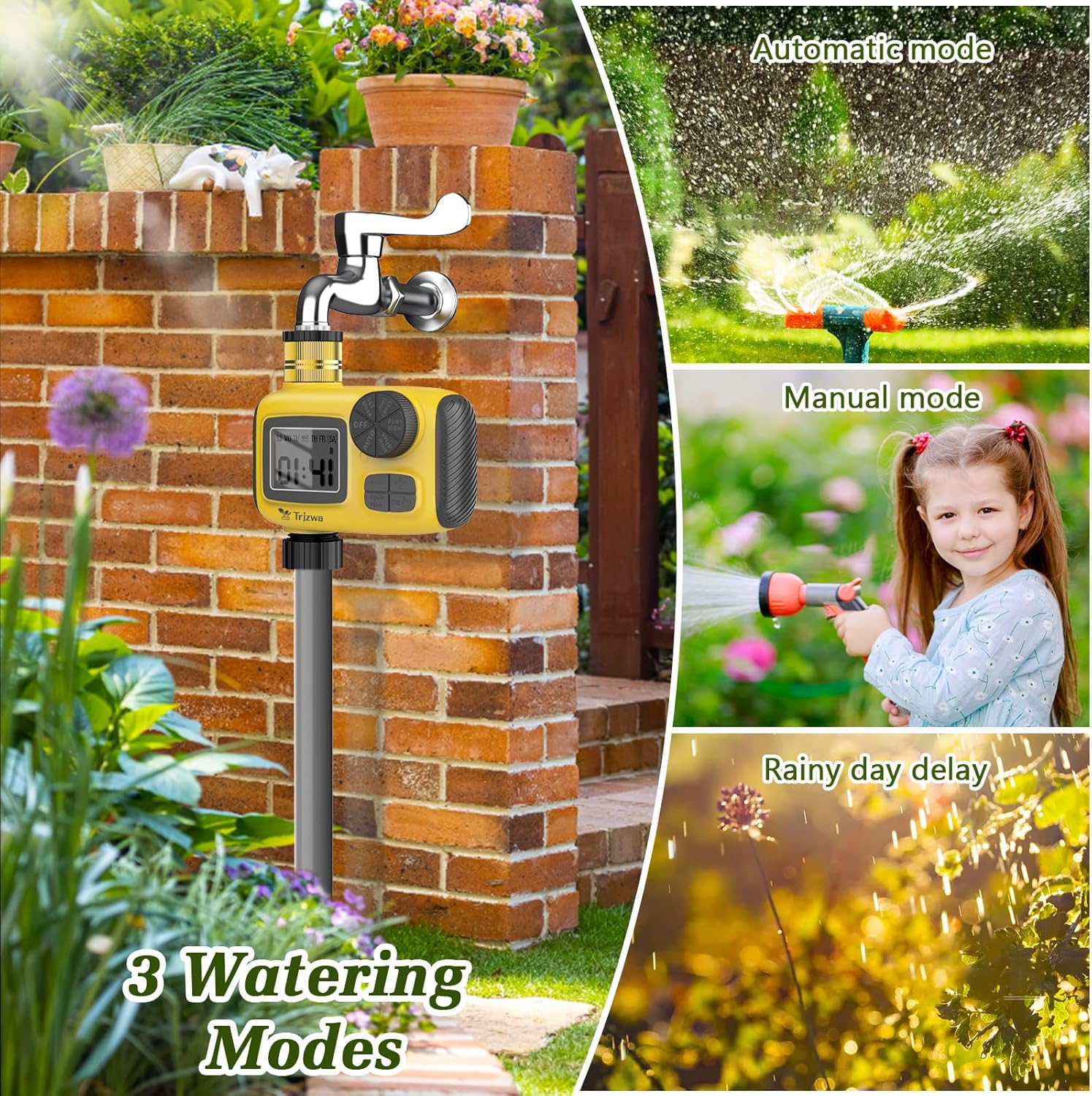
Yes—according to the provided description, you can choose automatic watering and also opt for manual watering without interfering with an already set automatic schedule.
How does the rain delay feature work?
Rain Delay Mode puts the schedule on hold for 1 to 15 days, which should help conserve water during rainy conditions.
What happens if I set multiple programmes that overlap?
When programme watering times overlap, the timer follows the earliest watering time in the timeline. If one programme is interrupted by the next, the previous programme is suspended and the next one runs.
Can the timer be protected from accidental button presses?
It includes a child lock feature designed to stop programme settings being changed accidentally.