

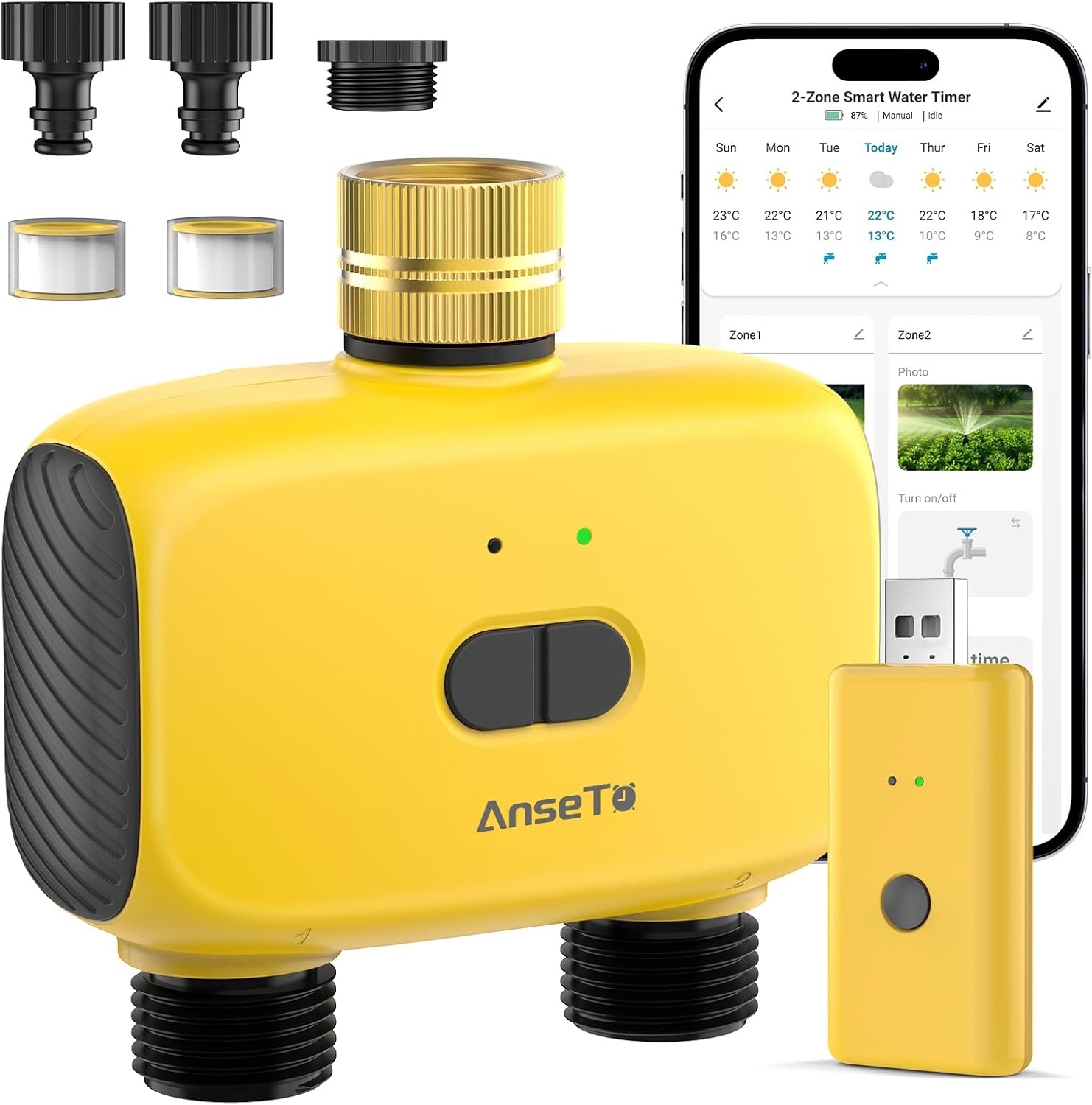
AnseTo Dual Port WiFi Water Timer Irrigation (Smart Life) for Alexa & Google Home
Product description
At a glance: what this AnseTo WiFi water timer is for
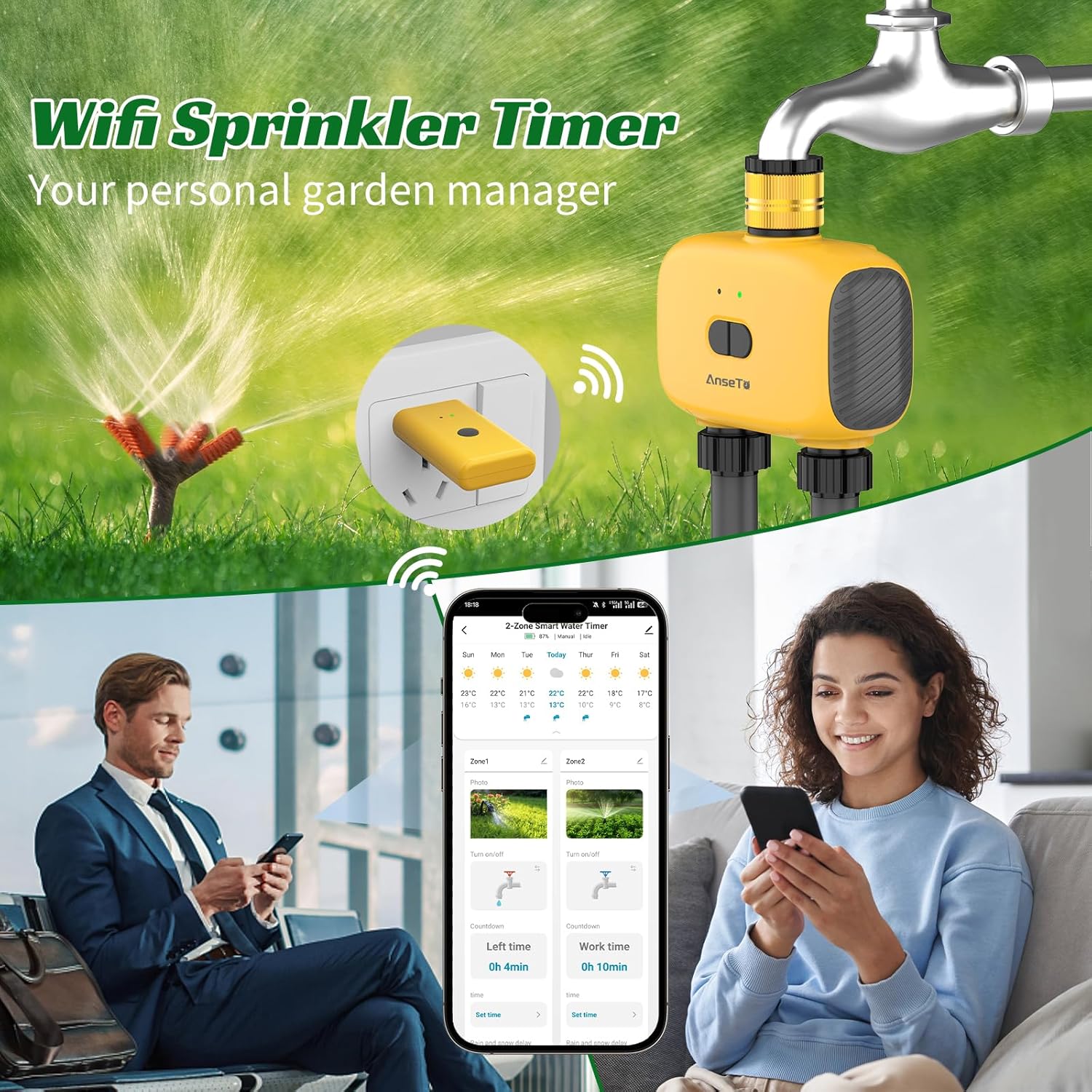
A dual port WiFi water timer for irrigation is one of those “small changes, big effect” buys—especially if you keep a garden, greenhouse, or patio that needs regular watering but you can’t always be there. This AnseTo model is designed to let you schedule automatic watering and also control things remotely using the Smart Life app.
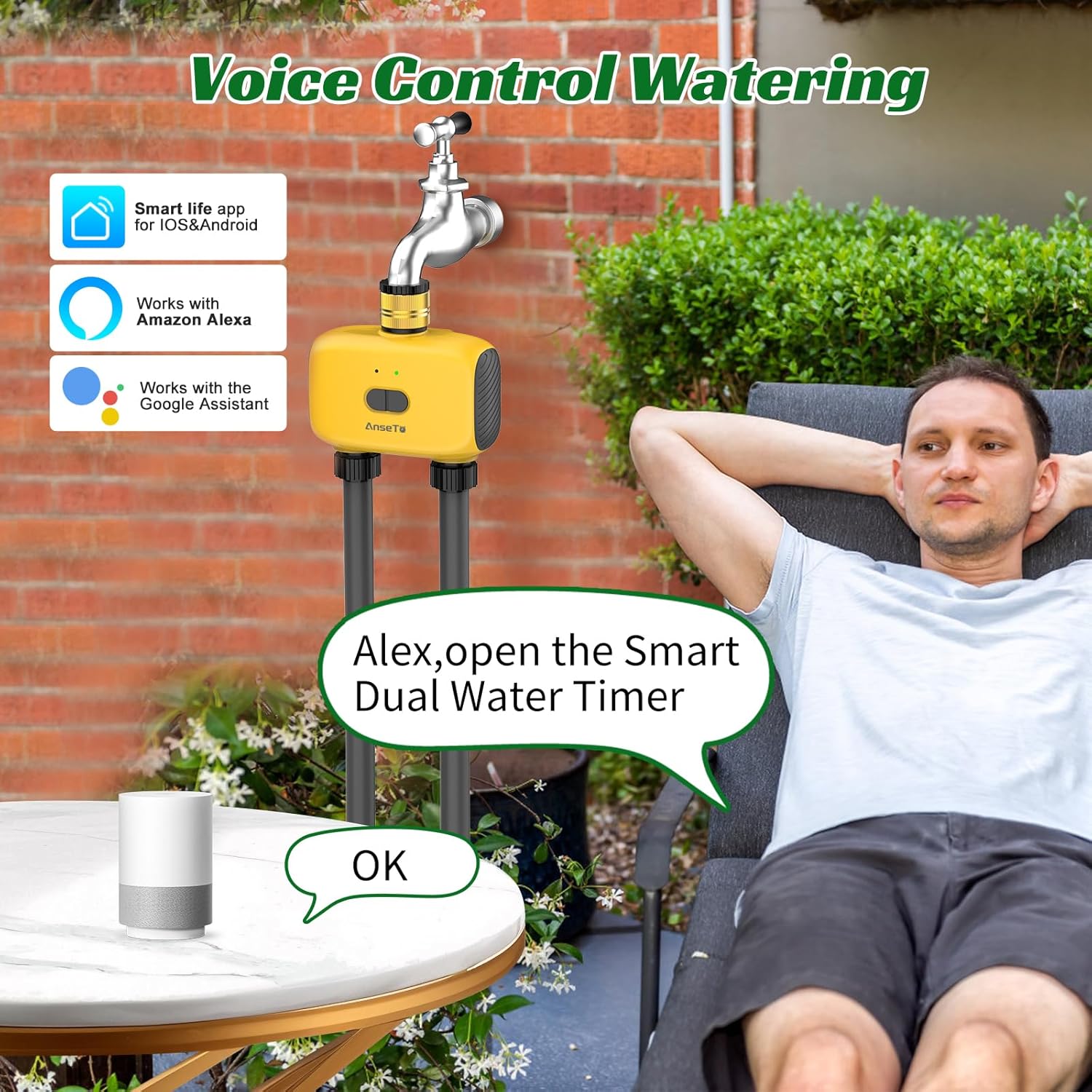
On top of that, it includes voice control compatibility with Alexa and Google Assistant, plus a rain delay style setting that can pause watering and then resume automatically after a chosen delay window. It’s not a smart substitute for good irrigation design, but if you already have (or plan to use) drip irrigation, it’s a convenient way to take the guesswork out of routine watering.
Key features that matter in real use
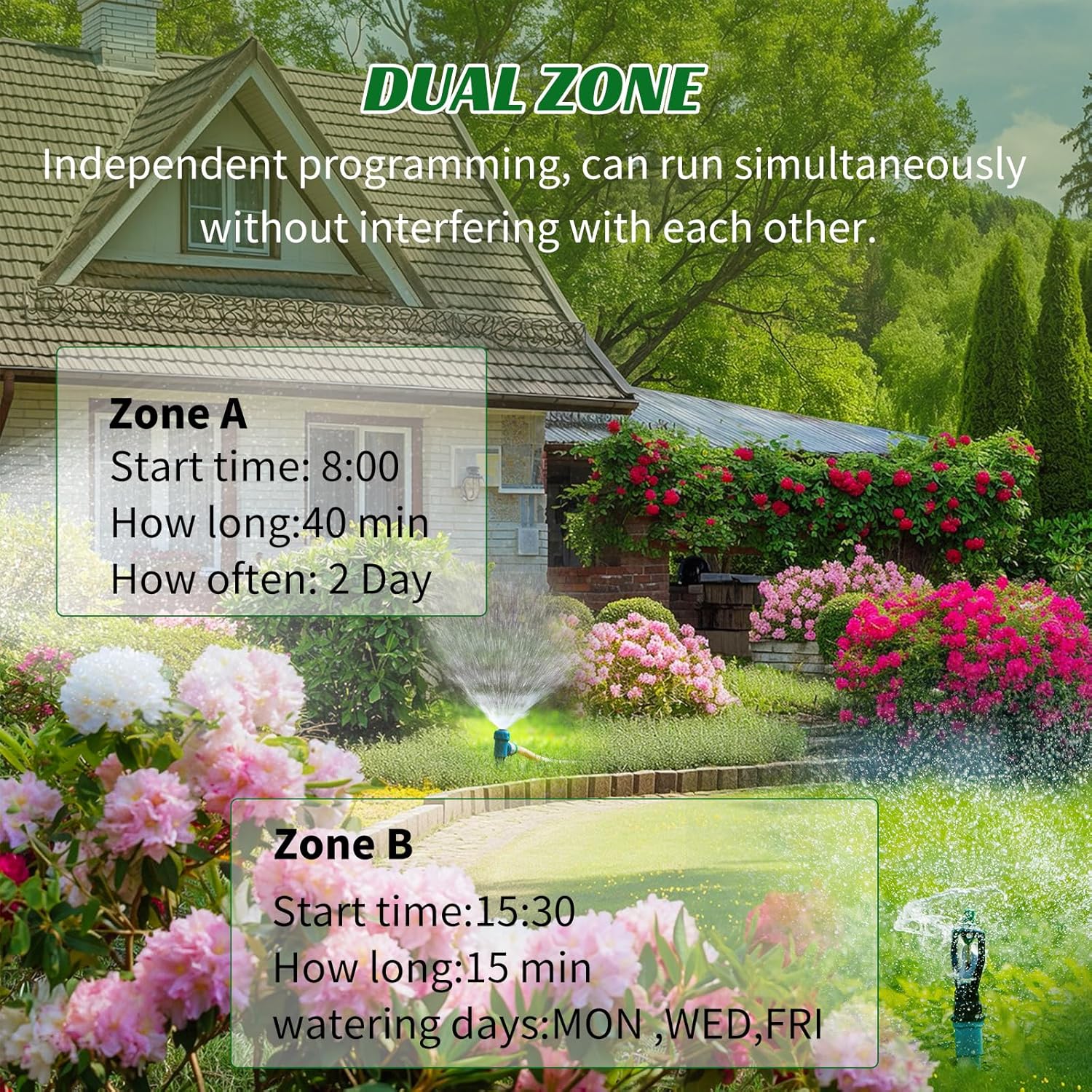
The headline here is simple: dual port control. In practice, that means you can manage watering for two areas from one timer setup, which is handy if you’ve got, say, a greenhouse zone and a lawn/patio zone with different needs.
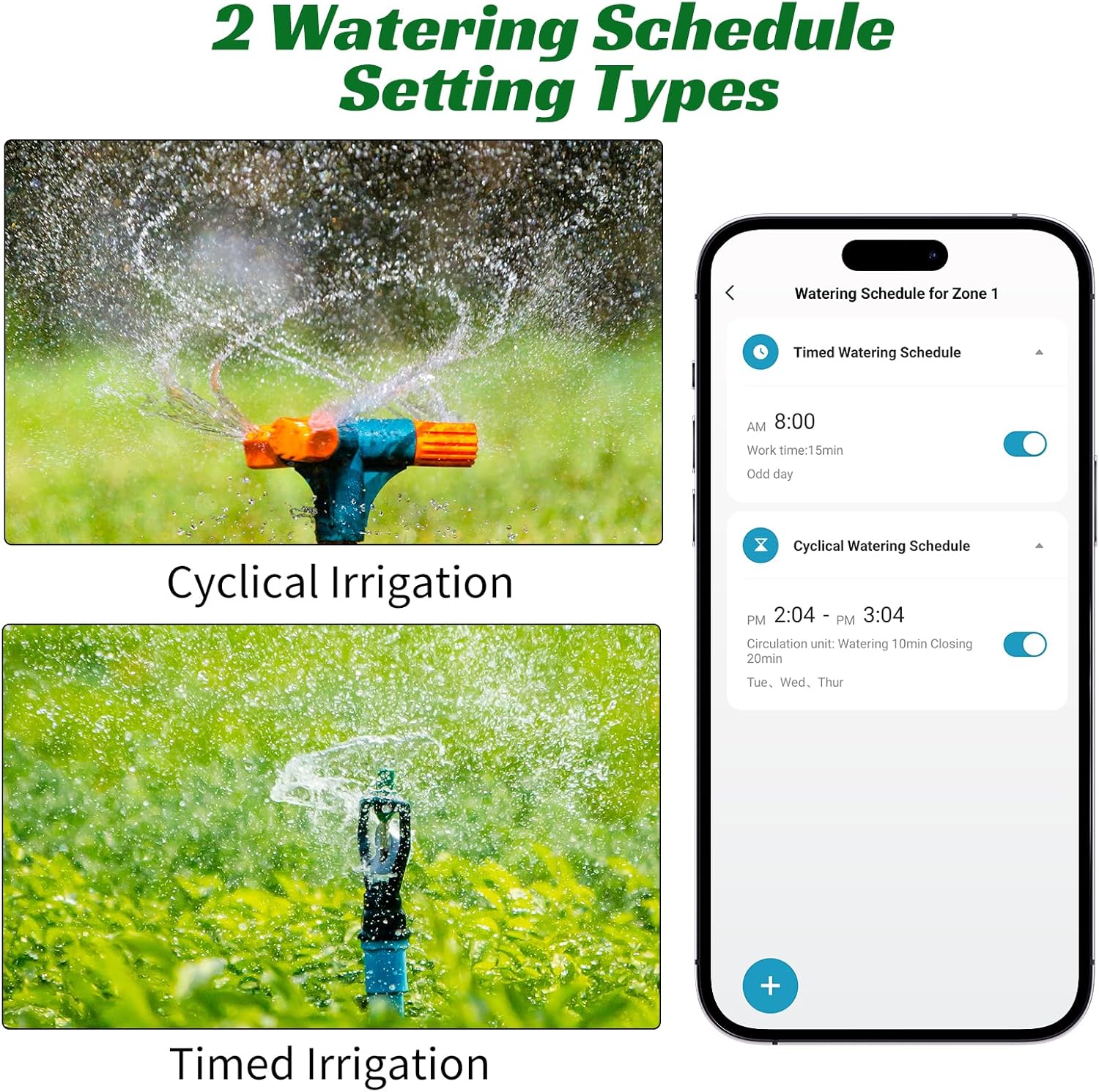
It also leans heavily into “set it and adjust it” usage. You can programme watering to run automatically, but you can also switch to manual control without wiping your preset schedule. That matters when the weather changes quickly, or when you notice a specific patch needs a bit more attention.
There’s also a rain delay function described as a way to choose watering delays (24, 48 or 72 hours) and resume automatically after the delay. The intent is clear: avoid over-watering and save water when conditions don’t call for it.
What you’ll notice day to day
If you’re mainly thinking “will I actually use this?”, the answer is: it depends on how comfortable you are with app setup and WiFi basics.
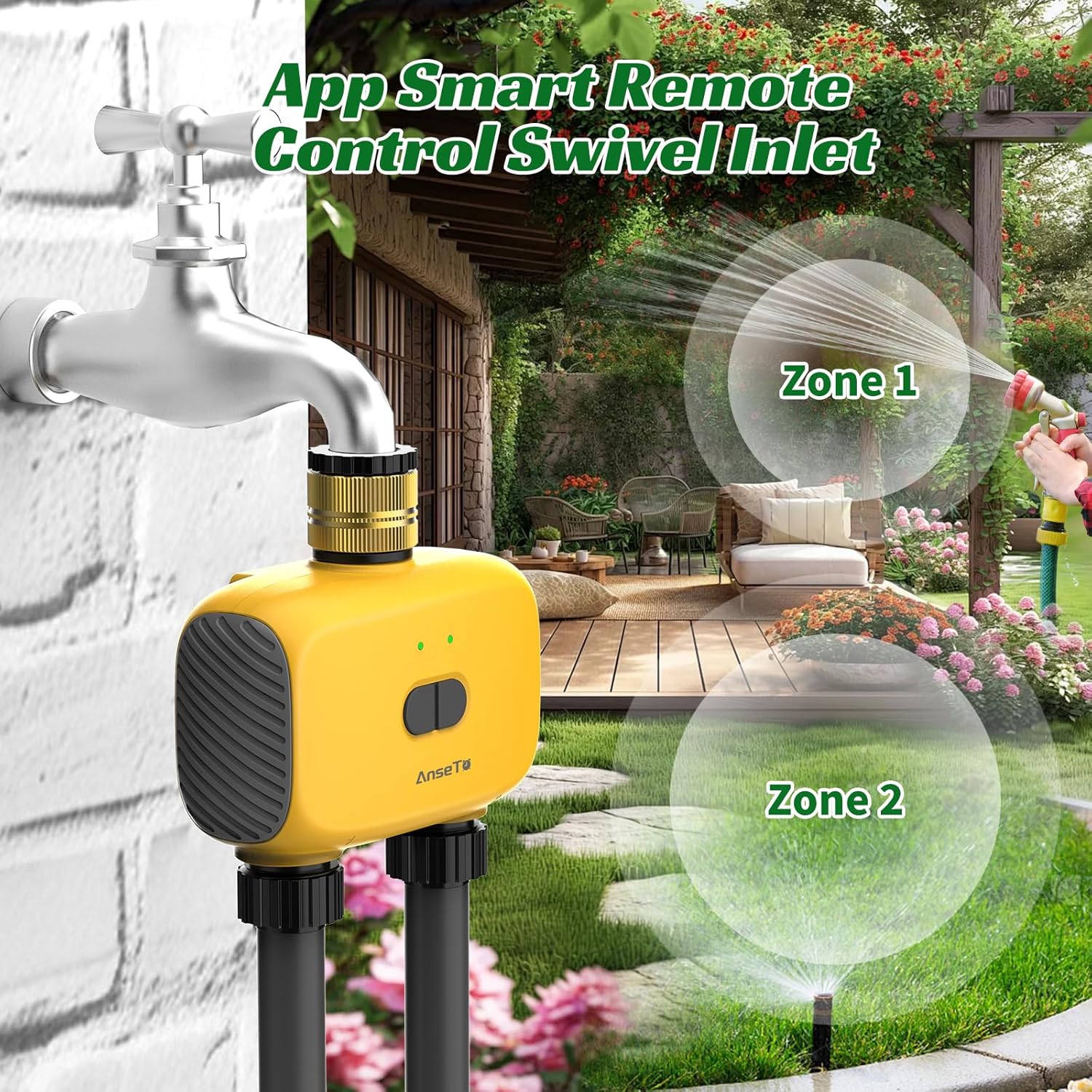
For the first time connection, the instructions specify using WiFi 2.4Ghz, and you’ll want your mobile phone WiFi and Bluetooth enabled during setup. When you’re away from home, the guidance says you should switch off your mobile phone WiFi and Bluetooth and then rely on 4G/5G signal to control the watering remotely.
One practical example: imagine you set an automatic watering schedule for your greenhouse. A sudden hot spell happens and you’re not home to intervene. With the app, you can stop or manage the irrigation as needed, and if you set a rain delay, watering should automatically resume after your chosen delay period.
Where it shines (and where it may feel limited)
It makes sense if you want convenience more than tinkering. The voice control piece (Alexa/Google Assistant) and remote control are aimed at everyday lifestyle problems—arriving late, forgetting, or being away on holiday—while still keeping the system on a schedule.
That said, it may feel a bit limited if you expect a “fully automated weather system” with ultra-granular local sensing. The description refers to using the latest local weather forecast on the app, but it doesn’t spell out how advanced the forecasting logic is beyond the rain delay concept. Also, if your setup depends on 2.4Ghz WiFi and stable mobile signal for remote control, you’ll want to be confident those parts of your home environment are up to scratch.
Key tech notes (only what’s stated)
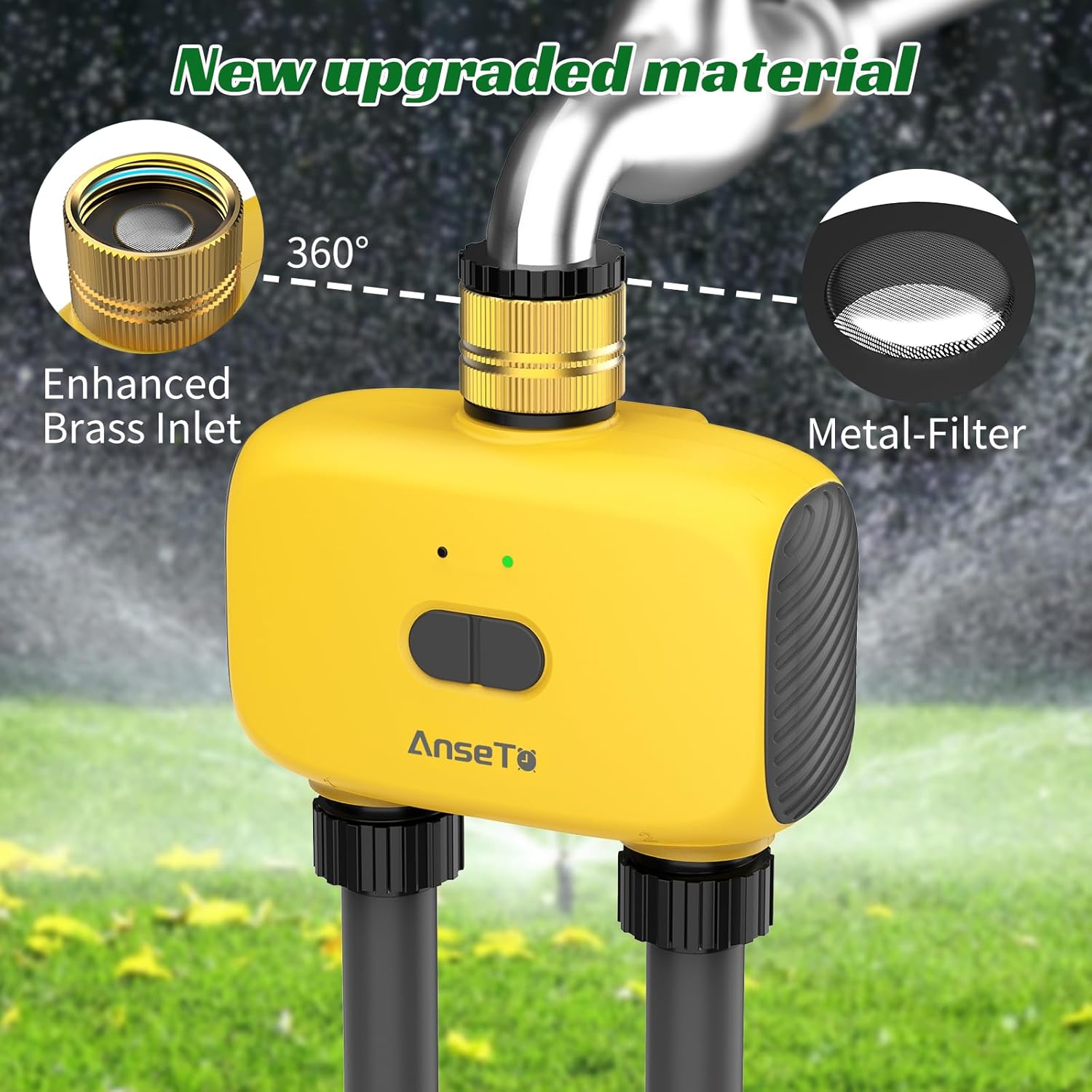
Tech specs
- Name: AnseTo Dual Port WiFi Water Timer Irrigation
- Control method: Smart Life app, plus voice control with Alexa and Google Assistant
- Connection guidance: Use WiFi 2.4Ghz for first time connection, ensure mobile phone WiFi and Bluetooth are on during setup
- Remote control guidance when away: switch off mobile phone WiFi and Bluetooth, use 4G/5G signal
- Scheduling: supports automatic watering programming and manual watering without interrupting preset schedules
- Rain delay options: 24, 48 or 72 hours, then watering resumes automatically
Who it’s for (and who should skip it)
Worth considering if you already use, or plan to use, drip irrigation for areas like a garden, lawn, greenhouse, or similar outdoor spaces, and you want the timer to be controllable from your phone (and, ideally, by voice).
It’s also a sensible pick if you travel and you want peace of mind that your plants aren’t completely left to chance.
You may want to skip it if you’re not keen on app setup, you don’t have reliable 2.4Ghz WiFi coverage where the gateway/timer lives, or you prefer purely mechanical timers with zero reliance on smartphones and signals. And if you’re hoping for a complex multi-sensor smart irrigation controller, this description points more towards scheduling plus remote control than advanced sensing.
Buying verdict
Is it worth it?
This AnseTo Dual Port WiFi Water Timer looks like a practical, app-first irrigation controller for people who want scheduled watering with the ability to pause, start or manage remotely, plus Alexa/Google Assistant voice convenience. The dual port setup and manual override without disrupting presets are the bits that feel genuinely useful, especially when managing different watering needs across two areas.
It’s not perfect on paper for every situation: it depends quite a lot on WiFi 2.4Ghz for initial setup and on mobile signal for away-from-home control. If that’s not your reality, the value may drop.
Quick checks before you buy: confirm you’re planning a drip irrigation setup that suits a dual-port timer, make sure your WiFi can provide a stable 2.4Ghz connection for setup, and be realistic about relying on the app for day-to-day control.
Quick FAQ
How do I set it up for the first time?
The instructions say to use WiFi 2.4Ghz for first time connection and to make sure your mobile phone WiFi and Bluetooth are switched on during setup. You’ll also use the Smart Life app to add the dual port water timer and a WiFi gateway.
Can I control it when I’m away from home?
Yes, remote control is supported via the Smart Life app. The guidance specifically mentions switching off your mobile phone WiFi and Bluetooth when away and using 4G/5G to control watering.
Does rain delay actually stop watering?
The rain delay feature is described as letting you choose a delay of 24, 48 or 72 hours, after which the drip irrigation watering automatically resumes.
Can I use it without voice control?
Yes. The timer can be programmed for automatic watering and can also be controlled manually without interrupting preset schedules. Voice control is optional via Alexa and Google Assistant.
Final question: is it suitable for greenhouse use?
The description explicitly mentions that a drip irrigation system can manage a garden, lawn, greenhouse and even a swimming pool setting, so greenhouse use is within the intended use case.