

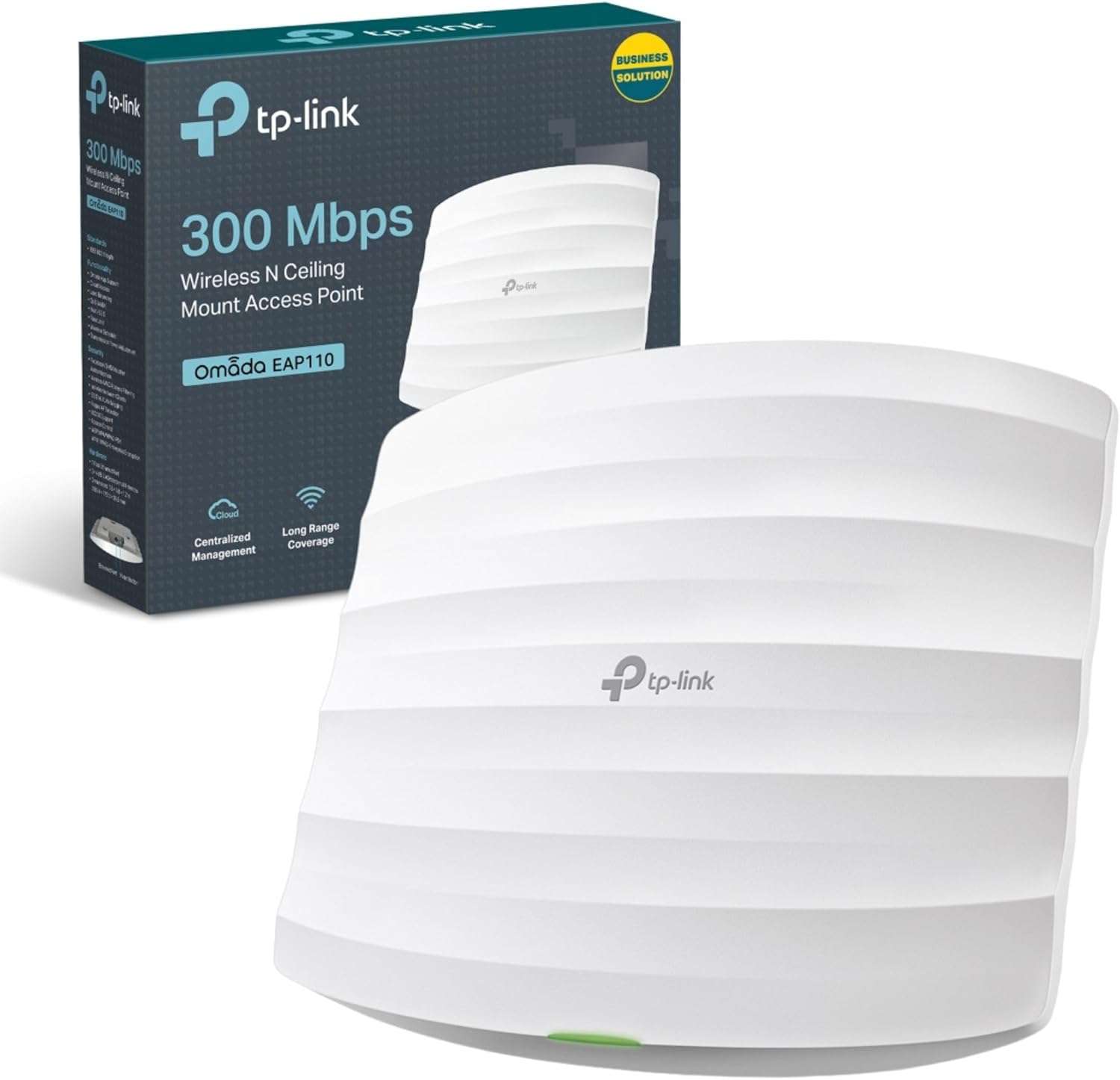
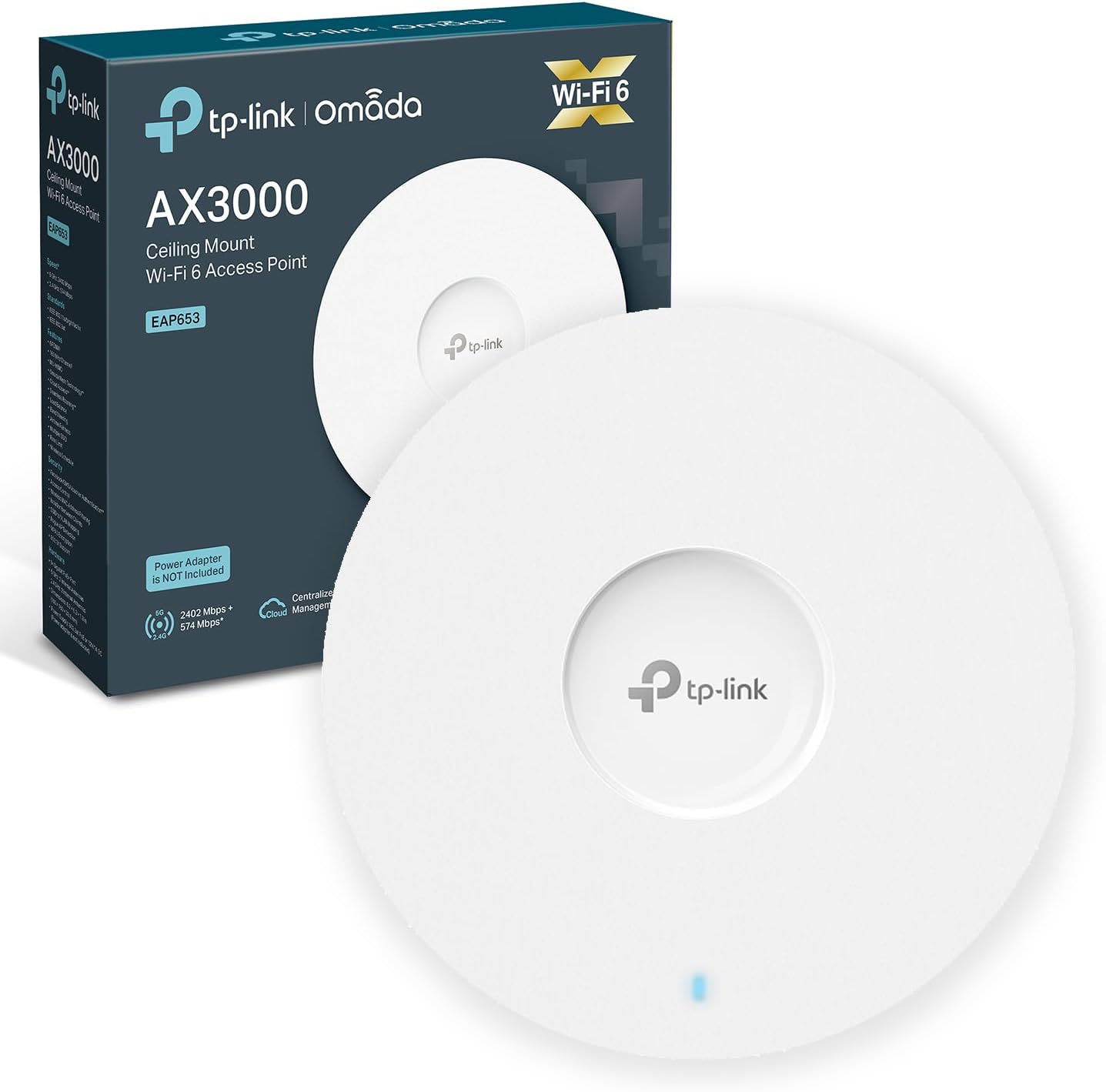
TP-Link EAP653 AX3000 WiFi 6 dual-band PoE+ ceiling access point (Omada Mesh)
Product description
If your Wi‑Fi is coping “most of the time” but falls apart when more people join in, the TP-Link EAP653 AX3000 WiFi 6 access point is aimed at that exact kind of business environment. On paper it leans into capacity and smoother movement between rooms thanks to seamless roaming, while keeping installation fairly tidy with a slim ceiling-mount design.
That said, it’s still a wireless access point: it won’t magically fix a poor broadband line or an overcrowded layout by itself. You’ll want to think about placement and power/feeding method before you commit.
The essentials
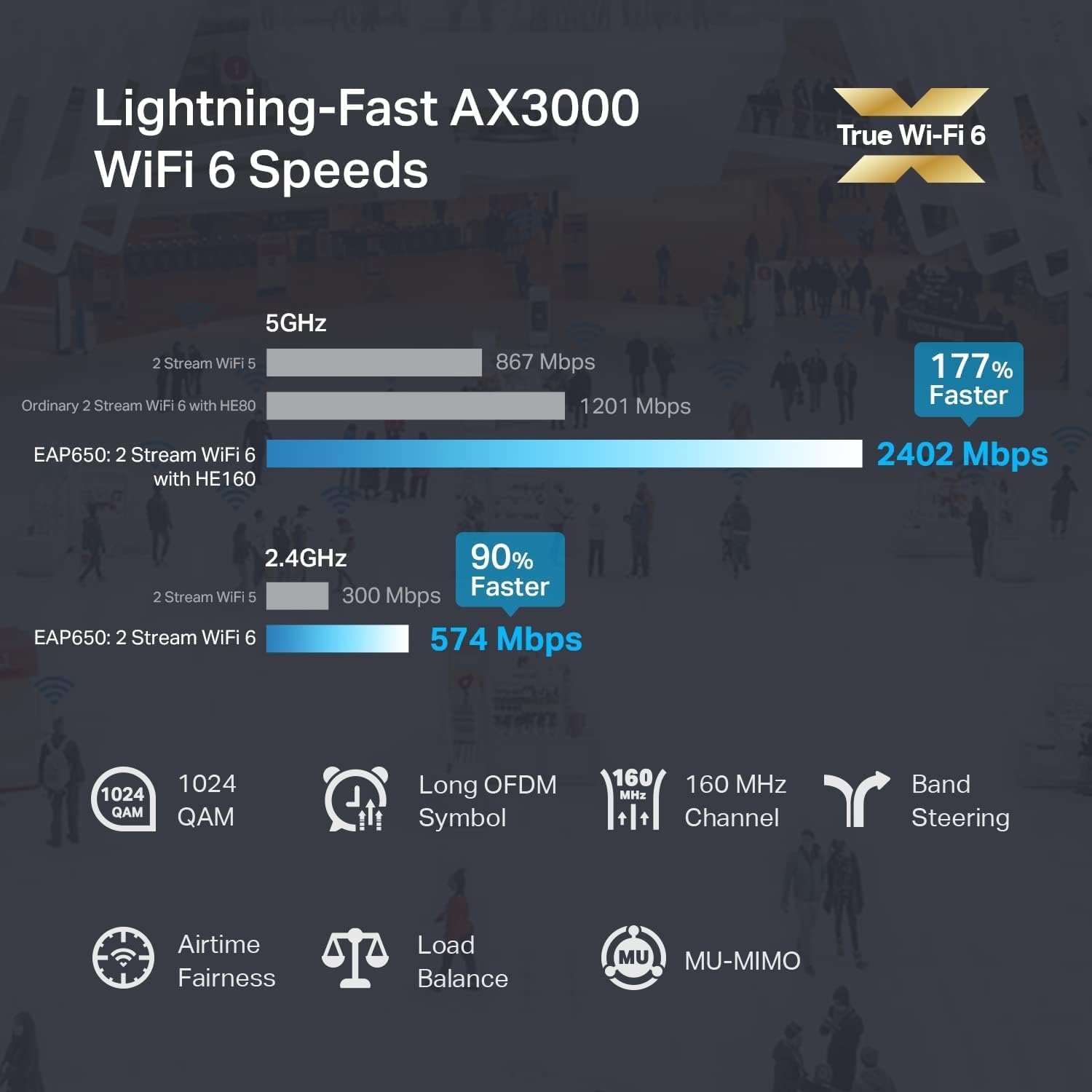
The TP-Link EAP653 AX3000 is a dual-band WiFi 6 wireless access point designed for higher-density indoor use. It supports simultaneous speeds of 574 Mbps on 2.4 GHz and 2402 Mbps on 5 GHz, with a claimed total of 2976 Mbps. It also includes features intended to handle “more connected devices” more efficiently, using OFDMA and MU‑MIMO to reduce latency and keep performance steadier when the network is busy.
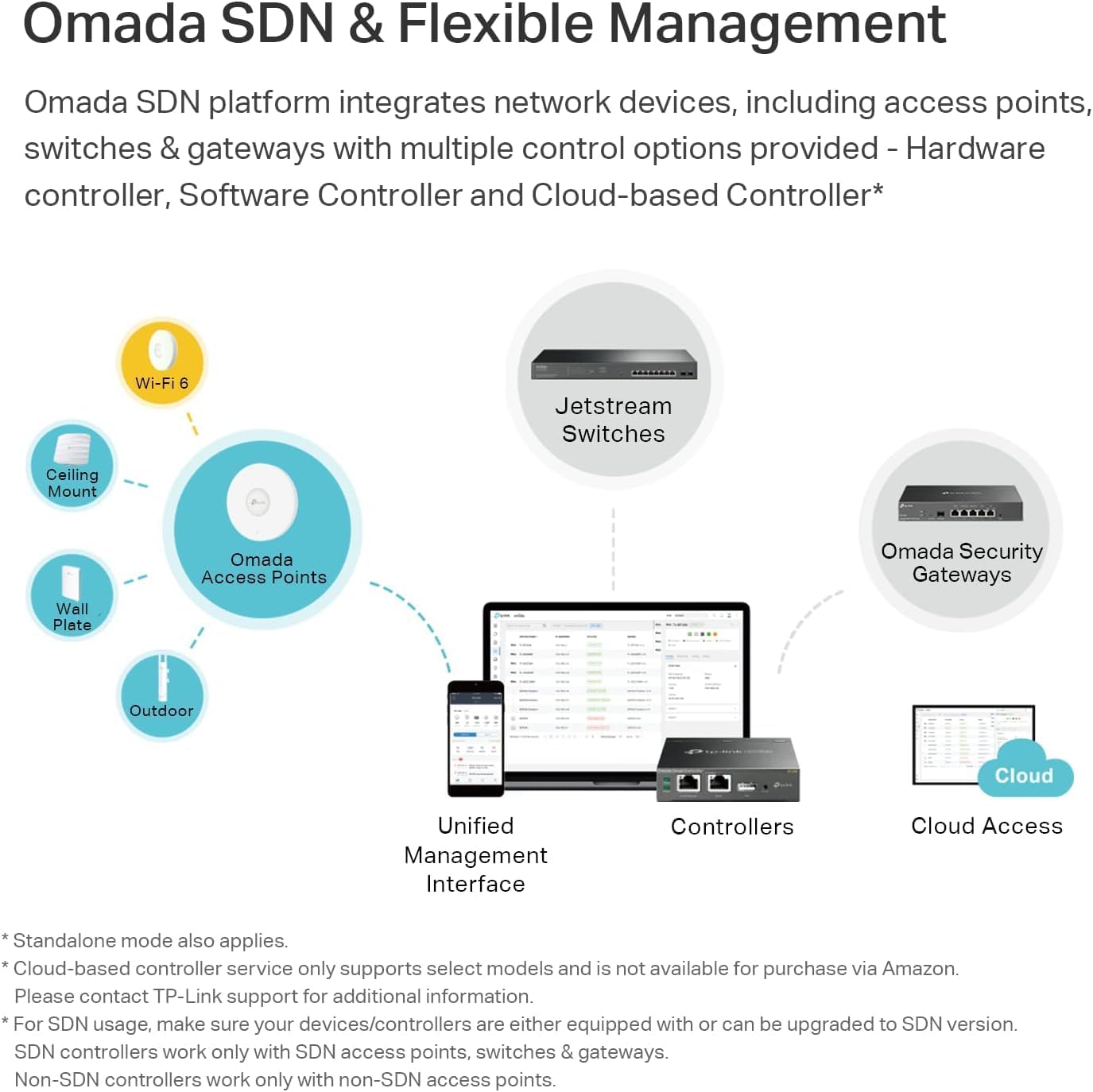
Where it gets interesting for real-world workplaces is the Omada angle. The product is positioned for Omada SDN so you can manage it in a more centralised way, either via a cloud approach or locally through the Omada app or web UI. There’s also support for seamless roaming with Omada, which is the kind of thing you notice when you’re on calls and moving around.
Key features that matter day to day
In busy offices, hotels or other enterprise-like deployments, most Wi‑Fi problems come from contention: too many devices sharing too much airtime. This access point is built to tackle that with WiFi 6 efficiency tools (OFDMA and MU‑MIMO), which helps with lower latency and more stable performance as device counts rise.
It also supports a 160 MHz channel option (HE160). The idea is simple: wider channel bandwidth can translate to higher throughput, especially where there’s enough spectrum available and the setup supports it. If you’re planning coverage for a larger floor and expect lots of simultaneous usage—think video meetings, guest streaming, or a busy reception area—this is the sort of spec you’d look for.
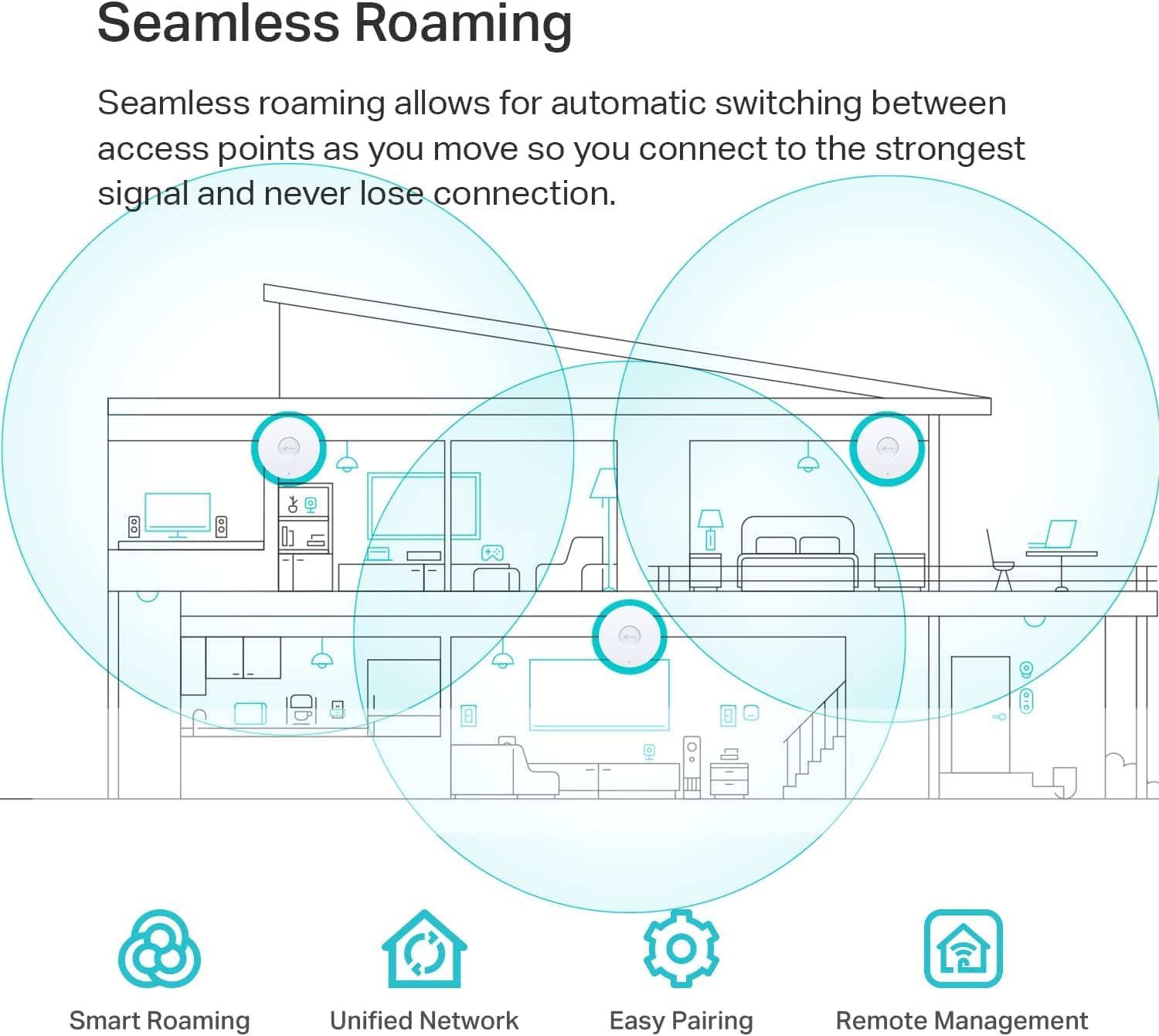
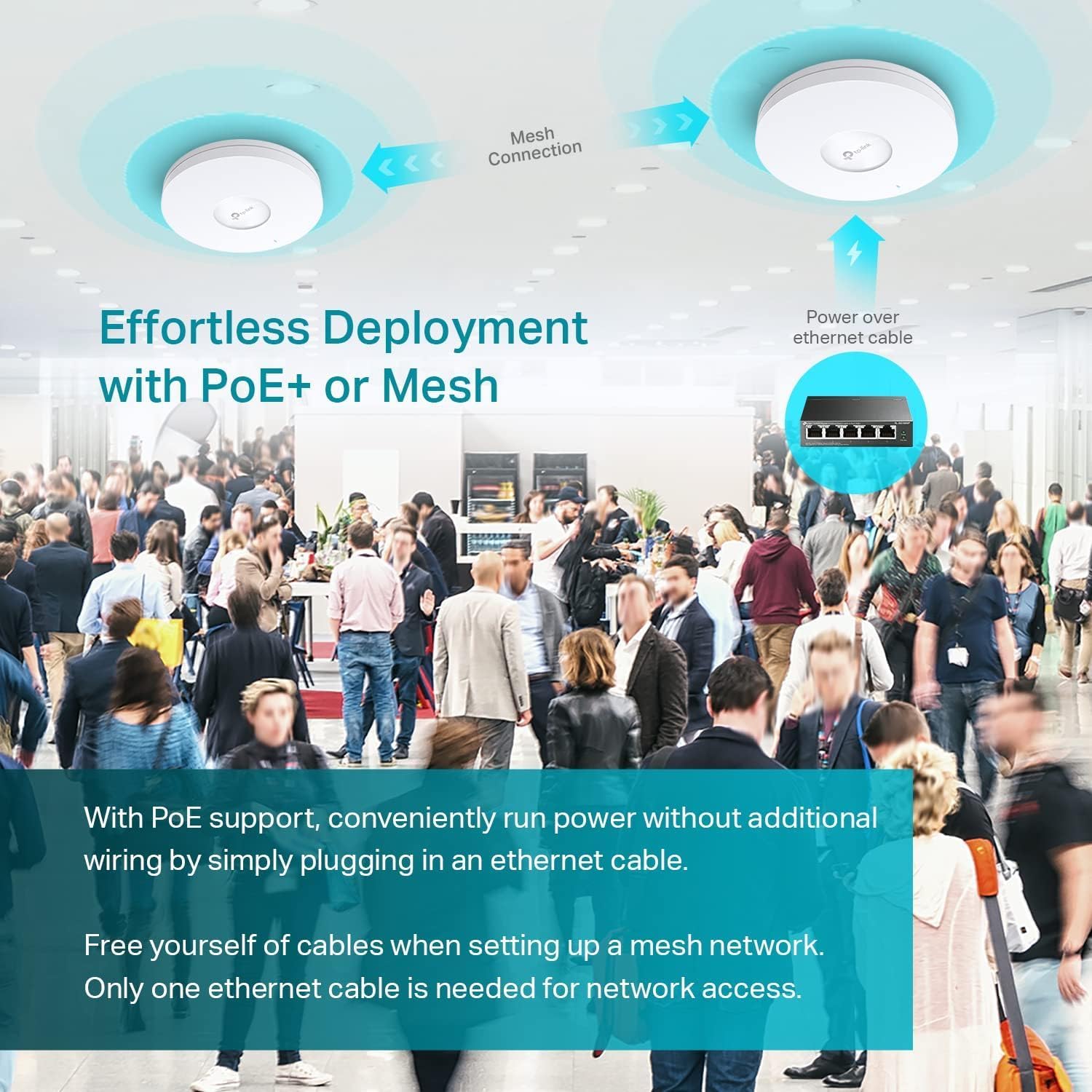
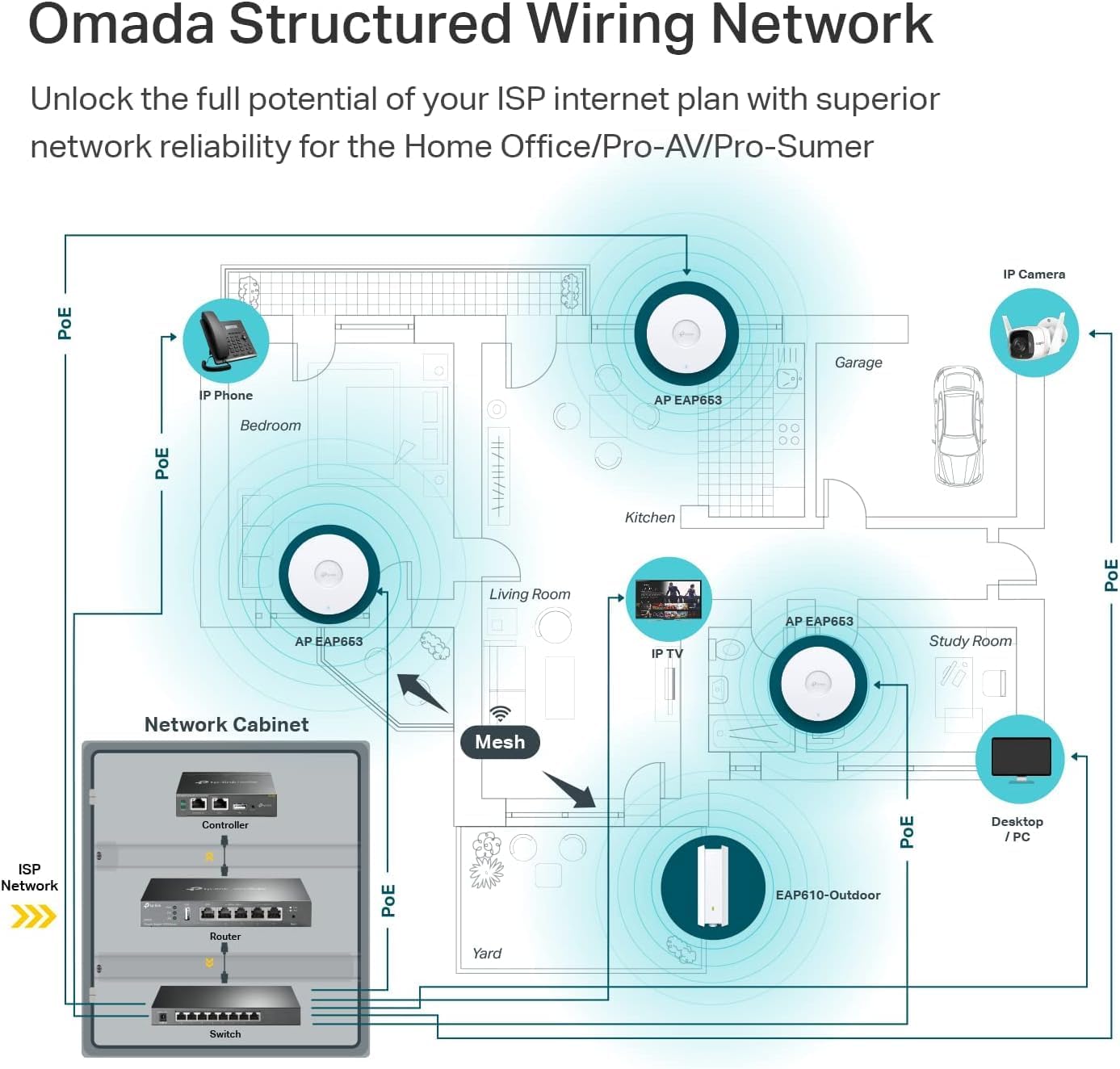
Seamless roaming is another practical selling point. If your environment has multiple access points and people walk between zones, the goal is fewer disruptions for voice and video calls.
Tech summary
Tech specs
- Name: TP-Link EAP653 AX3000 WiFi 6 Wireless Access Point
- Type: Dual Band Gigabit Wireless Access Point
- Wireless standards: WiFi 6
- Speeds: 574 Mbps on 2.4 GHz, 2402 Mbps on 5 GHz (2976 Mbps total claimed)
- Channel width: 160 MHz (HE160 supported)
- PoE: PoE+ supported (802.3at) and DC power option listed
- Power note: PoE+ injector/power adapter is not included (sold separately)
- Mounting: Ceiling mount Wi‑Fi access point design
- Mesh/management: Omada Mesh, cloud or local management via Omada app or web UI
Getting it right: usage tips and setup considerations
This is ceiling-mounted, so your success depends heavily on placement. Overly tight layouts can make even strong hardware feel mediocre, while sparse placement may leave shadows where devices struggle.
A simple way to sanity-check your plan: imagine an area where calls happen—meeting rooms, reception, or a corridor. If those areas are far apart and you have multiple access points, seamless roaming support is exactly what you’d expect to help. But if you only install one unit in a large space, you may just move the weak spot around.
Also, pay attention to the power situation. The unit supports PoE+ (802.3at) and DC power, but the adapter isn’t included. So if you don’t already have the right PoE+ infrastructure, you’ll need to factor in purchasing the appropriate power kit.
Who it’s for (and who should be cautious)
It makes sense if you’re setting up or refreshing Wi‑Fi for a higher-density environment and you want WiFi 6 features geared to more devices and smoother movement between access points. The Omada SDN + centralised management angle is particularly attractive if you don’t want to manage each access point in isolation.
It might not be the best choice if you’re only trying to improve Wi‑Fi for a small home with one or two devices. In that scenario, a simpler setup can be easier to deploy and manage. It can also feel like overkill if your main bottleneck is the internet connection itself or a need for outdoor/long-range coverage that isn’t part of the intended ceiling-mount indoor deployment.
A practical limitation to keep in mind: the “up to” type speeds depend on real conditions (signal strength, interference, device capabilities). So while AX3000 and 160 MHz look impressive, results will vary based on your site survey and how congested the space is.
Pros and cons to weigh up
- Built for high-density use with WiFi 6 efficiency features (OFDMA, MU‑MIMO)
- 160 MHz channel support (HE160) for higher potential throughput where conditions allow
- Seamless roaming support via Omada, aimed at reducing call disruption while moving
- Centralised cloud or local management through Omada app or web UI
-
Slim ceiling-mount design for a cleaner look in office/hospitality-style spaces
-
The PoE+/DC adapter isn’t included, so you may need extra purchases to power it
- Not a “one device fixes everything” solution, performance still depends on placement and environment
- If your needs are basic and low device count, it could be more complexity than you require
Should you buy it?
Buying the TP-Link EAP653 AX3000 WiFi 6 ceiling access point is a sensible move if you’re building a more capacity-focused indoor Wi‑Fi setup, especially where multiple access points and roaming matter (voice/video calls as users move, for example). The Omada Mesh and management approach also helps if you’d rather control things centrally rather than treating each unit as a separate island.
You may want to skip it if you’re not planning a multi-access-point deployment, or if you’re likely to struggle with power planning because the needed adapter isn’t included. It also may not be a great match if your expectations are “gigabit Wi‑Fi at any distance” in a single-room scenario—this kind of hardware tends to perform best when the install and layout are thought through.
Mini FAQ
Does the TP-Link EAP653 include a PoE+ power adapter?
No. The description says it supports PoE+ (802.3at) or DC power, but the adapter is not included and is sold separately.
Is this access point only for offices?
It’s described for high-density business environments, plus examples like hotels and enterprise deployments. In practice, it’s positioned for any indoor environment where you expect many devices and want better call stability while moving.
What does seamless roaming mean here?
With Omada SDN, it’s aimed at uninterrupted video and voice calls as users move between access points. The key is having a deployment where roaming across access points is relevant.
Why mention 160 MHz channel bandwidth?
Because the product targets higher throughput with HE160, which can increase bandwidth on a single stream. However, real-world performance still depends on the environment and how the network is configured.
How do you manage it?
The device is set up for Omada centralised management, either via cloud or locally through the Omada app or web UI.