

TomTom GO Superior 6-inch GPS with Wi‑Fi map updates, Traffic and Hazard Zone alerts (new software)
Product description
The essentials
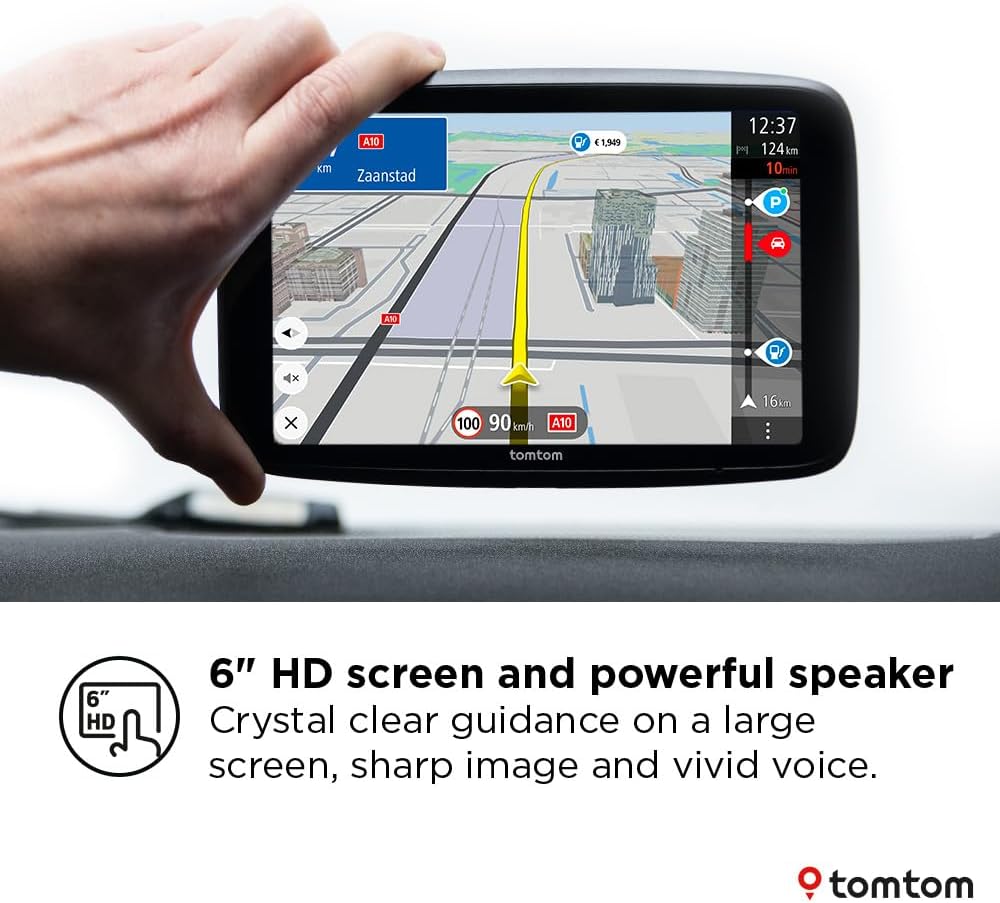
If you do a lot of road driving and you want a sat-nav that feels quick and readable without fuss, the TomTom GO Superior is designed around exactly that kind of everyday use. It pairs a large 6-inch HD screen with clear route guidance you can see easily and hear properly, so you’re not constantly squinting at a tiny display.
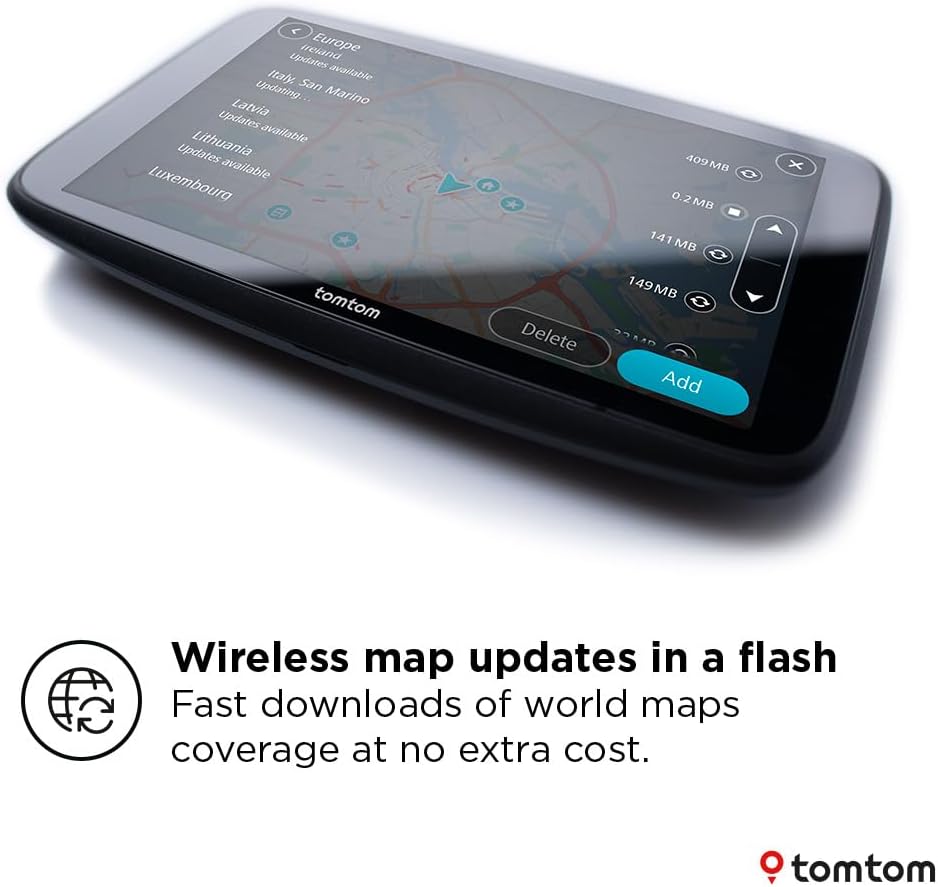
On paper, it also leans into “less faff” updates. The latest TomTom world maps can be updated via Wi‑Fi, which means you don’t need to rely on a computer just to keep your maps current. That’s one of those features that doesn’t sound dramatic until you’ve actually tried keeping a sat-nav up to date the hard way.
There’s also a cluster of road-awareness features: Traffic info is part of the package, and hazard zone alerts are included. Depending on how often you drive through city areas, these can be the difference between arriving calmly and feeling like you’re always reacting.
What matters most in day-to-day use
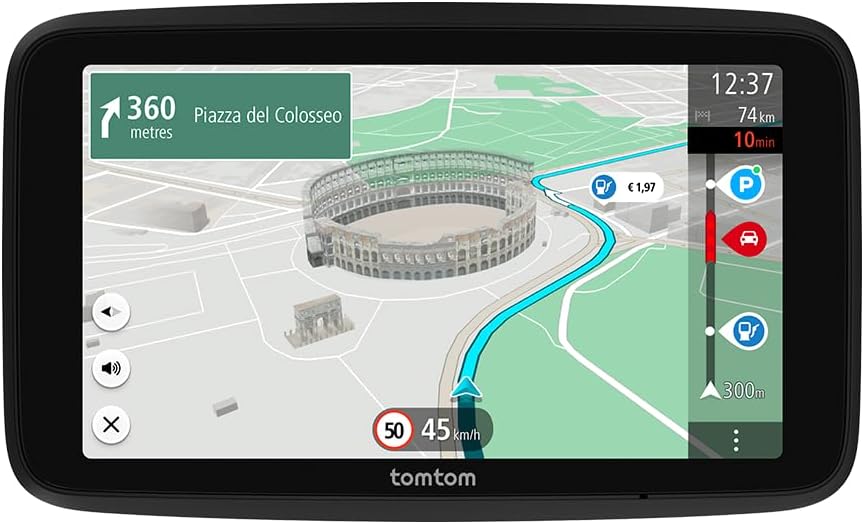
This model is built around usability. You can swipe through settings and zoom in and out on the view directly on the device, and the navigation is supported by 2GB RAM for responsiveness. For many buyers, that simply translates to fewer delays when you’re changing a view, fiddling with options, or re-planning on the move.
The 6-inch HD display is the headline for a reason. A bigger screen can make route details and junctions easier to follow, especially if you’re comparing options while stopped at lights. It’s also easier for passengers to glance along with you.
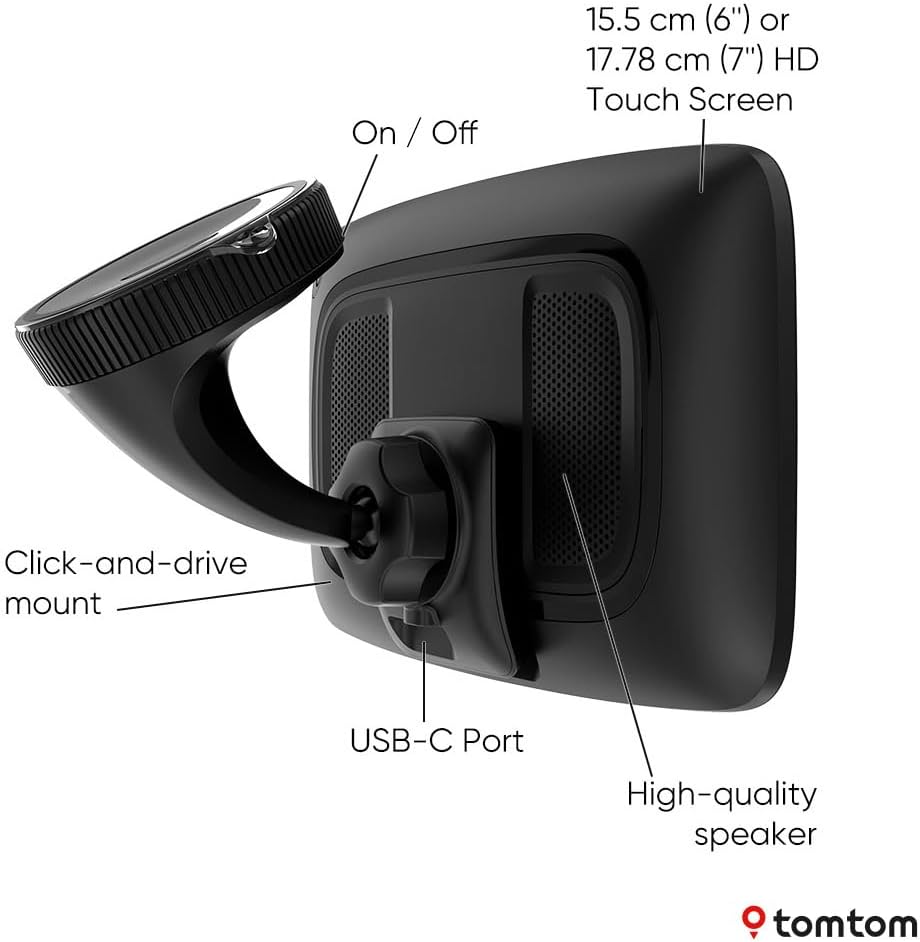
One more detail worth noting: it’s “now with USB-C”. If your current setup is a mix of older cables, that may not be a life-changing upgrade, but it can help with day-to-day compatibility.
Key features you’ll actually notice
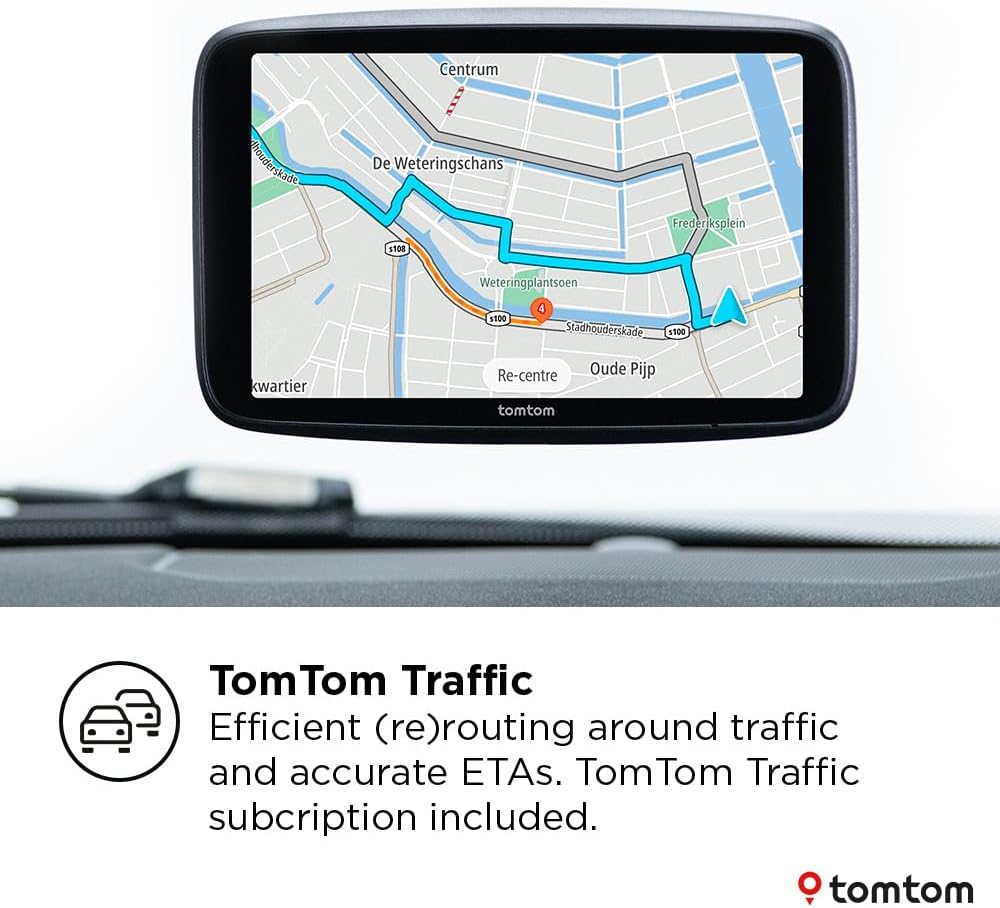
Hazard-related alerts and traffic information are included to help you plan around what’s happening now, not just what happened last week. If you commute regularly or you drive on mixed routes (motorways plus urban streets), that real-time angle tends to matter.
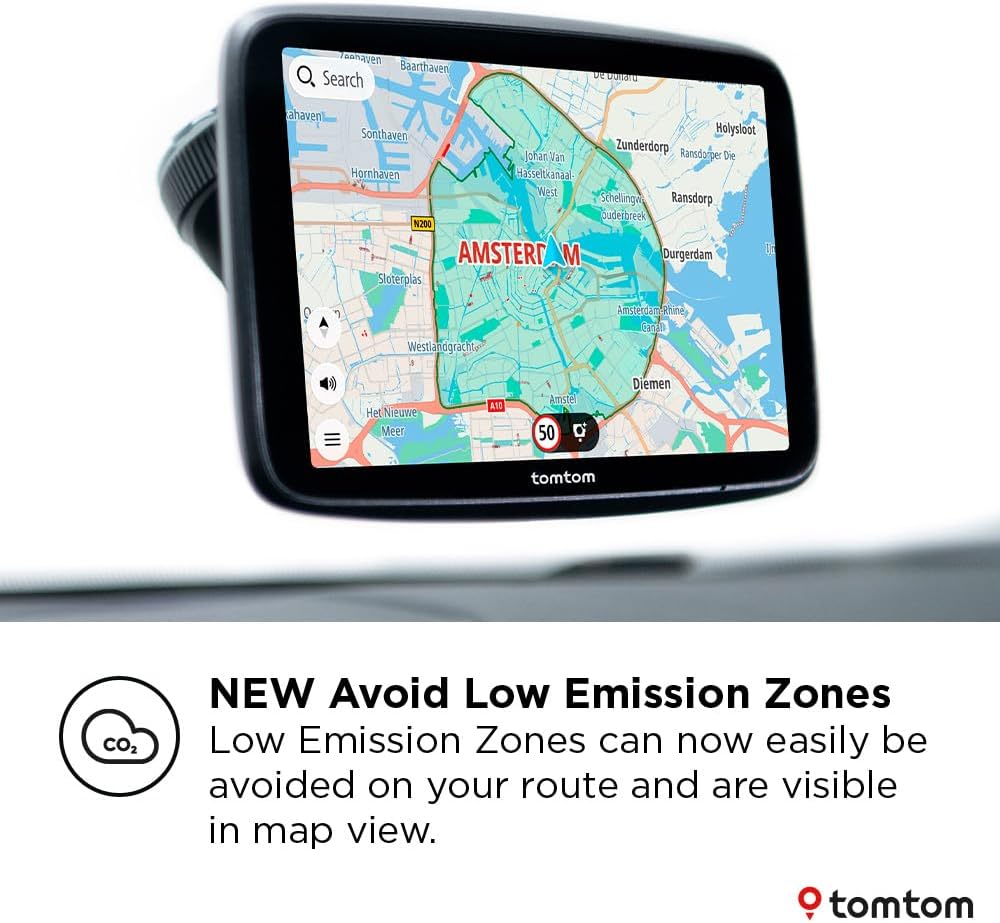
There’s also an “Avoid environmental zone” mode. When it’s selected, the navigation device excludes environmental zones from your route. The description also mentions that environmental zones remain visible in the 2D map view, which is useful because it lets you understand what the route is avoiding rather than hiding the context.
Finally, the maps angle is practical: updates via Wi‑Fi and “new software” positioning suggests TomTom is focusing on keeping the experience current rather than locking you into older update habits.
Tech summary (only what we know)
- Name: TomTom GO Superior GPS (6-inch Screen, Traffic Info)
- Type: GPS navigation device
- Display: 6-inch HD screen
- RAM: 2GB
- Map updates: updated via Wi‑Fi (no computer required)
- Alerts: Hazard Zone alerts
- Traffic info: included
- Environmental zones: Avoid environmental zone option
- Charging/connectivity: USB-C
- Mounting: powered magnetic mount
Who it suits, and who may want to skip it
It’s a good fit if you want a mid-to-serious everyday sat-nav with a large screen, responsive controls, and a clear focus on keeping maps updated easily. If you drive often enough that you notice when routes go out of date, Wi‑Fi updates are the kind of feature that can earn their keep.
It may not be a great match if you only use a sat-nav occasionally. In that case, spending time on settings and map maintenance (even though it’s Wi‑Fi based) might feel like overkill. Also, if you’re looking for ultra-specific environmental routing behaviour beyond “avoid environmental zones”, you may want to double-check how this works for your exact journeys—there’s enough detail to know the option exists, but not enough to predict every real-world scenario.
As for mounting and setup, the powered magnetic mount sounds convenient, but you’ll still want to check that your vehicle setup and cable routing are compatible with how you plan to run it.
A realistic use case (micro-scenario)
Imagine you’re heading into a city for the first time in a while. With “Avoid environmental zone” selected, the route can steer you around those areas. When you approach junctions, the 6-inch screen helps you spot the next turn more quickly than smaller displays. If there’s disruption, Traffic info and hazard zone alerts are there to prompt you to adjust your plan early rather than late.
That’s the sort of “less stress, more clarity” experience this device is aiming for.
Final verdict
Is it worth it?
Worth considering if you want a responsive, screen-first TomTom GPS with Wi‑Fi world map updates, plus Traffic info and hazard zone alerts for everyday drives. The avoid environmental zone option is a sensible extra if you travel through areas where restrictions can matter.
Better avoided if you’re only occasional driving and would rather use a phone for navigation, or if you need guarantees about very specific routing outcomes that aren’t described in the provided details.

Mini FAQ
How do the map updates work?
The maps can be updated via Wi‑Fi, described as not requiring a computer.
Does it support environmental zone avoidance?
Yes—there’s an “Avoid environmental zone” option that excludes environmental zones from your route when selected.
What’s included for road information and alerts?
Traffic info and Hazard Zone alerts are included, with route guidance supported by display and speaker.
Is the screen good for city driving?
The device uses a 6-inch HD display, which should make route guidance easier to read than smaller screens, especially at junctions.
What does “new software” imply?
It indicates updated software rather than an older setup, but the exact changes aren’t detailed beyond that phrasing.