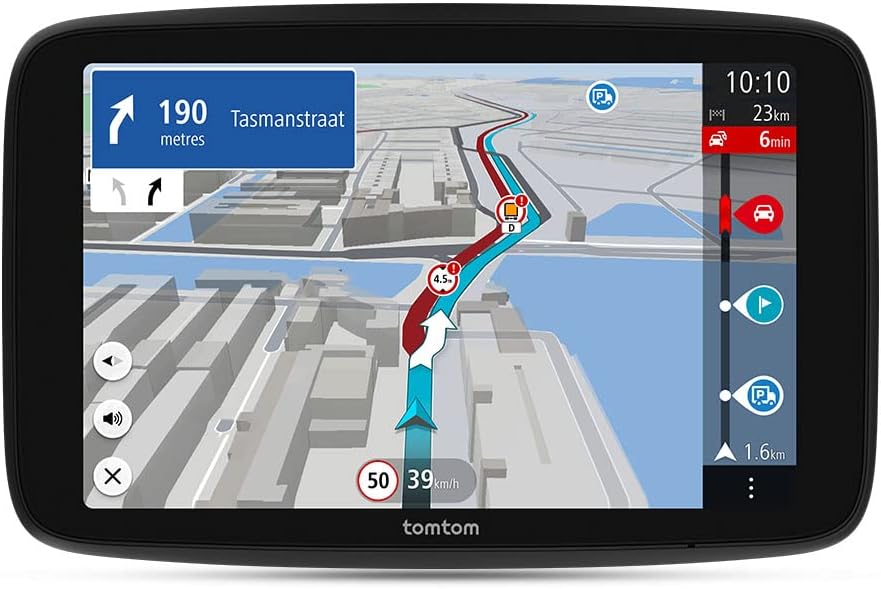
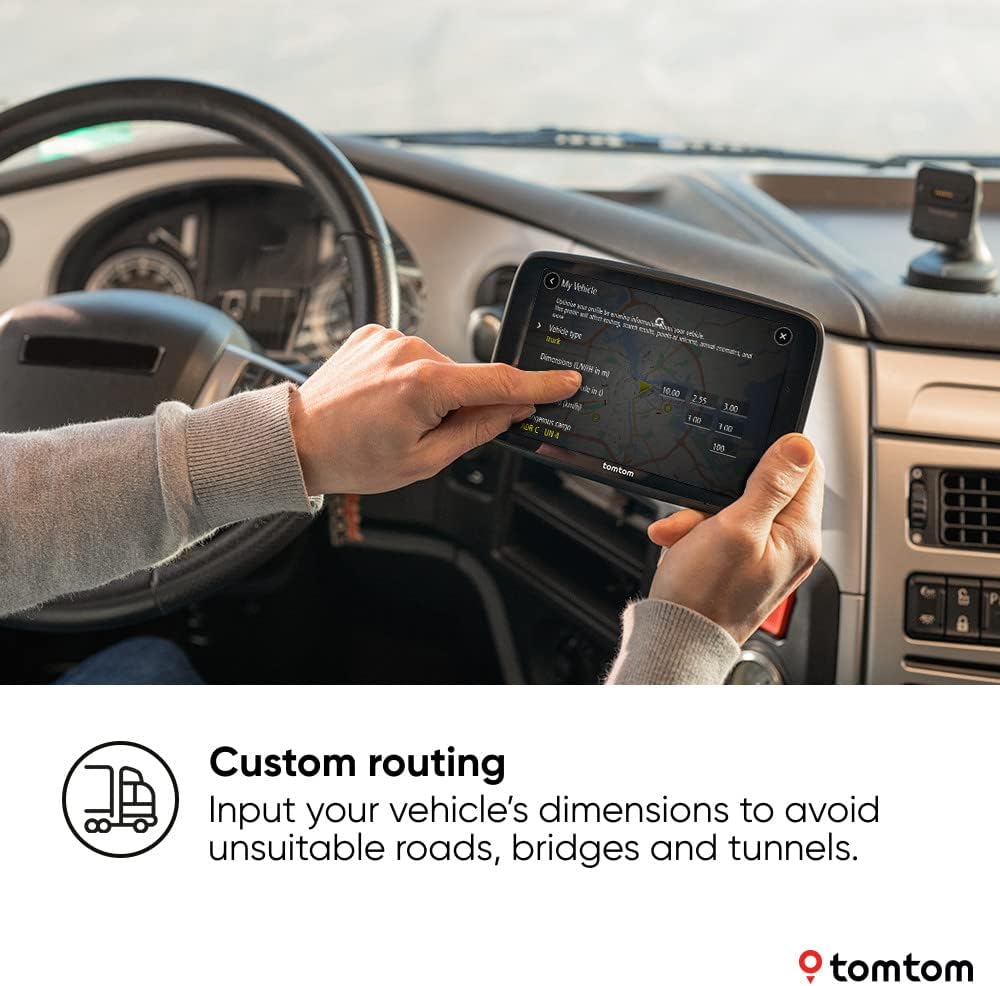
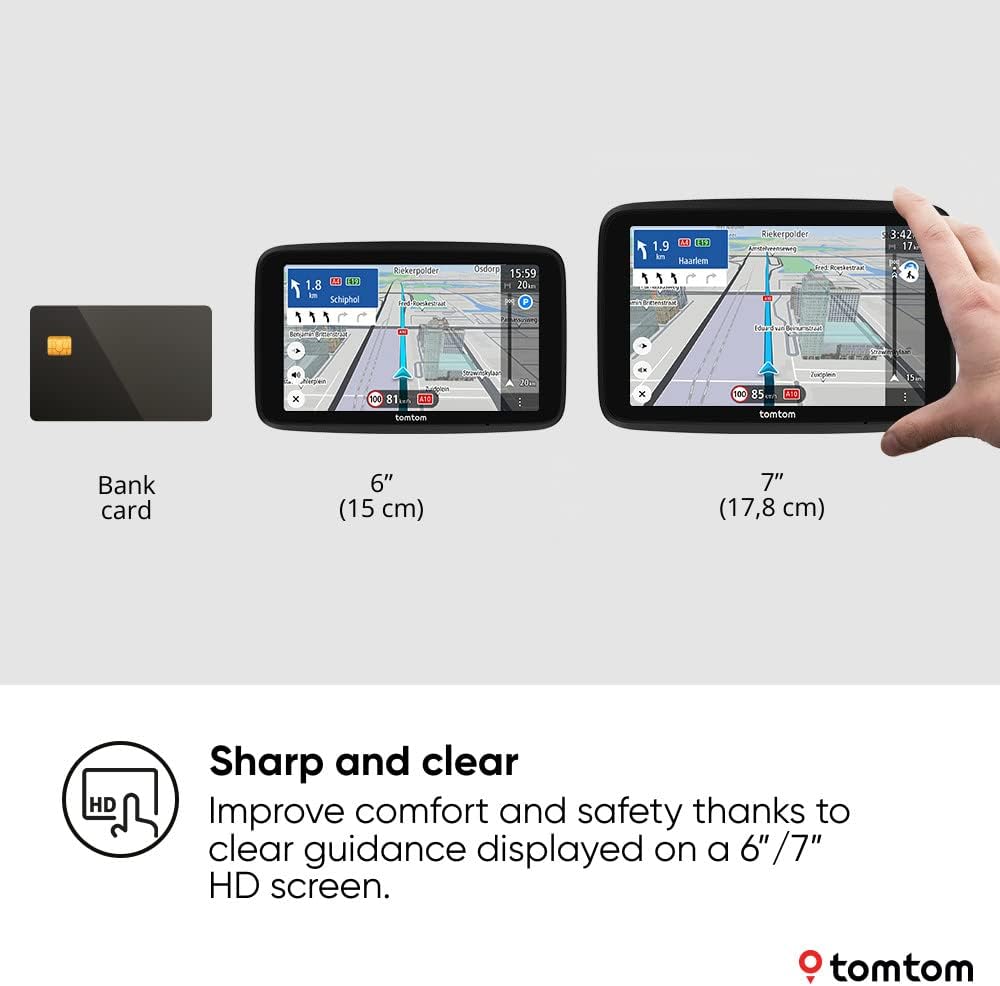
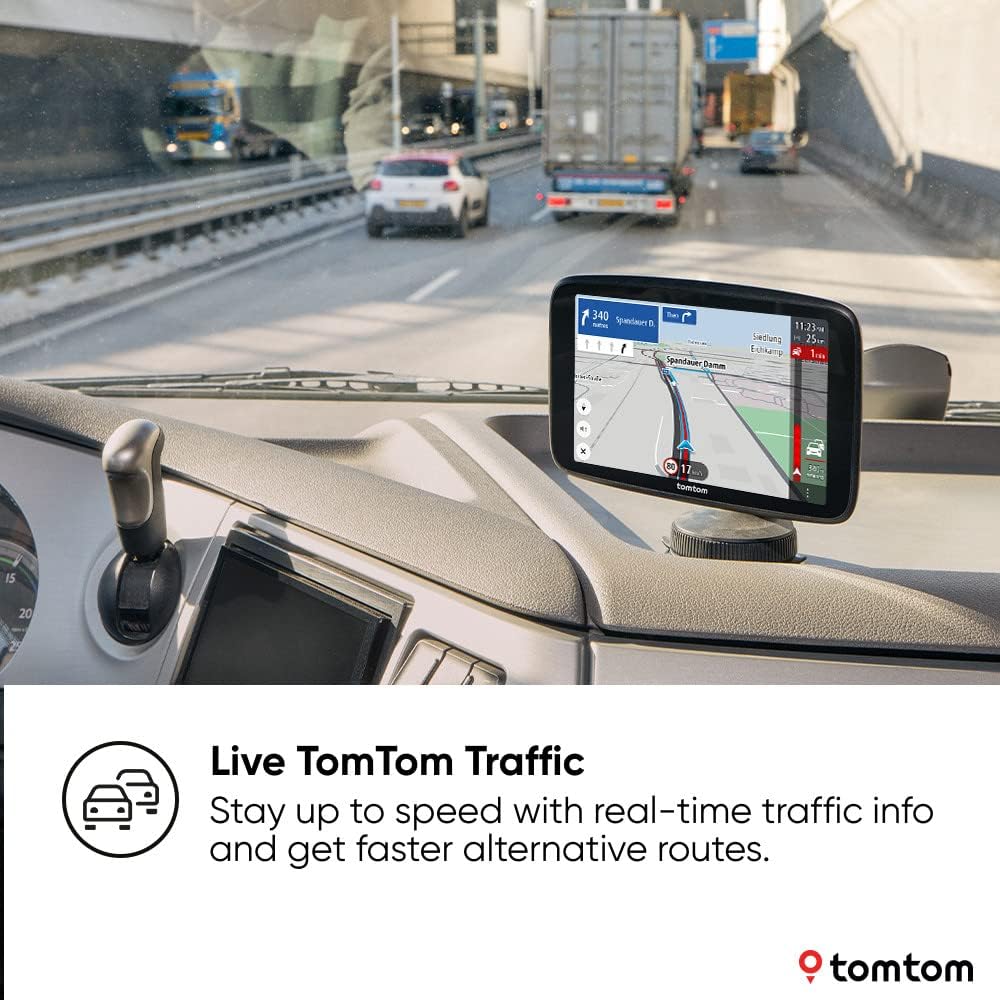
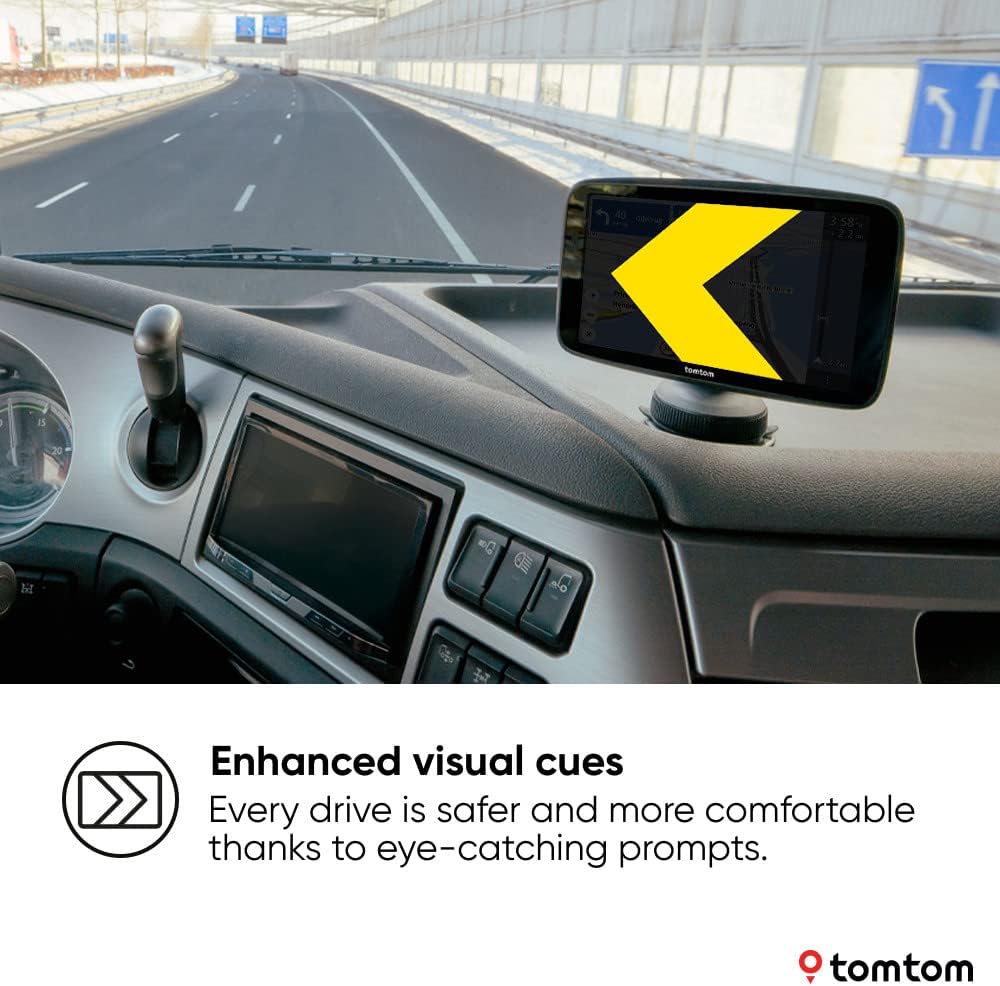
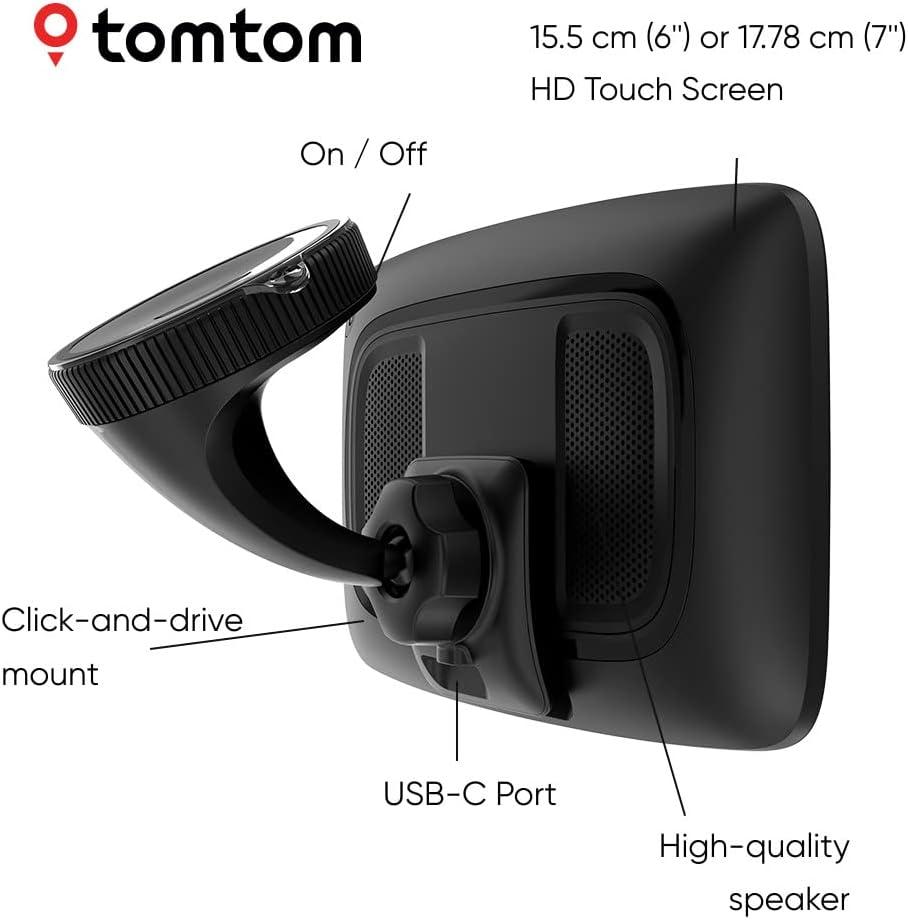
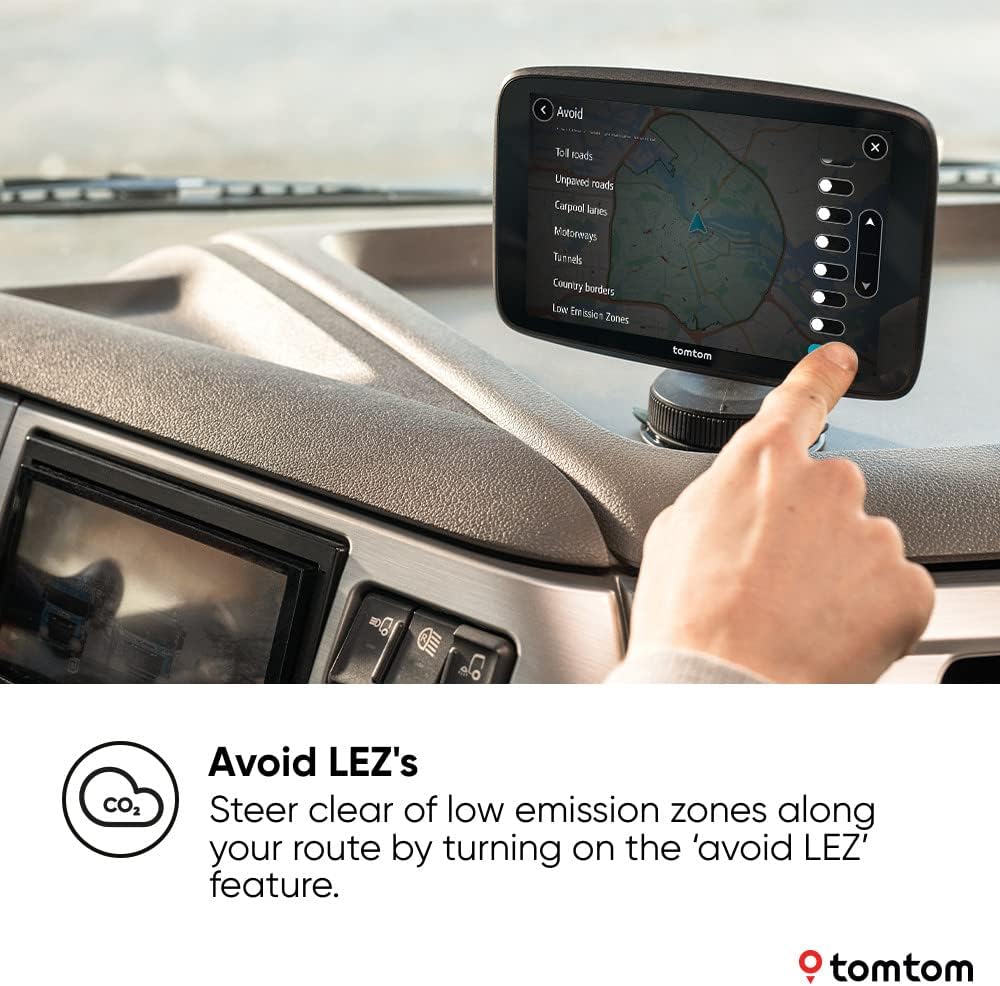
What this is and who it’s for\nThe TomTom Truck Sat Nav GO Expert Plus is a dedicated navigation device designed for larger vehicles. Its 7-inch HD display promises clear maps and touch responsiveness, ideal for truck drivers who need straightforward directions, reliable traffic information, and routing that accounts for vehicle size and restrictions. If you prioritise practical, road-legal routing over flashy features, this device aims to offer a dependable in-dash companion for everyday use on UK and international journeys.\n\n## How it behaves in daily use\nOn the road, the built-in TomTom Traffic subscription helps you anticipate closures, accidents and congestion with estimated arrival times that update as conditions change. The device also includes an important safety measure for urban driving: the option to avoid environmental zones. When enabled, those zones are automatically excluded from routes and displayed on the map, helping you plan compliant trips without second-guessing. The 7-inch screen is large enough to show essential POIs (points of interest) and typical truck-friendly routes, while the responsive touchscreen makes quick re-routing feasible if you encounter a detour.\n\n## What stands out and where it may fall short\nOn the plus side, the offline routing remains straightforward, and the feature-set is thoughtfully aimed at professional drivers: large vehicle routing plus clear environmental-zone avoidance, plus live traffic updates. The Wi‑Fi connectivity promises faster map updates without needing a laptop, which is convenient for keeping maps current between jobs. However, it’s worth noting that the strength of a dedicated truck navigator often depends on specific routing databases and the quality of the traffic feeds. If your work involves unusual vehicle configurations or very remote routes, you may notice that the coverage, while solid, isn’t perfect in every corner of the world.\n\n## Ideal user profile\nThis device suits drivers who require dependable truck-wide routing, clear map visuals and practical alerts, especially those who operate across diverse geographies and want to manage environmental restrictions with confidence. It’s a sensible choice if you value a dedicated device that focuses on truck needs rather than a general-purpose navigation system.\n\n## When it makes sense to buy\nIf you need a straightforward, purpose-built truck navigator with live traffic, zone avoidance and easy map updates, the GO Expert Plus provides a balanced package for day-to-day driving. It’s particularly sensible for users who want a single device that can handle standard routes with periodic updates via Wi‑Fi and robust POIs that aid in planning stops or deliveries.\n\n## When it may not be the best fit\nIf you rely heavily on the very latest map data from multiple sources or require extremely niche routing capabilities for rare vehicle configurations, you might explore higher-end or alternative systems. Likewise, if you mostly drive in familiar areas with minimal environmental restrictions, a simpler or more compact unit could be sufficient.\n\n## What to check before you buy\n- Ensure the device’s screen is legible in varying light conditions when mounted on your cab dashboard.\n- Confirm the Wi‑Fi setup works smoothly for quick map updates, and that you understand how to manage the included traffic feed.\n- Consider whether environmental-zone avoidance aligns with your typical routes and if you need the zones shown on the map for planning.\n- Think about the mounting and power needs: USB‑C is convenient, but check compatibility with your truck’s power setup.\n\n## Practical example of use\nImagine planning a long haul across multiple regions. You’d set the GO Expert Plus to avoid environmental zones, rely on live traffic to re-route around a detour, and use the large screen to monitor a complex route with key truck-friendly POIs along the way. If a road closure pops up, you can quickly adjust the plan without fumbling with a phone or tablet, keeping distractions to a minimum.\n\n## FAQ\n- Does it require a ongoing subscription for traffic data?\n Yes, TomTom Traffic is included at purchase, providing ongoing live information.\n- Can environmental zones be displayed on the map?\n Yes, the feature both avoids zones and shows them on the map for planning.\n- Is updating maps difficult without a computer?\n No, fast Wi‑Fi updates make map refreshes straightforward and cable-free.\n\n## Decision focus: Should you buy it?\nIf you value a dedicated, truck-oriented navigator with practical routing and easy updates, this GO Expert Plus is worth considering. It may be especially suitable for drivers who frequently encounter environmental zones or urban restrictions and want a straightforward device to handle live traffic without juggling multiple apps. However, if you require highly specialised routing for uncommon load configurations or you prioritise the absolute latest datasheets from multiple brands, you might compare against alternatives and weigh up the added options. Consider your typical routes, update habits and how important the environmental-zone feature is to your workflow.\n