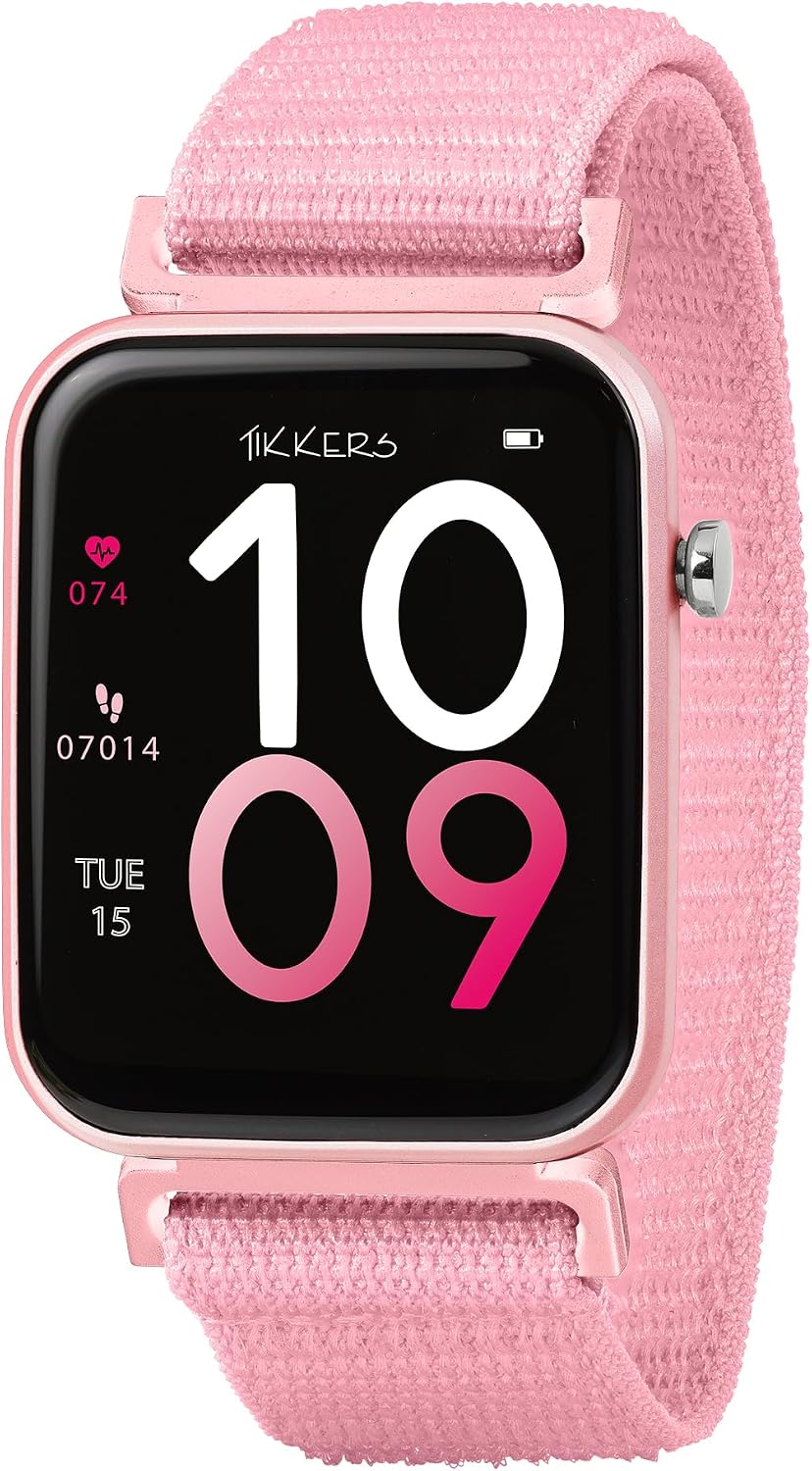
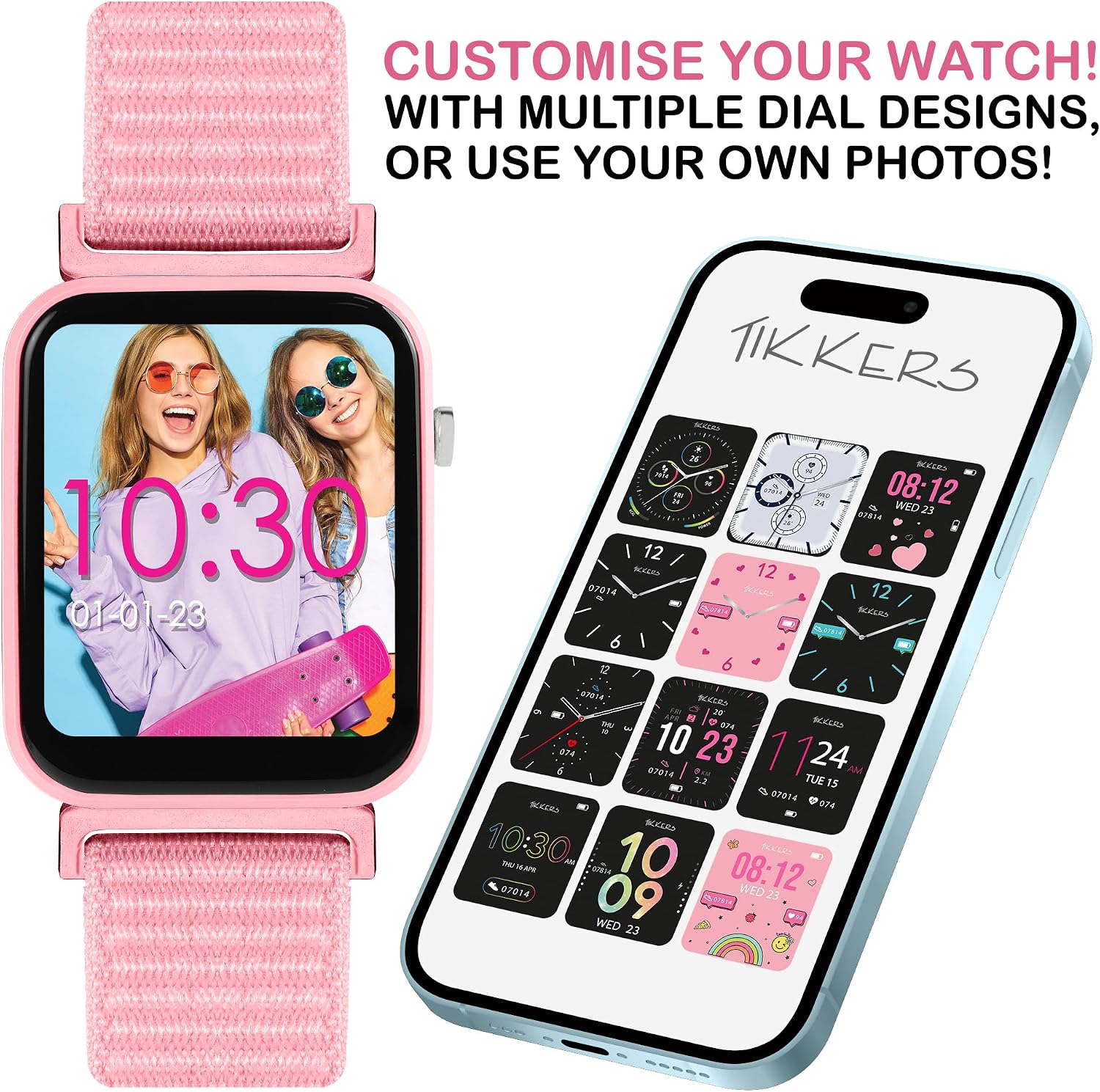
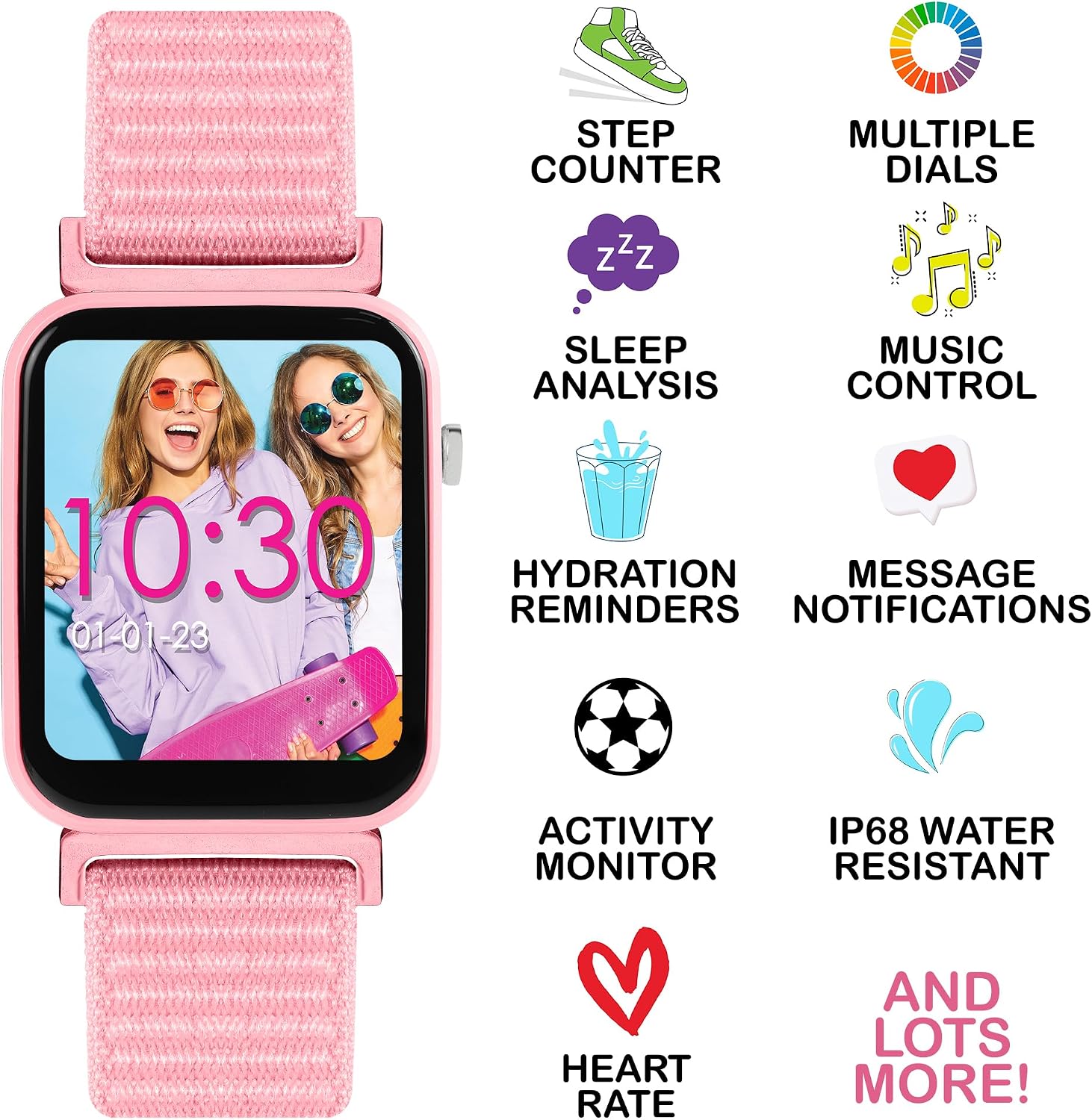
What it is and who it’s for\nThe Tikkers Series 13 is a kids’ smartwatch designed to keep active youngsters connected and encouraged to stay fit. It combines a touch screen, a built‑in GPS connection, heart rate monitoring and a step counter with kid-friendly features like a selfie camera, music control and an alert system. The soft pink riptape strap ensures a comfortable fit for small wrists, and the IP68 rating adds confidence when kids are outdoors or splashing around. It’s aimed at tech‑loving teens and younger children who want a multi‑function wearable without sacrificing ease of use.\n\n## What stands out on paper\nOn the fitness front, you get a built‑in step counter, heart rate monitor, GPS connection, weather alerts, a watch locator and sleep analysis to help them understand rest. When it’s time to wake up, there are alarms and hydration reminders to nudge them through the day. For social elements, there are call alerts, messages and social notifications, with an option to switch alerts off via the Tikkers Time app if desired. The device also supports music control, a selfie camera control and the ability to personalise the display with your own photos or a choice of vibrant dials.\n\n## Design and daily use considerations\nThe pink riptape strap is designed to fit a range of wrist sizes, which is handy for growing kids. That said, the soft band may wear differently with intense sports or frequent water exposure, so it’s worth checking how well it stays in place during high‑energy activities. The camera and touchscreen add interactive fun, but the experience is still geared towards simple, at‑a‑glance information rather than deep technical control.\n\n## Pros and cons in real life\nPros: a comprehensive activity and health suite, easy alerts management via the companion app, a customisable display, and a robust IP68 rating for everyday resilience. Cons: it is not a high‑end smartwatch in terms of processing power or app ecosystem, and some advanced health metrics may be basic compared with dedicated wearables.\n\n## Who it’s for and who should think twice\nIt’s a sensible pick for families seeking a single device that covers fitness tracking, basic messaging, camera control and safety features in a kid‑friendly form. If your child needs more powerful health analytics, extensive app support, or a broader range of professional features, this may feel limited. If you prioritise a simple, reassuring device with parental controls and a strong durability envelope, it makes more sense.\n\n## When it makes sense to buy\nChoose the Series 13 when you want a guarded blend of exercise tracking, basic connectivity and fun features in a kid‑oriented design, plus protection against splashes and rain. It’s particularly practical for school days, weekend adventures and family activities where quick, glanceable data helps kids stay active and engaged.\n\n## What to review before purchasing\nDouble‑check the sizing of the strap for your child's wrist, confirm how alerts are managed in the Time app, and ensure you’re comfortable with the available notifications and privacy controls. Consider the needs of the child: if they want extensive app access or cross‑device syncing, this may not be the best fit.\n\n## Practical use example\nImagine a Saturday hike: the GPS keeps track of their path, the step counter counts the effort, hydration reminders nudge them to drink, and a quick selfie with a scenic backdrop is possible thanks to the camera control—then back home, you review their activity in the app together.\n\n## FAQ (based on available data)\n- Does it support messaging and call alerts? Yes, with alerts that can be switched off if desired.\n- Is the device waterproof? It has an IP68 rating, suitable for typical everyday exposure.\n- Can the display be personalised with photos? Yes, users can personalise the display with their own photo.\n\n## Final decision\nIs it worth it? It makes sense if you want a durable, feature‑rich wearable for a kid that blends fitness, safety and playful features without overwhelming complexity. It may not be the best option if you need advanced health analytics or a broader app ecosystem.\n