

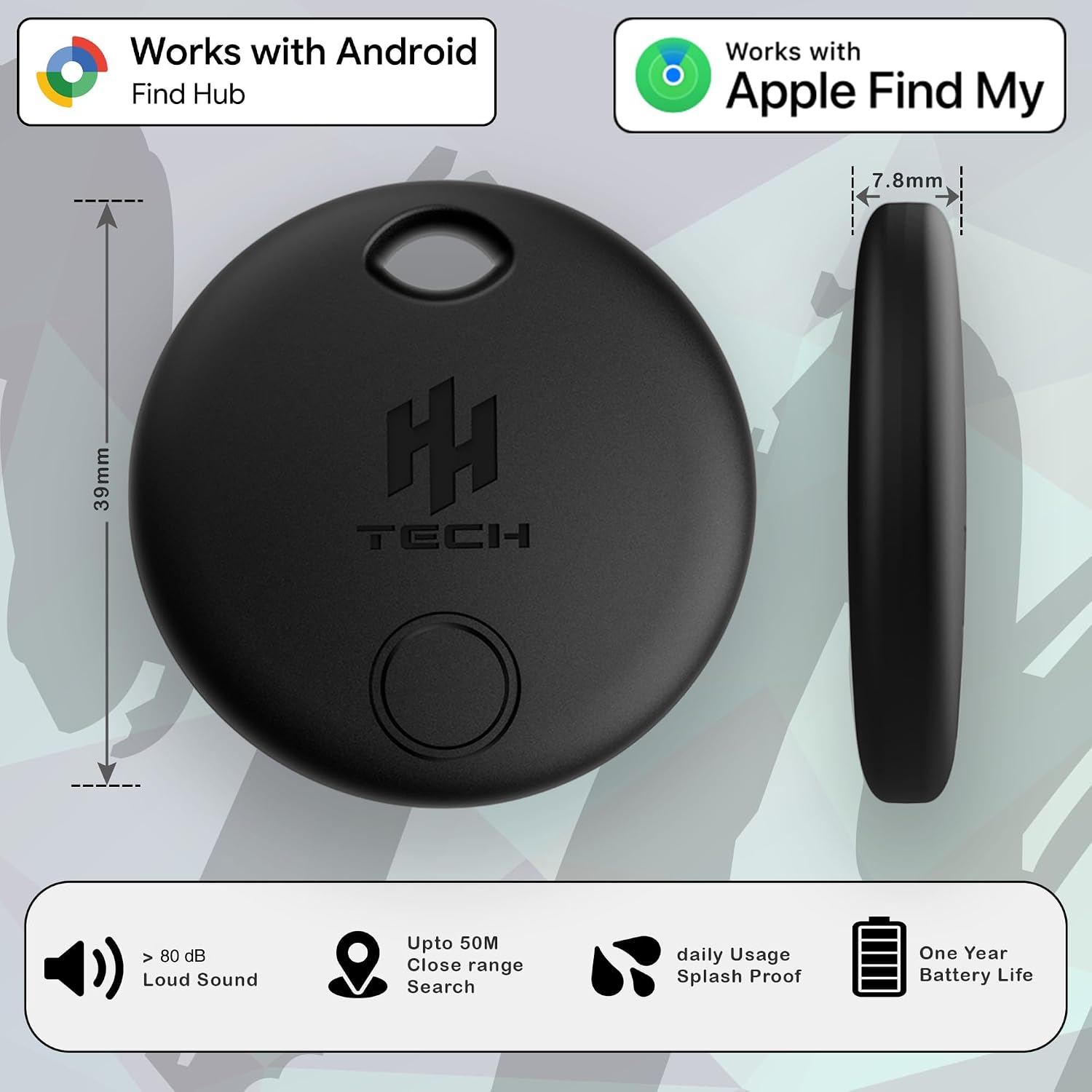
HH-Tech Dual-System Smart Tracker Tags: Practical dual-network item finder for iOS and Android
Product description
What it is and what problem it addresses
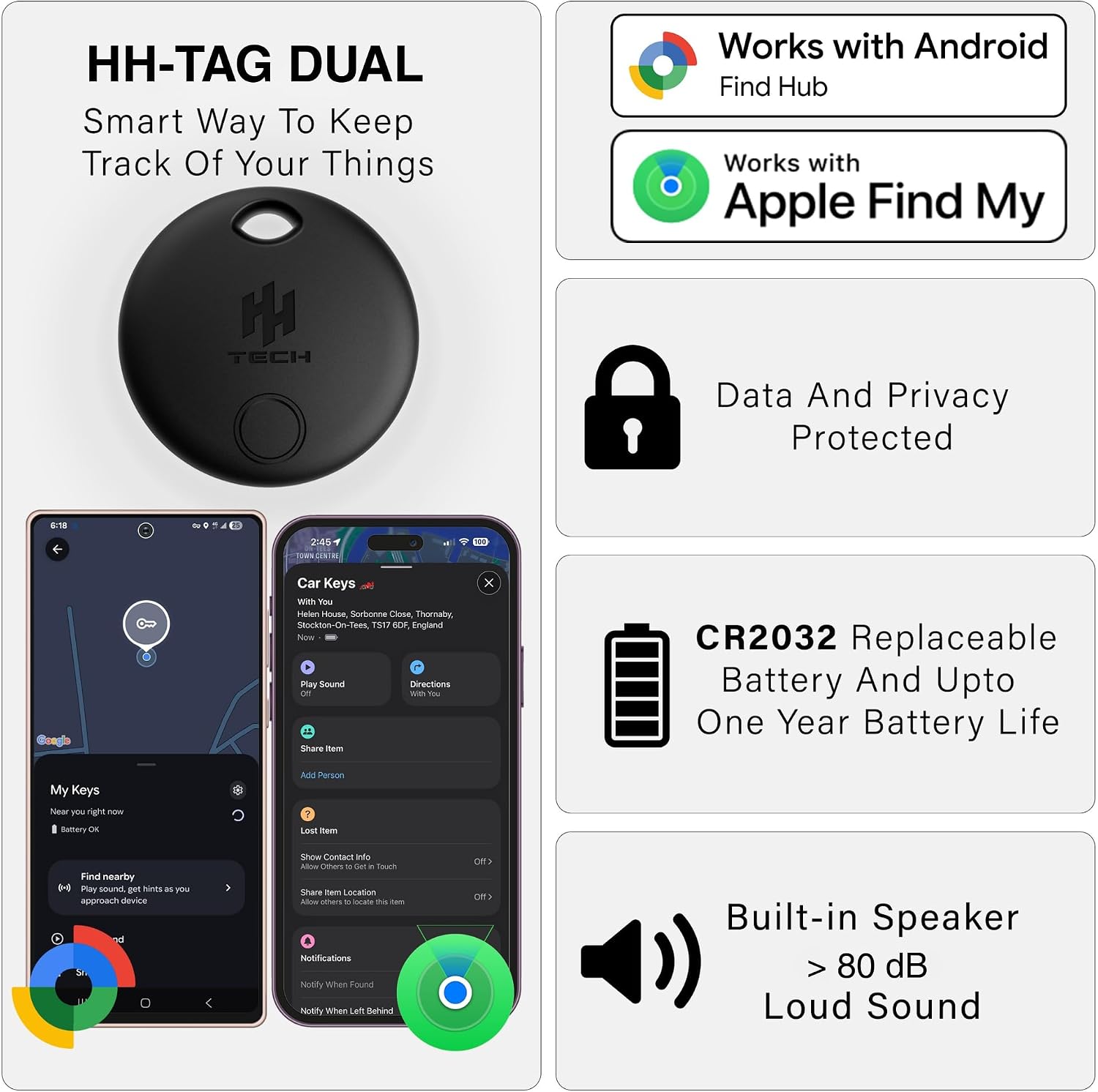
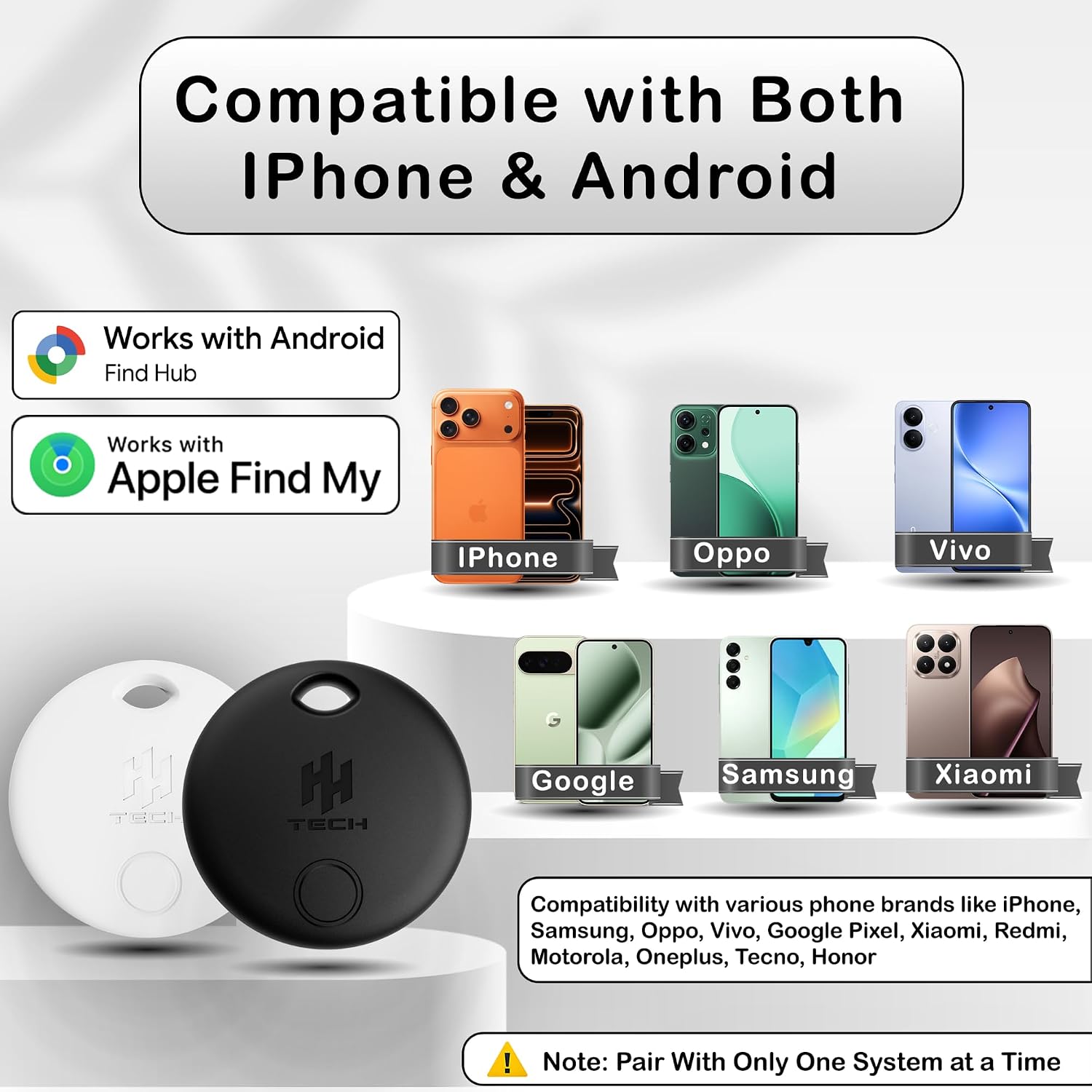
If you’ve ever lost track of keys, bags or wallets, the HH-Tech Dual-System Smart Tracker Tags offer a practical solution that plays nicely with two major ecosystems. This pack of two black trackers is designed to work with both Apple Find My and Google Find Hub, so you can attach a tag to items and locate them via either iOS or Android devices. On paper, the setup is straightforward: pair through Find My on an iPhone or via the Google Find Hub app on an Android phone, then use Bluetooth to locate items within range or rely on the community network to update the last known location when you’re out of Bluetooth range. It’s a sensible option if you want flexibility across platforms without buying separate trackers for each ecosystem.
How it works in practice
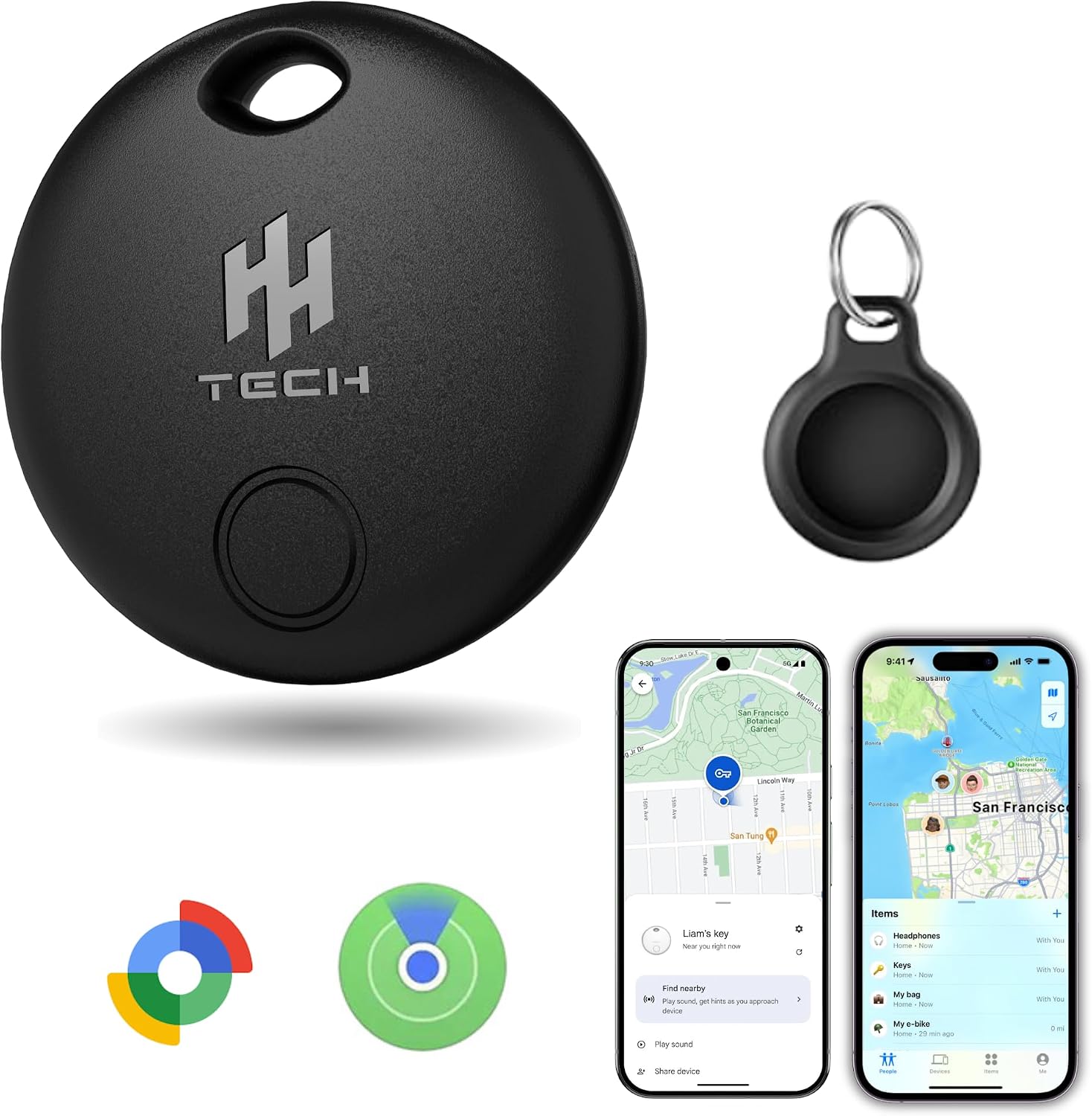
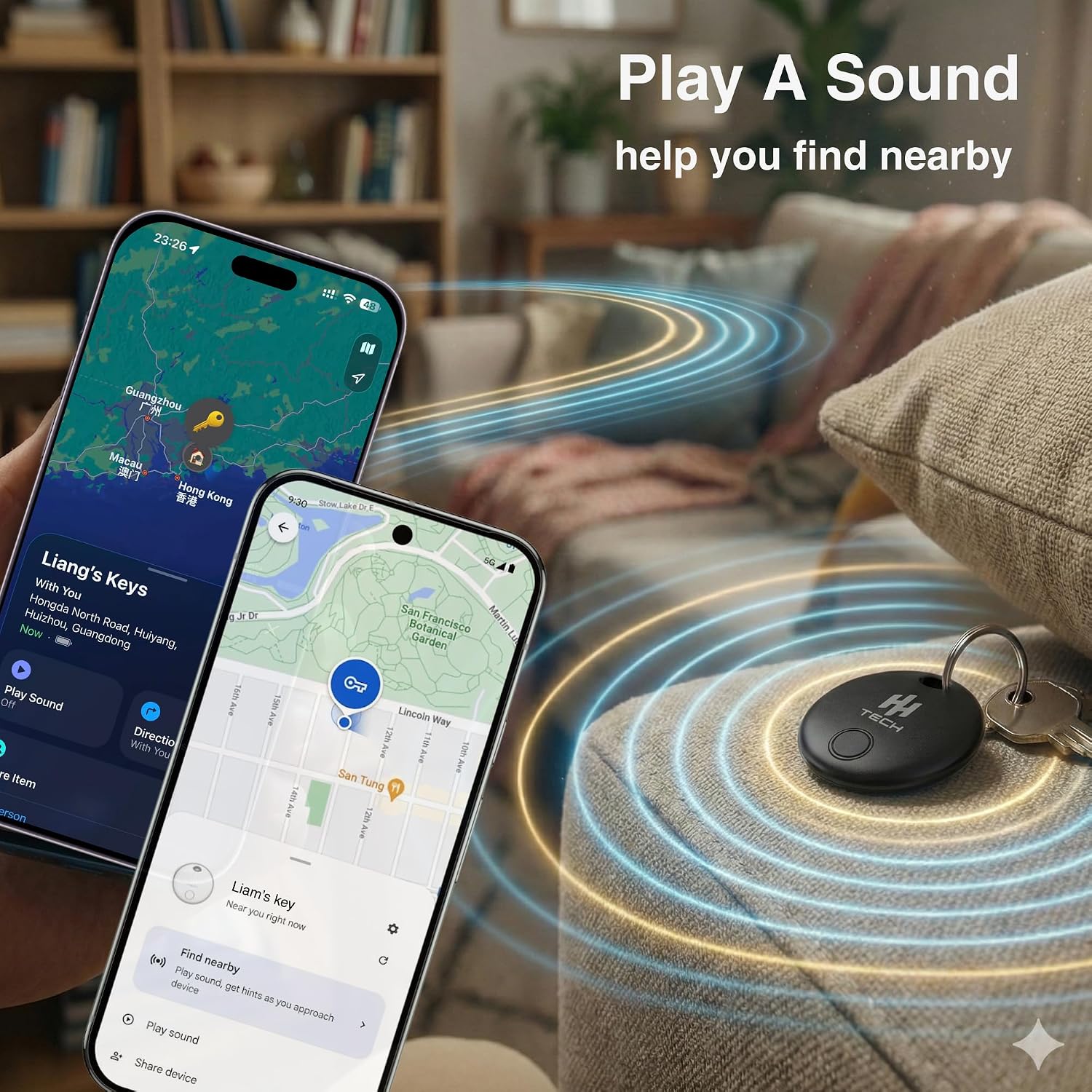
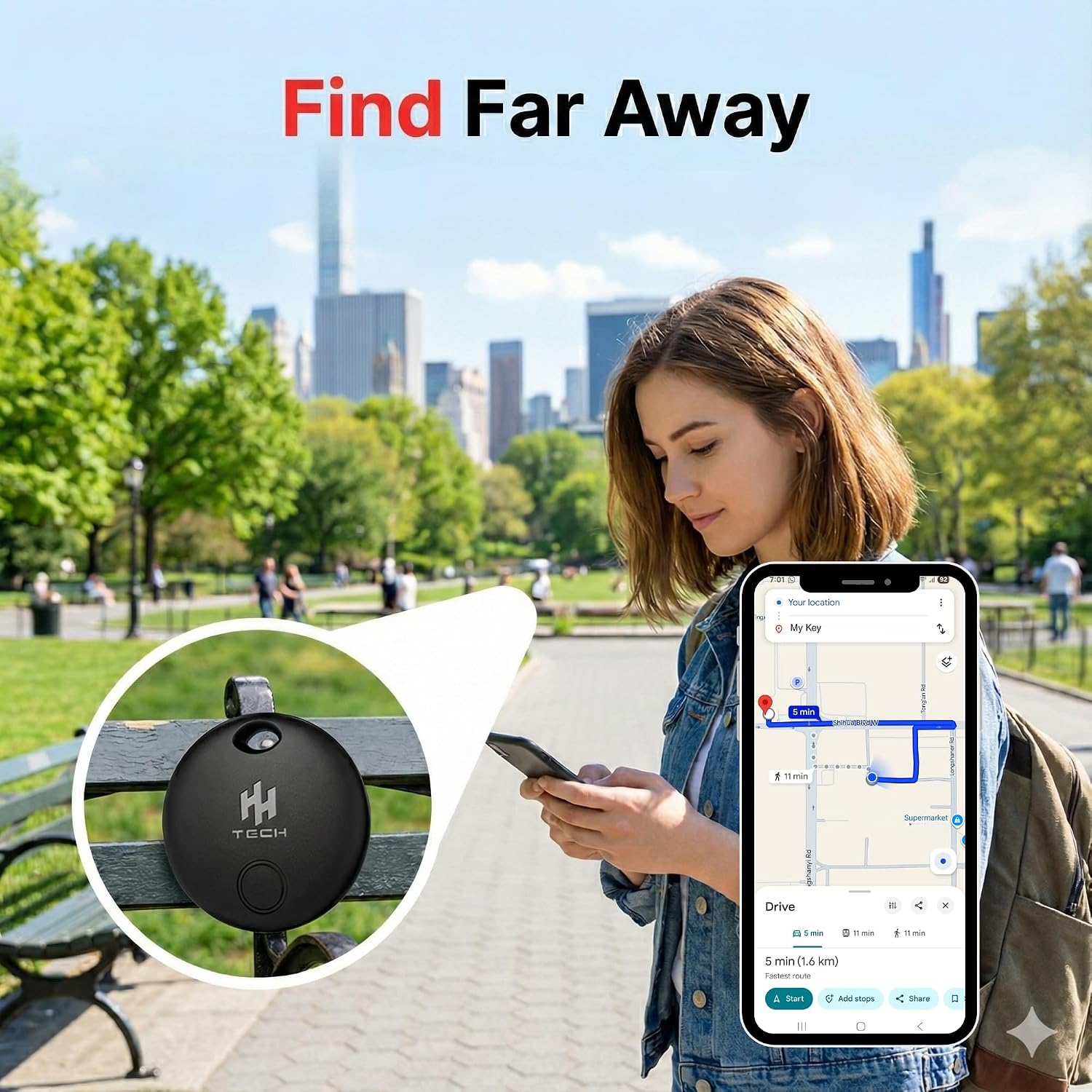
The hardware is described as dual-certified, enabling native integration with both Find My and Find Hub networks. In daily use, you attach the tag to something you don’t want to misplace—keys, a wallet, luggage, or a bag—and then track its location on a map. When you’re near the item, you can trigger an audible alert through the app to help you find it by sound, with a peak around 80 dB. The range you’ll typically experience for the sound and proximity feature is Bluetooth-based, and in normal indoor environments you’ll get a clear indication of where the item is. If the item moves beyond Bluetooth range, the system benefits from the broader network of nearby users who contribute updates to a last-known location. This can be especially handy for luggage or bags you might leave in public spaces or on travel.
Design and setup: what to expect
In terms of design, the tags come in a compact form suitable for everyday attachments to keys, wallets, and bags. The instructions describe straightforward pairing processes for both Android and Apple users. Android users simply install Google Find Hub, enable Bluetooth and Location services, and follow on-screen prompts after removing insulation paper from the tag. Apple users follow the Find My process: open the app, select Items, and complete the pairing once the HH-TAG01 Dual pop-up appears. A small audible cue from the tag during setup confirms it’s ready. One practical note is that the device works with iOS 14.5+ and Android 9+ devices, but it isn’t compatible with Huawei HarmonyOS. That’s worth bearing in mind if you rely on non-Google/Apple ecosystems.
Strengths: where it stands out
- Cross‑platform compatibility means fewer compromises if you own devices from both ecosystems.
- Dual-network integration can improve findability in real-world scenarios, especially when you travel or share access with family.
- Real-time tracking and proximity alerts provide immediate feedback when you’re near the lost item.
- The option to share access with family or friends makes it practical for households where several people might help locate shared belongings.
Limitations and caveats: what to watch for
- The tech relies on Bluetooth for close-range finding, which is common but not flawless in crowded environments. If you routinely misplace items in busy spaces, the experience may depend on how frequently other Find My/Find Hub users are nearby.
- The device explicitly does not work with Huawei HarmonyOS. If your primary phone is a HarmonyOS device, this tracker won’t integrate in the way you might expect.
- The setup process is straightforward, but the two-platform approach can feel a bit fiddly if you only use one ecosystem. Some users may prefer a single-ecosystem solution for simplicity.
Who it’s for
This product suits households or travellers who value a pragmatic, cross‑platform tracker without committing to one ecosystem. If you own both an iPhone and an Android phone, or you share items with family members who use different devices, the HH-Tech tags can be a sensible compromise. It’s especially useful for frequent travellers who want a reliable way to locate luggage or bags via a familiar map interface and audible alerts.
Who it isn’t ideal for
If you’re deeply invested in a single ecosystem and expect a perfectly seamless experience within that one network, a model that ties to one platform might feel lighter and simpler. If you rely heavily on non‑Android/HarmonyOS devices for location sharing, you may encounter occasional friction depending on the surrounding user base and app support in your locale.
When to buy: practical buying cues
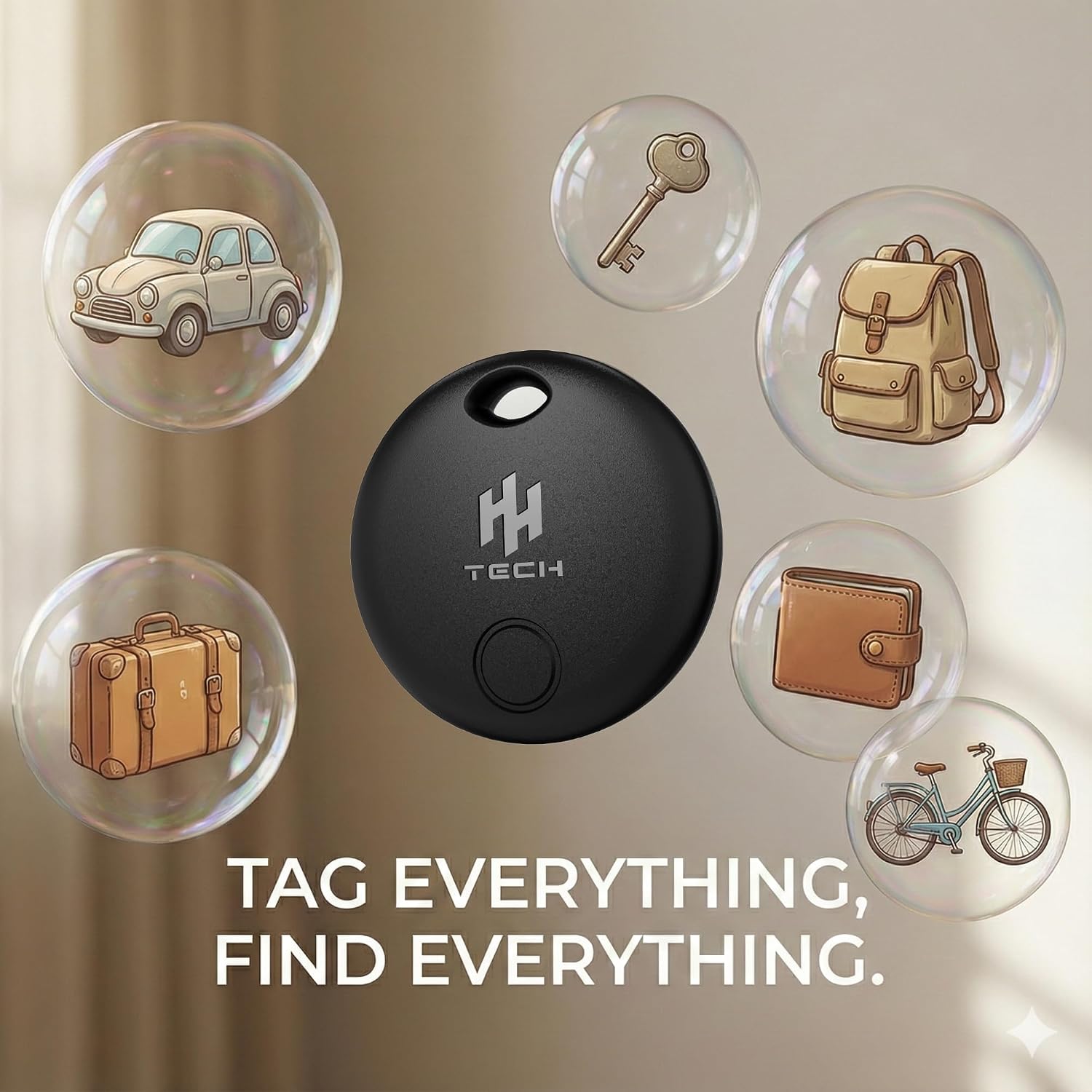
Consider these scenarios: - You want a practical, two‑way solution for different devices in the household. - You travel frequently and would benefit from luggage tracking that leverages crowd‑sourced location data. - You’re looking for a budget-friendly way to reduce the chance of misplacing everyday essentials.
What to check before buying
- Confirm your primary devices are compatible: iOS 14.5+ or Android 9+.
- Be aware of the lack of HarmonyOS support if that’s part of your device mix.
- Consider how often you expect to rely on the community network for location updates in your area.
How it compares to the broader approach
If you value pure simplicity and you only use one ecosystem, a single‑network tracker might offer a slightly cleaner experience. However, the HH-Tech tags are designed to address both Apple and Google ecosystems, which reduces the need to buy two separate devices. For users who want to share tracking responsibilities with others, or who want to future‑proof against device shifts in a household, this dual approach has clear merits.
Final decision
Should you buy it?
It makes sense if you prioritise cross‑platform compatibility and practical findability across both iPhone and Android devices. It suits households or travellers who value a reasonable balance between ecosystem flexibility and real‑world usefulness. It might not be the best fit if you only use one platform and desire the simplest possible setup, or if you rely on HarmonyOS devices.
FAQ
- How many items can you track with one account? The base information focuses on pairing and locating individual tags, multiple tags can be used, but exact limits aren’t specified.
- Can you see live location when the item is far away? Location updates are possible via the Find My/Find Hub networks when out of Bluetooth range, subject to nearby users contributing updates.
- What happens if the battery dies? The description doesn’t include battery life or replacement details, so plan for typical wear‑and‑tear expectations and check the product page for specifics.