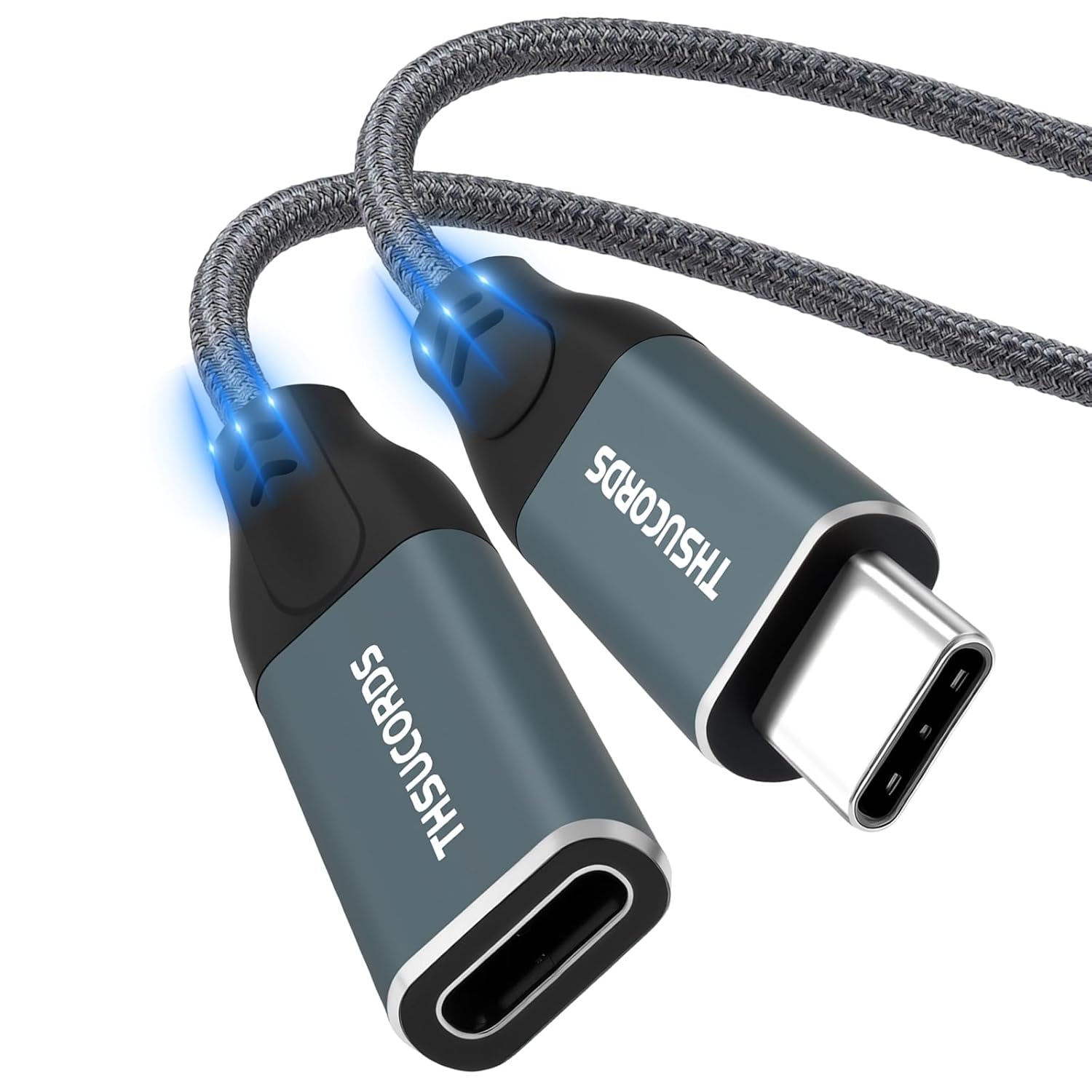
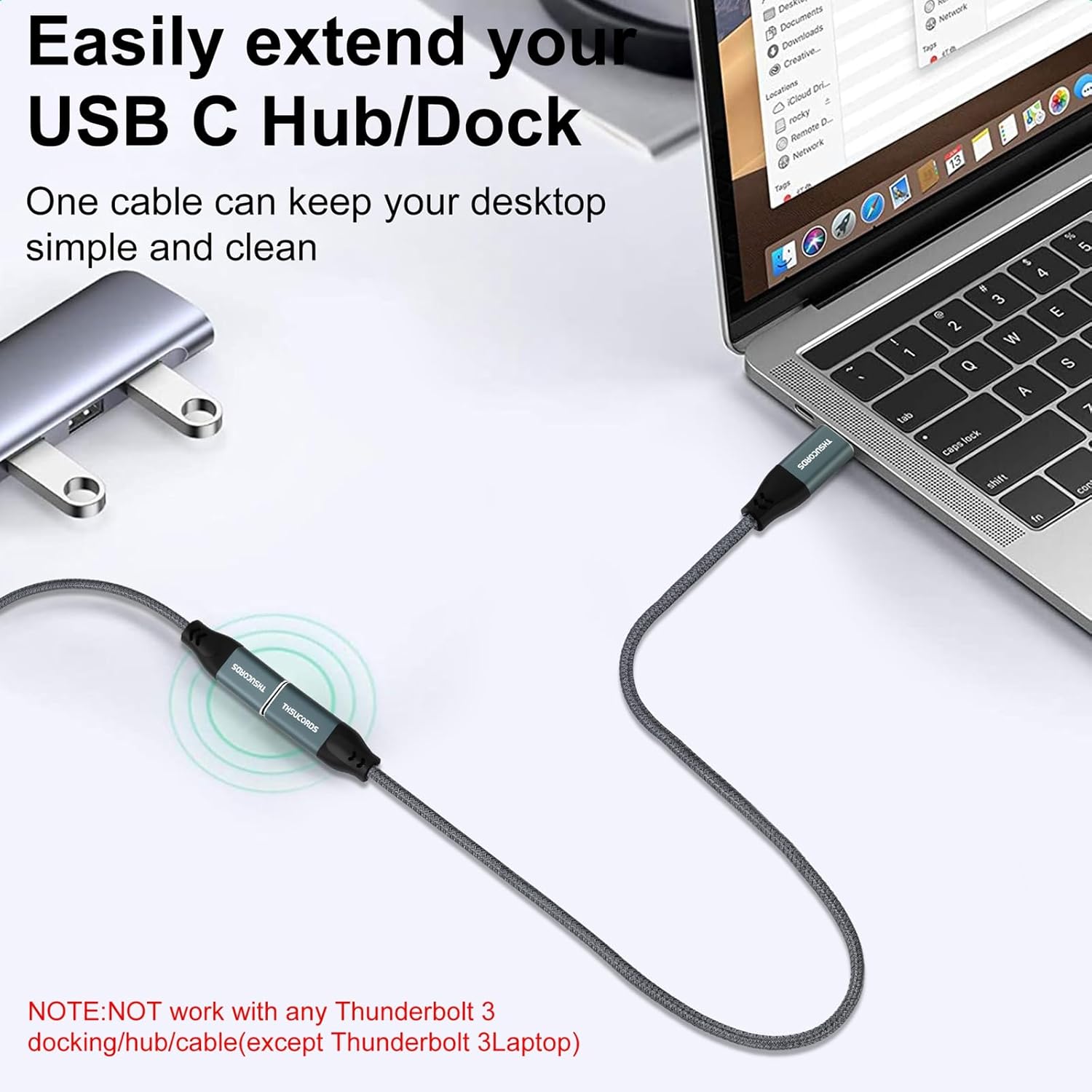
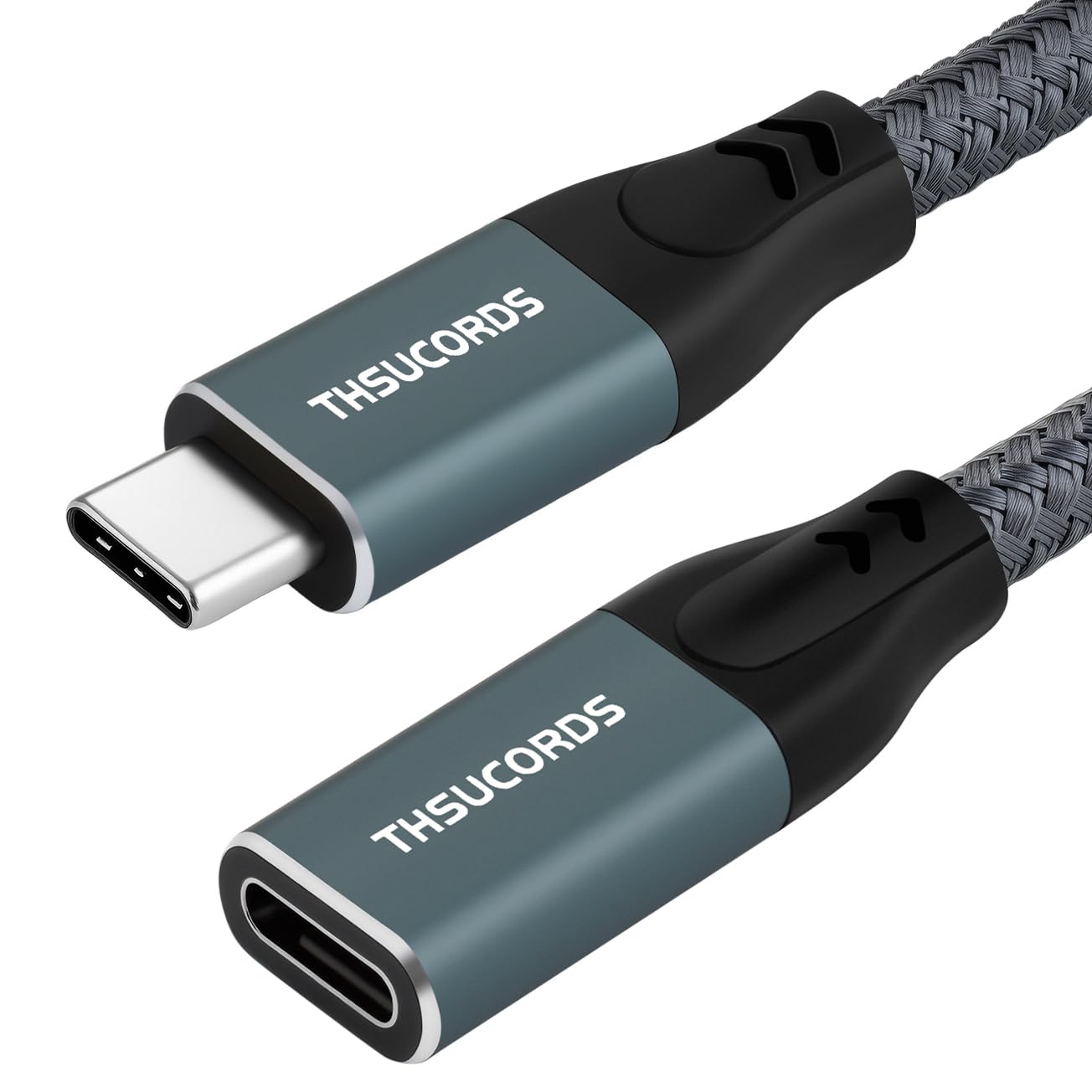
Thsucords USB C Extension Cable 1M – USB Type-C 3.2, 20Gbps, 100W (Male to Female)
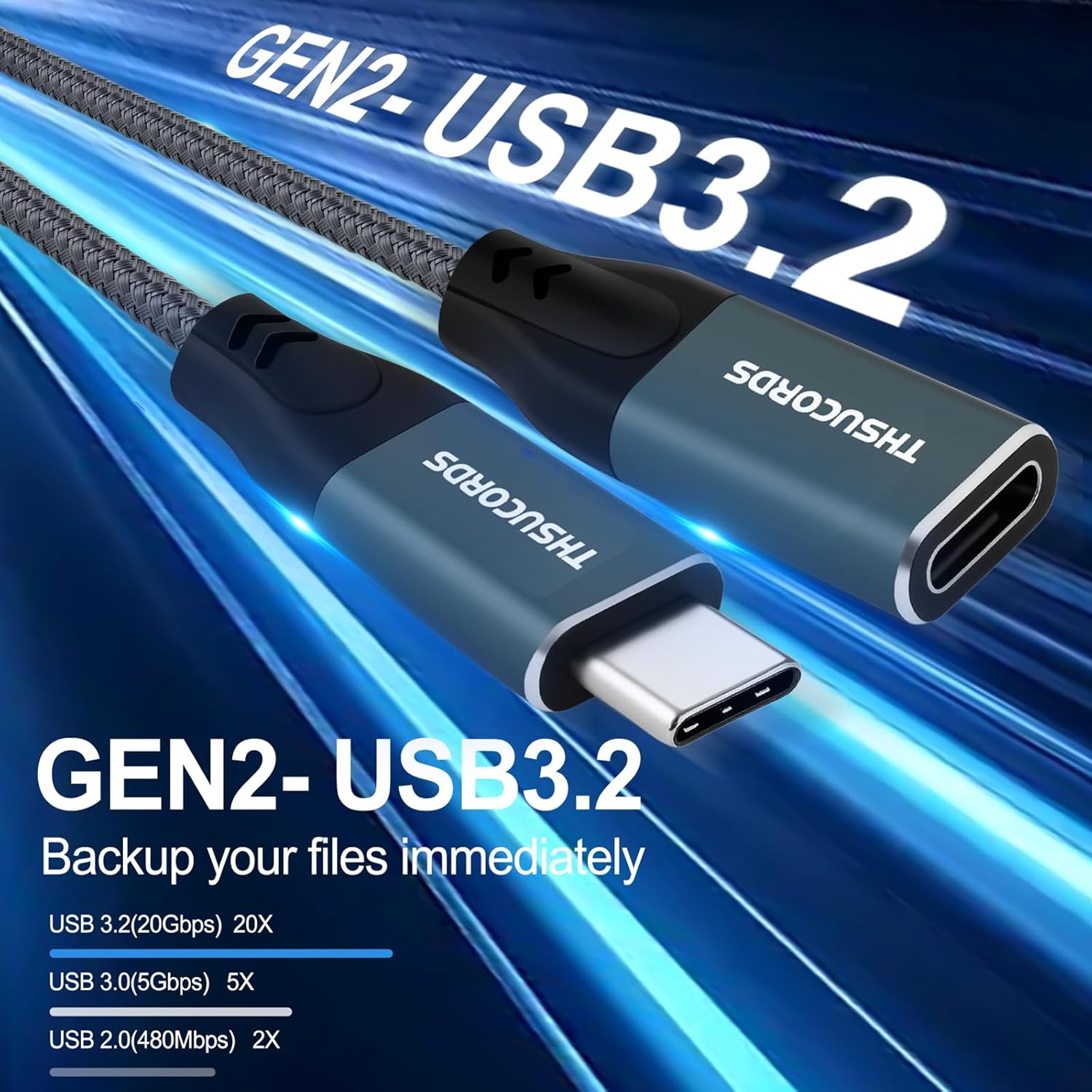
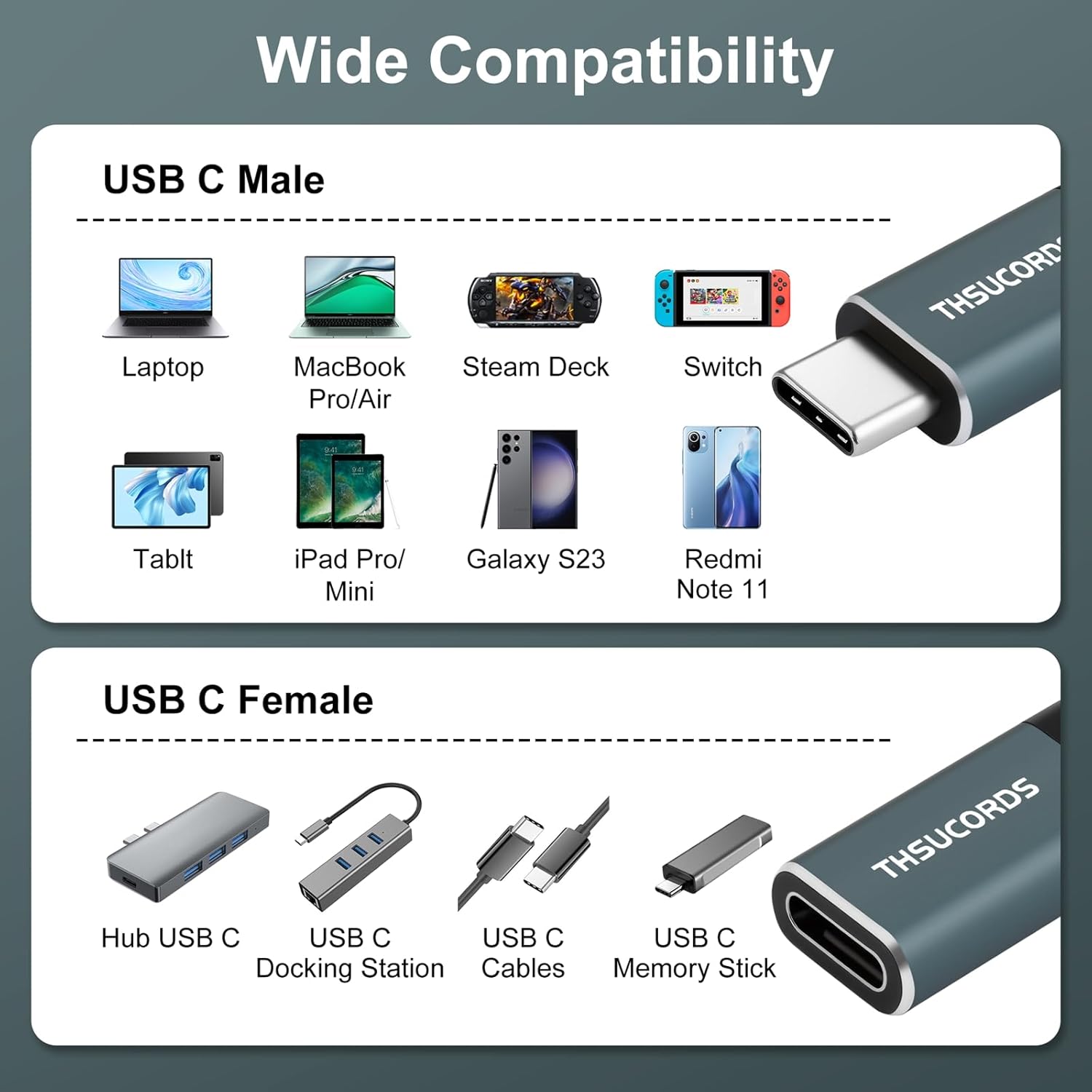
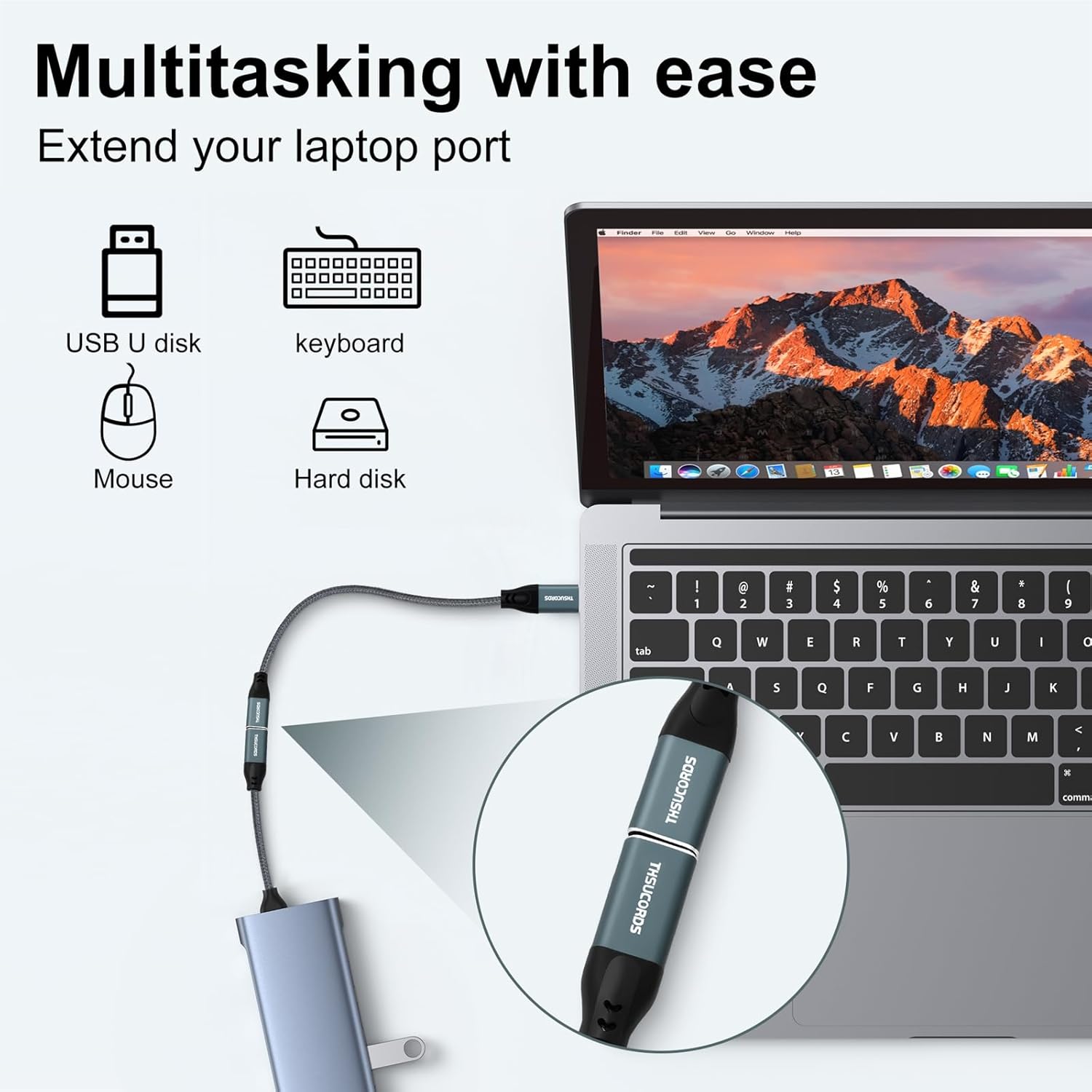
What it is and what it solves\nIf you’re looking to extend a USB-C connection without swapping devices or ports, the Thsucords USB C Extension Cable provides a practical, straightforward solution. This 1-metre, USB Type-C 3.2 extension allows you to connect devices with USB‑C ports more conveniently, protecting the original port from repeated plugging and unplugging while giving you extra reach for keyboards, docks, displays or chargers. On paper, it aims to blend ease of use with solid data and power delivery capabilities, so you can keep your setup tidy and flexible.\n\n## Performance in practice\nThe cable supports up to 20Gbps data transmission and up to 100W power delivery, which aligns with common needs for high‑speed data transfers, video streaming and charging a range of devices. Practically, you’ll notice smoother file transfers and reliable charging when extending a USB‑C connection from a laptop or phone to a compatible device. It’s important to note that real-world performance can depend on the host device, the peripherals, and the power source in use.\n\n## Compatibility and use cases\nIt’s described as compatible with MacBook Pro and MacBook Air models, as well as other USB‑C devices such as tablets and phones. The market reality is that non‑Apple USB‑C gear varies in power and data expectations, so if you’re loading a monitor, high‑resolution video signal, or power‑dense accessories, confirm that your host and peripheral support the full 20Gbps/100W envelope through an extension. The extension is best suited for boosting reach to a dock, external drive, or portable display where the built‑in port would otherwise be hard to reach or subject to wear.\n\n## What stands out (and what might hold it back)\nOn the plus side, the 1‑metre length keeps things neat and portable, and the 3.2 standard with 20Gbps data rate covers many daily tasks with some headroom for demanding transfers. The 100W power delivery is convenient for charging capable devices through an extension, but it’s worth remembering that actual charging speed depends on the source and device compatibility through the chain. A potential limitation is that, as with any extension, you may encounter slightly more resistance or a marginal delay in highly time‑critical data workflows compared with a direct, shorter connection.\n\n## Who it’s for\nThis extension is sensible for users who want to keep a clean, adaptable desk setup and need to reach a HDMI/DisplayPort dock, external SSD, or a charger without stressing the laptop’s own USB‑C port. It’s less compelling for tasks that require the absolute minimum latency or for very power‑intense, high‑refresh‑rate configurations where every millisecond and watt matters.\n\n## When it makes sense to buy\nIf you frequently swap peripherals, work from different seating positions, or want to minimise wear on laptop ports, a USB‑C extension can be a wise addition. It’s also useful if you’re building a compact, tidy workspace and want to keep cables out of the way while preserving access to the USB‑C port through a dock or hub.\n\n## What to check before buying\nEnsure your devices support USB‑C 3.2 data rates and that your power adapter can supply adequate wattage for what you intend to run through the extension. If your usage involves demanding displays or high‑speed external storage, verify that the combined chain (host, extension, and device) can sustain the desired performance.\n\n## Practical use example\nImagine connecting a USB‑C dock to your MacBook Pro from a sofa angle rather than the desk. The extension keeps the laptop’s port safe from frequent plugging, while you continue to use the dock for external drives and a monitor, without reaching behind the screen.\n\n## Comparison in context\nCompared with a direct USB‑C connection, an extension trades a tiny bit of potential efficiency for greater arrangement flexibility and port protection. It won’t replace a dedicated USB‑C hub where multiple ports are needed simultaneously, but it excels for increasing reach while keeping a tidy setup.\n\n## Final verdict\nIs it worth it? It depends on your need for reach and port protection. If you value a simple, reliable way to extend a USB‑C connection without compromising the main device’s port, this extension is a sensible add‑on. If you require peak performance for very data‑heavy or power‑intense tasks through a single chain, you may want to test with your specific devices first.\n\n## FAQ (3–5 questions)\n- What devices will it work with? It’s designed for devices with USB‑C ports and supports 20Gbps data and up to 100W power delivery in principle, but actual performance depends on the host and peripheral compatibility.\n- Can I use it to charge while transferring data? Yes, subject to the power delivery limits of the chain and device compatibility.\n- Is 1 metre long enough for my desk setup? For many desks, yes, if your layout requires more reach, you’d need a longer variant or additional extension.\n- Will it affect video output through a USB‑C dock? Video performance should be in line with the dock and host capabilities, but extensions can introduce small overhead compared with direct connections.\n- What about warranty? A 12‑month warranty is advertised with friendly support via amazon messaging.