

Thrustmaster T16000M FCS HOTAS – Flight Sim Joystick & Throttle
Reviews
Price
Product description
What it is
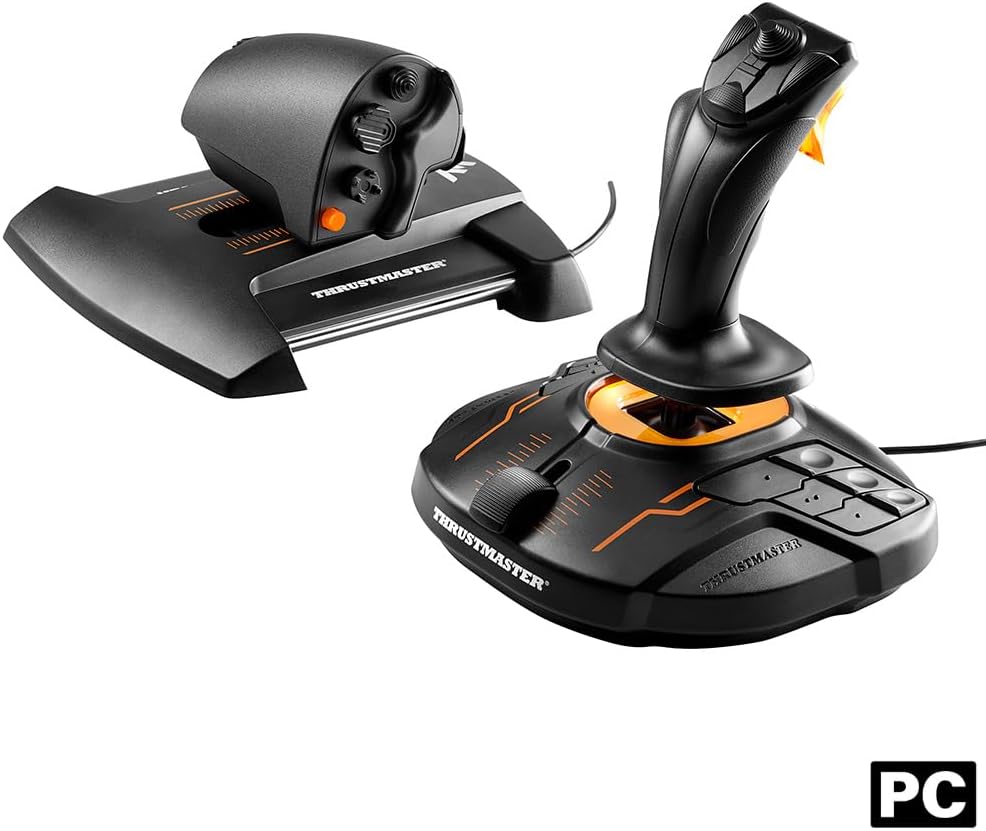
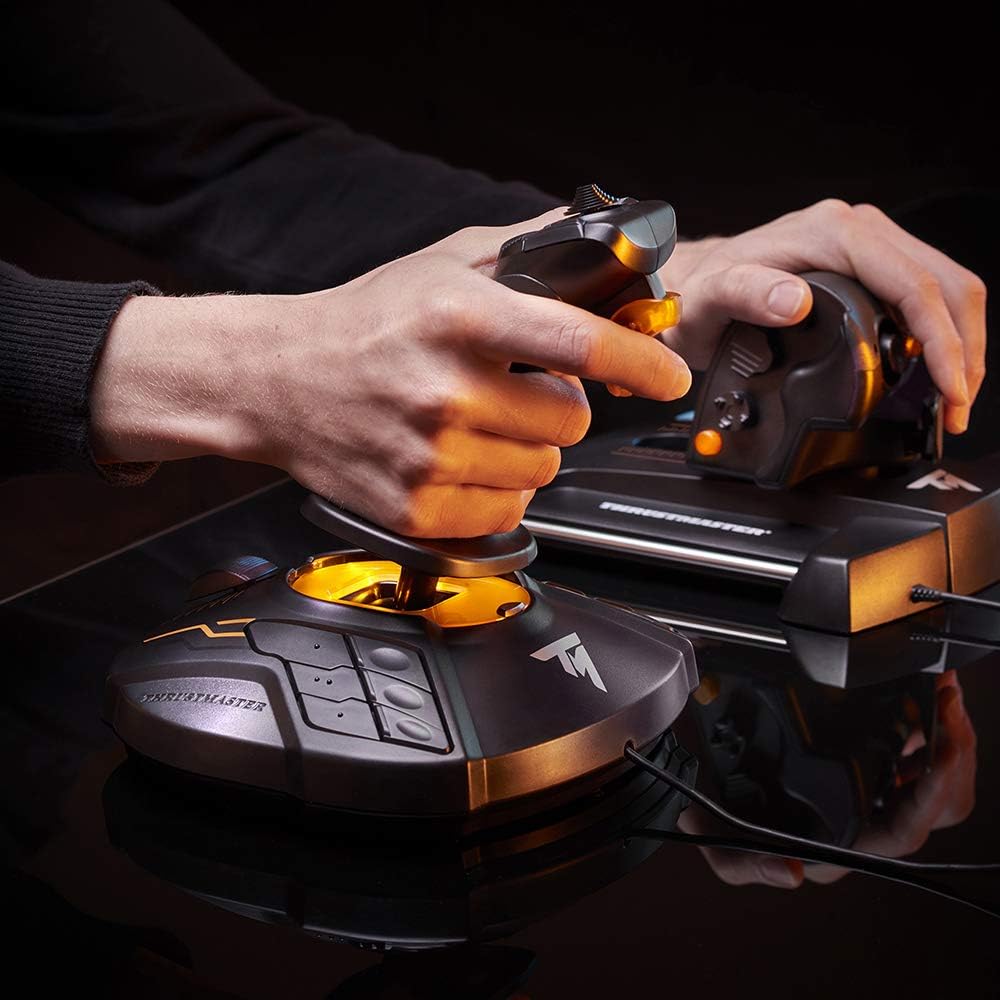
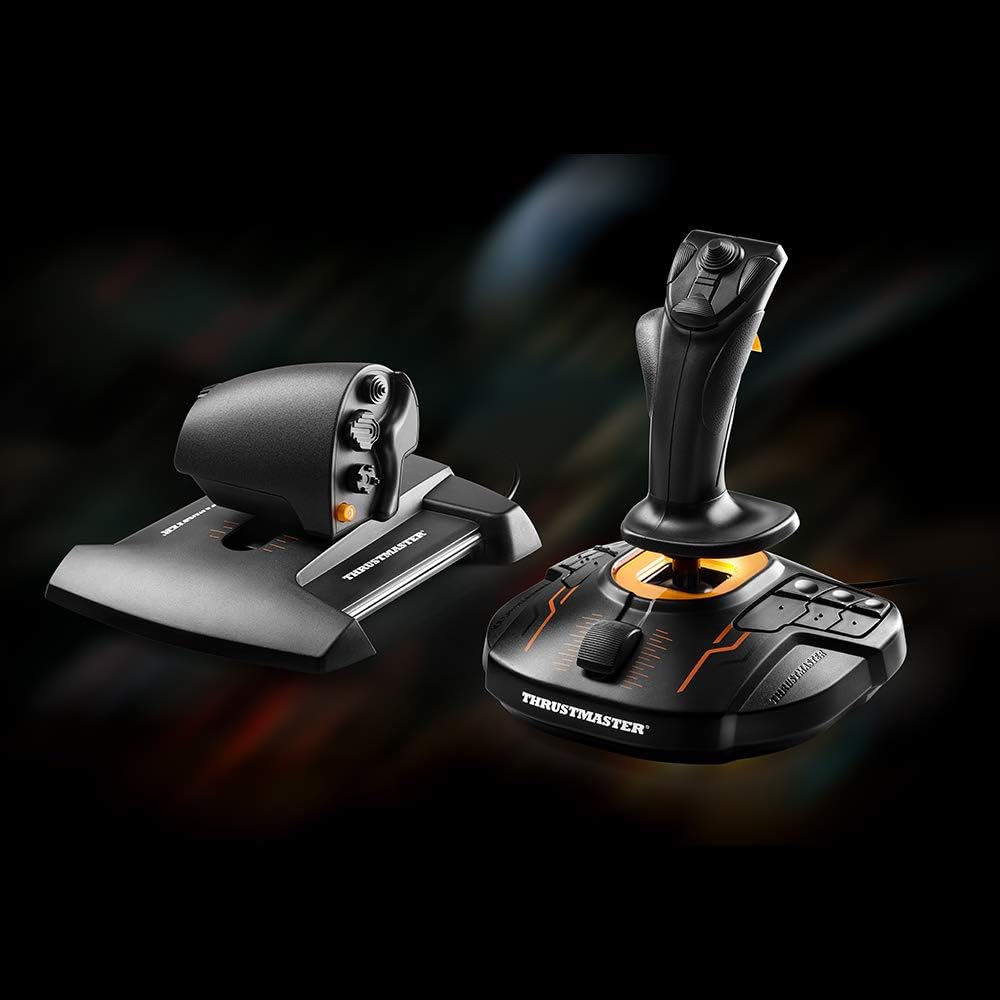
The Thrustmaster T16000M FCS HOTAS is a full flight-sim joystick and throttle setup designed for PC use, with magnetic HallEffect sensors delivering precise input and a dual-stick configuration that supports both left- and right-handed play.
Why it exists
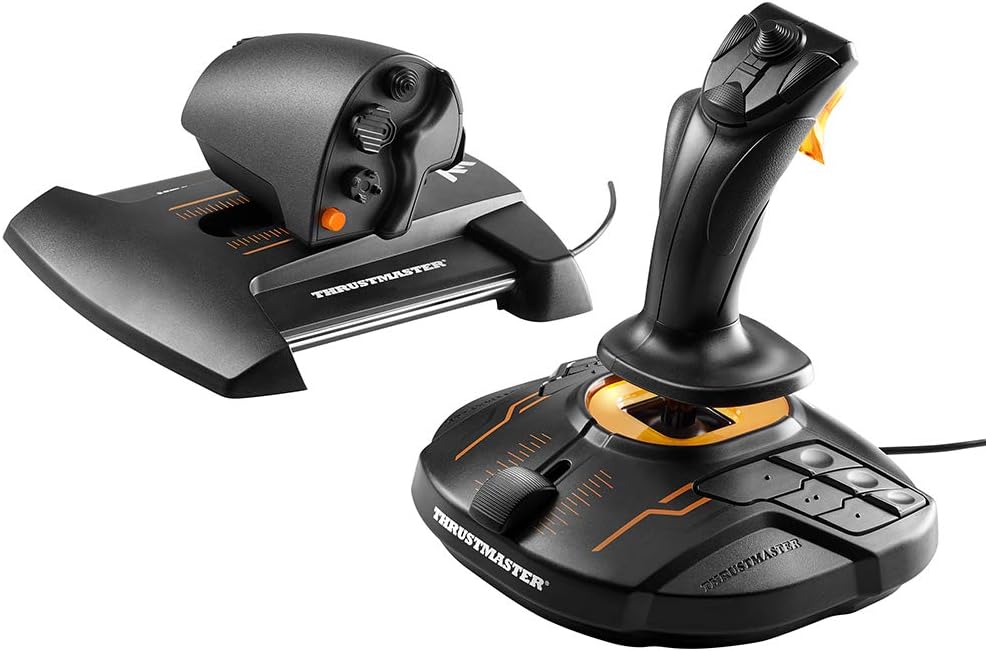
For flight and space sims, a HOTAS (hands-on throttle-and-stick) arrangement can reduce reliance on keyboard inputs and increase immersion. The T16000M FCS pairs a precision joystick with the TWCS throttle, aiming to balance accuracy with smooth control, especially for complex manoeuvres in MSFS, Elite Dangerous and Star Citizen.
What stands out
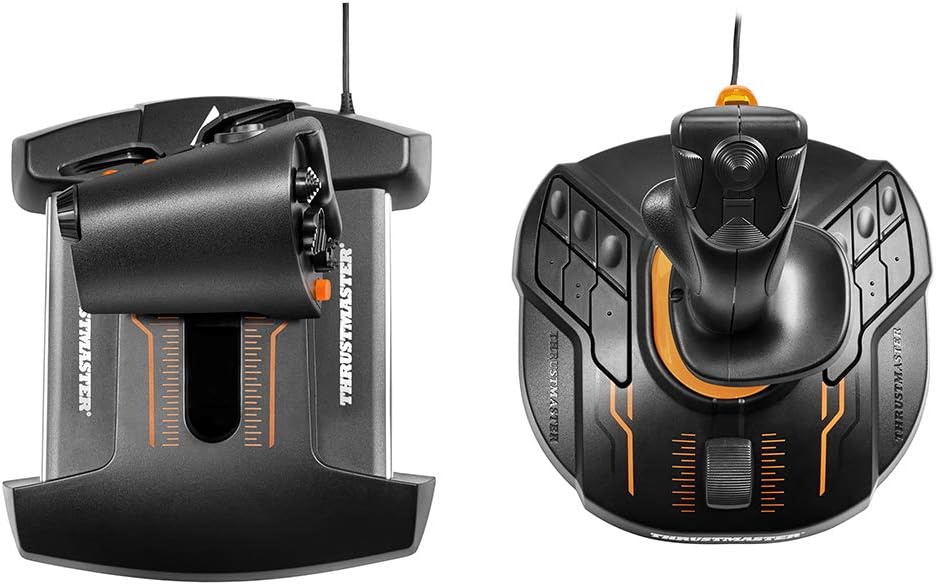
On paper, magnetic sensors provide high resolution and a long-lasting feel, while the TWCS throttle offers an 80 mm travel with smooth motion. The fully ambidextrous design, including removable components, makes it adaptable for left-, right- or dual-stick setups, which is useful if you’re experimenting with HOSAS in space sims. There are a total of 30 programmable buttons across the stick and throttle plus an 8-way POV hat for quick mapping of flight and combat actions.
Strengths you’ll notice in use
- High-resolution input thanks to HallEffect technology, which should maintain consistency over time.
- Smooth throttle travel ideal for precise speed control during carrier landings or docking sequences in space sims.
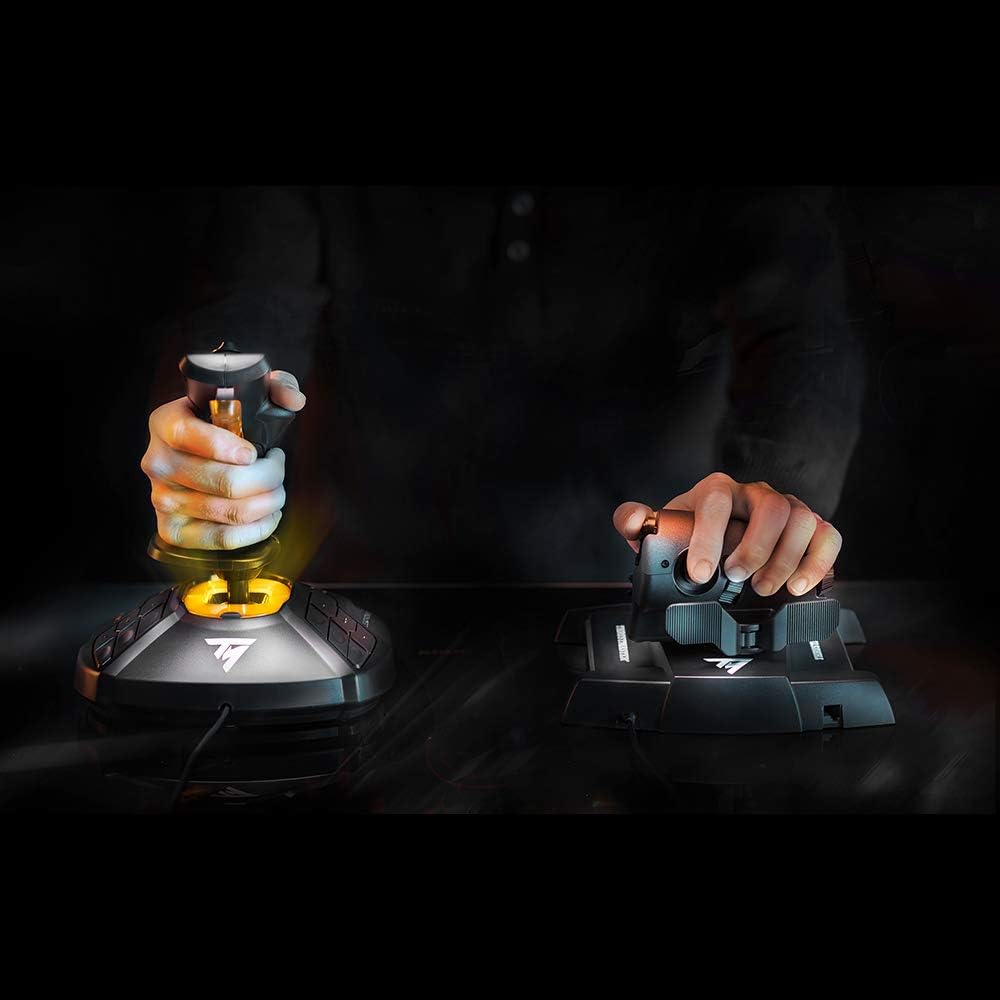
- Flexible handedness and potential for a dual-stick configuration.
- Software integration via Thrustmaster’s TARGET ecosystem to create custom mappings and profiles.
Limitations and things to consider
- As with many non-super-premium setups, you may not get the same level of micro-precision as higher-end, dedicated hardware, real-world feel depends on your setup and calibration.
- The provided information focuses on capabilities, it doesn’t include bundled peripherals beyond the HOTAS components, so plan for a complete cockpit if needed.
- It’s optimised for Windows 10/11 on PC, macOS or console compatibility isn’t specified.
- If you primarily play titles outside the flight/sci‑fi niche, some bindings may feel suboptimal until you customise profiles.
Who it’s for
- Players who want a more immersive control scheme for MS Flight Simulator, Elite Dangerous, Star Citizen or similar space and flight sims.
- Those seeking a versatile, ambidextrous control setup that can evolve into a dual-stick arrangement for HOSAS play.
- Users who value software-driven customization and the ability to map many functions to physical controls.
Who it isn’t ideal for
- If you’re after a purely plug-and-play, ultra-simplified controller with minimal setup, this might feel overkill.
- If you require a compact, space-saving device or prefer dedicated pedals and pedals-centric addons, you may want to look at a different configuration.
When it makes sense to buy
- You’re committed to flight or space sims and want a robust, customisable control surface with long-term consistency thanks to magnetic sensors.
- You appreciate a configurable ambidextrous setup and a sizeable programmable button array to reduce keyboard dependence during gameplay.
- You enjoy tweaking mappings via software to suit different titles and playstyles.
What to review before buying
- Check that your PC runs Windows 10 or 11 and has available USB ports for the HOTAS.
- Plan time to install and calibrate the device using the TARGET software to unlock full mapping potential.
- Consider whether you want a traditional stick-and-throttle layout or a Dual Stick (HOSAS) orientation for Star Citizen or similar experiences.
Practical usage example
Imagine a long-haul flight in a space sim: you keep one hand on the stick for precise attitude control while the throttle is used to modulate your acceleration and docking approach. The 8-way POV hat makes quick selections without moving your hands away from the primary controls, which can feel more intuitive in tense moments.
What you’ll notice day to day
You’ll likely reach for the same set of controls more often, thanks to the 30 buttons and the coarse-to-fine control feel of the TWCS throttle, which can help with speed management during approach sequences. The ambidextrous design means you can try different configurations with relative ease.
Decision: Is it worth it?
It makes sense if you prioritise a customisable control surface with real hardware mapping depth for flight and space sims, and you’re prepared to invest time in setting up profiles. It may not be the best fit if you prefer a simpler, plug-and-play option or if you rarely customise binds.
FAQ
- How does the magnetic HallEffect sensor impact longevity? It should offer durable, low-friction input over time compared with traditional potentiometers.
- Can I use this with more than one game profile without swapping hardware? Yes, via the TARGET software you can create and switch profiles, potentially pairing with other Thrustmaster devices.
- Is the setup comfortable for long sessions? The ergonomic design and wide hand rest aim to reduce fatigue, though comfort is subjective and depends on your grip and seating position.