

Thetis Pro FIDO2 Security Key with dual USB-A & USB-C and NFC for two-factor sign-in (HOTP support)
Product description
The essentials
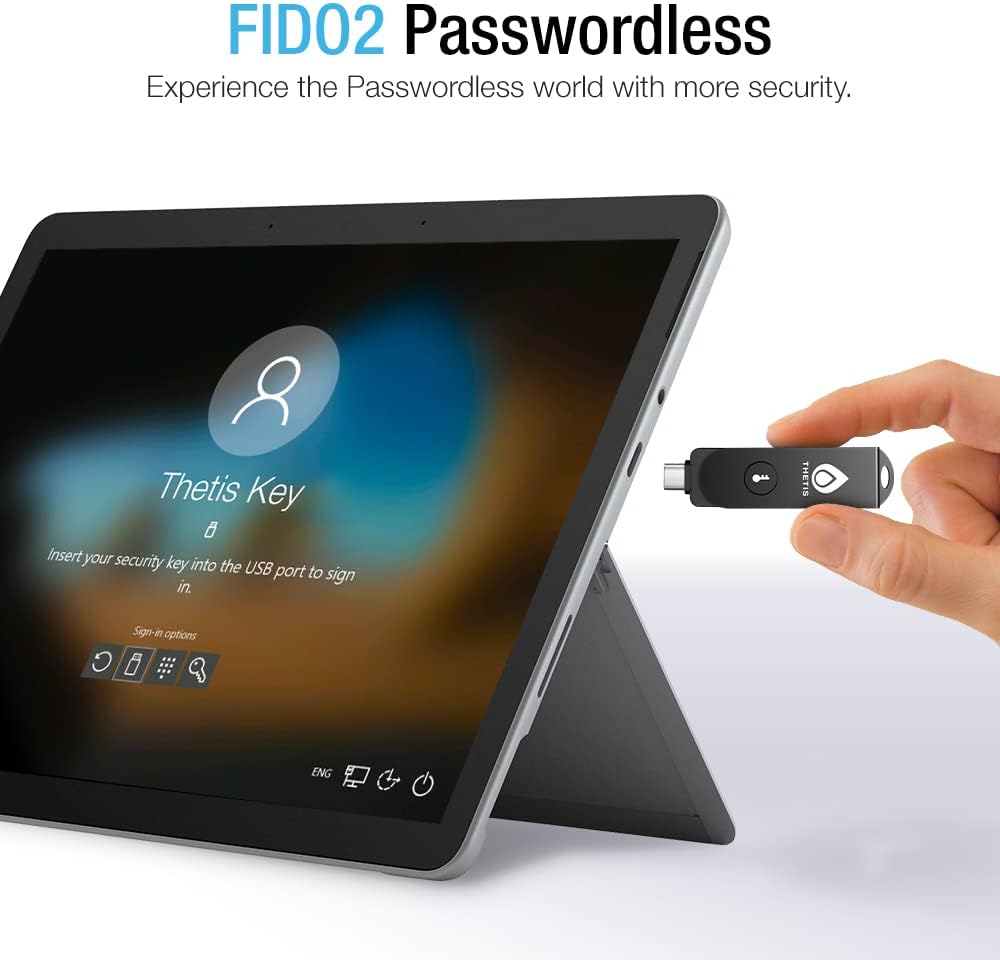
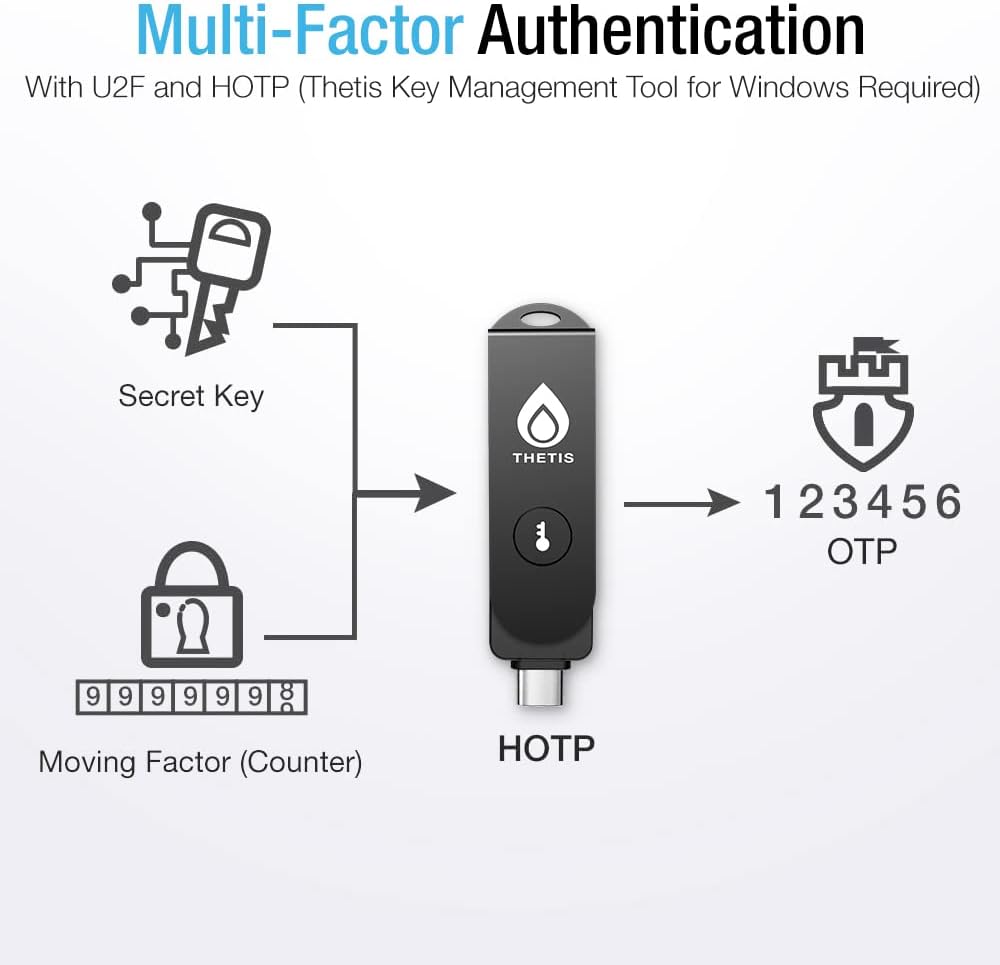
If you’re looking for a stronger, hardware-based alternative to SMS codes, Thetis Pro FIDO2 Security Key is designed to plug into your devices (USB-A or USB-C) and also use NFC tap authentication via your phone. It’s aimed at multi-factor setups on common platforms, including Windows, macOS and Linux, plus popular services such as Gmail, Facebook, Dropbox and GitHub.
That said, this is one of those products where compatibility really matters. The key is only as useful as your accounts and login flow, and the information provided includes a few specific limitations you should check before buying.
Key points
The core idea is simple: instead of relying on something that can be intercepted, you use a physical FIDO2 security key for authentication. On paper, it’s a compact, portable way to add multi-factor protection to logins, and it’s not meant to depend on batteries or a network connection.
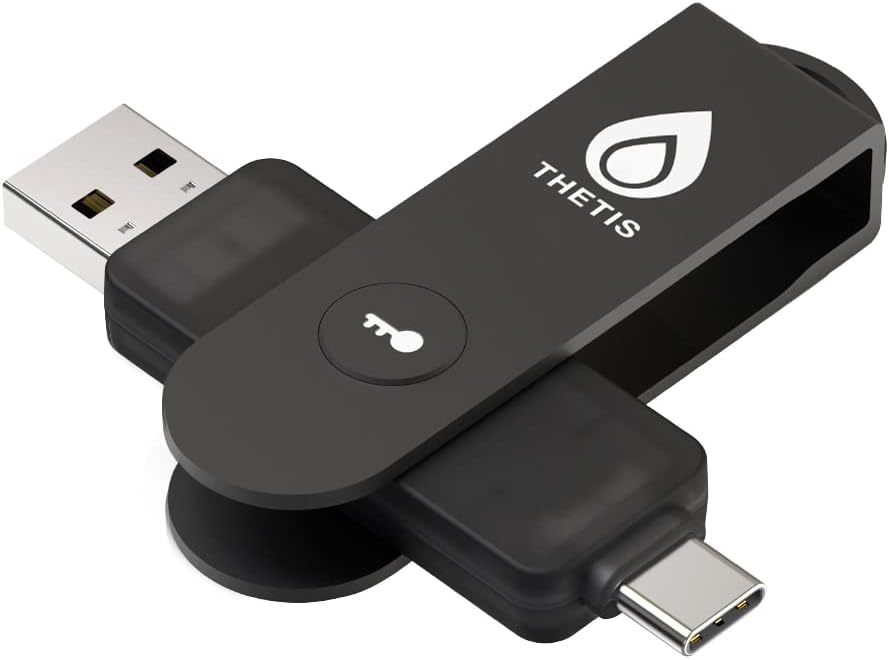
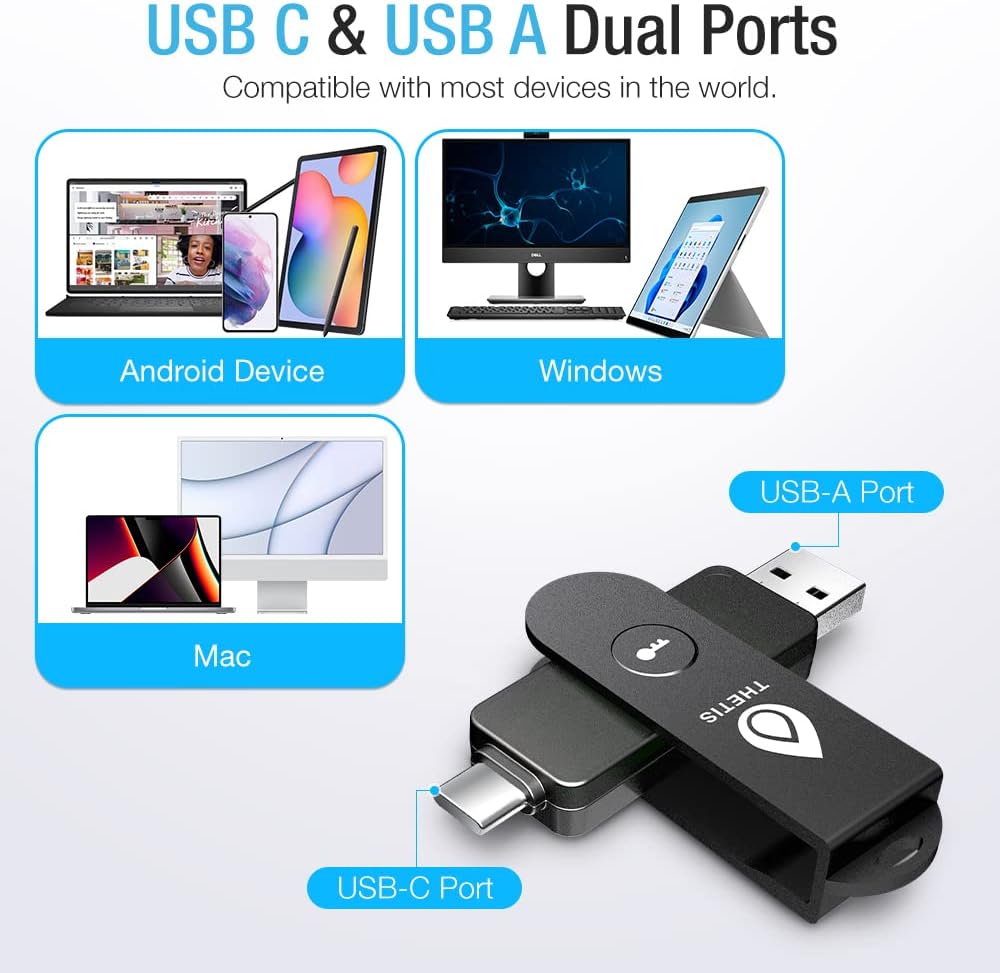
The dual USB ports (Type A and Type C) are a practical win if you switch between different devices or keep both kinds of ports around. And the NFC side is there for a different convenience pattern: you can tap the key against the NFC area of a compatible phone to authenticate rather than plugging it in.
What matters in real life (and where it can fall short)
Compatibility and how each platform handles NFC are where buyers usually get caught out. You’ll want to take note of these known limitations:
- ID Austria is not supported, and it requires FIDO2 Level 2.
- Windows Hello login only works with Windows Enterprise editions that support Entra ID.
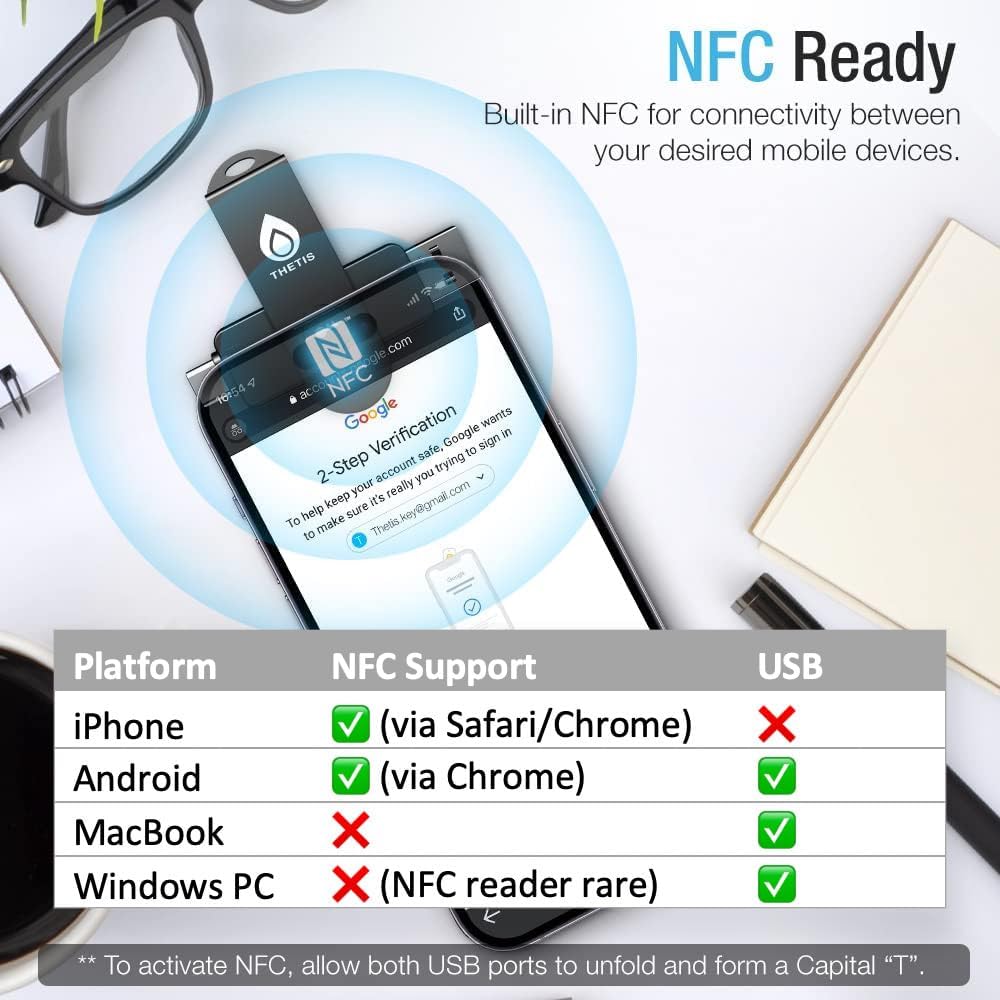
- NFC is supported only through mobile authentication, not on MacOS/Windows.
So, if you were hoping to tap the key directly on a MacBook or a Windows laptop for NFC login, this may not match that expectation. The NFC route here appears to be phone-led: align the key’s NFC area with your phone and hold it in place for a few seconds to authenticate.
Where it shines
Where this key looks genuinely sensible is in day-to-day account protection and wherever you want consistent, physical 2FA.
For example, imagine you’re signing into a new browser on a Windows or Linux PC: you plug in the security key via the matching port, complete the challenge, and you’re in. Later, if you’re on the move and you have your phone with you, NFC can be used through mobile authentication by holding the key to the phone’s NFC area instead of digging for cables.
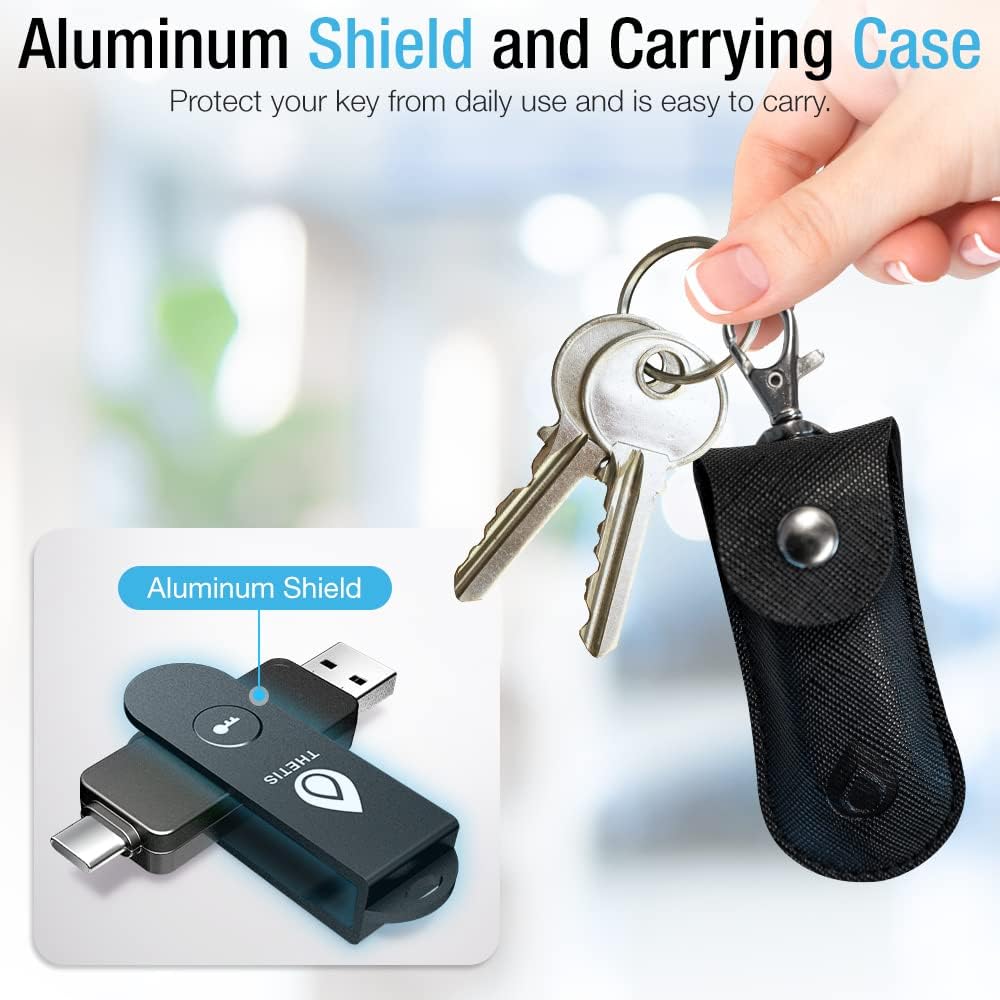
It also leans into durability. The provided details include a 360° rotating metal cover and claims that it’s tamper resistant, water resistant, and crush resistant. Nobody wants to baby a security key, having a protective design that’s built to handle “life’s little dings” is a useful angle for something you carry on a keyring.
Tech summary
Tech specs
- Type: FIDO2 security key with NFC (mobile authentication) and dual USB ports
- Ports: Dual USB-A and USB-C
- NFC: Requires mobile authentication, not supported on MacOS/Windows for NFC directly
- Compatibility notes: Check FIDO2 compatibility before purchase
- Known limitation: ID Austria not supported (requires FIDO2 Level 2)
- Windows Hello note: Only works with Windows Enterprise editions that support Entra ID
- Use flow for NFC: Align the key with the phone’s NFC area and hold for a few seconds
- Durability features: 360° rotating metal cover, tamper resistant, water resistant, crush resistant
- Portability: No battery or network connectivity required (as described)
Who it’s for (and who should think twice)
It makes sense if you want a compact hardware key you can use across devices with either USB-A or USB-C, and you’re planning to secure logins on mainstream services that support FIDO2 security keys.
It may not suit you if your setup depends heavily on Windows Hello on non-Enterprise Windows, or if you specifically need direct NFC tap on macOS or Windows without using a phone. In those cases, the known limitations could mean it ends up being less convenient than you expected.
It also pays to be realistic about expectations: a security key helps with authentication strength, but it won’t fix account settings that aren’t actually configured for hardware-based FIDO2 sign-in.
Is it worth it?
Buy it if you’re trying to step up your two-factor authentication with a physical FIDO2 key, you’re comfortable checking FIDO2 support for your use case, and you want something durable that can travel with you. The dual USB-A/USB-C approach is particularly handy if you swap between different devices.
Skip it (or at least re-check compatibility) if you’re relying on ID Austria support, need NFC tap on MacOS/Windows directly, or expect Windows Hello to work outside Windows Enterprise with Entra ID support.
Quick check before you commit: verify that your target accounts and the specific login flows you use support FIDO2 with the limitations above in mind.
Mini FAQ
Does it need batteries or an internet connection?
According to the provided description, it doesn’t require a battery or network connectivity.
Can I use NFC on macOS or Windows?
Not directly. The information says NFC is supported only through mobile authentication, not on MacOS/Windows.
How do I authenticate using NFC?
Align the key with your phone’s NFC area and hold for a few seconds.
Does it work with Windows Hello?
Only described for Windows Enterprise editions that support Entra ID.
What should I check before buying?
Check FIDO2 compatibility first, especially if you’re depending on ID Austria support or specific Windows Hello behaviour.