

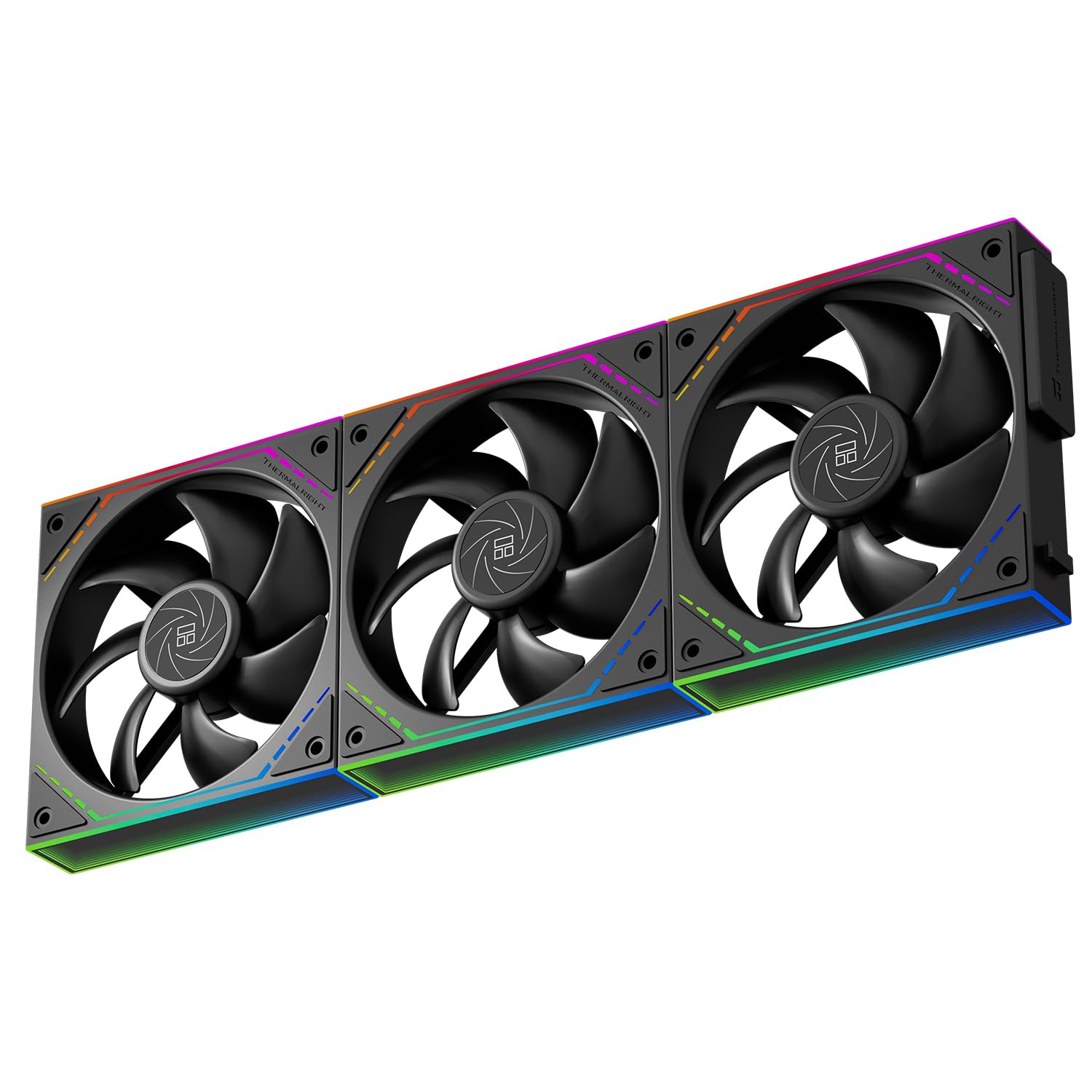
Thermalright TL-M12QR-S X3 Wireless Splicing Reverse Case Fan 120mm
Product description
What it is and who it’s for
The Thermalright TL-M12QR-S X3 is a 120mm PC case fan designed for quiet cooling with ARGB lighting. It targets builders seeking low noise alongside striking illumination and a simplified internal wiring approach. If you’re assembling a compact or mid‑range cooling build and want a system that looks as thoughtful as it runs, this fan could fit the bill.
How it performs
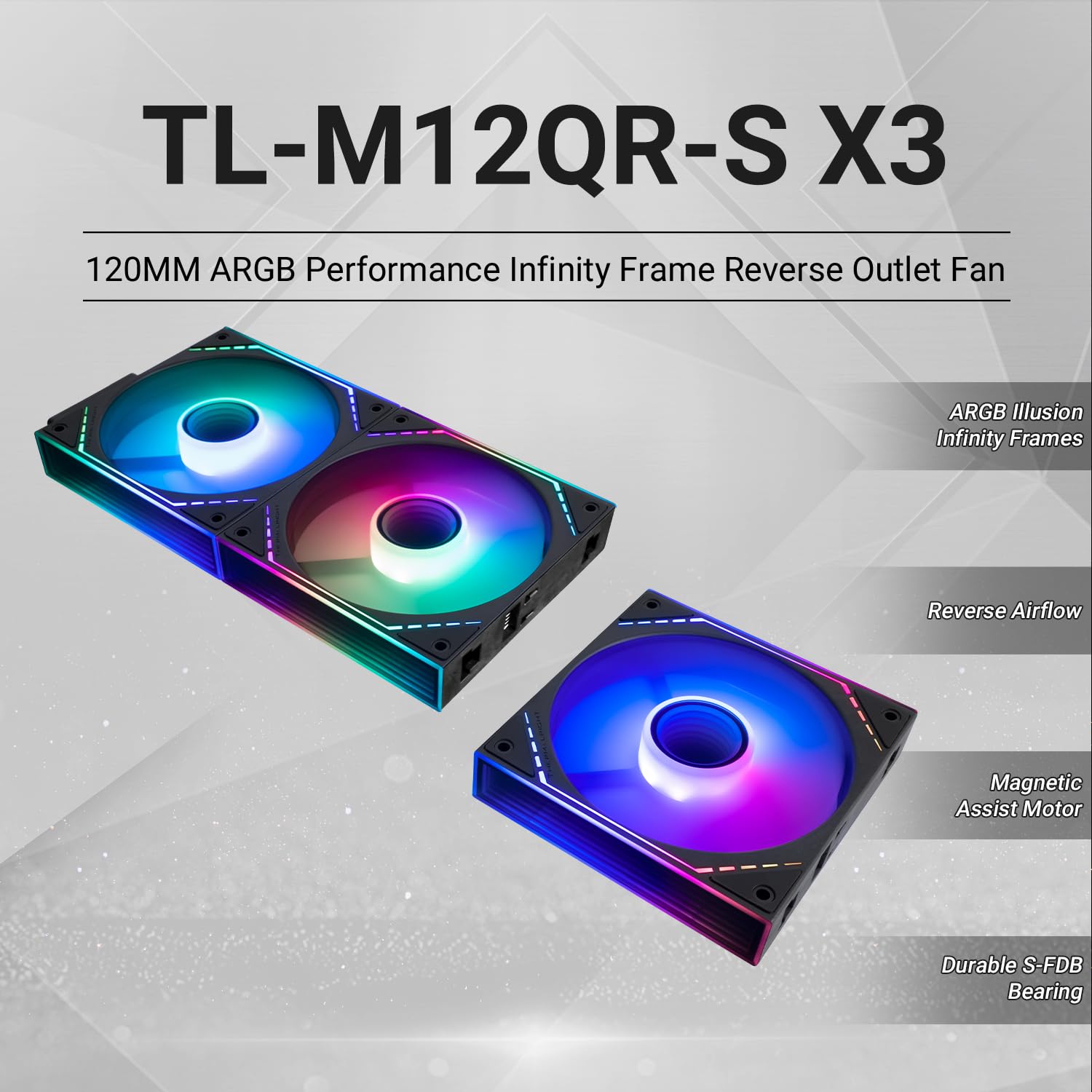
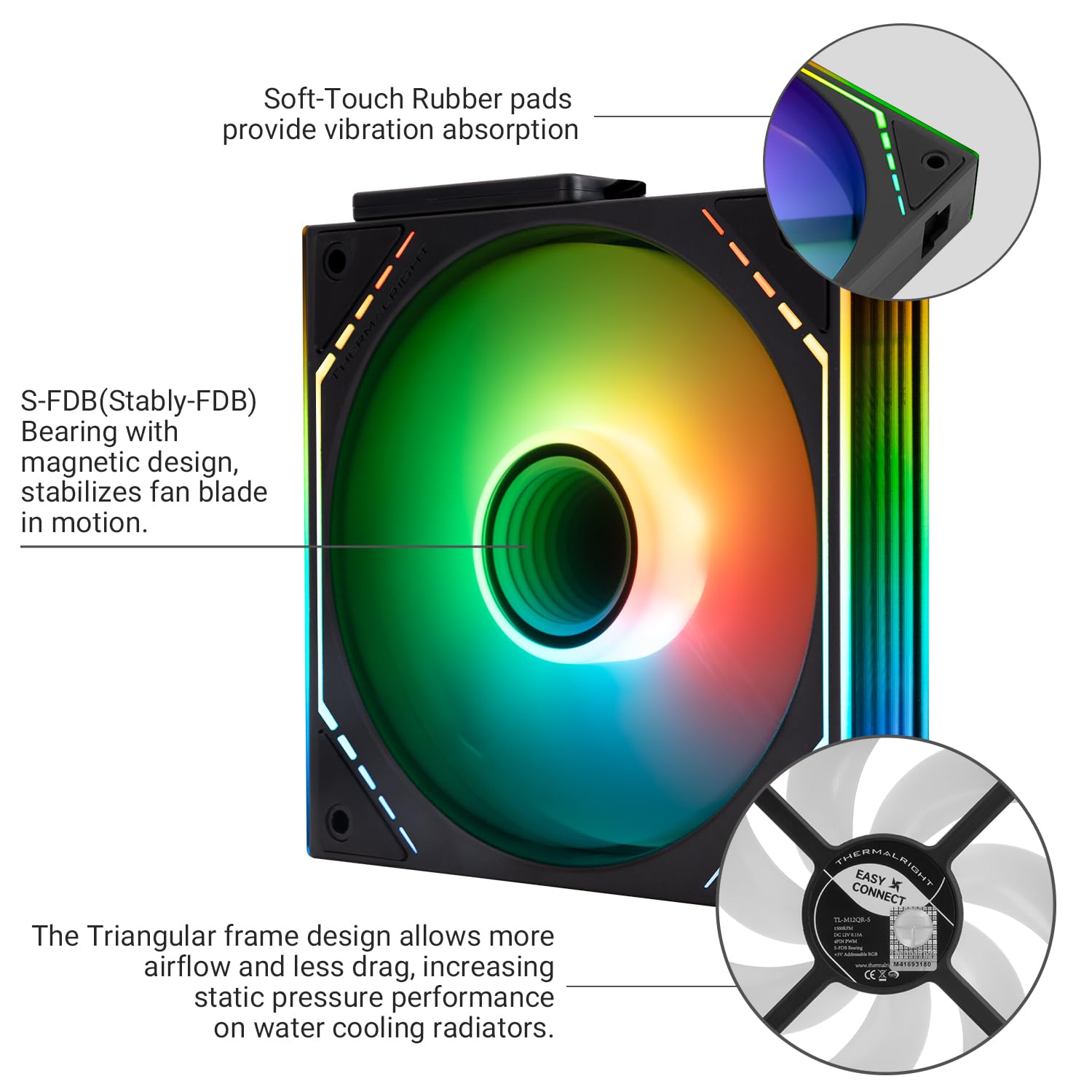
On paper, the fan spins up to 1500RPM with a claimed noise level of 23.2 dB(A) or less, delivering 47.6 CFM of air and 1.31 mm H2O of static pressure. The result is a balance between airflow and quiet operation, aided by a seven‑blade design and soft silicone corner pads that aim to dampen vibration. It’s a setup that prioritises steady cooling without pushing noise into the foreground, which can be appealing for living room PCs or quiet workstations.
Lighting and aesthetics
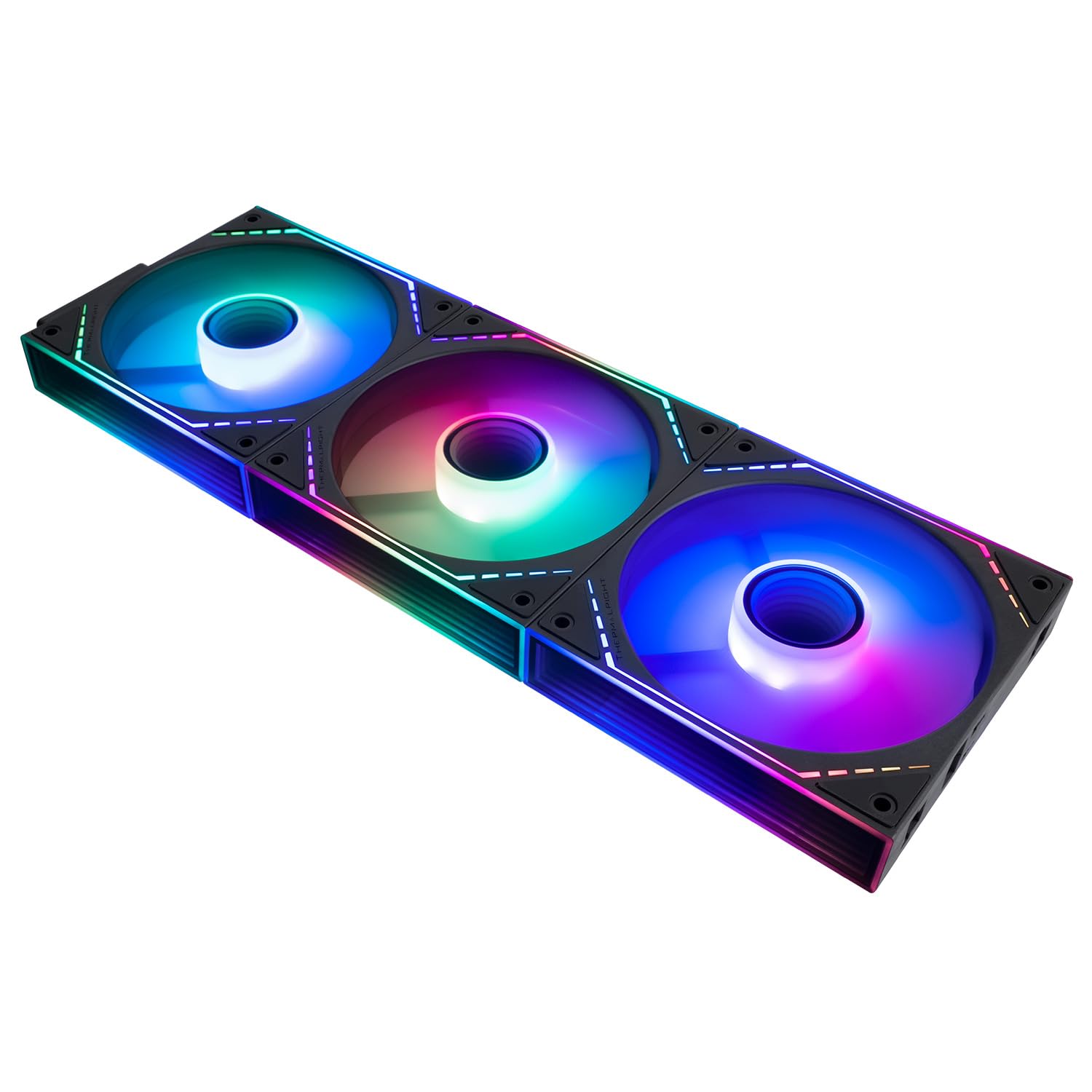
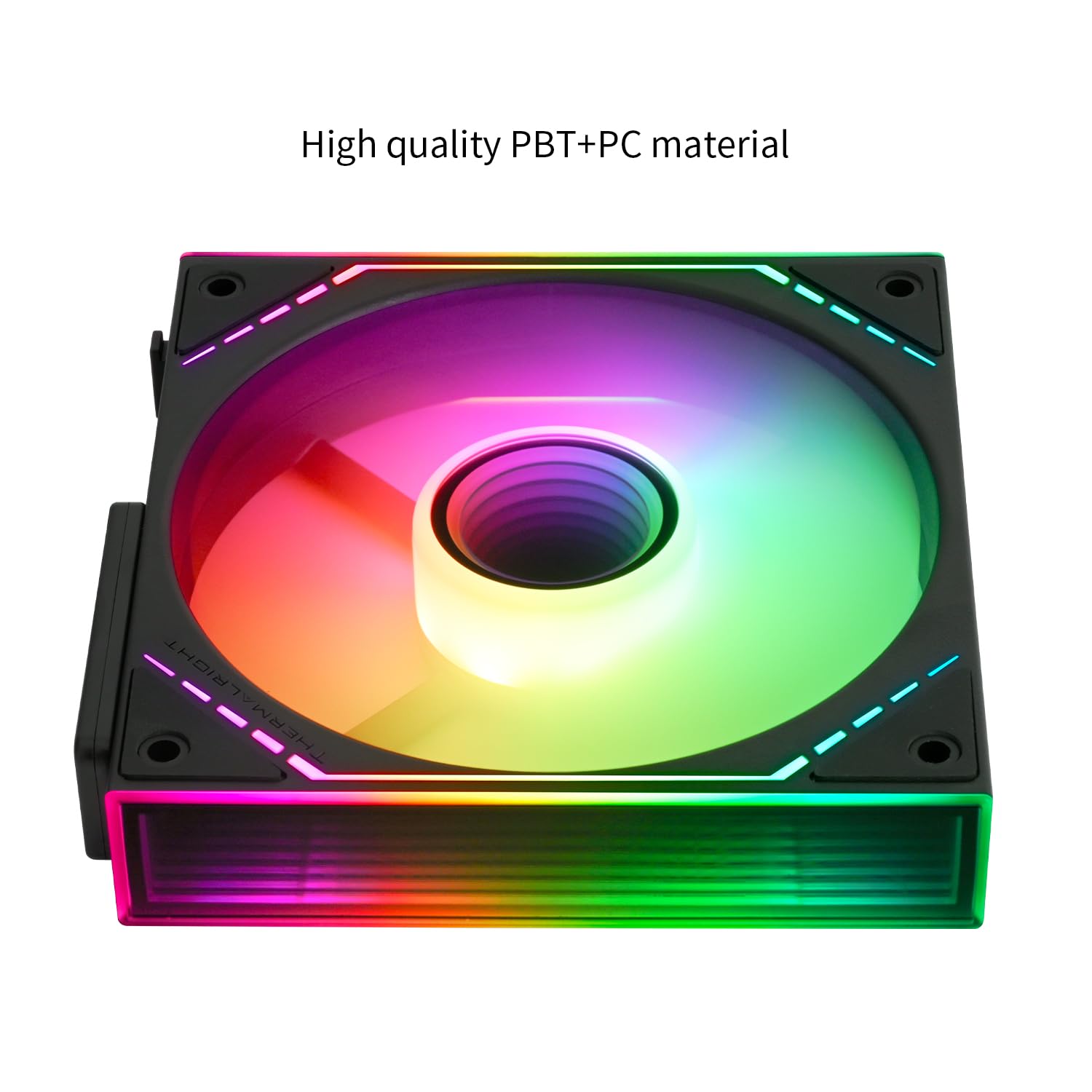
A notable feature is the ARGB Infinite Mirror design. With segmented light strips on both sides and a central circular multi‑layer mirror, the lighting aims to create soft, multi‑layer reflections as airflow circulates. The effect is intended to be rich but not overpowering, so it’s more about ambience than a blingy, club‑level show. If you value an understated yet dynamic look, this illumination approach can complement a modern build.
Wiring and power management
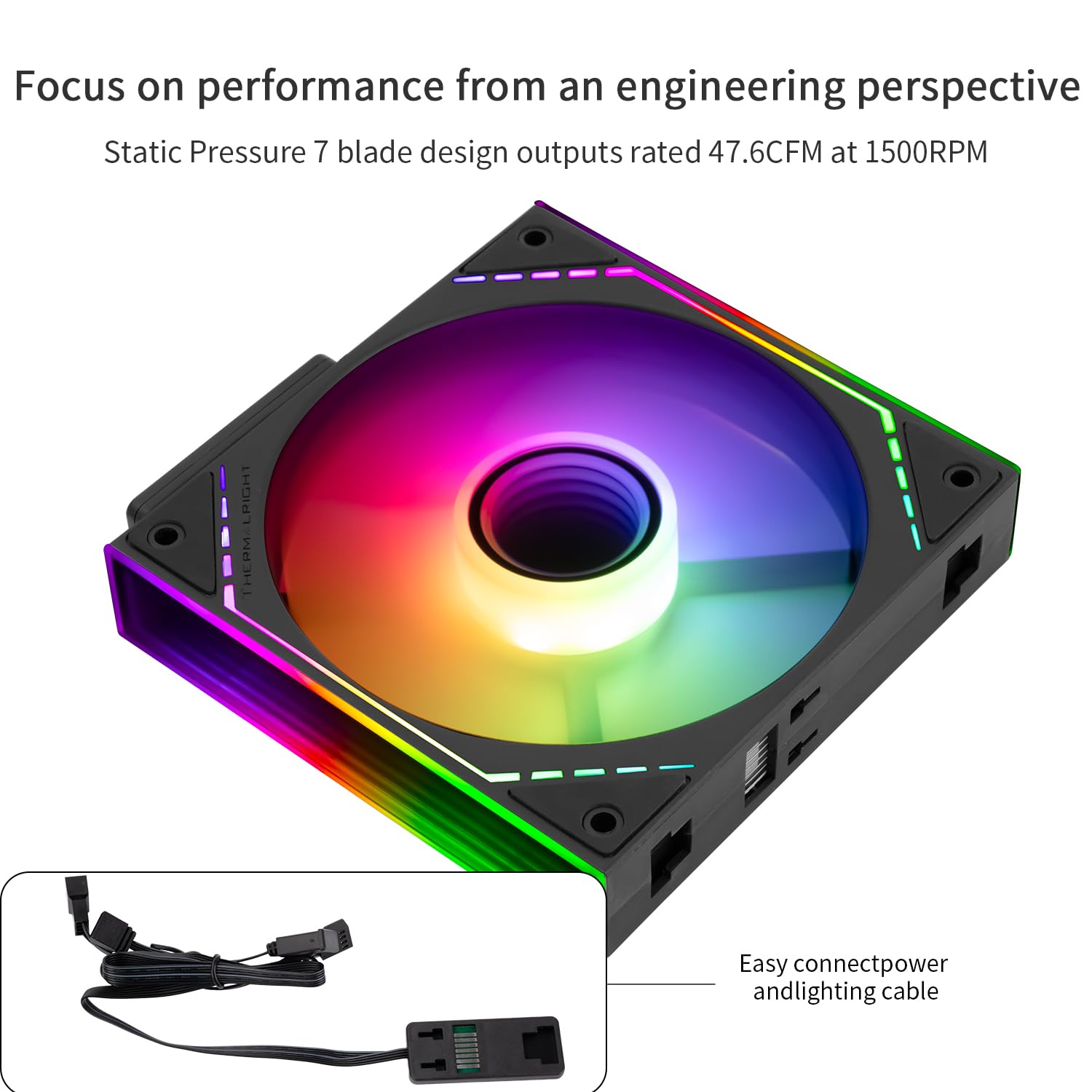
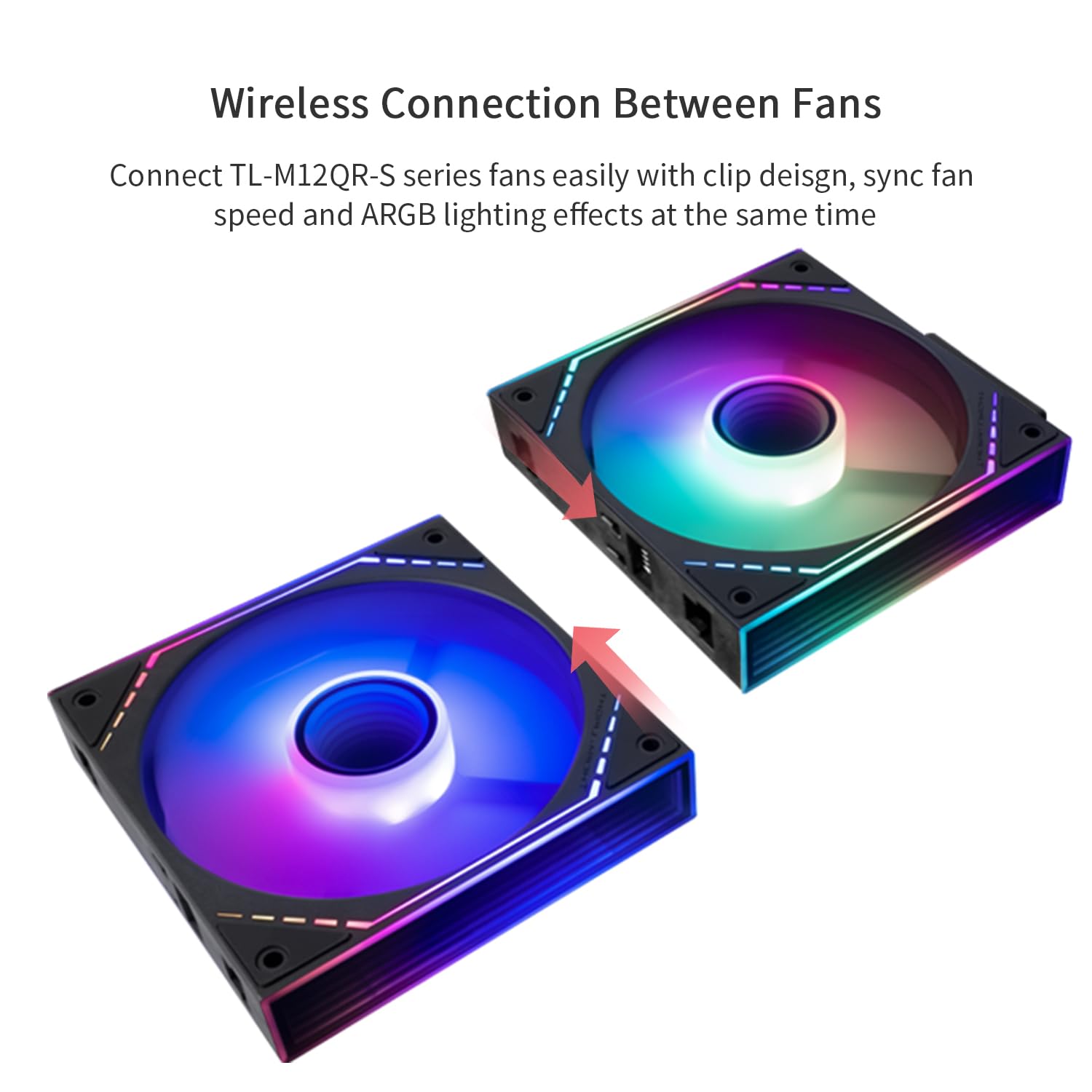
The model introduces a new power module that simplifies wiring within the chassis. Signals and power are transmitted between fans via contacts, reducing the complexity of multi‑cable runs. Note that the control cable must connect to the fan side with pins, not the opposite side. For a tidy build, this feature can make routing easier, though you’ll want to plan the wiring layout to ensure the contacts align as intended.
Materials, size and compatibility notes
The fan measures 124 x 120 x 25 mm and uses a 4‑pin PWM power interface along with a 5V 3‑pin lighting interface. It runs on 12V DC and draws about 0.15A. Those specs place it in a typical range for mid‑sized cases, but you should confirm your cooler mounting options and clearance, especially if you’re working with a tight build or a densely populated motherboard tray.
Pros and cons in practice
Pros: quiet operation for its class, ARGB lighting with a softer, reflective effect, and a power module designed to reduce wiring clutter. The soft silicone corners may help reduce vibration noises in everyday use. Cons: the ARGB effect relies on the frame’s lighting design, so if you want a more aggressive or saturated look you might find this setup restrained. The wireless splicing approach requires careful alignment of the contact points, if your case layout makes access awkward, setup could take a bit longer than a standard fan run. It may not be the strongest performer if you’re chasing maximum airflow at any cost, given the 1500RPM cap.
What it’s best for
If you prioritise a quiet, visually pleasing build with easier internal wiring, and you’re aiming for a modern ARGB aesthetic, this fan aligns well. It’s likely a sensible choice for mid‑range cooling needs where noise floor matters as much as the look of lighting.
What to check before buying
- Confirm your case has space for a 120 mm fan and that there’s room for the ARGB light reflections to be visible.
- Check that your motherboard or ARGB controller supports the 5V 3PIN lighting interface and PWM control.
- Ensure the wiring layout in your chassis accommodates the new power module and contact‑based signal transfer without obstruction.
Practical usage example
Imagine a compact build where you want a calm desktop environment but still crave subtle, programmable lighting. Installing three TL-M12QR-S X3 fans in push/pull around a CPU cooler could yield steady airflow with quiet operation while the ARGB frame adds a soft, multi‑layer glow—without dominating the visual experience.
Alternatives and buying context
This solution sits between basic silent fans and higher‑end programmable kits. If you’d rather prioritise raw airflow above all, or want stronger ARGB effects with broader colour control, you might explore other approaches. For many builders, the TL‑M12QR‑S X3 represents a pragmatic balance: reasonable cooling, quiet operation, and a tidy wiring solution that reduces clutter.
Is it worth it?
Buying verdict follows: it makes sense if you value quiet operation and a refined ARGB look, plus simpler internal wiring. It may not be the best choice if you need maximum airflow at all costs or desire a louder, more aggressive lighting setup. Suitable for mid‑range builds where everyday use and aesthetics matter.
Frequently asked questions
- What is the primary purpose of the wireless splicing feature? A simplified power and signal path between multiple fans to reduce wiring within the chassis.
- Will the ARGB lighting require extra controllers? It uses 5V 3PIN lighting typically compatible with standard ARGB setups, though exact controller compatibility depends on your motherboard/system.
- How does the noise level compare to other 120mm fans? It targets ≤23.2 dB(A) at 1500RPM, which is relatively quiet for a 120mm fan in its class, though real‑world sound can vary with case airflow and mounting.
Final thoughts
If you’re after a balanced package—a quiet, well‑regarded airflow profile, a visually appealing ARGB presentation, and a simplified wiring approach—the TL‑M12QR‑S X3 warrants consideration. It’s not the ultimate solution for every scenario, but it offers a credible mix of low noise, aesthetics and practical build convenience for a mid‑range PC setup.