

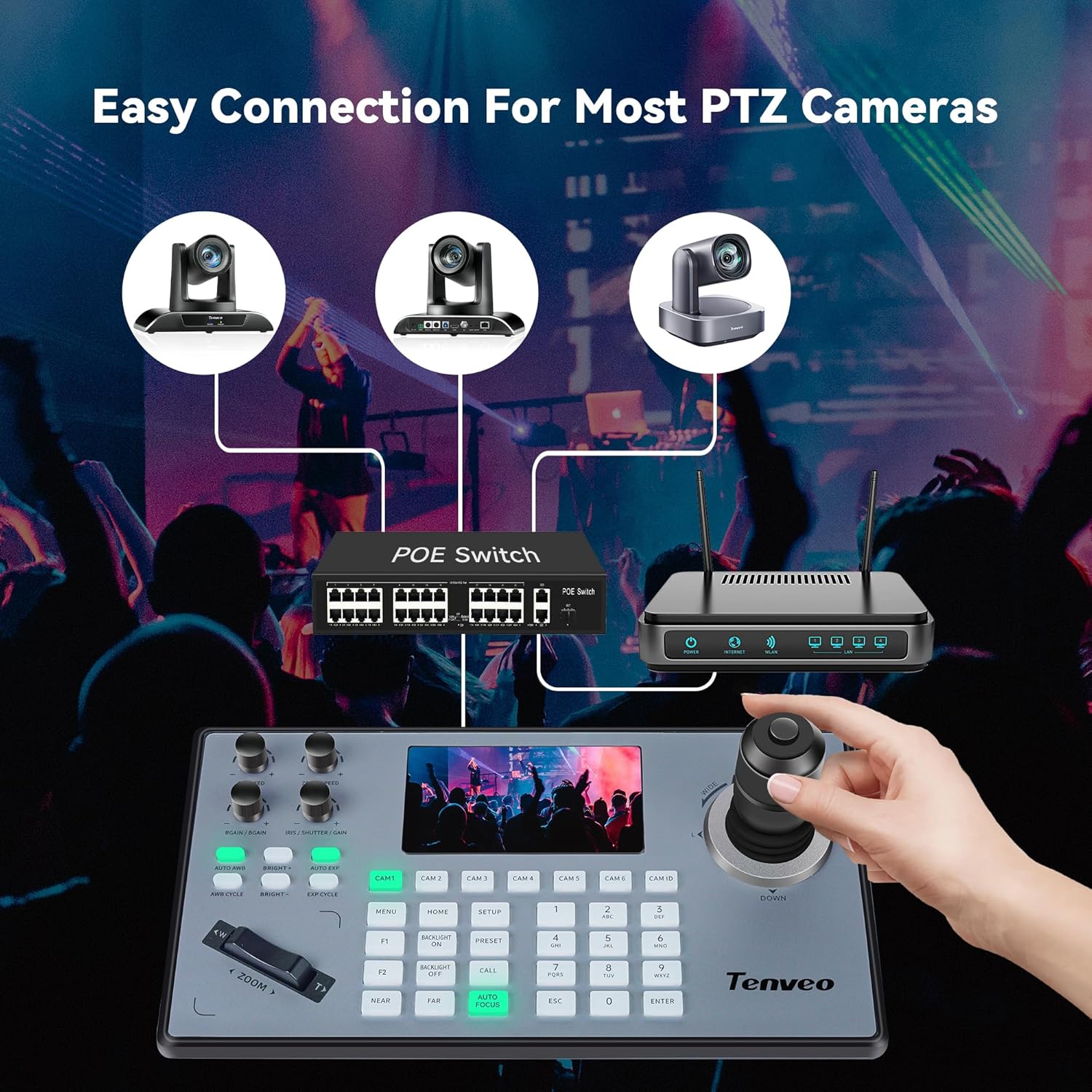
Tenveo NDI PTZ Camera Controller 4D Joystick with 5" LCD Preview (PoE, VISCA/Pelco/RS232/RS422)
Product description
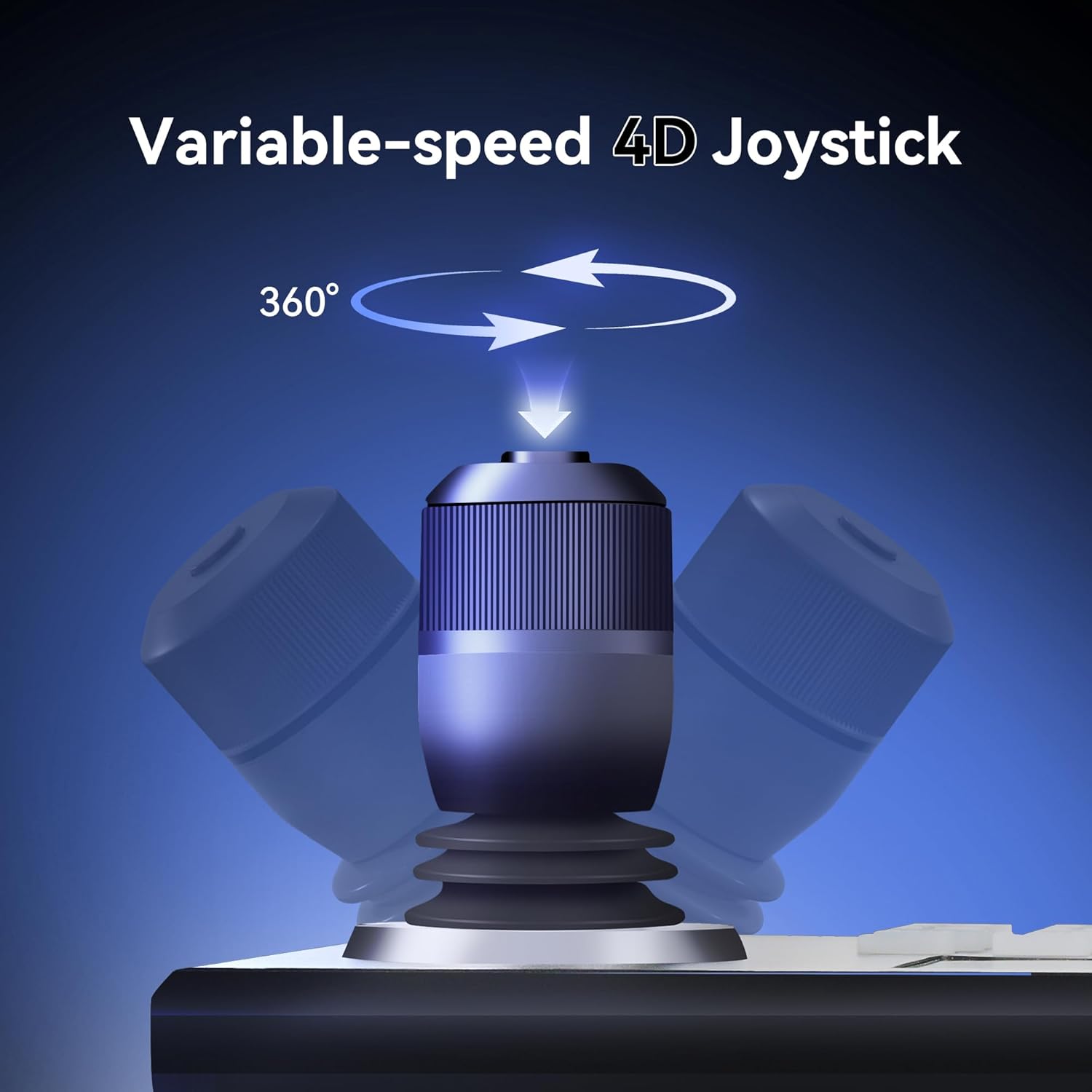
If you’re running a PTZ setup for live streaming or teaching, the main pain is usually switching between cameras quickly and keeping control feeling responsive. The Tenveo NDI PTZ Camera Controller aims to make that simpler, using a 4D joystick and a 5" LCD preview so you can steer shots with less guesswork.
It’s not a tiny gadget, either. It’s built for setups where you may need to manage multiple angles during meetings, church services, education sessions and similar “real-world” workflows. That said, it’s only as good as your existing camera/protocol and control chain—so it’s worth checking the way your cameras are meant to be controlled before you commit.
The essentials
This Tenveo controller is designed to control PTZ cameras with a 4D joystick and a 5" LCD screen that provides a real-time preview. On paper, that combination should help you dial in framing without constantly hopping back and forth between software views.
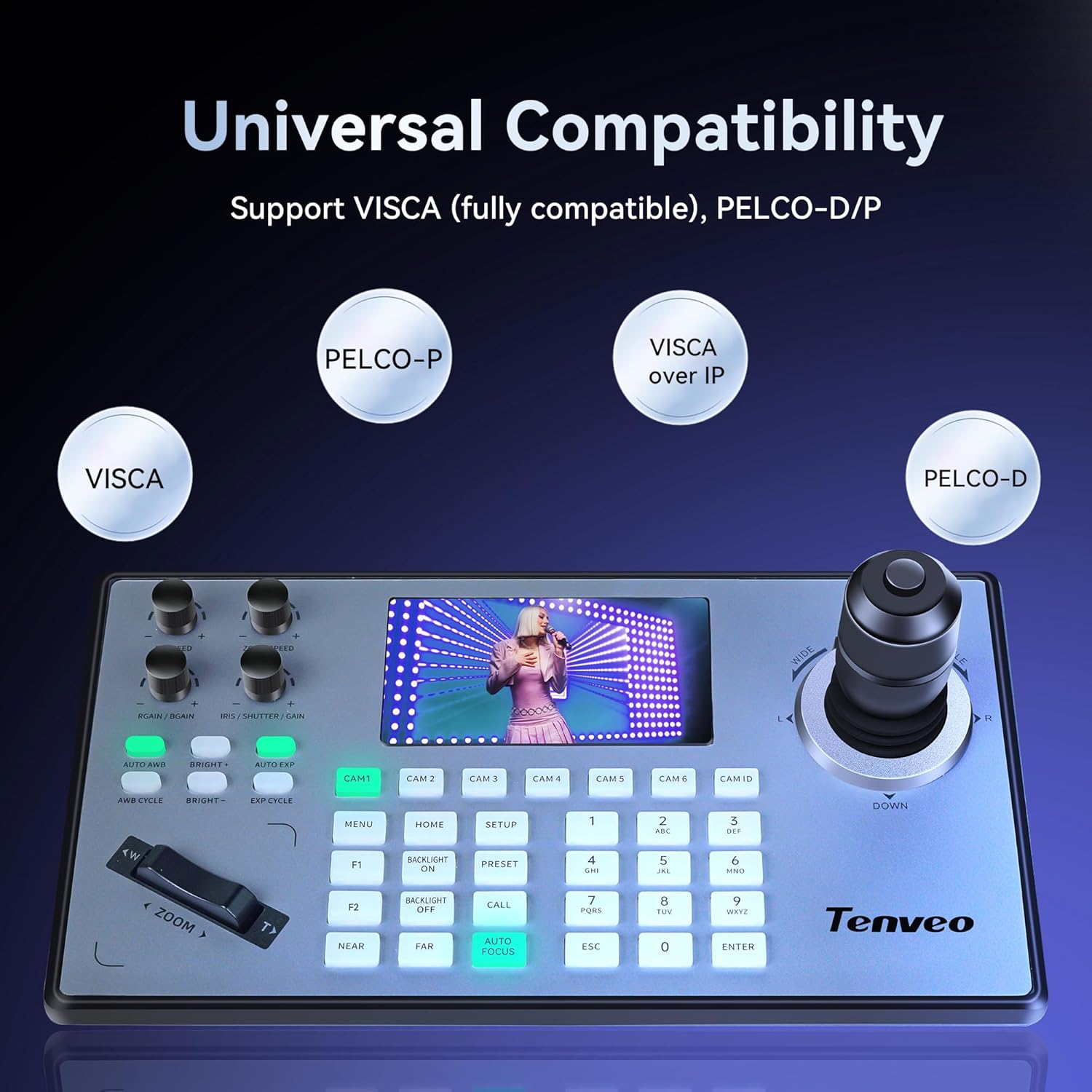
There are two control modes mentioned: network and analogue. It also supports multiple protocols, including Visca UDP, Visca TCP, Sony Visca, Pelco-D/P, and NDI. In practice, that flexibility matters if your installation isn’t standardised on one single control method.
Key features for multi-camera control
Where this controller earns its keep is multi-camera operation. It supports quick selection of 7 cameras, and it’s described as capable of controlling up to 255 PTZ cameras.
A big part of “value” here is speed between shots. If your workflow involves moving from a wide shot to a closer angle during a live session, a dedicated controller like this can feel more immediate than relying purely on screen controls.
There’s also mention of adding parameters for front-end devices via a browser interface (IE is referenced). That suggests there’s some configuration involved, not just plug-and-play magic.
What the LCD preview changes
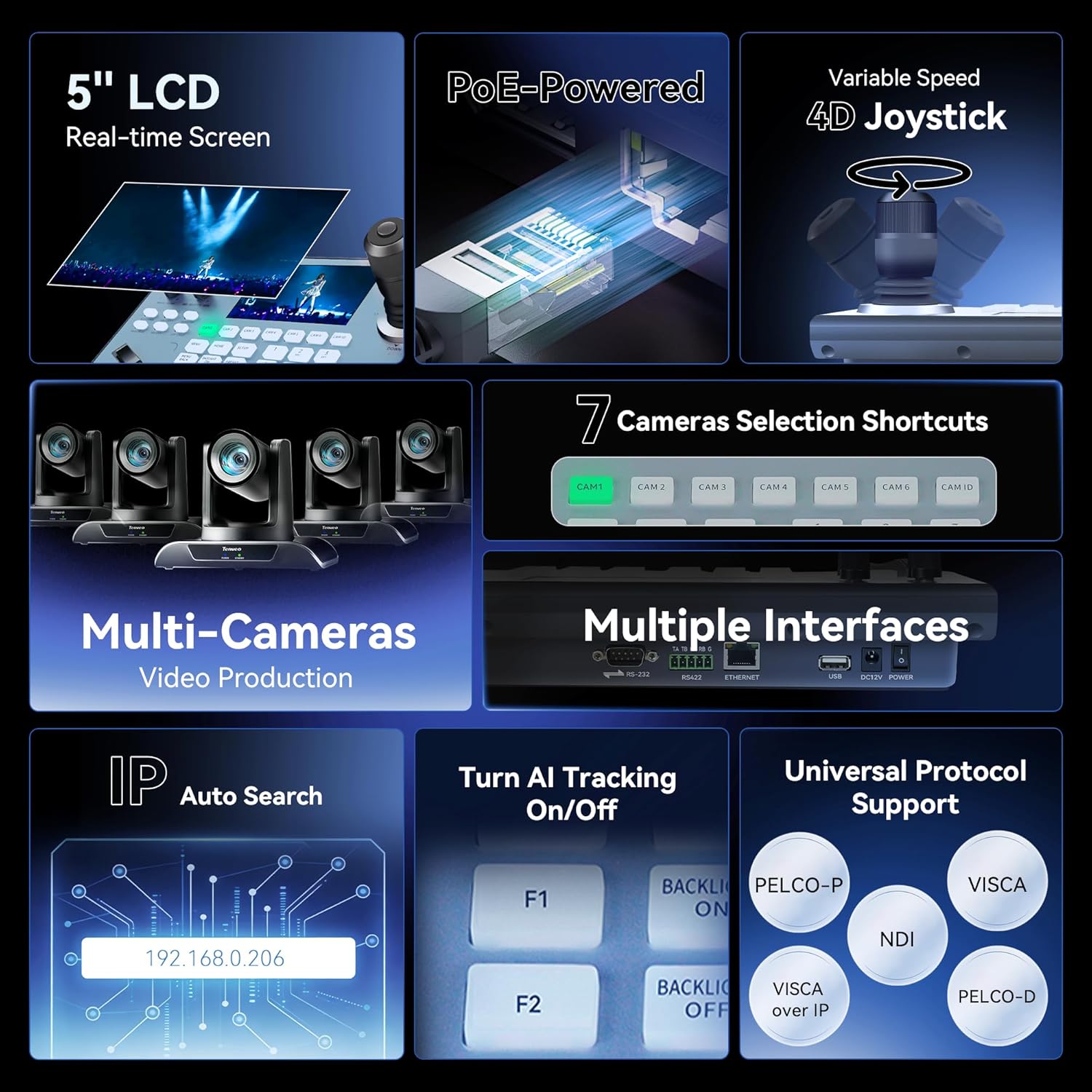
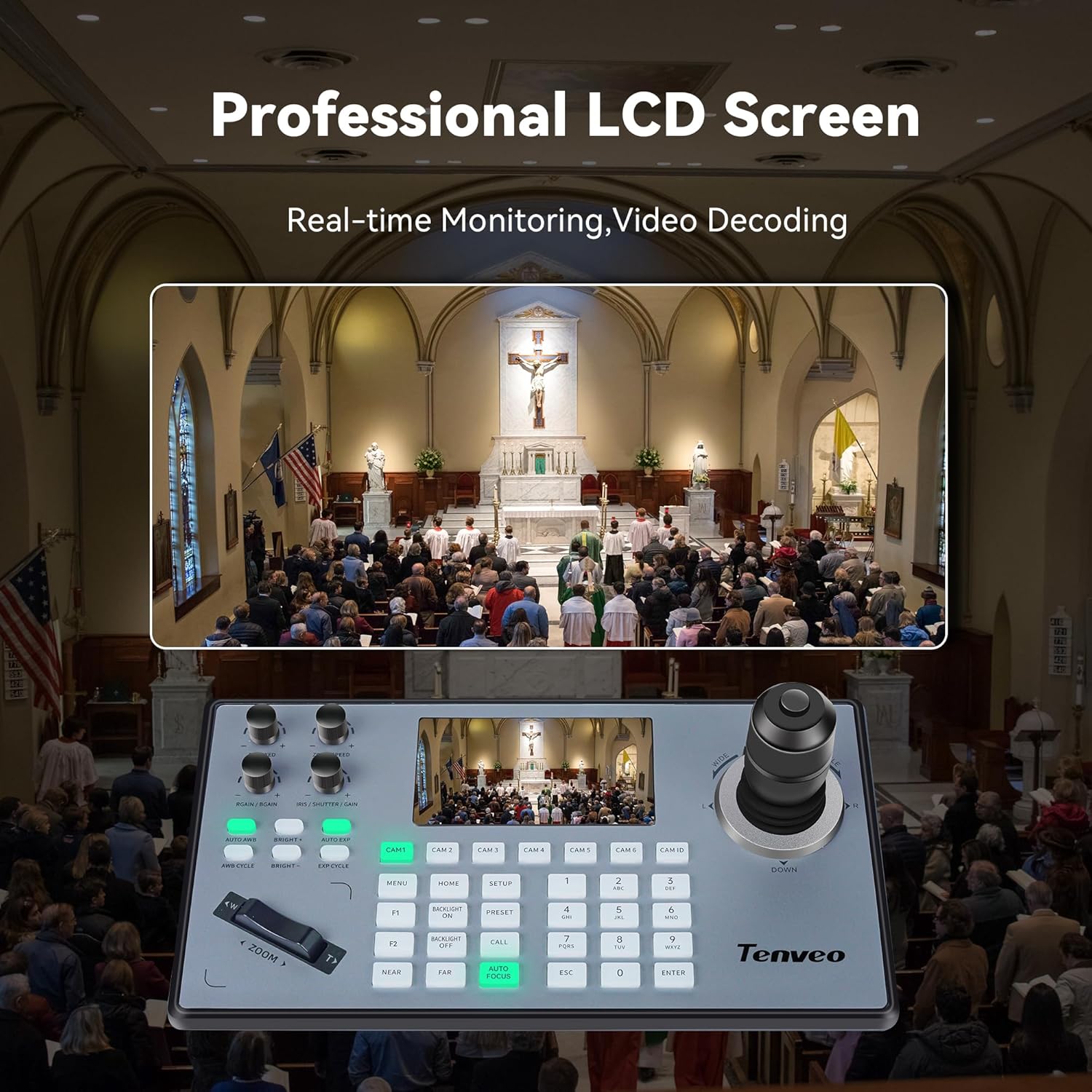
The built-in 5" LCD preview is a practical detail. Instead of imagining where the camera is pointing, you get a direct view while you steer.
It’s the kind of feature that can reduce mistakes during rehearsals and live runs. Still, do bear in mind that the preview experience will depend on how your NDI/streaming/control setup is set up—if your pipeline isn’t aligned, the screen won’t magically fix that.
Connections, protocols and PoE
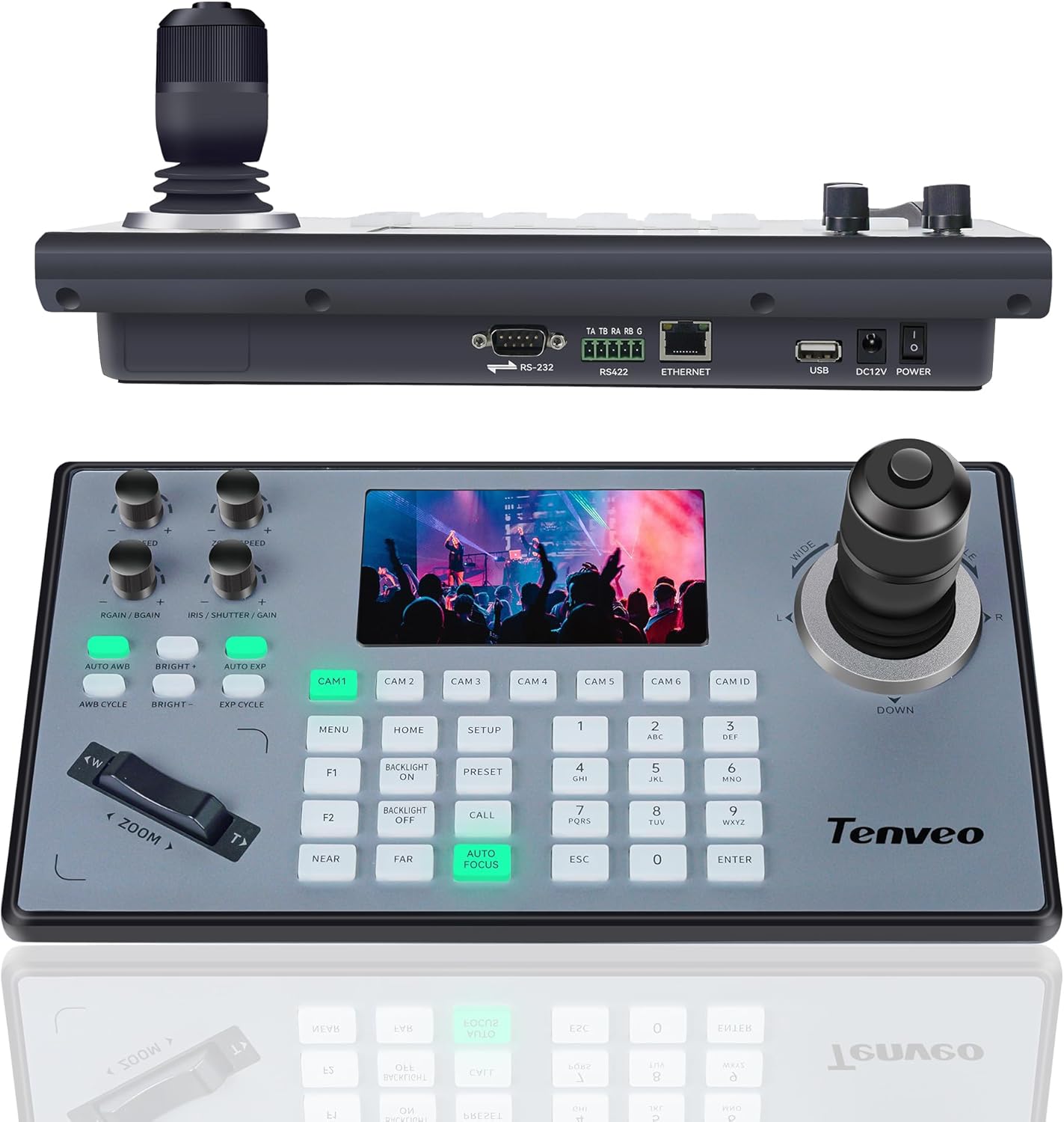
The controller is positioned as a “connector-friendly” option. It’s said to offer several connection methods, including RS422/RS485, RS232 and RJ45 (Ethernet). It also supports PoE, which—depending on your network—can simplify cabling since power can come through the Ethernet connection.
On the protocol side, you’ve got a mix of both common PTZ control families (Visca and Pelco) plus NDI support. That’s useful if your camera mix is varied, or if you want one controller that can match your existing gear rather than forcing a full re-plan.
Where it shines (and where it may not)
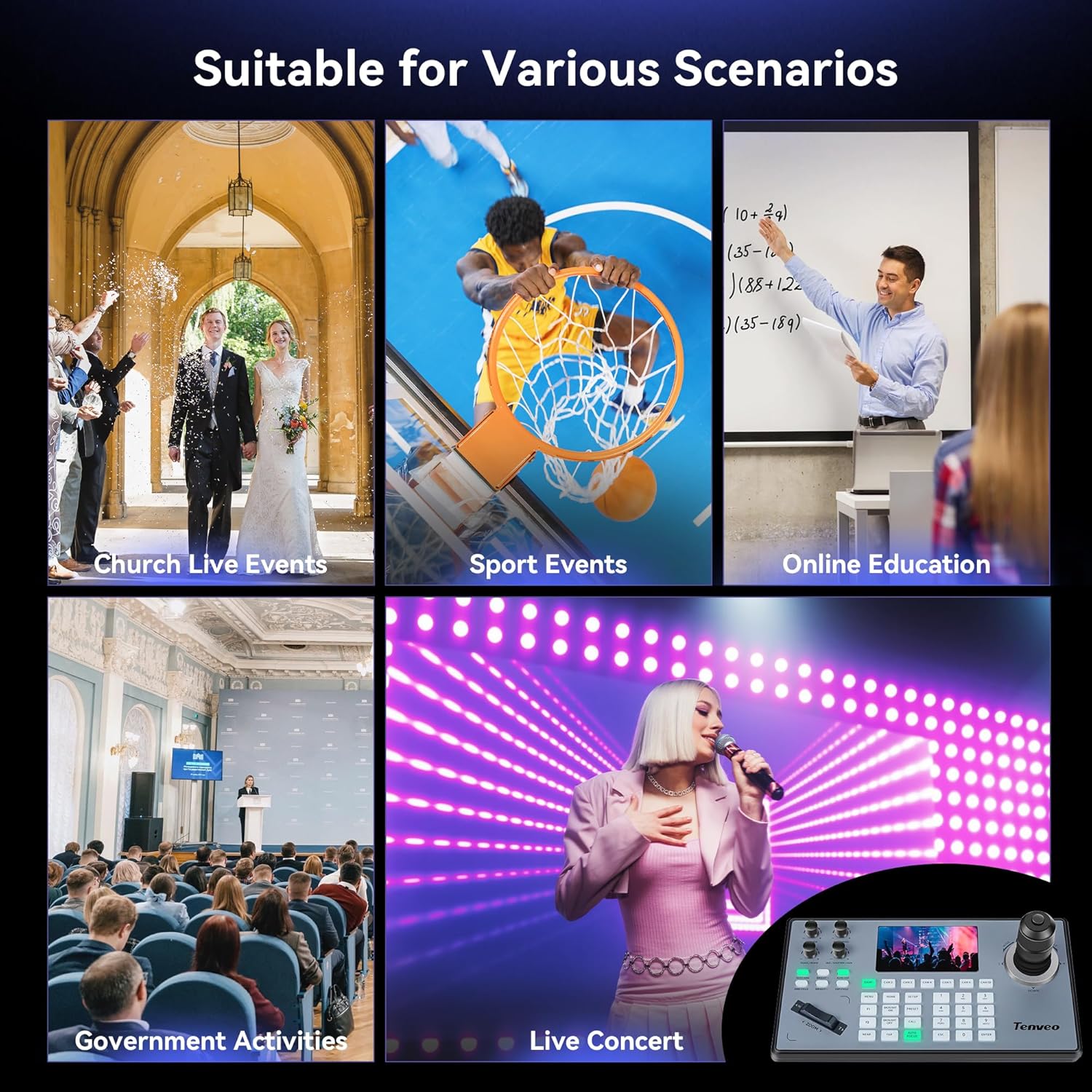
This controller is clearly aimed at larger or more active environments: videoconferences, religious events, live streaming, group training, classroom and university-style education.
It’s not the most “set-and-forget” choice if you’re only ever controlling a single PTZ camera and you mainly need basic pan/tilt/zoom. In that scenario, you might find the extra configuration and multi-protocol complexity isn’t necessary.
Also, because the product references specific control support pathways and protocols, you’ll want to confirm your cameras are compatible with the listed control approaches (and not just rely on general PTZ support). Tenveo’s claim is broad, but your installation still needs to match.
Practical guidance before you buy
Before purchasing, it’s worth doing a quick reality check:
- Make sure your PTZ cameras support at least one of the mentioned control options (NDI or one of the supported Visca/Pelco variants).
- Decide whether you plan to run control over network or analogue mode, based on your existing cabling and switching setup.
- If you’re relying on PoE, check that your network equipment can supply the needed PoE support for the controller.
- Think about how you’ll use camera selection: this unit is described as supporting quick selection of 7 cameras, so plan your most-used positions accordingly.
If you’re setting up OBS or vMix alongside a streaming workflow, having NDI support on the controller can fit the way many teams already work—though you’ll still need to align the rest of the chain.
What’s included (and what to double-check)
The listing text provided doesn’t include a “in the box” breakdown. So if you need specific accessories (cables, connectors, mounting parts), it’s sensible to verify the contents and any required lead items in the listing details before ordering.
Is it worth it?
Worth considering if you’re managing a multi-camera PTZ workflow for live streaming, meetings, education, or church use, and you want a 4D joystick with an LCD preview to speed up framing decisions. It also makes sense if you need protocol flexibility, including NDI alongside Visca and Pelco-style control.
You may want to skip it if your setup is very small (single camera, basic control only) or if you don’t have a clear plan for protocol compatibility and configuration. It’s also not the best match if your current environment can’t support the stated connection types (RS232/RS422/RJ45) or PoE approach.
A solid way to think about it: this is a controller built for “busy” live production moments, not a casual PTZ remote.
Mini FAQ
Does it support NDI?
Yes, NDI support is listed, alongside other PTZ control protocols.
What does the 5" LCD screen do?
The screen provides a real-time preview, designed to help you control framing while you operate the joystick.
Can it control multiple cameras?
The listing mentions quick selection of 7 cameras and control of up to 255 PTZ cameras.
What connection types are supported?
RS422/RS485, RS232 and RJ45 (Ethernet) are mentioned.
Is PoE supported?
PoE support is stated, which can reduce the number of power/cabling steps depending on your network setup.