

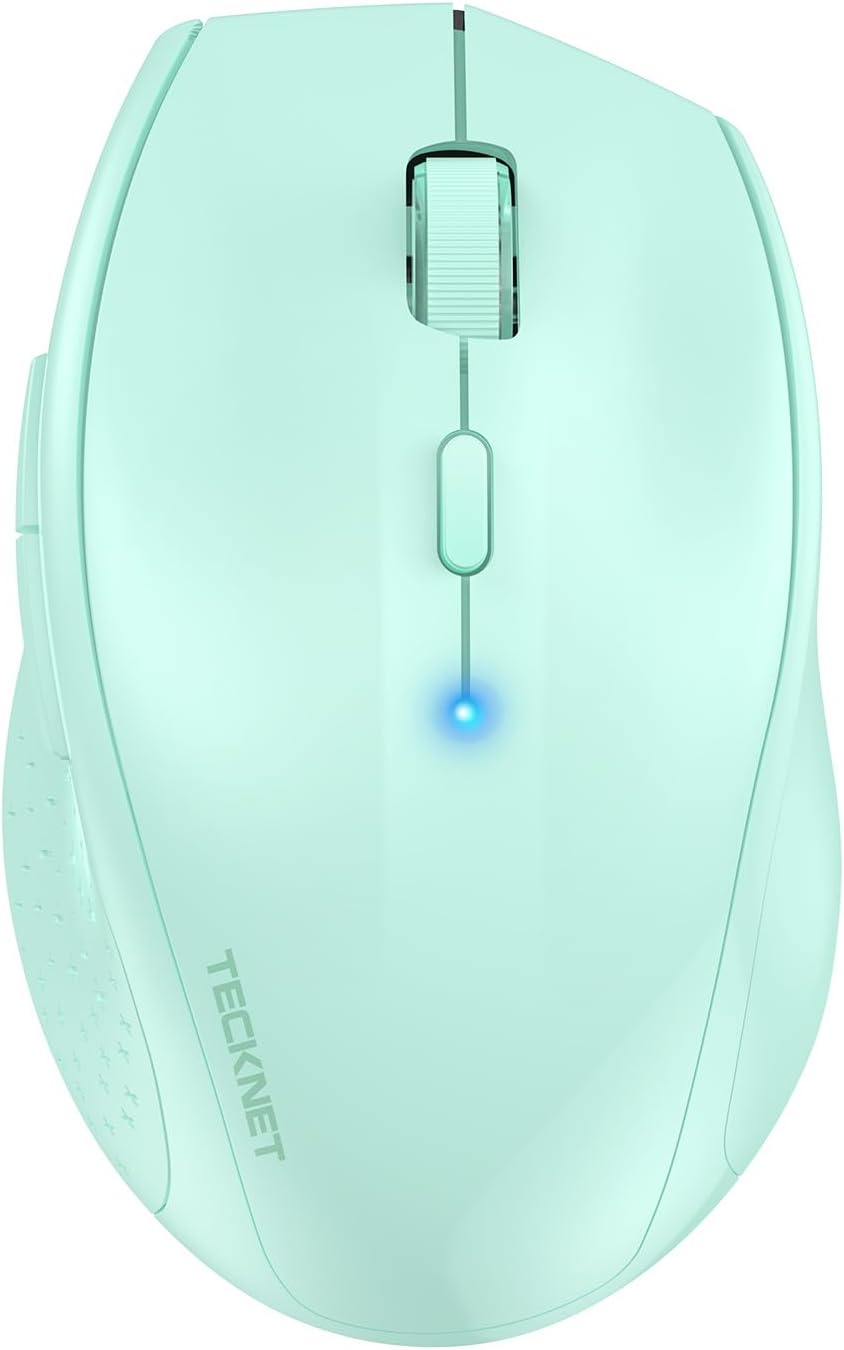
TECKNET Classic Bluetooth Mouse: 4800 DPI, Dual Bluetooth, 24-Month Battery Life
Reviews
Price
Product description
What it is and who it’s for
The TECKNET Classic Bluetooth Mouse is a wireless laptop and desktop companion designed for everyday productivity. With dual Bluetooth modes, it connects directly to Bluetooth-enabled laptops or PCs without a receiver, making it a convenient option for mobile workstations and home setups alike.
How it connects
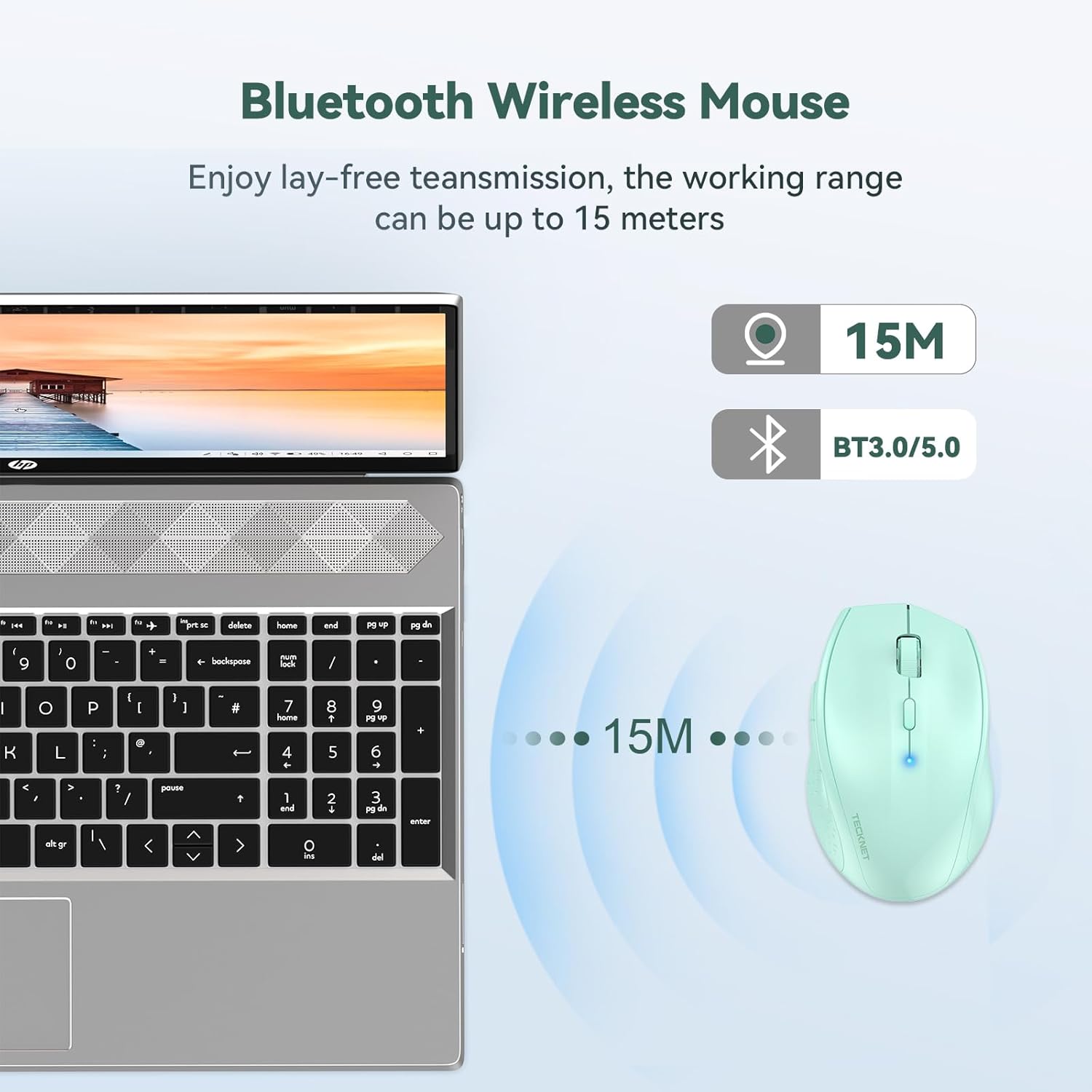
This mouse supports BT3.0 and BT5.0, offering flexible pairing while keeping the connection stable over reasonable distances. The manufacturer notes a wireless range of up to 15 metres, which can be handy if you’re moving around a room or presenting from a distance.
Precision and control
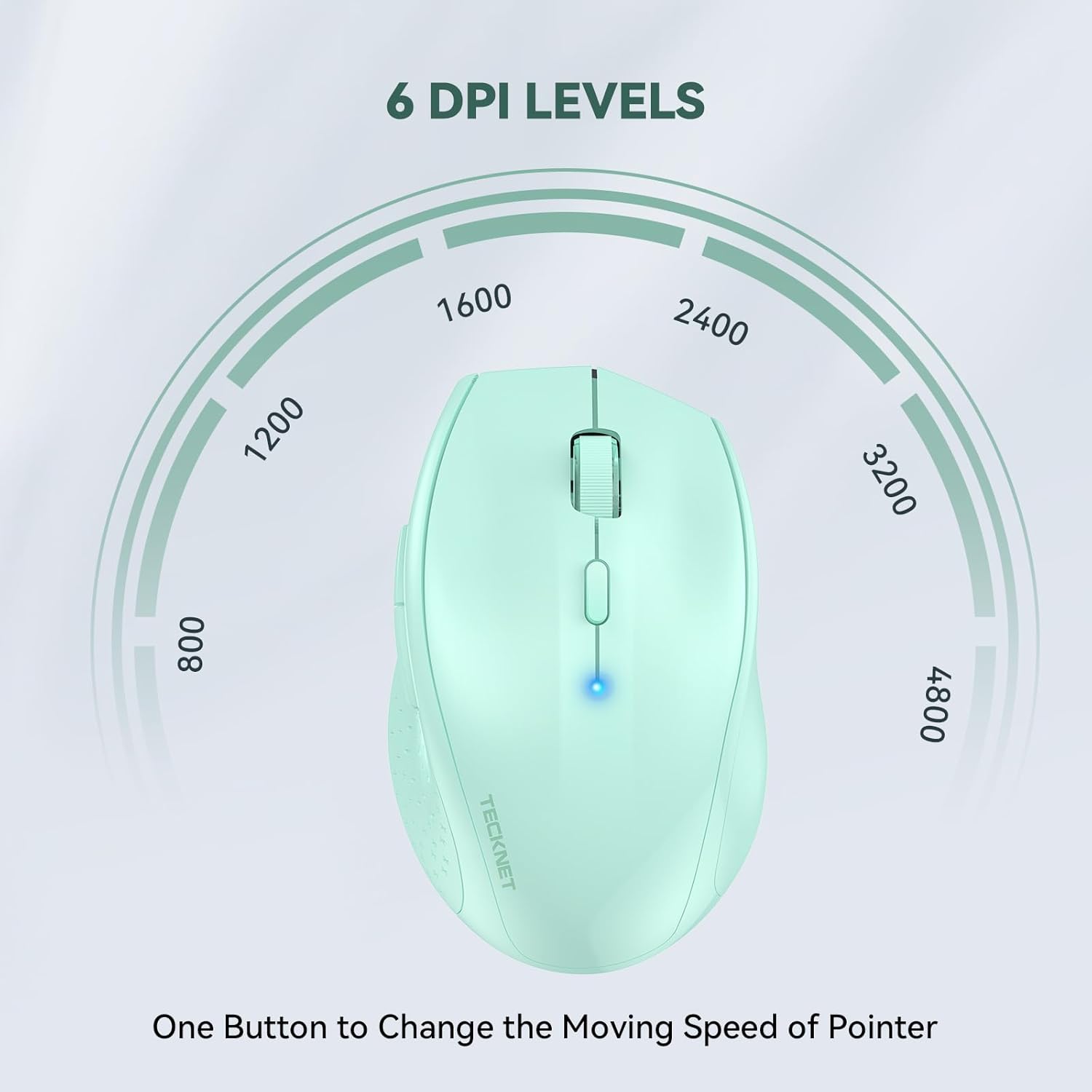
Six DPI levels (800–4800) let you adjust cursor speed to suit the task and surface. A single DPI button lets you switch modes on the fly, useful when switching from detailed design work to fast navigation. While 4800 DPI is suitable for most productivity tasks, those needing precise photo or CAD work might still prefer a wired or higher-precision option—this is more about comfortable everyday use.
Build and durability
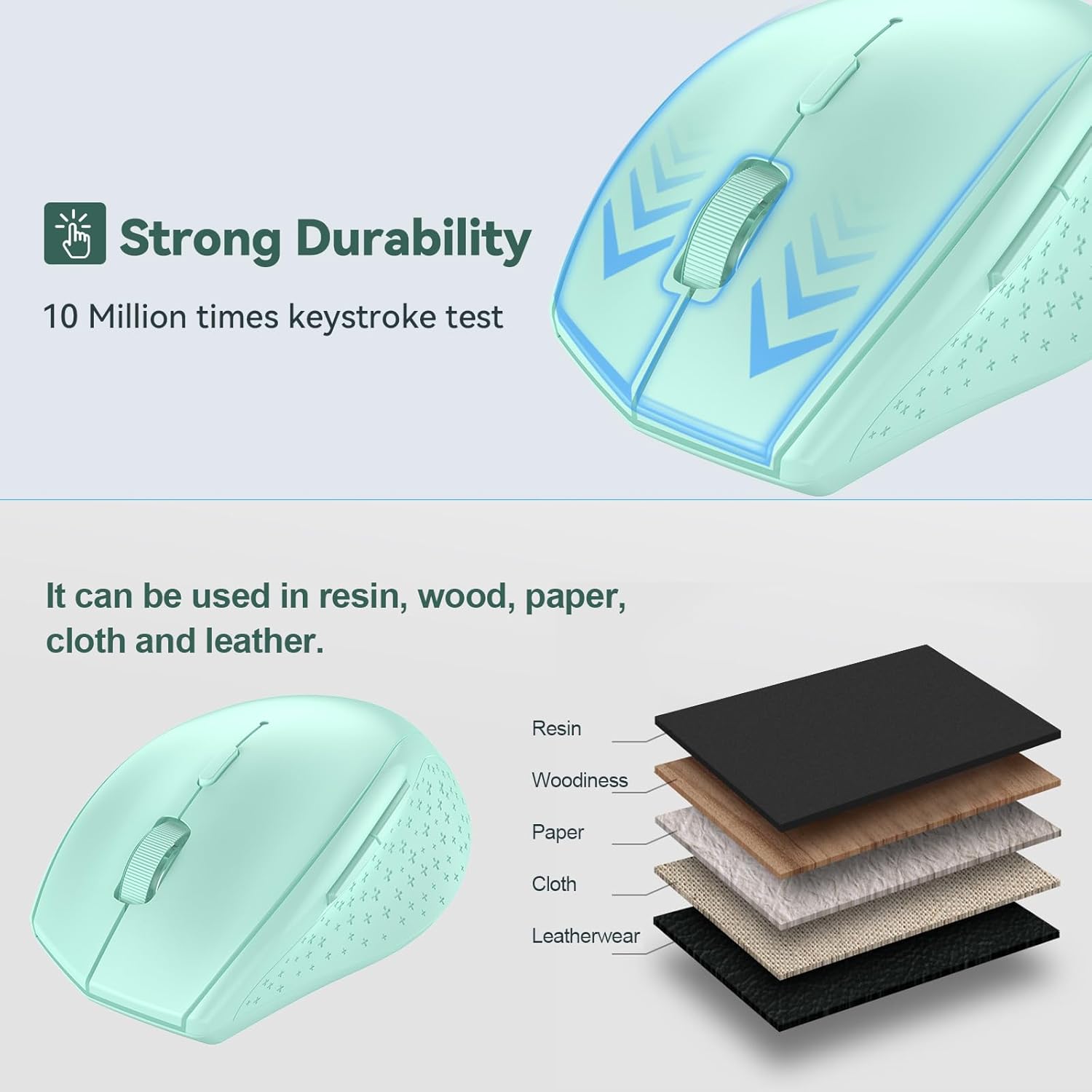
The mouse is described as having a durable construction tested to 10 million clicks. If you’re prone to carries and occasional drops, this build reassurance may matter, though real-world longevity will depend on usage patterns and handling.
Power and longevity
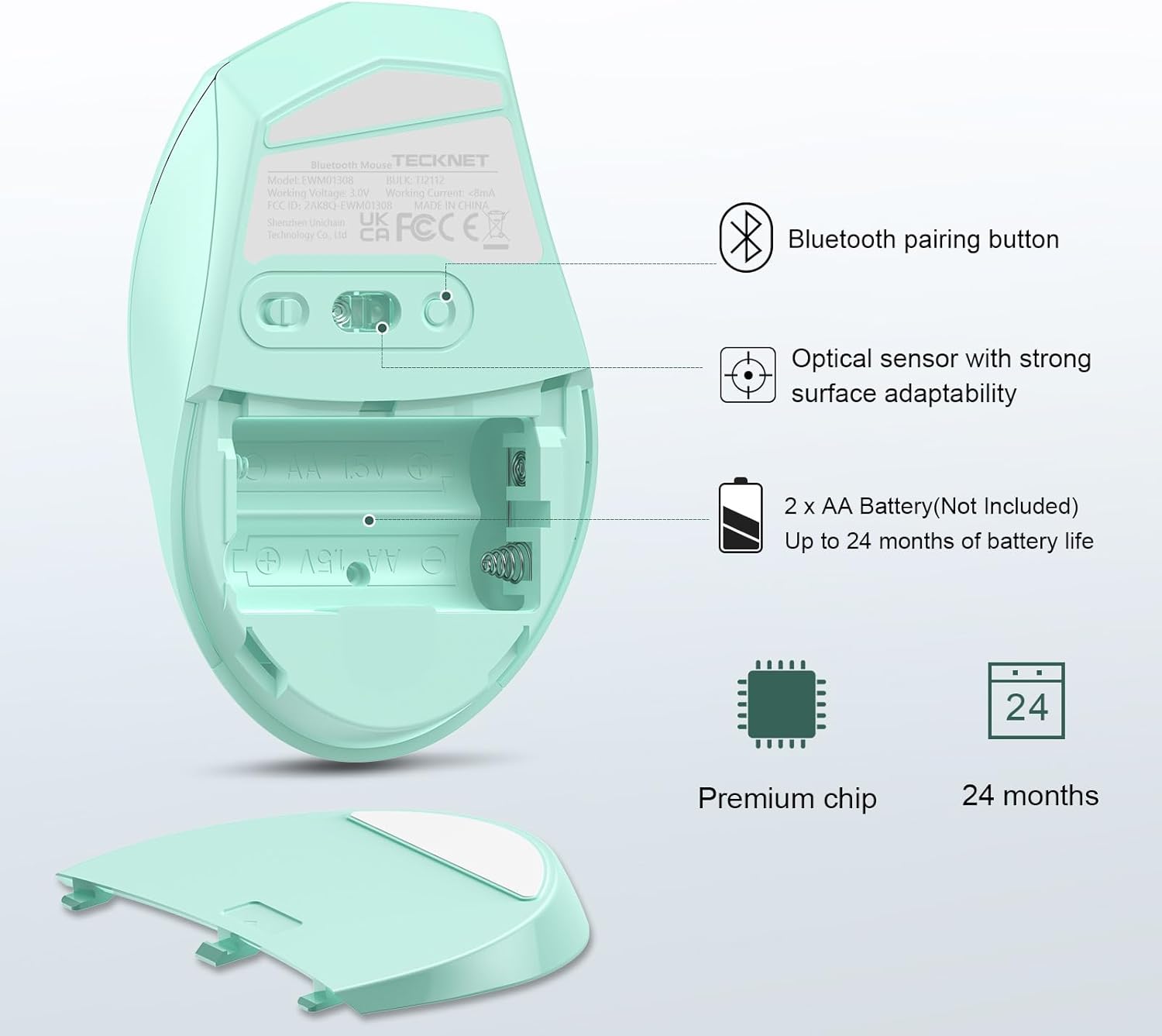
Power-efficient features include an on/off switch and smart sleep mode. With 2 AA batteries, the mouse is advertised to run for up to 24 months, aided by energy-saving behaviour like a battery indicator to remind you when a replacement is due. If you travel light or work remotely, long battery life reduces fingerprinting on the battery game in your workflow.
Compatibility and limits
It’s stated as broadly compatible with Windows histories (2000 onward), macOS is supported in general, but note that side buttons aren’t available on Mac OS. This means you might lose some quick-access features if you rely heavily on side-button customisation.

Practical considerations before you buy
If you favour a clutter-free setup with wireless convenience, this TECKNET model offers straightforward Bluetooth pairing and a decent DPI range. On the downside, the lack of side-button support on Mac could be a drawback for users who rely on extra customisable controls. The 24-month battery claim is appealing for those who want fewer interruptions, but you’ll need to keep an eye on battery life and use replaceable AA cells rather than a rechargeable pack.
How it compare as a purchase choice
For casual office work, web browsing, and light design tasks, this mouse provides a balanced mix of portability, battery life, and simplicity. If you expect to use many Mac features or need programmable buttons, you might look at alternatives offering full Mac compatibility and more advanced button mapping.
What to check before buying
- Confirm your primary device supports Bluetooth and that BT3.0/BT5.0 is compatible with your operating system.
- Consider where you’ll use it most—small desks or presentations—and whether you need a longer Bluetooth range.
- If you work extensively on Mac, be aware side buttons won’t function as expected.
- Think about whether 24 months of battery life suits your travel and power access, or if you prefer a rechargeable option.

Everyday use snapshot
Imagine gliding through a morning of document edits and quick spreadsheets, then moving to a long email thread with minimal battery changes. The DPI switch allows you to tailor sensitivity on the fly, so you’re not constantly hunting for a setting. The lack of extra Mac-side buttons is a practical constraint if you rely on custom shortcuts during day-to-day tasks.
Final verdict
Final verdict: Worth considering if you prioritise long battery life, a clean wireless setup, and straightforward Bluetooth connectivity for mixed Windows/Mac usage. It may not be the best fit if you need extensive Mac-side button customisation or high-precision tasks beyond standard productivity.
FAQ
- Can it connect to a Mac with Mac OS side buttons working? Side buttons are not available on Mac OS, so those shortcuts won’t be functional.
- How is the battery life claimed? The manufacturer states up to 24 months with 2 AA batteries, subject to usage and power-saving features.
- Does it support both BT3.0 and BT5.0 on the same device? Yes, the mouse supports both Bluetooth modes for flexibility in pairing.