

TCNOUMT replacement remote control for Clarion GPS car DVD video (RCU005 / MF1 / NX404 / NZ501)
Product description
If your current remote has gone missing, cracked, or just stopped behaving, a replacement is often the quickest way to get the system back to routine. This TCNOUMT New Replacement Remote is designed to provide the same type of button functions as the original remote, so you’re not starting from scratch.
That said, it’s not the sort of thing you should buy purely by “similar looks” — on paper, the deciding factor is matching the exact remote layout and button symbols for your unit.
The essentials
This is a replacement remote control intended for use with compatible Clarion GPS car DVD/video units referenced in the product title: NX501, RCU005, MF1, NX404 and NZ501. It’s positioned as a like-for-like replacement for a worn or damaged remote rather than a universal controller with lots of guesswork.
The build focuses on everyday usability: a sturdy plastic case, a battery compartment cover, and soft silicone buttons intended to make repeated pressing feel comfortable.
What you’ll notice day to day
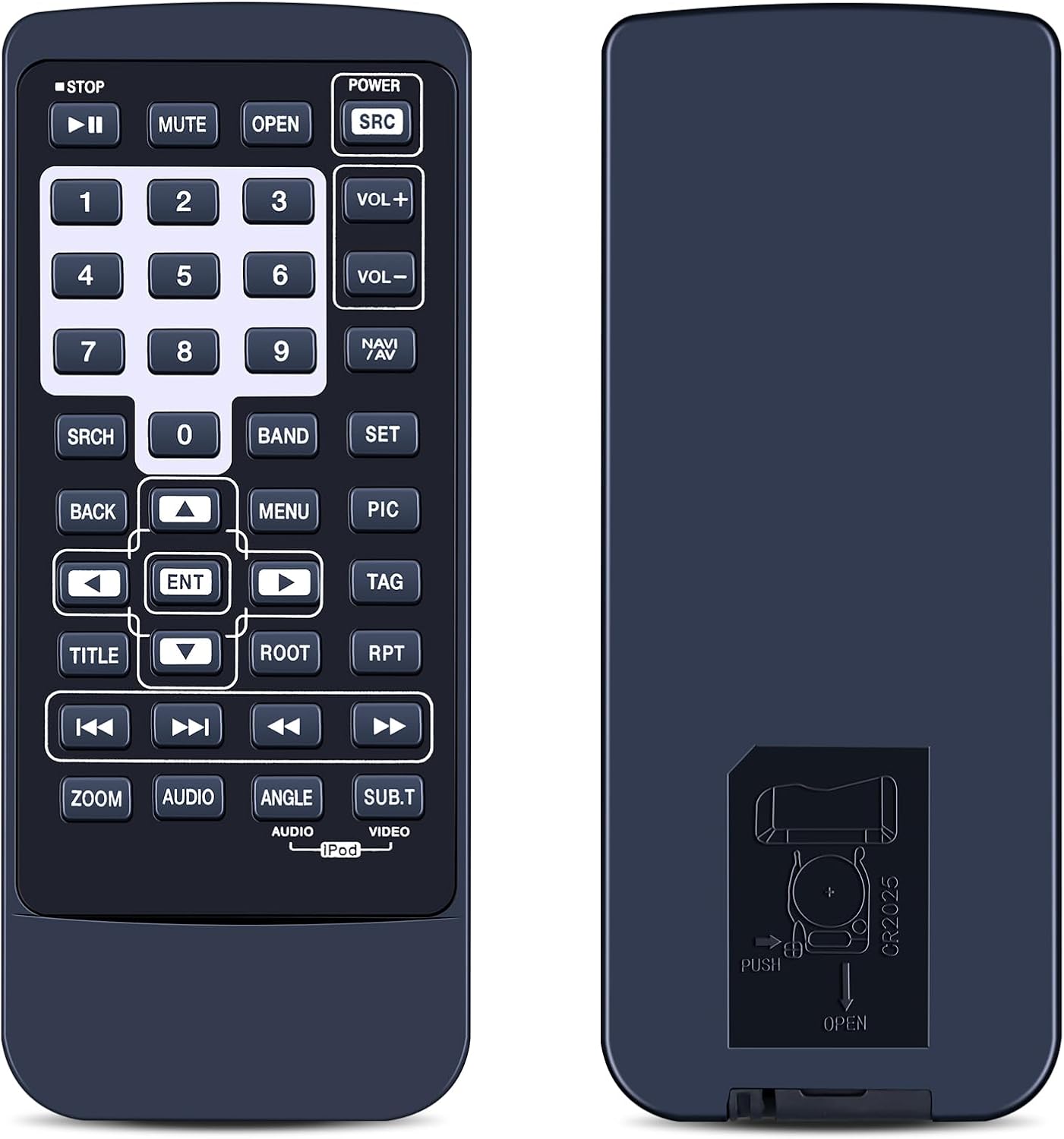
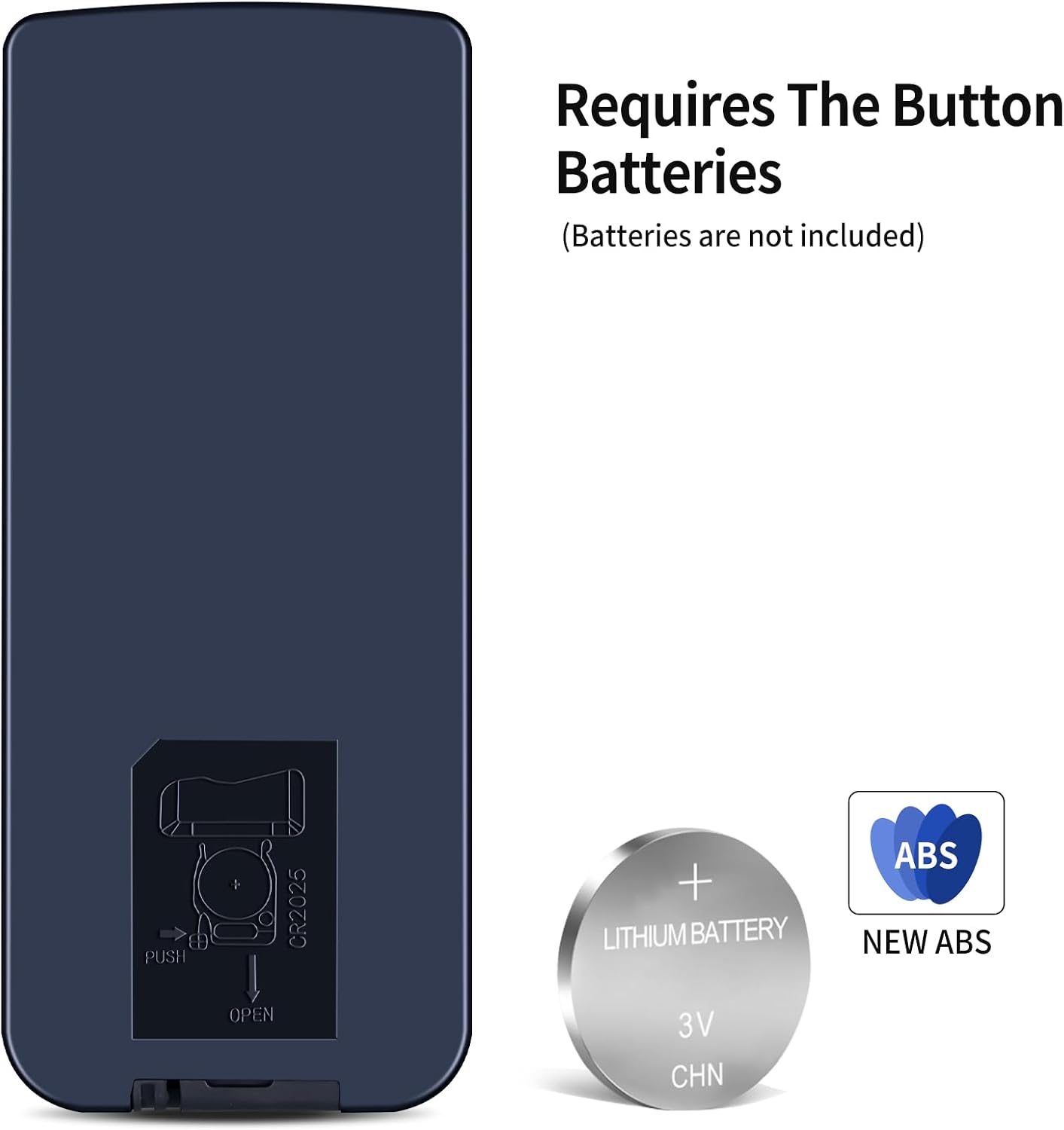
No programming is required, which is one of the biggest practical wins for a replacement remote. Over the “easy setup” promise, the idea is simple: insert the correct battery (battery not included) and use it straight away.
In real terms, that means fewer fiddly steps and less time spent trying to get the remote to respond. It’s also described as ergonomic and lightweight, so it’s easier to hold during regular use — which matters if more than one person in the car will pick it up.
One small limitation to keep in mind: because this is a replacement meant to match an existing remote, it may not be the right fit if your original remote has different button markings or a different layout.
Ease of setup (and the one thing to double-check)
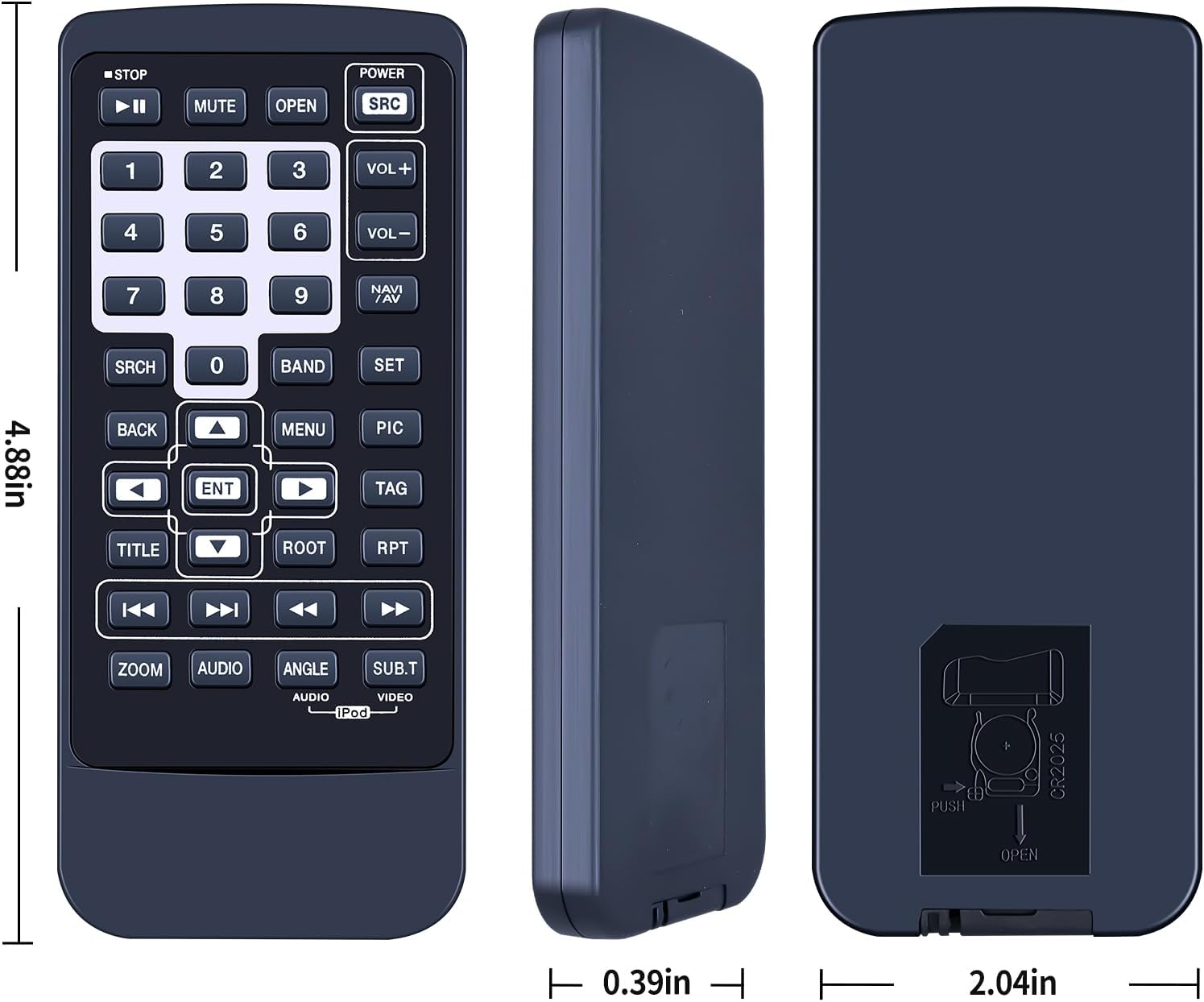
The product states that it needs no programming and simply works once you’ve inserted the battery. That’s great for quick replacement.
But before buying, you’ll want to check the remote control picture carefully and pay attention to the button symbols. The listing explicitly asks buyers to make sure the symbol matches the remote you need exactly. If you’re unsure, it also suggests contacting the seller.
If you’ve ever bought the “close enough” remote for the wrong unit and then had to return it, you’ll know why this matters.
Key points before you buy
- Check the remote image against your current remote, especially the button symbols.
- Confirm you’re looking at the right Clarion unit references listed in the title.
- Remember the battery isn’t included, so you’ll need to add one before it’s usable.
If you prioritise minimal hassle and direct replacement, this kind of remote fits that goal better than more generic alternatives. If you need something truly universal, this may not be designed for that.
Who it suits (and who should be cautious)
It makes sense if you want a straightforward replacement remote for a Clarion GPS car DVD/video system and you’d rather not deal with pairing or programming.
It might not be a great match if: - your current remote’s button layout or symbols don’t clearly correspond to the one shown in the listing picture, - you’re looking for a universal remote that works across multiple unrelated units, - you don’t have a way to compare your existing remote’s markings to the product images.
Is it worth it?
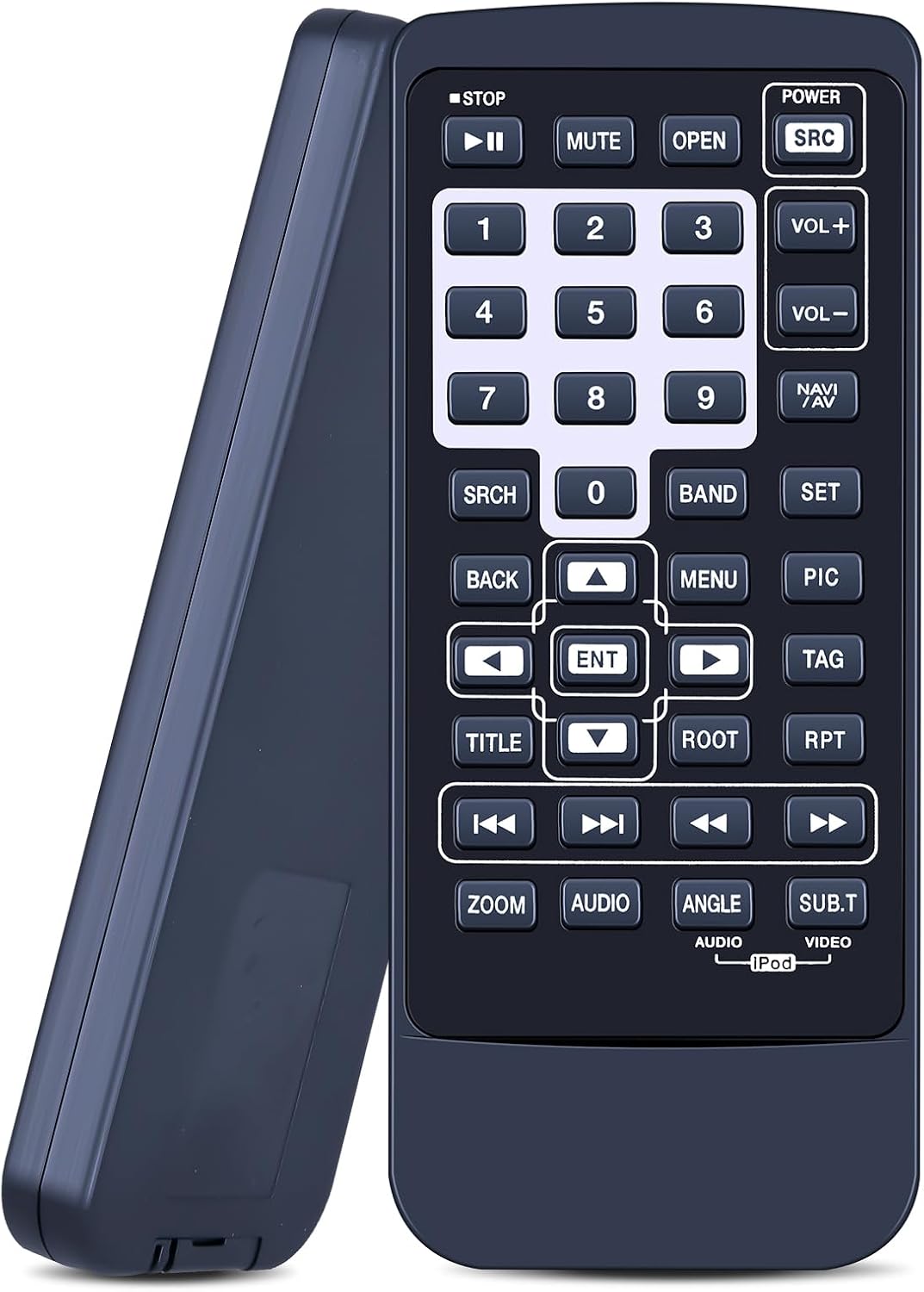
A solid pick if you’re replacing a worn, broken, or missing Clarion remote and you can verify the button symbols and layout against the listing photos. The “no programming” approach and the ergonomic, silicone-button feel are practical advantages for day-to-day use.
It’s not the best choice if you’re buying without being able to check the button symbols carefully, because this is meant to mirror the original remote functions rather than act as a broad universal controller.
Mini FAQ
Does this remote need programming?
The listing says it requires no programming, and you just need to insert the battery (battery not included).
What’s included in the box?
The provided information doesn’t specify a full bundle, but it does note that the battery isn’t included.
What should I check to make sure it’s compatible?
Check the remote control picture carefully and match the button symbols/layout to your existing remote.
What if I’m not sure it matches my remote?
The listing advises contacting the seller if you have questions before purchasing.