


SunnyOcean 2.4GHz presentation clicker
Reviews
Price
Product description
A wireless presentation remote can make your delivery feel smoother, especially when you can move through slides and control key actions without touching the laptop. The SunnyOcean Presentation Clickers are built for PowerPoint style use, bringing page navigation, hyperlink control, and volume adjustments into a single compact clicker. With a rechargeable design, a red pointer, and a plug and play USB receiver, it suits everyday presenting in meetings, classrooms, and training sessions. 📎
The essentials
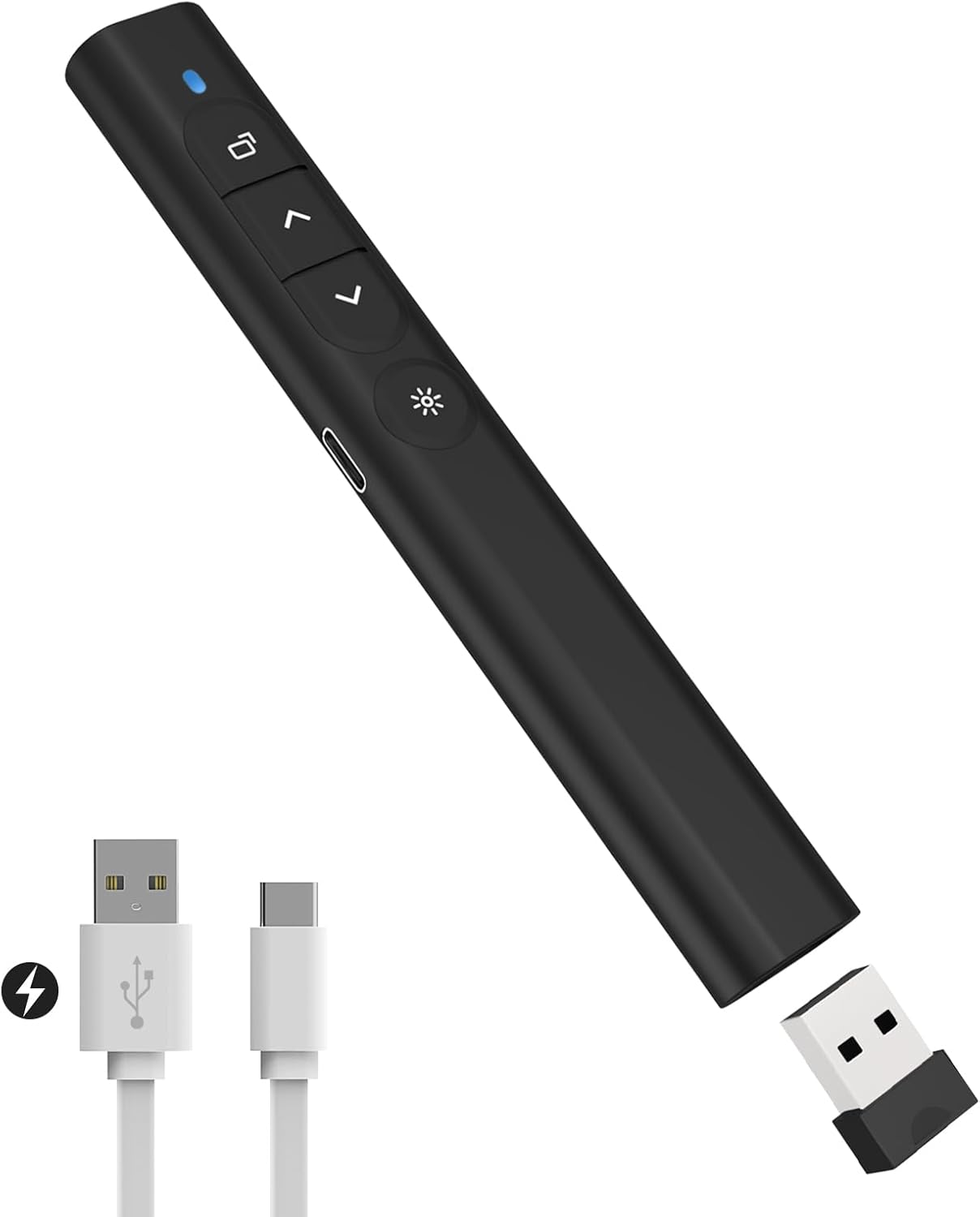
The core benefit of this presentation clicker is simple, it gives you direct control during your talk. You can move slide by slide, go page up and down, and trigger full screen or black screen modes so your audience sees exactly what you want. It also supports hyperlink actions, so if your slides use clickable links you can open them during delivery rather than hunting for the trackpad. For many presenters, being able to adjust volume and switch windows quickly reduces the number of distractions during the session.
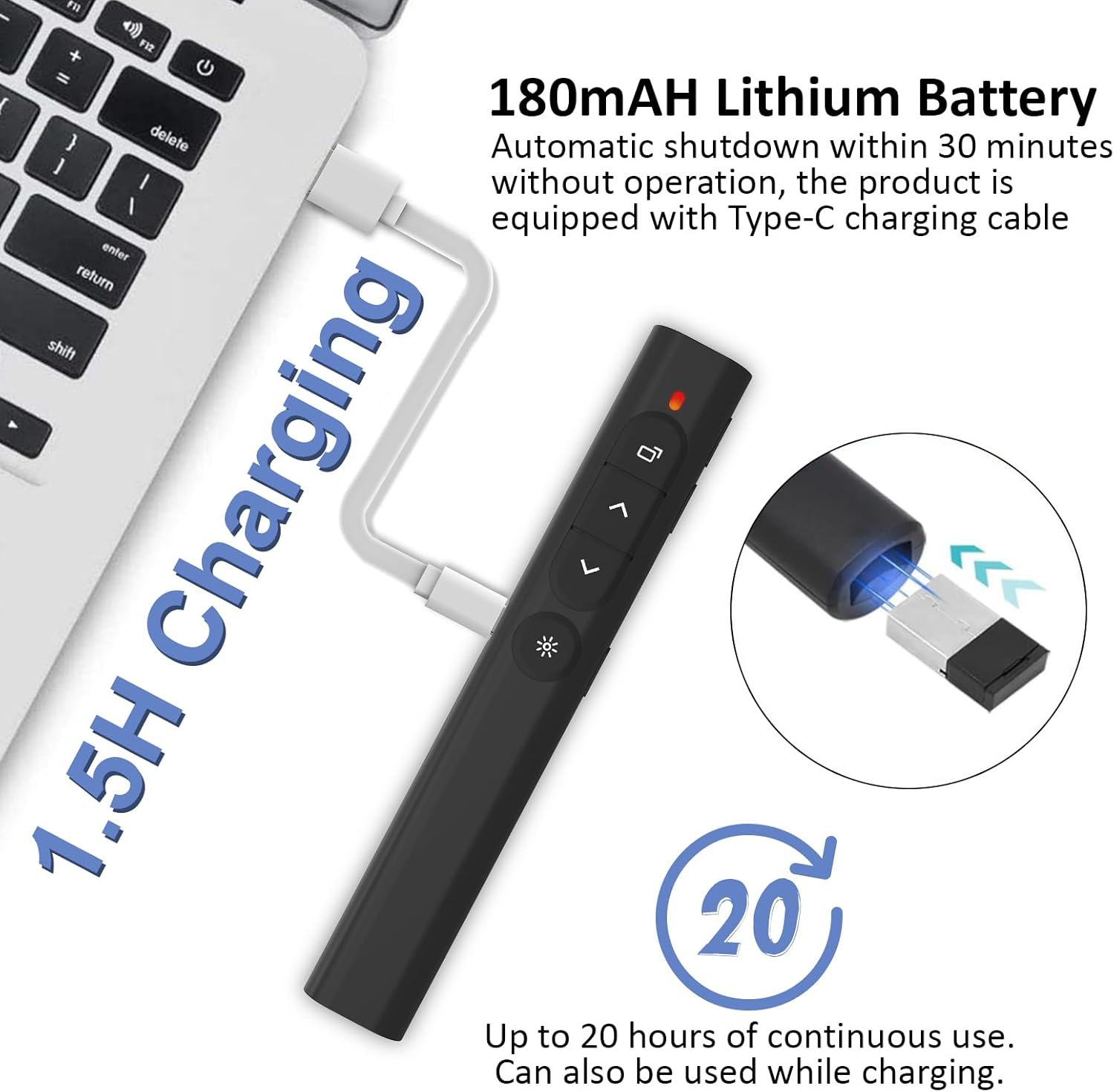
This model is also positioned around convenience. It is described as plug and play, meaning you do not need software installation to get started. You just connect the USB receiver, then use the clicker for the navigation and presentation actions you rely on. The included rechargeable power means you can avoid running out of batteries mid session, and you can even keep using it while charging in an emergency, according to the manufacturer.
Key features
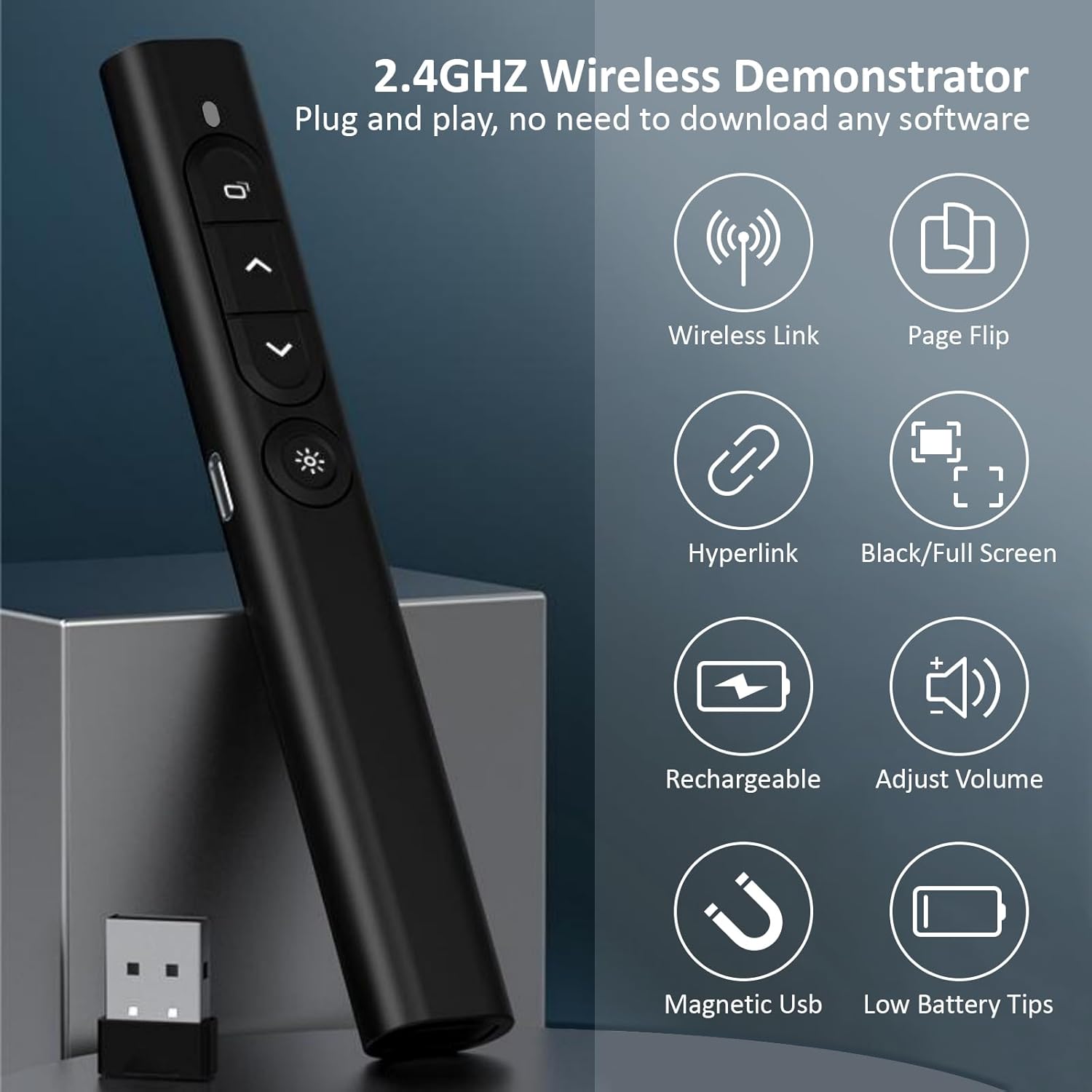
Hyperlink control is one of the standout capabilities mentioned for these clickers. You can select a hyperlink, double click to open the hyperlink, and long press to switch windows. That can be particularly helpful for presentations that include interactive elements, such as resource links, jump menus, or embedded navigation. Alongside this, the clicker supports window switching and volume control, which helps if you need to manage sound or quickly swap between applications.
For delivery style, the clicker includes a bright red pointer. The pointer light is designed to make it easier to draw attention to points on your screen during the talk. There is also an independent switch for the pointer function, which the manufacturer says helps prevent radiation to unnecessary places. If you prefer a less intrusive look, you can keep the pointer control separate from your other clicker actions.
On the practical side, the remote is lightweight and compact. It is listed as 140 by 20 by 17 mm and weighs 26 g, so it can sit comfortably in a pocket or in hand for longer sessions without feeling bulky. The buttons are made of silicone material and include bumps to help prevent accidental presses, giving a more reliable feel while you present. The USB receiver is stored magnetically at the bottom of the clicker, helping you keep everything together when travelling.
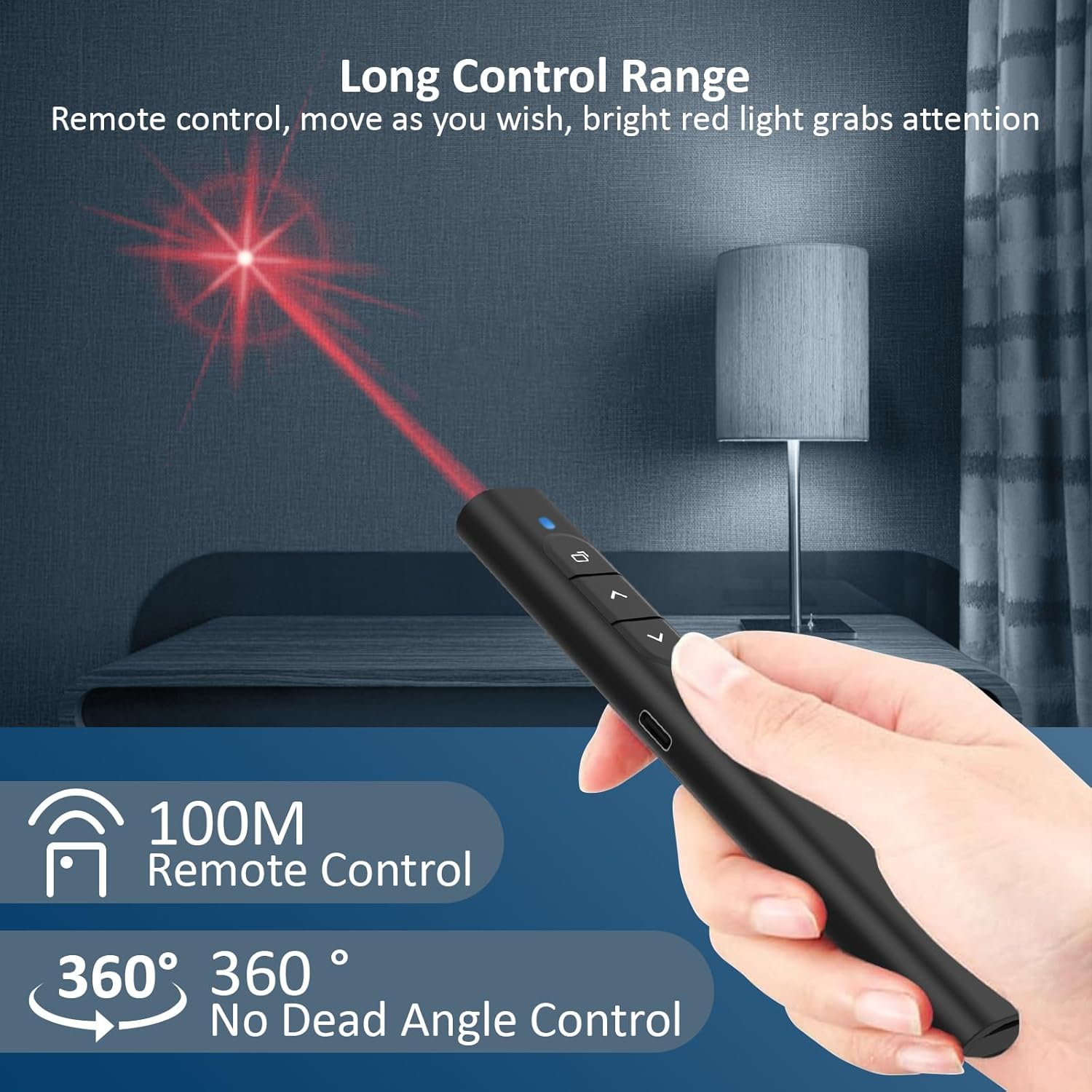
In terms of wireless performance, the clicker is described with a 2.4 GHz connection and a 100 metre control range. That range is useful in typical room layouts, where you may need to stand away from the laptop. If your audience is seated further back or you often move around as you speak, this kind of range can reduce the risk of signal dropouts.
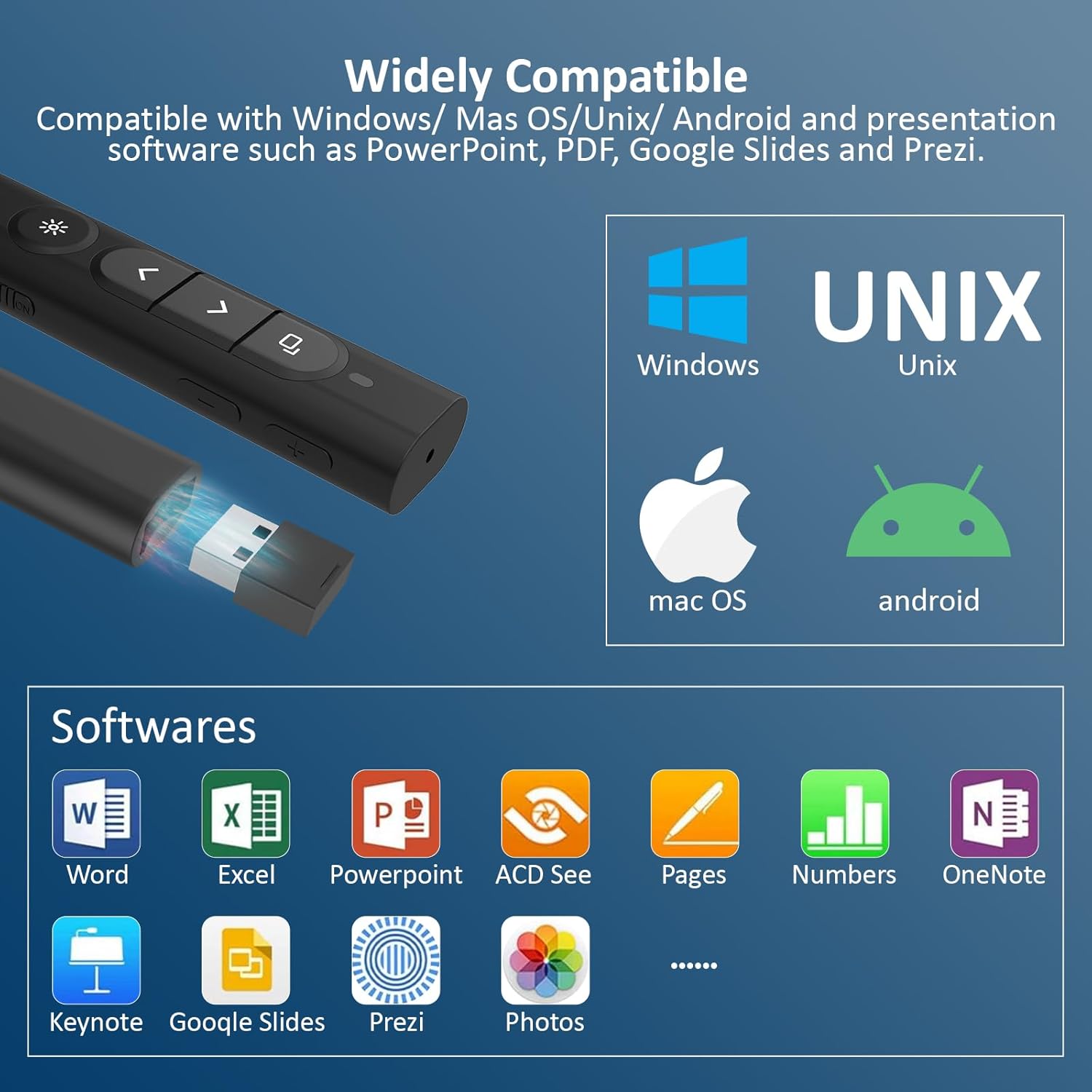
It is also designed around broad compatibility. The manufacturer states it works with Windows, Mac, Unix, and Android operating systems and uses plug and play behaviour. It supports presentation and common document workflows including PowerPoint, Google Slides, iWork such as Keynote and Numbers and Pages, Prezi, PDF, MS Word, Excel, ACD See, and websites, which can cover a lot of everyday presentation needs.
Tech specs
- Type: Wireless presenter clicker remote control
- Name: SunnyOcean presentation clicker
- Frequency: 2.4 GHz
- Control range: 100 m
- Rechargeable battery capacity: 180 mAh
- Pointer: Bright red light presentation pointer
- Dimensions: 140 by 20 by 17 mm
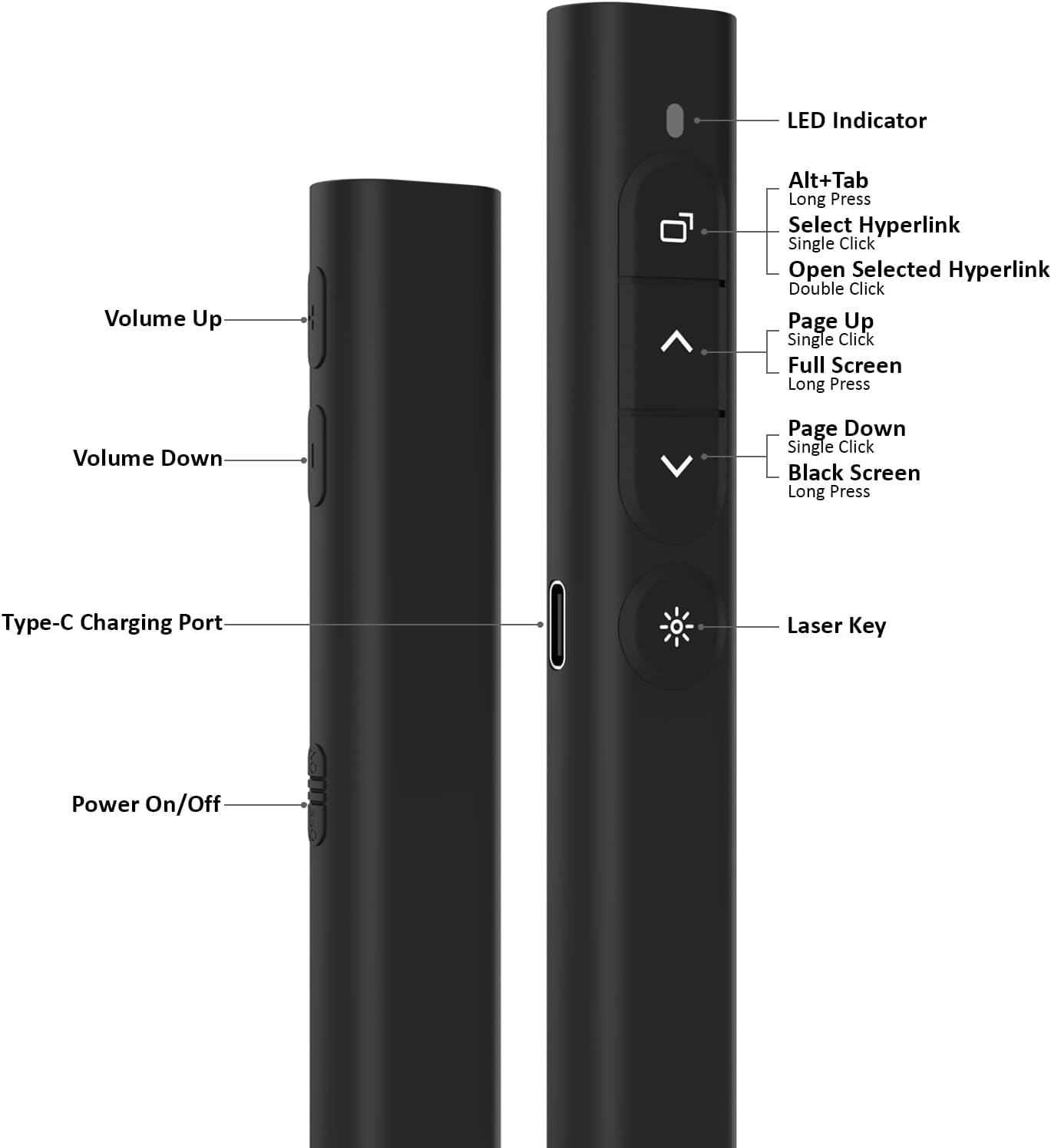
The clicker is rechargeable using a Type C charging cable, according to the product description. When the battery is low, an indicator light will flash on and off to signal the status. The manufacturer also notes that the device can be used while charging in an emergency, which is a useful backup if you forget to top it up.
What’s included
The package contents are listed as 1 colour packaging box, 1 PowerPoint clicker with USB receiver, 1 Type C charging cable, 1 storage bag, and 1 user manual. Having a storage bag can help keep the clicker and receiver together when you are moving between home, office, and classroom. The included USB receiver is part of the plug and play setup, so you do not need to source adapters or install additional software.
It makes sense if you want one compact remote for slide control with added functionality like hyperlinks, window switching, and volume. You may want to skip it if you need advanced software features beyond what a plug and play presenter typically offers, since the description focuses on direct remote actions rather than complex customisation. It’s a good fit if your presentations rely on navigation, interactive links, and clear on screen control with minimal fuss.
For best results, keep the USB receiver stored in the clicker when you travel and charge it before a busy day of meetings. The independent switch for the red pointer can help you manage when the pointer is on, and the button design is intended to reduce mis presses. Overall, this SunnyOcean clicker is built around day to day presenting tasks where reliability, quick control, and easy setup matter most.