

UGREEN USB B to USB C 1M printer cable
Reviews
Price
Product description
This USB printer cable converts a USB Type-C or Thunderbolt 3 port into a USB Type-B connection, making it straightforward to link printers, scanners and some external devices directly to modern laptops and desktops. It is aimed at users who need a reliable wired connection for printing and data transfer, offering faster setup than wireless alternatives according to the manufacturer.
Key Points
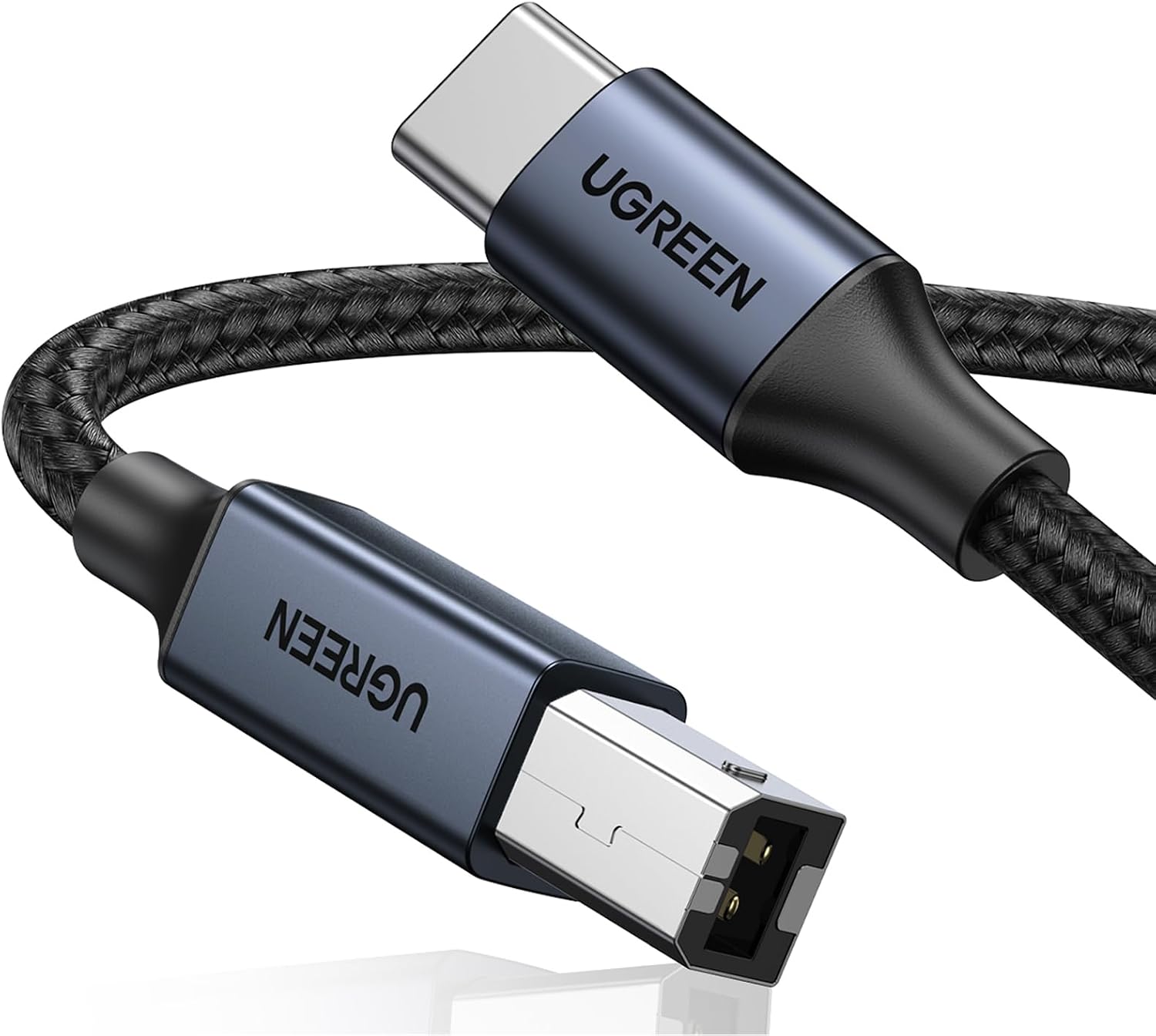
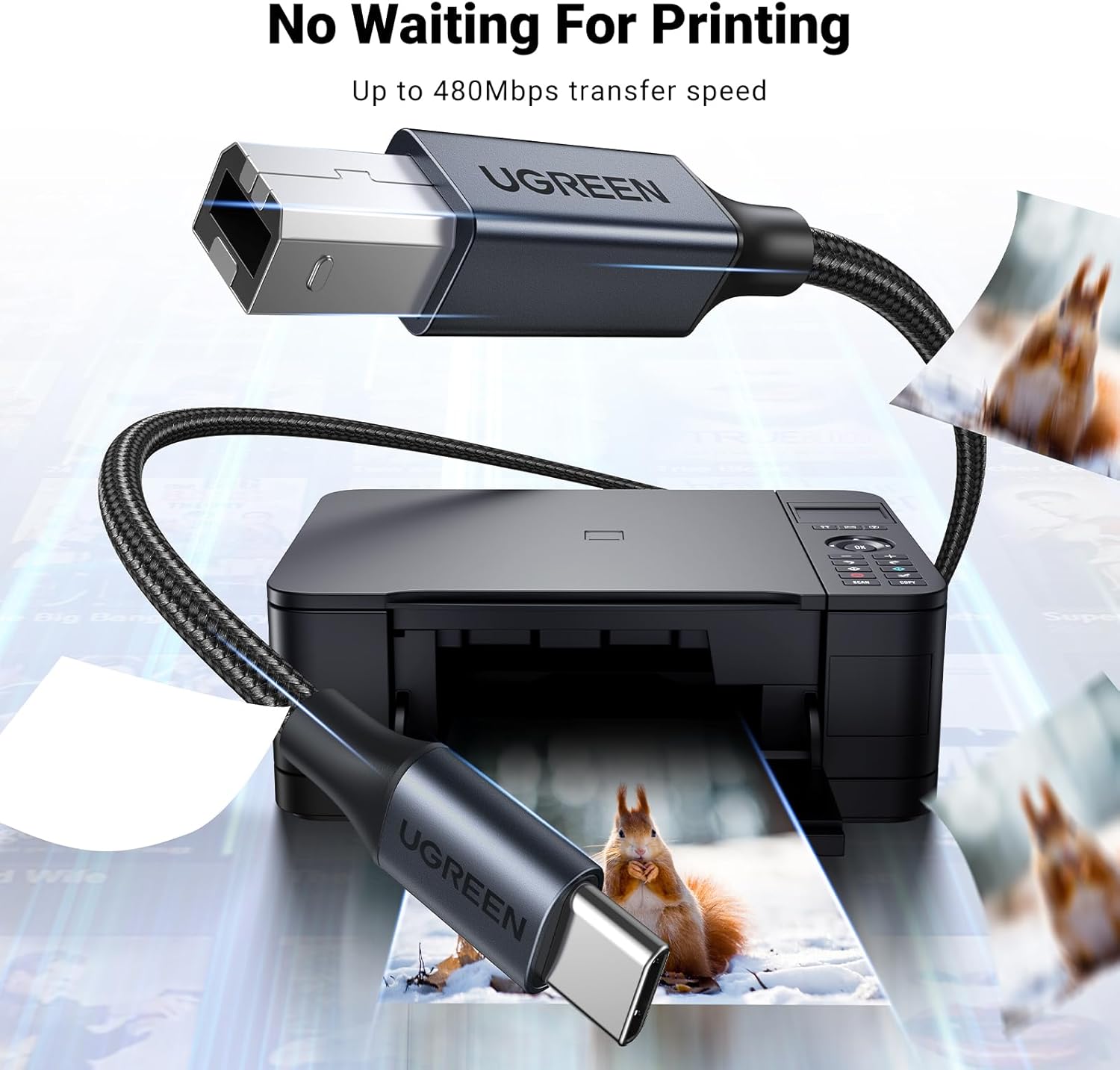
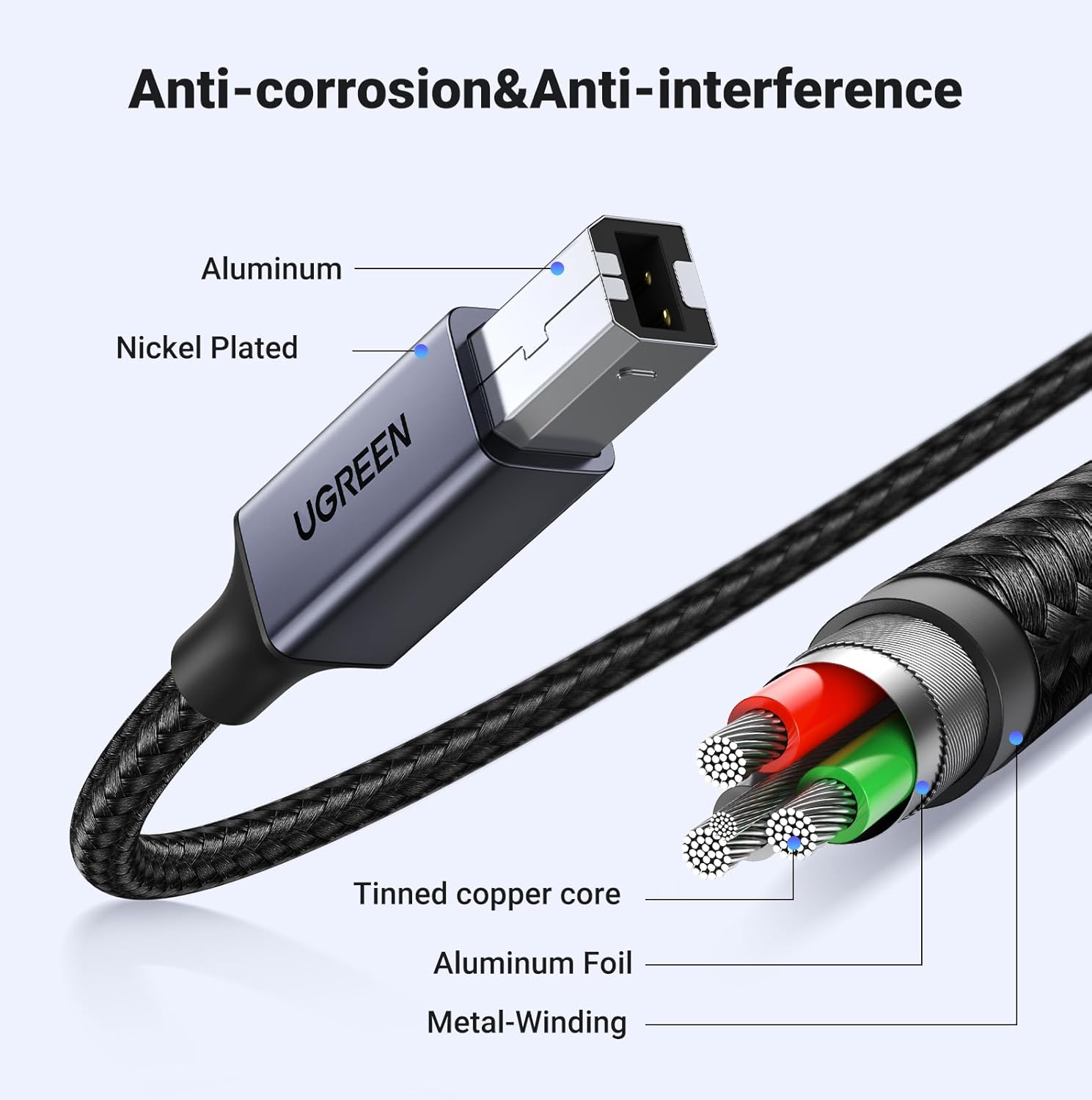
The cable supports USB 2.0 speeds up to 480 Mbps, which is suitable for most printing and scanning tasks and for transferring files between compatible devices. Its braided nylon jacket reduces tangling and improves resistance to everyday wear, while nickel-plated connectors are intended to enhance contact stability and reduce corrosion over time. Note that printing from some tablets or phones may still require a driver download.
Technical Specifications
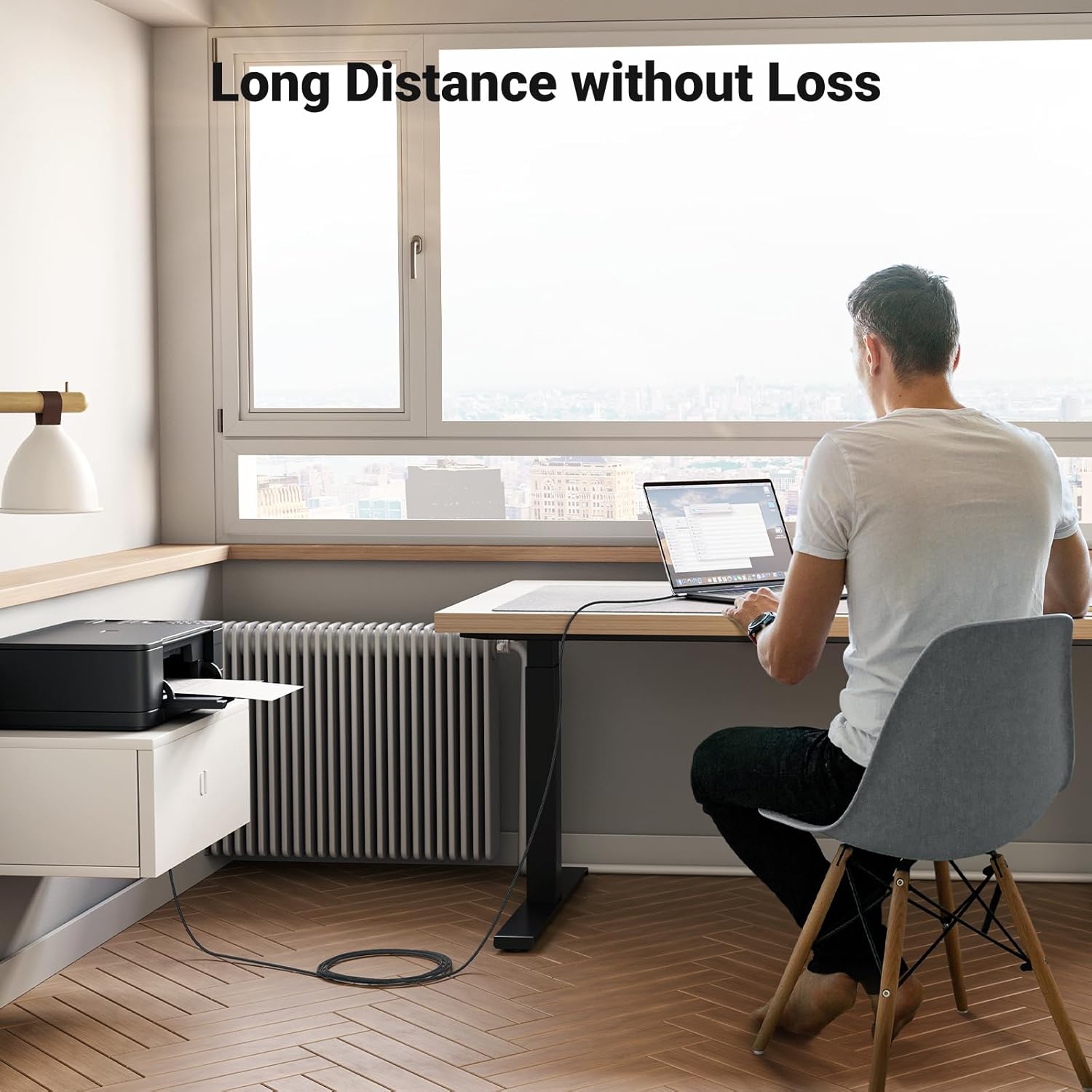
- Name: UGREEN USB B to USB C Printer Cable (1M)
- Length: 1 metre
- Data transfer: Up to 480 Mbps (USB 2.0)
- Connector A: USB Type-C male
- Connector B: USB Type-B male
Usage Recommendations
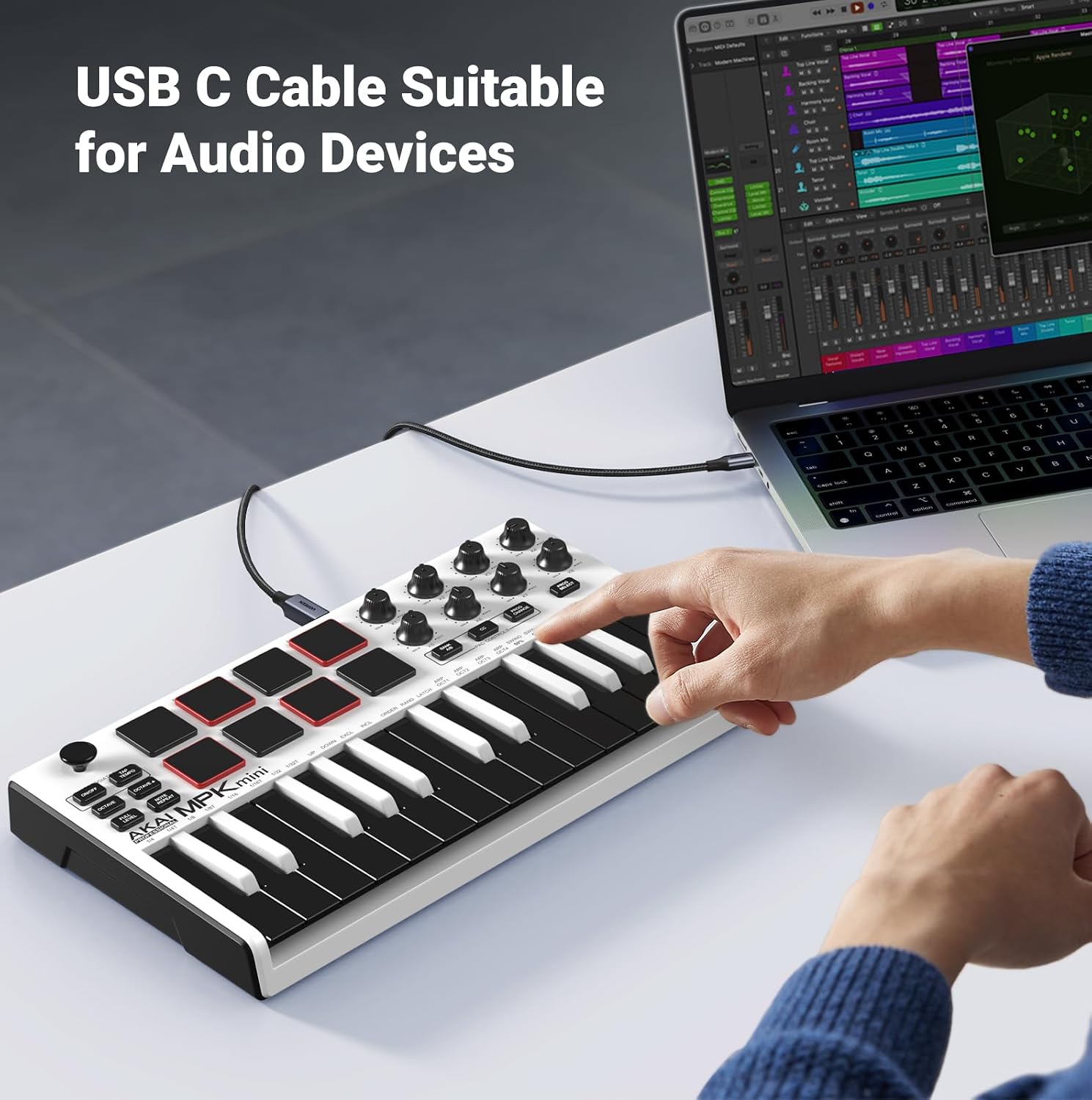
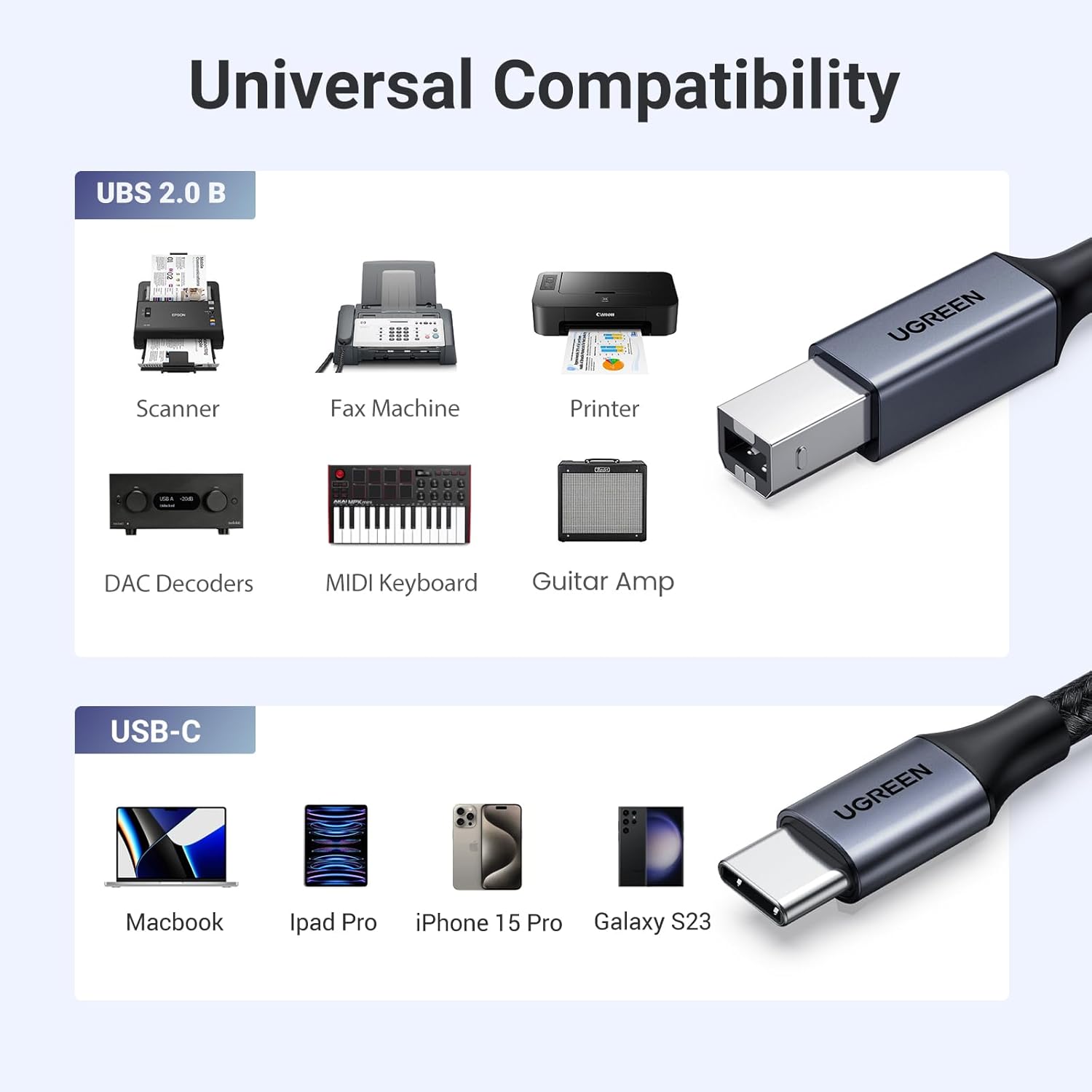
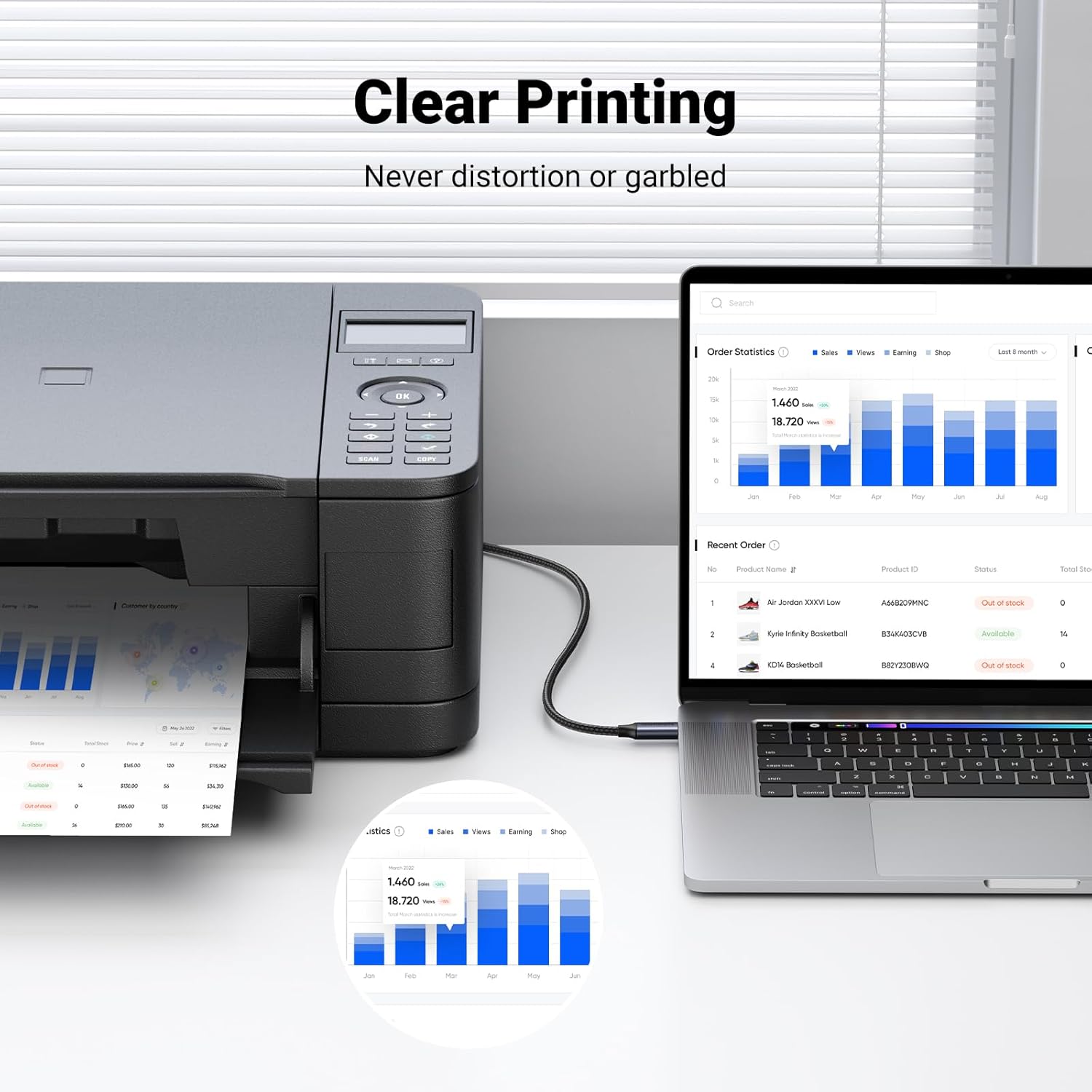
Connect the USB Type-C end to a laptop or desktop with a USB-C or Thunderbolt 3 port and the USB-B end to the printer or scanner. For devices such as some tablets and phones, check whether a manufacturer driver is needed before attempting to print. When using with devices claiming compatibility like certain iMac, MacBook or Surface models, ensure the host port supports data transfer rather than being power-only.
Positive Aspects
The cable delivers a stable wired link that can avoid common Wi-Fi printing issues and configuration steps, which is convenient when quick, repeatable prints are required. Its triple shielding is designed to reduce interference and maintain consistent throughput during jobs that involve multiple pages or large scans. The braided outer layer gives it a firmer feel and reduces the chance of fraying after repeated bending.
Practical Tips
Route the cable away from power adaptors and other sources of electromagnetic interference when possible to keep transmissions stable. If your printer or scanner is older, it will typically be recognised automatically on Windows and macOS, but for tablets and some mobile devices you may need to download a driver from the device maker. Consider keeping a spare 1 metre length in an office kit for temporary setups across different workstations.
Limitations to consider include the USB 2.0 maximum speed, which is slower than USB 3.x alternatives. For users who transfer very large media files or need faster peripheral charging, a cable supporting higher data standards would be more appropriate. The Type-C plug means it will not fit older Type-A ports without an adapter, so confirm port types before relying on this cable for a specific setup.