

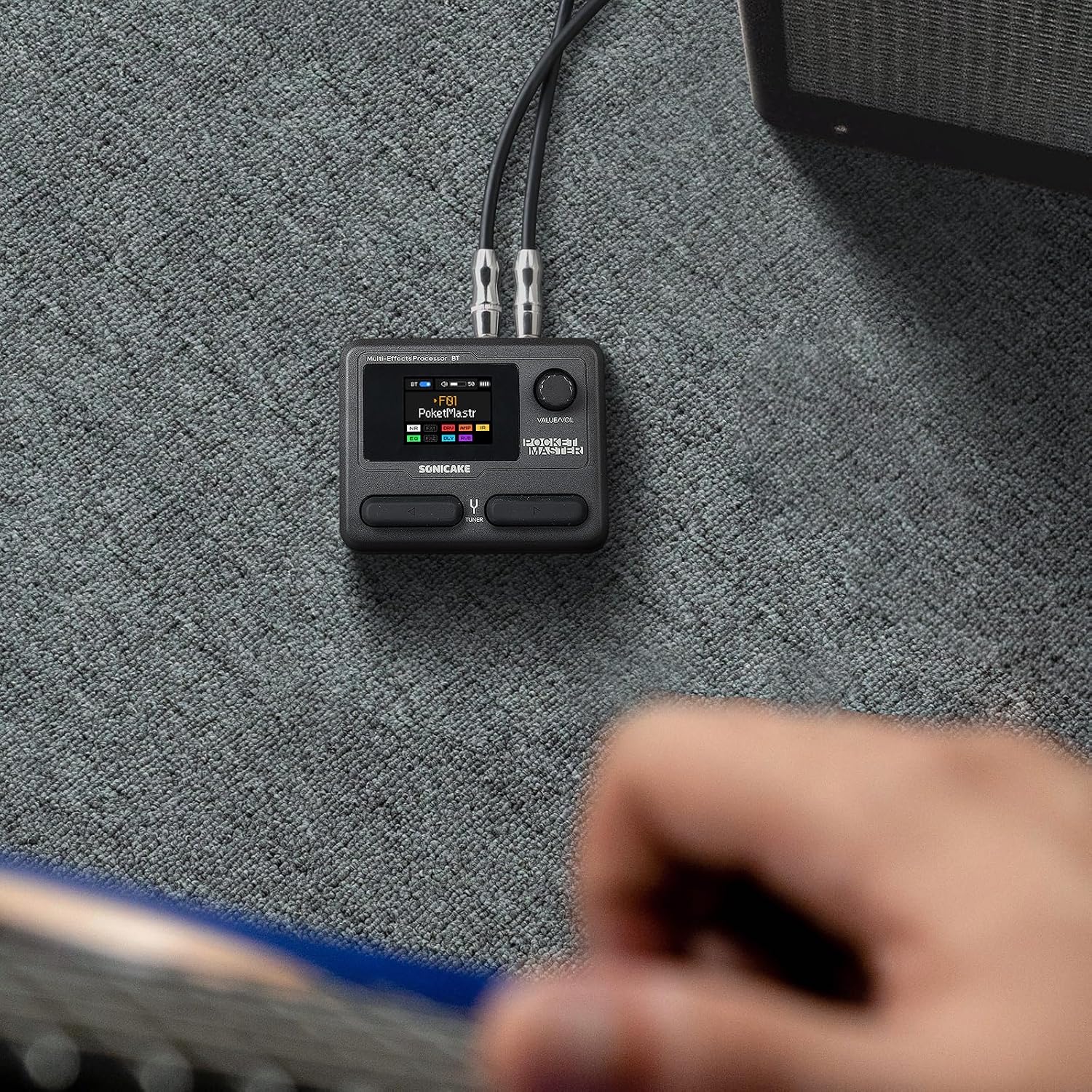
SONICAKE Pocket Master guitar & bass amp modelling multi-effects with IR cab simulation and stereo USB audio
Product description
The essentials
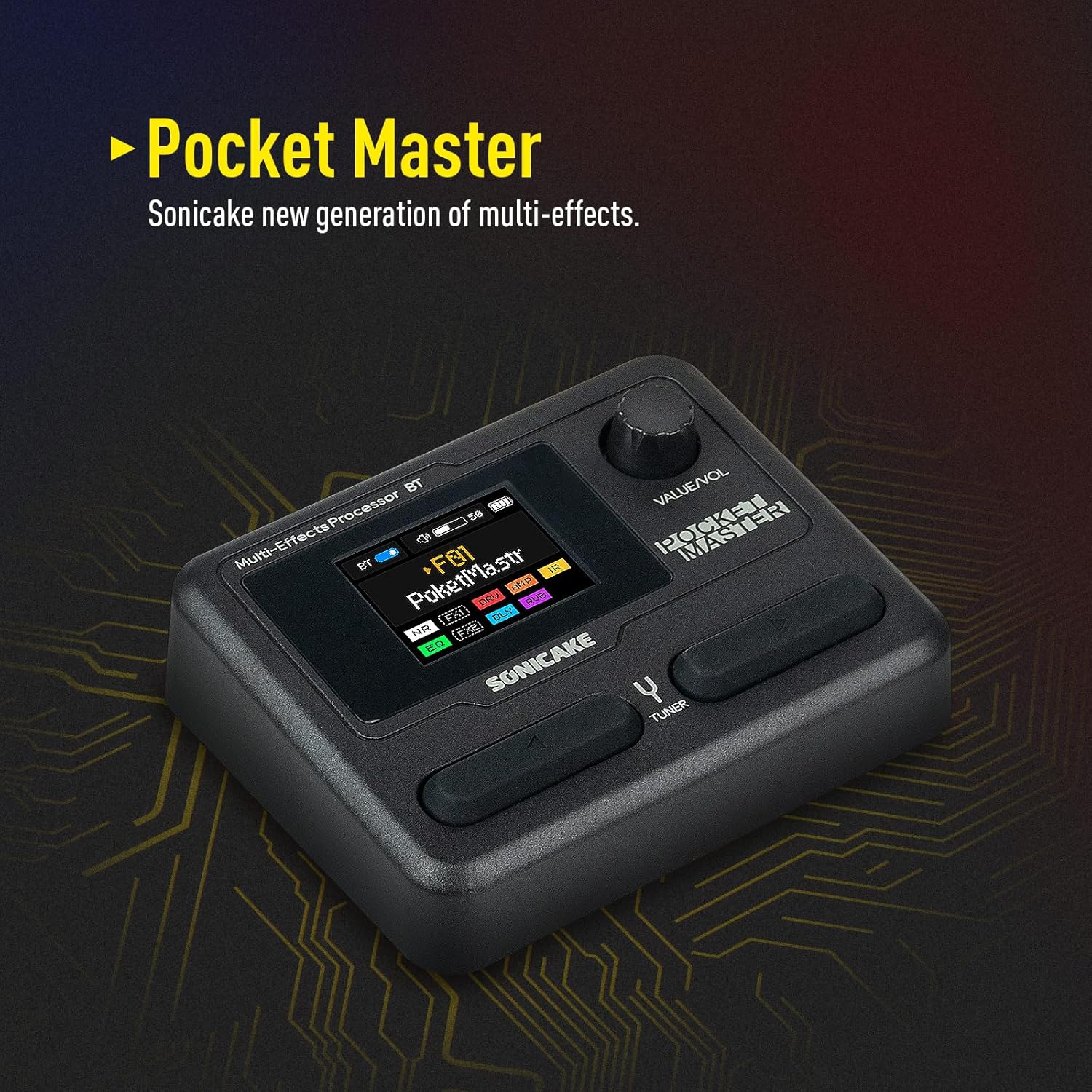
If you want amp modelling, effects and impulse-response cabinet simulation in something truly portable, the SONICAKE Pocket Master is built for that kind of setup. On paper it stacks a lot into one device: 20 amp models, support for third-party IRs, a big effects library, and even a stereo USB audio interface, plus Bluetooth audio. It’s the sort of multi-effects unit that makes sense when you’re recording at home, practising with headphones, or trying to keep a rig compact while still sounding “amp-ish”.
That said, it’s not the same thing as a full pedalboard rig with separate amp, cab and dedicated routing gear. The Pocket Master’s appeal is convenience and modelling depth rather than pure “analogue signal path” purism. Also, if you’re the kind of buyer who expects unlimited control on every parameter, you’ll likely find yourself working within the device’s patch and signal-chain approach.
What matters most for buying
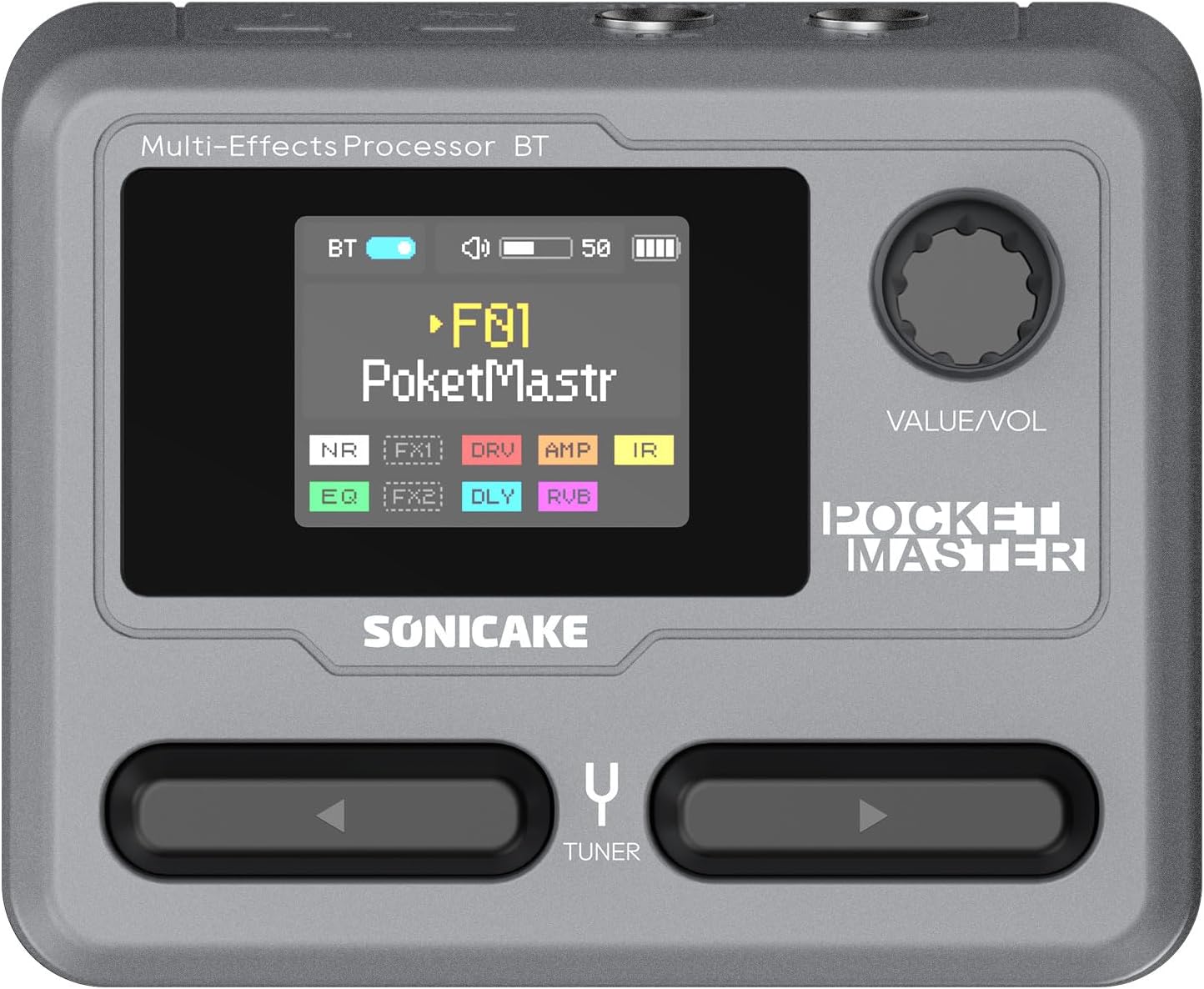
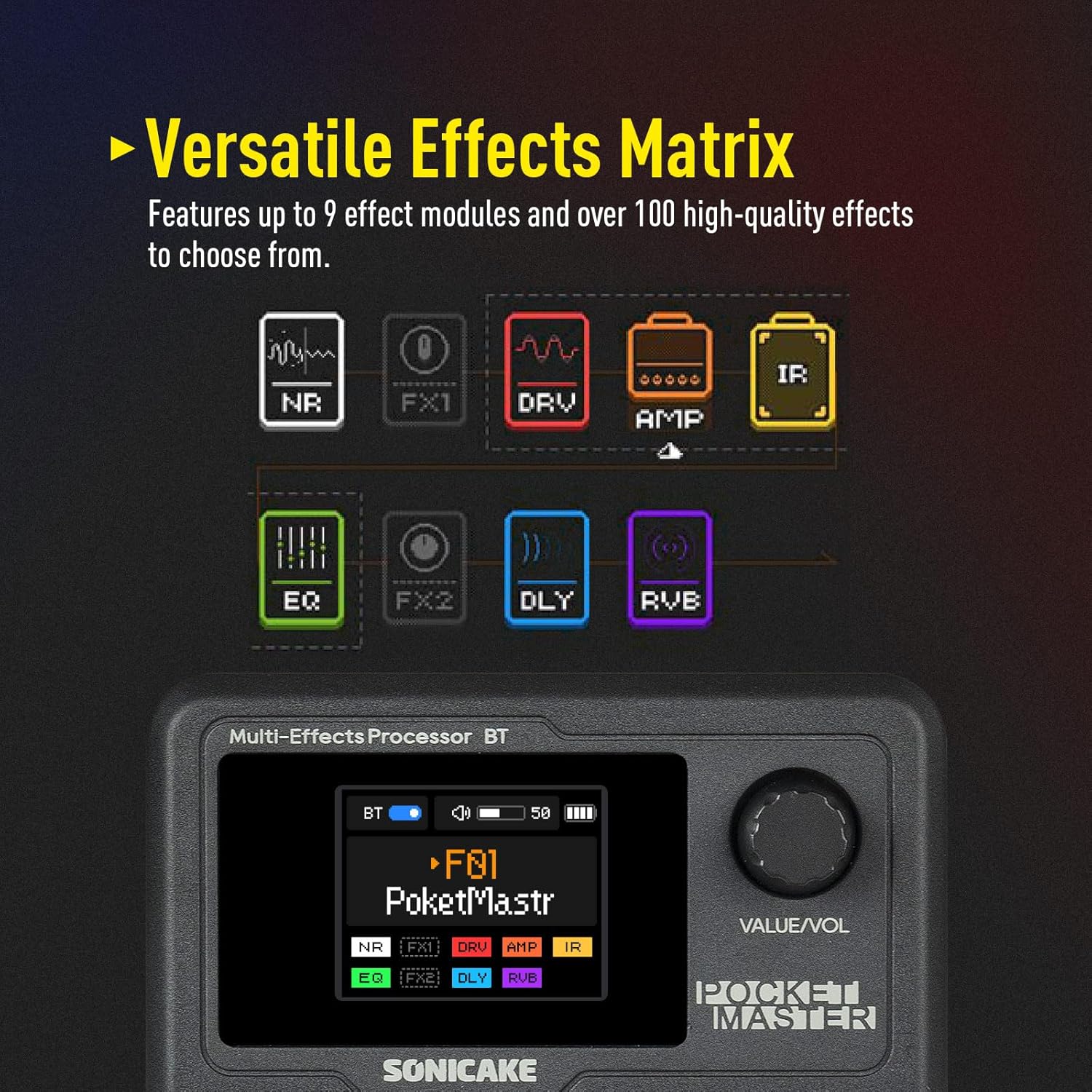
The most compelling parts for many people here are the IR cabinet simulation angle and the way the Pocket Master organises your sounds. It’s designed around a configurable signal chain (up to nine simultaneous effect blocks), and it includes user slots for loading or building your own tones (5 user slots are mentioned). Combine that with 100 presets and a large built-in effects set and you can jump between “sounds” without rebuilding everything each time.
It also leans into practical DSP and recording convenience: the 24-bit, 44.1kHz processing is specified, and the USB audio interface is positioned for stereo audio streaming. That’s useful if your goal is to plug into a laptop or capture ideas quickly without extra boxes.
Worth noting: there are recommendations about updating firmware/software, including specific versions. If you plan to edit patches over Bluetooth, it’s also mentioned that you should check app permission settings first. That’s not unusual, but it’s a real-world factor that can affect how smoothly things work.
Key features and what you’ll notice day to day
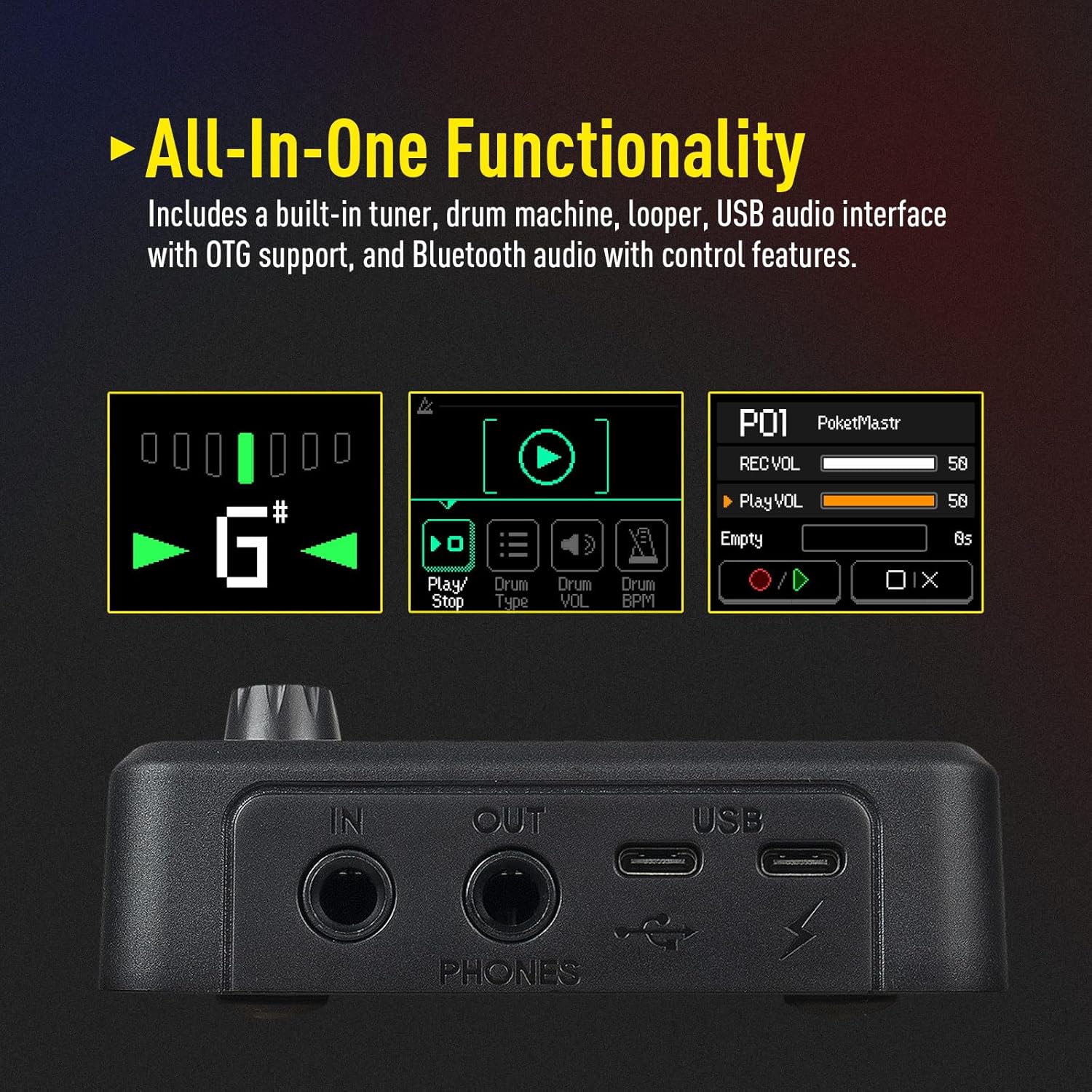
In everyday use, a modelling multi-effects unit lives or dies by how fast you can get from idea to sound. This one includes 100+ guitar/bass/acoustic effects, 20 amp models, and built-in drum rhythms and a looper (both are stated). In practice, that means you can sketch riffs, layer timing with drum patterns, and then record/loop without reaching for extra software.
The patch workflow is also a big part of the experience: with 5 user slots for custom sounds, you can treat it like your “personal library” rather than only relying on the presets. The device also supports creating unique sounds via 3rd party IR support, which is a big deal if you already have favourite cab IRs and want your tone to stay consistent.
Limitations to keep in mind: the information provided doesn’t spell out detailed control or output options, so if you specifically need a particular kind of connectivity for a live rig, you’ll want to double-check compatibility with your exact use case before committing.
Tech specs
- 24-bit / 44.1kHz signal processing
- 20 legendary amp models
- 3rd party IR support with 5 user slots
- 100+ built-in guitar/bass/acoustic effects
- 99 built-in drum rhythms and looper
- 100 presets
- Adjustable signal chain with up to 9 simultaneous effect blocks
- USB audio interface with stereo audio streaming
- OTG function for connecting to iOS/Android mobile devices
- Bluetooth (BT) audio connection
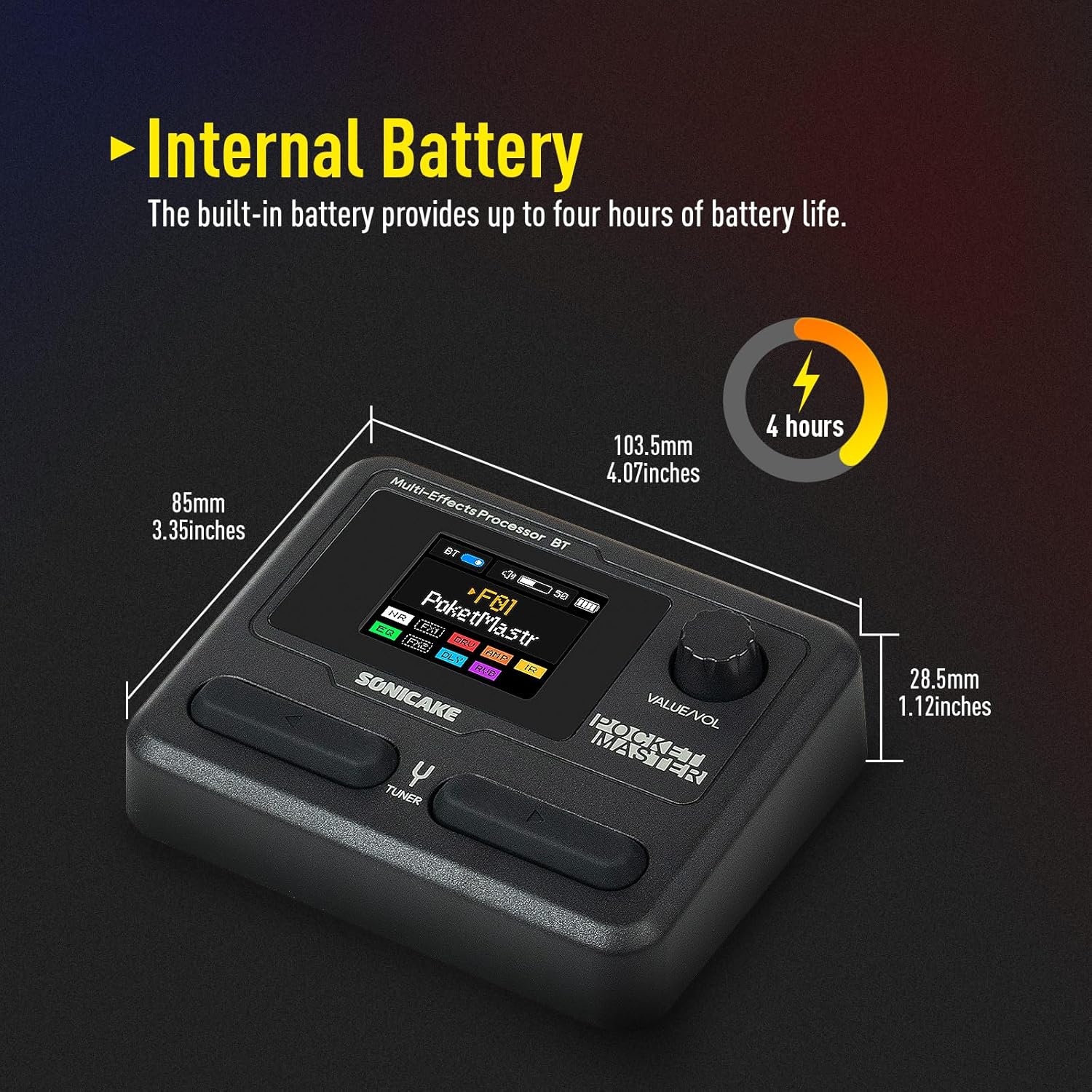
- 1.77-inch LCD colour screen
- Built-in lithium battery
- Firmware/software notes mentioned: firmware V1.3.3, phone software 1.3.0 (recommended updates)
Who it suits (and who should look elsewhere)
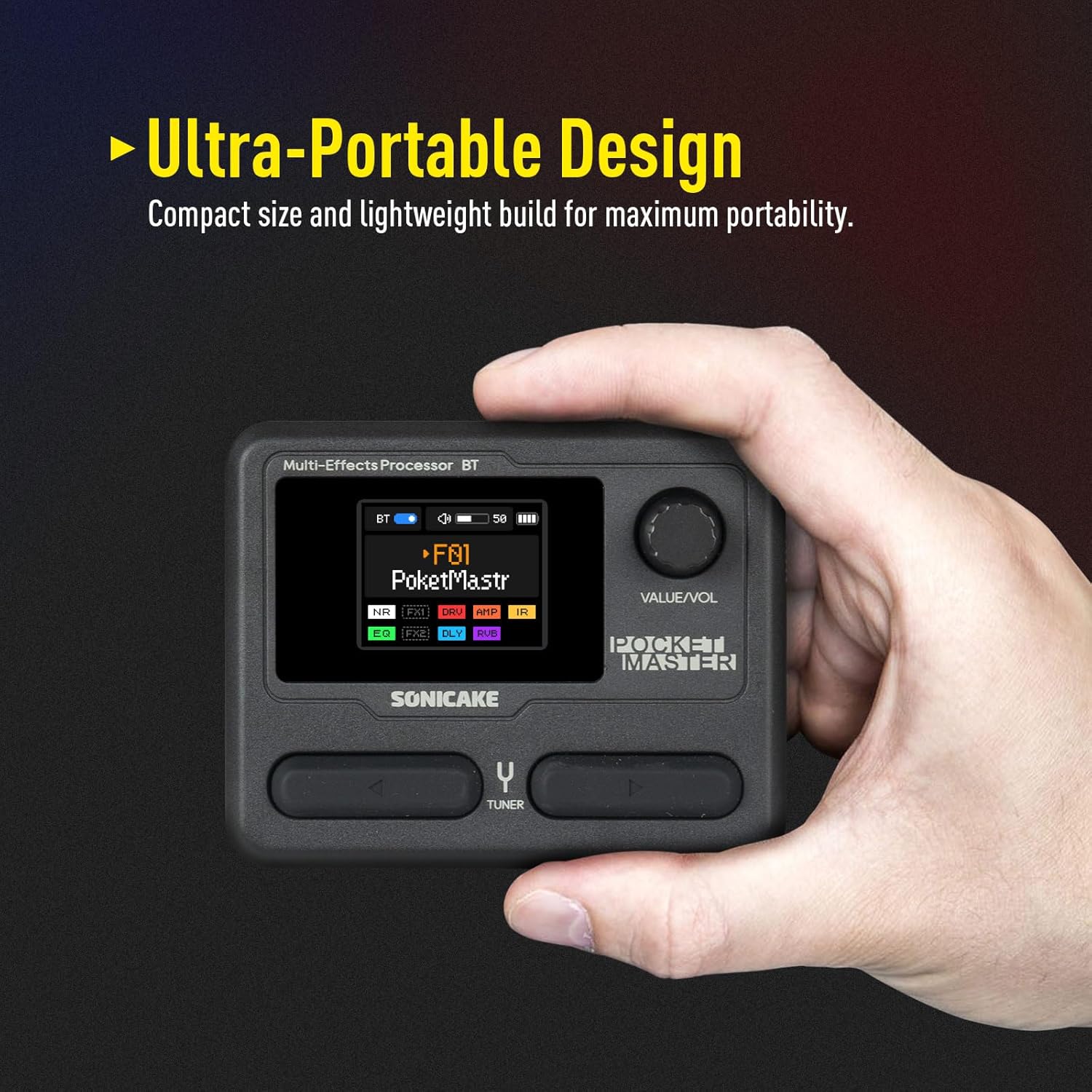
It makes sense if you’re after a compact modeller/effects box for guitar or bass practice, casual recording, or building tones on the go. You’ll likely like it if you want to explore IR-based cabinet sounds and you don’t want to carry multiple pedals plus a separate audio interface.
It may not suit you if your priority is a “live band” style routing system with very specific physical I/O needs, because the details of those connections aren’t provided here. It’s also not the best match if you only want one or two basic effects and don’t care about amp models, IR cab simulation, or a flexible signal chain.
Getting started: practical setup scenario
Imagine you’re at home with a small desk setup. You plug your guitar into the Pocket Master, pick an amp model, then add an IR-based cab simulation and a couple of effects in one chain (within the stated limit of up to nine simultaneous blocks). For recording, you can use the USB audio interface for stereo capture, then tweak patches later. If you’re stepping away from the desk, the OTG function and OTG-ready approach for mobile devices are pitched as a way to keep editing and managing sounds without being tied to a computer.
And when it’s time to play with a pattern, the built-in drum rhythms and looper can help you rough out timing and ideas quickly.
Care and firmware sanity checks
Because this kind of device often relies on firmware and app communication for patch editing, you’ll want to treat updates as part of setup rather than an afterthought. The product notes recommend upgrading to the latest firmware and software, and it even calls out specific versions.
For Bluetooth patch editing, there’s a reminder about checking app permission settings. It’s a small detail, but it can be the difference between “it works instantly” and “why won’t it connect properly?”.
FAQs
Can I use third-party IRs?
Yes, the listing states third-party IR support, along with 5 user slots for creating custom sounds.
Does it work with mobile devices?
The OTG function is mentioned for directly connecting to iOS/Android mobile devices, and there’s also Bluetooth audio connection.
Is it suitable for recording?
It specifies a USB audio interface with stereo audio streaming and 24-bit, 44.1kHz signal processing, which suggests it’s intended for recording and audio routing to a computer or compatible mobile workflow.
How complex can the effect chains be?
The signal chain is adjustable with a maximum of 9 simultaneous effect blocks.
Final verdict
It’s worth buying if you want portable guitar/bass amp modelling plus effects, with IR cabinet simulation and the option to stream stereo audio over USB. The built-in drum rhythms and looper, plus the 100 preset library, make it especially convenient for practice and quick recording without building a big pedalboard.
You may want to skip it if you need fully specified live-stage connectivity details (the listing doesn’t lay those out here), or if you’re after a very simple “one effect, one sound” setup rather than a flexible modeller with IR support and patch editing.
If you do buy, plan on updating firmware/software and double-checking app permission settings for Bluetooth patch editing—those are the practical friction points mentioned in the info provided.