

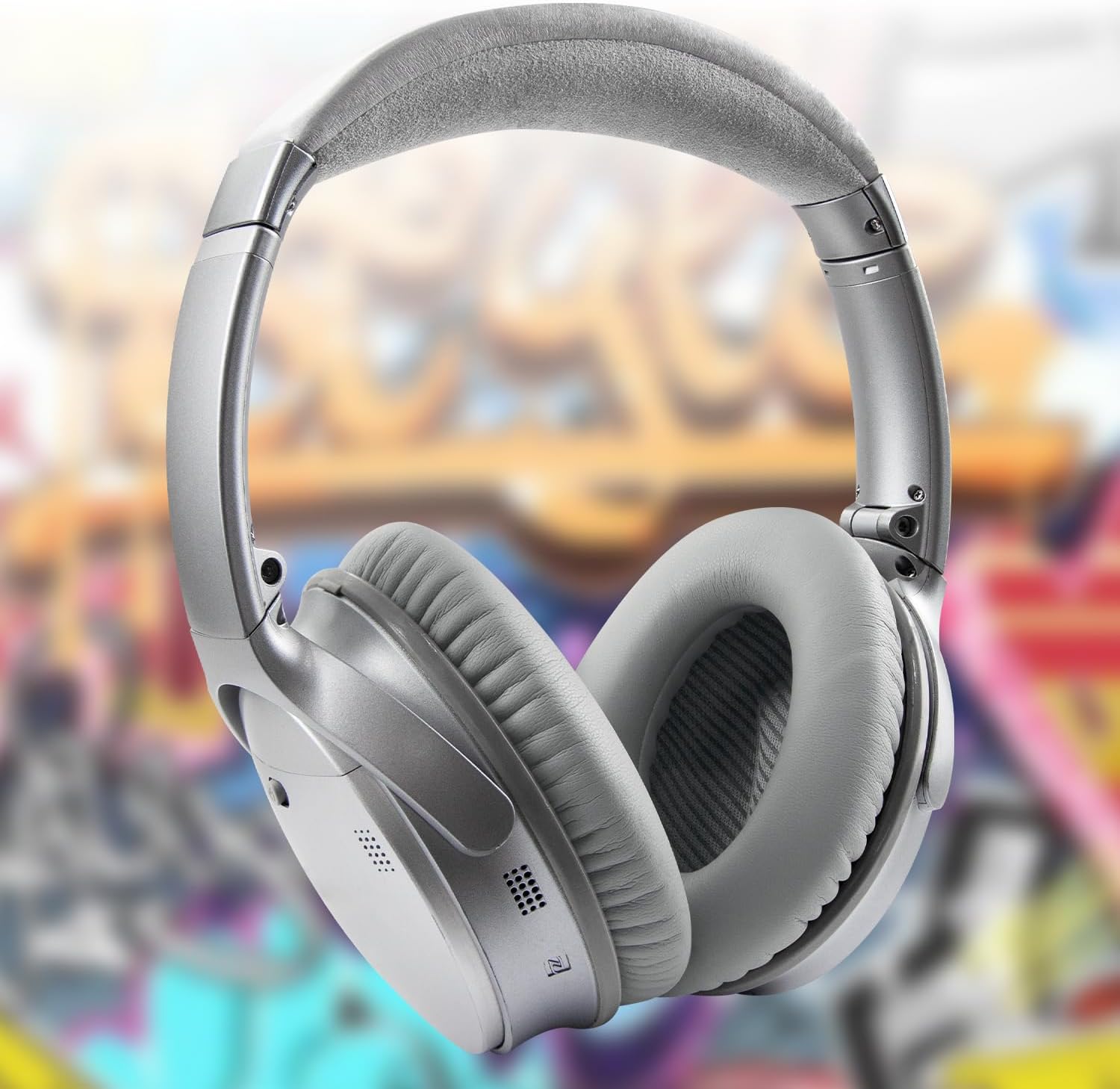
SoloWIT Replacement Earpads for Bose QuietComfort 35 (QC35) & QC35 II (QC35 ii) – Grey
Reviews
Price
Product description
What these earpads are for
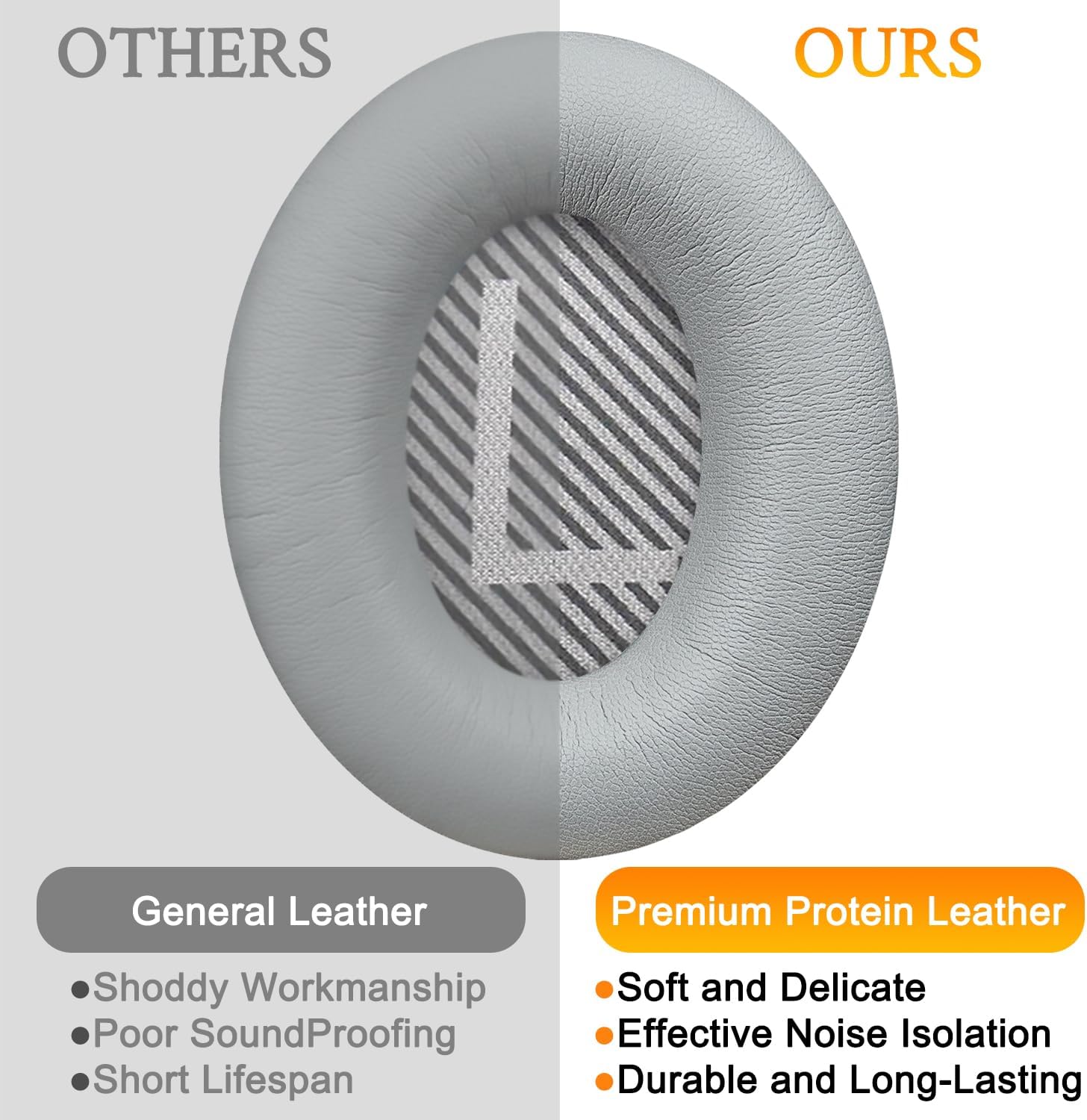
If your Bose QuietComfort 35 or QuietComfort 35 II pads have gone flat, uncomfortable, or started letting more sound in around the edges, replacement cushions can be a simple way to bring day-to-day listening back to something closer to how it felt when new. These SoloWIT Replacement Earpads are designed specifically around the QC35/QC35 II fit, with softer leather-style material and added thickness, aiming to improve comfort and help with noise isolation.
On paper, the idea is straightforward: rather than replacing an entire headset, you swap the cushions that sit against your ears. That tends to be the part most people wear out first—especially if you use your headphones for long sessions, commute often, or just happen to be a “same pair, every day” listener.
Key features that matter in everyday use
The most practical differences with replacement earpads usually show up in two places: comfort and how snugly they seal.
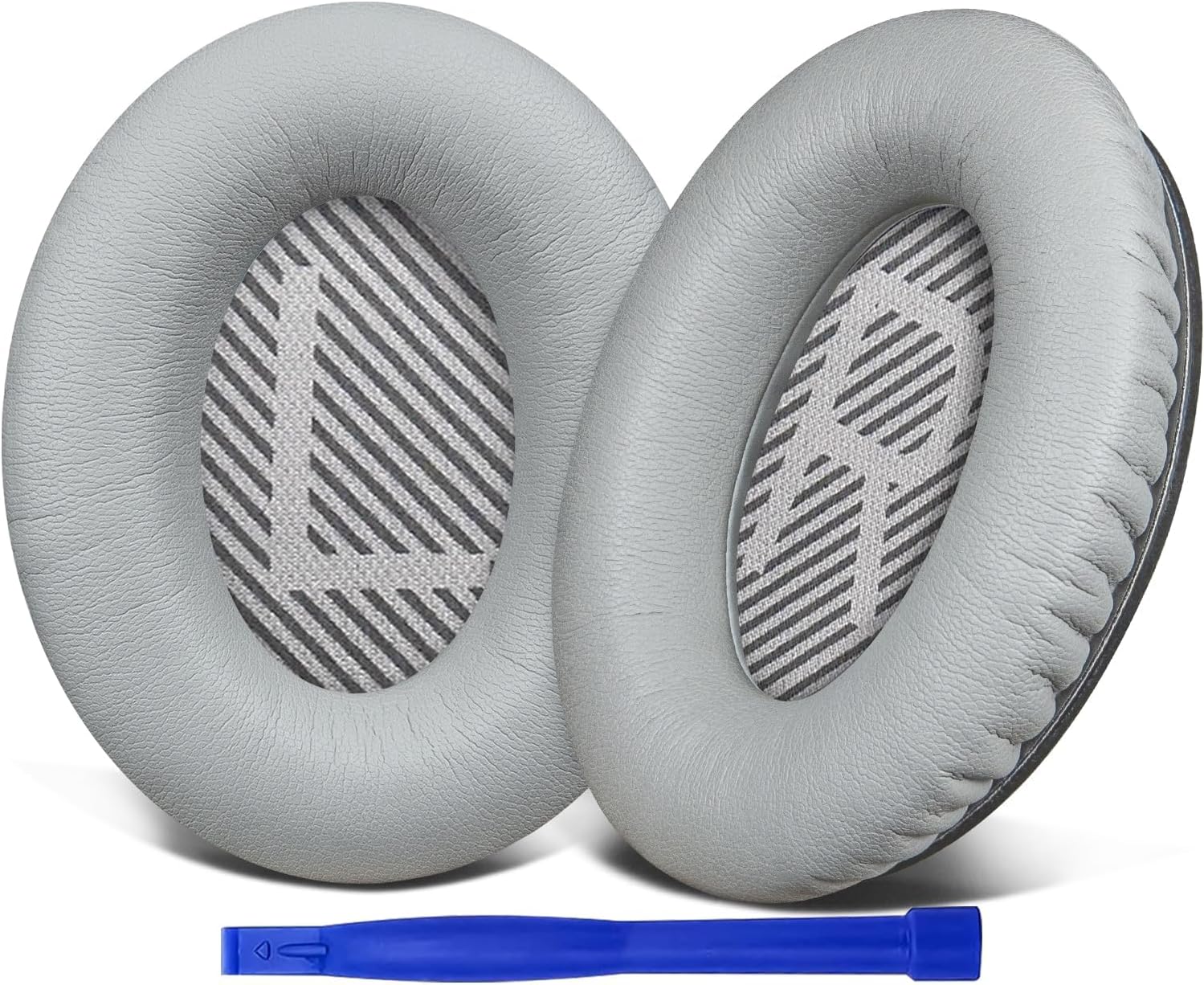
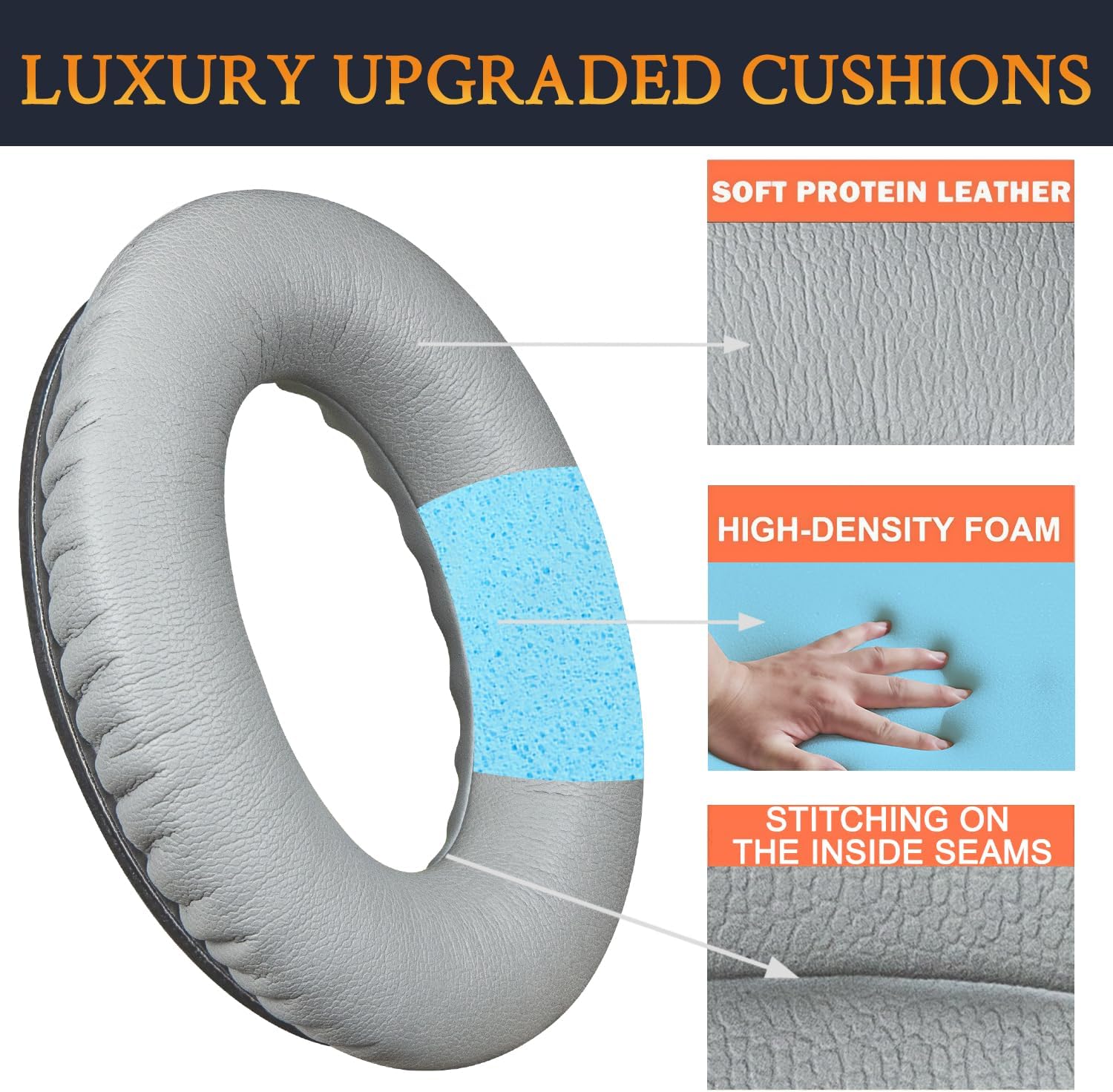
These pads use softer leather (protein leather is mentioned in the description) plus noise isolation foam. The added thickness is there to give you a bit more cushion and, crucially, help the pads “seal” around your ears. In terms of sound, the listing also claims improved bass, which is plausible if the seal and fit are restored—though results can vary depending on how worn your old pads are.
The tone here is “make the headset feel right again” rather than “revolutionise the sound”. It’s also worth noting the installation approach: the bundle is described as including not only the earpads, but also a pair of scrims and a user guide, plus a plastic stick to help installation. The seller suggests it can be done in around 5 minutes in general.
Installation and what to expect
For most people, replacing earpads is one of those jobs that feels fiddly until you’re halfway through it. The listing says the included plastic stick is meant to make removal and fitting easier, and that the overall swap is typically quick.
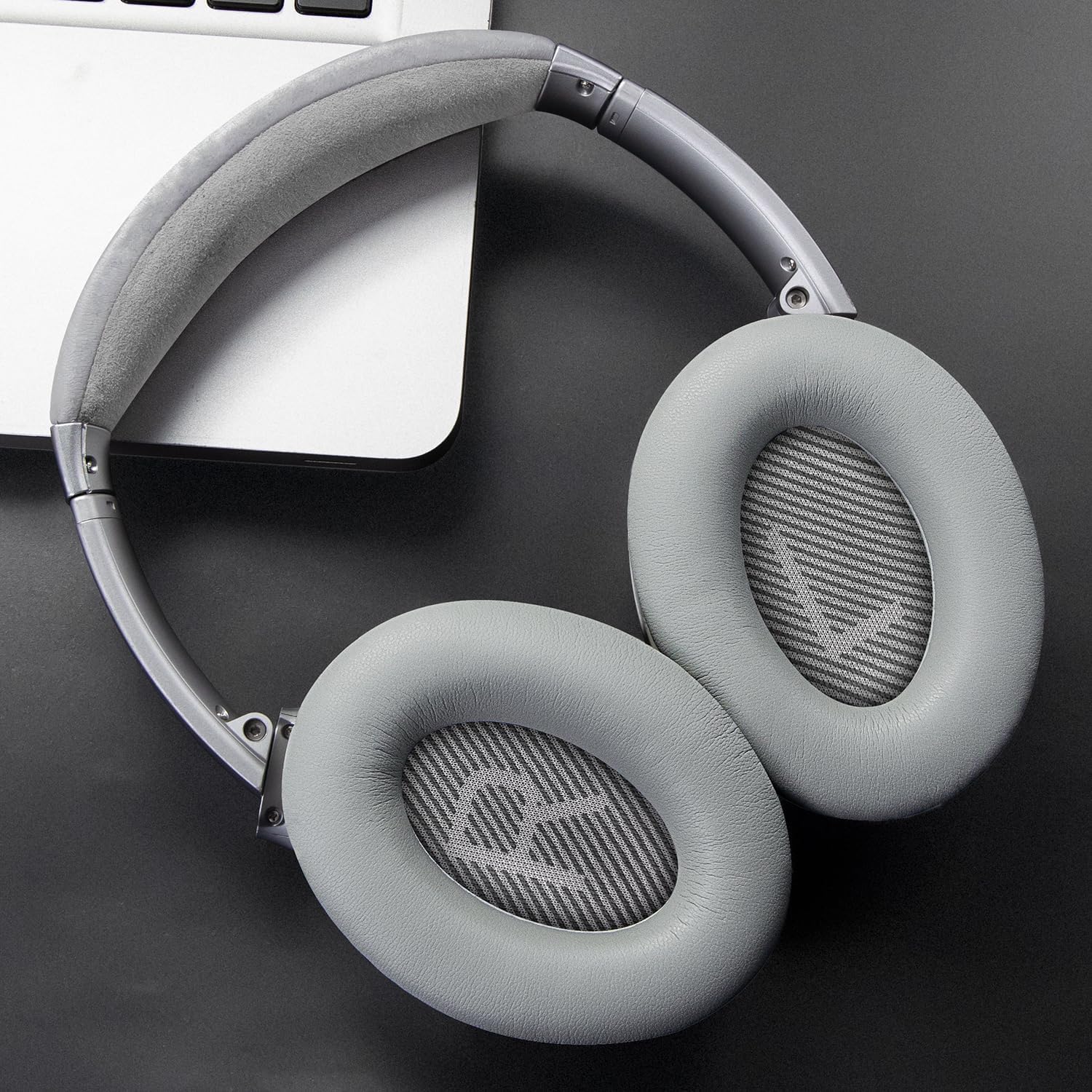
A realistic expectation: if you’ve never opened up pads like this before, you may want to go slowly the first time to avoid damaging the headset’s mounting points or stretching the new cushions unevenly. Still, the “easy and quick” wording suggests they’ve tried to keep the process beginner-friendly.
Where it shines (and where it may not)
A solid reason to consider these SoloWIT cushions is when your current QC35/QC35 II ear pads have noticeably lost their shape or comfort. Added thickness and softer material can help if you find the old pads are pressing too hard or feel less supportive.
They may also be a sensible choice if you feel your noise isolation has drifted. Because the description focuses on a better seal around the ears, these pads are aimed at recreating that isolation effect.
However, it’s not perfect for every situation. If you’re chasing maximum noise-cancelling performance above and beyond restoring the original feel, replacement pads might not fully “match” whatever changes a genuine manufacturer refresh would deliver. Also, if your headset’s issues are caused by deeper electronics or internal microphone faults—not the pads—then changing the cushions won’t solve the root problem.
Technical details to keep in mind
Tech specs
- Name: SoloWIT Replacement Earpads Cushions for Bose QuietComfort 35 (QC35) & Quiet Comfort 35 II (QC35 ii)
- Type: Replacement ear pads (ear cushions)
- Colour: Grey
- Material: Softer leather (protein leather is referenced in the description)
- Foam: Noise isolation foam
- Design goal: Added thickness for a seal around the ears
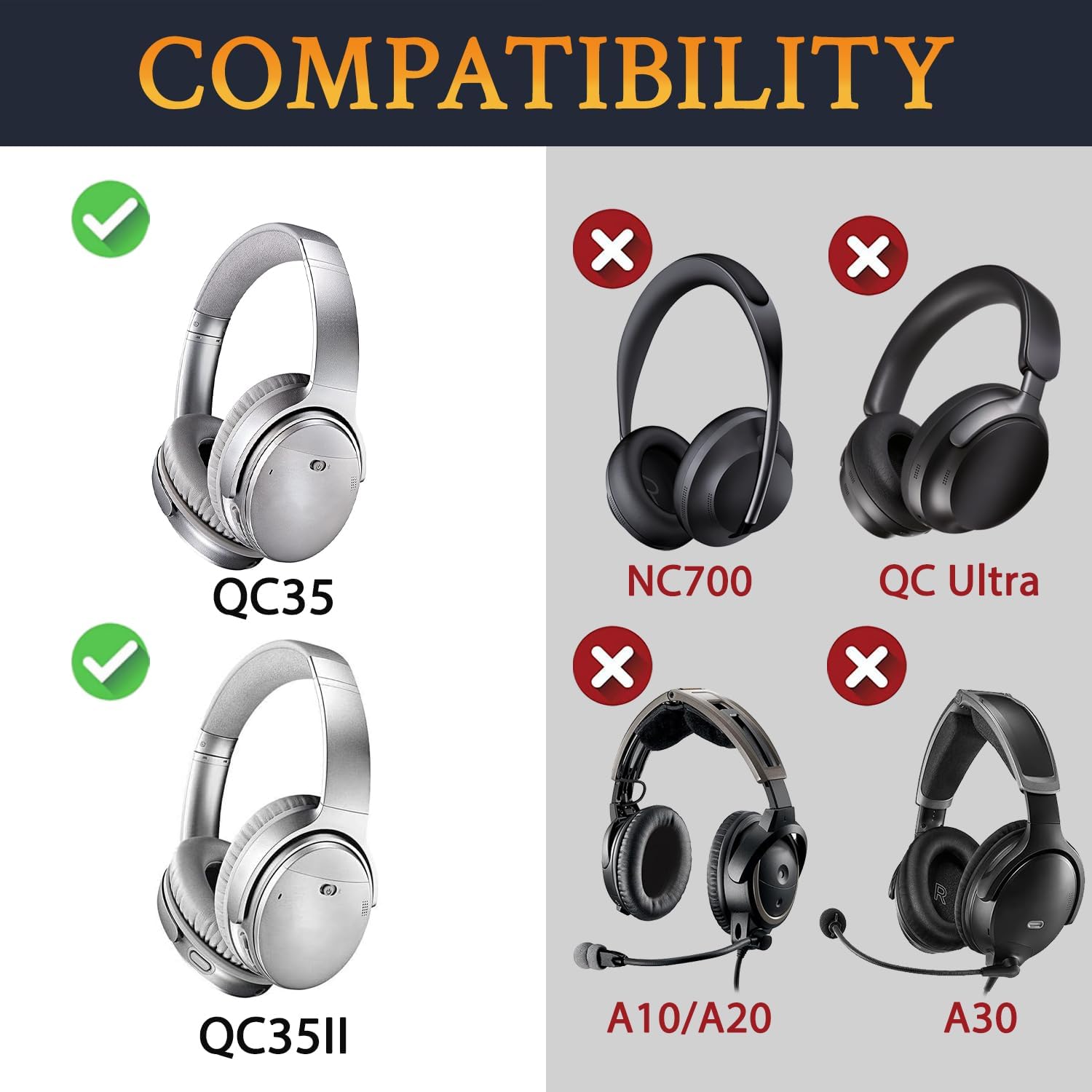
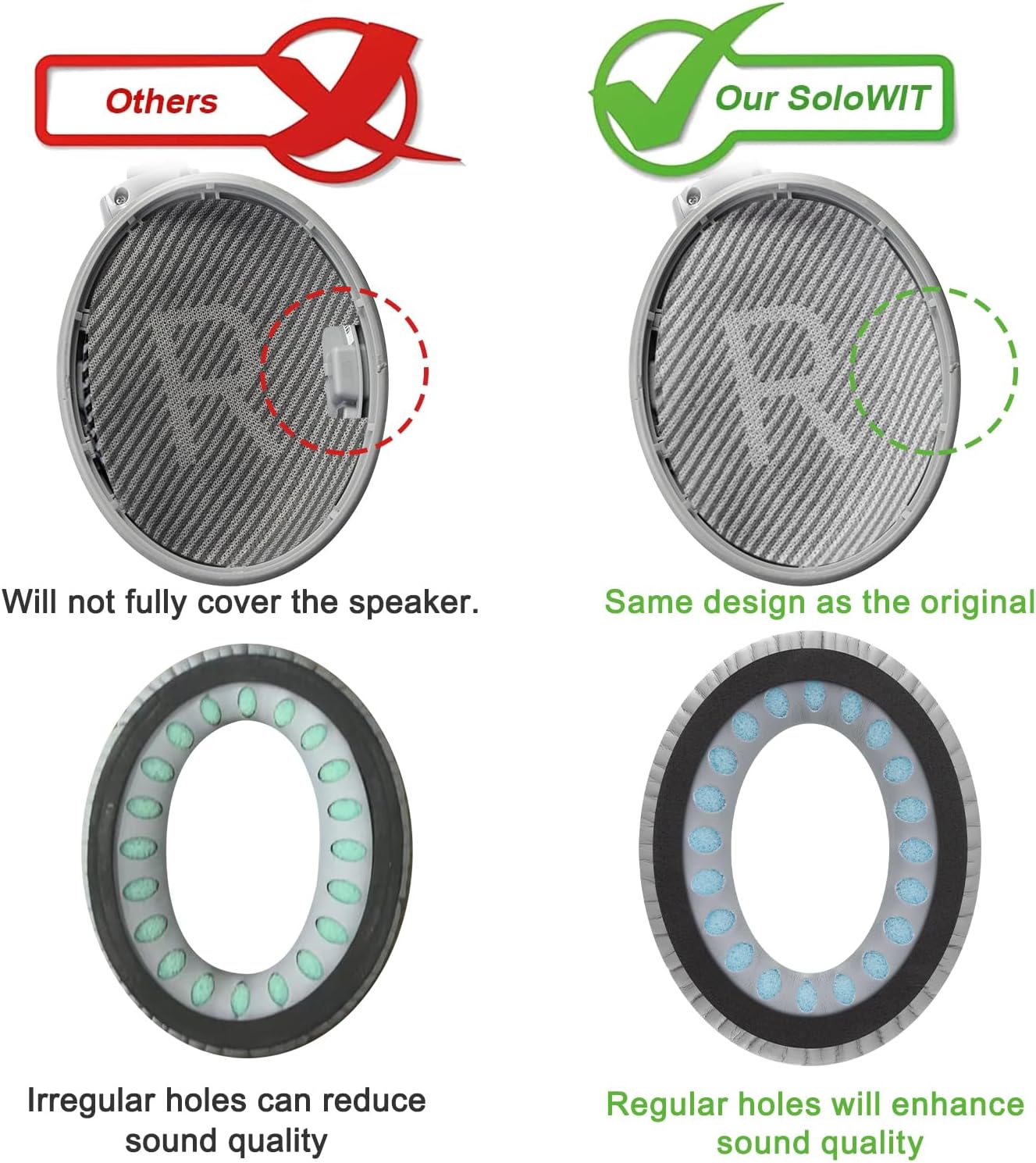
The listing also references compatibility across several models, including QC35 I/II, plus other Bose headset lines. Still, the surest guidance is to double-check your exact model before buying.
Best use cases and who they suit
These earpads make the most sense if you want a straightforward “refresh” of a well-used QC35/QC35 II—particularly if comfort has become the weak point. Think of them for:
- Regular commuting or office listening where you wear the headphones for hours
- People who already like the sound profile of their QC35/QC35 II, but the pads have worn down
- Anyone trying to avoid replacing the entire headset when only the ear cushions need attention
It’s less compelling if your headphones are already in excellent condition and you simply want a different look. In that case, you’d be spending for a change you might not truly feel.
Compatibility & requirements
The product description indicates compatibility with QC35 I and QC35 II, and also mentions other Bose models (QC2/QC15/QC25, Ae2/Ae2i/Ae2w, SoundTrue, SoundLink). Since the listing is aimed at specific fits, it’s worth verifying your headset model matches what the pads are intended for before purchasing—especially if you’re using a closely named variant.
Mini FAQ
Is it worth replacing ear pads instead of the whole headset?
If the headset itself works fine but the pads feel uncomfortable or worn, replacement earpads are usually the more sensible route. This listing is built around restoring a seal and comfort rather than changing the headset’s core capabilities.
How long does installation take?
The description says installation is generally around 5 minutes, with a plastic stick included to help the process.
Will these improve noise isolation?
They’re designed to create a better seal around your ears using noise isolation foam. If your old pads have degraded, you may notice a difference, although results depend on the condition of your headset and how well the pads fit.
What if I don’t feel a sound difference?
That can happen, particularly if your original pads weren’t actually the main issue. These cushions focus on comfort, seal, and a claimed bass improvement, so if the problem is elsewhere, replacement won’t fix it.
Final verdict
If you want to breathe new life into Bose QuietComfort 35 or QuietComfort 35 II headphones without replacing the entire set, these SoloWIT replacement earpads are a practical, comfort-focused buy. The added thickness, softer leather-style material, and noise isolation foam are all geared towards restoring the “snug” feel and helping the headset sound as it should.
You should buy them if your current pads are worn, uncomfortable, or you feel isolation has slipped. You may want to skip them if your main issue isn’t the ear cushions, or if you’re unsure about exact model compatibility—because with replacement parts, fit is the whole game.