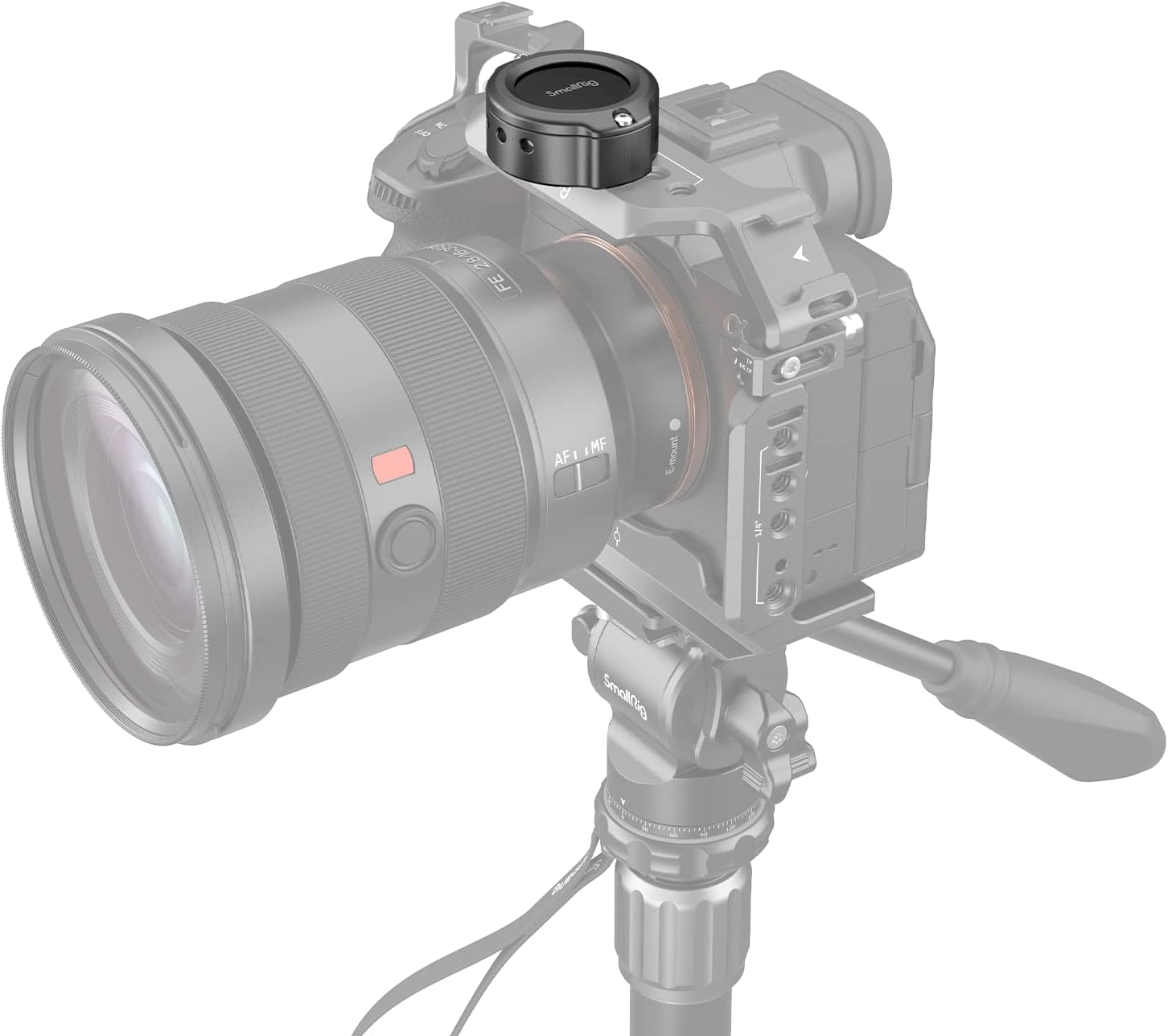
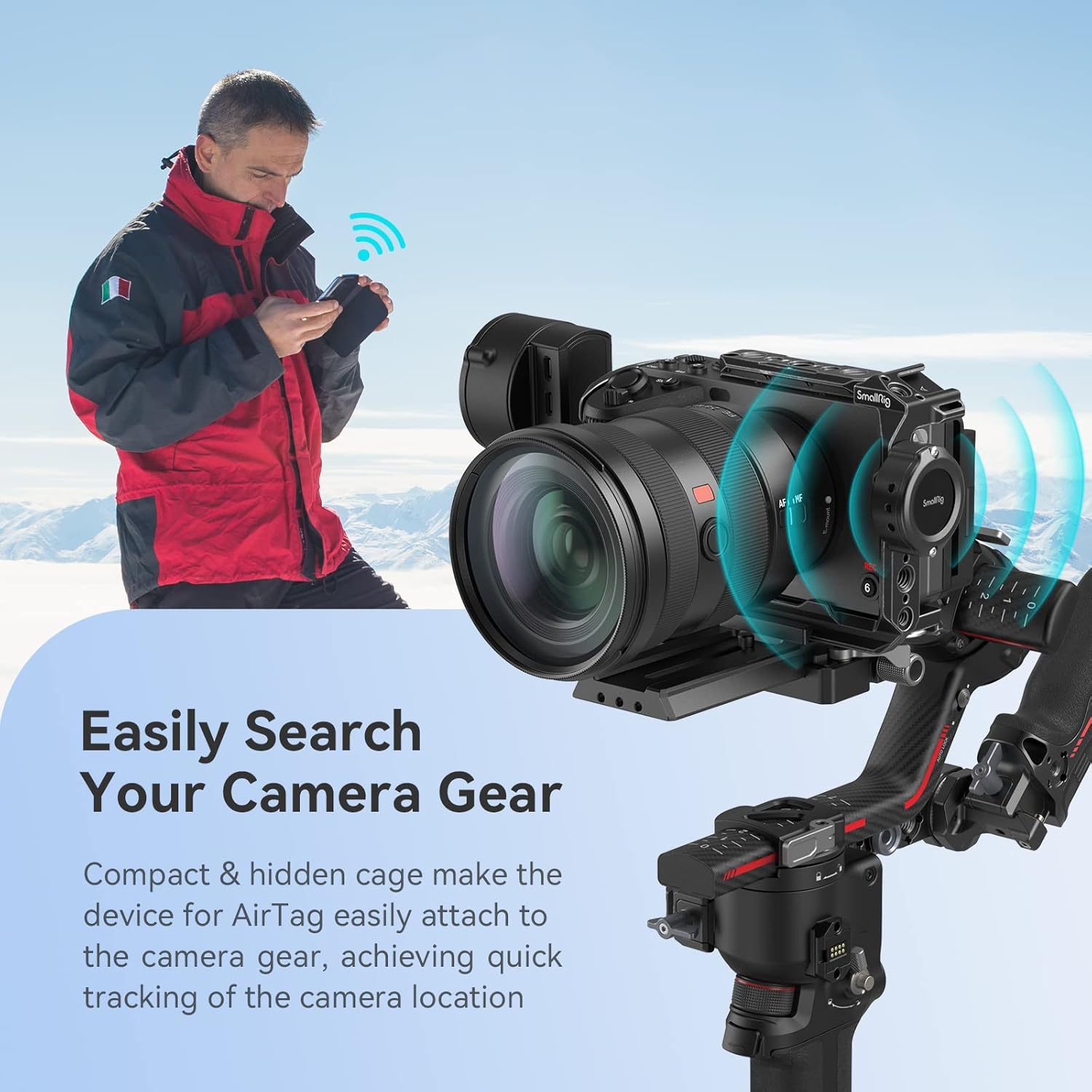
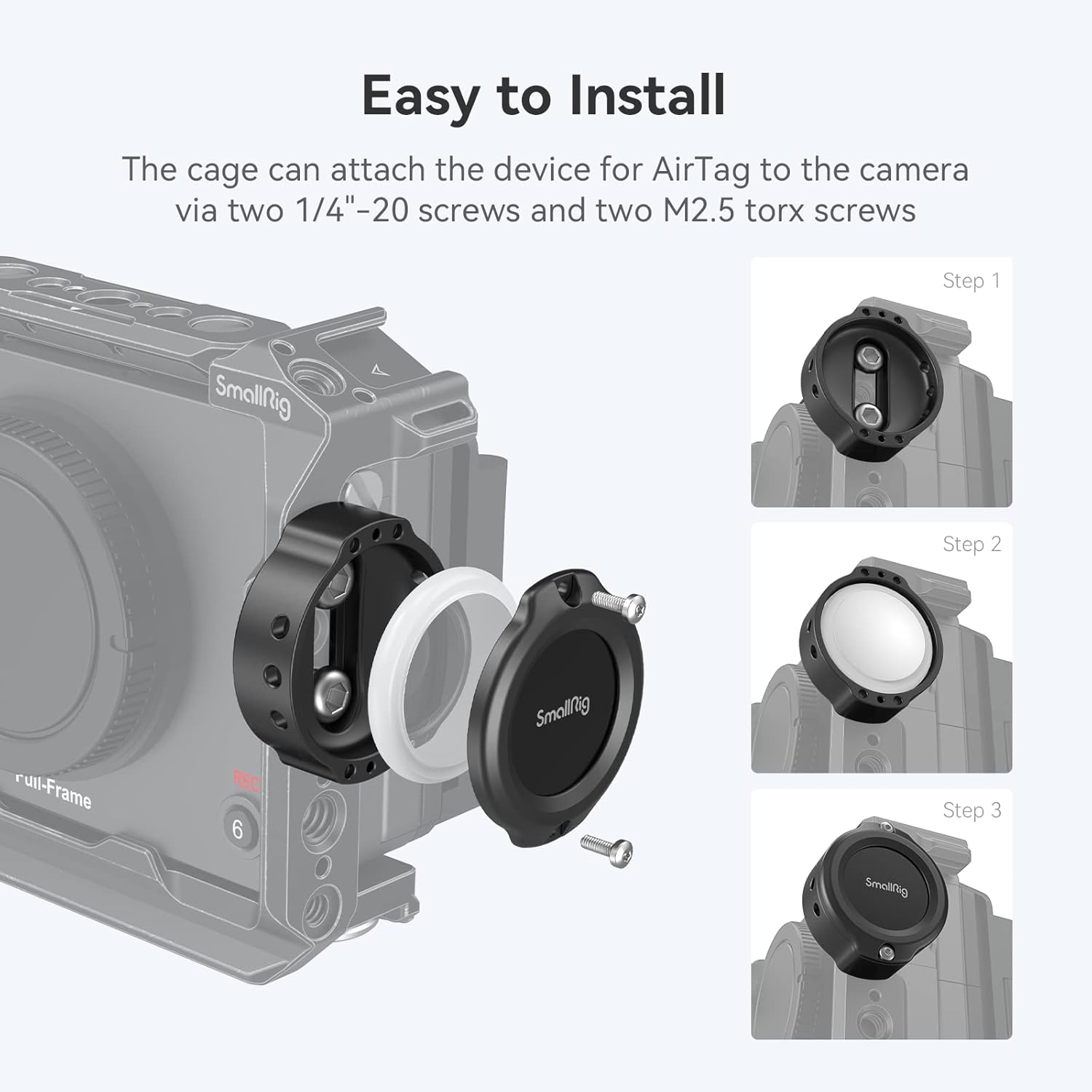
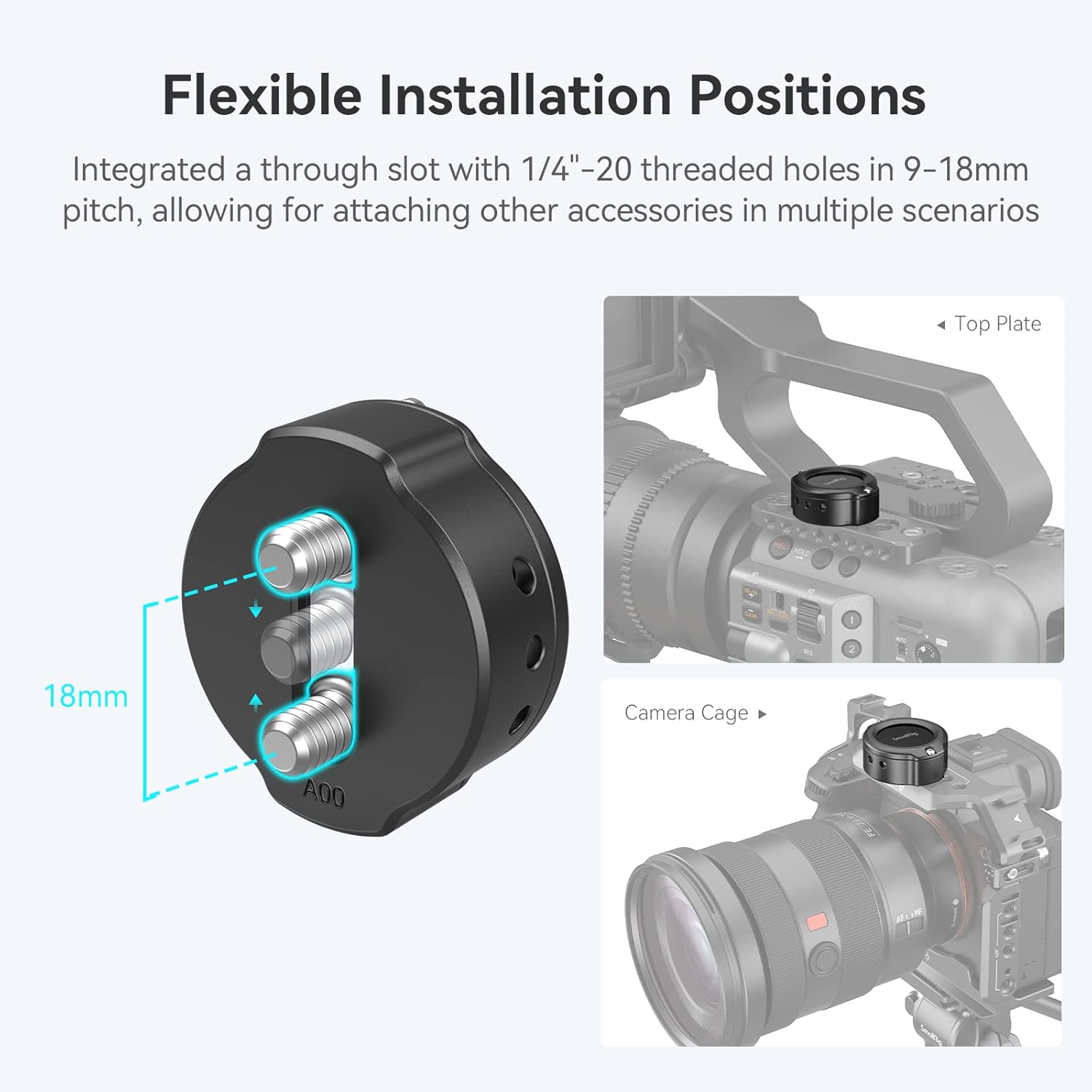
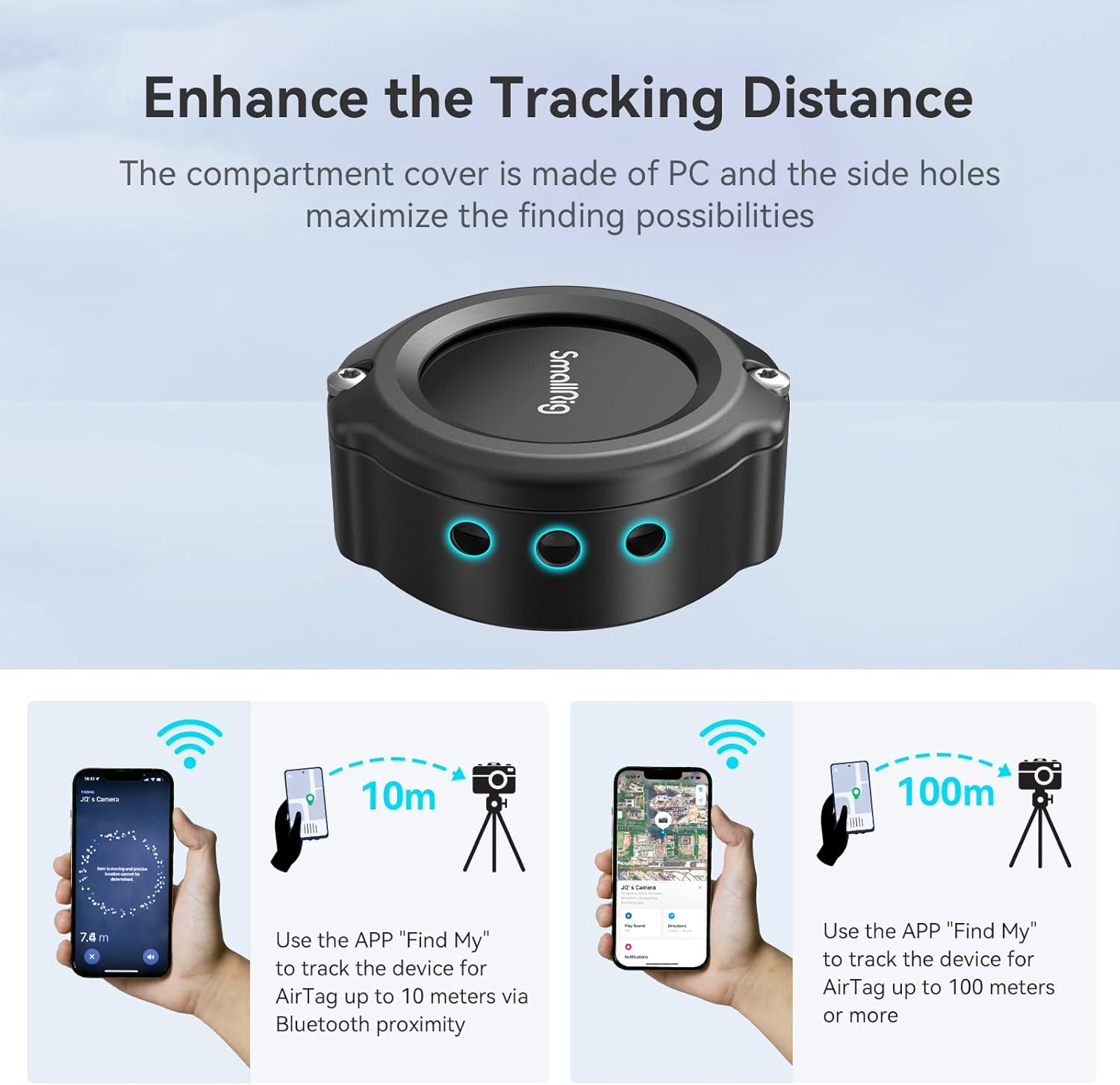
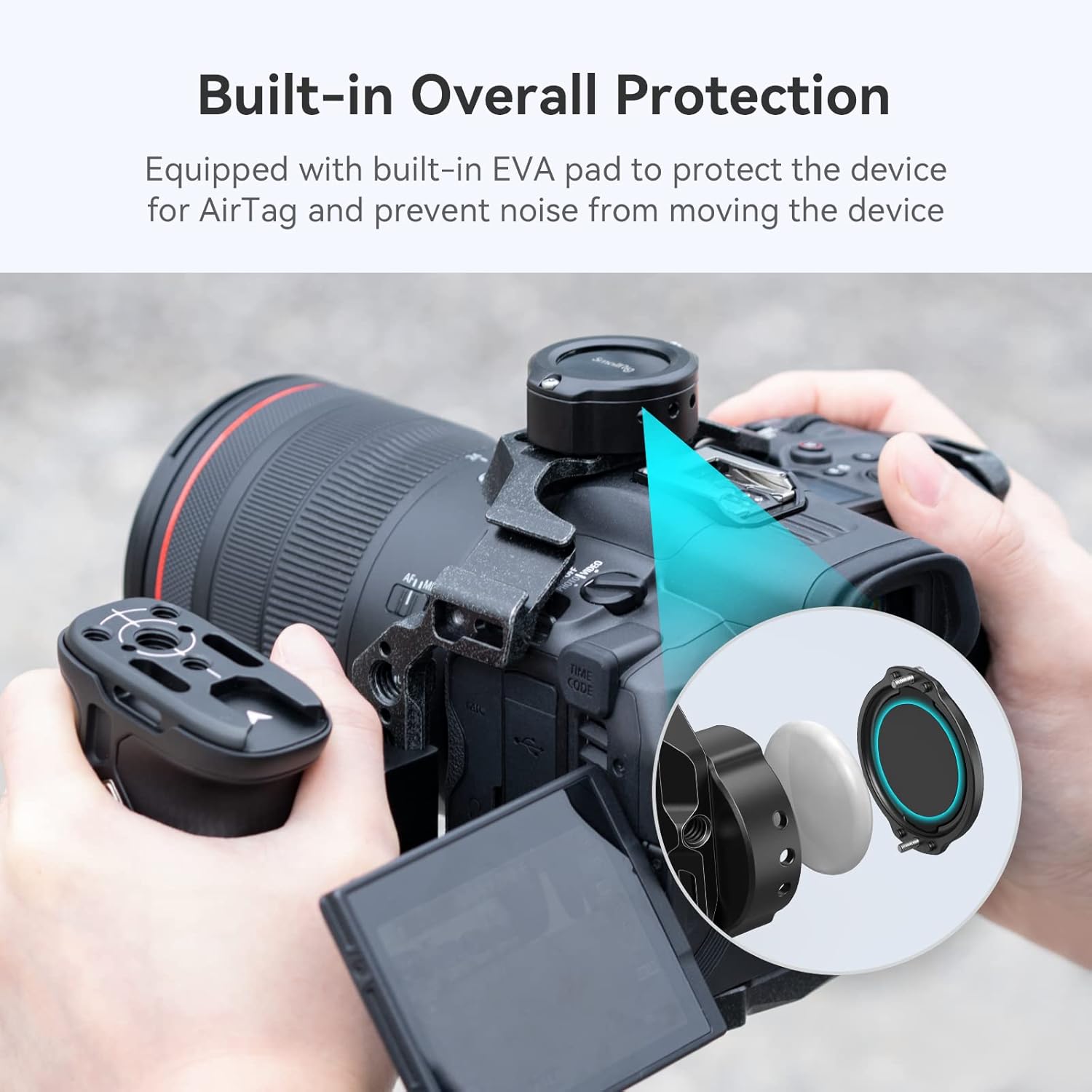
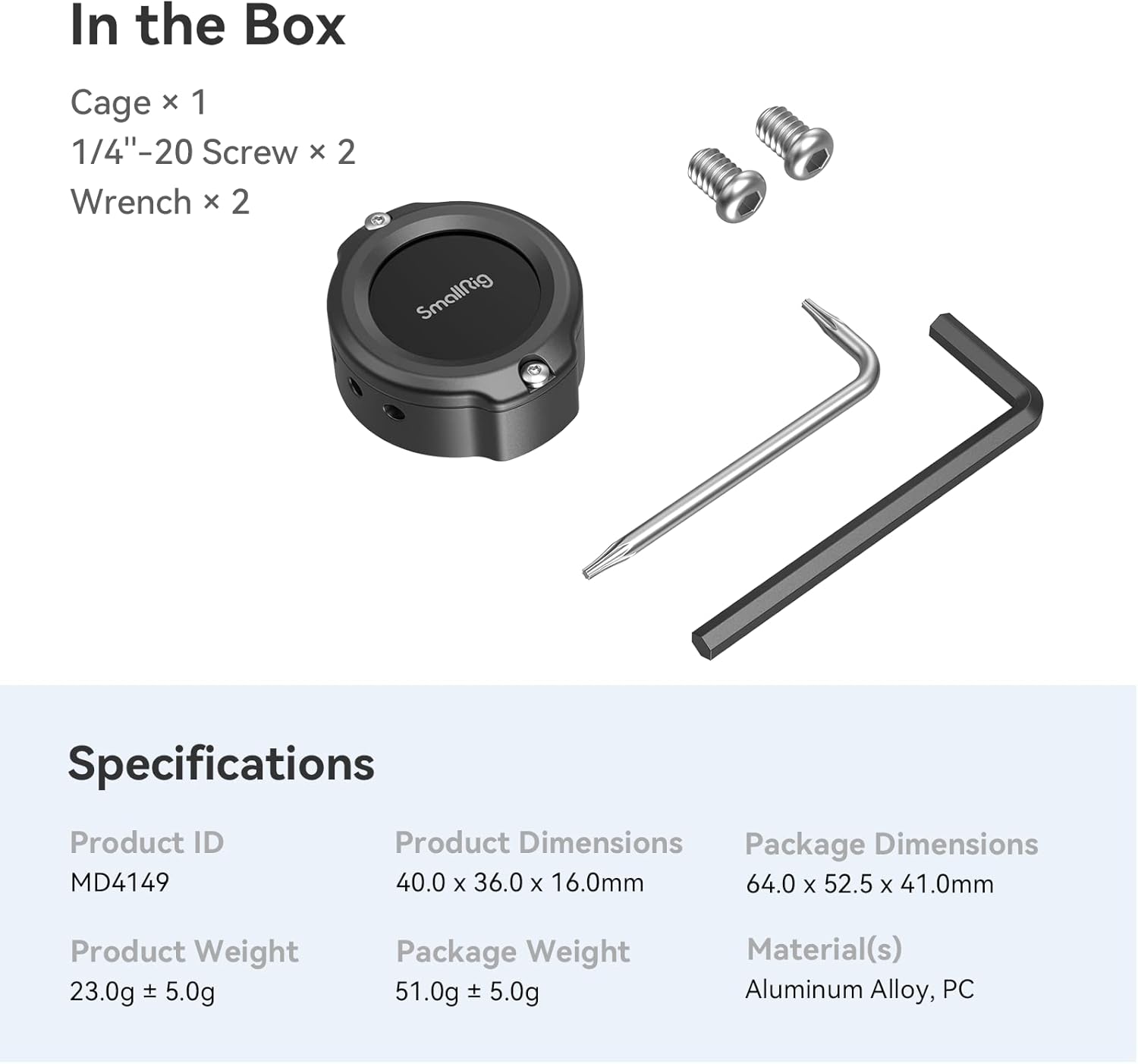
What it is and what it solves\nThe SmallRig Cage MD4149 for AirTag is a compact camera accessory cage designed to attach an AirTag to a camera setup. It uses two 1/4"-20 screws to secure your camera or cage, and adds a dedicated compartment for an AirTag with through-slots and side holes to maintain Bluetooth proximity tracking. If you value knowing where your gear is, this cage offers a practical way to integrate tracking into your rig without adding excessive bulk.\n\n## How it helps in practice\nOn the paper, the dual 1/4"-20 mounting points provide flexibility for attaching a cage, plate, or other accessories in multiple scenarios. The side hole design aims to preserve tracking distance, while the PC cover and EVA pad minimise interference and noise when moving your gear. Practically, this means you can keep an AirTag attached to your camera setup without letting it rattle or draw too much attention to itself.\n\n## Key strengths and limitations\nWhat stands out is the combination of a dedicated AirTag compartment with integrated mounting that doesn’t force you to sacrifice accessibility for security. The EVA dampening pad is a sensible touch, reducing movement noise during transport or on set. A caveat to consider: the unit relies on the Find My app for tracking range, and you may need to swap Torx screws after repeated use for security. It’s not a universal tracking solution, battery life and Bluetooth range depend on your phone and environment.\n\n## Who it’s for\nThis cage is aimed at photographers or videographers who want a physical tether to locate their camera quickly, especially when working in busy locations or with multiple rigs. If you already use AirTag and want a lightweight way to pair tracking with your camera body or cage, this fits the use case.\n\n## Who it isn’t ideal for\nIf you require a higher level of security or a rugged, weather-sealed mount, this option may feel limited. It’s also worth noting that the product package includes only the AirTag cage, so you’d need your own AirTag and mounting hardware beyond the provided components.\n\n## What to check before buying\n- Ensure your camera setup can accommodate 1/4"-20 mounting points and that the mounting compartment aligns with your rig.\n- Be mindful of the screws used, the note suggests replacing Torx screws after multiple uses for continued security.\n- Consider your typical shooting environment, Bluetooth tracking is effective up to the ranges described, but not guaranteed in all locations.\n\n## How this compares to other approaches\nIf you prioritise quick localisation of your camera without extra bulk, a dedicated AirTag cage like this offers a tidy solution versus clipping or adhesive methods that may interfere with balance or grip. For those who need more seamless concealment or weather resistance, a different, more rugged mounting approach might be preferable.\n\n## Practical example of use\nImagine filming a wedding reception with multiple cameras set up around the venue. The AirTag cage keeps a trackable tag attached to the primary camera body, while the secondary camera can be relocated without losing sight of the main unit, thanks to the Find My proximity cues. The EVA pad keeps things quiet during transport and handling.\n\n## FAQ (brief)\n- Is the AirTag cage compatible with all camera brands? It is designed to integrate via standard 1/4"-20 mounting, but fitment depends on your specific rig.\n- Do I need to replace screws? The note mentions replacing Torx screws after repeated use for added security.\n- Will it affect AirTag tracking distance? The side holes and PC cover are designed to minimise interference, but results depend on environment.\n\n## Final decision\nIs it worth it? Worth considering if you want a dedicated, compact way to keep track of your camera via AirTag while preserving mounting flexibility and reducing noise during transport.