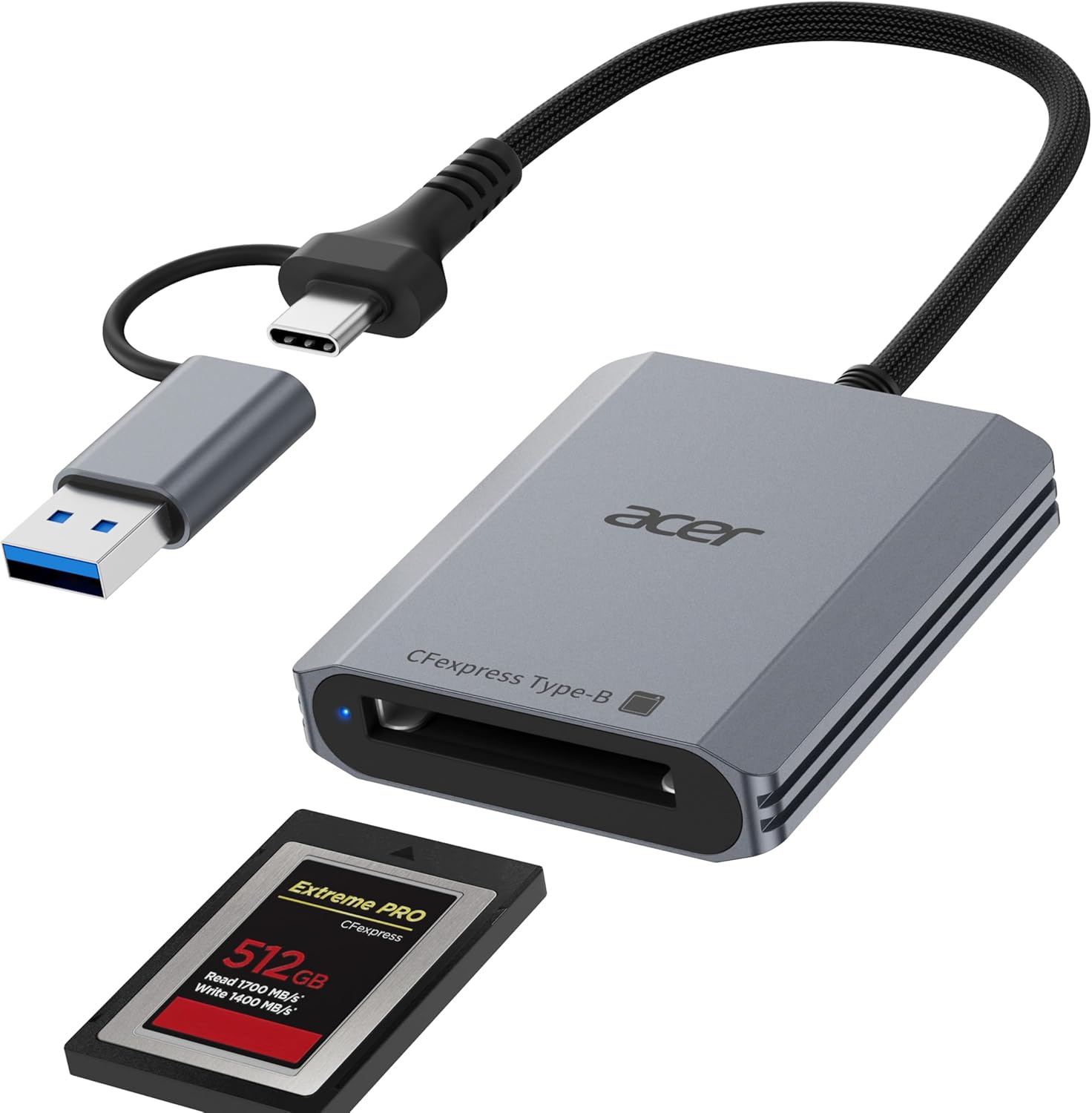
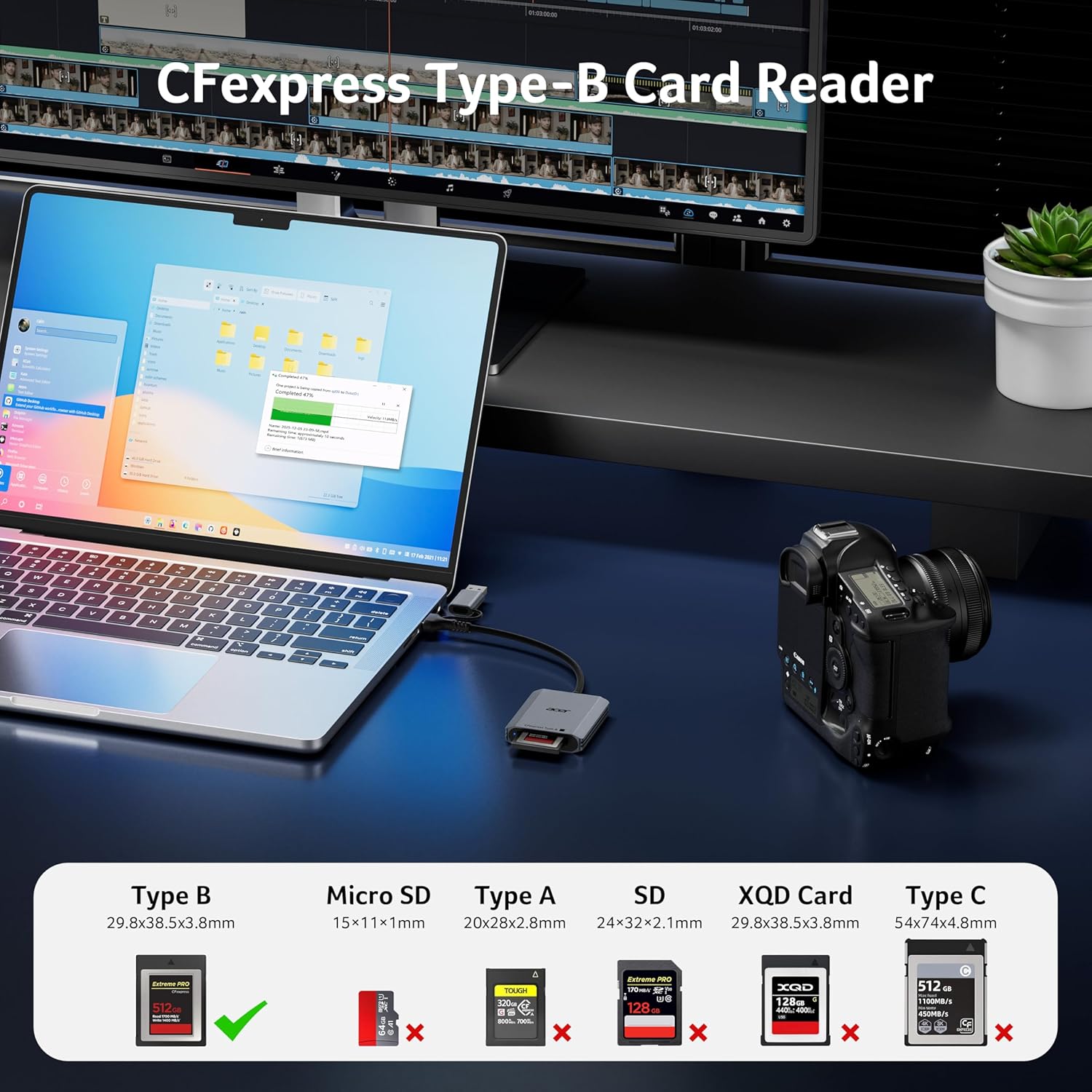
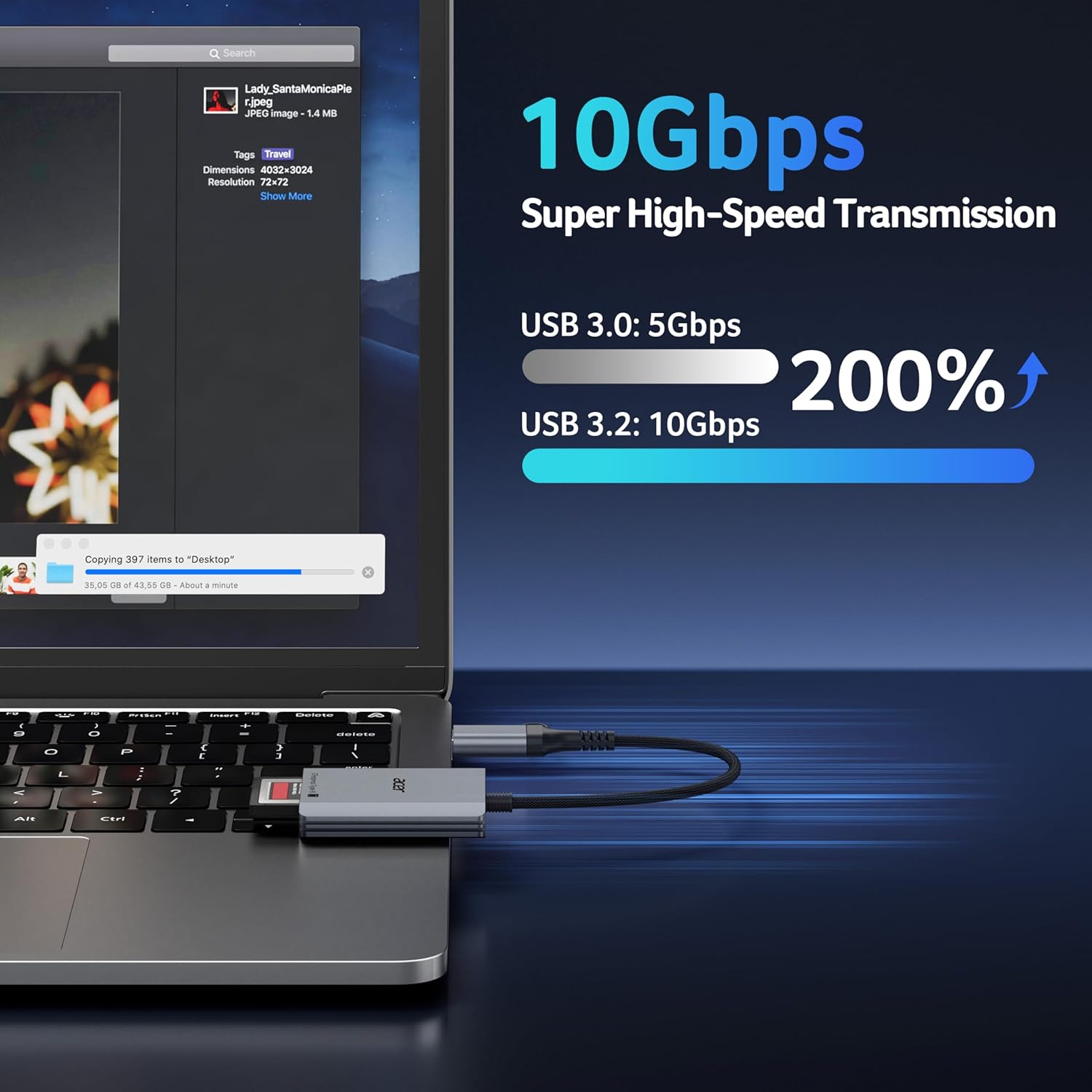
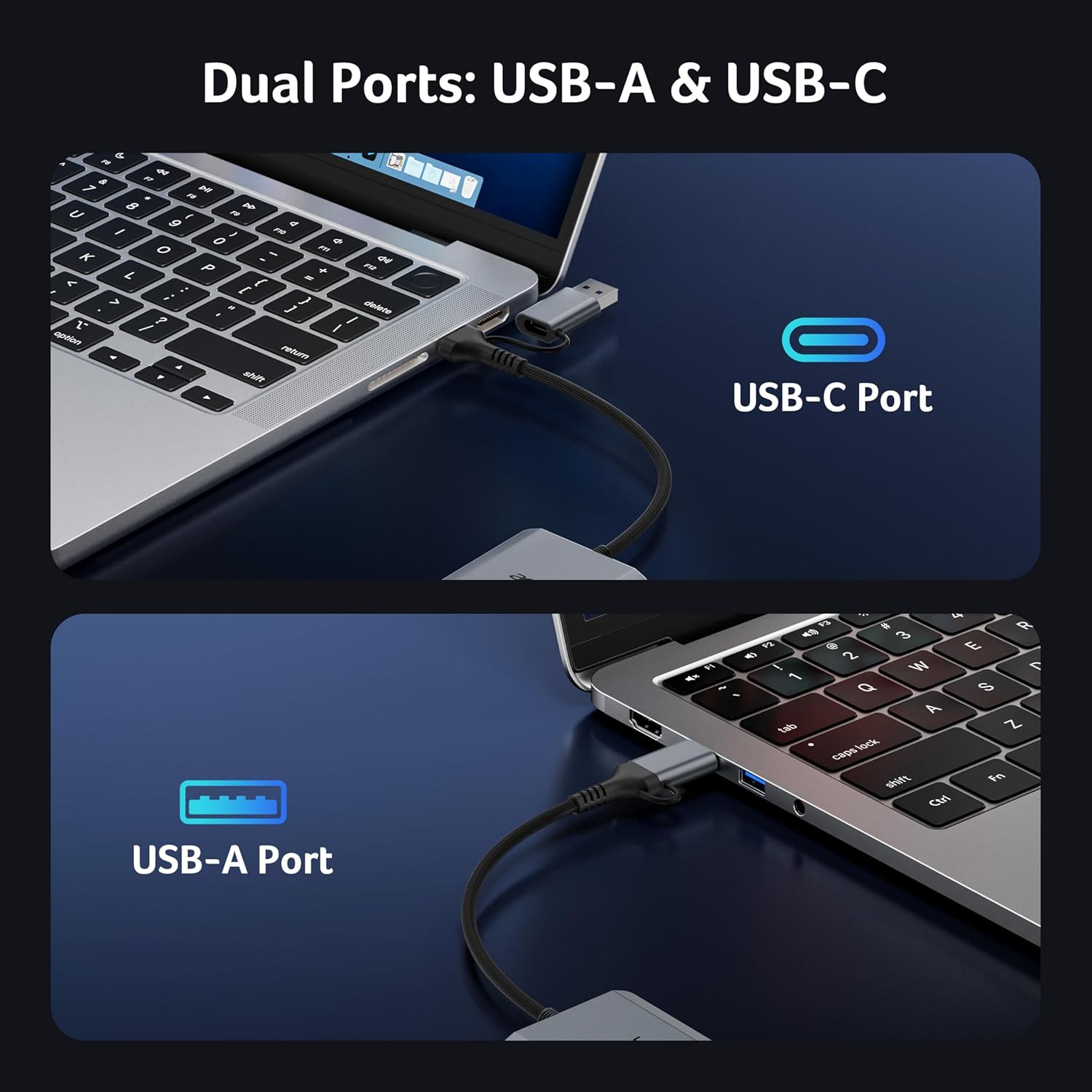
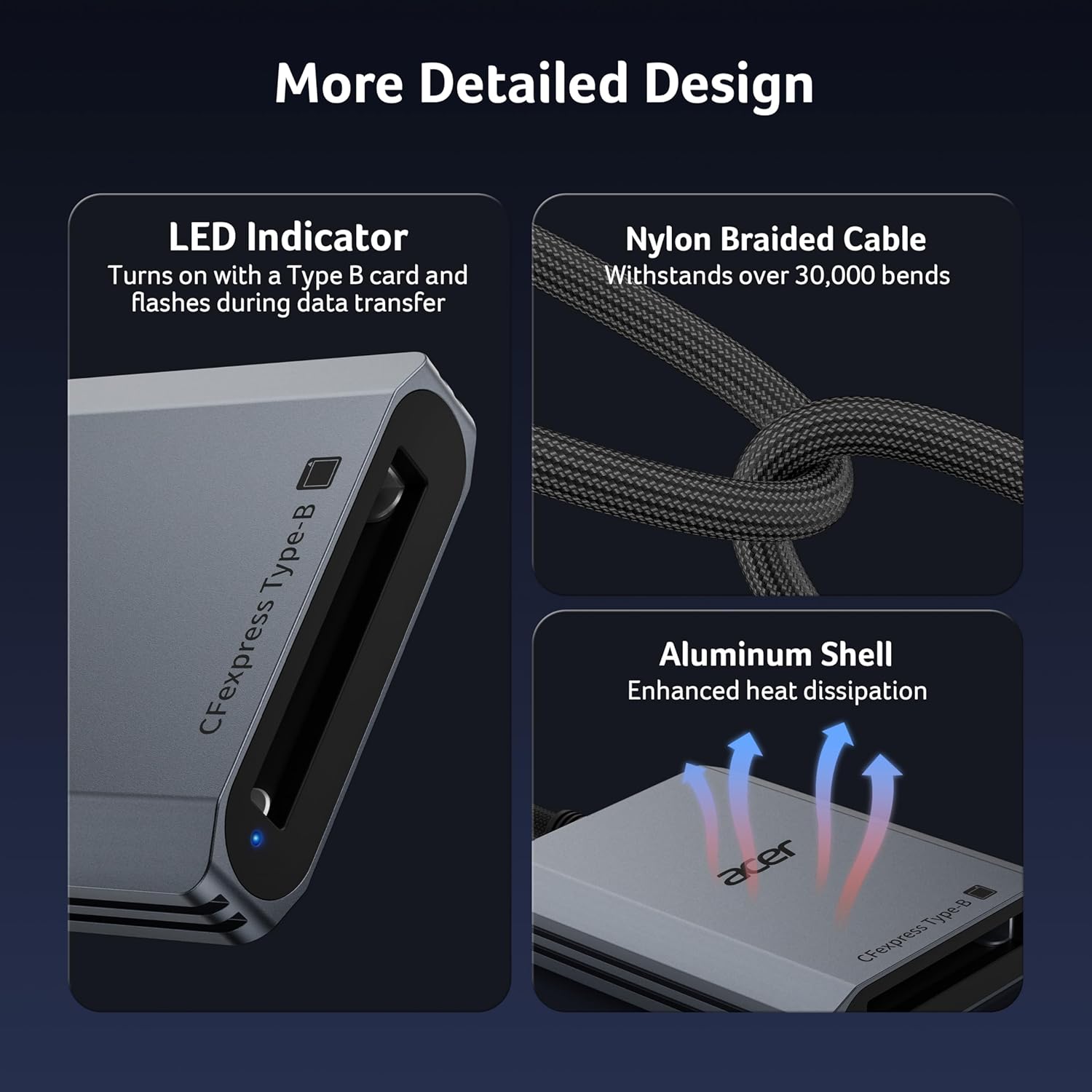
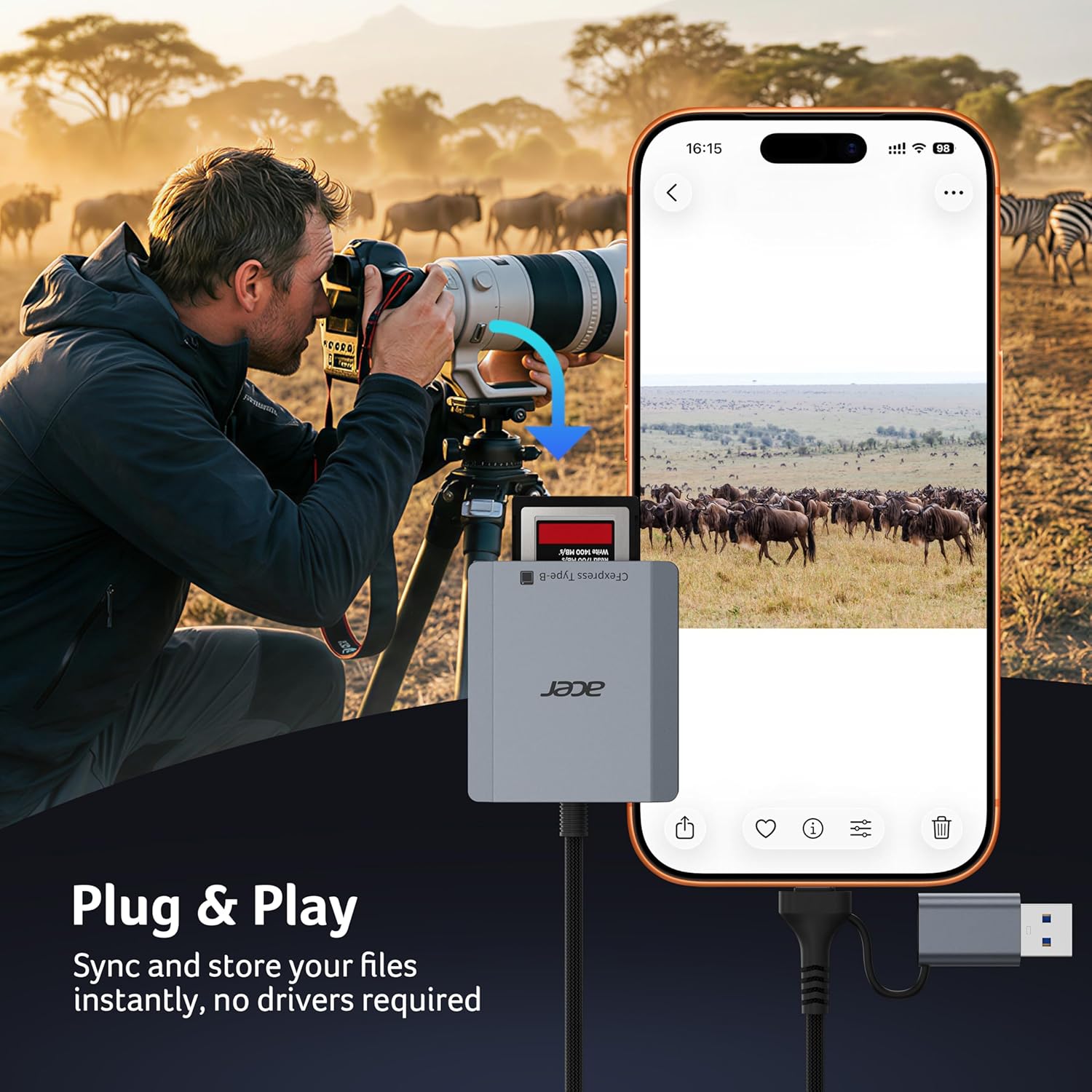
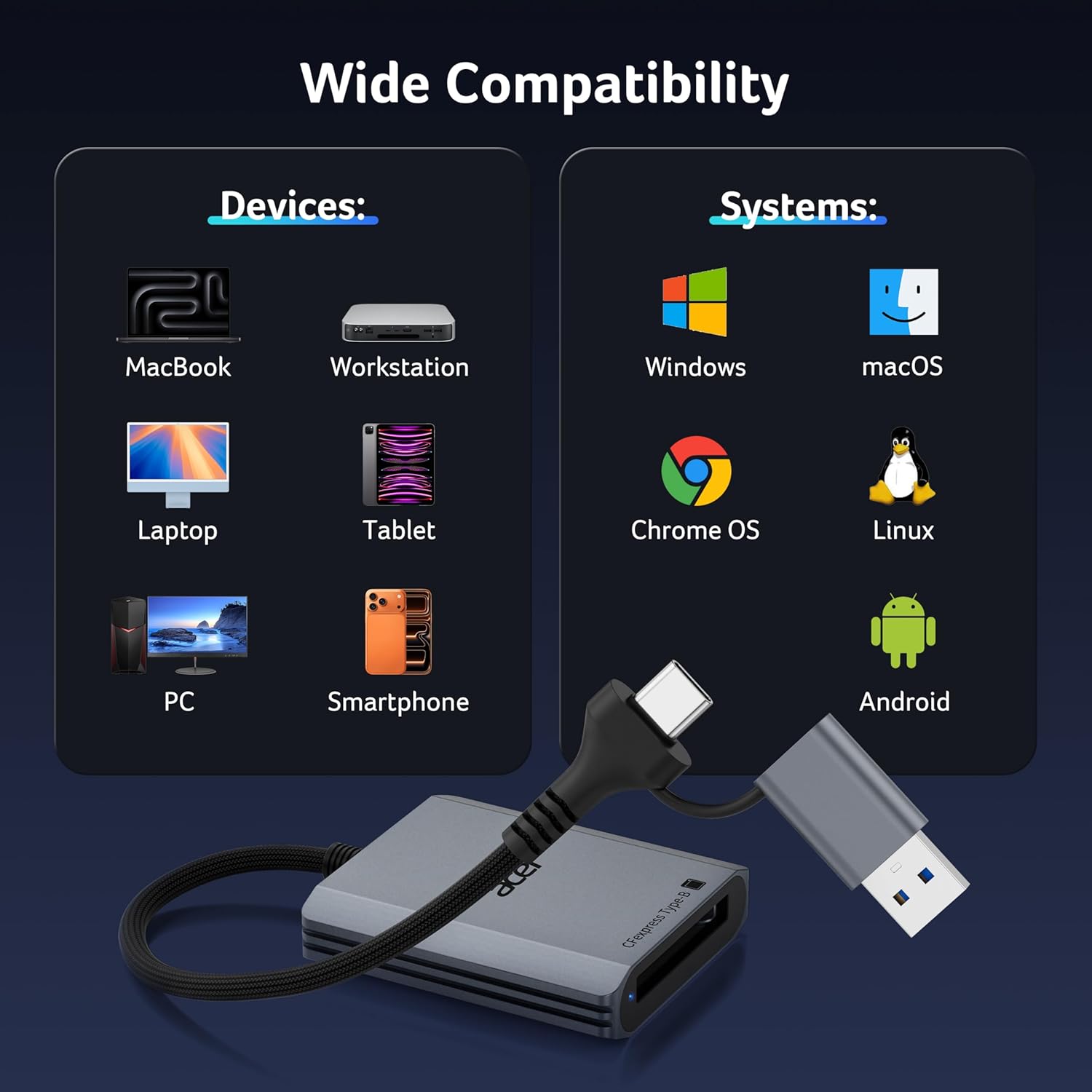
What it is and who it’s for\nThe Acer CFexpress Type B Card Reader is a compact, purpose-built adaptor designed to work with CFexpress Type B memory cards. It emphasises fast, reliable transfers for professionals handling 4K/8K video, high‑resolution stills and rapid burst shooting. If you’re a photographer, videographer or content creator who needs to move large files quickly from card to computer or tablet, this reader aims to offer a straightforward, plug‑and‑play workflow. It’s not a general reader for CFexpress Type A/C or XQD cards, so if your workflow uses those formats you’ll need a different solution.\n\n## How it performs on paper and in practice\nOn paper the standout feature is the 10Gbps transfer speed enabled by USB 3.2 Gen 2 when paired with a compatible host port. In real-world terms, that can translate to noticeably shorter transfer windows for big video files or multi‑gigabyte RAW sequences, but the final speed depends on the card itself and the USB interface you’re using. If your device only supports USB 3.0 or non‑Gen 2 interfaces, you won’t reach those peak figures. This caveat is worth bearing in mind because it helps set realistic expectations about what “10Gbps” actually means in practice.\n\n## Design, build and ease of use\nThe reader follows a clean, professional design with an aluminium shell that helps with heat dissipation in longer transfers. A robust nylon cord adds portability and reduces the risk of accidental drops. It includes both USB-C and USB-A connectors, which broadens compatibility with laptops, desktops, tablets and some mobile devices. The driver-free nature (no software installation required) simplifies setup, which is useful when you’re working on location or between devices. A practical detail is the automatic locking and ejection mechanism for the memory card, implemented with a precision spring to ensure smooth, safe insertion and removal.\n\n## Compatibility and limitations\nCompatibility covers Windows, Mac, Linux and Android across a range of devices, but you should verify that your host port supports USB 3.2 Gen 2 to capitalise on the 10Gbps claim. If you’re using older hardware or USB-C adapters that don’t explicitly support Gen 2, you may see slower transfer speeds. It’s also important to note the card reader is designed specifically for CFexpress Type B cards, CFexpress Type A/C or XQD cards won’t work in this unit.\n\n## Who it’s best for\nThis reader is a sensible choice for professionals juggling large media files on a varied array of devices—from a high‑powered laptop to a tablet or smartphone that supports USB OTG. It suits users who prioritise speed and a minimal setup over bells and whistles. It may be less compelling if your workflow relies on CFexpress Type A/C or if you mostly work with smaller files where transfer time isn’t a bottleneck.\n\n## What to check before buying\n- Confirm your host device has a USB 3.2 Gen 2 capable port to approach the published speeds.\n- Ensure your CFexpress Type B cards are genuine and supported by the reader.\n- Consider whether you need USB‑C + USB‑A in a single unit for your typical devices.\n- If heat or durability matters for long shoots, note the aluminium shell and the reported heat dissipation benefits.\n\n## How it compares to other approaches\nIf you’re deciding between this reader and other card‑to‑computer methods, the key question is whether you value simplicity and speed with CFexpress Type B cards. A dedicated CFexpress Type B card reader removes the need for adapters or multi‑card readers and tends to be more compact than full docking stations. However, if you frequently work with other card formats or require multi‑card simultaneous transfers, you might lean toward a more versatile multi‑format reader or a workflow that leverages card readers built into laptops. In short, for CFexpress Type B users who want a clean, single‑card solution and minimal setup, this Acer reader makes sense.\n\n## Practical usage example\nImagine you’ve just wrapped a demanding 4K shoot. You pop the CFexpress Type B card into the reader, connect to a USB‑C port on your laptop, and in moments you’re already editing on a fast external drive. The lack of drivers means you can quickly move from location to studio without fiddling with software.\n\n## FAQ\n- Do I need software to use this reader? No. It works plug‑and‑play on compatible USB ports.\n- Will it work with my iPad or Android tablet? Yes, provided the device supports USB OTG and USB 3.2 Gen 2 on the host.\n- Can I use this for CFexpress Type B video workflows? Yes, it’s designed with 4K/8K video transfers in mind, subject to card and host speed limitations.\n\n## Decision time\nIs it worth it? If your work revolves around CFexpress Type B cards and you value fast, straightforward transfers with broad device compatibility, this reader offers a practical balance of speed, build quality and simplicity. You’ll want to compare it against readers that match your other card formats or that support simultaneous multi‑card transfers if your workflow requires those features.\n