

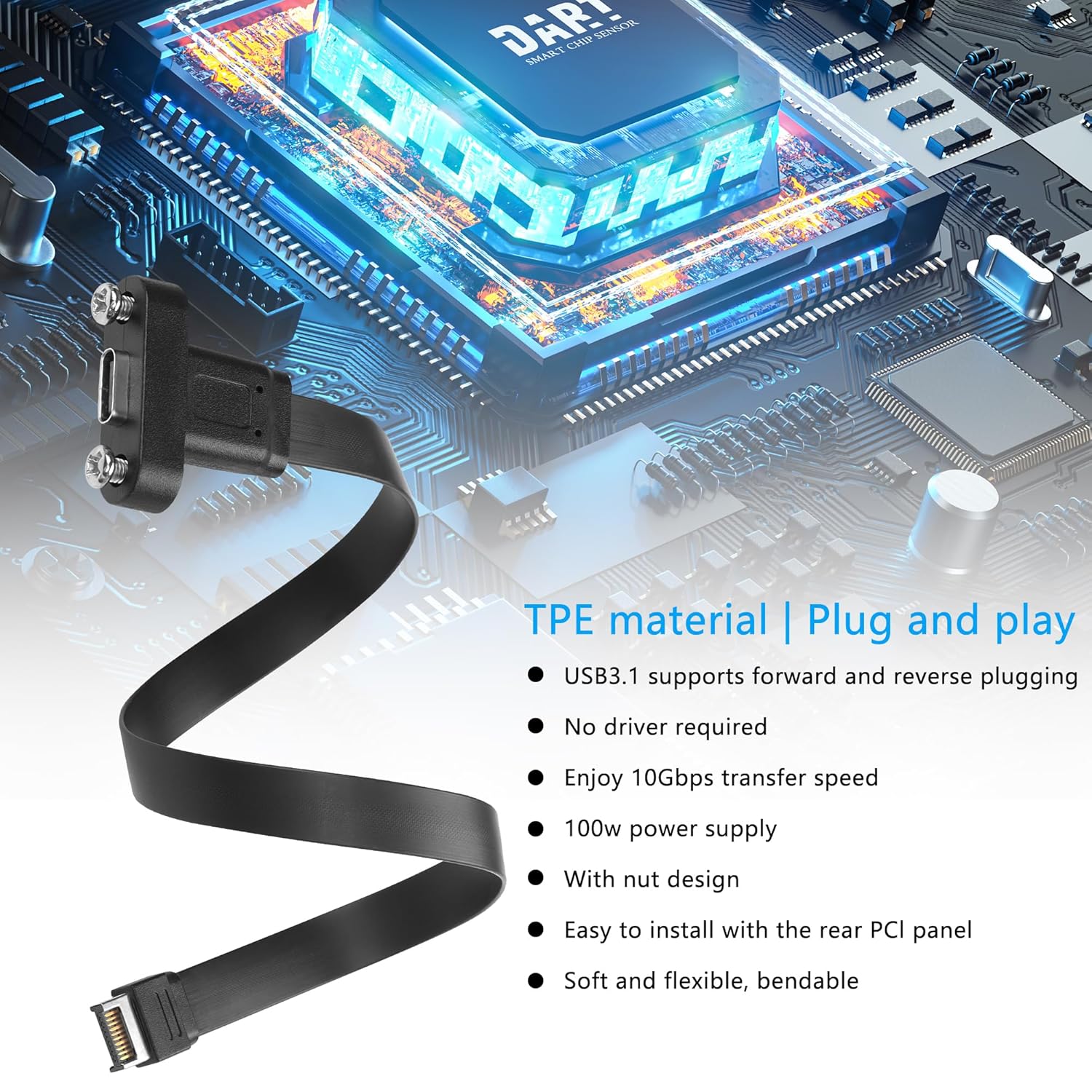
SinLoon USB 3.1 Front Panel Type-C Extension Cable (20Pin Type‑E) with Full Height Bracket – 30cm, 2-Port
Product description
What this is and what it does
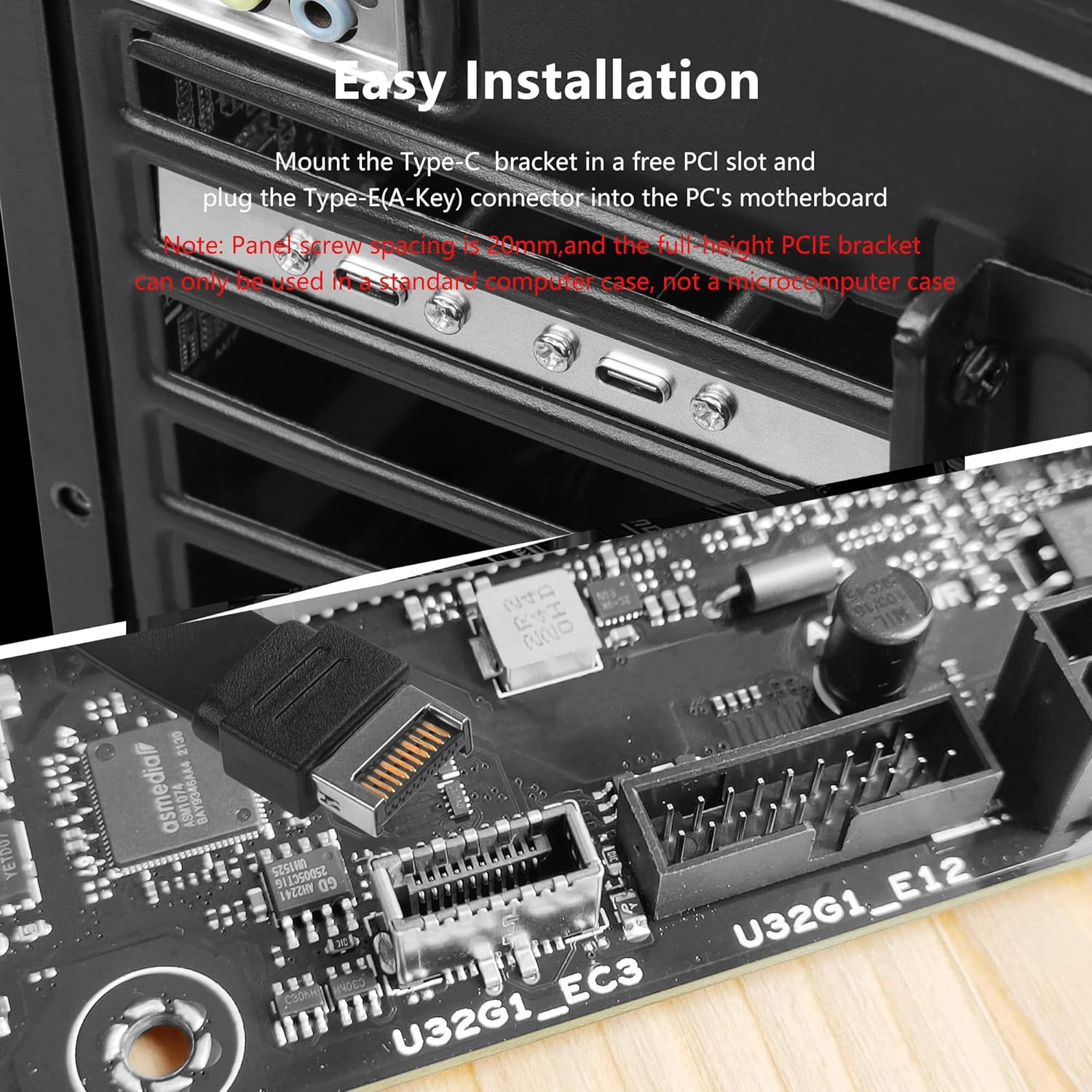
The SinLoon USB 3.1 Front Panel Extension Cable is a Type‑C expansion solution designed to convert a motherboard’s USB3.0/Type‑E interface into a front‑panel USB‑C connection. It uses a 20‑pin Type‑E connector and is intended to be mounted in a standard PC case via the full height bracket. The design includes a reversible USB‑C interface so you can plug in devices in either orientation, which helps in busy build situations or when accessing the front panel after cable management.
How it fits into a build
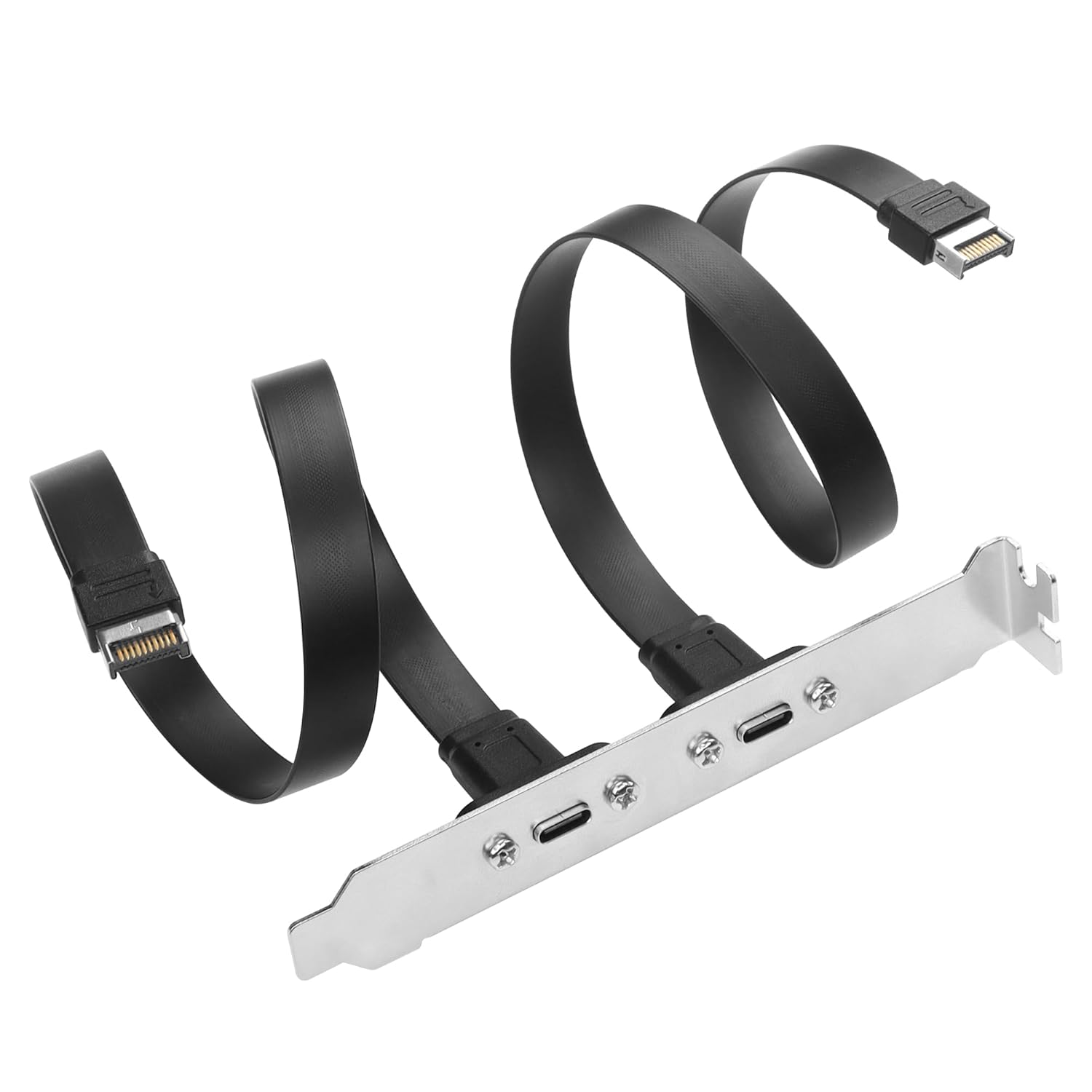
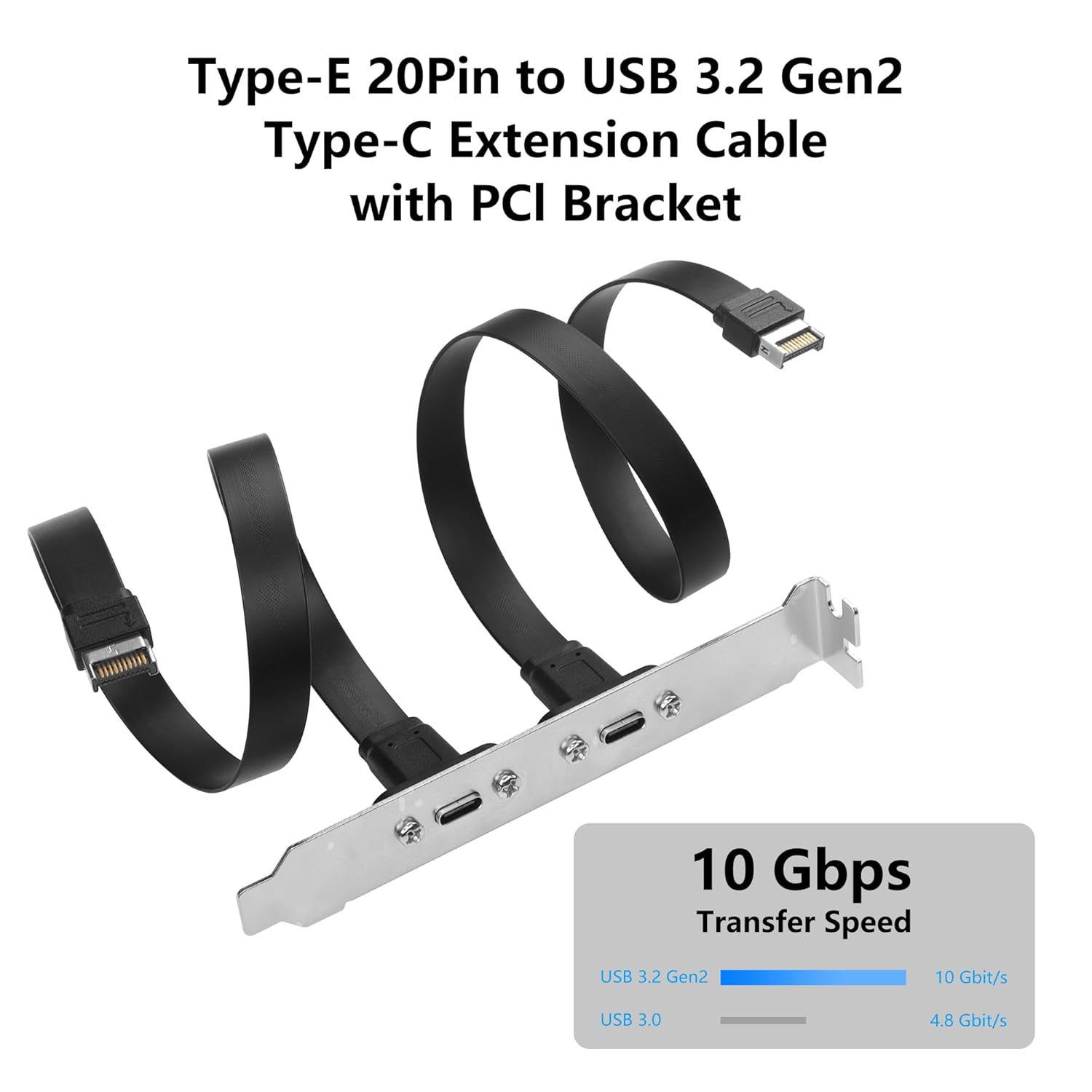
On paper, this is a practical way to surface USB‑C connectivity from the motherboard to the front of the chassis. It supports data transfer speeds up to 10Gbps (USB 3.2 Gen 2) and includes capabilities for up to 100W power delivery to USB‑C devices. The cable is described as very flexible thanks to an ultra‑thin TPE construction, with a combination of a 16‑pin USB3.1 pathway and four high‑speed signal lines. A double shielding layer is meant to safeguard signal integrity.
What stands out on paper
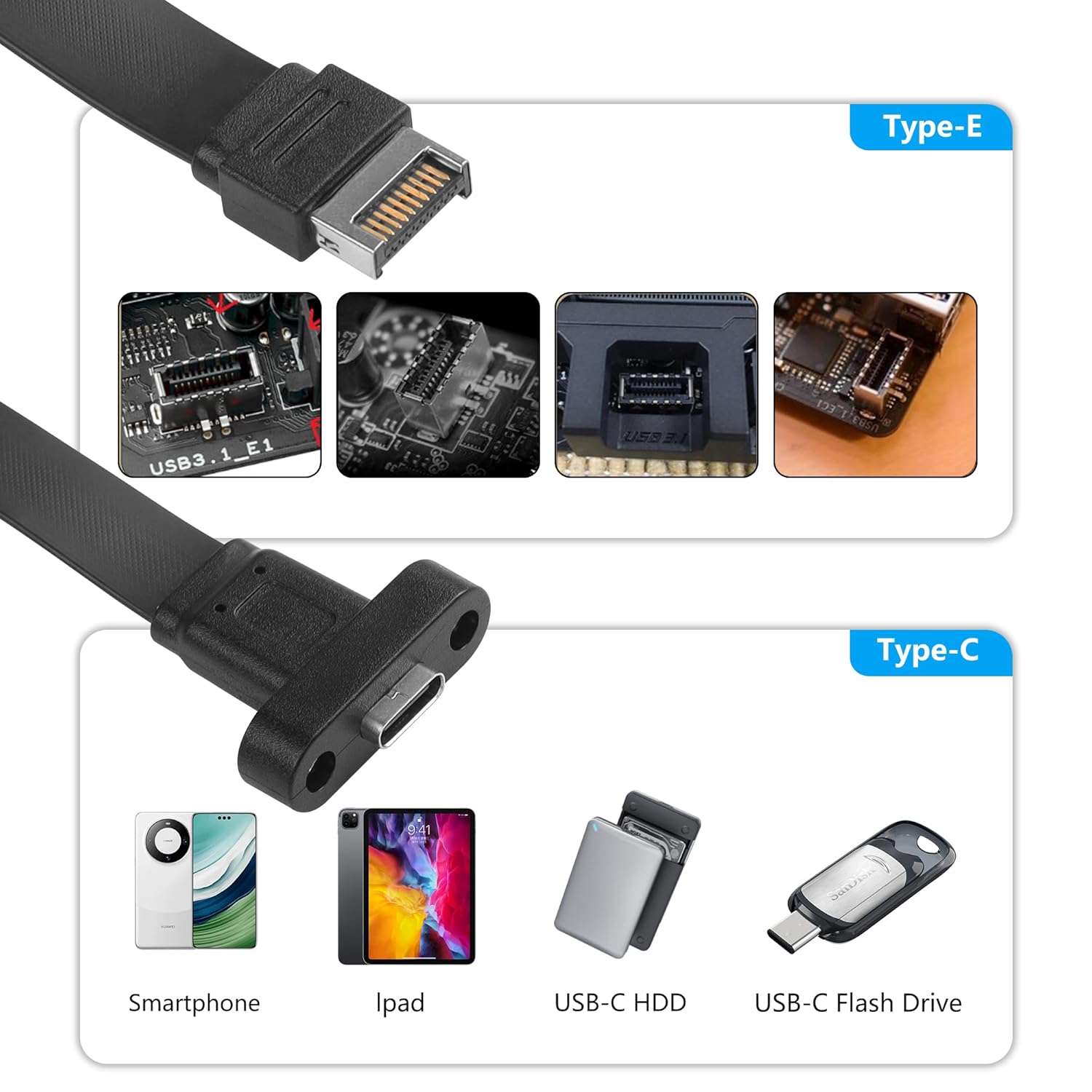
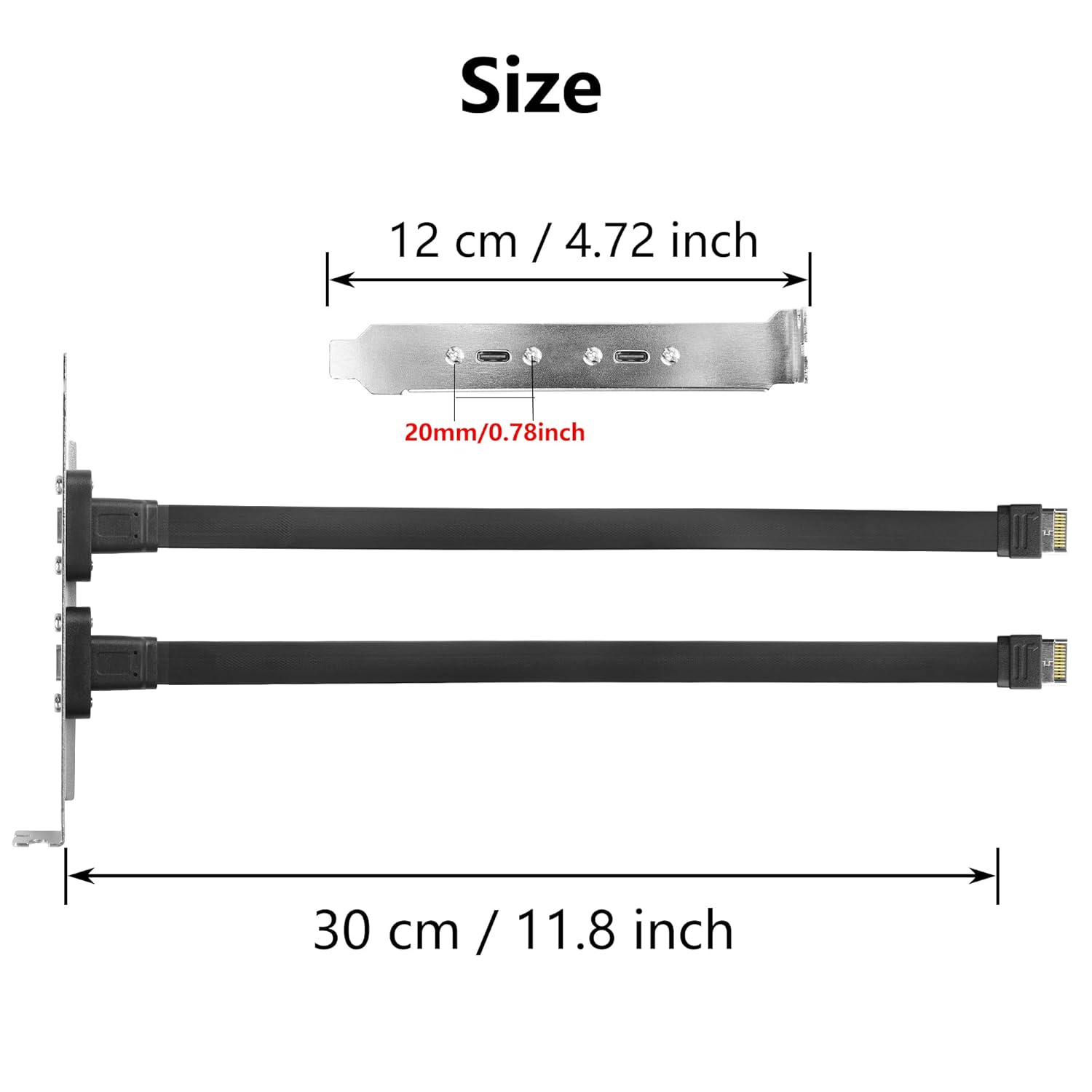
If you prioritise front‑panel USB‑C access with high data throughput, this item has a clear use case: it promises 10Gbps speeds and broad compatibility with USB‑C peripherals. The full‑height bracket allows a neat front‑panel mount in standard cases, and the 30cm length is a practical middle ground between unobtrusive routing and reach. The reversible USB‑C plug helps reduce installation frustration.
The limitations and caveats
There are a few important constraints to note. First, the accessory is designed for motherboards that expose a USB 3.1 Type‑E port, without that, normal operation isn’t guaranteed. Second, the full‑height PCIE bracket is not suitable for micro‑computer cases, so it’s aimed at standard ATX‑ or similarly sized enclosures. While the device advertises USB‑C 10Gbps, real‑world speeds depend on the connected device and the motherboard’s actual Type‑E implementation. Finally, this is a two‑port arrangement centred on front‑panel USB‑C, if you need additional USB types or more front‑panel headers, you may need alternatives.
Who this is for
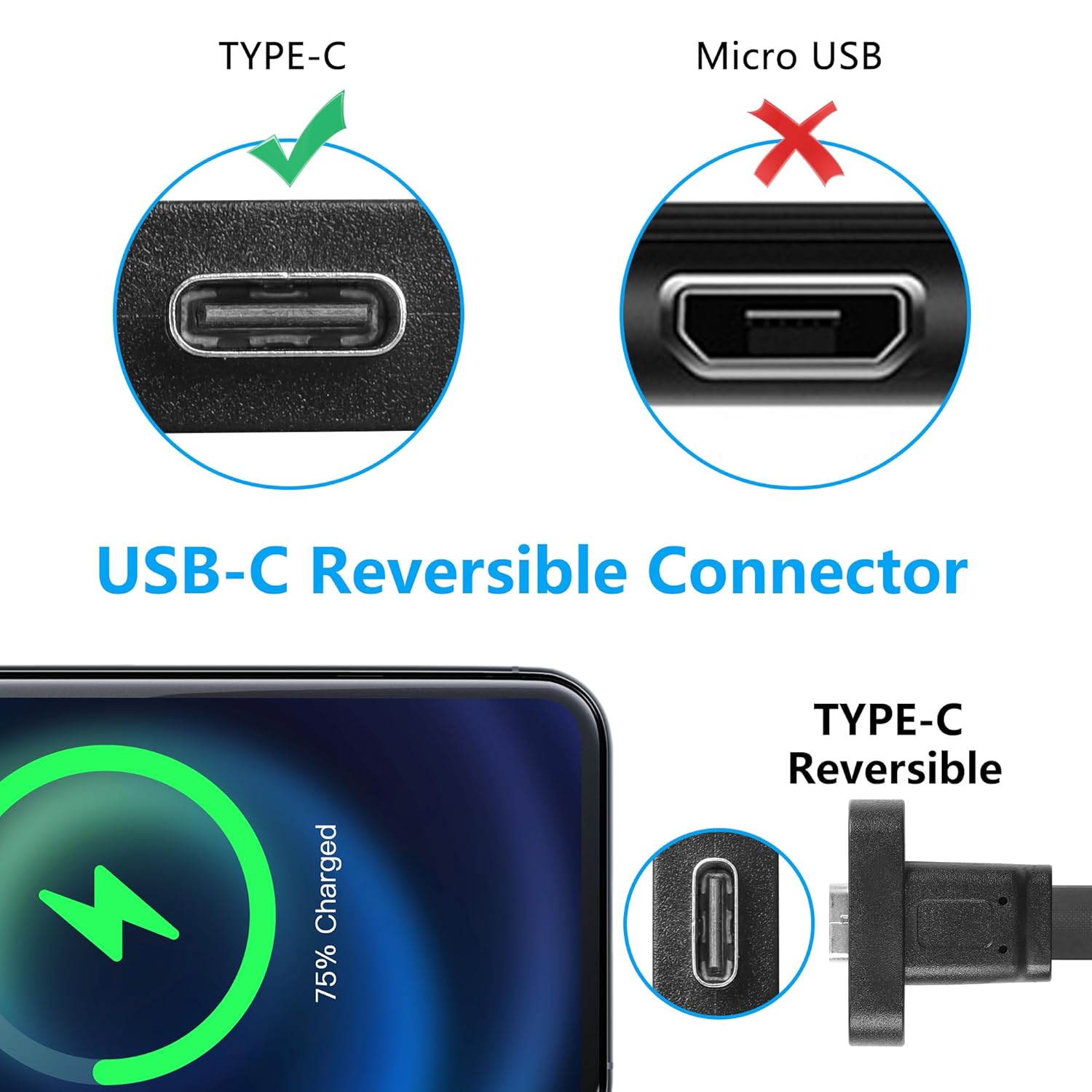
This product is sensible for builders who want front‑panel USB‑C access for peripherals such as phones, tablets, USB drives, mice or hubs, and who have a motherboard with a compatible USB 3.1 Type‑E header. It suits users prioritising a clean front‑panel layout and straightforward, driver‑free installation.
When it makes sense to buy
If you’re upgrading a PC and need convenient, high‑bandwidth USB‑C access on the case front, and your motherboard includes a USB 3.1 Type‑E header, this extension can help you achieve that without sourcing a separate USB‑C header kit. The 30cm length provides flexibility in cable routing, and the panel‑mount design keeps the front area tidy.
When it may not be the best choice
If your case is a micro‑ATX or mini‑ITX build with a restricted chassis space, or if your motherboard lacks a USB 3.1 Type‑E header, this accessory would not be appropriate. If you need more than two USB‑C ports on the front, or desire a different form factor (e.g., internal USB‑C adapters that sit elsewhere in the build), you may want alternatives.
What you should check before buying
- Confirm the motherboard has a USB 3.1 Type‑E header and that the front panel design accepts a Type‑E extension.
- Ensure your case supports a full‑height PCIE bracket and that there’s room for the 30cm cable running from the motherboard to the front panel.
- Consider device compatibility for the intended front‑panel USB‑C peripherals to ensure you can realise the 10Gbps capability where applicable.
Practical usage example
Imagine you’re upgrading an older build to support fast USB‑C storage and a USB‑C laptop dock. You mount the full height bracket in a standard case, plug the 20Pin Type‑E connector into the board, and route the 30cm cable to the front panel. Reboot and plug your USB‑C drive into the front, enjoying the benefit of a reversible connector and swift data transfers without needing extra USB headers.
FAQ (brief)
- Do I need drivers for this extension? No, it’s designed to be plug‑and‑play.
- Will it deliver 100W power to a USB‑C device? It supports up to 100W power delivery per the specification, subject to motherboard and device compatibility.
- Can I instal this in a micro computer case? No—the full‑height bracket is intended for standard cases.
Is it worth it?
Worth considering if you want front‑panel USB‑C access with high data throughput and you have a compatible motherboard header, a standard case, and you value tidy cabling. If any of those conditions don’t apply, you may want to look for alternatives more aligned with your setup.