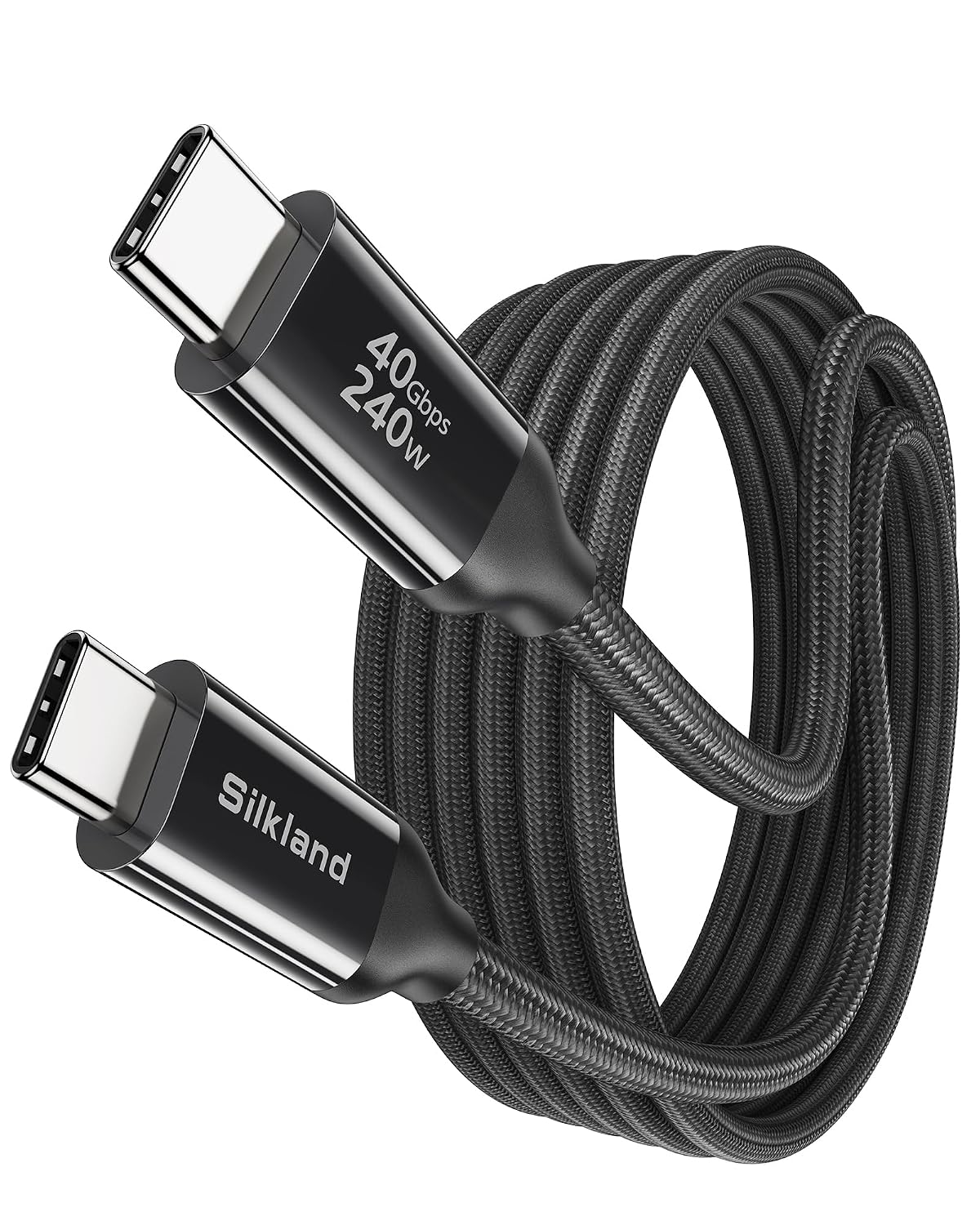
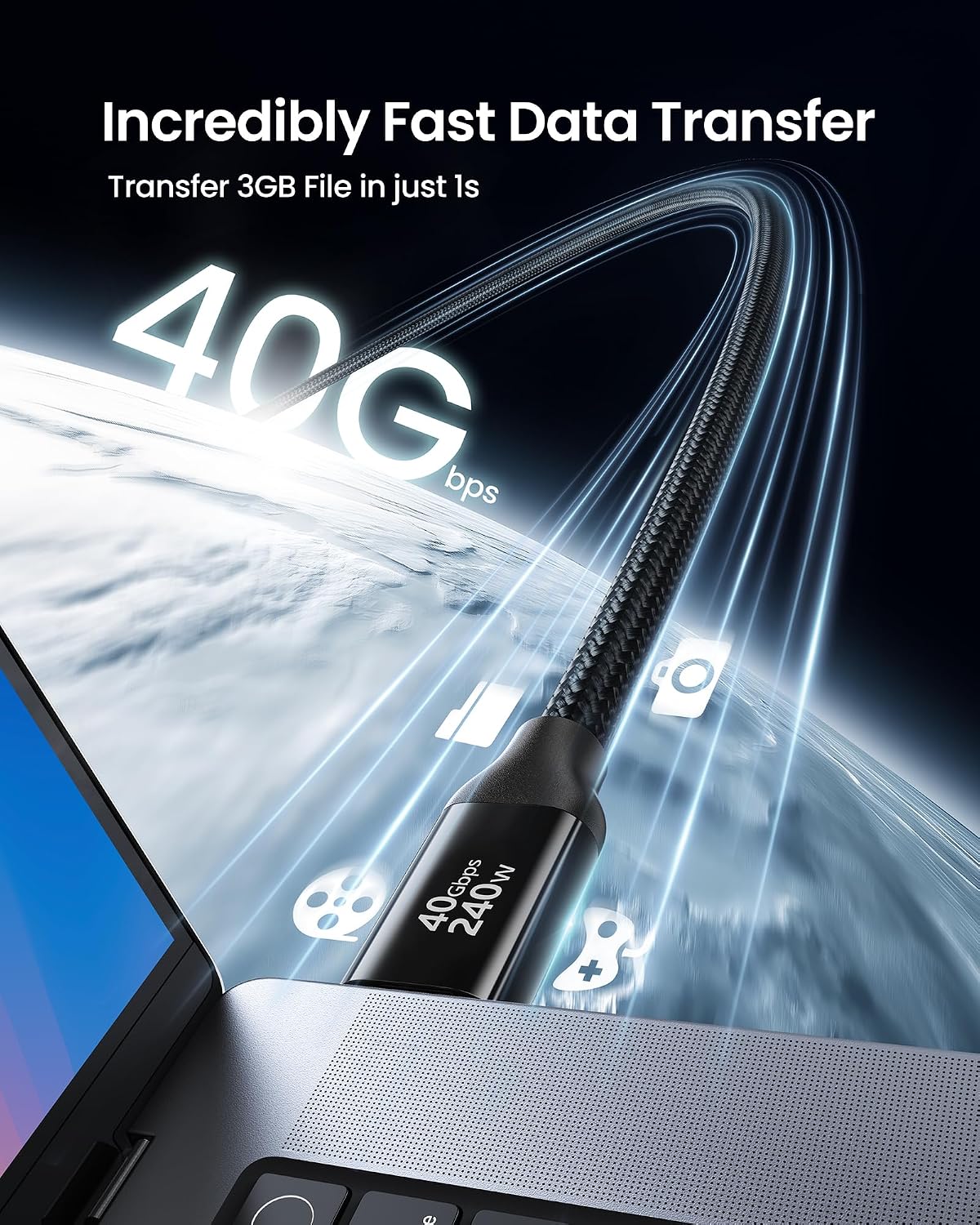
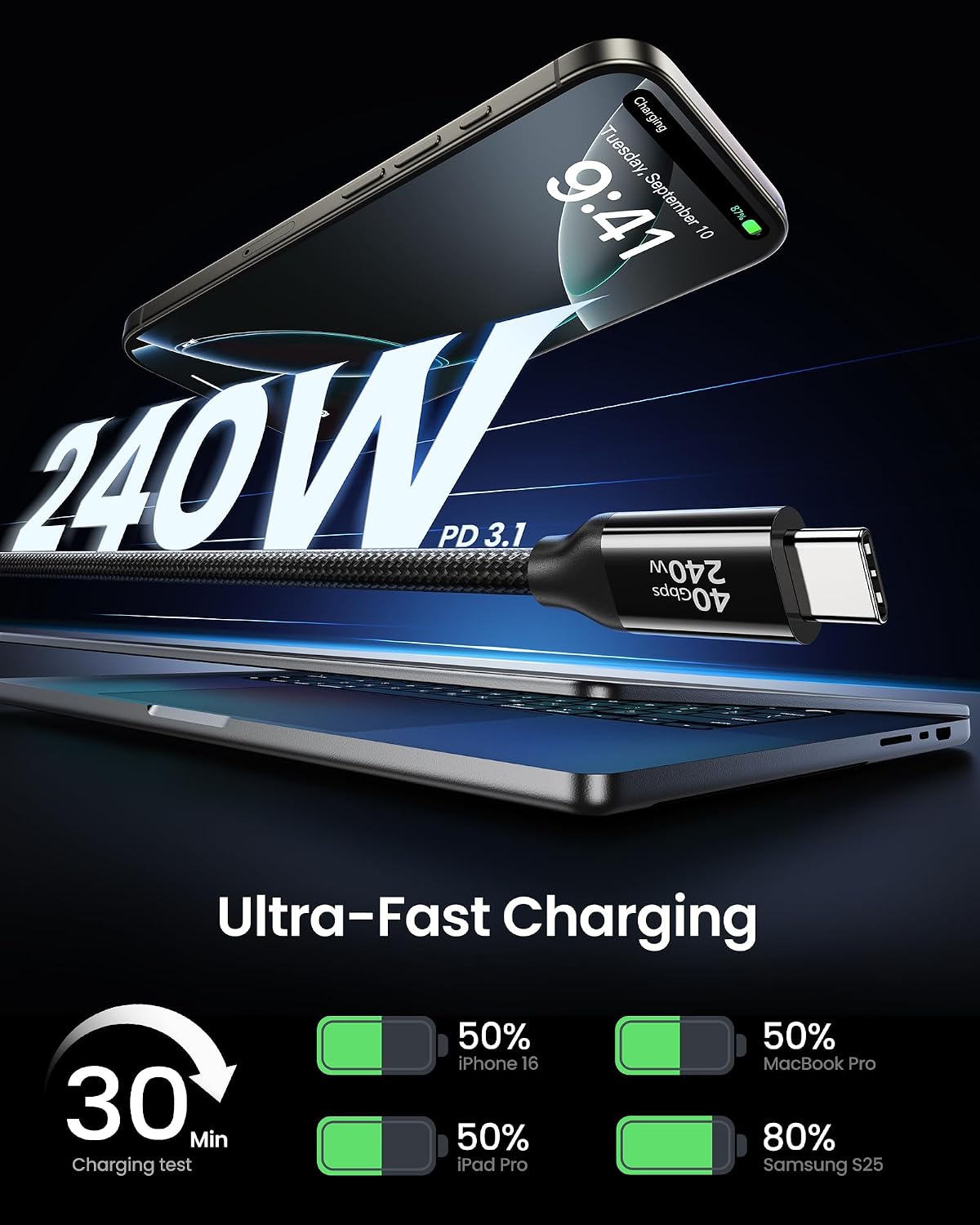
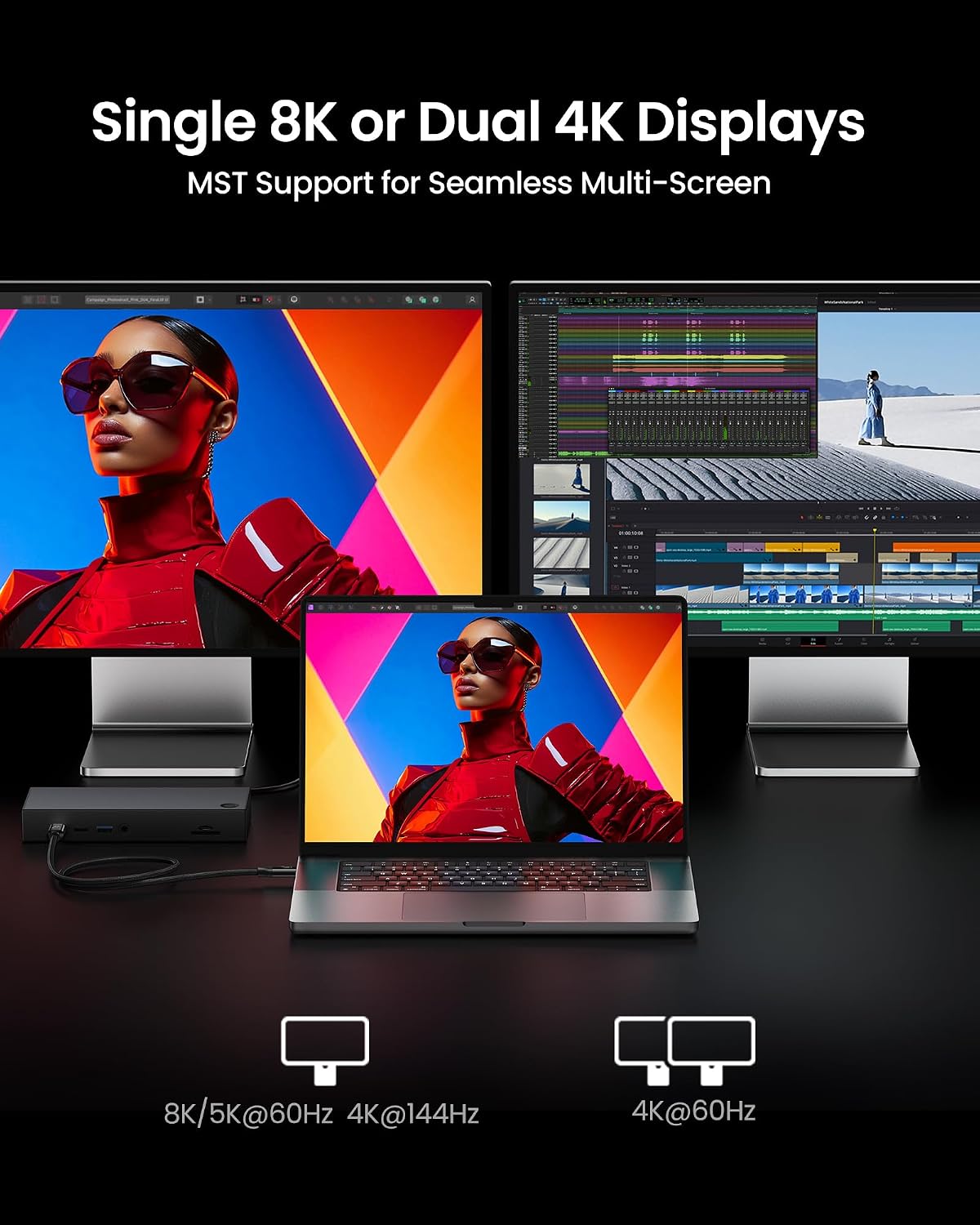
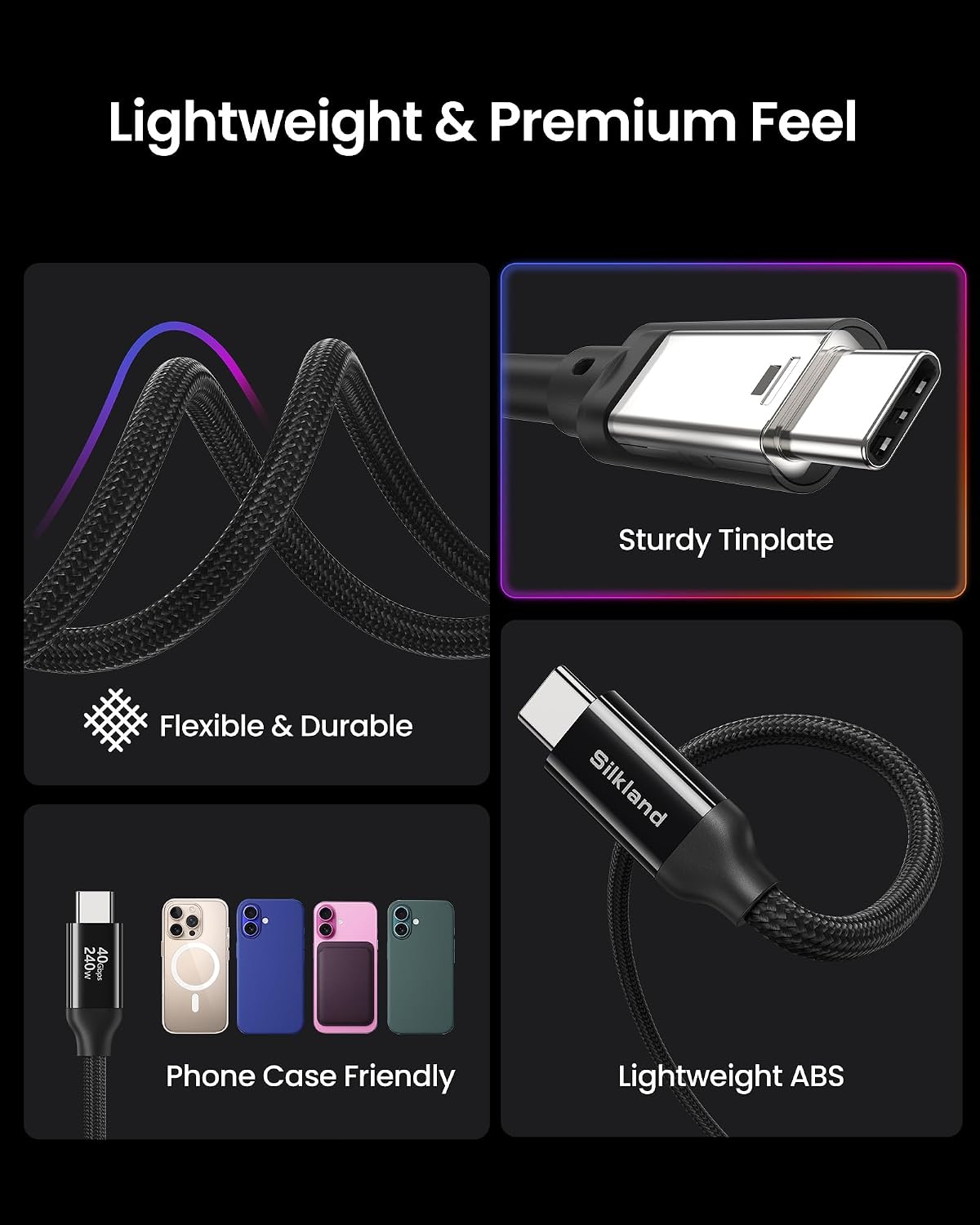
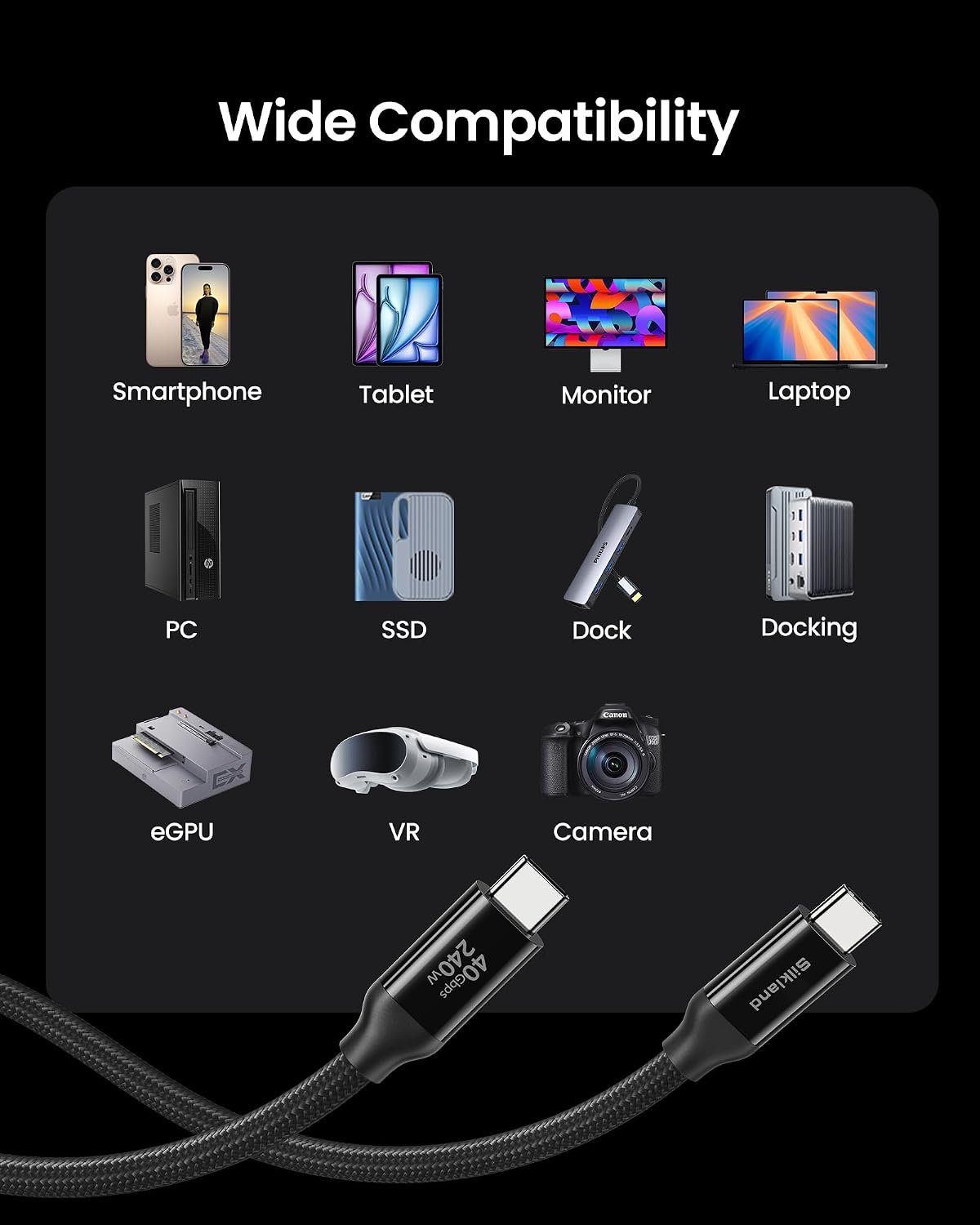
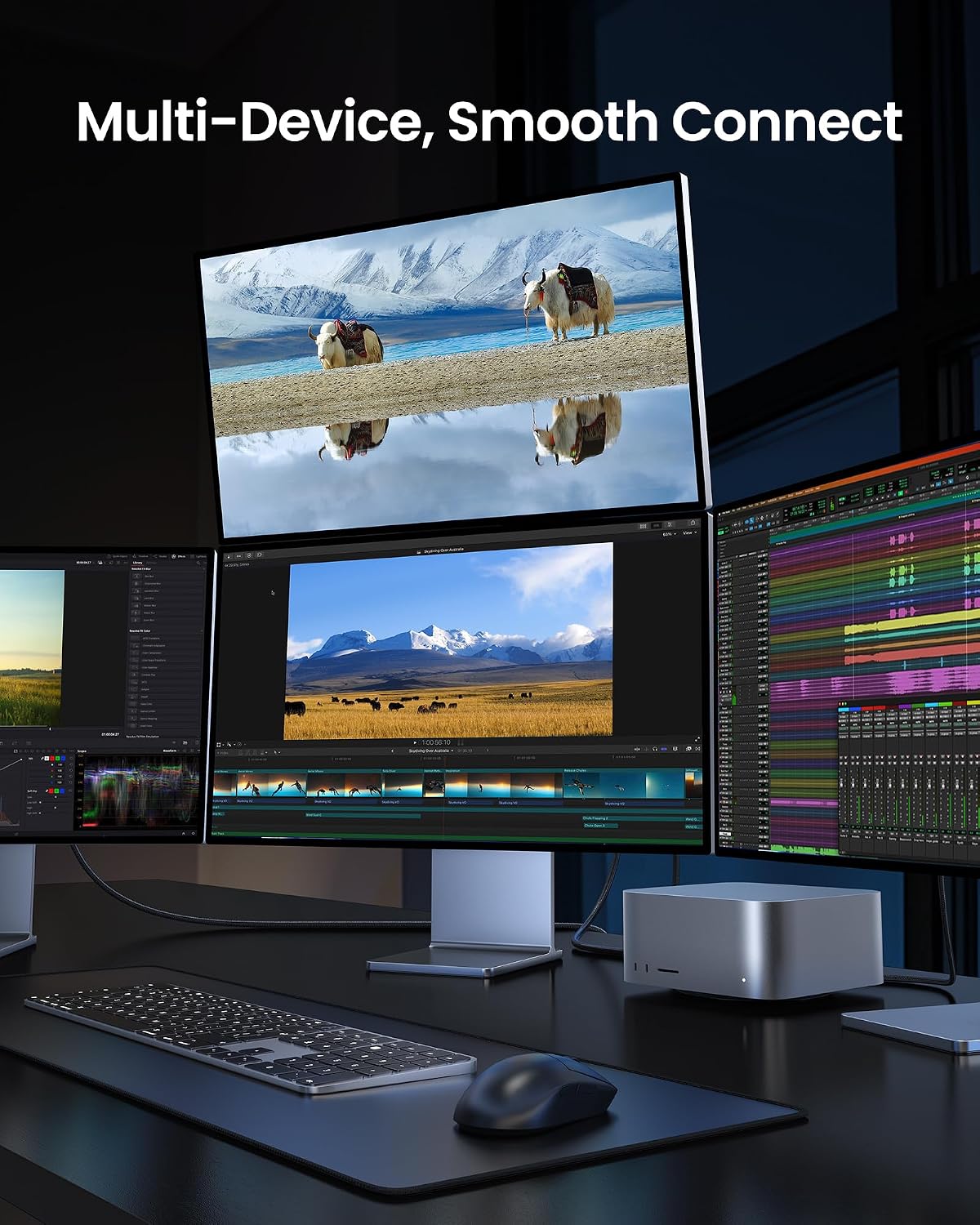
What it is and who it’s for\nSilkland’s USB 4 Cable is a USB‑C to USB‑C cable designed to pair with Thunderbolt 4 systems. Priced as a long 3m lead, it aims to deliver high data transfer rates, strong video output and substantial power delivery for compatible devices. If you’re looking to connect a laptop or docking station to a monitor, back up large media libraries quickly, or run a high‑powered external SSD or eGPU, this cable intends to cover those common needs without swapping multiple cables.\n\n## Performance and display support\nOn paper, the cable supports up to 40Gbps data transfer, which means faster syncing of photos, music and large video files compared with older USB standards. It advertises 8K@60Hz single display or dual 4K@60Hz, which is useful for high‑resolution work or multimedia presentations. If your workstation, dock, or monitor is within the USB4/Thunderbolt 4 ecosystem, you may notice smoother videoconferencing, quicker file previews and better multi‑display workflows.\n\n## Power delivery and safety features\nPower handling is claimed up to 240W (PD3.1) with an E‑Marker chip to regulate voltage and current. In practice this supports heavy charging scenarios for capable devices while aiming to prevent overcharging or overheating. It’s worth noting that real‑world charging efficiency depends on both the source charger and the connected device, so if you’re relying on the cable for mobile charging while running demanding tasks, margins may vary.\n\n## Compatibility and use cases\nThe cable uses USB‑C to USB‑C, and the product emphasises compatibility with USB4/Thunderbolt 4 devices, backward compatibility with Thunderbolt 3 and other USB generations. It’s suited to connecting laptops to external displays, docking stations, external SSDs and eGPUs, as well as for high‑speed data transfer tasks. If you value a single long cable that can handle display output plus power, this could be convenient.\n\n## Pros and potential limitations\nPros: high data throughput, strong display capabilities, substantial power delivery, a long 3m length for flexible workspace layouts.\nLimitations: real‑world performance depends on your specific devices and ports, very high power delivery requires a compatible charger and device, the 3m length may introduce some signal considerations in very demanding setups.\n\n## When it makes sense to buy\nChoose this cable if you need a single, relatively long USB‑C lead that can handle Thunderbolt 4/USB4 data, high‑res video output and robust charging in a MacBook, iPad or docking‑station setup. It’s sensible for creators and professionals who routinely move between desk stations and want fewer cables.\n\n## When it may not be the best option\nIf your setup doesn’t require 8K/60Hz or 240W charging, or if your devices live in USB‑C short‑reach scenarios, a shorter or more modest USB‑C cable could be adequate. If you primarily need data transfer for casual use rather than professional workloads, you might not need the full USB4/Thunderbolt 4 capability.\n\n## What to check before you buy\nEnsure your charger, dock or device supports the power level you intend to draw and that your display setup can drive 8K@60Hz or dual 4K@60Hz as required. Consider the length you actually need, a 3m lead is convenient but may add impedance in some setups.\n\n## Practical use example\nImagine editing large RAW photo sets from your external SSD while streaming a 4K video to a second monitor — the cable’s supposed bandwidth helps keep transfers snappy and displays smooth during intensive workflows.\n\n## FAQ (based on available information)\n- Q: Is it compatible with USB‑A devices? A: The description highlights USB‑C to USB‑C use, USB‑A compatibility isn’t specified.\n- Q: Can it power a laptop while running heavy software? A: It claims up to 240W PD3.1 and E‑Marker for safe power delivery, but real results depend on your charger and device.\n- Q: Does it support 8K output on all setups? A: It supports 8K@60Hz single display or dual 4K@60Hz, actual performance depends on the host hardware and monitor.\n\n## Is it worth it?\nWorth considering if your workflow relies on high‑speed data transfer, 8K/4K video output and substantial charging power from a single robust USB‑C cable. If your rig doesn’t use Thunderbolt 4/USB4 features or you don’t need 3m of reach, you might opt for a more modest option.