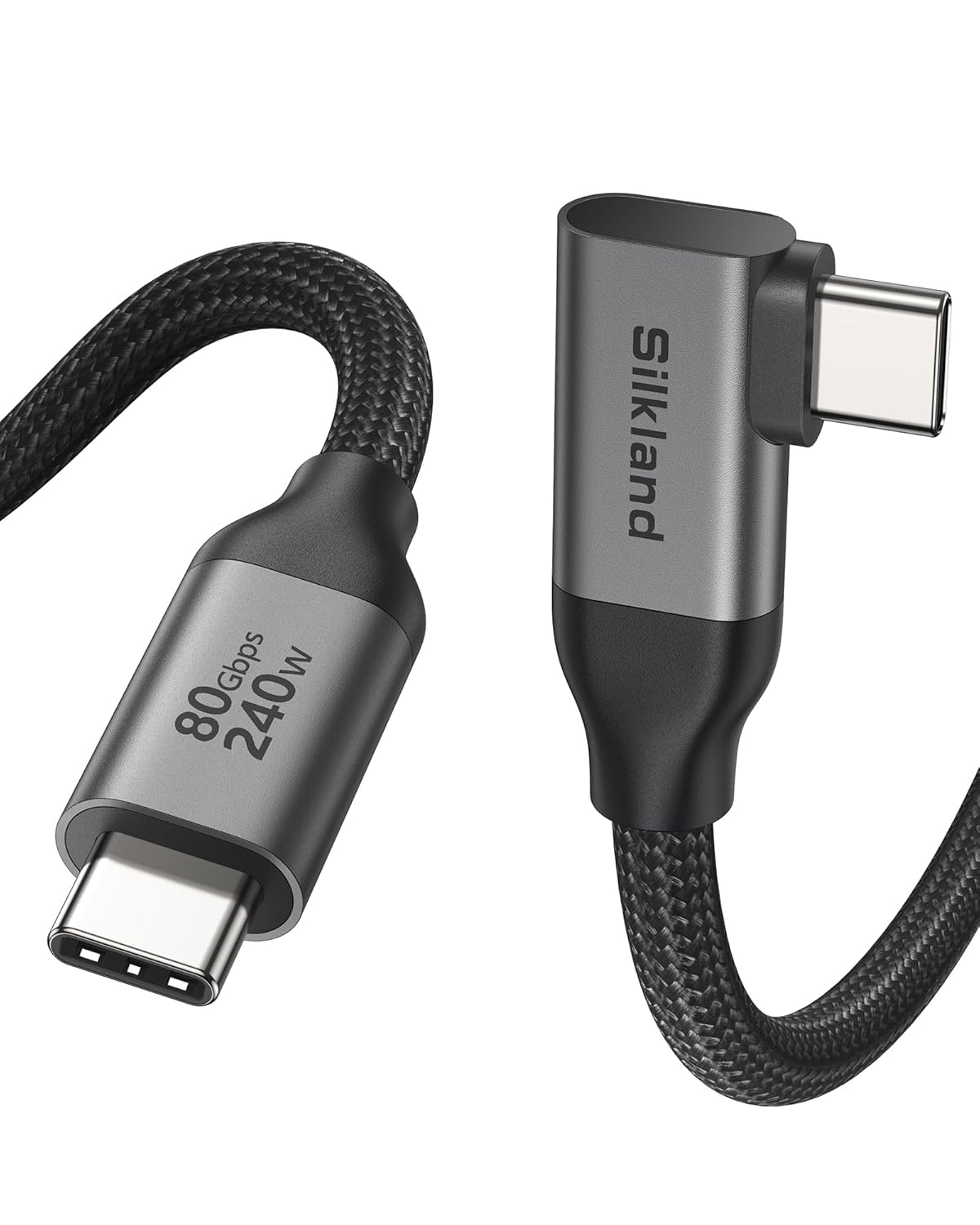
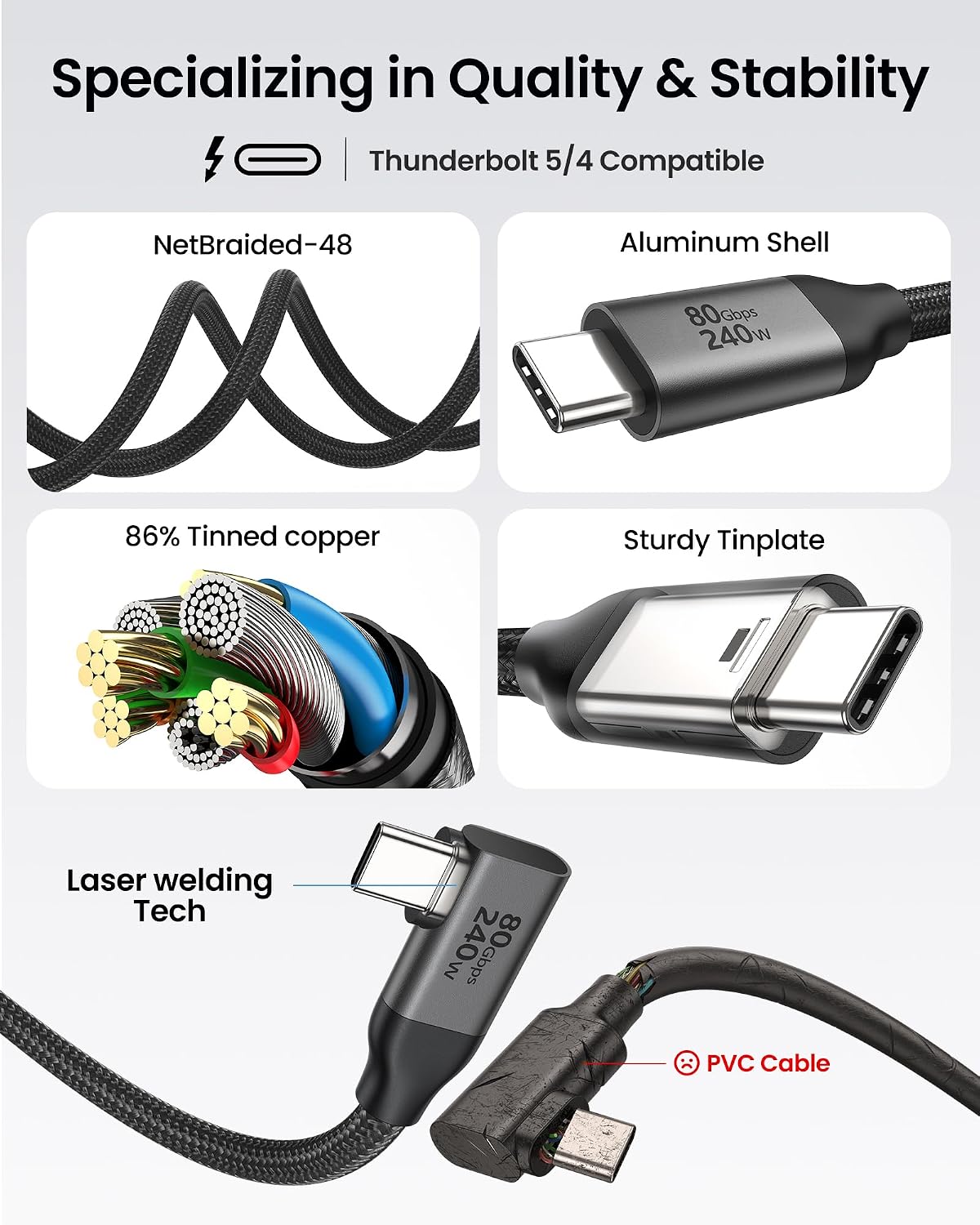
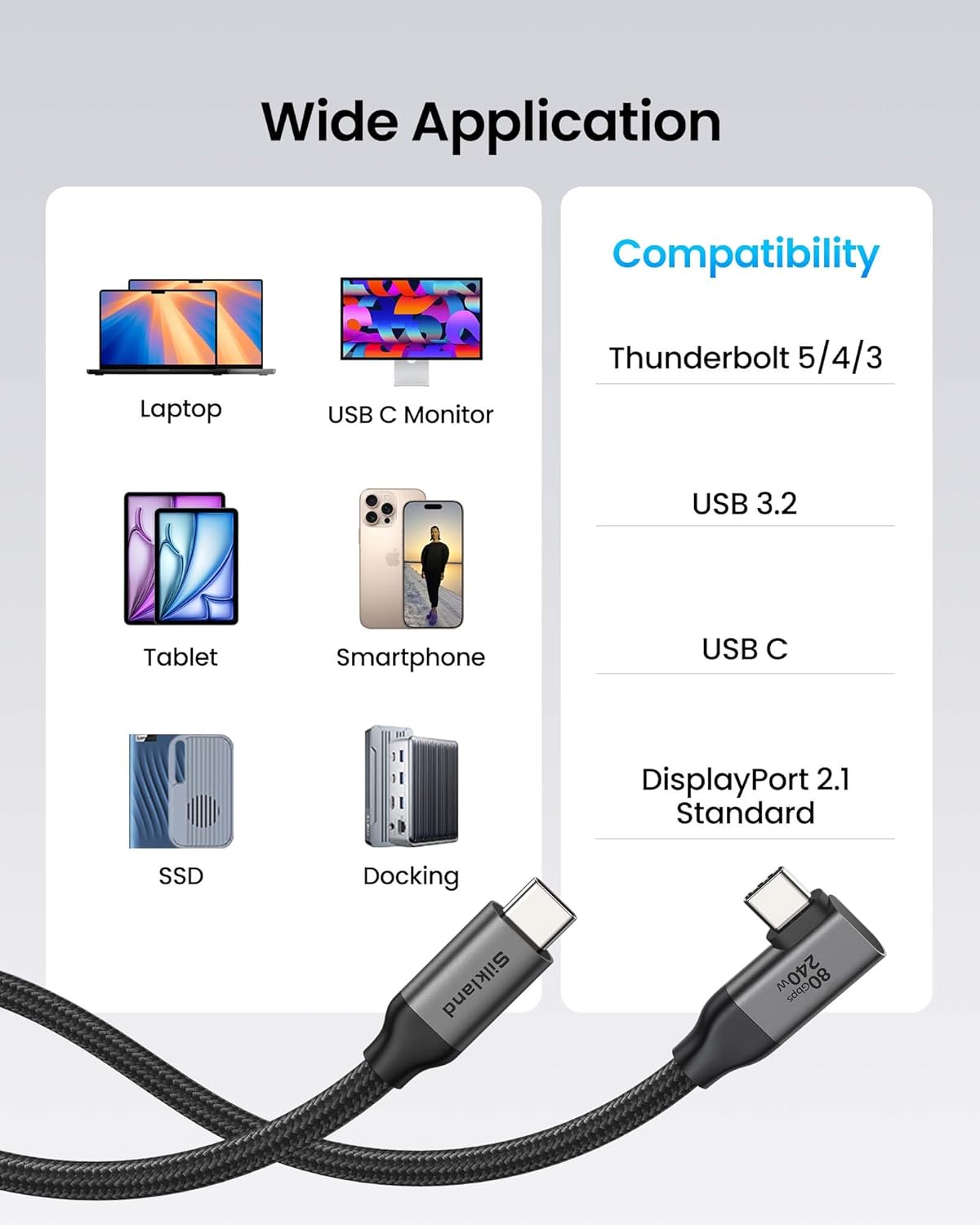
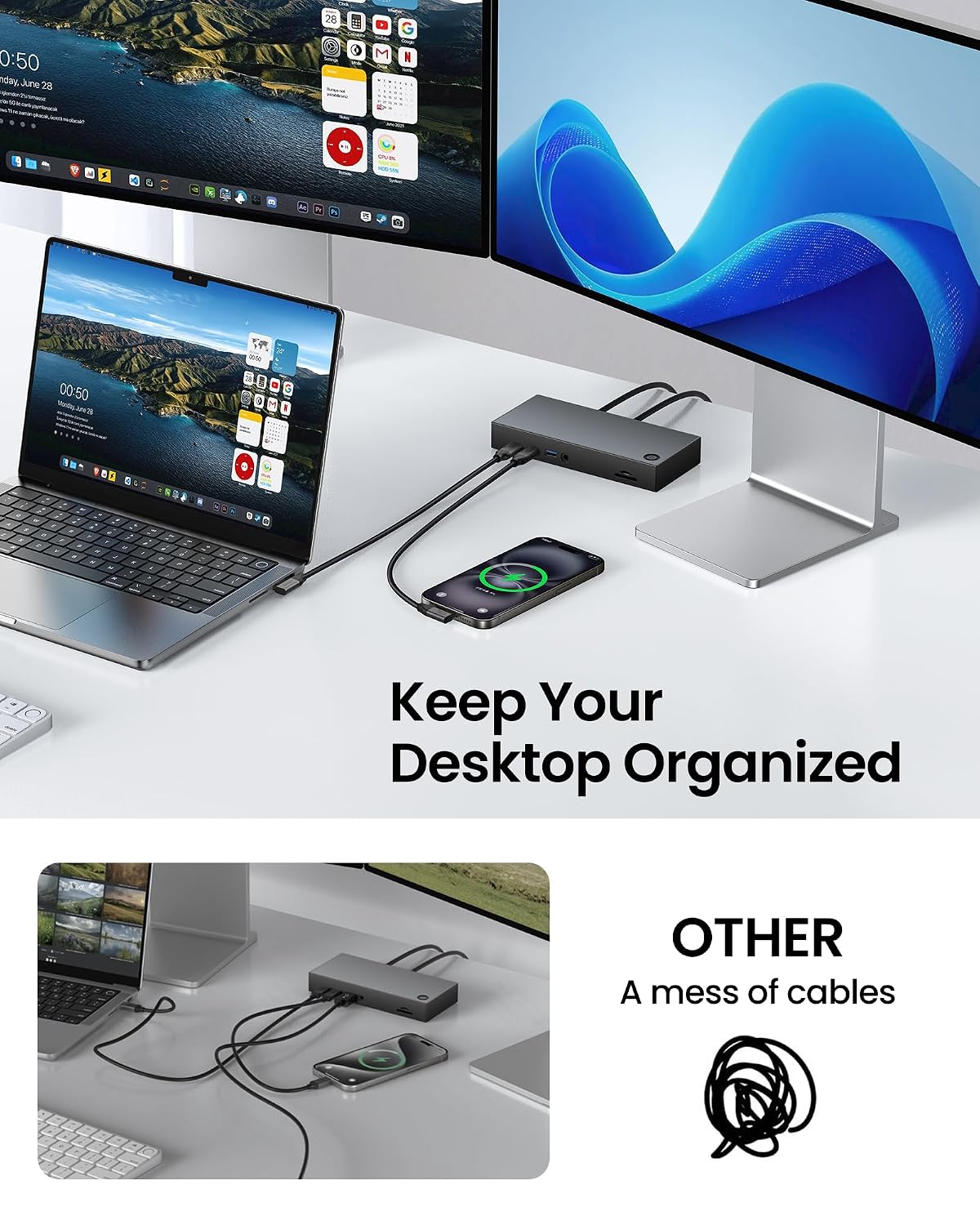
What this is and what it’s for\nThe Silkland USB 4 cable is positioned as a high‑throughput, right‑angle USB 4 (Thunderbolt 4/5 compatible) cable designed for demanding setups. It aims to simplify busy workspaces by combining very fast data transfer, dual‑display capability, and robust power delivery into a single braided cable. On paper, this kind of cable appeals to professionals who routinely move large files, run high‑resolution displays, and charge devices at speed without juggling multiple leads. If you’re building a workstation with Thunderbolt docks, external GPUs, or high‑end displays, this type of cable is meant to reduce cable clutter while keeping performance intact.\n\n## How it performs in real life (on paper)\nThe product claims bidirectional data speeds up to 80Gbps, with a separate note of 120Gbps unidirectional bandwidth for multi‑display setups. In practice, the actual experience will depend on the host device, cables, and peripherals you have connected, real‑world throughput rarely hits the theoretical maximum except in optimised test conditions. It’s also pitched as capable of supporting dual 8K/6K at 60Hz, triple 4K at 144Hz, or a single 4K at up to 540Hz, again subject to the rest of the system’s limits. For professionals handling very large media files or complex 3D work, such bandwidth can translate into shorter transfer times and smoother multi‑display workflows.\n\n## Power delivery and charging\nA notable claim is 240W fast charging via PD 3.1 and QC 4.0+ compatibility. That suggests the cable is designed to handle substantial power delivery from compatible devices, which could reduce the number of separate charging cables required in a busy setup. Realistically, whether you’ll reach those levels depends on the charger and device support, many laptops will negotiate power efficiently, but not all combinations will achieve the full 240W figure.\n\n## Design and build quality\nThe 90° right‑angle connector is aimed at saving desk space and protecting the port by reducing strain on the connector when the cable runs along a desk edge. The braided nylon jacket is described as tangle‑free, and the shell is aluminium to aid heat dissipation. Triple shielding (EMI tinplate, 28 AWG OFC, stainless connectors) is claimed to protect signal integrity. In practice, a sturdy build matters for daily use, particularly in busy environments where cables are moved or bent at awkward angles. The durability claim mentions testing over 5000 bends, which can reassure users who worry about long‑term reliability.\n\n## Compatibility and ecosystem fit\nThe cable is described as a total tech solution: it connects Thunderbolt 5/4/3, USB 3.2, USB‑C, and DisplayPort 2.1 devices, with backward compatibility to laptops, docks, and displays. This makes it versatile in mixed environments—MacBooks, Windows machines, and external GPUs can potentially share a single high‑speed link. However, to realise the stated speeds and displays, your hardware must also support those capabilities.\n\n## Who it’s for\nThis product is best suited for professionals and power users who value high data throughput, large‑screen workflows, and a neat, simplified setup. If you frequently edit 8K video, render complex 3D scenes, or run multiple high‑refresh displays from a single machine, a 3‑metre cable with a 90‑degree connector could reduce clutter and improve workflow efficiency. It may be less compelling if your devices do not fully support Thunderbolt 4/5 speeds or if you only need occasional display mirroring with modest bandwidth.\n\n## What to watch out for (limitations)\nThere are a few caveats to consider. First, the 80Gbps bidirectional speed claim is subject to device support and driver/firmware constraints, so expect real‑world speeds to vary. Second, while the 120Gbps bandwidth is highlighted for immersive displays, actual performance depends on the connected displays and GPU capabilities. Third, the 240W power figure is impressive, but not every laptop or device will negotiate that level of power with every charger, check your charger’s output and device charging compatibility. Finally, as with any high‑end cable, the price may be higher than basic USB‑C cables, which is worth weighing against the potential time saving and workspace neatness.\n\n## Before you buy: quick checklist\n- Confirm your device supports Thunderbolt 4/5 and the desired display outputs.\n- Check whether your charger and device can negotiate up to 240W.\n- Ensure your desk layout benefits from a 90° connector to avoid congestion or strain.\n- Review whether the 3m length fits your setup without excessive slack or risk of bending near ports.\n- Consider how often you unplug and replug, the durability claims are reassuring, but real‑world wear matters.\n\n## Practical usage example\nImagine a creator’s desk where a MacBook Pro runs external GPU horsepower and drives two high‑end Monitors plus a docking station. With this cable, you could wire a single, tidy link from the laptop to the dock and monitors, while the 90° connector sits flush against the laptop, reducing the chance of knock‑offs and wear. In daily use, you’d likely notice smoother file transfers for large media assets and steadier multi‑display performance when editing or gaming.\n\n## Is it worth it?\nIs it worth considering if you prioritise a single high‑capability cable for both data and power across Thunderbolt 4/5 ecosystems? It makes sense if your workflow benefits from higher bandwidth, fewer cables, and a solid build that can endure regular use. It may not be the best choice if your devices don’t support the higher display modes or if your setup can function adequately with shorter, simpler cables. Consider your typical use case: heavy media work and multi‑display setups tilt the balance toward this cable, while basic peripheral connections might not justify the premium.\n\n## FAQ (brief and practical)\n- Does it work with non‑Thunderbolt USB‑C devices? Yes, in theory, but to realise the peak speeds you’ll need Thunderbolt compatibility and appropriate drivers.\n- Can I use this with a standard USB‑C power adapter? It supports 240W PD 3.1 charging when paired with a compatible charger and device.\n- Will it reduce port wear on my laptop? The 90° design helps minimise cable strain at the port, which should reduce wear over time.\n